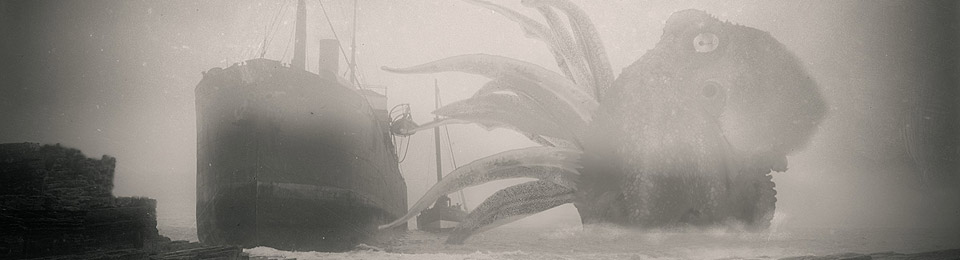
Lovecraftian physical model-maker and stop-motion animator The Lone Animator has a new book of his monsters available… My Stop-Motion Monster Puppet Menagerie (2018).

[ Video removed – no longer works ]
15 Monday Oct 2018
Posted in Lovecraftian arts, New books
Lovecraftian physical model-maker and stop-motion animator The Lone Animator has a new book of his monsters available… My Stop-Motion Monster Puppet Menagerie (2018).
[ Video removed – no longer works ]
14 Sunday Oct 2018
Posted in Lovecraftian arts
Sint-Niklaas 2019 International Bookplates and Small Printmaking Competition. Free entry, serious prizes. All methods welcome, for the making of bookplates, though you do have to actually print-and-send on paper. Judging by previous entries, it’s not a ‘watercolours of twee bowls of violets’ type of art contest, and they’re certainly very open to the macabre and gothic. Looks good. Deadline: 1st November 2018.

11 Thursday Oct 2018
Posted in Lovecraftian arts
The Disgusting Food Museum opens 29th October 2018, in the capital of Sweden. Includes tastings. The Museum is temporary until January 2019, but appears to be something more than a student stunt or a front for animal-rights politiking…

10 Wednesday Oct 2018
Posted in Lovecraftian arts
Just published, Digital Art Live issue 33 (Oct 2018), with a seasonal tilt toward Halloween and Lovecraft. The third interview is with the noted album cover artist Claudio Bergamin (covers for Judas Priest et al) who’s a big Lovecraft devotee.

09 Tuesday Oct 2018
Posted in Lovecraftian arts
A fine new B&W poster for NecronomiCon Providence 2019. I’m guessing this will be coloured up, as we move closer to the event in August 2019.

09 Tuesday Oct 2018
Posted in Lovecraftian arts, Scholarly works
DIY History now has the Hevelin Fanzine Collection open for crowd-sourced transcription. Doing the tables-of-contents and artist names for each issue would probably be the best initial route into this. I’d suggest that’s a do-able goal that could be crowdfunded for and then outsourced to paid Web-workers (on Fiverr, Mechanical Turk, etc), rather than taking up the time of someone better suited to more advanced tasks.

09 Tuesday Oct 2018
Posted in Lovecraftian arts, Odd scratchings, Podcasts etc.
Why has it always been so difficult for makers of Windows desktop media players to offer simple and easy bookmarking for audiobooks? Maybe they think we’re all using mobile apps on devices nowadays. But there are plenty of audiobook listeners who use Windows desktop + wireless headphones, and wild .mp3 files. Podcasts especially.
Anyway, I finally got fed up of making a screenshot of the audio file being played and its current playback time, to serve as a makeshift bookmark. I went looking for what’s available.
I first tried to fix up my usual VLC player, on discovering it had just the one working bookmarking script that offers bookmarks which persist. The script worked, but was a very clunky fix. I then tried PotPlayer and MusicBee, but after much searching I couldn’t find the supposed bookmarking functions in either one. Both were uninstalled. WorkAudioBook is also free, but is really meant for language learners who need to consult teacher about strange words heard during their listening, and it has rather an old interface. Perhaps the likes of iTunes for Windows desktop offers bookmarking, but there’s no way I’m installing such highly intrusive bloatware. The same goes for any dedicated player Audible may offer.
Eventually I found a player that really does do simple and sensible bookmarking, is currently developed, is genuine freeware and looks nice. It can even rename its bookmarks. AIMP 4.51 appears to be the only maintained freeware that offers simple persistent bookmarks on Windows. Why the others don’t offer this is a complete mystery.

Once the audiobook files are loaded (drag and drop is the easiest option) and saved to a playlist file, then you bookmark the playing audio by pressing the Bookmark star, which you can see in the above screenshot. It’s then easy to start an audio file at the bookmark you made, edit or remove it. You can have multiple bookmarks. You can rename bookmarks. In its Preferences you can also set “Ctrl + B” to instantly load the Bookmarks Manager.
The only problem seems to be that when you select a bookmark without the playlist loaded, the file loads but not the playlist it belongs with. Which means that users will first need to load their audiobook playlist, then load the desired bookmark. No great hassle, but we could all benefit from having one less niggling little workflow to remember.
AIMP also has a graphic equaliser, which is nice for removing sibilance in readings, such as that on Phil Dragash’s magnificent full-cast unabridged LOTR. The user can also adjust playback speed by a fraction, for a slightly slower or faster reading. Pitch can also be shifted, if you have a gratingly high-pitched interviewee on the audio of a podcast. These settings are retained even when you exit and reload the software, and can be saved out to named presets. All this makes AIMP a fine replacement for my Impulse Media Player, which until now I’ve used alongside VLC for audiobooks (despite its lack of bookmarking). Sorry Impulse, I luvved you long time, but… uninstalled.
In AIMP, playlists can themselves be bookmarked after a fashion, by dragging them over to the ‘local files’ panel from either their host folder or from the right-hand playlist panel. By doing that, they make a shortcut which persists in the AIMP interface. Or you can just send the playlist to the Windows desktop as a shortcut, and thus load the audiobook currently being listened to straight from the desktop.
AIMP does not need to be using its own playlist format in order to bookmark. The bookmarks are stored in XML in C:\Users\YOURUSERNAME\AppData\Roaming\AIMP\Bookmarks.xml
There are also many skins for AIMP, but for a simple night / day switch of the basic colour scheme the user just hits the “Switch the theme” icon up in the top right of the interface. You can see the ‘night interface’ above.
VLC is still needed as a videoplayer, though. VLC also usefully offers the ability to easily take a pure screenshot from any frame of a video. I had no success with saving VLC playlists out to standard .M3U playlists for opening in AIMP. Nor older Windows .WPL playlists. But it’s no great hardship to re-make old saved playlist files as you listen again to albums and audiobooks. As with most audioplayers, AIMP can also scan your dedicated audio and music folders and then load everything in them into its sortable database. Once that’s done, search filters and keyword search become possible.
All in all, AIMP appears to be the only viable option for regular listeners of downloaded audiobooks, mp3-saved YouTube playlists or long lectures, podcast .mp3s, and similar audio that doesn’t come to you through proprietary channels such as iTunes and Audible.
Update: AIMP also has a fine free Android app you can download from their website. This also does bookmarking.
08 Monday Oct 2018
Posted in Lovecraftian arts, Scholarly works
* C. Squier, “Carving Nightmares: Clark Ashton Smith’s Sculptures Within the Lovecraft Circle”, Dissolve, September 2016.
Related are a number of the essays from The Fantastic Art of Clark Ashton Smith (1973), which are now online including “The Carvings of Clark Ashton Smith” by Dennis Rickard.

07 Sunday Oct 2018
Posted in Lovecraftian arts, Podcasts etc.
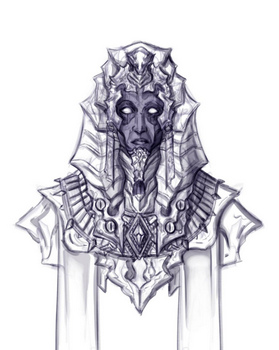
Lovecraft’s “Nyarlathotep” loosely adapted as if a full-cast 25-minute ‘old time radio drama’, by Suspense Radio Drama. Free and public. Listed on Soundcloud as September 2018, but it appears to be a repeat from November 2017.
05 Friday Oct 2018
Posted in Lovecraftian arts, New books, Odd scratchings, REH
The Kindle ebook edition of the Del Ray The Horror Stories of Robert E. Howard is currently at a mere £1.49 in the UK and about $2.49 in the USA.
The Amazon page also links to a downloadable audiobook on Audible, but be warned that in the UK it’s definitely not the same as the proper audio CD which is narrated by Robertson Dean…

Those in the USA can get the proper Tantor Media CD (shown above) as a download at the Tantor website for a current price of just $6.99. It appears that Tantor can’t sell it into the UK or Europe due to copyright on a few of the stories, but you might have some luck via an American friend or via a VPN. Be wary of pushing credit card or PayPal details through a VPN, though.
05 Friday Oct 2018
Posted in Lovecraftian arts, REH
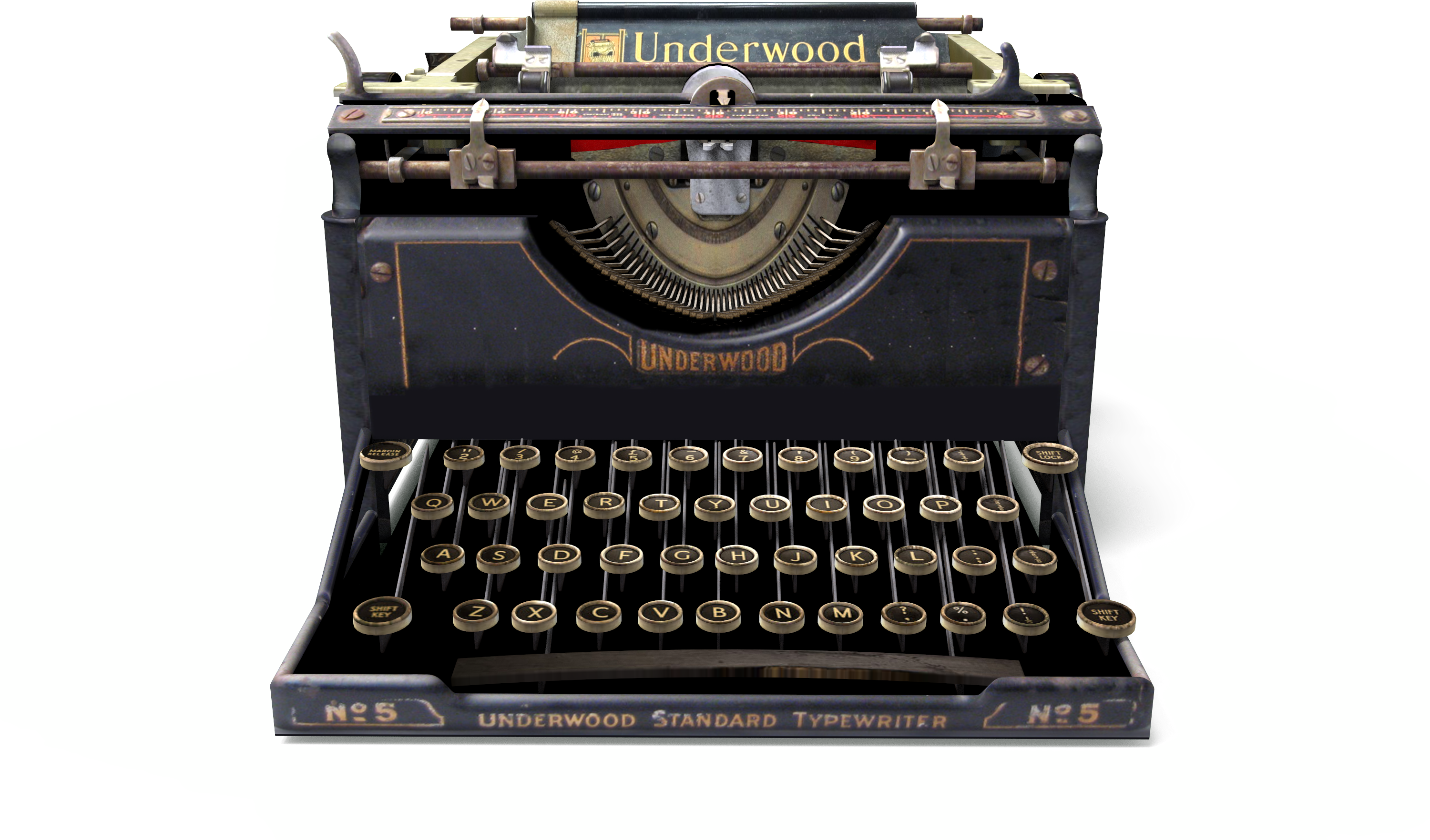
My render of an “Underwood No. 5” typewriter, in high-res masked PNG with faint grounding shadows. Feel free to use for your R.E. Howard items, though note that the back has a patent date on it of March 1926. Lovecraft, in contrast, used a Remington.

03 Wednesday Oct 2018
Posted in Lovecraftian arts
For its 10th Lovecraft Festival…
“RadioTheatre has adapted ten of H.P. Lovecraft’s greatest terror tales… live on stage in repertory theatre.”
17th-28th October 2018, Christopher St., New York City.

So far as I can tell, they’re not the same as the Dark Adventure Radio Theatre who produce the excellent dramatised Lovecraft audiobooks.