

Added to the Links page, the new location for Fantasies Attic Freebies.
Author Archives: jonahjameson
Haberlin’s Hellcop – made with Poser
I only just noticed that Brian Haberlin has a new comic, Hellcop. Same style and wild sci-fi as the earlier Sonata and Lighthouse (collected Nov 2021), and I definitely recognise that Poser monowheel, the steampunk rifle etc. So I’m 99% certain the production is still Poser + his usual studio workflow.

Seems to have debuted October 2021 and then raced through the issues, possibly monthly? Hellcop is already in a trade “Vol. 1” which collects issues #1-5, and I see that issue #9 just came out last week. So I’m guessing the title’s second 5-issue story-arc will be finished by the end of the summer. I’m not used to such a fast pace, and often hand-drawn comics issues are glacial in appearing and you wait ages (sometimes years) for an actual concluded story. But I guess that’s what Poser does for you, speeding up production.

Texture Paint Helper for Poser
I was prompted to take a quick look at Texture Paint Helper 1.3 aka texturepainterhelper. Long marked as “Unavailable” at Renderosity. No videos though there is a helpful short user-guide, and the software itself has a step-by-step workflow built in.

If you want to see if you have it archived somewhere, the DAZ Studio installer was DS3_TexturePaintHelperLoader_1.0.0.0_Win64.exe (possibly DAZ 3 only) and it was ps_ap204b_TexPaintHelper.exe for Poser. Windows only. I find I have a copy of the latter installer. Re-installs and runs fine for me. Works with any Poser figure, is not restricted to a base V4 or just DAZ figures.

It doesn’t appear to be a re-texturer / re-painter as such, but an overlay-builder (think ‘tattoos’, ‘body-paint’) which lets you use regular Photoshop to do the painting of the overlay. There may be better tools now. I guess 3D Coat, and I recall many used Blacksmith3D at one time, and a simple node setup in the Material Room can also work with any Poser version, and don’t overlook that Poser 11 had new Material Room features in that regard. But it’s nice to know that ye olde standalone desktop software dedicated to working with a Poser runtime can still run. It only requires the ../content folder and not access to Poser, so does not require a specific Poser version due to scripting etc. It knows about Poser runtime structures and presents these quickly and well.

Pitterbill in Texture Paint Helper, 2022. A fine use of structured workflow with incorporated buttons for the user.
No drag-and-drop from its loader library, over to the Poser stage. Lack of drag-drop or any keyword-search means it can’t be re-purposed for use as an alternative Library. Still, if someone can access the source code today, there seems no reason those features could not be added.
Disco Elysium wants sci-fi artists
The developers of the latest ‘hot thing’ in art generating AIs, Disco Elysium, are seeking sci-fi artists with a love of outer space. The lads at ZA/UM are at the starting process of making their first game, presumably incorporating AI-gen art elements. The game news site DualShockers and magazine PC Gamer report the game will use Unreal Engine 5 rather than Disco Elysium’s Unity engine, so familiarity with both Unity and Unreal will probably be needed by applicants.
Poser to Vue
A 10-step Poser to Vue guide in 2022. Yes, it still works.
1. Install Poser 11. If possible, tell its Library about your Poser 12 runtime, if you also have Poser 12.
2. In Poser, make a scene with Poser.
3. Save the scene as a normal .PZ3 Poser scene file.
4. Install Vue (Vue 2016 R5, or latest subscription Vue R6, or both).
5. In the Vue “Options”, find the Poser button and set the path to the Poser 11 .EXE file’s folder. The Poser SDK version will be automatically set.
6. In Vue, New Scene, File, “Import Object…” (NOT “Import entire scene…”). Find and load Poser .PZ3 file.
7. On the import options pop-up: Group figures as single meshes. Render using Poser Shader Tree. Single Frame at “0”. (Research the other import options, as needed).
8. Ignore Vue’s legacy warning notice about your puny under-powered PC — it appears to say the same thing regardless of if your PC is a 1876 steam-driven abacus or a modern workstation with oodles of RAM and many cores. Just say “No” to having Vue over-ride your Poser scene import options with settings that it thinks are best.
9. Vue imports the Poser scene. Should not take too long. There’s a Progress Bar.
10. Frame the Poser scene nicely (Vue does not import Poser cameras), apply a Vue Atmosphere, Vue plants etc. Save file. Render.
There should be no materials tweaking required. Vue knows about Poser textures. The only thing you have to watch out for is spectacular on the lights and the sun in Vue.
Crtl is the camera movement damper key for Vue 11, Vue 2016, and W is the damper for the current versions. With this key pressed down on the keyboard, the camera moves in far small increments, more suitable for artistic framing of a Poser scene that’s smaller than the vast landscapes Vue is mainly used for.
Changes at ShareCG
A new annoying behaviour on the popular freebies site ShareCG today. Once you click “download” the site won’t let you do anything else with it, until the download has completed. Not even click through to another page. So be wary of casually starting a long download, because the rest of the site will then be frozen.
Changes since DAZ Studio 4.20.1.17
A quick look at DAZ to see if anything important changed. Changes since DAZ Studio 4.20.1.17…
* support for the new iRay “curves/fibers for strand-based hair/fur” (and later fixes)
* iRay at “2021.1.2”
So it looks like if you want the latest “furry” iRay, you want DAZ 4.20.1.34.
Though if you go later than that and on into the public betas, at 4.20.1.58 you get…
* iRay at “2021.1.6”
* and a thorough overhaul of FBX export.
Looking at the iRay dev blog…
1.6 – was a “minor critical” bugfix.
1.5 – no mention.
1.4 – no mention.
1.3 – was “a minor bugfix”
The iRay devs are working toward a major iRay “2022.0.0” beta, which seems due soonish.
So unless you want to experiment with iRay hair, or think “minor critical” is worth the change, there doesn’t seem a great deal of need to upgrade DAZ just yet.
Call: Fantasies Attic
Fantasies Attic has a call for donations of Annual Community Gifts of Poser / DAZ freebies, for release at Halloween and Christmas. Note that pre-release testers are also very welcome.

A basic DSON test for Poser 12
A basic DSON test.
1. Load a Genesis character to Poser 11 with DSON. Save scene file. Open it in Poser 12.
2. Switch figure to Unimesh. Ok, working in Poser 12, with morphs. The seams go away when rendering, as before. The slightly off unisex texture also looks more uniform when rendered.

But… the morphed toon figure seen here has a plain Genesis base ‘ghost’ mesh underneath it. Which cannot be selected or got rid of. This remains fixed when the upper layer is moved. This “body doubling” problem makes the whole thing impracticable, as soon as you start to pose or morph the figure. The problem doesn’t appear to be the result of the file paths. For instance, if you put the DSON conversion from Poser 11’s runtime into Poser 12’s then the same problem occurs.
Thus, if you want to use DSON for Genesis 1 and 2 in Poser for line-art, you need to do so in Poser 11. Or if you only want photoreal, then just use DAZ itself.
DAZ renders as camera-facing billboards in Poser could be another option, for background crowd scenes.
The main option for line-art is .OBJ export of a dressed and posed Genesis from DAZ, for which there’s a semi-automated scripted helper ‘Automatic OBJ’ with mesh decimation. This will work with Poser 12, with very little fiddling around. But you can’t do anything further with the figure in Poser, other than angle the camera at it and get the lines for trace-over or Photoshop filtering.
Poser 12 to Vue test – success
I’ve tested the Vue import of a standard .PZ3 scene saved from Poser 12. Works fine, with a couple of setup caveats.
An older Vue such as mine does not know about Poser 12 and its own dedicated runtime location(s). It only knows about Poser 11 in its Options…

There Vue needs a path set to the Poser 11 .EXE and it also needs to be set to use the Poser 11 SDK. These are easily set, just a drop-down and a file-path. No plug-in is needed, as Vue already knows about Poser and visa-versa. There was a long relationship between E-on and Smith Micro, and the importer was worked on intensively for many years.
Vue presumably needs to see the Poser 11 .EXE folder for two reasons: i) Poser knows about the runtime locations to be searched to accurately rebuild the scene inside Vue, and ii) because Vue has to locate and run the Poser 11 SDK. The SDK is presumably what then does any Poser-Vue material auto-conversions and adjustments that are needed.
Thus for a scene file with Poser 12 content, I find that you must also tell the Poser 11 Library about the new runtime at C:\Users\Public\Documents\Poser 12 Content\Runtime\ (and probably also the P12 ‘Downloads’ if that also has its own Runtime). Give Poser 11 time to index this new runtime then exit.
Your Poser 12 content, if saved to a Poser scene file, will then load into Vue. This is done in the usual way in Vue: New Scene | File | Import Object, load the Poser scene file and apply a Vue atmosphere…

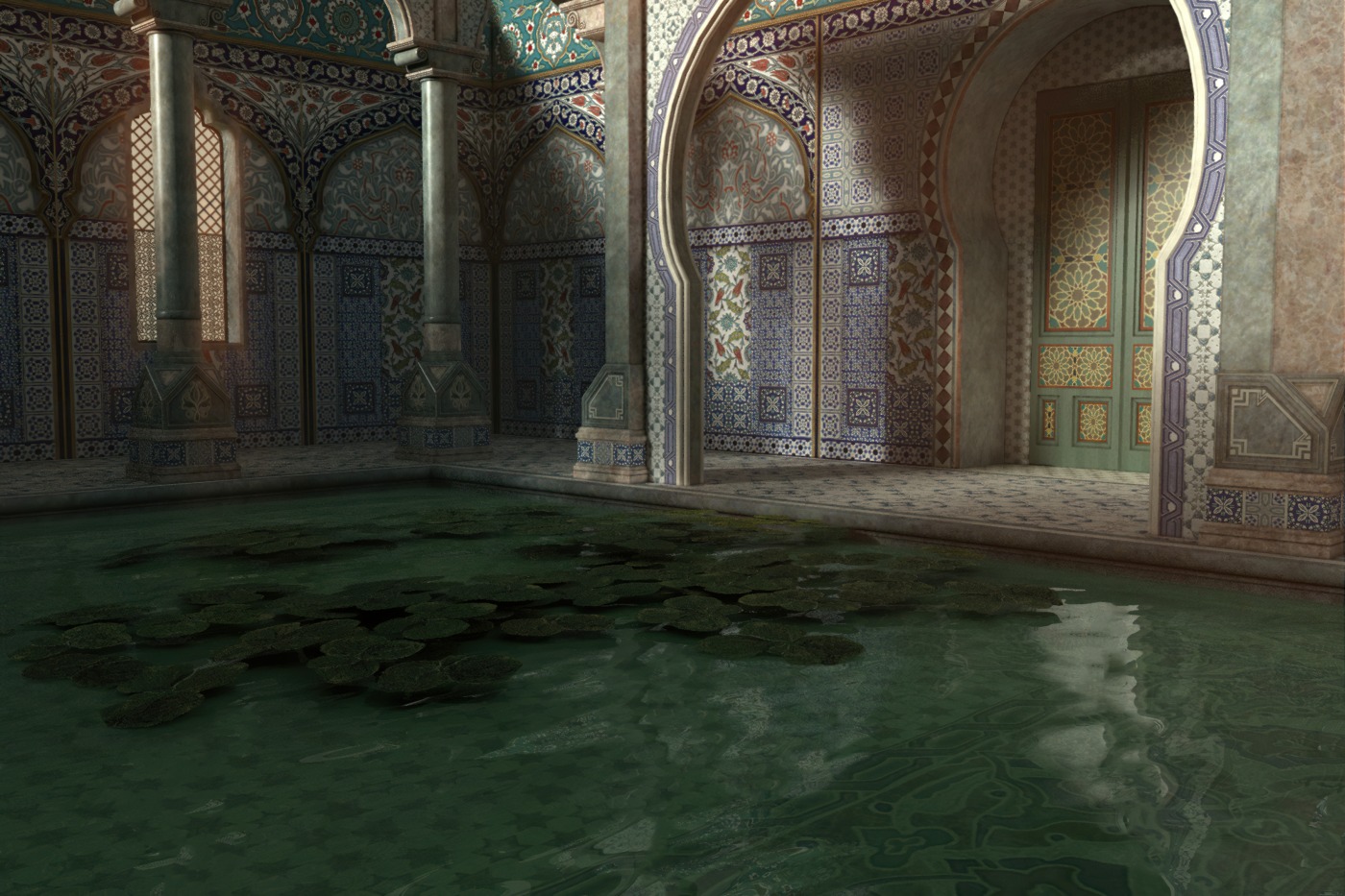
Poser 12 content, “Pink 2.0”, in Vue. Real 3D clouds, not a photo backdrop.
It only takes a minute. To Vue the Poser 12 scene file must seem to be just a normal .PZ3 scene file from Poser 11, 2014 etc. It’s just the file paths in it that may differ, if your scene was built using content from Poser 12’s new runtime. If you only build scenes with your regular Poser 11 runtime content, you may not even need the above steps — even though you are importing a scene file saved with Poser 12.
So far as I am aware the Poser-to-Vue SDK has not yet been updated in the new subscription Vue to handle a few of the funky new Blender Cycles 2 (aka SuperFly in Poser 12) nodes. Thus the very latest Poser 12 SuperFly materials with strange funky new Cycles nodes may not convert so well. But Vue has its own fab funky materials to use, and it looks like everything else should work as with any previous Poser-Vue import.
Note also that Vue has excellent exporters… “includes integration plugins for 3DS Max, Cinema 4D, Maya and Lightwave”, though I’m uncertain what would happen to the scene if it were no longer connected to the Poser shader tree via Vue. I guess you try it and see. However, Vue is very capable on its own and a great adjunct to Poser for large expansive scenes that could also benefit from a generous scattering of foliage and some misty atmosphere.
Digital Art Live #70
Now available, the latest free Digital Art Live magazine, this month at a chunky 96 pages. Free as “pay what you want” on Gumroad, but a small donation is certainly encouraged to help keep it going.

Get issue 70 (August 2022) in .PDF at Gumroad.
Duplicate and Scatter for Poser 12
Duplicate and Scatter for Poser 12, a free script meant for low-poly props.
An apt pupil
Yesterday’s ‘Jessi in SuperFly’ post has been updated. I went back to a saved scene file where the pupils were still white after eZSkin 3, before I fixed it. I started again and figure out how I fixed it. It actually wasn’t the Reflectivity or Specular. Here’s the corrected line, with the solution…
“Pupils should be black but they’re white after eZskin 3. Solution to fix: Material Room | Pupil | Alternate Diffuse node | follow the wire to the Scatter node | turn colour there to a very dark grey.”
Some people seem to think this is impossible, but all I can say is that tweaking the Alternate Diffuse node worked for me. Perhaps it’s only the case for very old figures?
Things to do with Poser 12
Ok, after a few days most things are fixed / created / done / decided now, re: Poser 12. Note to self… still to look at for Poser 12 in future…
* DONE. Stress-test ‘scene compatibility’ with the old Vue 2016 R5. Success. Also works with the modern subscription Vue.
* DONE. Can a DAZ DSON import, saved as a scene from Poser 11, then be opened in Poser 12? Fail.
* SuperFly now does shadow-catching. How does the shadowcatcher work, and can it be automated via a script? Can the script(s) output varying intensities / hardness of shadows?
* What nodes are needed for PBR materials in Poser 12, and when loaded how much does fancy PBR slow down renders? Are there PBRs that are fast and funky and useful? Do they jar with regular materials (i.e. they look too good, and show up the plainer/old materials). Can output from Material Maker be instantly whisked into Poser and connected up, by a script? Or could Material Maker even simply output straight into the Poser format, via a plugin or script?
* The new Pillow module for scripted image processing in Python 3. What can it do? Where is it documented, with simple examples? Can it, for instance, cleanly knock out white from a line-art render, then layer it onto a Sketch render at 80% opacity? Can a Pillow script auto-combine two auxiliary .PSD renders from SuperFly and Firefly, into a single layer-stacked .PSD?
* The new Python “method to find a parameter specifically by internal name”. Sounds useful, but… where, and how?
* See how well my mo-cap works with it.
* Fix my various as-yet unreleased commercials scripts for Poser 12.
Launch: Dall.E 2
DALL.E 2. has launched in beta. $15 effectively buys you three or four text prompts per day, across a month. The lucky beta “users get full usage rights to commercialize the images they create”. There’s also a bung for those around the world who can’t afford that… “Artists who are in need of financial assistance will be able to apply for subsidized access.”