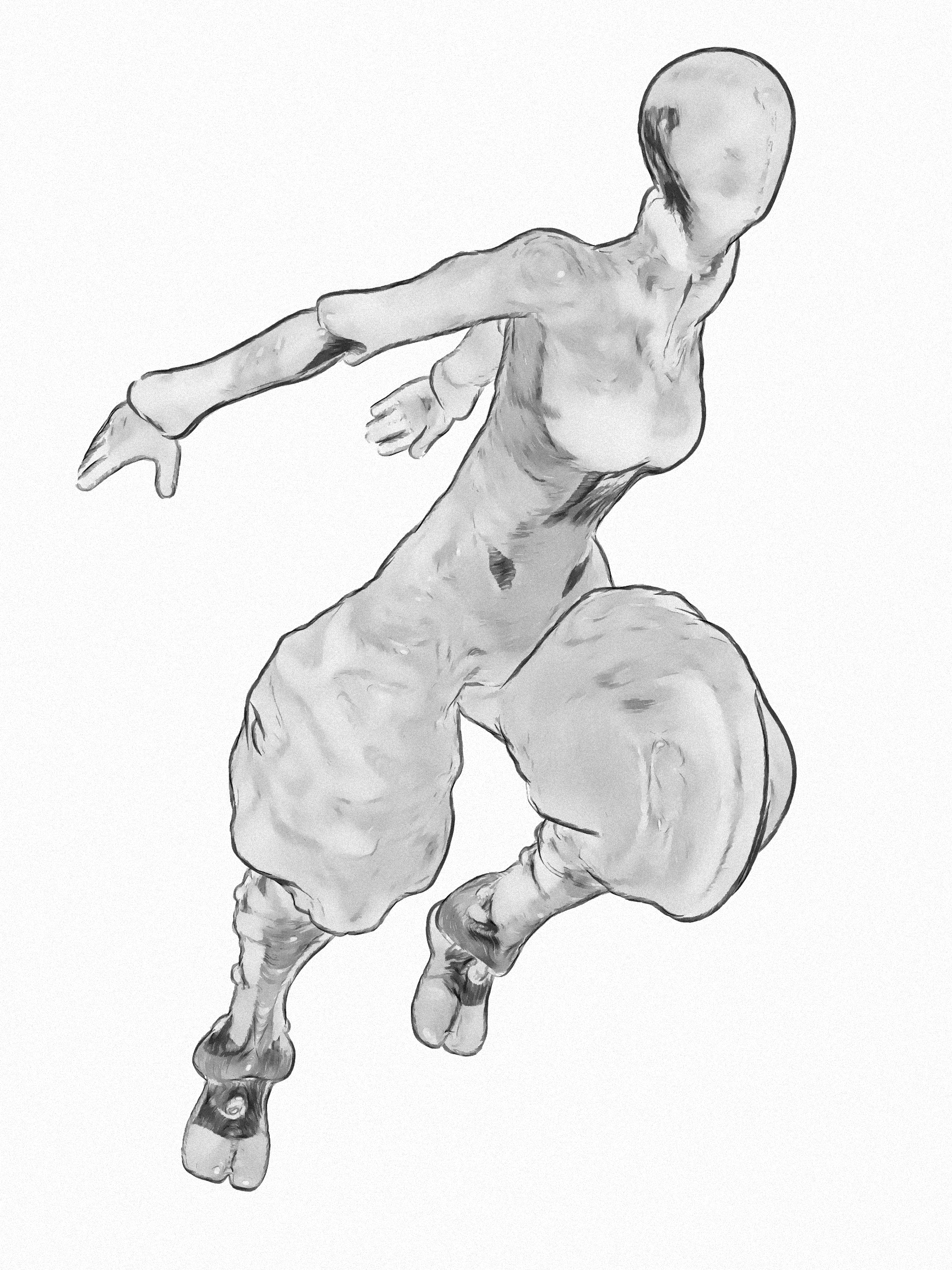
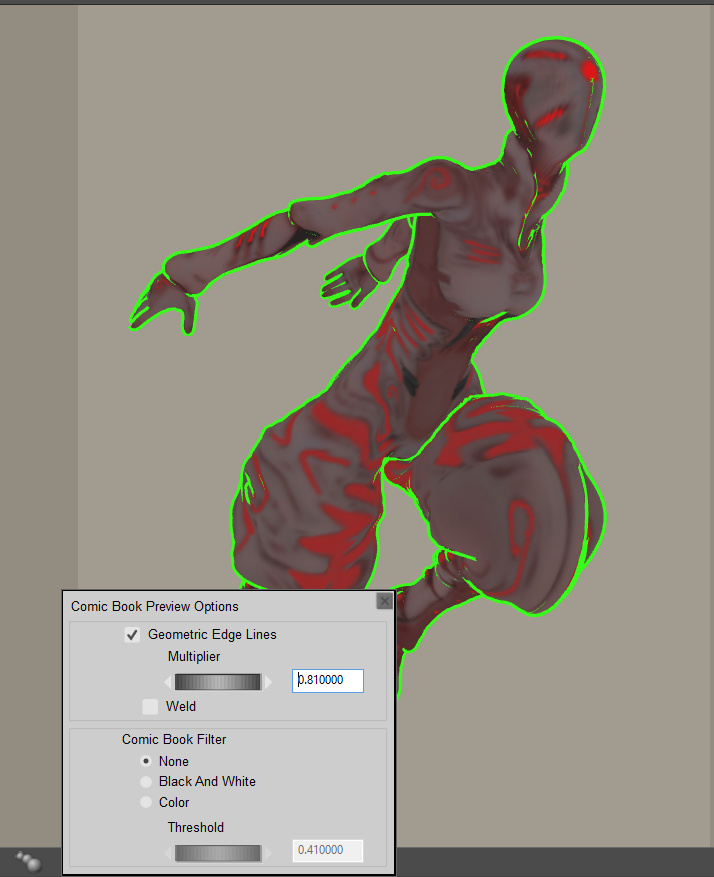
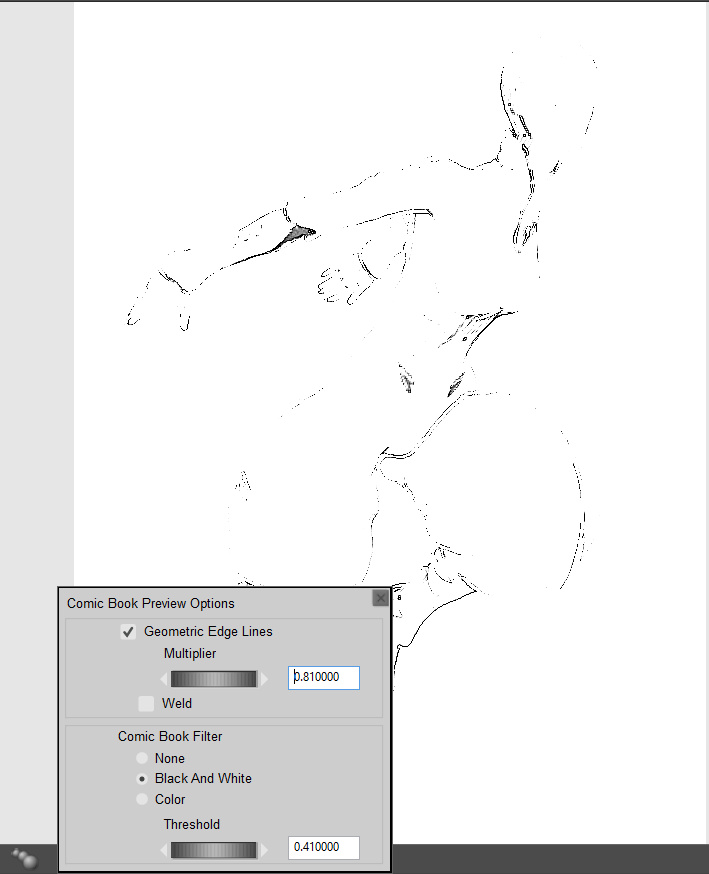
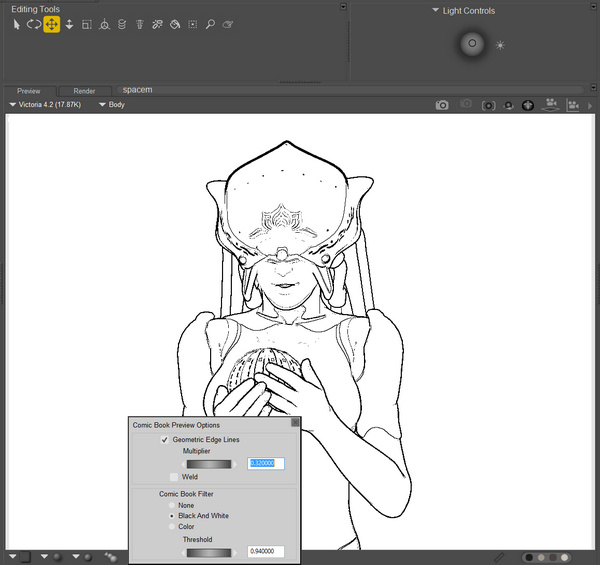
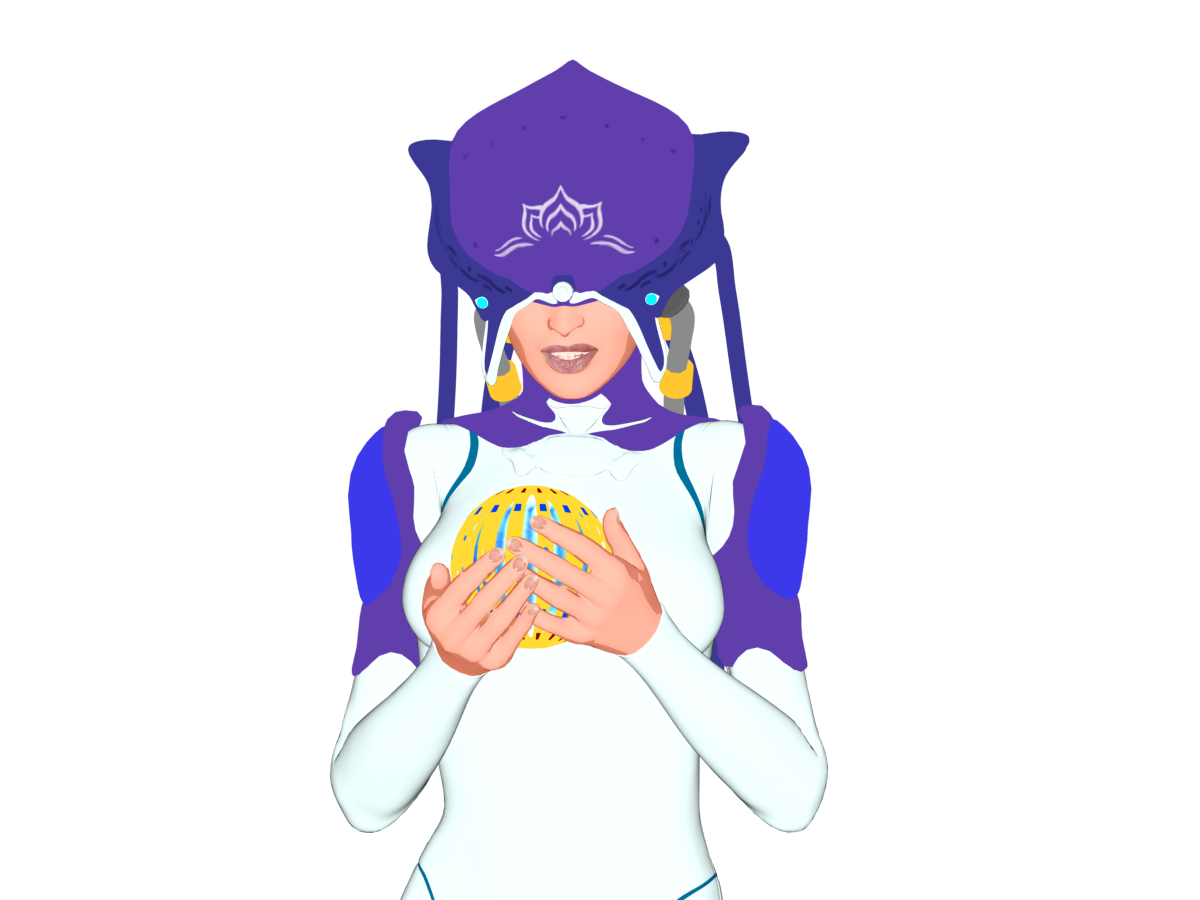
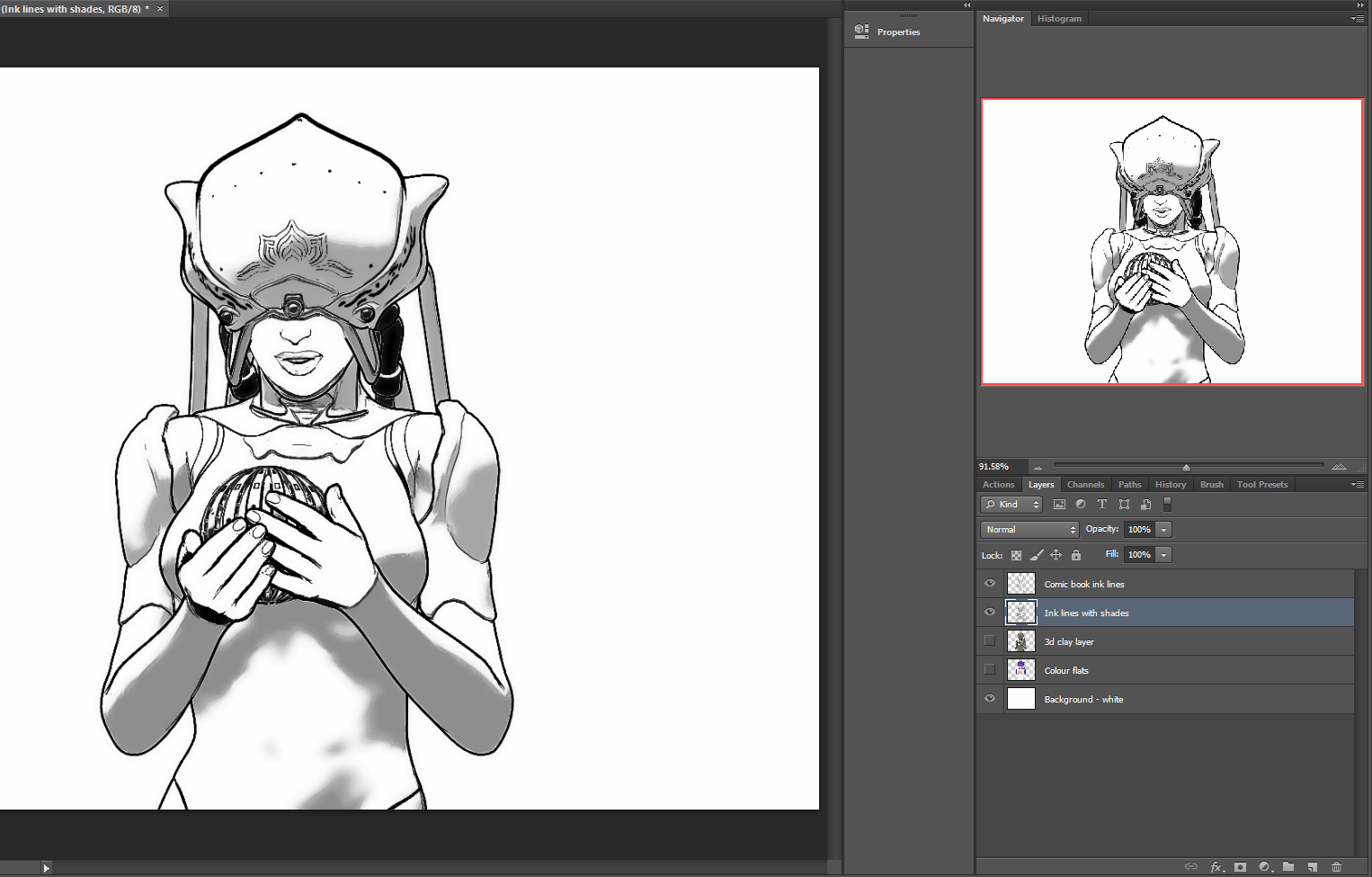
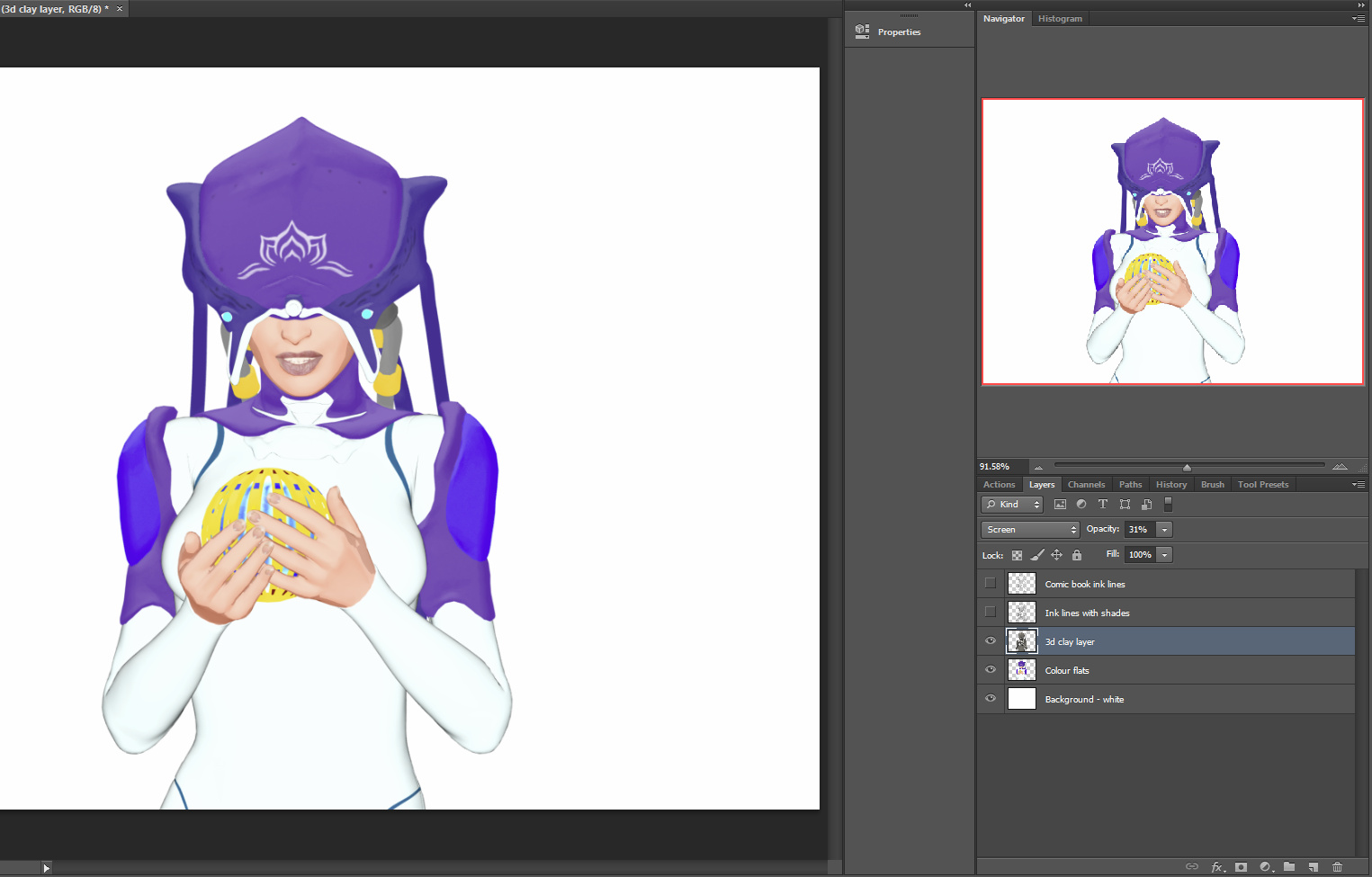
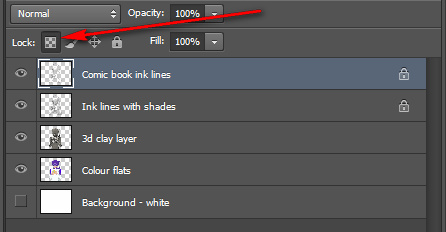
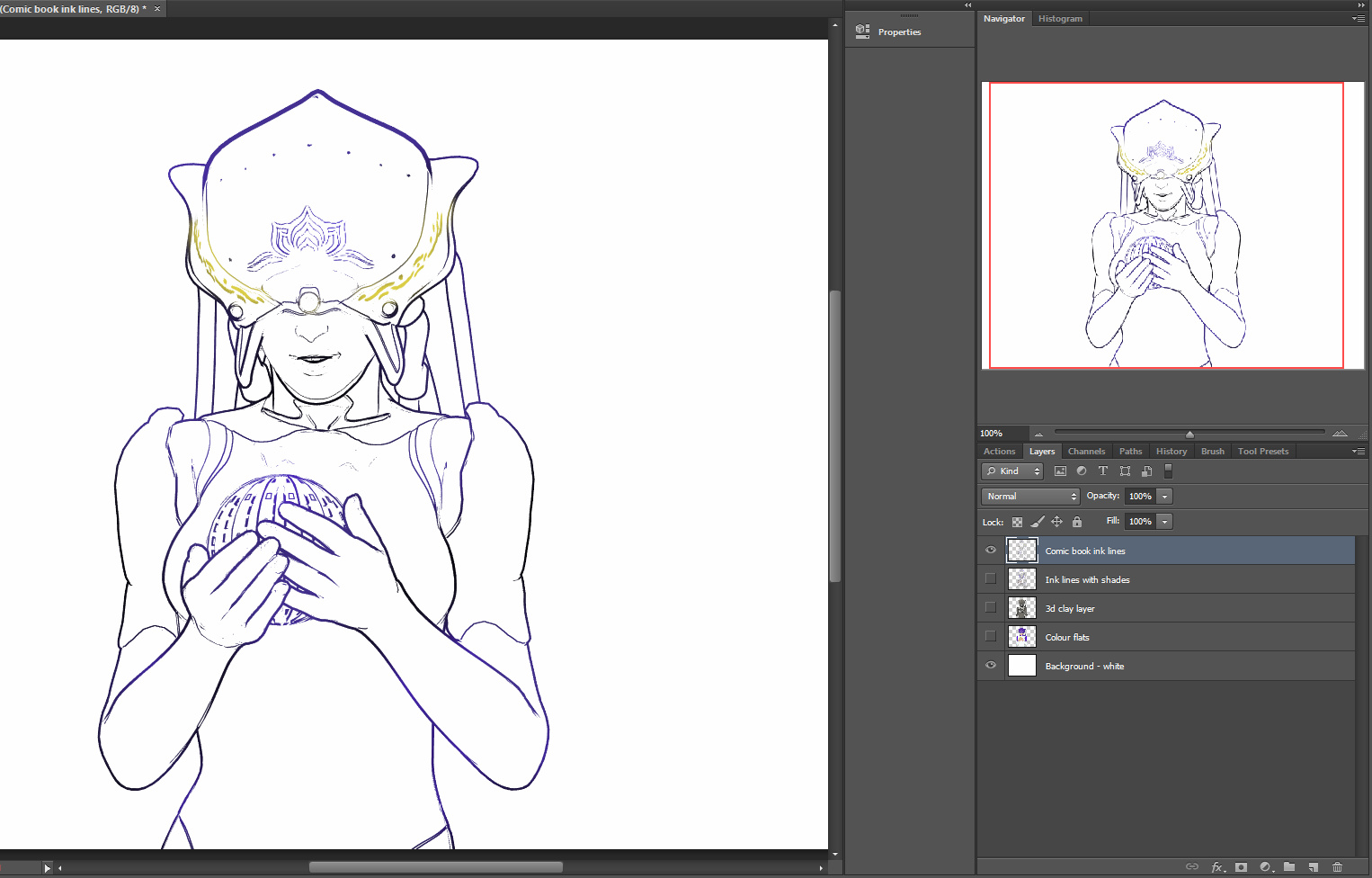
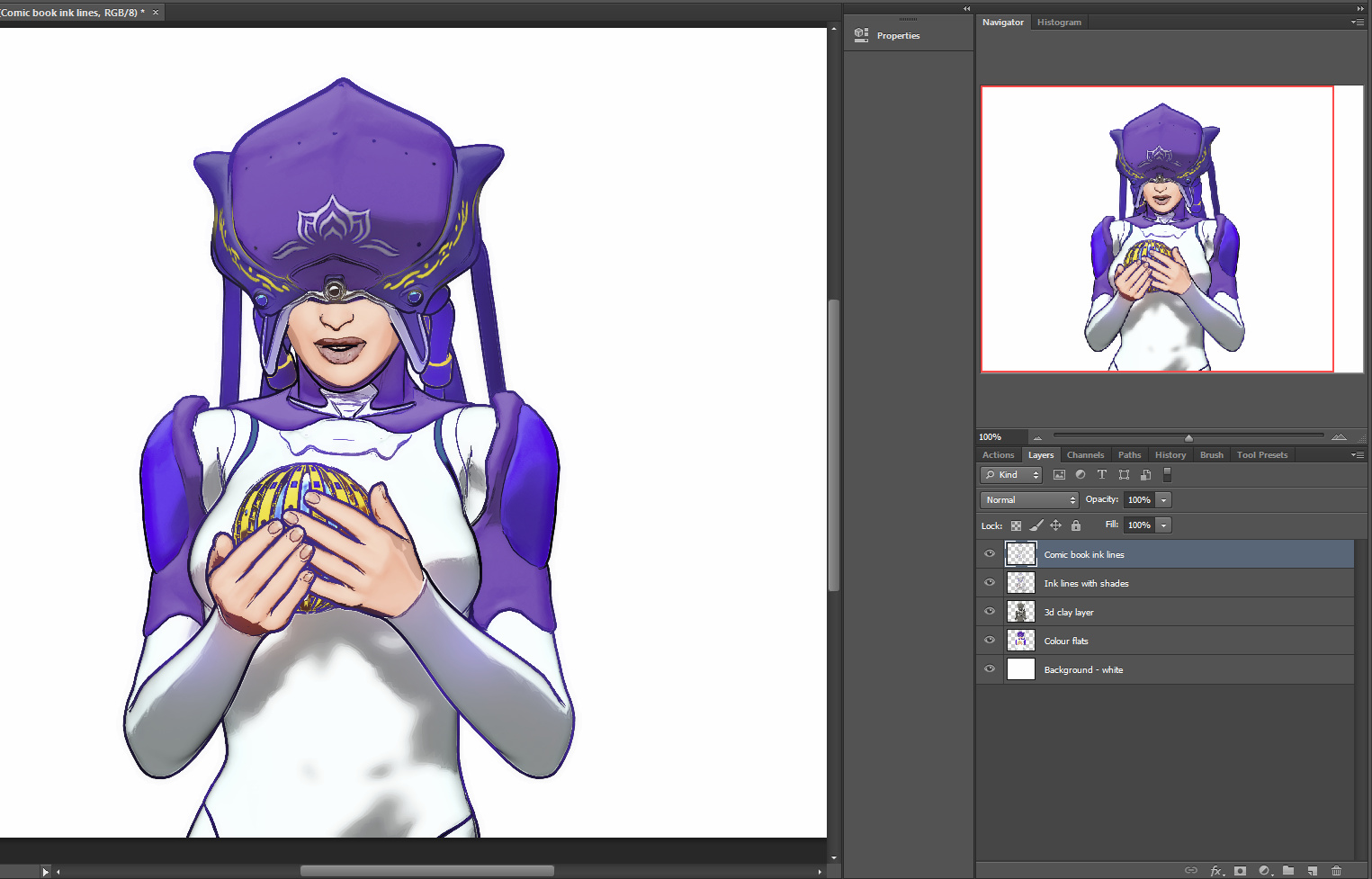
Updated my recent “Survey: 3D to 2D tooned, the software options in 2018” post with a DAZ Studio section re: the potential and difficulties of the Manga Style Shaders and Visual Style Shaders packs. If anyone knows of simple (scripted?) ways to make these two easier to apply and control, then I’ll happily mention that.
Dis-Kinect
Vital Kinect accessories are officially discontinued by Microsoft, and the technology downplayed. If you rely on Kinect for your body-tracking / motion-capture workflow, now might be the time to hop on eBay and grab a couple of replacements for some vital components.
Free the V!
Dark Ops Ready to Render Bundle, currently free on DAZ. Includes V4.2 Base, M4 Base + Michael Skin Maps (High Res) and M4 Creature Creator MorphsCreature Morphs.
Most people will have V4 and M4, but if you’re new to Poser or DAZ this Christmas then it should be a welcome freebie for core figures.
Release: Lightwave 2018
Just released today and available now, LightWave 2018. Free 30-day demo. New basic cel-shading engine, built-in. I’m guessing that Poser integration will be coming, at some point, via a new version of the PoserFusion plugin for Lightwave.
Posers
Here’s the gist of an amusing recent academic paper which claimed to be a ‘critique’ of Poser and DAZ Studio. I’ll spare these clueless academics the exposure by name. In plain English, they were claiming that Poser and DAZ can’t do more than standard body shapes…
“each piece of [such] software shares similar gaps in the ability to create avatars outside of normative anatomical frameworks. Acknowledging the limitations of [these] current software models, our research aims to create software that expands the affordances and usability of human avatar software for creative purposes.”
Have these idiots ever even heard of morphs, have they ever seen the Renderotica store? They obviously have no clue about what Poser and DAZ can do with a figure. The actual ‘critique’ is fleeting so my guess is that they looked at the software for all of seven microseconds, before condemning it out of hand as insufficient — and claiming they need to make their own software. Right… good luck with that one. Apparently their paper was presented at DiGRA. I’m surprised they weren’t laughed out of the hall. They’re located at Goldsmiths, of course. The place really does seem to deserve its dismal reputation for producing unemployable jargon-spouting posers.
Renderosity sale: all Clearance items at $3.50 each
Renderosity currently has all its Clearance items on sale at $3.50.
There’s 64 pages to skim through down there in the murk, but my picks of the quality are:
Flying Cadet Lola Pepper for V4. The textures are a little iffy these days (the painted-on buttons, for instance), but the modeling is fine. I can’t believe that no-one ever made a texture makeover set for this, but there’s nothing out there. Also in Clearance, the matching Celestial Defender, Steam PropsSteamPunk – BFG, SteamPunk Wand (as .OBJ) and Marauder Arm for V4.
Swidhelm’s Tyrannosaur and his Iuvenis baby dragon.
UnDead Carl for M4 and Morphs++.
Medieval Watermill by Dante78 (as an .OBJ file).
Also noticed some scripts: Dimension3D’s runtime packager and Poser Python tools for the very useful Eye Cube and others. The first is Windows, and I know that the latter still works in Poser 11 — I reviewed it here. One of its scripts can be important for serious work with Poser 11’s Comic Book real-time renders.
Survey: 3D to 2D tooned, the software options in 2018
Here’s a concise list of the current toon options for 3D-to-2D comics at 2018, sorted by price.
* Free. Blender has a Freestyle toon module. Powerful but inevitably unfinished even after a decade, and Blender has a very steep learning curve. Apparently Freestyle is easier to obtain good results from if you already know how to model and texture in Blender. May be improved and changed in future.
* Free. Formerly from Google, Sketchup has a small range of impressive sketch render presets suitable for things like buildings and gadgets, and a simple sketch style-mixer so you can make your own. Widely known among visualizers in architecture and product design, quick to render and fairly easy to use. But it doesn’t play nicely with Poser, DAZ etc and is not very friendly to OBJs either.
* Free + modest $s for plugins and content/shader packs. Public videogame engines such as Unity and Unreal. Very steep learning curve, but well supported. Possibly the best choice if you also seriously want to get into making games and have $100 for the relevant plugins. Be aware that output from game-engines may not be print-res.
* $40. The free DAZ Studio has some native but rather fiddly cartoon capabilities, and the paid shader packs Manga Style Shaders and Visual Style Shaders packs ($40, together). But in my experience these are so fiendishly difficult to apply and control and combine, that I just can’t recommend them to anyone who has the easy real-time comics capabilities of Poser 11 (see below). Visual Style Shaders does however offer very nice bases for rendering colour flats of your character’s skin and hair, and these are relatively easy to apply. They would thus provide good bases for drawing ink lines on by hand, perhaps guided by a basic toon outline render. And Manga Style Shaders should still be considered and tested if you’re intent on serious comics production in the traditional ‘zip-toned b&w manga’ style. Note also that DAZ has a well-hidden shader-free ‘Cartoon Render’ setting, but it’s not impressive. There are also lineart rendering plugins such as pwToon and Lineart9000, but these are also said on the DAZ forums to be rather difficult and fiddly to set up and control.
* $80 up (when discounted). Smith Micro’s Poser 11 has an excellent Comic Book Mode (aka Comic Book Preview). This is very easily applied to a vast range of content, and is rendered out in WYSIWYG real-time using the Preview OpenGL renderer. Interesting additional line types are obtainable via pushing Sketch Designer output into just the Comic Book Mode ink lines. Poser also has the P.A.S.S. watercolour shaders [update: now available again, for free]; some good toon cel shader materials (if you dig around a bit, to find them); and the older toon lines mode and some helper scripts can help you to obtain even more toon lines. Professional studios should also note that the Pro version of Poser 11 has a mature PoserFusion plugin to easily send your Poser scene and textures over to Cinema 4D (up to R19). C4D has advanced ‘sketch and toon’ capabilities built in, but you’ll still need to spend a week developing your own custom presets and even then scenes take quite a while to render in C4D.
* $150. DAZ Carrara and either the older and limited $40 Toon!Pro plugin or the newer (2013) free YAToon 2.0. This seems to be the best option for DAZ Studio users, as Carrara handles most DAZ files nicely and can open (nearly) all Poser content and some of the early DAZ Genesis content. Note that 64-bit and multipass render-passes are ‘Pro version only’ in Carrara ($285).
* $200 upwards. Reallusion’s iClone 7 has a very limited Toon Effect filter, which was broken/wonky in iClone 6, but has now been fixed in iClone 7. Fixed as in “it was broken, and now works again”. Works in real-time, but then so does Poser’s Comic Book mode and Poser is by far the better and more fully-featured option. Cheaper too, if you can grab Poser on a discount.
* $400 upwards. The latest Vue 2016 has a fairly sophisticated toon-lines and paint module built in. I’ve spent a few hours with it and although it’s not ideal, it’s a welcome effort at this price point and could certainly be useful for those who overpaint their Vue renders, such as matte painters and concept illustrators. Vue can also elegantly import Poser scenes, with auto material conversion including skin.
* $Lots. There are strong toon capabilities in the “big guns” in 3D, such as Cinema 4D (‘sketch and toon’ is included in the Studio and Visualize versions only) and 3DS Max (toon as various plugins, last time I looked). The latest Lightwave 2018 has a basic cel shading functionality, which is new. I don’t know much about Maya, but I assume it has toon and cel-shading and plugins. 3DS Max always had good CAD lineart output, for the engineering crowd. Third-party plugin renderers can also often do a basic CAD-style lineart render.
Release: Pixelberg for Cinema 4D
There’s an interesting real-time PBR viewport for Cinema 4D, PixelBerg which is now in a stable 1.9 beta. It seems to be genuine full-scene real-time, and doesn’t need a powerful graphics-card to run. Which might make it an alternative real-time option to consider before you plunge into an iClone purchase and the Reallusion content/upgrade ecosystem.
Here’s a side-by-side render demo of Pixelberg running in real-time as the main viewport, using a HDR for lighting, alongside the turbo-charged 24-seconds final render. It seems to be genuinely What You See Is What You Get (WYSIWYG)…
Pixelberg may be especially interesting to Poser Pro 11 users, as Poser interfaces smoothly with Cinema 4D via Smith Micro’s PoserFusion plugin. Only the Pro version has the PoserFusion plugins which seamlessly and quickly take your Poser scene to Vue, Cinema 4D etc.
Nice price for PixelBerg, too. $1!
“PixelBerg is available to buy and download now at Pay What You Want Price. (minimum $1)”.
Cinema 4D itself is sadly a lot more expensive, with the cheapest version being $995. But depending on your ‘destination configuration’ for iClone, that may be price-comparable with iClone Pro + extras (provided that you can do things like roll your own figure-animations, or can bring them in from Poser). If you’re in education, note that Cinema 4D has an 18-month student and teacher license which comes in two flavours: free (full featured, but no plugins will run) or £140 (can run plugins in it). Running PixelBerg would require the £140 Educational version.
Update: I hear that Cinema 4D also supports the Indigo renderer, part of which provides a GPU-powered large supposedly real-time preview window. But it costs a hefty 200 Euros, and according for their forums the “real-time” interactive preview window is still limited and buggy at December 2017. The new Cinema 4D R19 also reportedly has a new fast native viewport built-in.
Tutorial: how to activate and load Micheal 4 and Morphs++
Here’s how to quickly load Michael 4 (M4) with his morphs in Poser, avoiding a half-hour of “where the heck is it!” searching:
1. First, install M4. Then ‘initialise’ M4 so that he can accept his vital set of Morphs++ morphs. Do this by running DzCreateExPFiles-M4.BAT and DzCreateExPFiles-M4Gens.BAT files which are both found on your hard-drive in your DAZ content directory, likely to be in: ..\Studio\content\Runtime\Libraries\!DAZ Just double-click on each of these Windows .BAT files.
The .BAT files only need to be run the first time you ever install and use M4. After that you don’t need to touch the .BAT again, until you get a new PC or re-install Windows. (I have no idea what Apple Mac users do, as .BAT is a Windows format. I assume Mac users have an AppleScript or something like that?)
Poser’s Library can show more than one runtime. Make sure you have the one containing the M4 selected. Also be sure you don’t for some strange reason have two ..\Runtime\Libraries\!DAZ\Micheal 4 folders.
2. In Poser’s Library, then find your installed base M4 character at – Library | Figures | DAZ People | Micheal 4. Load him to the stage/scene.
3. The M4 Morphs++ are found at – Library | Poses | DAZ’s Michael 4 | Morph Injections | and then look for the INJ Morphs++ M4 icon.
Select M4’s full Body on the stage, then double-click INJ Morphs++ M4 to inject the morphs. Alternatively you can go to ..\Runtime\Libraries\!DAZ and run the .BAT there as DzCreateExPFiles-M4 file.”
Give it a couple of minutes to work. There’s no confirmation that the new dials loaded. But they are there. You may need to select a body part to see them.
You may also want to run the DzCreateExPFiles-M4Gens.bat file which looks like it erm… ‘handles’ the naughty bits, separately.
4. Now randomly select almost any M4 body part and look down at the Parameters dials panel. Under Morphs | Shapes you should now have lots of new Morphs ++ dials for total control of M4. The injection of the Morphs++ worked.
Morphs++ is required by a good number of cool character presets, which in your runtime are usually labelled INJ BODY or INJ HEAD or similar. A youth (middle teens) body morph, for instance, is free at Renderosity as Connor for M4 (in Library: Pose | REC Connor M4).
And of course the Morphs++ dials can still be useful for manual tweaking. Here are the full-body ones…
5. Now save the Poser scene file with your fully morphed-up M4, so that you can quick-start making an M4-based character in future. You probably want to get away from the bland default M4 face as fast as possible, and there are many character heads available.
You may also want the M4 Magnet Fits which injects morphs in clothing, for fine fitting of too-puffy shoulders and suchlike.
The loading process is much the same for V4.
New content survey: December 2017
Here’s my monthly survey of the new releases for DAZ Studio and Poser. It’s too late now for nearly all the Christmas-themed releases, but here’s the pick of the rest of the December 2017 releases.
Science fiction:
CKV-01 for Dawn, for Poser. Dawn is Hivewire3D’s flagship female character for Poser.
2049 Casual Hat for Poser, from Goflek-gnorg.
Free on Renderosity, Ocean Cargo Ship in .OBJ. Nicely sea-weathered textures.
Saurian Soldier for Daz Studio, with a sneaky-looking face shape, plus clothing and accessories. It’s a standalone character.
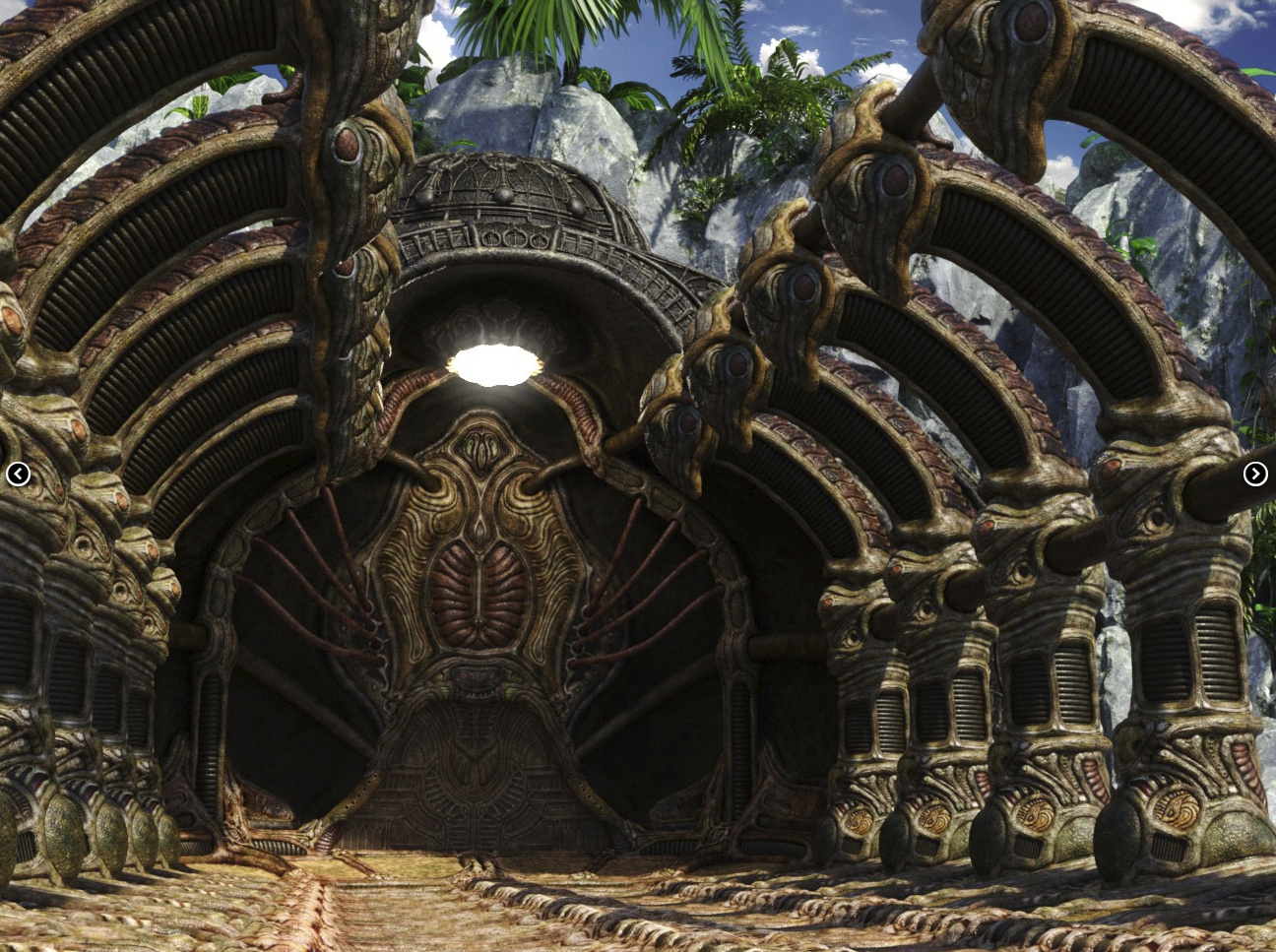
Dauphin, an interestingly curvy futuristic space, both on the exterior and interior.
Starfall Assimilation Room for DAZ Studio.
The new Astronaut for Genesis 3 Male.
Steampunk and DieselPunk:
A Digital Mutoscope For Poser, a late-Victorian “What the Butler Saw” peep-show arcade machine from Mr Sparky.
DieselPunk Flying Egg Car for DAZ Studio.
Fantasy:
Fantasy Anime Archer poses for G3F. Seemingly well-fitted to the recent Natsume Archer Outfit with its Hikari Anime Hair. I’m not sure how close this is to fan-art, but obviously you’d check such things before using commercially.
‘Steampunk up’ your Rin Anime Armor for G3F just a little bit, with the new OOT PBR Texture Styles for Rin Anime Armor.
Medusa for V4, for Poser. Plus the dress and the ruins.
A fine insect-styled character, outfit and poses, the Miellyn Bundle. For Genesis 3 Female and Genesis 8 Female.
Animals:
Need some pets for Miellyn? New from the expert hand of Ken Gilliland, Nature’s Wonders Dragonflies & Damselflies of the World Vol. 1 for his base pack Nature’s Wonders Dragonflies & Damselflies for Poser. Not prehistoric, but these fearsome flitterers could also be an impressive addition to swampy dinosaur scenes.
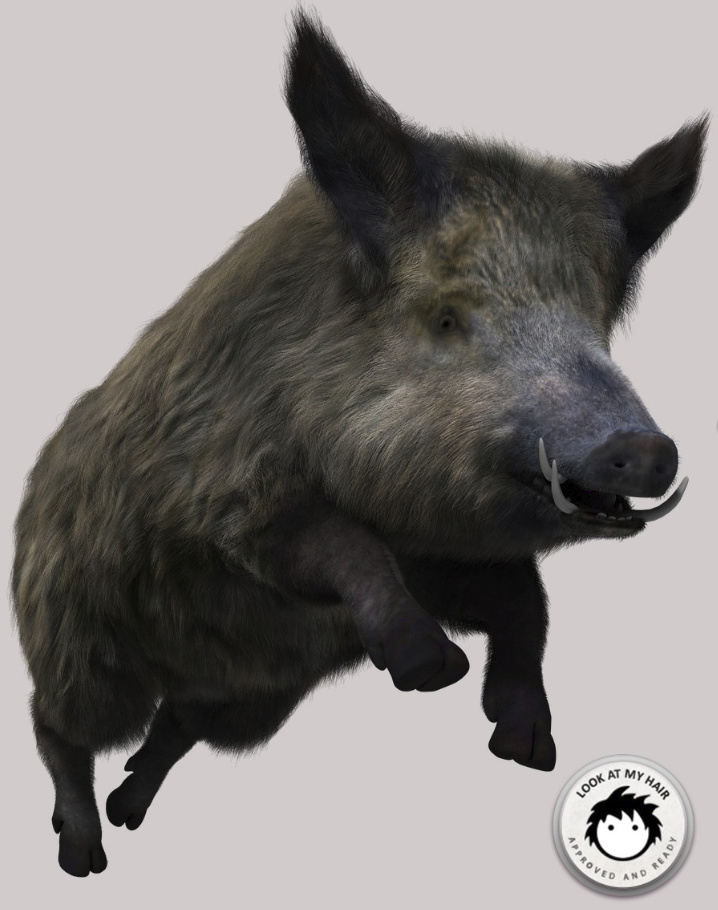
New hum-animals for Poser, at The Philosopher’s Egg store, including a lion and boar for M4.
Toon:
New from Cartoon Universe, Sir Waddleston the Cartoon Parrot for Daz Studio, with props and poses.
Precious Tiger and 60 Expressions, for DAZ Studio.
Raypunk Santa for Chunk Base, for Poser. Doesn’t require Toon Santa, just Chunk, but you need Toon Santa for the mustache and eyebrows.
Need an alien for Raypunk Santa to encounter? The new Magurgle for Poser. The other characters, by the same maker, toon up very nicely in Poser’s Comic Book Mode.
Dolly for Genesis 8 Female, for DAZ Studio.
Sakura 8 for G8F, for DAZ Studio.
Manga Morphs for Genesis 8 Male and Manga Morphs for Genesis 8 Female, for DAZ Studio.
The semi-toon faerie Iris for Genesis 3 Female, for DAZ Studio.
Storybook:
A free Spirit Dress for Lady Littlefox’s Kiki for Poser.
Snowman HD for Genesis 8 Male.
HD Violin and Poses for Genesis 3 and 8.
There’s finally a baby that actually looks like a real baby — rather than some creepy munchkin. Amanda for Genesis 8 Female, for DAZ Studio.
New Aging Morphs for Genesis 8 Male and Genesis 8 Female.
Also Growing Up for Genesis 8 Female and Male.
Historical:
Free at Renderosity, Ancient Blade for the new photoreal male character Phx Dan for Michael 8 / G8M. Also free, the Grubby Thing is in .OBJ but could look interesting in your character’s other hand, or maybe even as part of a prehistoric head-dress.
MS10 Das Boat Sub Pen for Vue. From the Second World War. More quality work from London224.
1940s and early-1950s hairstyles, Yvette Hair for Genesis 3 & 8 Female.
Learning:
Arki’s Complex Hair Creation Tutorials Bundle.
That’s it for this month. There’s no Cornucopia3D Vue stuff, as the Cornucopia3D store seems to have closed for the holidays.
How to move from Flickr to 500px.
So you want to move from Flickr to 500px? This step-by-step guide assumes that the idiots at Yahoo have lost your Flickr login details to hackers, which means you no longer have access to your account there.
1. There are a few initial hurdles to get over. First, sign up to 500px, which to me seems the best alternative to Flickr and is run by photographers. Their free account only lets you upload six pictures a week, last time I looked. They have periodic sales on upgrades to an annual subscription.
You pay annually by PayPal, recurring. Given that payment is via PayPal rather than a credit card, it should be fairly easy to cancel in the future, if you need to trim back your subscriptions for some reason. If you can’t afford a 500px subscription, then also look at a free WordPress.com blog with the excellent free Dyad 2 theme. If you make imaginative digital art rather than photos, then of course DeviantArt is your go-to place and is also free.
2. You need to install the Adobe Air framework on Windows, and then get the excellent Bulkr (which runs on Air). Bulkr is very easy to use and lets you download from Flickr in bulk. There’s a free version of Bulkr which is only slightly crippled. But if you have thousands of photos on Flickr then you’ll probably want to purchase the license key which upgrades Bulkr to the full version, so that you can auto-download the largest versions of your pictures.
Bulkr doesn’t require you to be logged in to Flickr, in order to view and download entire folders of your pictures. If you can log in to Flickr, then the 500px uploader may be of use to you. See step 5.
3. Point Bulkr’s elegant user interface to your Flick home URL. Marvel at how fast it loads, compared to the bloated Flickr in a Web browser. Work down your Flickr folders, saving their contents out to your desktop PC as the largest versions. Be aware that Bulkr only shows 100 pictures per screen, which means if you have 200+ pictures in a Flickr folder then you’ll also need to move to Bulkr’s “page 2” etc. You can also download tags and descriptions, or embed them in the picture file.
Several thousand photos, across 50 or so folders, might take 90 minutes or more to download. Usefully, Bulkr fixes the filename to reflect the title you gave the picture, e.g.: Kelly, watch the stars_2622682267_o.jpg Sadly, it can’t also embed tags and Creative Commons license info.
4. Now you’ve mirrored your old Flickr photos on your hard-drive, you can make a safe archive copy. You can then use a bulk file re-namer, such as the free ReNamer Lite, to remove the _2622682267_o bits. 500px will then use the filename as the picture title on the upload, complete with original capitalization, commas etc.
5. Now upload them to your chosen new photo gallery service. 500px has an easy browser-based uploader with bulk upload capabilities (feature details). It can also integrate with Dropbox etc. You just drag and drop the pictures to upload. If you have slow broadband and slow upload speeds, you’ll probably want to do it in small steps — uploading a couple of small folders a day.
The 500px uploader seems to work best with six photos at a time, and can choke when you give it more. Obviously it’s not a service suited to the wedding or commercial photographer who has 600 photos to upload in 10 minutes, so that the client can see them. If I had known about the repeated upload failures, I’m not sure I would have chosen to pay for 500px. One failure on one picture means the whole batch can’t be uploaded! Anyway, I’ve paid for it now.
6. Rather than laboriously re-tagging pictures, tagging folders is probably easiest in terms of adding back some public find-ability. You can download the tags with Bulkr, but only as either a .txt file or as an embedding in the EXIF data. The other big annoyance of 500px is the amazingly dumb auto-suggest of keyword tags for your photo. They auto-fill the tag box, and there appears to be no way to turn off this feature.
If you were putting your Creative Commons pictures in their own folders on Flickr, or using their title to declare them “- Creative Commons”, then it shouldn’t be too difficult to set the CC licenses on 500px in bulk. Descriptions are tricker, and it may well be that you will have to manually copy over the more important of the explanatory descriptions on Flickr.
7. If you run Stylish as an addon/extension in your Web browser, it’s free to get a new dark theme for 500px, even with the cheapest level of subscription. Such as 500px Quite Dark. Also useful is the “Add download pictures” button.
That’s it.
Release: Poser 11.1
Poser 11’s 11.1 update is now available, via your Smith Micro Download Manager.
If you run a 64-bit instead of a 32-bit install of Poser 11, then you need to make sure to un-check the 32-bit check-box when the installer runs. Otherwise it may look for both 64-bit and 32-bit installs of Poser, and may then get confused when it can’t find the 32-bit.
If you don’t yet have 11, the Smith Micro site currently has a load of discounts on Poser 11. Including on upgrades from older versions.
Poser 11.1 – due in the next few weeks
After the regular run of Service Release patches for Poser 11, Smith Micro has just announced a free Poser 11.1 update. It’s due later in December.
There are “many improvements” and even a few new features. For free, which is nice. The additional features announced, so far, are:
* 3D Animation Path – “create and manipulate a 3D path on the project scene and have an object travel that path while animating it at the same time”.
* Animation Palette – “group keyframes by categories and/or themes and easily identify the existing keyframes within each group. Additionally, the Animation Palette now shows the number of keyframes that a group contains at any given frame, and also allows for management and assigning of categories to keyframes”.
* Paul v2 and Pauline v2. These are the flagship male and female characters which ship for free with Poser.
I’m not likely to use any of those, but it’s good to see that hard work is being done by the new team on progressing Poser.
Guide: setting up your new Amazon Fire 10″ HD tablet
Welcome to my hands-on guide to wrangling your new 2017 Amazon Fire 10″ HD tablet, after you first unbox it. The guide is especially geared to creatives who want things like: the best sketchbook apps; comic-book readers; and the right DeviantArt app.
Update, Jan 2019. I’ve added a few more nice apps I’ve found since this post.
1. On unboxing your new Fire 10″ tablet, for your own security first stick a tiny blob of Blu-tack over each of the two camera holes. Then power up the tablet, set your wi-fi password, and sign-in to your Amazon account. The Blu-tack can come off the camera later, once you’ve settled down with a range of apps you trust.
2.Then you can hide all the pre-loaded Amazon apps you’ll never use. You do this by hold+dragging one of the Amazon app icons on top of another one. When this is done the two icons automatically form into a folder, into which you can then drag all the other icons for the Amazon apps you don’t intend to use. Creating this single “Amazon” folder goes a long way to cleaning clutter off your tablet screen. Because… you can’t delete any of the apps the tablet comes pre-loaded with.

(Tidier, but still not prettier. I’ve yet to find out if naff app icons can be switched out for nicer ones).
3. Now dive into the tablet’s “Settings” menus for thirty minutes (there’s a lot to find, down there) and turn off a whole lot of things — such as tracking, recommendations and ad-like notifications. Reboot.
4. OK, now you have the basics sorted and the tablet is 90% tamed. If you purchased the most affordable 10″ HD version you still get ads on the tablet’s lock-screen, but you can set these to be ‘family friendly’ in “Settings”. I found these lock-screen ads quite fun, being a random mix of best-selling kiddie games, interior design apps, and travel gadgets. None of which I’d ever buy, but I admire the slick artwork as I flick past it and into my Kindle ‘Home’ screen. Which, incidentally, still features the occasional Amazon ad in “New items”. If you really don’t like that happening then you can either find instructions online on how to remove them, or pay Amazon £10 to get them off.
5. Note there’s no Google Play store on the Fire tablets, and Amazon’s Kindle app store can be a bit of a pig. The quality apps are in there, but often all-but-hidden under a mountain of rubbish.
Firstly, note that not all apps are equal in the store. Some apps will show up in search results even when using a partial name. For instance, “Sketchbook” will find Autodesk’s official ‘Sketchbook – free drawing app’. But typing “Tayushi” or “Comitton” will not find either ‘Tayushi Sketches +’ nor ‘ComittoNxN’. Amazon obviously deems these to be ‘lesser’ apps, that can only be found by typing their exact store name.
Secondly, note there’s no “Creativity tools” category in the Store. Nor can you bookmark a WishList, which seems odd since a WishList would surely help Amazon to boost sales.
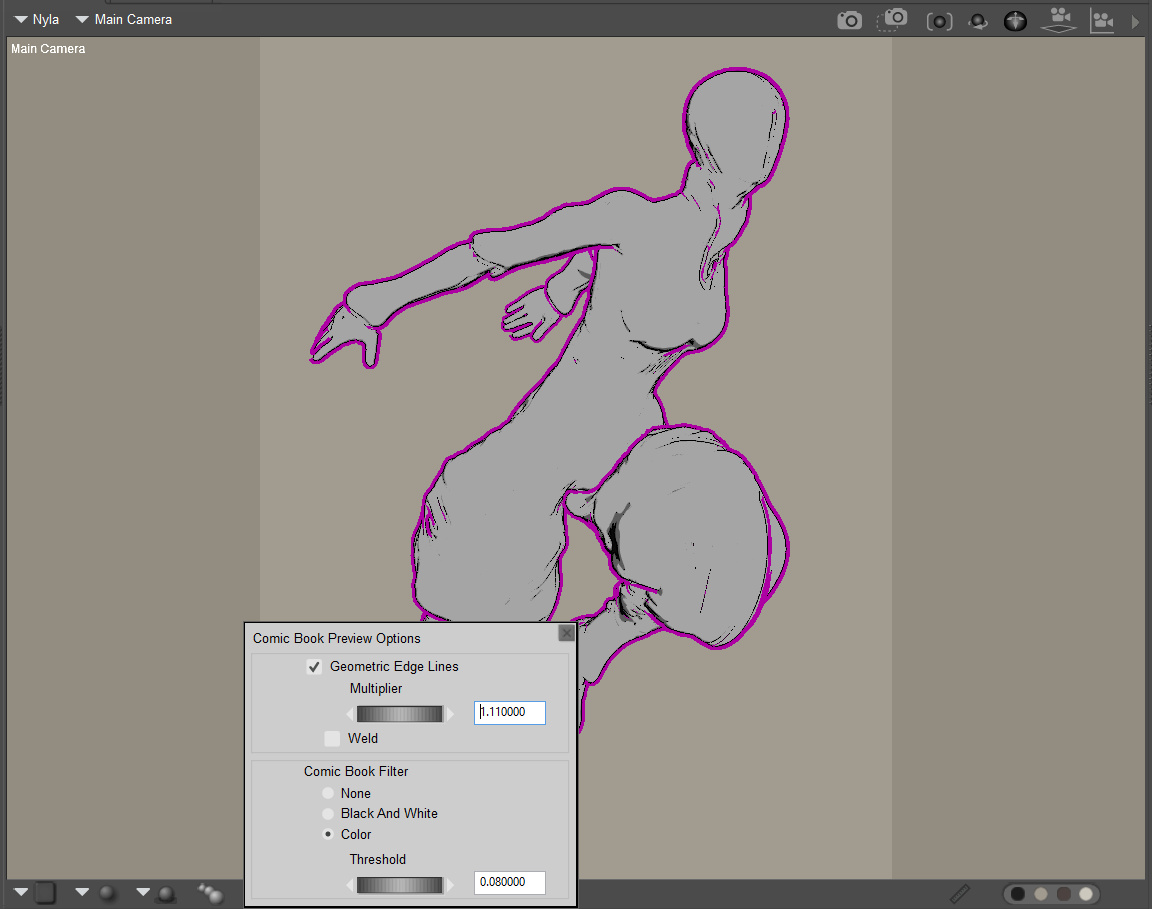
The apps:
* Best art app: Autodesk Sketchbook is on the Kindle app store for free under the name ‘Sketchbook – free drawing app‘. The free version works fine, but there’s also a one-time £2.49 upgrade purchase which gets you things like smudge blending, markers, etc. Sketchbook on the Kindle Fire 10″ is wonderful, and big loaded brushes are fast and smooth even with a large canvas size. Everything you expect is here. All you lack is pressure-sensitivity. But even with fingers or a capacitive pen/brush it’s perfect for quick conceptual thumbnails, the best of which can be worked up later in a full pen-monitor (such as the Ugee or Cintiq) albeit as flat .PNG file. You get seven layers on a decent canvas size.
Hardware reviewers say the new Fire 10″ is nearly as fast as a 9″ iPad in bench-tests, and the way Sketchbook works seems to bear this out.
* Alternative art apps: I spotted the following worthy alternatives to Sketchbook on the Kindle app store: ‘ArtRage for Android‘ and ‘Tayushi Sketches +‘. Tayasui is very elegant app at £2, and well worth having to complement Sketchbook, since it has several fantastic unique features. But it only has three layers on the Fire, and saves to a flattened .PNG file. The other drawback is there’s no Smudge/Blend tool (as it seems there is on the iPad), but you can export a good size .PNG to Sketchbook where you do have Smudge.
Update: the fine Krita 4 is also said to have a tablet app version, but it’s not on the Amazon store.
* Comic book reader: I was delighted to (eventually) discover that ComittoNxN 1.65 is on the store, at £1.50. Ignore all the other comic book readers, ComittoNxN aka Comitton is what you want. If you know how to ‘sideload’ apps then you can even officially get it for free as an .apk (sort folders by date, show full filenames, then download v1.65 as a .zip). Personally I thought that giving £1.49 to the creator was a worthy act, so I paid for it in the Kindle AppStore and saved myself some sideload-ing hassle. Just ignore the app’s very naff icon and Japanese language screens (shown in preview on the App store) — this is a top-quality app in English, just ‘made in Japan’ by one guy — who lacks a massive English-language marketing operation.
The only slight drawback is that, while it will load PDF files, it doesn’t show text on layered PDFs. Just the artwork. That can actually be quite an interesting feature, though, allowing the pure artwork to shine (if you have the correct sort of PDF). Incidentally it also works as a fine PDF viewer for scanned PDFs, but it seems you can’t tell the Fire to “always open PDFs” with it.
After the install of ComittoNxN you are first presented with a file navigator view of the full Fire system, which can be a bit daunting. On the Fire 10″ you then need to go to: /storage/emulated/0/.. to get to your usual media content and download folders. Or drill down to your SD card. After loading your first .CBR or .CBZ comic / graphic-novel you then go into ComittoNxN’s “Settings” and set ‘Image Viewer’ to ‘Fit Width’ / ‘AutoRotate’ / ‘Not to Sleep’. You can also set the app to ‘operate by noise’. Then you’re pretty much good to go.
Update: Comic Time is another fine free reader.
* Media player: ‘VLC for Fire‘, the free ad-free Kindle Fire version of the well-known and trusted media player. This loaded and played a 2.4Gb .MKV test movie with no problems at all, not even the slightest stutter or hesitation. Wonderful.
Update: Playlist-creation handling in VLC 3 for Android is still very basic, with VLC not even able to make a playlist from ‘all files in a folder’ and then allow the user to manually re-sort files into their correct order by select-and-drag. Thus you need to ensure the files are correctly named before sending them over (001-to-100 format) from the PC, so that ‘a sort by name’ in VLC will then place them all in the right playing order. If you have 400 video files in a big video tutorial, doing that is not a lot of fun — which is where Windows utilities such as Winsome File Renamer come in handy.
Update: OneCast is the best free podcatcher for podcasts.
Update: Screen On is the best free app to keep your Kindle from dimming or rebooting while you listen to music. It has a curious way of being turned on. To start it it, first you stop it (even though you think it’s not running), then you restart it.
Update: to send links to things like YouTube videos, without some Cloud sharing service, just set up a Trello board for your links and drag/drop them there.
Update: AIMP is now my preferred audio player on both Desktop and Kindle. AIMP has a fine free Android app that can be ‘sideloaded’, and has good playlist creation features. NX Player is also good re: playing the audio streaming from your PC over wi-fi, using the desktop freeware “Stream What You Hear”.
* DeviantArt: Yes, DeviantArt has its own free app, and as you’d expect it’s a beauty. This is what the luscious 1920px Kindle Fire 10″ screen was made for. Be aware that there are a lot of con-apps pretending to be DeviantArt, and it’s rated “Adult” so you won’t even see it in the Store if your Kindle’s Child-Friendly Settings are turned on. The official app you want is this one. You don’t need to log in, to browse DeviantArt’s pictures.
Update: It’s now actively censored by a team of moderators (as the similar ArtStation app). What is censored goes far beyond the ‘Mature content’ filter, in order to conform to the Google Play Store’s extreme prudishness. What you’ll get with the app is no longer the same as what you’ll get with a Web browser.
* Games: be warned that the Kindle store has a lot of drek and shady look-alikes. I wanted just one game on the tablet, and so I plumped for the acclaimed gamebook ‘80 Days‘ by Inkle, in its robust/expanded v1.3 version. Its vector graphics adapt very crisply to the screen size, and everything worked very smoothly.
A quality game more suited to young children would be the steampunk point-and-click Machinarium, available on the Kindle.
Interactive graphic novels:
There are just a couple of these in the app store, both quality.
The famous Anomaly: Interactive Graphic Novel with music, voice-cast, and autoplay. Made with Poser, and this is a special Kindle Fire HD edition of the book. A bargain at 59p (about $1), but it will eat 600Mb of your tablet’s space.
Also Niko and the Sword of Light, which was later made into a TV series by Amazon Studios. The first three chapters free, then currently £2.51 (about $5).
Both of these are from 2013/14, and it’s sad to see that nothing followed them on the Kindle Appstore. I guess the ratio of time-spent vs. profits was not enticing to other entrants. There are also a few Alexa-based 2017 ‘interactive audio adventures’ available, but one suspects the format will suffer much the same fate — too expensive to make, too few sales.
* PDF Viewer: Installing the free Dropbox app will also give you a good trusted free PDF reader. It’s a very basic and infinite-scrolling (rather than per-paging) PDF reader, but is perfectly adequate for looking at occasional academic papers or think-tank reports from the comfort of a sofa. You don’t even need to sign-in to Dropbox, to use their free PDF viewer. I found that Amazon’s native Kindle app can also open PDFs, and in a more ebook-y manner, but the rendering wasn’t as good as Dropbox. I’m not sure I’d want to read a full ebook from either, and unless it had lots of pictures and graphs I would prefer my dedicated e-ink Kindle ereader for reading a book (re-flowing / larger / crisper text, and it’s not as heavy to hold).
* .ePub reader: Obviously the Kindle reader won’t be opening your .ePub e-books, as ePub is “the competition’s format”. The best .ePub reader I tried was MReader, perfectly good, free and ad-free. You may need to turn on its “Autorotate” option after install.
* .mobi reader: Of course the native Amazon Kindle app will open your .mobi ebook files. There’s no third-party .mobi reader here, such as the excellent ALreader on Google Play. If you find that the Kindle reader refuses to load a .mobi for some reason, simply use desktop software such as the free Calibre to convert it to .ePub.
* Email: ‘K-9 Email’. Yes, this trusty old community-built warhorse (or war-dog) email client is available on the Fire, free. A good alternative to the email app that comes pre-installed.
* Web browsing: The Kindle’s own pre-installed Silk Browser seems perfectly adequate for light Web browsing. If you plan to do heavy browsing, and need ad-blocking, then you probably want to ‘sideload’ the mobile version of the Opera browser.
* Folder browsing: I installed the free ES File Explorer File Manager, but I’m not sure I’ll keep it. It’s overkill, but does the job until I can find a solid free + ad-free alternative.
* Wi-Fi file transfer: If your Kindle-PC USB connection dies (in my case, through Windows utterly refusing to load/reinstall the USB drivers) there is another albeit slower option to send files over Wi-Fi using an app and desktop FTP software. After much research I settled on two options here, free and paid.
i) the free Easy WiFi FTP Transfer.
ii) the paid ES File Explorer 4 in combination with desktop FTP software such as WS-FTP. The free ES File Explorer is not to be recommended.
For security you may also want to use a wi-fi FTP app in combination with the free Wifi Turn On, Wifi Turn Off app.
* Screenshot maker: You already have one built-in. Locate the Kindle’s Power button and Volume-Down button, then press down both buttons together for one second. That takes a screenshot, and saves it as a .PNG to a Screenshots folder in ‘Pictures’.
Other thoughts:
The Fire 10″ tablet is a touch heavier than I though it would be, but I’ve very pleased to find it doesn’t even get warm (let alone hot).
If you have hard floors that it might drop on, or plan to take it out-and-about, then a protective tablet case is going to be a must-have. Also useful for propping it up.
Be careful if you turn on “One-click apps purchases” and also have the Alexa voice-control on. I found that Alexa was useless for me, as she would consistently mistake what I was saying, and without pre-warning would start doing something I never intended. The risk of accidental purchases seemed too great, so: “Alexa, off”.
If you already have a dedicated e-ink Kindle 3 ereader, and want to keep using that for your “Send to Kindle” delivery from your desktop PC, then you’ll need to delve into device settings at the Amazon website. Otherwise Amazon will initially assume that your desktop’s “Send to Kindle” items go to your new Fire and will then clear them from the queue. Your ebook purchases, on the other hand, should be available from any tablet with Kindle installed. New ebook purchases and samples should show up on your Kindle Fire ‘Books’ screen.
That’s it, I hope these observations were helpful for those getting a new tablet for Christmas.
Poser and DAZ new releases survey: November 2017
It’s likely that few people have any pennies left in their Paypal after Black Friday, but here’s my selection of the most interesting new Poser / DAZ content released in November 2017.
Science Fiction:
MedBay by Stonemason, for DAZ Studio.
Space Wreckage from The AntFarm, for DAZ Studio.
v176 Another World for DAZ Studio, a fine ‘alien shoreline or pool’ scene complete with believable plants.
Mechanical Sandworm for Poser. Looks different enough from the Dune sandworm that you’d be able to use in commercial renders.
Cyberspace Junction by Coflek-gnorg, for Poser.
HFS Ultimate Shapes for Genesis 8 Female and Male.
Steampunk:
Now on Renderosity, London224’s MS15 Victorian Steampunk Terminal for Vue.
The Terminal might be run by Clockwork Squirrels, for Poser.
Cyber Heart for DAZ Studio. Replace the heart with a nut, to make it fit with the Clockwork Squirrels.
A steampunk textures makeover, OOT PBR Texture Styles for the recent Sayomi Anime Outfit for G3F.
Lord Cogsworth texture makeover set for Mr. Cogsworth for G3M, of DAZ Studio.
Tram Line. It’s lovely to have this in 3D and in DAZ Studio, but the model fairly closely references the satire painting “Der tod eines Pioniers” by Waldemar Kazak, so presumably it shouldn’t be used for commercial renders in your graphic novel or the like.
Fantasy Zeppelin from 1971s for Poser, in a lovely Jasper Morello-ish style.
House on a Rock for Poser, also from 1971s.
Storybook:
The HiveWire Unicorn is now also on the Renderosity store. Requires the HiveWire Horse.
MDD Polly the Patchwork Dolly for V4.2, for Poser.
3DA Blythe for G8F, Daz Studio. A characterful middle-aged woman, with a somewhat eastern European face.
Fantasy:
Desert Mage for Genesis 3 Male, which would fit well with the new Labyrinth Circle scene.
A fabulous RPG game-style fantasy outfit, Rogue Element Outfit for Genesis 8 Female.
Tithe Barn. I’m fairly sure this used to be on RuntimeDNA, but it’s now on the DAZ Store, and is now for either DAZ Studio or Poser.
Branchenia DR by Dinoraul, for Poser. An unusual “fantasy dinosaur” from expert dino-crafter Dinoraul.
Toon:
The great Nursoda is back (hurrah!) with a new character. Holke is presented as a Russian taxi-driver kind-a-guy. But he looks fairly adaptable. 82 poses and a basic clothing set.
Star Casual 4 for the original Star! character for Poser. The boots and hat could be replaced, to get the basis of a new sci-fi outfit.
Billy for Genesis 8 Male and Erre for Genesis 8 Female and Candy for Genesis 8 Female, three new Star!-like characters for Genesis 8.
Precious Clydesdale by Lady Littlefox for DAZ Studio.
Scenes:
The Heart Of The East, by Stonemason for DAZ Studio.
Stones HR would probably be a useful extender/background terrain set for The Heart Of The East…
Biomes 02 for Vue. A huge landscape with different ecosystems merging into one another.
Conifer forest for Vue.
Hidden Waterfall Pool for DAZ Studio. Similar to the Forbidden Pool in The Lord of the Rings. Would probably look better exported to Vue and there layered with an ecosystem of small ferns and mosses. Might also be used as a tidal rock-pool on the beach, when seen from above.
Building Site is an unusual one.
A complete Fitness Club for DAZ Studio.
Night Lounge for DAZ Studio.
Add-ons and plugins:
Look At Me Pose Control for DAZ Studio. Looks like it might be as vital an add-on as the Eye Clock Pose Control is.
This new add-on has:
Look at That.
Look at Each Other.
Look into My Eyes.
Emission Profile Master. Quickly load a standard IES light profile to your DAZ Studio light.
And finally, learn how to create your own texture sets for DAZ Studio, with Esha’s The Complete Guide to Texturing Clothing. A huge 32-session structured workshop.
That’s it. More picks next month.