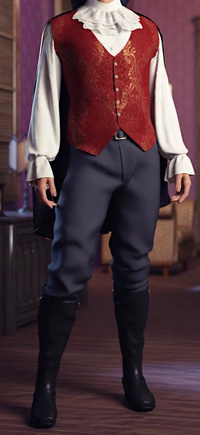
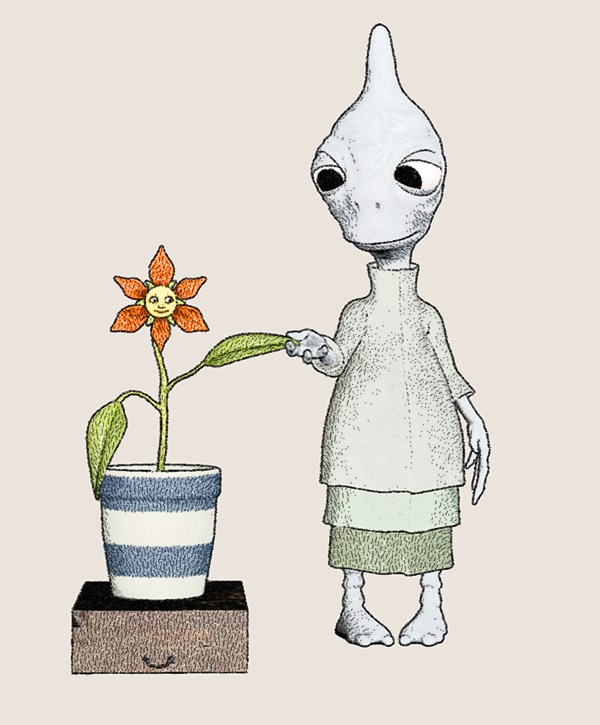
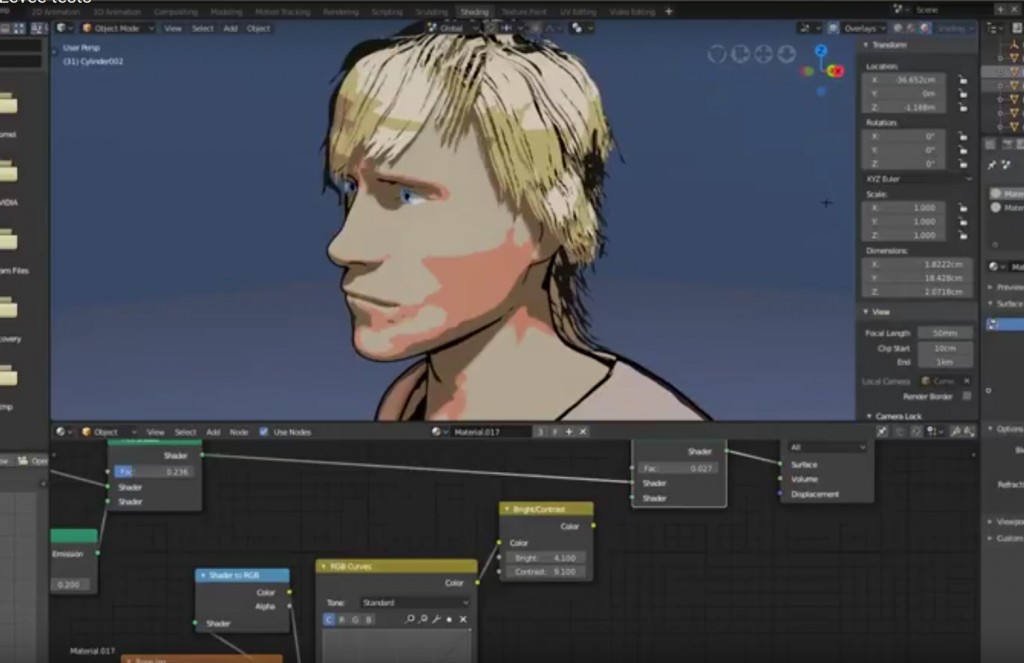
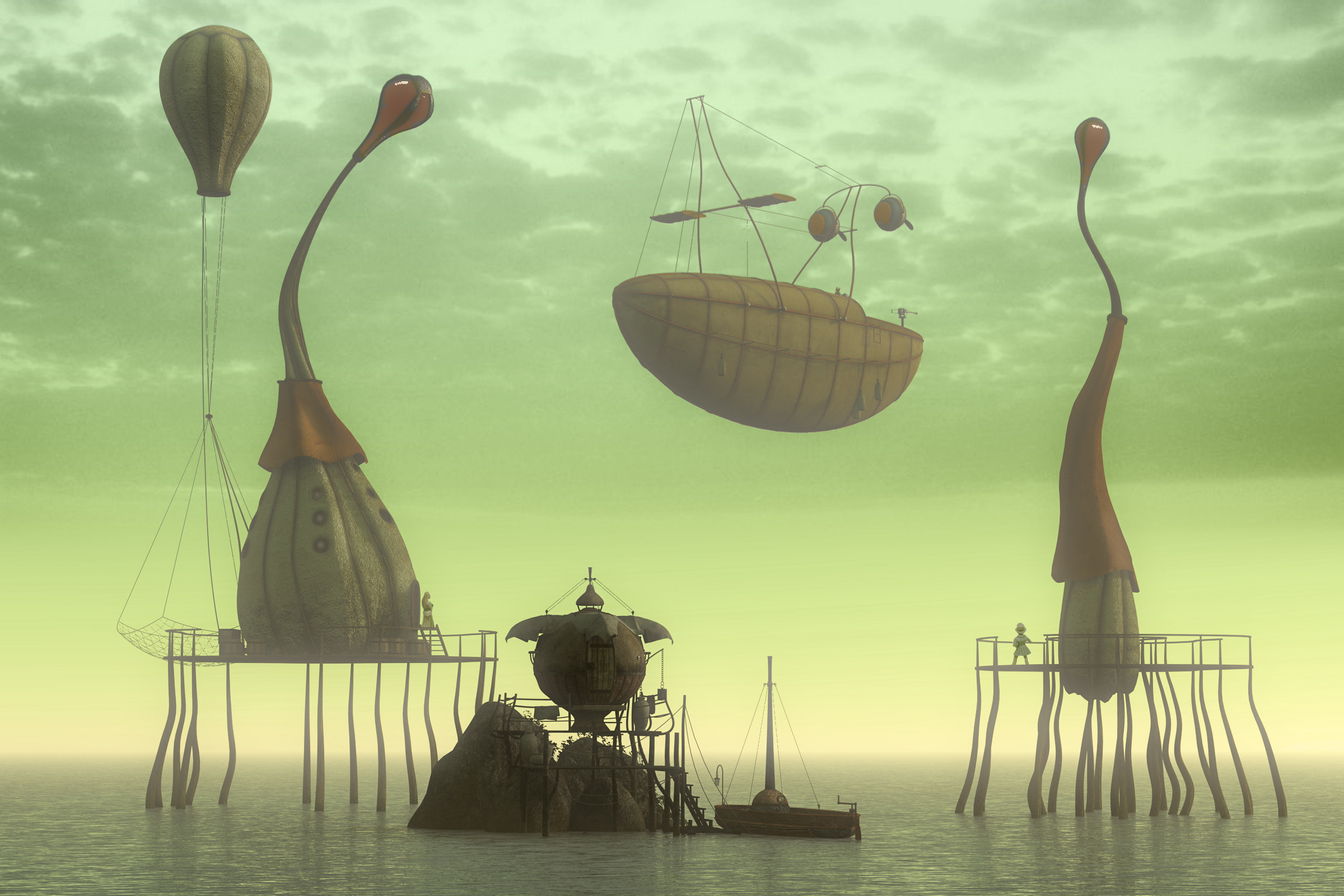
On 3rd November 2019, a free webinar on how to make a graphic novel with the aid of Poser Pro, focusing on the recently completed The Traveller. By my calculations, making 2.5 finished pages a week would get you a good-length graphic novel in a year.
Sixus1 – 70% sale
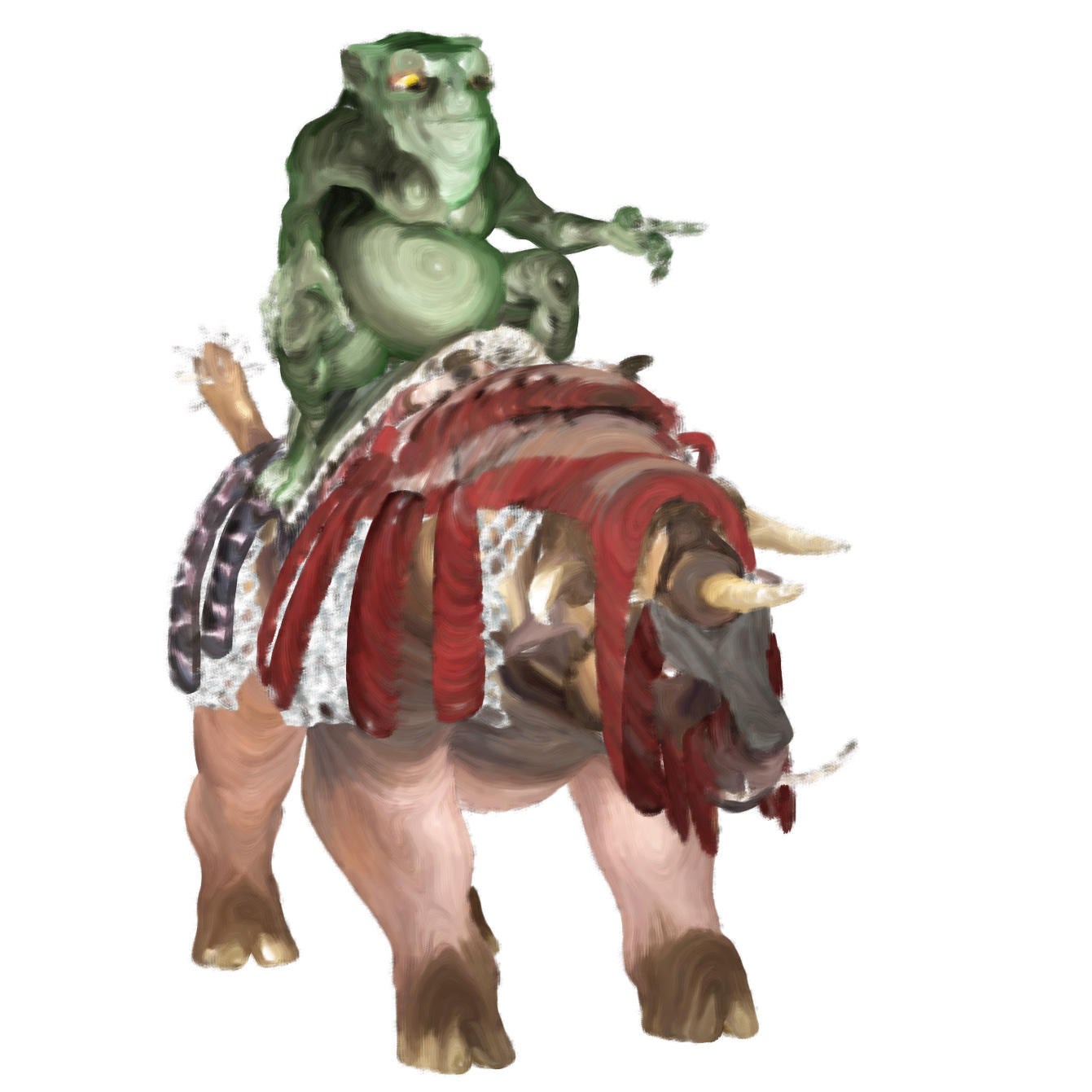
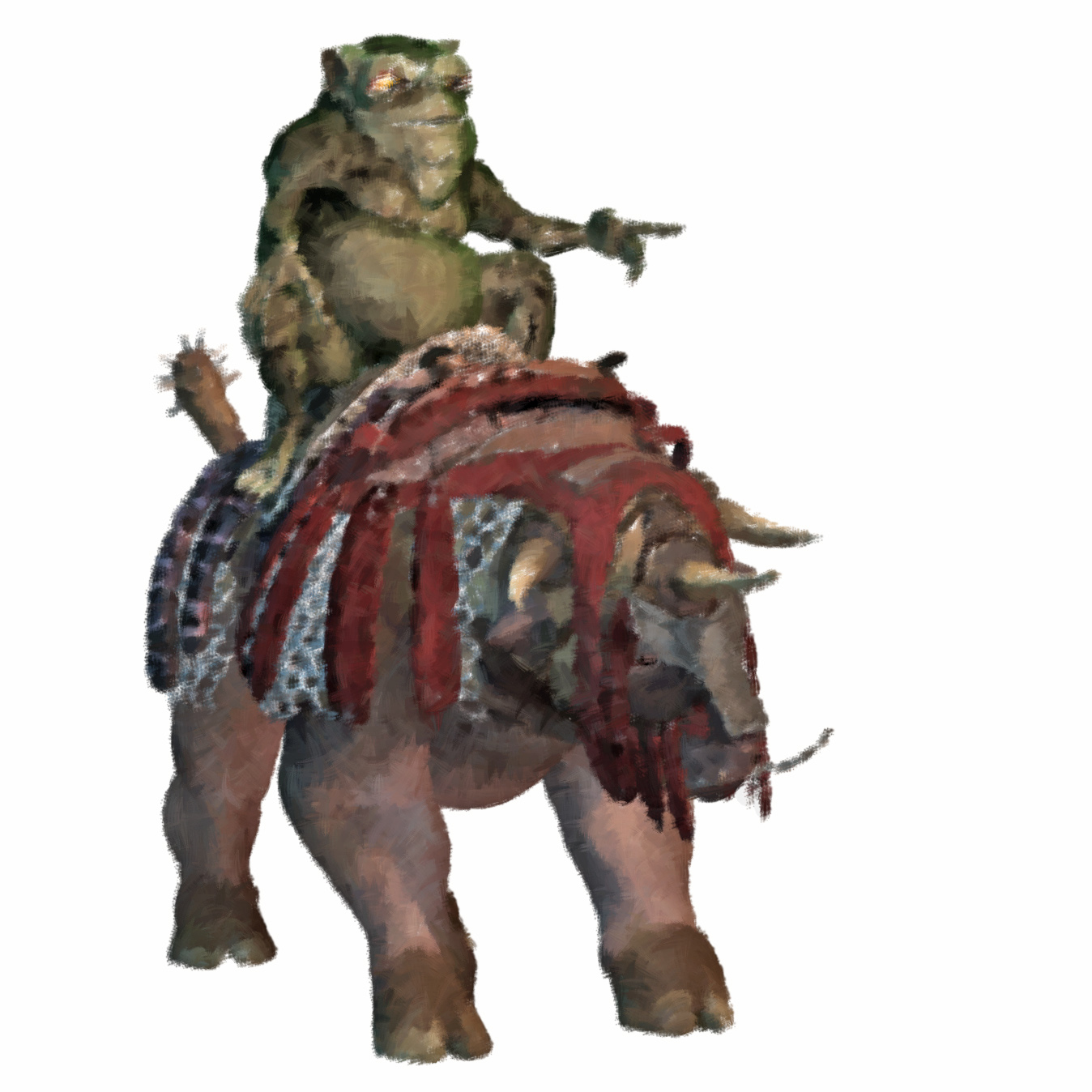
Sixus1 has a 70% 24-hour sale on Renderosity. I was pleased to get the Poser version of Tsathoggua for just $1.79. Not especially convincing as the Lovecraftian toad-monster-god, but a good ‘monster’ companion to the Nursoda characters. Might be interesting to experiment with the Poser Hair Room on him, re: adding hair, and he seems fairly straightforward in terms of where you’d grow it from.
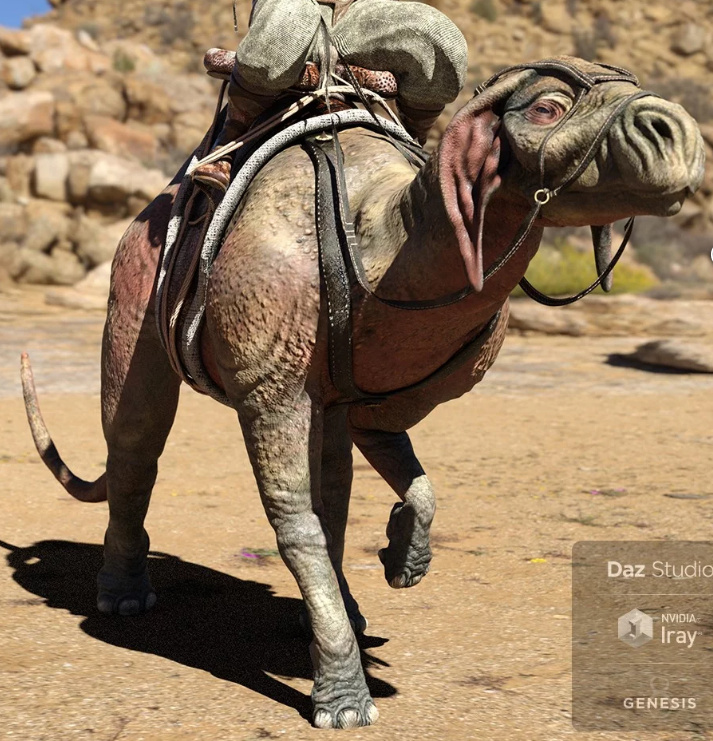
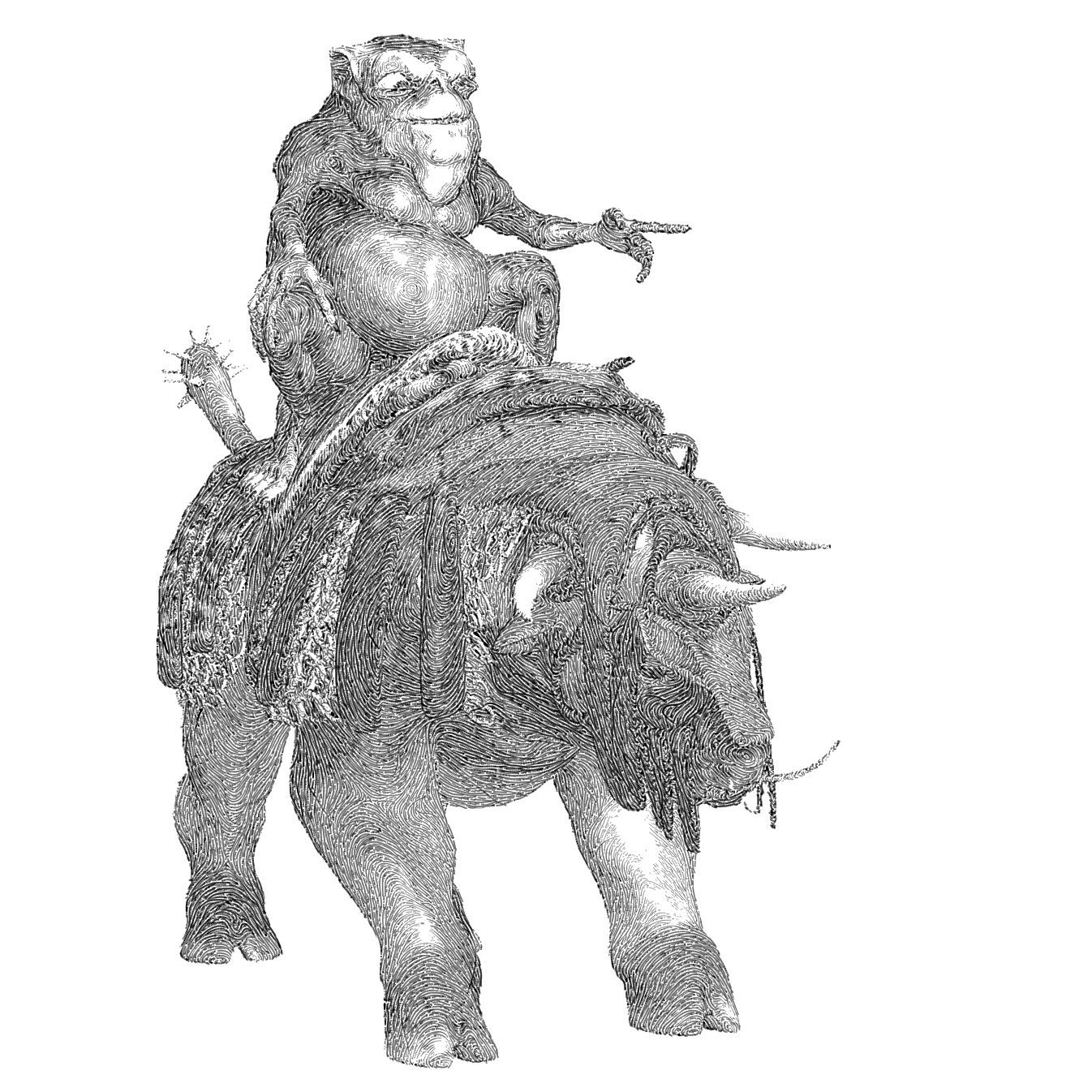
At $4.49 I also picked up Sixus1’s Triceratox, as a fantasy war-beast complete with tack, which seems a potential fantasy mount for Tsathoggua to ride. I’m not sure if the chain-mail will toon in inks-only mode, or if it’s just a texture, but $5 seems to be worth the gamble to get a complete ride-able creature with saddle etc.
The latest DAZ Studio – fast and furry!
I recently finally got around to installing the latest DAZ Studio version 4.12.0.8x beta.
iRay is definitely significantly faster. I use the Scene Optimizer plugin + the CPU, for iRay renders to screen-size (1200px tall). Contrary to popular belief, you don’t actually need a Nvidia graphics card to run iRay. The latest DAZ Studio makes this approach significantly easier, integrating iRay RTX 2019.1.3 — which the Nvidia developers have stated on their dev-blog runs fine on non-RTX cards and should also give a 2x speedup of CPU-only rendering of iRay. In my tests, it’s definitely faster.
The very-very latest 4.12.1.16 (15th October) even integrates “iRay RTX 2019.1.4”. No speed-improvements there though, just bug-fixes, according to the iRay 1.4 release notes.
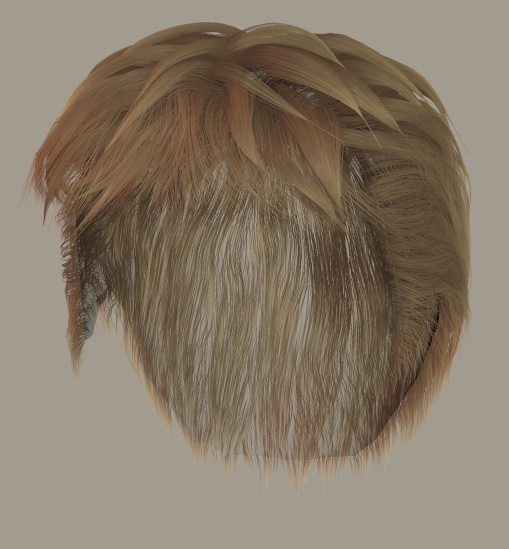
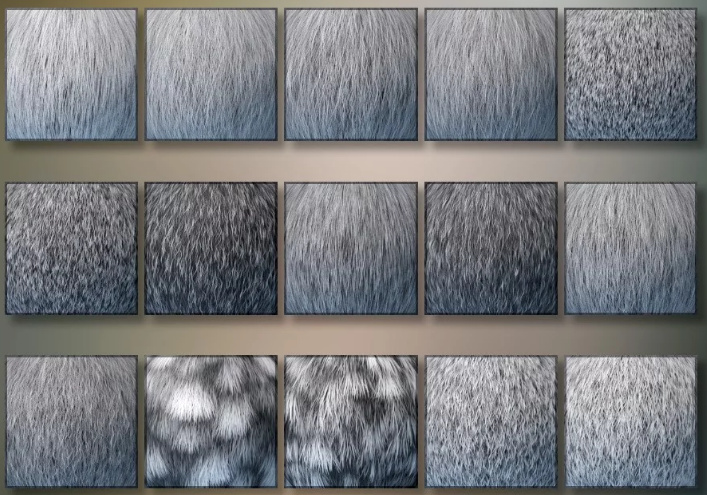
Also interesting, in the most recent releases of DAZ Studio, is the Strand-Based Hair. This seems to be production-ready now, judging by this Store product preview of the just-released Plushies 2.0: Scamp The Fox from Lady Littlefox…
It’ll be interesting to see what sort of render-time hit this fur type makes, if any, and if render-time increases with strand-length / curliness or not. Also how it compares on render-time with a Look At My Hair preset, and with Poser’s Hair Room fur.
KitBash3D – free cyber-city minikit
Mini Kit: Cyberpunk, free until 24th November 2019.
1.8 million polys. “This kit contains select pieces from our Brutalist, Future Slums, Neo Tokyo & Neo Shanghai kits and is completely free for Single User Licenses for a limited time only.”
Change the DAZ Studio ‘splash’ screen at start-up
Poser Pro 11.2 goes to a 21-day free trial, un-crippled
Poser Pro 11.2, the new “21-Day Free Trial”. Apparently completely un-crippled, a trial period for full testing by potential new users. This is an excellent move from Renderosity/Bondware.
Now… just don’t go radically changing the UI or going to a subscription model…
King o’ the Cats
A new Grimalkin ‘king-cat’ cat for the HiveWire House Cat. For your Cats of Ulthar and Grimalkin kittie artistry. ‘Grimalkin’ was an old fairy-tale name for a big old king-o’-the-cats, found in the first horror novel published in English, Beware the Cat (1561).
He’s on sale now for Poser and DAZ, and I won’t get to it for my monthly content review until the sale is over. Which is why I’m mentioning it here now.
Also comes with a familiar grumpy face…
I imagine that you should, theoretically, be able to get a Cheshire Cat face with the morphs in the Grimalkin pack. Although replicating the grin might be tricky.
See also the same content maker’s earlier Catula for the HiveWire House Cat, a fine vampire cat, also currently on sale.
For tooning you ideally want the Poser software and its real-time Comic Book mode. For furry photoreal you ideally want the DAZ Studio software, its Look At My Hair plugin, and the free LAMH Presets for the HiveWire House Cat. Although DAZ’s new Strand Based Hair may add another option in the near future.
I don’t know of any Hair Room content that could provide hair for the cat in Poser in just a few clicks, but perhaps someone will make such an item?
Sixus 1: the podcast
I’m pleased to see Renderosity content-maker and digital comics maker Sixus 1 has a new podcast at YouTube. Sixus1 Uncensored #1, #2 and #3.
CrossDresser License for LaFemme
More great news for Poser, there’s a new La Femme CrossDresser License. “Convert clothing from any supported figure to La Femme”. For those who don’t know, La Femme is the new flagship female figure for Poser, and the equivalent to the G8F base in DAZ Studio. She ships for free with Poser 11.2. One of the big drawbacks she had was a lack of clothing, and now… relatively easy access to a vast range!
I have a review and test of CrossDresser 4 here. The software is free, and you only pay to plug in a character licence.
Utility: FolderChangesView
Ever installed new Poser or DAZ content from an .EXE installer file then been unable to find where the content actually installed to? It’s in your runtime somewhere, but where?
FolderChangesView is a free Windows utility that monitors your runtime folder and sub-folders, and shows you what’s changed in there. It needs to be running while you do your installs, as it doesn’t work retrospectively.
Freebie: ‘Props in a container’ script
I found an Ockham Python script for Poser, that doesn’t appear to be on his usual page, but is on Renderosity freestuff: “Swarms, leaf piles, etc”.
What it does: Select a container, then have the script fill it with your selected Particle props. A container such as a jam-jar, and a filling such as fire-flies. Of the container it’s said that “Where it’s denser, more Particles will tend to concentrate.”
What it used to be: It’s a 2006 script “descended from Swarm”. It still works fine in Poser 11.2.
How to install: I had success with the following in Poser 11.2…
1) Unzip and find “libraries” then its “props” sub-folder. Merge this folder with your main ..\content\runtime\props folder.
Make sure you get the proper Props folder, as those with large runtimes will have acquired half a dozen over the years. The correct one is…
..\content\Runtime\Libraries\props
NOT
..\content\Runtime\Props or ..\content\Props
Remember that Poser may need to re-index (“Refresh” icon, starts the “yellow CD” icon pulsing) to see the new folder in its Library.
2) For top-menu Scripts access in Poser, place the .PY script in…
C:\Program Files\Smith Micro\Poser 11\Runtime\Python\poserScripts\ScriptsMenu\
Operation:
Load a suitable container from the Props folder. “Leafpile container” and “Jar” seem the most useful provided containers here.
Use your library software to find your target prop (e.g. a firefly insect with a Superfly glow material applied) in Windows Explorer, and copy the path to it to your clipboard.
Run the script, paste in the path to the prop (this saves a huge amount of time ferreting through your various Props folders at this stage).
You can run the script again on the same container, to add more. Here I have 75 glow-enabled Fireflies, with a further 25 smaller ones. They appear to have escaped the container somewhat, but they’re going to go in a more ornate steampunk jar for this demo, so no matter. Now it’s done the job, select the container and make it invisible.
Placing 100 of them by hand would have taken ages, but the script did it in seconds.
Load a better container and size it up to your fireflies.
See the light
There may be some nice emissive lights, lurking in the Materials section of your official Poser 11 Library…
These are Vince Bagna’s light emitting materials for the SuperFly render engine. I’m not sure if some of these shipped with the Poser 11.2 freebies bundle or not (I still haven’t found a full list of exactly what ships with Poser 11.2), but I have the materials/shaders in the main Poser 11 runtime.
Despite several hours of trying I just cannot figure out how to get something realistic out of them, though. “Light Emission” works great, but makes the sphere it’s applied to invisible every time.
The “Light Neon” material keeps the sphere visible, but lacks the realistic ground surface light-spread which “Light Emission” has.
Neither offers light-spill at the edges of the sphere, and nor can this be faked by duplicating and having sphere-in-sphere — because the materials have no transparency settings at all. Nor can the two be combined in-scene in any useful way.
Getting something nice thus entails clunky mashing together of two such renders in Photoshop, then apply a slight rim haze via filters. Still, it can be done…
Poser: more male hair that works in Comic-book Preview
After my earlier test I had partial success with three further M3/M4 hairs, in terms of having them work in the real-time Comic Book Preview in Poser.
Here M3 wears Boxer Hair Simple. This works and is a nice fit, though is rather retro in style. It has no textures other than near-solid black, but loading the bump map into the main texture channel gives a good blonde look. The colour of this can then be controlled by the normal diffuse colour chip. Taking the Alt Specular colour chip back to black also removes the 3D gloss.
Neftis’s fibermesh Flat Top Hair for M4 also works fine as it had a Poser .CR2, which I assume is still included in the installers along the DAZ Genesis hair? The Xavior Hair by Neftis, male and made at around the same time, look like it’s also fibre-mesh and might do something similar. His Guillaume hair is also said to be fibermesh. Perhaps the older FiberMesh stuff (produced for both Genesis 1 and Poser .CR2) is the way to go, as long as it has a Poser version?
Far more basic, here M3 wears “Slickhair” for M3 and Freak. This is the hair in the M3 “SuitPack” for Poser, now sold as Roaring 20s Gangster set for M3. This is far more “helmet hair” than M4 Hero Hair, but Commercial Use and better than nothing. It also comes with its own textures, but these are not ideal due to transparency. But applying Studio Maya’s free Monk Hair materials does something, going in the right directions and the strands are adequate with the UV scaling taken down from 1.0 to 0.5. Perhaps suitable for an old grandfather.
So neither Boxer or Slickhair are as ideal as the M4 Hero Hair, in terms of being generic and unobtrusive, but I’m pleased to find Neftis and his Flat Top and possibly a couple of his others.
Poser: finding male hair that works in Comic-book Preview
I was looking for possible H.P. Lovecraft hair and I was pleased to find that the free generic M4 Hero Hair is about right and that it shows up nicely in Poser 11 in real-time Comic-book Preview mode. The hair requires only slight teaks to give it a tight fit from all angles on a Michael 3 head…
In Smooth Shaded display mode + Comic Book it even shows quite nice hair-strand lines, which is excellent. For a comic one would just need to fix the front inked hairline in Photoshop, which would be easy if one had ink-lines and colour-flats as two separate renders.
This look is had without applying any of the MATs made for it. Applying a MAT turns the hair back into Hair Room ‘strand hair’ in Preview, which is no good.
Without a MAT, in a colour display-mode the default hair colour is green, but that’s easy to change in the Material Room…
The hair can also look good, showing the same brushed strands, in standard Texture Shaded display mode + Comic Book onto Colour. Here’s another Michael 3 head showing the look…
Yes, this is M3 in Poser in real-time. While the hair’s strands can “bubble” in certain lights, this problem is greatly reduced when the Preview is then anti-aliased.
So, M4 Hero Hair is your go-to base choice for generic male hair in Preview in Poser 11. It’s found under: Figures | ice-boy | hero_hair in your Library, not under Hair.
Another choice is the ancient Ben Hair (ships free as legacy content with Poser) has sections that can be re-positioned to taste. Provided you don’t delete the invisible folliclebase base section the hair-parts are attached to, the Ben Hair shows up quite nicely as dense stranded hair in Preview. Perhaps that’s the secret — Hair Room strand hair shows up in Preview if it has connection to a normal hair base?
Poser users could do with a pack of hairs specifically made for the real-time Comic Book mode, especially as M4 Hero Hair is “non-commercial use”.
The Reality plugin goes open-source
The Reality plugin for Poser and DAZ has kindly been made open source by its developer Paolo Ciccone, who has worked on it so long and diligently…
“…I decided to release Reality as an Open Source Software (OSS) covered by the very permissible BSD License. I hope that this will inspire other developers to pick up the project and update it.”
Does this mean the current plugin is now free? No, the existing retail packages and their licencing serials / ping-server stay in place for now. But Paolo continues…
“I hope that over time new versions of Reality will be made and that the first thing that the developers will do is the removal of the DRM [digital rights management, i.e.: serial numbers] code. Once that is done and everybody will have a chance to download the DRM-free version, then I will shut down this website.”
So free versions are coming, if someone with super-skillz is willing to spend a long weekend making, compiling and testing them. Hopefully this will mean a working Reality plugin for Poser 11.2 (it broke with 11.2, though I hear there was a third-party Windows fix) and the forthcoming Poser 12. In fact, Renderosity might consider bringing Reality into Poser 12 as a standard-issue render plugin, now that it’s fully open. It shouldn’t be that much work to fix it for 11.2, even if they don’t want to hook it up to the latest version of the free LUX renderer.
Update: free Poser 11.2.x fix available to run Reality.