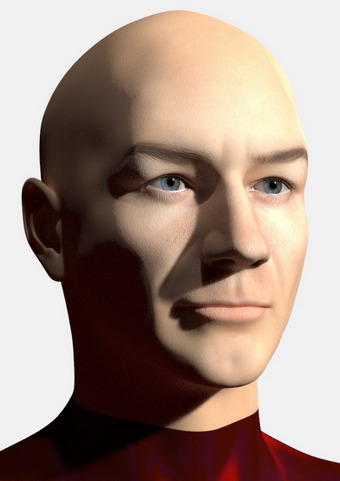
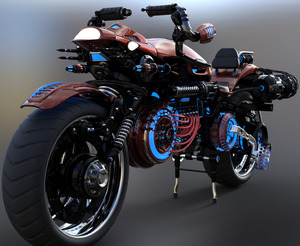
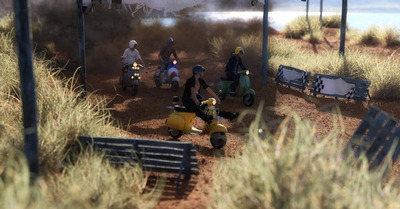
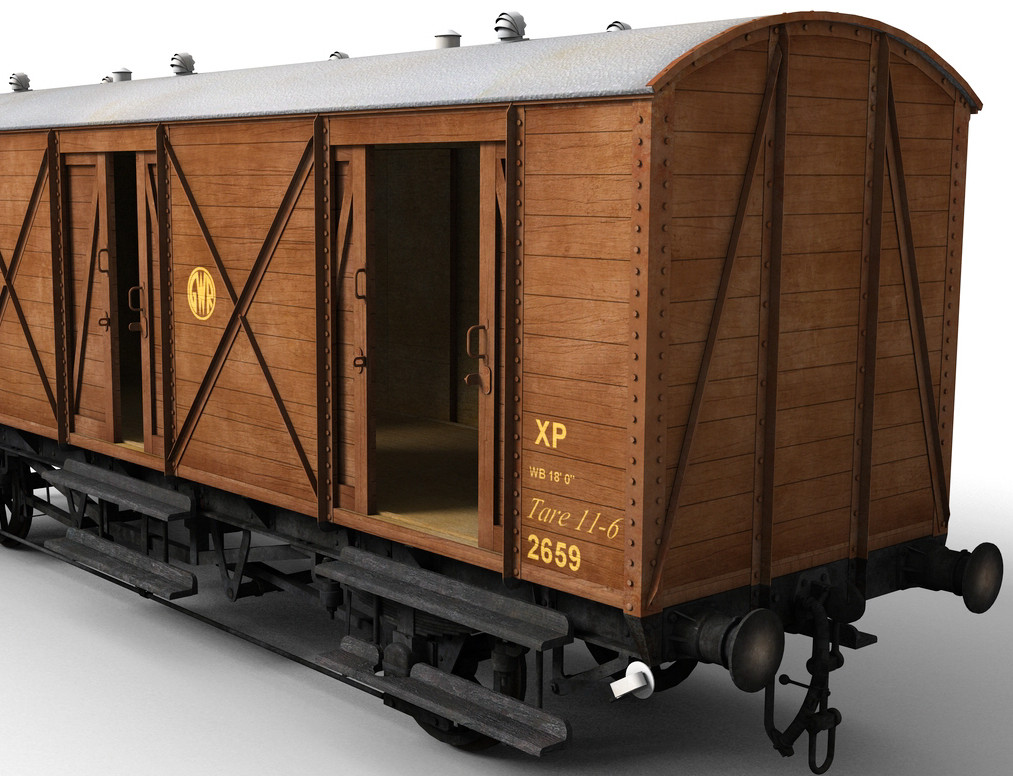
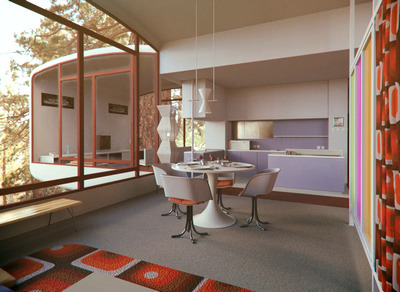
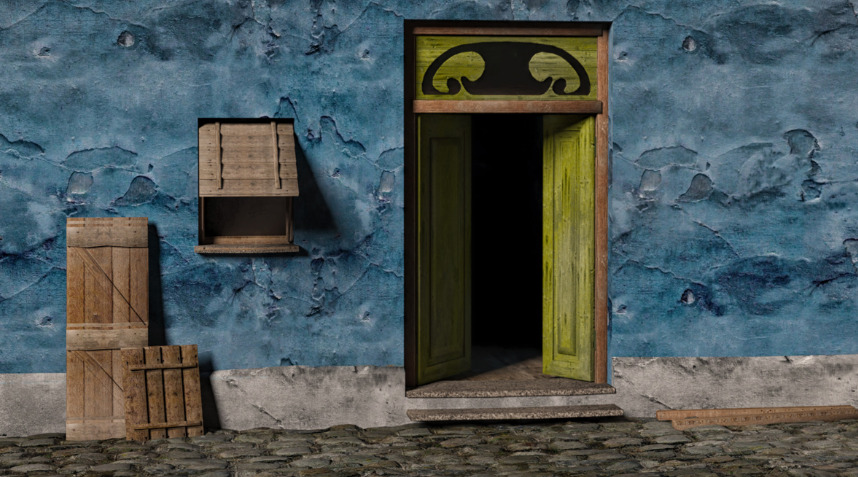
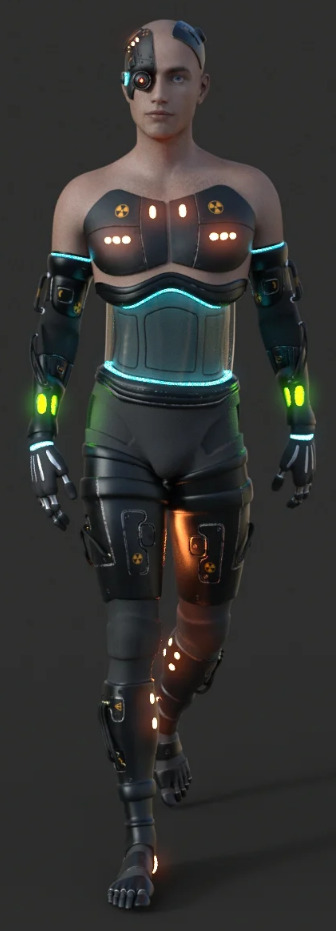
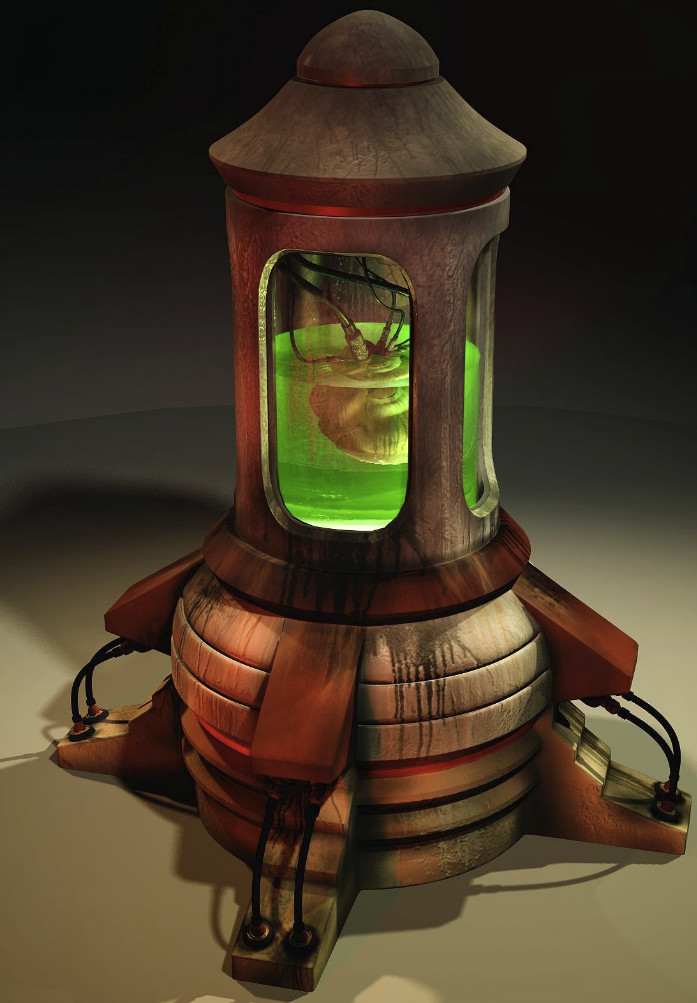
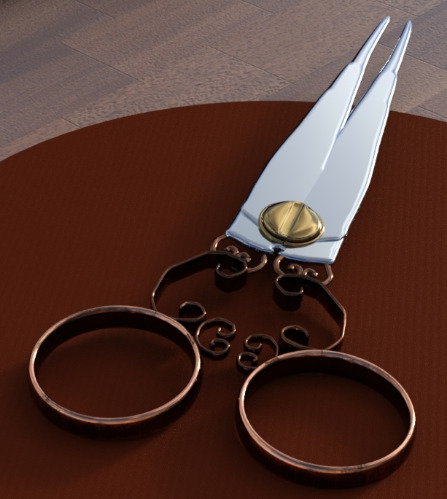
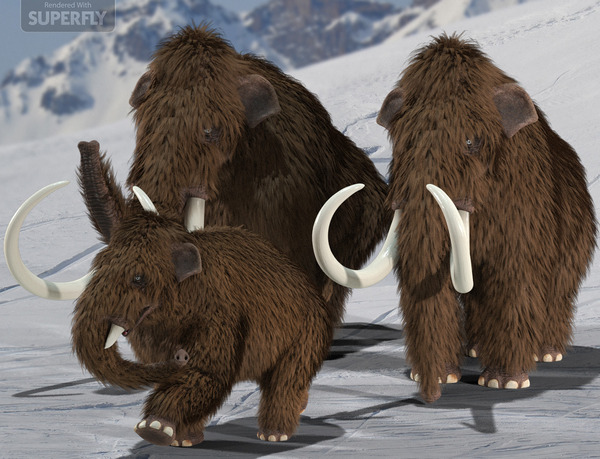
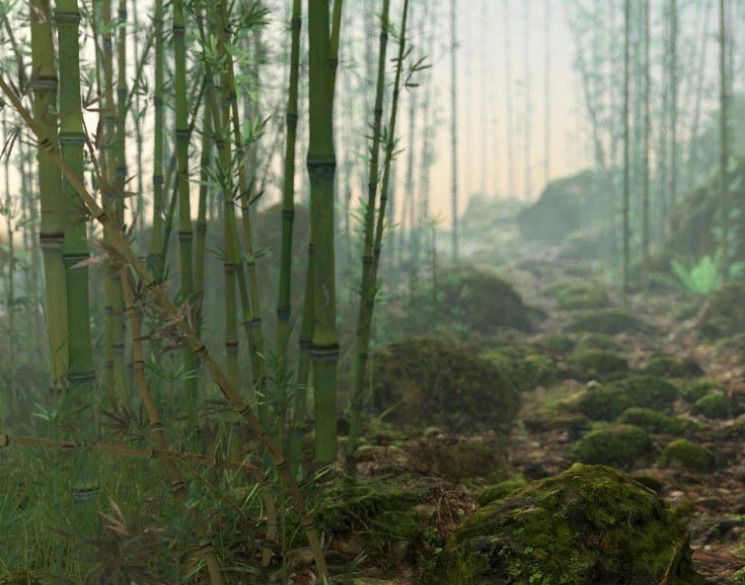
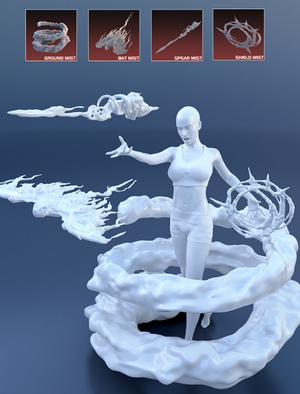
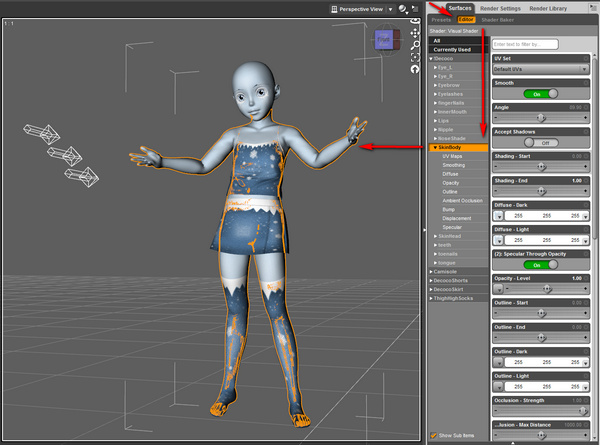
Want to make your fave 3D characters into cute sewn-fabric plushies? Thomas Kole’s Seams to Sewing Pattern promises to as least get you a viable sewing pattern from a 3D model. Theoretically, it appears that the DAZ and Poser to-Blender scripts should give your figure access to the script in Blender. Relatively simple toon figures will probably work best.
Category Archives: DAZ Studio
Tasty Tafi
Tafi has taken on the task of making game-ready DAZ conversions for the Unity Game Engine, and to a level that will satisfy real game-makers. Around 300 of them are on the Unity Store now. The prices are right, especially as it seems they can be put into commercial games royalty-free. Though I’m not 100% certain of that. The licence info is rather basic on the page. Perhaps there’s a big legal agreement in the download?
Poser/DAZ Content Survey – January 2021
It’s near enough the end of the month, so it’s time for my regular survey of this month’s new and eye-catching DAZ and Poser items.
Science fiction:
A free Obalisk for DAZ Studio. Simple, but effective.
A free Tank Body with a sci-fi Syd Mead feel to it.
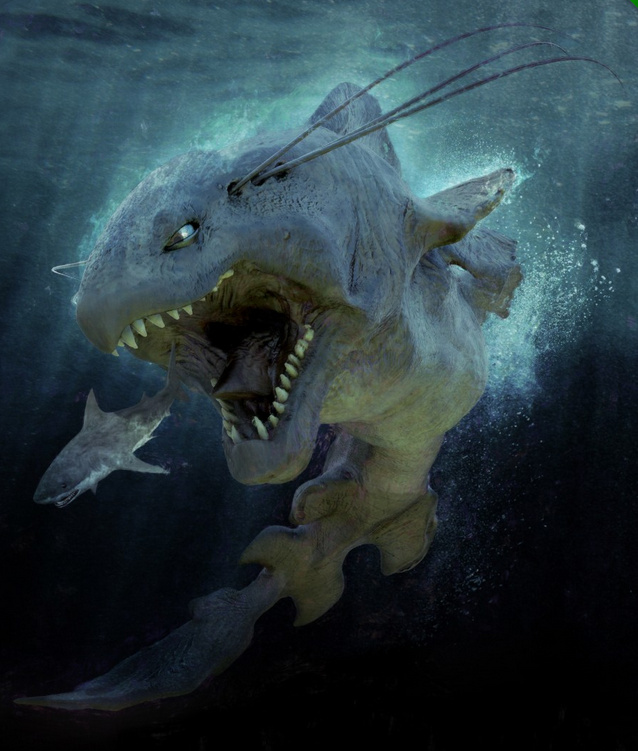
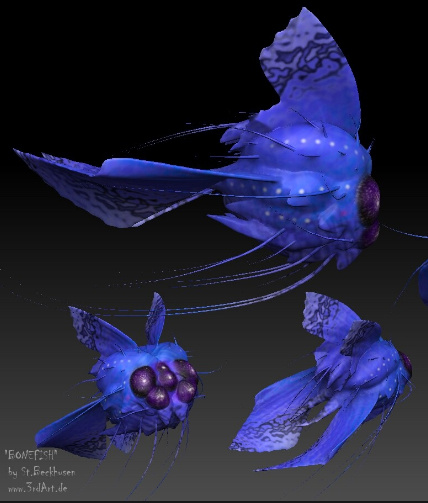
Bonefish as a static .OBJ and .FBX. Low-poly so you could presumably scatter and flock them in a large underwater scene.
Pick it Up G8F poses, which could be useful for action superheroes. Likewise the Look at That G8F pose set.
Steampunk:
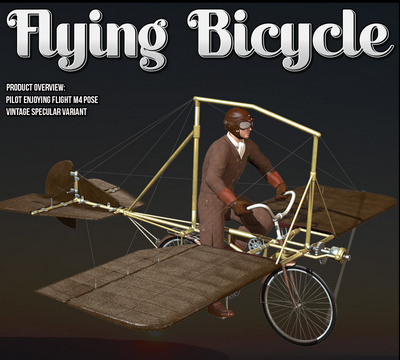
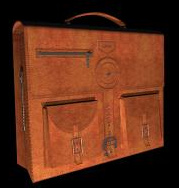
Possibly also useful for the bike, the GrossArts Air-Propeller for additional lifting power. Need a map-case for a trip on the flying bike? Take a look at the free Cartable. I seem to recall this does not install well.
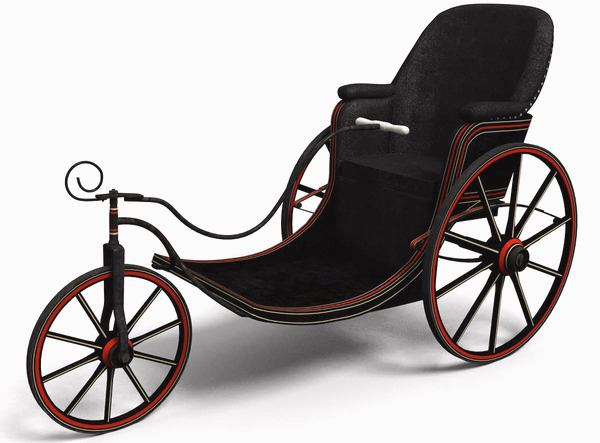
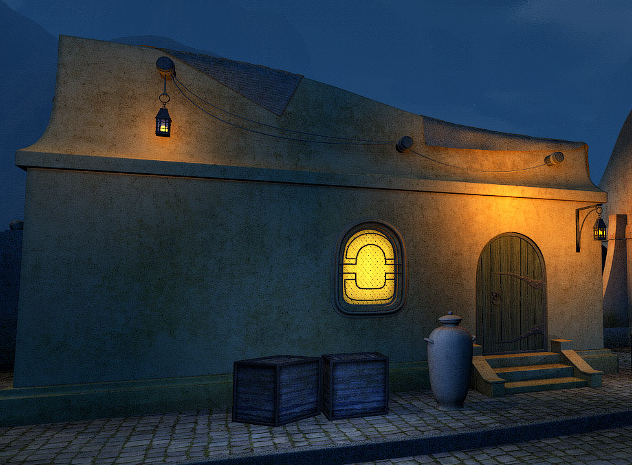
A free Steampunk Bike in Collada format.
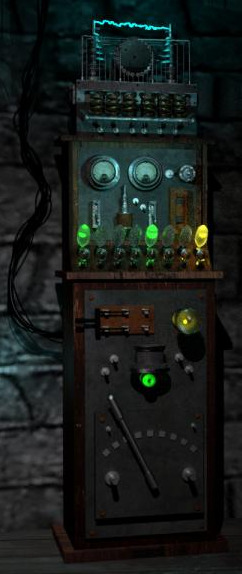
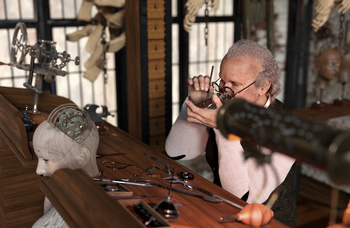
The Watchmaker and the Automaton for DAZ Studio.
Allan Quatermain Adventurer suit for V3, now free. And in a similar old-school mode, a new free set of Michael 2 Expressions. While almost no-one now uses M2, some other old figure might be able to use them.
Fantasy:
Library of Wizardry, a nice variant on the setting that ships free with DAZ. Which I think is called Alchemy Chasm or something similar.
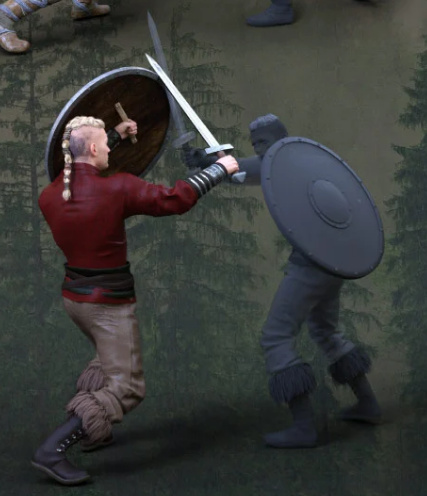
DA Sword and Shield Poses for Genesis 8. These are for round-shield fighting.
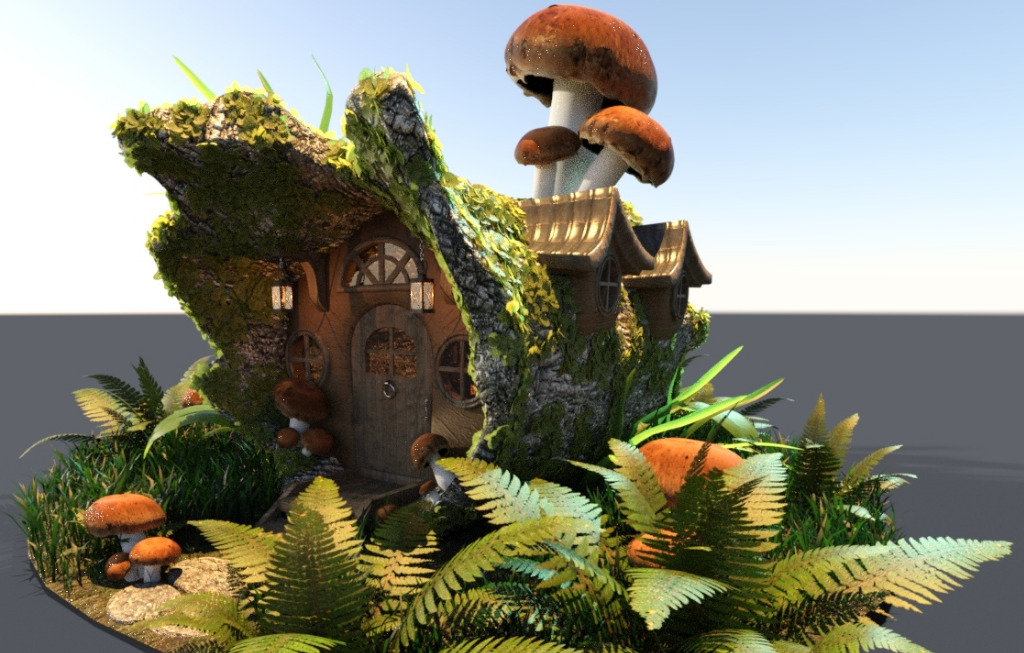
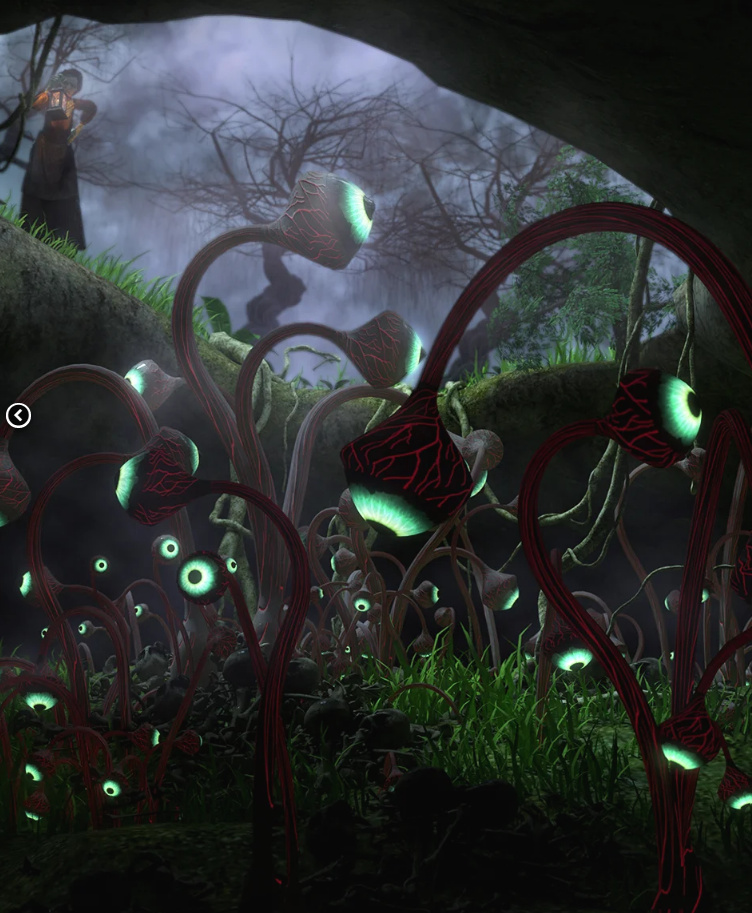
A curious Tree hut.
Historical:
Prohibition Alcohol Bottles and Barrels, Tommy Gun, Prohibition Delivery Truck and and Sedan. Also Prohibition Decals including bullet-shattered windows. All for DAZ Studio.
MS20 Country Store for DAZ. I’m fairly sure this used to be for Vue. Useful for use with the Prohibition-era items.
A Mississipi River-boat of the old paddle-steamer variety.
18th century Bicorne French hats in the Napoleon style.
FG Bluson Library, a 1900s-20s U.S. library, suitable for Lovecraftian scenes.
A Second World War Japanese Pillbox and accessories. Possibly also useful for a science-fiction comic, kind of like something you might see in a 1970s Moebius comic, with a sci-fi crystal glint to it.
A Soviet Tank Maintenance Station, which might also serve for other types of tank or even for sci-fi mecha servicing scenes.
Toon:
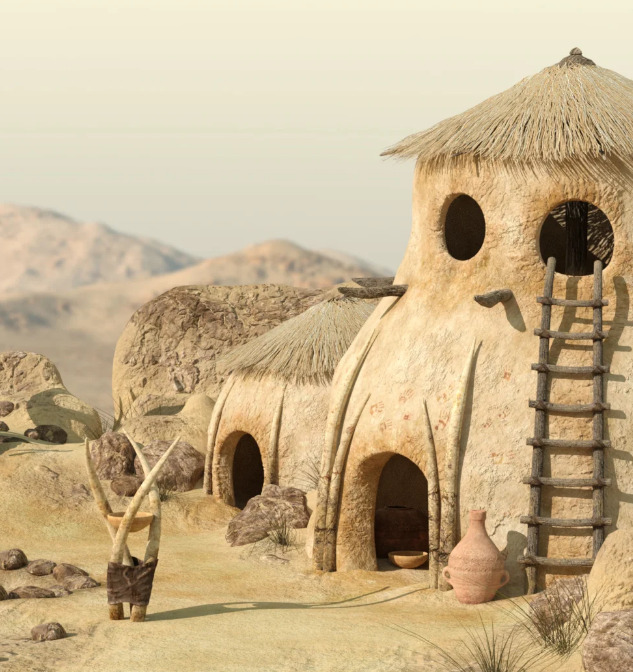
The Boneyard, a toony take on a stone-age setting and suitable for toon cave-men.
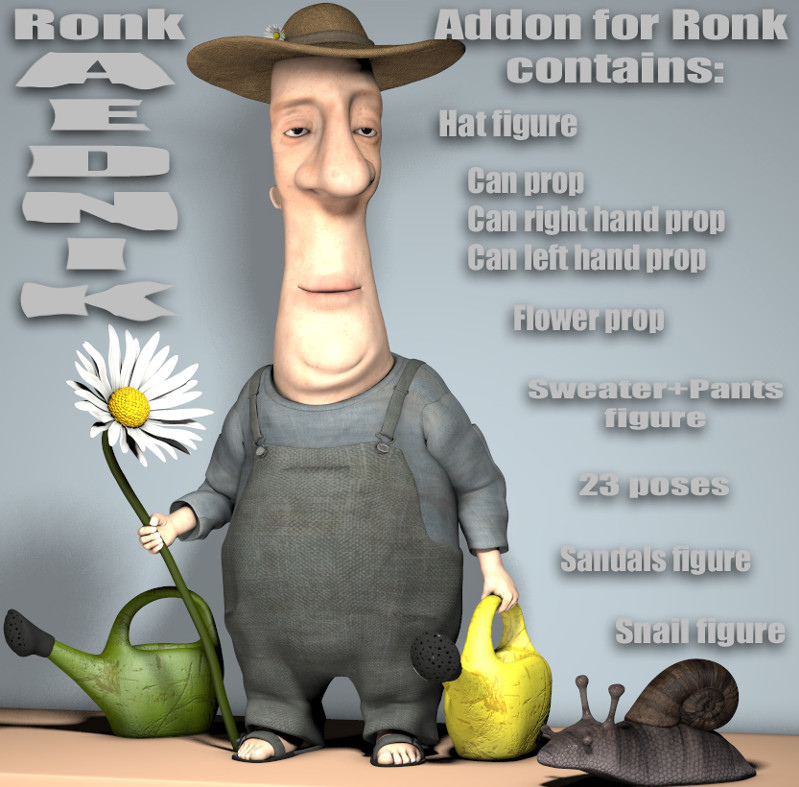
Ronk Artist – Clothing Add-on for Ronk, and Jeloda, both from Nursoda himself.
Also for Nursoda figures, Zlata Fashion, a free addon for Nursoda’s Zlata, and a new Space Pilot PigZZCommander outfit for Frankie.
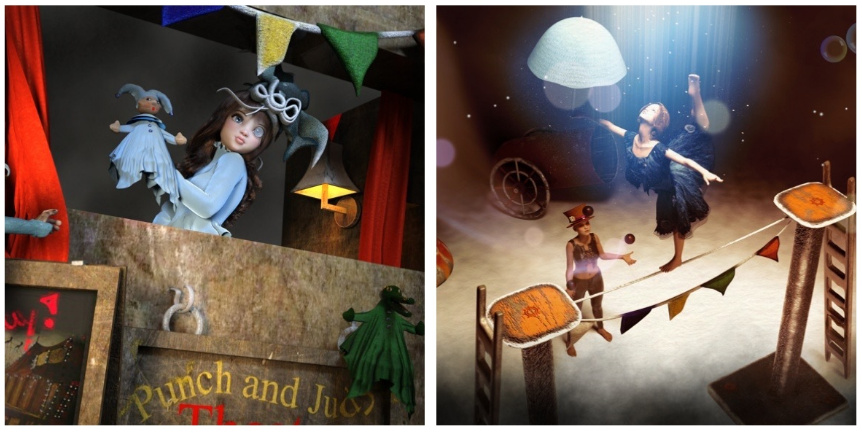
The Puppet Company, suitable for use with DAZ’s Lenore and the Raven gothic toon figures.
Also suitable as addons for Lenore and the Raven, a free Medieval chair and Stool.
Storybook:
Bugga Boo for Genesis 8 and Morphs.
Victorian-era Housemaid outfits.
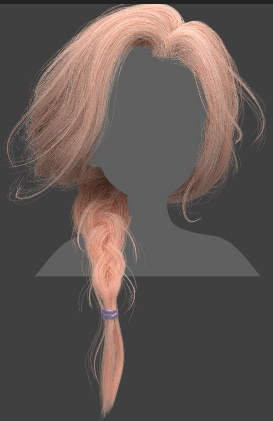
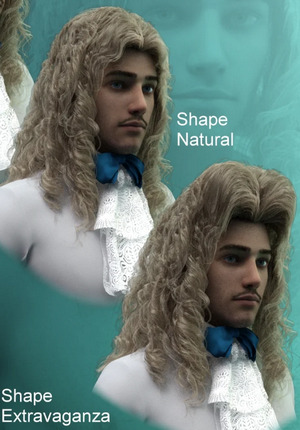
Emmy Lou and Her Dress for Genesis 8 Female, a ball-joint doll like character. With the hair being Untamed Curls.
A free Punch and Judy Theater for DAZ Studio.
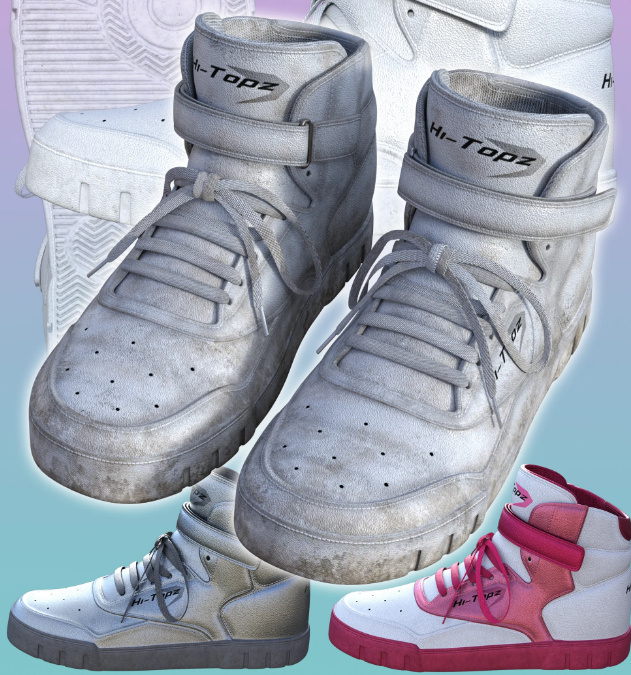
Scuffed up Hi-Topz Sneakers for Genesis 8 Female.
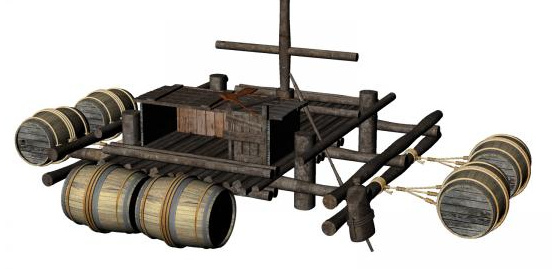
Wooden Float for DAZ Studio. A classic small castaway raft for small adventurers.
If your storybook’s lead character is on this raft, you may also need the new HF Powerful Swimming Poses for Genesis 8 Male.
Animals:
The HiveWire animal texture sets and their LAMH presets are now on Renderosity. Their creatures will presumably follow in due course. Some of Ken Gilliland’s bird packs are also starting to appear on Renderosity, having previously been at HiveWire.
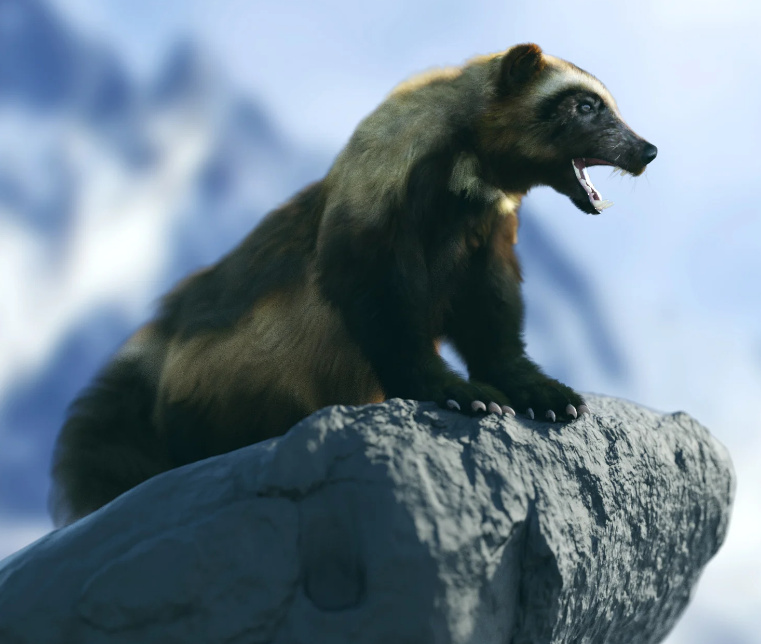
AM’s new Wolverine. You just know that some wag is going to make a miniature spandex superhero outfit for this one.
Ladybug, aka a Ladybird.
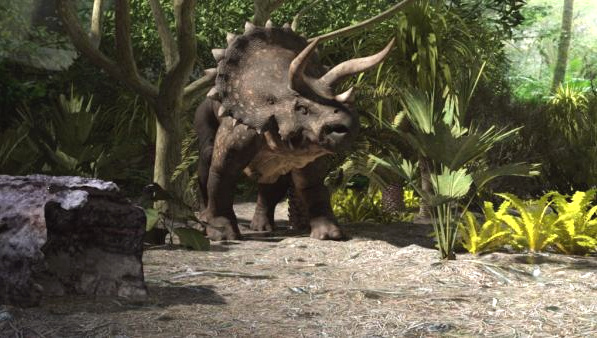
A free dinosaur-friendly Tropical Rainforest as a .DAE (Collada) file. A bit of a tricky format, but better than his previous format, in terms of ‘import -> save as native scene-format’.
African Acacia Tree, for use with African animal scenes.
Casual Cat for DAZ House Cat, a pose set.
I guess this one sort of belongs with the animals. A free Shaman Hat for L’Homme. For those mushroom-munching moments when you think the buffalo are telling you the secrets of the cosmos…
But let’s not forget that modern humans are also prone to the need to wear crazy hats and see visions… in which case you’ll be needing the free Tin Foil Hats.
Scripts and related helpers:
La Eyebrows Gone, to hide La Femme’s eyebrows. Useful if you want to manually draw them on later, perhaps for a graphic novel.
Find it – three Python scripts to help you automatically find the folder for the figure’s .CR2 files, .OBJ files, or the .MATs and/or Poses. Works like the Poser 11 Library’s “Find with Explorer” right-click, but after you’ve put a figure in the Scene.
Alienator Pro for DAZ Studio. Replace all instances with other types of props.
Hand Gestures Pose Collection 1 For Genesis 8. They end up in an utterly stupid folder name, “windfield”, where you would never look for hands in a million years. You may want to rename the folder “hands”.
Tutorials and learning demo-files:
Tutorials for Poser 12, a new YouTube playlist.
Digital Art Live has launched the free STUDIO forum, a virtual artists’ studio to hang out in and learn from others.
A 3Delight Render-engine Tutorial Workshop, as a webinar recording.
That’s it, more picks next month.
Tutorial: where are the Genesis 1 expressions?
One of the things that confused me about going back to explore the rich possibilities of Genesis 1 was… where are the figure’s Expressions in the Library/UI? A number of old forum answers, to similarly puzzled users, were confused and not very helpful.
There are two ways of accessing them.
1. The most obvious way only gets you to the third-party expression morphs…
‘Genesis’ | Posing tab | Head | Expressions.
There will likely be very few, or none in here, at least at first. They’ll be specialist expressions morphs like “Lion-man roars”.
2. The other and trickier way gets you to the standard human Expression morphs, or at least it does after installing the vital Genesis Evolution morph packs for Head and Expressions…
‘Genesis: Head’ | Posing tab | Expressions.
See the subtle difference? You open up the figure-tree and drop down to select the Head first, up in the Scene tab. Only then can you see the expression morphs down in the Posing tab…
Seven clicks, straddled between two panel tabs that may not be in sync, before you even touch an expression slider… it’s hardly ideal.
There can also be third-party Library packs of Genesis 1 expressions, which show up over in the Library under…
People | Genesis | Poses | ‘Expressive for Genesis’ etc.
It’s also possible you may find a few Genesis 1 expressions up in the AniBlocks folder. Some Genesis 2 packs also work with 1.
DAZ-zling!
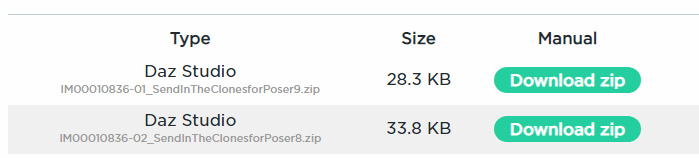
The DAZ Store builds a handy Library of your purchases, and very usefully allows re-downloads of .ZIP files, for manual installs. Sometimes for stuff you purchased years ago. It’s a good system. But in the last few days or weeks all the old Poser .ZIPs have been re-labelled as “DAZ Studio”, and here’s an example…
Good luck getting ‘Send in the Clones for Poser’ running in DAZ Studio 🙂 Thankfully the actual sales page still says only “Compatible Software: Poser”, so the Helpdesk team shouldn’t be seeing too many confused customers.
Other tests suggest the Poser installers are still in there, but they’re now mis-labelled. You thus have to squint at the filename and hope it has “Poser” in it, or see if the sales page states ‘Poser only’. Otherwise you have to download all the ZIPs and then open them locally to determine which would need to go in the Poser runtime and which in the DAZ content folder. It’s pretty easy to tell the difference… if it has a “data” folder, then it’s for DAZ.
Update: “Send in the Clones” is said to need Poser Pro 2012 with its service release SR3 patch. But I could not get it working even then, in a 64-bit Poser.
“It’s clobberin’ time!”
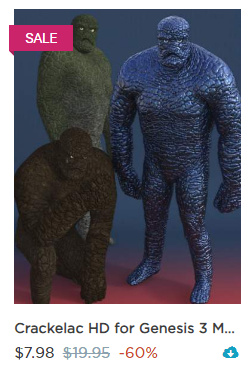
When Oskarsson had a big sale at the DAZ Store, I picked up a Genesis 3 starting-point for making Thing from The Fantastic Four.
He’s HD though, so expect heavy render times in 3Delight. Fine in iRay, though those without workstations may want to lower the HD figure SubDivision levels down to 2 in both instances.
In Shaping, adding 45% ‘Barbaric’ give you the extra body bulk, then ‘HFS Brows’ gets you a bit nearer the Kirby uni-brow, etc.
You of course make your own orange version of the texture and could optionally ‘ink in’ the crack lines. Adding ‘Superhero Underpants’ gets the basic clothing look (though I think longer ‘swimming trunks’ is the current look). Still not great, even then (see below) but it provides a starting point that’s better than any other I’ve seen. The legs and feet need more work and widening, the mouth needs to be wider and the chin rounder, and Thing only has three thick fingers and a thumb.
Update: HFS Fantasy Shapes – ‘Hands: Beast’ are also useful morphs for getting more over-sized hands. Similarly for feet. Regrettably there is no three-finger morph for Genesis 3, though there is said to be one in HFS Ultimate Shapes for G8. Shrinking the little-finger down, pinky by pinky (there are three sections) to almost nothing, is a basic substitute but not ideal. It would require some Photoshopping later.
Update: JoeQuick had a Thing morph and MAT for Freak 4.
Release: DAZ Studio 4.15.x
DAZ Studio 4.15 has been released, as 4.15.0.2 (7th January 2021). My last detailed consideration of DAZ Studio changes was back in November 2020, when I looked at…
What do I get if I move from DAZ Studio 4.12.1.117 (approx. midsummer 2020), to the very latest version 4.14.0.8.. (just released yesterday)?
… and I decided not to make the leap.
Ok, so what’s new in the latest 4.15 (Jan 2021)?
* It newly integrates the latest iRay 2020.1.3. Back in November 2020, iRay 2020.1.2 was a mystery. But it now has a DAZ-specific changelog along with one for the newly integrated iRay 1.3. Notable 1.2 additions were: bugfixes; “performance optimizations for some material paths”; “general improvements to volumes and materials featuring sub-surface scattering (SSS), both in performance/convergence and quality”. 1.3 has bugfixes and “fixes 3D textures being wrong with motion blur.”
So, sounds like 4.15 is mainly a useful upgrade for those using complex materials and motion-blur animation.
* Additions to the scripting API. The sub-link for this at docs.daz3d.com is current non-responsive, even when using an alt. DNS and/or a USA VPN. But the main changelog states… “Made additions in various areas”. I assume “additions” means new additions, not changes to existing scripting items that might then break old scripts. Perhaps these additions are part of the fixes needed to get DAZ working on the latest Mac OS, at a guess?
* Various in-scene opacity and tinting changes. Also “added support for visualizing an iRay Section Plane node in the viewport”. The latter appears to be about spaces that allow light through walls, such as glass windows?
All in all, then, there’s no outstanding reason for me to jump six months forward to the latest 4.15, and some drawbacks re: some of the small UI and labelling changes of render-engine and Viewport draw types. I’ll wait for the next version.
Looking at the official iRay Dev Blog, it has a new question about NPR and an interesting answer. This makes a future DAZ Studio look more interesting for me…
Q. Will iRay Toon be coming to DAZ Studio?
A. Unfortunately we cannot speak for DAZ. I’d hope that this will make it into a future release though.
This is, apparently, not the same “iRay toon” which some third-party DAZ Store products claimed to do circa 2015-18. It sounds like something official and currently known to the iRay devs and insiders. Of course, if it’s iRay then it will not be rendering in real-time (as with Poser 11 and the Comic Book Mode). Unless, presumably, the user has a $700 NVIDIA 30-series card and a PC able to keep up with it. It would make sense for NVIDIA to be developing such a thing for their forthcoming Omniverse releases, so I guess that could be it.
Also revealed by the developers on the blog is that…
In the next major release of iRay, we will also improve the filtering of normal maps and bump maps dramatically.
… which at a guess might even mean a boost for rendering speeds? A further guess would be that these changes could have to do with making a ‘iRay Toon’ render mode run sufficiently fast?
Poser/DAZ Content Survey: December 2020
Time for another monthly survey of the recent goodies released for DAZ Studio and Poser.
As usual, freebies are not covered here unless they have “commercial-use”, or are scripts which the maker doesn’t want sold by others, or are such obvious fan-art that everyone should know they can’t be used commercially.
Science-fiction:
All the sci-fi energy went into cyberpunk on the DAZ Store this month but — while they’re pretty — I assume they’re all ‘near fan-art’ for the big new 2077 mega-game. Which I hear flopped so badly it was taken off sale and buyers were refunded. Ouch.
Is your G8F working late at the lab, trying to get the new 2077 game working? She may be needing the free CyberGlasses 1 and 2.
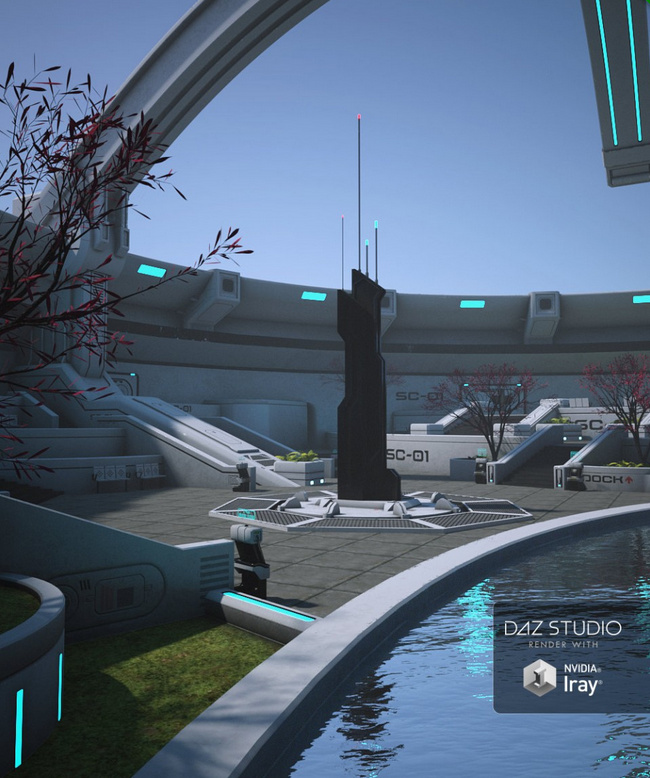
Sci-Fi Debris Field. A simple foreground vignette scene, ideally for a vast structure looming in the fog behind. But effective and detailed.
Steampunk:
v176 Iray Cobblestone Textures for DAZ.
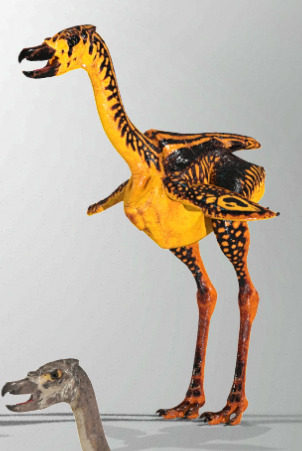
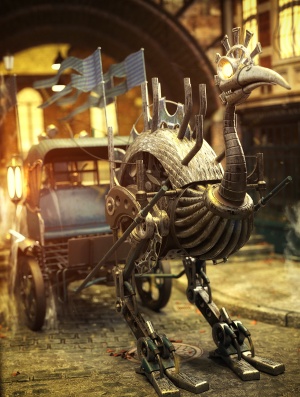
A Steampunk Ostrich and Cart Bundle.
Need a rest after your ostrich ride? Slump down in a free Armchair.
A free Steampunk Hat for Genesis 8 Female.
A free Drinking Fountain, of the sort you might find in the old streets of continental Europe. Useful street clutter for your steampunk scenes.
Not a Human Skull Morphs, which look ideal for unusual display-cases in your steampunk museum.
Fantasy:
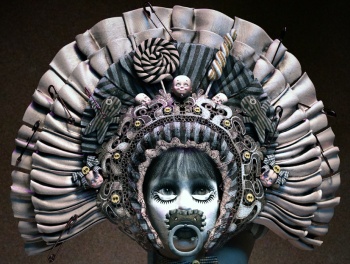
The Living Doll Bonnet. I assume the pins, dollheads and candy could be removed, to allow it to be given it a more sci-fi / Moebius makeover. I also assume it’s not fan-art, but I guess it might be similar to something from a game or movie. As usual, do your research before you commit to using renders from a Poser/DAZ item for a commercial project like a graphic novel.
A new addition to the fine riverine / island props of 1971s, a Pirate watchtower.
And swimming beneath the watchtower? Definitely the new Fishsnakes.
When the Fishsnakes attack, you’ll be needing the new Archery Animations for Genesis.
Animals:
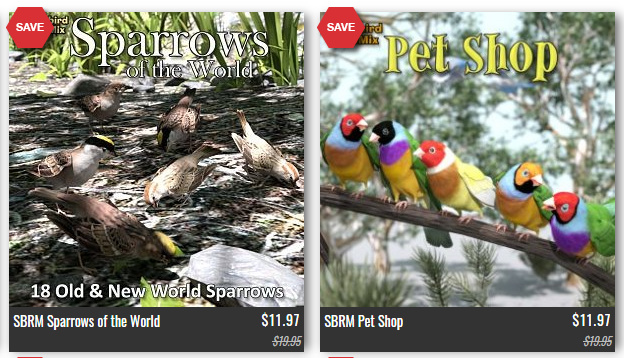
It’s plain Sparrows vs. fancy Pet Shop birds at HiveWire. The closing-down sale ends 4th January, when they load up the Ark and sail many of the animals over to Renderosity.
The Philosopher’s Egg store, that I haven’t been ignoring, just lost track of. Foxes, Wolves and Dog Breeds, all for the HiveWire Big Dog.
My Furry Friend Poses. Cat meets human, cat wins every time…
Storybook:
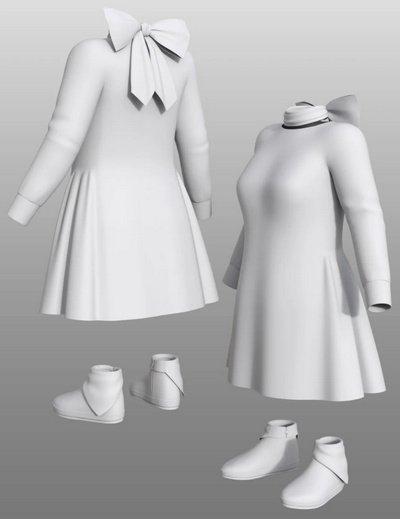
dForce Petite Style Dress and Scarf Set for toddlers.
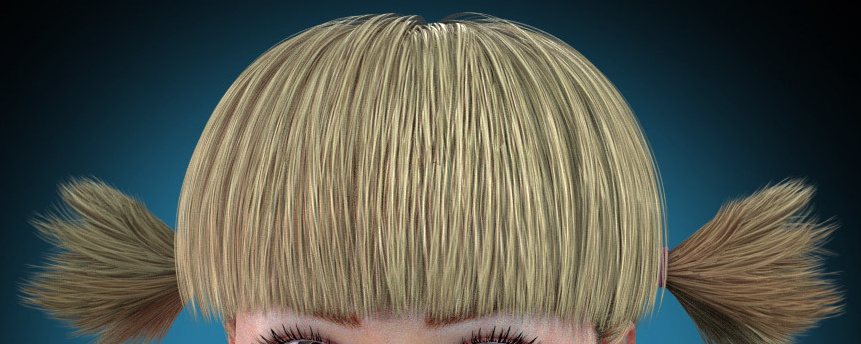
A new Hr-240 hair by quality hair-maker Ali.
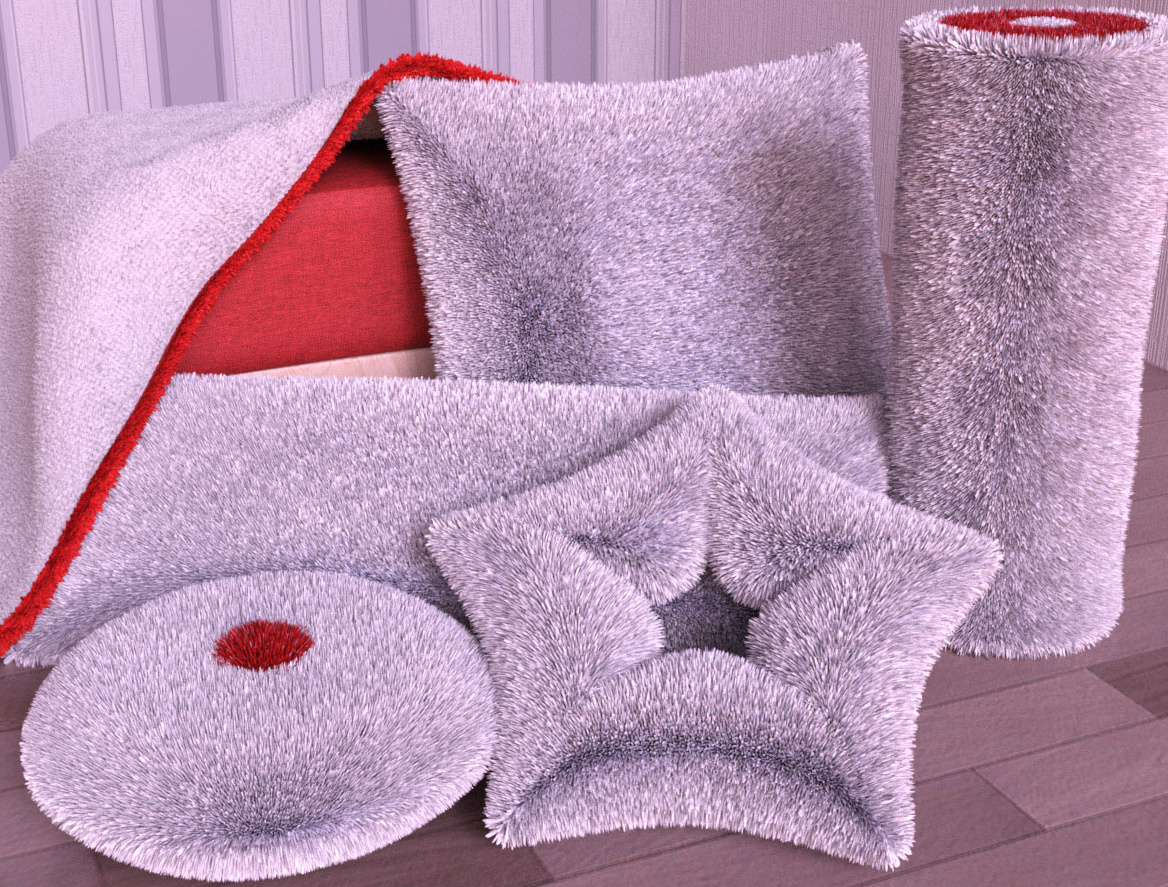
Cuddly Pillows and dForce Blanket.
Toon and semi-toon:
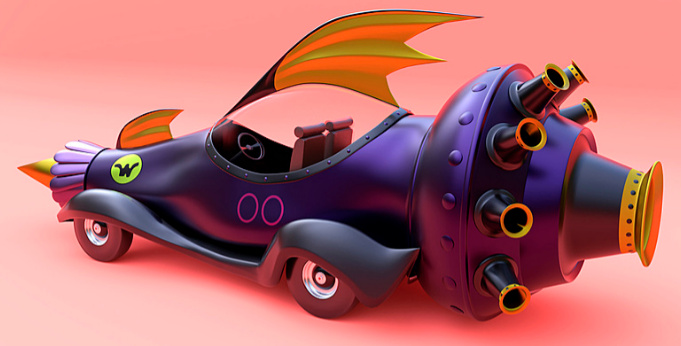
Race Car for Blender. Obviously only for Whacky Races fan-art.
Free Fancy Cats for Melody and Micah.
Mighty Mite’s Mega-Kitbashers’ Freebies 2020 for Daz Studio. With “stick-on” geometry that may be useful for those who use DAZ to produce “trace-over” renders for comics production.
Christmas:
Mix-n-Match Nativity Poses for Genesis 8.
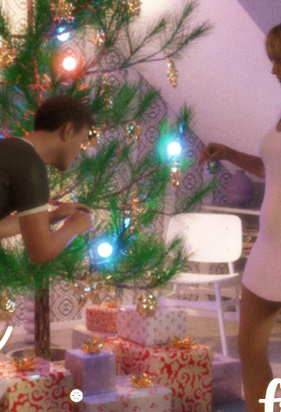
Free Decorating the Christmas Tree poses for G8F and G8M. And a free Mistletoe prop.
Waiting for Santa, a free Christmas doggie-house.
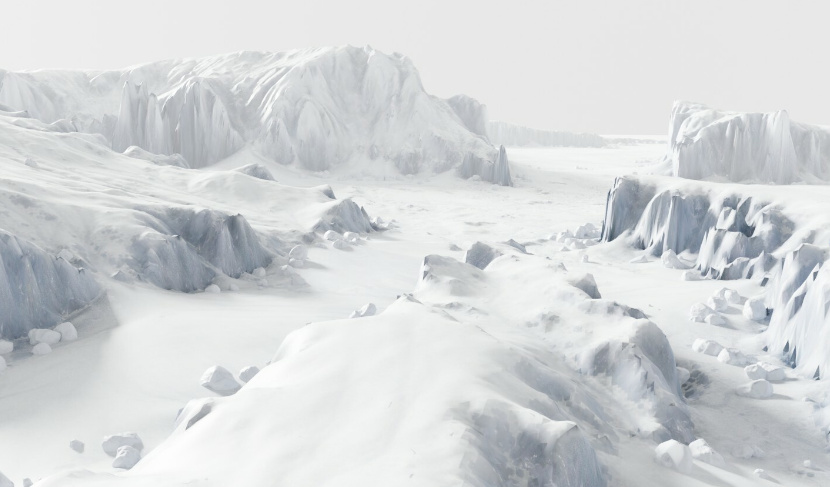
New from quality scene-maker Raffy Raffy, a $10 Polar pack-ice mega-environment for Blender.
To get your shivering scientists across that lot you’ll be needing the new free Wooden Sledge. Possibly a new DAZ conversion from Bryce?
Historical:
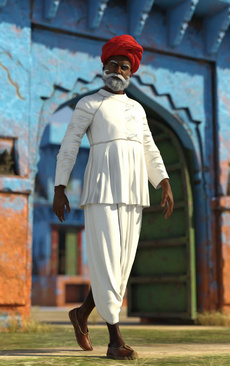
dForce Rabari Tribe Outfit for Genesis 8 Male.
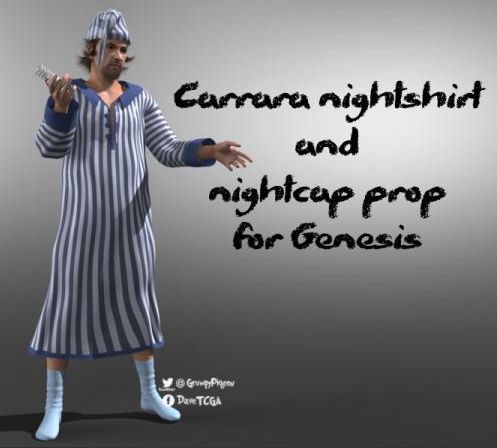
A Carrara Nightshirt for Genesis. DAZ Carrara can load the early Genesis figures.
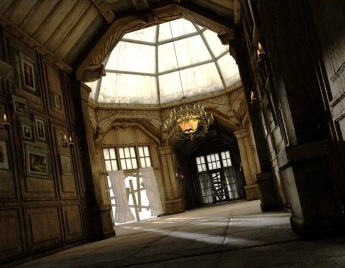
Nonesuch Court 2 for DAZ.
A free Windmill of the farm water-pumping variety.
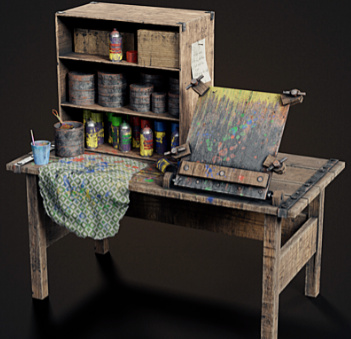
A worn Painting workbench for Blender.
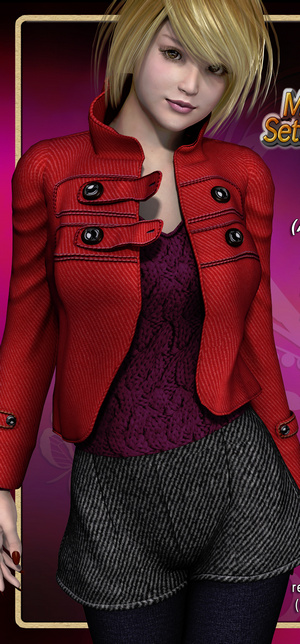
dForce Sophisticoat Outfit for Genesis 8 Males and textures. By changing some of the fancy threading on the ties, it could probably become more of an 18th century seaman’s coat.
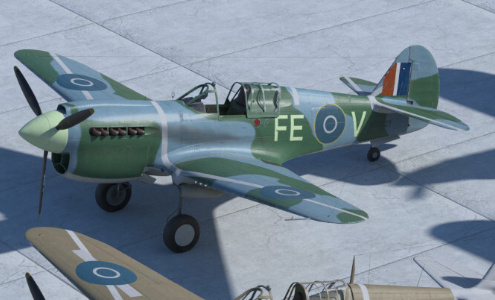
Textures for Snub-nosed P-40 Warhawk, for Poser.
Light Armored Vehicle Poses for Genesis 8 and Tank Crew Pose for Genesis 8.
Characters and figures:
Realistic Skin Shader for Keyshot. The latest Keyshot 10 apparently now handles hair/eyelash transmaps properly (I still haven’t had time to test that), and so some may want this for their DAZ-to-Keyshot experiments with figure imports.
Passiflora V4 by Tempesta3d, noted here because it’s a now-rare V4 offering and has a high quality skin MAT.
Copper Twinklefoot, a ‘late Michael Jackson’ a-like for DAZ, with a dash of Woebegone Alley for some of the morphs.
Free Spurs for Genesis 8 Female.
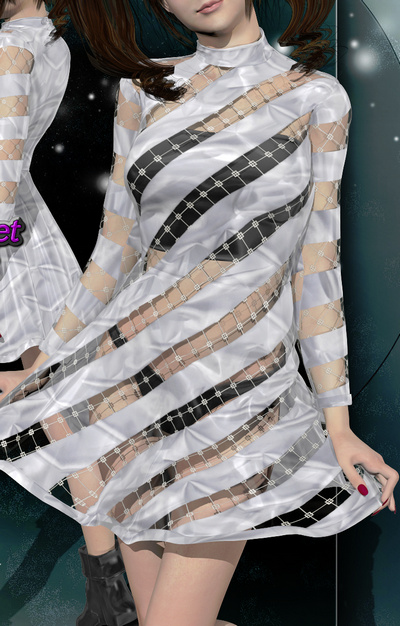
A simple free Mini-dress for La Femme. Possibly useful for recording YouTube tutorials where she needs to be covered up, but without looking either a frump or a floozie.
Scene addons, utilities and scripts:
Dreamlight’s Instant Fog for DAZ.
The free NVIDIA vMaterials 1.7 conversion set for DAZ Studio.
Feet Lock/Unlock script for ALL Genesis Figures. With a handy menu.
Three working scripts to load Poser’s saved render presets. For the first time, Poser’s Sketch .PZS presets can also be loaded by a script.
Restore Default iRay Engine Render-settings for DAZ Studio 4. It already has a “Defaults” button, but this may be of use for scripting-of-scripts.
Tutorials:
Eye Catching : A Tutorial on Character Eye Expression.
dForce Complete : Tutorial Bundle.
Tutorials for Poser 12 Early Access.
Ok, that’s it for 2020. Onward to 2021!
How to automatically open/close the sliding side-panels in DAZ Studio
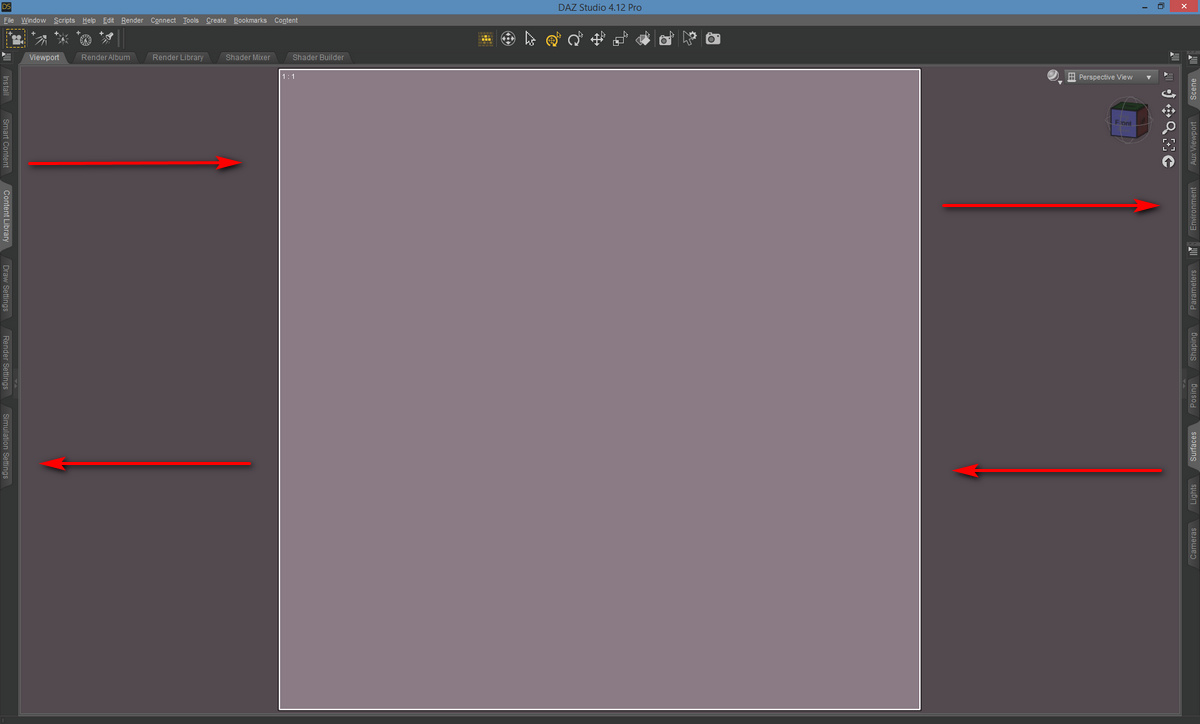
How to quickly show/hide your Dock Area panels in DAZ Studio? Also known as “the sliding side things” that hold tabbed panels such as the Content Library, Materials Surfaces etc, and which can slide in and out from the sides in the “City Limits” UI layout preset.
There appears to be no keyboard hotkey already set up, for having these slide in and out. But this can be done in 12 milliseconds by using the free and official Dock Area Toggle script. Who knew?
Great, so how to install this script and get it working with one keystroke? Or better still, with a single mouse-gesture?
1. First, save the script by clicking on its name on its demo page. It will download.
2. Copy the downloaded script file and paste it to ..\Studio4\content\Scripts — and optionally make a 91 x 91px PNG of the same name, to give it a pretty icon.
3. Open DAZ and your Content Library, and navigate to your Scripts folder. The toggle script should be up above the other script folders. Right-click on the script and choose Create Custom Action…
Accept with the default settings.
4. Up in the top there is a now a new menu-bar item, called Scripts. The dropdown shows the newly added item there.
5. Nice, but it’s still a bit “reachy and clicky” for something you could be doing several hundred times while making a picture. So, next we press F3 to bring up the Customize panel. This used to be accessed via: Top Menu | Window | Workspace | Customize, but now seems to have been removed from there. Pressing the F3 key on the keyboard still does the same thing, though.
So F3 has opened your Customize panel. On the left we see up top a section called “Custom”. Expanding this we see the newly added script located down at the bottom of the list. If you want to start over, you can right-click it now and delete it, then click Apply then Accept.
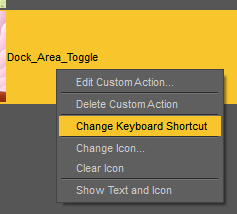
However, also available via a right-click here is a very handy “Change keyboard shortcut”.
Try setting this to something like SHIFT + P which is a Weightmapping Brush shortcut that 99.9% of DAZ users don’t use. Don’t forget to then again click Apply then Accept.
Now, you might think, “SHIFT + P, that’s going to be an awkward of finger-yoga on the keyboard”. Ah, but we’re not going to use the keyboard, we’re going to be clever and use a mouse-gesture to call the keyboard shortcut, and thus trigger the toggle script.
6. Install the free StrokesPlus utility. I much prefer this older version of the freeware. Set it up as seen, to use the right mouse button. Go to its Actions | Global Actions section. Choose an easy-to-remember mouse-gesture like “P”…
And attach to this gesture the code command…
acSendKeys(“+p”)
Note that capitalisation is important. acSendKeys works here, acSendkeys doesn’t. Using normal quote marks rather than fancy “.” curly quote marks may also matter. This command triggers SHIFT + P on the keyboard when you do the gesture.
Ok, all the set-up is finished. You now right-click on the mouse, draw the “P” shape on the screen, and the DAZ script is called and toggles the Dock Areas open. Do it again and they close.
The DAZ setup will need to be repeated for each version install, as the new version of Studio wipes the Script menu item and and keyboard shortcut setup.
7. Optionally set StokesPlus to start with Windows, by placing its shortcut in your Start-up folder. Its mouse gestures are also very useful in simply going quickly back / forward in your Web browser for which you want…
acSendKeys(“{BROWSERFORWARD}”)
acSendKeys(“{BROWSERBACK}”)
… and you can set it to teach your mouse all sorts of other tricks.
8. Back up the downloaded DAZ script somewhere safe.
9. Now that you know how to do it, other scripts can be placed up top on the top menu bar. And potentially be given mouse-gestures.
10. You can also explore the F3 “Customise” menus and delete from the UI a lot of buttons you never use, and add in more useful items on your ToolBars. Never going to Convert TriAx Weight to Node Weight? Or Edit Dform Joints? Nope, me neither. Delete their buttons and add in some useful stuff.
Release: NVIDIA vMaterials 1.7 for DAZ
Just released, 2,262 free NVIDIA vMaterials 1.7.0 Presets for DAZ Studio.
NVIDIA vMaterials are an official free 1.5Gb… “curated collection of MDL materials and lights representing common real-world materials”. MDL here means Material Definition Language, and this is said to be… “designed for physically-based rendering” (PBR). The materials are open source, so can be used in commercial renders, as can the new DAZ mega-bundle.
Judging by past partial conversions of earlier vMaterials packs, you will likely need to be rendering them with a recent iRay version — which means a recent version of DAZ Studio.
Realistic Paint Studio 1.2
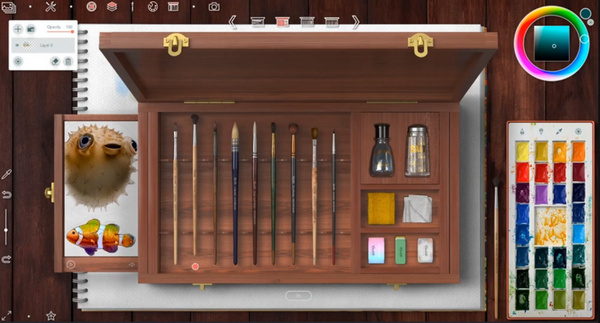
One software I had overlooked during all the Black Friday bliffle, because it’s so new…. Realistic Paint Studio 1.2. Still on offer for just $25 all-in, including the VIP brush set and with local sales tax not added. If you’re a digital painter — and even if you think you’d happy with Rebelle or Krita or Clip Studio or Photoshop — you’ll soon be kicking yourself that you didn’t get this unique one-time purchase software at this price. No fiddly labyrinthine menus, just a simple “real-world” UI with “real” tools you can pick up and use. Vibrant LAB-based colour and superb natural blending. Worth $25 for the “paint-along-with-me” built-in interactive tutorials, alone, I’d say.
Ignore the “NVIDIA” requirement in the specs, it runs fine for me on an AMD GPU.
Talking of bargains… it’s the last day of the 40% DAZ Studio sale today. Here’s a useful tip: make sure to always look down under a manual “Low Price” re-sorting of the Store, before you Checkout. There’s often a fleeting one-day high-value freebie to be found there these days, that doesn’t show on the main Freebies page. You’re welcome.
Release: NVIDIA Omniverse
NVIDIA Omniverse has been released in open beta. In its current form it appears to be an extensible virtual production studio, giving teams the ability to… “simultaneously work together on projects with real-time photorealistic rendering” but also to “work concurrently between different software applications” via Omniverse Connectors which bridge into “leading” content creation software. Most interestingly, there is a promised Connector bridge to the free Blender in the near future. Naturally, your studio’s creatives all need to be brewing their wizardry on fast n’ shiny NVIDIA graphics cards and Windows.
The Omniverse platform is only in open beta at present, but already has several working modules within it. Including ‘Omniverse View’ for architects, and ‘Omniverse Create’ for designers and creators. It seems to use the Pixar USD format for universal ‘in-out porting’ of the 3D scenes and moving them around the various applications?
“Early next year” this virtual studio platform will see the release of…
“‘Omniverse Audio2Face’, AI-powered facial animation; and ‘Omniverse Machinima’ for GeForce RTX gamers”.
Machinima being the term for real-time WYSIWYG animation using a game-engine, and from the sound of it ‘Omniverse Machinima’ seems to be tilted toward Unreal Engine users and TV studios — rather than the hobbyist crowd that is currently using iClone.
The ‘Audio2Face’ module is more interesting and will aim to have an AI… “generate expressive facial animation from just an audio source” without any need for expensive and fiddly camera-based mo-cap. That makes a lot of sense. Train an AI to match millions of audio vocalisations with visual expressions, then have it generate expressions purely from audio. In fact I’m a bit surprised such a thing doesn’t already exist in software — beyond the existing ‘vocal audio to mouth phonemes’ lip-sync automation. But perhaps animating a full face and escaping from ‘the uncanny valley’ in real-time may need a Cloud connection and a zillion back-end NVIDIA GPUs to work? My guess is that you would need a second AI to weed out the “ugh, no… uncanny valley” results.
Anyway NVIDIA Omniverse looks good and may even be free(?), albeit after the entry-ticket price of a 30-series NVIDIA graphics card and (ugh) Windows 10. When it’s all polished up and hooked to a Blender bridge, that could make it very interesting for small indie animation studios. But what are the prospects for non-techie hobbyists? Well, DAZ is also an NVIDIA partner, so I guess if DAZ Studio implements a Pixar USD-format bridge then they could also enter the Omniverse?
NVIDIA Studio Drivers for DAZ
Who knew? NVIDIA Studio Drivers…
NVIDIA Studio Drivers provide artists, creators and 3D developers the best performance and reliability when working with creative applications. To achieve the highest level of reliability, Studio Drivers undergo extensive testing against multi-app creator workflows … for the latest releases of top creative apps, including … DAZ Studio.
Good to know about this alternative to NVIDIA’s mass-market videogame graphics-card drivers, especially if you’re about to plunk down cash for a new graphics-card.
Not having been an NVIDIA card user for many years now, other than the antique NVIDIA Quadro in my Xeon workstation (which has its own drivers, and is anyway now too puny for modern software to consider using), I hadn’t known about this line of drivers.
24 Days Of Christmas Freebies at Renderosity
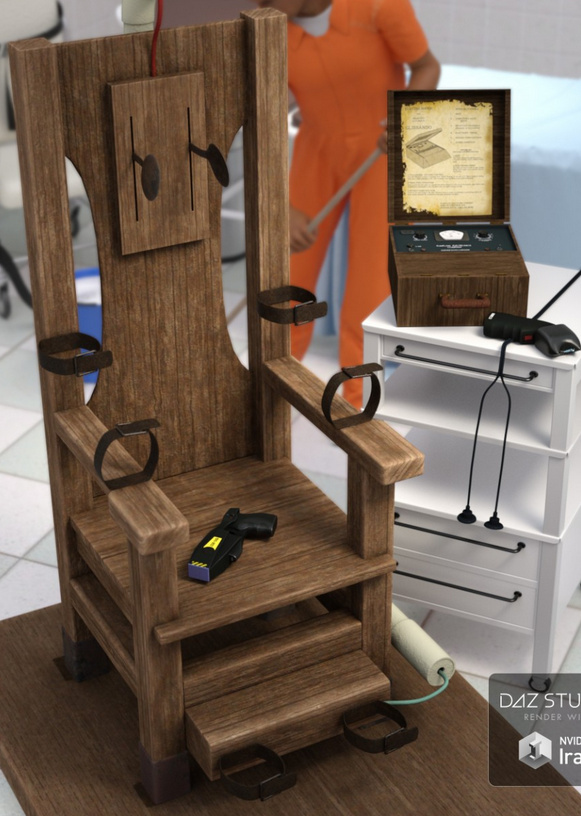
24 Days Of Christmas at Renderosity, a fun Advent Calendar that is now slowly filling with freebies. I’m not sure the bloody Guillotine Props Set is really suitable for Christmas, though it’s from RPublishing and thus it perhaps wryly symbolises the Poser 12 developer workload and its shipping-date deadlines.
Amazingly, I had somehow managed to miss getting Powerage’s Pacificator for Poser, over the years, but it’s an Advent Calendar freebie and I have it now…
There’s also a free Textures Pack for Pacificator if you want to make it look jazzier than my quick real-time Comic Book render shown here.
Also note the new free preset to Restore Default iRay Engine Render Settings for DAZ Studio 4. Very useful if something you loaded as an experiment (such as HD morphs) has messed with your settings, or you’ve been fiddling with the settings and things have not gone as planned.
For some reason, under any version of DAZ Studio and across different PCs, I have never ever been able to get anything at all to show up in the “Presets” render panel…
I can only assume it’s an un-fixable perma-bug. This freebie is exactly the same in this respect. Nothing shows up there after install.
The clunky workaround is then to drag-drop the “Restore Default iRay Engine Render Settings” .DUF file to the DAZ Studio Viewport. This will reset the iRay settings to their defaults, and also sets a 1600px render setting.
Apocalypse Girl – now complete and available for the Kindle
Did you get a shiny new 10″ Kindle on Black Friday? Need a comic to put on it? There’s a new graphic-novel, from well-known store vendor Sixus1 (Les Garner), and it’s now a complete story. I’ve just spotted that his final Apocalypse Girl #6 issue landed on the Amazon Kindle store at the very end of September, thus completing his graphic novel of Apocalypse Girl…
“Dogs of War”, the conclusion of the first Apocalypse Girl” graphic novel
Congratulations to Les for getting it completed and published!