That Creative Cloud version of Adobe creative software, the one that’s ‘always there’, wherever you are? It was unavailable for 27 hours this week, and on weekdays too. Some say 48 hours.
Movie: Visual Futurist: the art & life of Syd Mead
Trailer for the feature-length 2007 documentary Visual Futurist: the art & life of Syd Mead.
If you like his vision I have a 3D content survey, recreating Syd Mead’s vision in DAZ and Poser.
ArtStation
Lovely new pro-am high-end CG art gallery site, ArtStation…

‘World enough, and time’
Yesterday I stumbled across Drea Horvath’s guide to faster render times in Vue. So I gave my old Vue one last try, and actually managed to make my first real picture with it. Now that I seem to have found out how to reduce Vue’s aeon-long default render times, it seemed appropriate to make a picture about endless time vs. the fleeting moment. And jaggies. Giant jaggies. 🙂

“World enough, and time” (2014. Vue + DAZ content.)
Update, July 2014: looks like Drea’s website went down and she had to move URLs. As a consequence her blog has lost all its images. Archive.org doesn’t have them all. Here’s my screen capture backup, showing her Vue render settings…

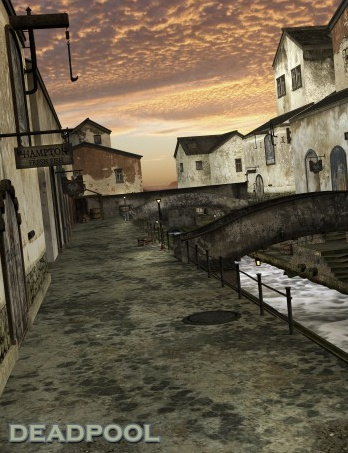
Dead Pool, Innsmouth
Update addition to my H.P. Lovecraft 3D resources survey:
Antfarm’s Dead Pool could be a stand in for the working fishing port section of Innsmouth.
Content survey: alien life (not characters)
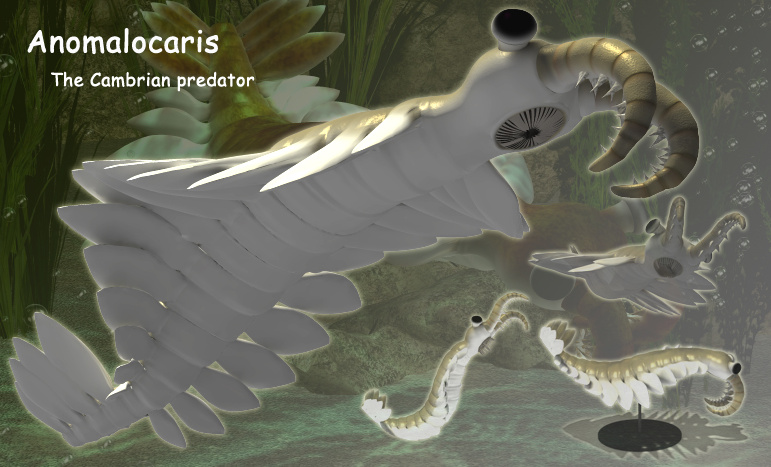
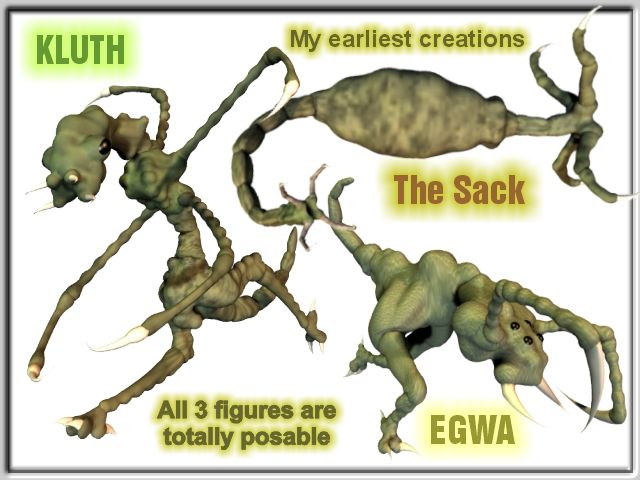
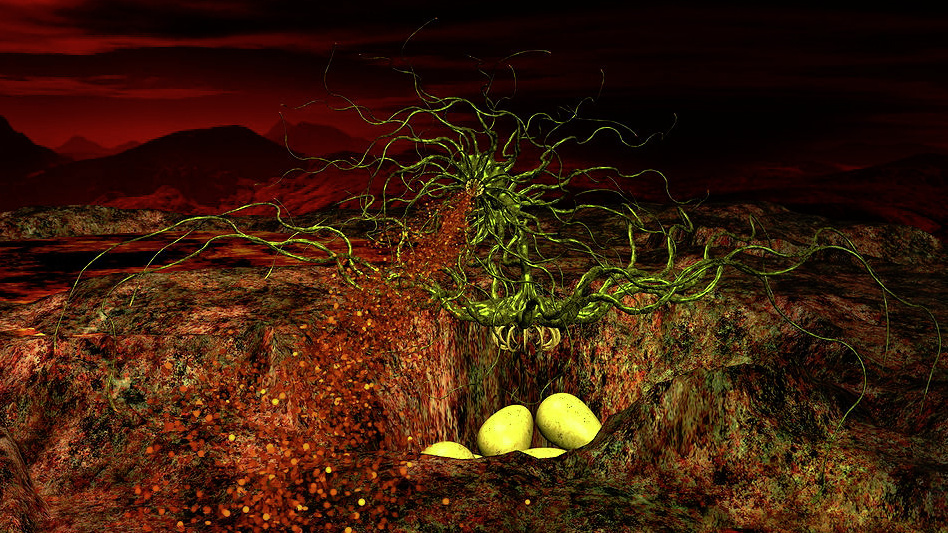
Here’s my survey of alien life forms (xenobiology) for your DAZ Studio and Poser 3D sci-fi landscapes. The focus here is on what you might call natural or “just hanging around the waterhole” alien creatures for sci-fi scenes, rather than on humanoid alien characters or movie style ‘enemy alien’ characters.
Styrax. Update: This appears to be one of the items which vanished with the demise of the RuntimeDNA store. The head could be Photoshopped to make it more like a flamingo, and the arms removed, so that it’s more of a herd animal…

The Animotions store seems to have inherited some early Davo creatures…
Catamaran’s Downloads has an OOoomph and an Inner/Outer Space floater. Both are free, but for non-commercial use only..

For more free air floaters see old Poisen floater freebie. They might work well with the occasional SkyManta…


‘Alien plants’ are a whole other topic, but I really like the look of the new Alien Plants DAZ/Poser pack from Petipet.

That’s it. Steer clear of the Gallumpaburps — they bite!
DAZ and Poser: new content round-up
So what cool or useful paid stuff have DAZ Studio and Poser users had in the last six weeks? An avalanche of content has come out, to the extent that Renderosity almost needs a “don’t show me girly hair / clothes / colours MATs” filter on its What’s New pages. But these are the new paid packages which especially caught my eye…
Viking Village Bundle. Containing one of the great wooden architectural forms of the world, a Viking Stave Church.

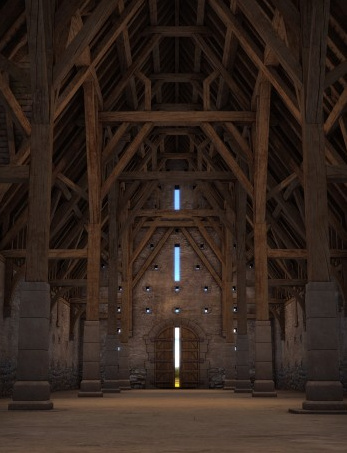
Sadly it doesn’t appear to include a detailed interior. Although, at a pinch, the Tithe Barn interior might serve (although it has stone in it, and stave churches were 100% wood)…
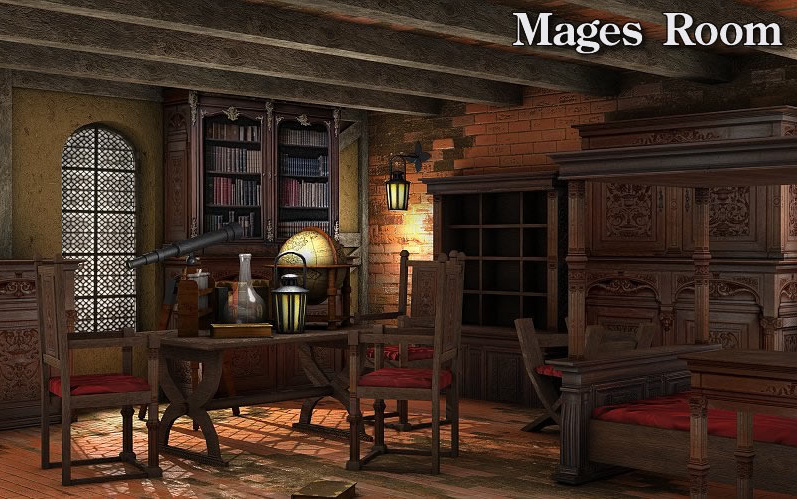
Poser and DAZ users have had plenty of wizard rooms before, some of them excellent. So I was willing to pass this new one by, until I saw the name “Dexsoft”. They’re an outstanding modelling company which usually serves the videogames development industry. It’s good to see them moving into DAZ/Poser content. So you might want to take a look at their new Mages Room for Poser.
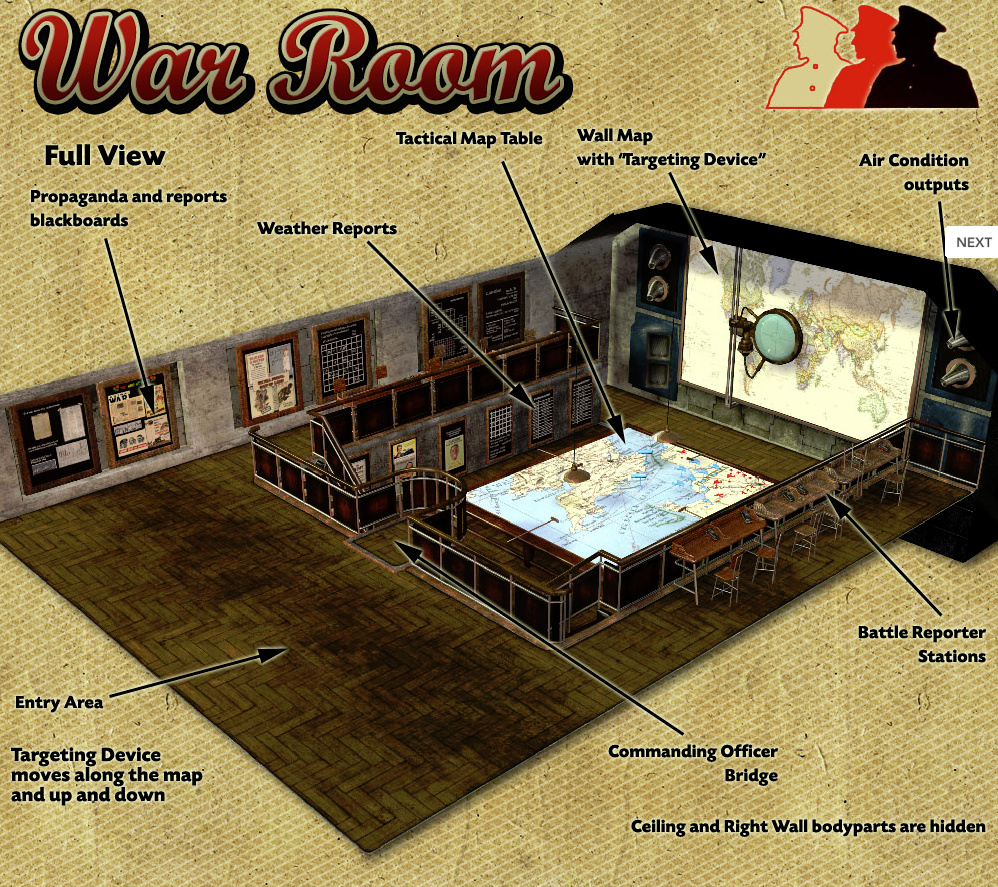
Another room is the unusual War Room from Cybertenko. If you need a Second World War or Valvepunk map / Operations room, this looks like the one…
Badkittehco’s Ragnarok Mask came out a few months ago, but I seem to have missed it in my previous sweep of new stuff. There have been a few like this before, but this is obvious quality….

Also from Badkittehco, this new Dr. Love’s Love Clinic neon sign could add a touch more humanity if added to one of Stonemason’s science fiction city scenes. Badkittehco is looking like a designer to watch for in future.

AJ Expo-Cars Hall doesn’t appeal to me as a car showroom: I’ve never been partial to the “Oooh! Shiny red car!” approach to 3D. But it could probably be adapted for a Tron: Legacy style scene or a sci-fi / Tony Stark / James Bond sort of stage set. Includes an .OBJ version, so Carrara and Vue users should be able to load it easily. Although note that there’s a complicated explanation of the textures, which suggests you may not get the same glow/shine results in other software.

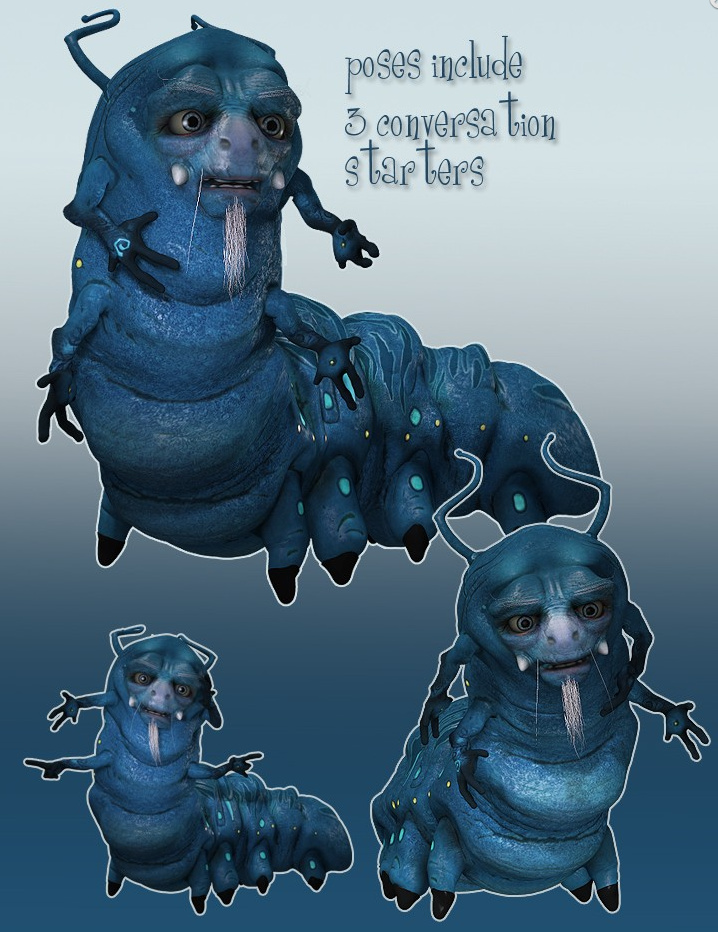
Finally, a new AntFarm character is always welcome. His latest is the Hookah Cat. Obviously modeled after Tenniel’s famous creature in Alice in Wonderland, but fatter and with a face that evokes Sylvester McCoy playing a 1970s British hippie hash-dealer. For Poser and DAZ.
Vue 2014
Vue 2014 appeared just before last Christmas. I think it must have passed me by completely. But, better late than never, here’s a quick list of the new features which caught my eye in the surprisingly sparse number of reviews…
* “FBX geometry importing, which supports textured geometry”. Sounds promising for those exporting a posed FBX foreground from DAZ Studio, thought .obj + texture re-sizing is probably still the better export option..
* Ability to… “configure the interface … presets include 3ds Max, Cinema 4D, Lightwave, Maya and Softimage – or long-term Vue users can leave it as the default.” Not sure if it’s a few simple presets, or if you can drag stuff around to suit yourself.
* Your mouse wheel now zooms you in-and-out of a scene. Useful.
* A new and “better lighting model , “Photometric”. Looks great, but doubles the render time (groan).
Vue’s Poser store
Maybe I just didn’t notice it before, but it looks like Cornucopia (content store from the makers of the Vue landscape software) have recently added a Poser section to their store.

They have 110 items at present. Presumably it’s all pre-tested to ensure it also works fine in Vue? (That’s just my guess).
Cuteness Overload Alert!
Littlefox has followed up her fabulous toon unicorn character with… new baby unicorns!

Shifter, follow-up to Anomaly
Remember Anomaly, the really cool graphic novel made with Poser and DAZ Studio and Poser content?

The follow-up, an interactive Android production called Shifter
9 Epic Chapters
200 Fully Painted Pages
65 Interactive Touch Points
875 Panels of Art
2½ Hours of Audio

“Even without the digital features, Shifter is an engaging tale. Kunrong Yap’s illustrations are vivid, and the story, written by Mr. Brittenham, Mr. Haberlin and Brian Holguin, is fast-paced and captivating.” — New York Times review.
Mined out
As Bitcoin miners sell off their nearly-useless graphics-card stuffed mining PCs, where will those machines go? The miners are either going to be left with awesome videogaming rigs (Skyrim at 8000px on a wall-size HD TV, anyone?), or else the Poser/Daz 3D rendering market is about to see a flood of high-end graphics cards on eBay. Those running a GPU renderer, and in the market for a ninja graphics card or two, may want to keep an eye on eBay in the coming months.
Poser Direct’s freebies-with-purchase offer
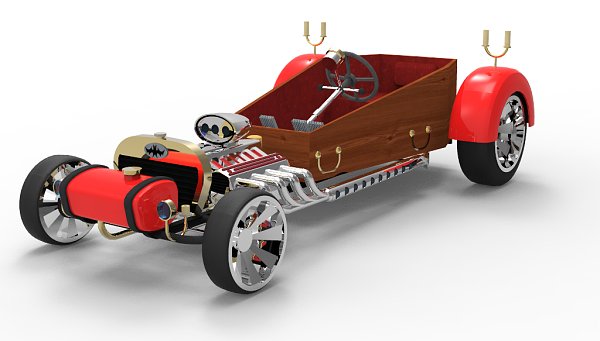
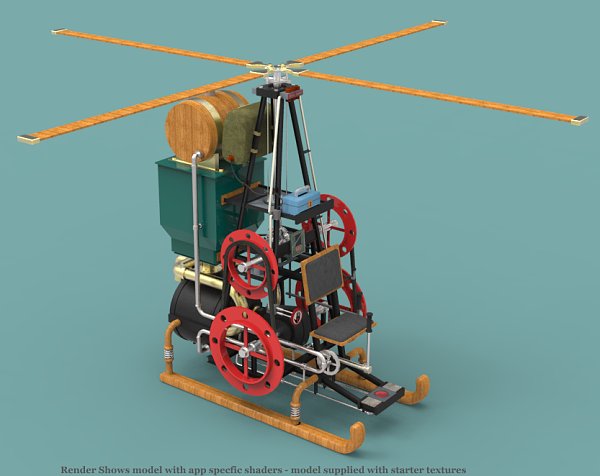
New freebies for DAZ and Poser
Here are some of the freebies I’ve noted this month for DAZ Studio and Poser users:
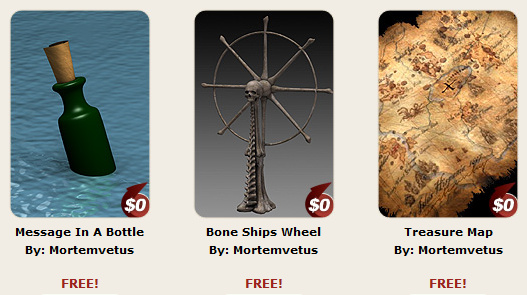
Timbers are definitely ‘a shivering with Mortemvetus. A message in a bottle; the wheel of a haunted pirate ship; and a treasure map. (Aug 2017: link fixed)
Pirates vs. Vikings? In 3D-land, anything is possible! Viking Longboats as .obj models with textures. And the Gabare, which is more of a coastal trading vessel, and also done as .obj models with textures. The textures loaded up fine for me.


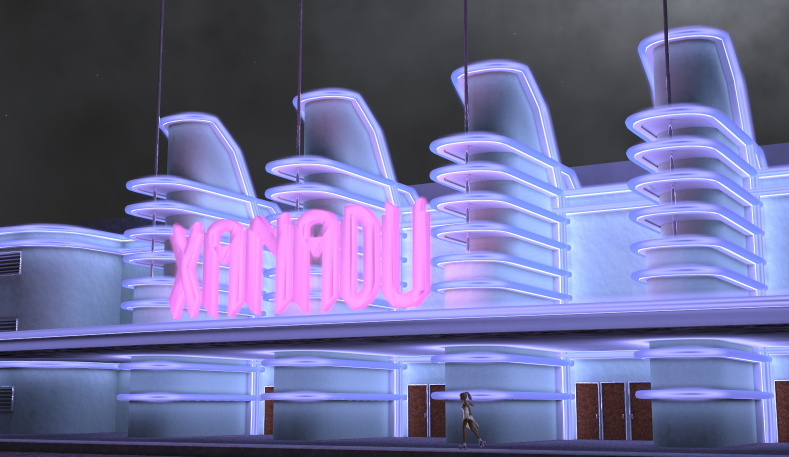
Xanadu looks rather good, if you need a “1940s USA” look for a scene. I guess you could also turn it 90 degrees, add another copy, and stick it far in the distance behind some haze — to serve as a sci-fi tower?
Gasbit is a Poser-rigged free character. I’m guessing that a bit of extra work, and some Photoshop magic, might also turn him into more of a semi-toon astronaut boy…

“Meet me at the Abandoned Warehouse…”
Yet another great new scene from Stonemason, in his growing abandoned city series. Abandoned Interiors: Warehouse joins the set.