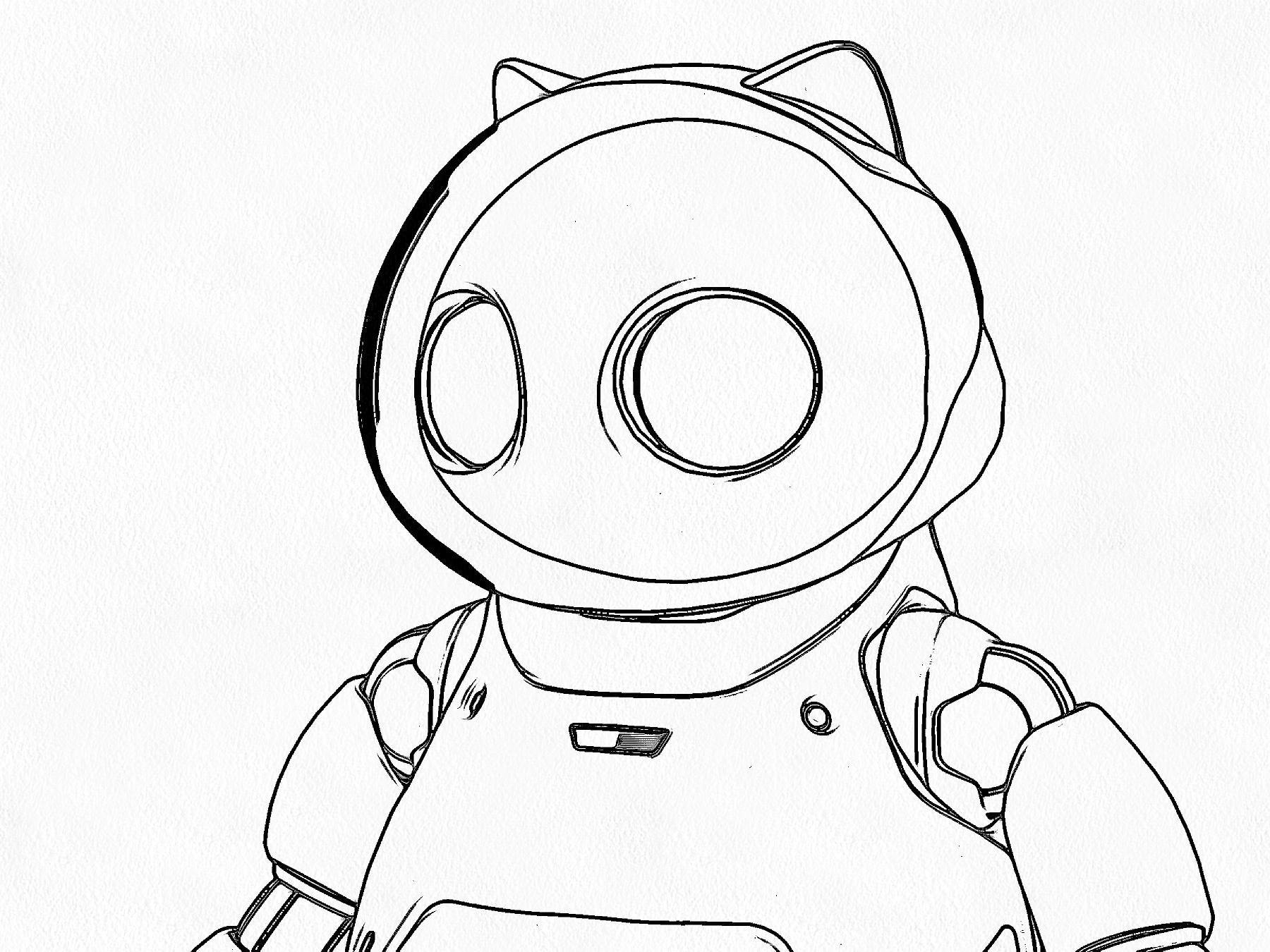
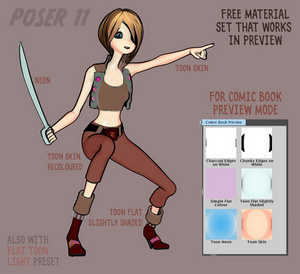
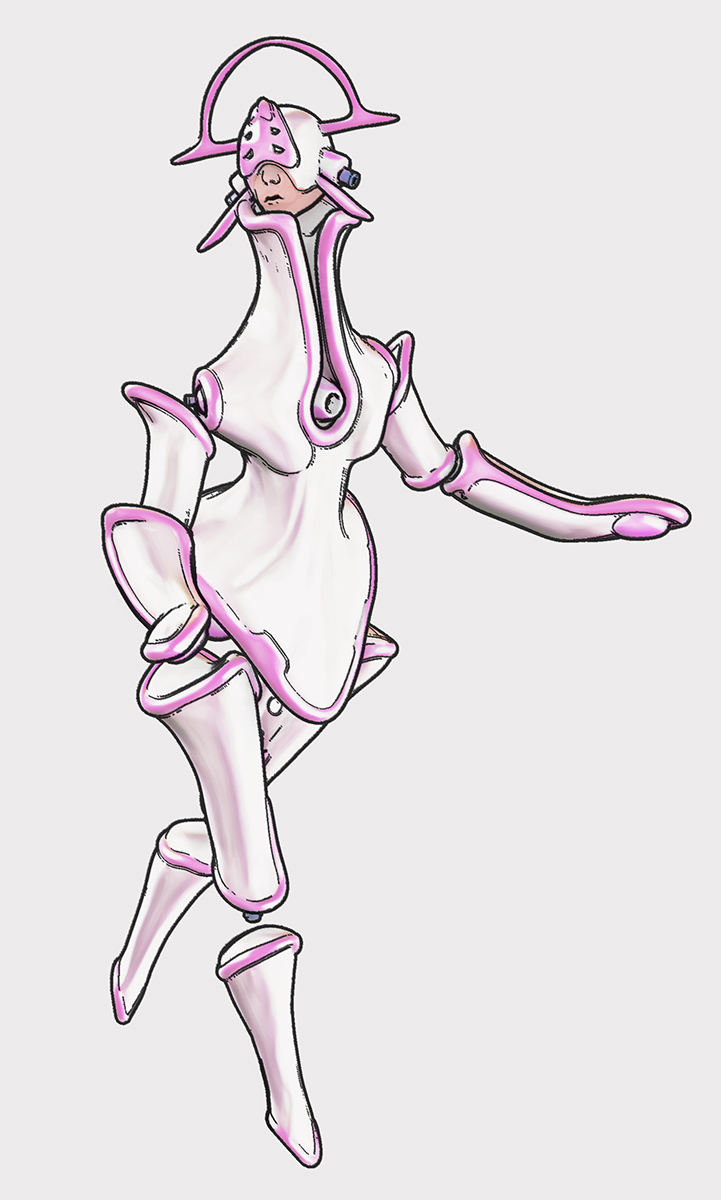
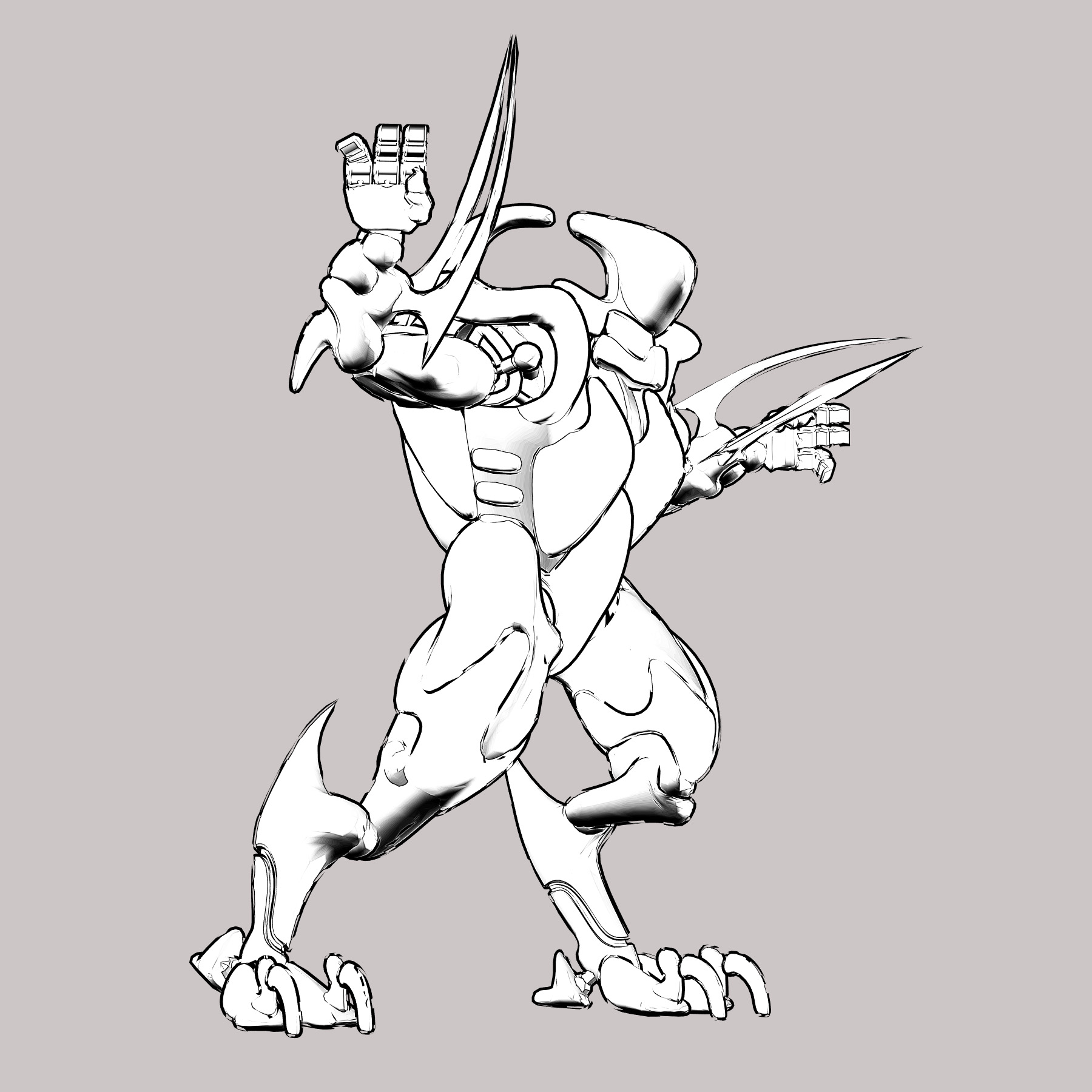
A simple three-minute video intro to how to set up a clean comic-book effect on a character with Poser 11. This effect is available in both Poser Standard and Poser Pro. It is very easily controlled, and you render in just a few seconds by using real-time Preview renders.
Category Archives: Poser
Tutorial: combining the best of two inks-only Poser comic-book renders
This is a tutorial in how to quickly combine the best of two inks-only renders, from Poser’s Comic Book Preview render, by using Photoshop. For future speed-of-working this tutorial can, of course, be encapsulated and semi-automated as a recorded Photoshop Action.
We’re going to manually select just a few nice lines from one render, and combine them with lines from the other render.
Why do this? To subtly boost the quality of your ink lines output from Poser’s Comic Book Preview mode, at only a small cost in time spent per comics frame. Depending on your intended style, possibly also to selectively combine sketch edge-shading, from a Poser Sketch render, with your Comic Book line-art inks.
Tools: Poser 11 (Pro or Standard) with a suitable Poser 3D character to render. Adobe Photoshop (CS6 is being used here).
What’s it called in Photoshop?: “Q” mode or “Quick Mask”.
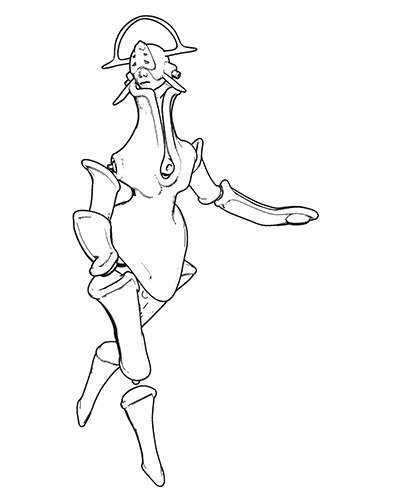
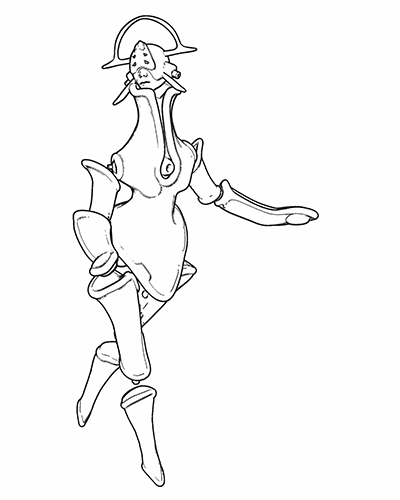
1. First render your two nearly-identical ink lines renders from Poser 11’s Comic Book Preview mode. The differences between them will perhaps arise from your selecting different Display Styles for Preview renders, or choosing Poser lights that cause new ink lines/shadows to appear in the line-art. Here I have kept the lighting fairly flat, and run a Sketch render into the Preview ink lines to make them a bit less slick and more grainy.
Animated GIF comparison between the layers:
2. Bring the two renders into Photoshop, with each render placed on its own layer. The renders should be exactly aligned one above the other, and Photoshop’s “Paste in place” command may help you with that.
3. ‘Knock out all white’ from both renders (there are many free line-art Photoshop actions that do that). Then place a new white background layer behind them.
Toggle the ink layers on and off, to let you decide which needs to be renamed as the ‘bottom render’.
The ‘bottom render’ should be the one that has some nice lines you wish to add to the top main render, while junking the rest of its lines.
You choose the other render to be the ‘top’ because it’s mostly OK and barely needs changing.
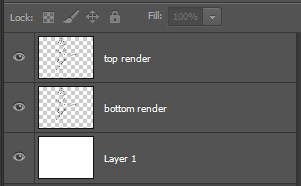
Ok, you’ve now decided which layer is to be which. It’s time to rename the layers sensibly, so that an Action can be run on them. Your saved .PSD production file will have three layers — named as: top render | bottom render | White. It should look like this…
I’ve capitalised “White” to remind you that layers are case-sensitive for Photoshop Actions. If an Action expects to find a layer called “White”, it will not run if the layer has been re-named to “white”.
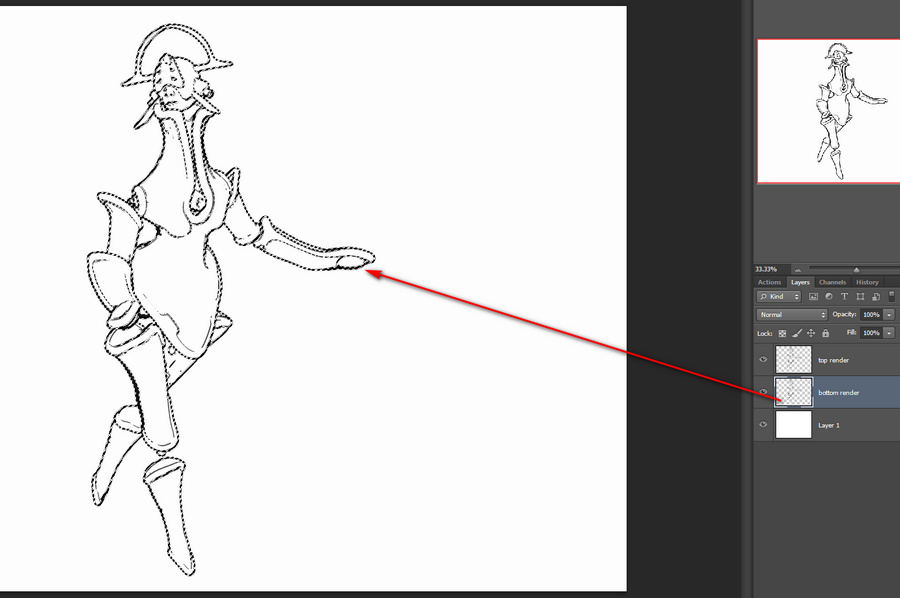
4. To make it easier to identify the ink lines of the bottom layer, we now turn the lines a uniform dark mid-green. To do this you first press ‘Crtl’ on the keyboard while clicking with the mouse cursor to select the layer thumbnail in the Layers palette. This gives you a clean automatic selection of your inks, indicated by the dotted lines…
Then you make a wholly new blank layer, and fill this blank layer with green by using the Paintbucket. Then you select the ‘bottom render’ layer and hide it.
You are now going to be working on the green lines in the copy of the ‘bottom render’. It doesn’t matter that it’s a copy, as we’ll switch back to the original soon (once we’ve selected the lines we want to keep) and then junk it entirely.
5. Ok, so how do we select those nice ink lines? With the new temporary green layer selected, you now press “Q” on your keyboard. Then you select a hard round Brush from the Toolbar and size it for picking out fine details in line-art. The brush size will depend on your render size. I tend to render in Preview to 3600px.
6. While you are in this “Q” (Quick Mask) mode, any Brush will automatically paint in semi-transparent red. That will be the only visual indication that you have entered this special mode. With this red brush you then simply paint on the active layer, and where you lay paint indicates the details you want to keep.
You can see here why we needed to add the temporary green inks layer. Without it, there would be no way to tell the difference between the black inks of the two layers.
7. Once all these details are selected, you switch back to your copy layer and make it visible. Your selection is now acting on the original inks, not the green inks. Press “Q” again. Your red painted areas now become selections with dotted lines around them. Once this happens, you hit the Delete key. Everything except the selected areas is then deleted. Now you can also delete the green inks surrogate layer, as it’s no longer needed.
Ok, you’re basically done. The above process may sound fiendishly complex, but once it’s in a recorded Action with stops and user prompts then it becomes something that can be completed with ease in 30 seconds, and you don’t need to remember anything other than where the Action is located in the Palette.
Finally, you might then select a good small inking brush, to manually add just a few completely new hand-painted lines. You can also erase any bits of the inking you still don’t like. Here that’s been done, especially fixing the mouth. The sketchy dotting on the ink lines is not that pleasing here, in combination with the smooth colour layer, and I could have produced cleaner inks from a straight Comic Book Preview render. But this is just a quick demo. Here I’ve added a filtered colour Preview render layer and a subtle Ambient Occlusion shadows layer from Firefly (which was almost as fast as Preview, since it was only doing light shadows)…
If your graphic novel has 600 frames and the above process takes a minute per frame (even with the recorded Action), plus a few more manual inking stokes just to finish off, then that’s 10 hours of additional work. But that seems a small price to pay for creating nicer ink lines.
The reluctant Femme
Ah, the Renderosity site’s total outage (here in the UK and probably elsewhere) seems to be a DNS server problem. Switching from my ISP’s default DNS over to 9.9.9.9 (the Quad9 DSN) did nothing, same problem. But using Google’s own DNS at 8.8.8.8 got me through to Renderosity.
However, on going to get the new La Femme character from my shopping cart I had the message “Shopping Cart Items do not meet the Minimum Purchase Price of $3.50”, since her price was $0.00. I had no idea that there’s now a “Minimum Purchase Price”! When did that happen? So, it seems one can only get a free item if one first pays $3.50 for some other item. Which means it’s not actually free.
Well… I was going to download and do some nice demos and a test with La Femme, and post them in various places (including a magazine), telling people she was free. But she’s not free, so now that will have to be put on hold.
La Femme 1 – major new Poser figure
The Renderosity store and Smith Micro have teamed up on sponsoring the development of a new female figure for Poser. La Femme 1 immediately suggests ‘Princess Diana’, aided by an early 1980s vibe due to the choice of hairstyle for the promo. Which, in my book, is no bad thing…
But she’s obviously not a simple Diana-alike. I’m generally fine with the standard V4/M4 and the Genesis 2-3 figures, but it’s always nice to see a really good looking flagship character. In this case with …
“advanced rigging … body control handles … highly detailed texture maps and hybrid materials that work in both FireFly and SuperFly … smooth natural joints … 30 face-control chips for natural expressions”
Great, and with a very very subtly ‘toon’ look (which here in the UK would be called ‘a little bit horsey’) which I’m guessing should suit a comic-book heroine well. Which, again, is a good thing in my view, and helps get the viewer past the ‘uncanny valley’ response to 3D humans. Generally, she’s vastly more appealing that the similar recent community attempts to create some sort of rival to DAZ’s Genesis.
For the moment, she’s free on Renderosity*, discounted from a $30 ‘normal’ price. Straight onto my Renderosity shopping cart, though… the Cart seems to be unresponsive at present.
Once the Cart is responding and she’s installed it’ll be interesting to see: how fast she and her default morph set and high-res textures load to the stage; if she can take V4 clothing and poses without a lot of hassle and poke; how easily she can be adjusted to render speedily in SuperFly on a PC without a ninja graphics-card while still retaining reasonable skin quality.
La Femme has some paid morph addons, La Femme Body Kit MR which is a big bundle of additional body morphs. And Femme Fatale HD Morphs which offers ultra-fine body detailing for those who want it. With these and La Femme, it looks like Poser is now at parity again with DAZ Studio in terms of their flagship female figures (G8F and La Femme).
* Update: I’m sorry, I misinformed readers on this. She’s not actually free, as there’s a minimum purchase price on Renderosity now, of $3.50.
DAP has a Photoshop plugin
Ah, this is interesting. I’ve discovered that MediaChance’s standalone Dynamic Auto Painter (DAP) and its “GrNovel” filter has a Photoshop plugin from the same company. The plugin version was released in 2017. I had previously bemoaned that DAP was not a Photoshop plugin, re: the potential fast batch processing of Poser comic renders using its “GrNovel” filter.
But the ‘Reactor Player for Photoshop’ plugin has more or less the same “GrNovel” filter in it! Albeit under the different name of “Graphics Onetone”. This means the processing of Poser renders with it can be automated inside Photoshop, using Actions. Perhaps not very reliably, as the plugin seems flaky compared to the robustness of the standalone DAP. The effect also seems to be slightly less refined in its inking than the standalone.
It seems to help stability if the plugin is fed a picture at the DAP standalone canvas size of 2400 pixels width, rather than 3600 pixels. Also if it’s run in 64-bit Photoshop.
And the slight difference in effect between the Player plugin and the standalone DAP may also be able to be fixed. Because there’s also a visual editor for the plugin’s effects, called Photo Reactor, which allows tweaking of the filter and home-brewing of new ones. It’s kind of like a modern Filter Forge.
While this Photo Reactor editor is ‘spaghetti’ node-based (eek!), it has a ‘Tone Mapper’ module. This sounds interesting for devising an ink-pen hatching effect that eats into a shadows-only Poser render — in a way that follows the tone gradient of the shadows. I will investigate further, when time allows.
Here’s what I’ve learned recently about Poser and comics production
I’ve recently taken a deep-dive into using Poser 11 to emulate 2D comics and natural media. Here’s what I learned that’s new to me:
* There are very few good toon materials that work in Preview in Poser (and thus with Comic Book Preview mode) and do useful stuff. While there are some, we could do with more variety.
* Poser’s Sketch Designer is far more powerful than it’s given credit for, especially if the output is then filtered in Photoshop. You just have to be careful that you’re making custom presets for use with set render dimensions and know how to turn Sketch off in the background of your picture. Sketch doesn’t just do Sketch, either. It can also get very painterly, and a custom preset can be designed that gives a scene a good underpainting that is suitable for overpainting in software such as Krita.
* DAP’s “GrNovel” filter is an excellent third-party tool for filtering inks-only and B&W renders from Poser 11’s Comic Book Preview mode. I’ve yet to work out how to get rid of the little bits of blue colour it adds, but a desaturate conversion to greyscale usually does the trick on flat toon ink renders. It defaults to 2400px, which makes the ink lines rather grainy. This setting (only two changes) gives a much nicer inked result, and a 4800px output, albeit while taking longer to process…
* There are no Moebius-style inking Photoshop or Krita brushes. There are zillions of grungy cross-hatching brushes, but nothing to aid and speed up Moebius-style ‘dash, dot and fence-rail hatch’ inking of clear-line comics.
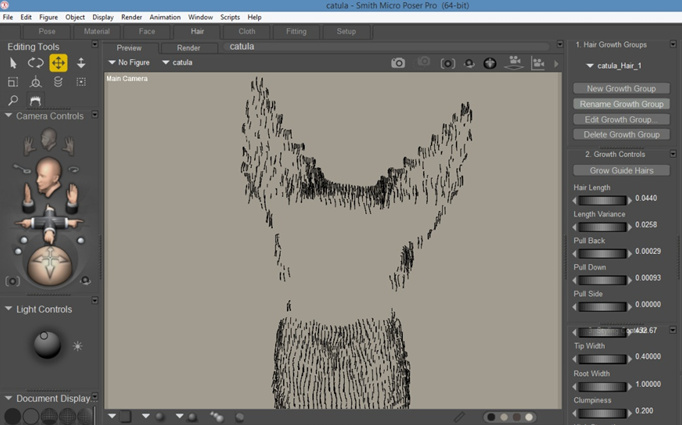
* Rendering short ‘fur’ in Poser’s hair room can give you a sort of dashed shading that wraps around a character’s mesh. A masked .PNG of the hair can be rendered, and you should theoretically be able to use it as a stippling or dash-hatching inks layer. Wrestling a hair layer into looking like Moebius-style inking is probably not viable, though.
* A subtle ambient occlusion ‘shadows’ layer from Poser seems a useful way of keeping shading consistent across hundreds of comic frames made with Poser’s Comic Book Preview, without having the 2D output turn into a muddy and unpleasing mash-up of 2D and 3D.
* As well as burning off the textures from a 3D model (very easily done, with the Comic Book Preview B&W dial) it’s also possible to use Display Styles in combination with different lights to get different variants of a B&W line-art look with shadowing.
* Close-up renders made with the Firefly + toon outlines have unwanted speckles on them. Update: they’re mostly caused by bump-maps.
* When using Preview + flat toon lighting, a Poser Display Style of ‘Cartoon w/Line + One Tone’ can be a viable alternative to a Firefly ToonID layer. Such a layer is used in Photoshop when you have a layer stack of ink outlines on top of colour flats, and want to quickly paintbucket in a new colour or make a quick precise selection of an area.
* Saving the Poser Comic Book Preview render as a single-frame Flash .SWF movie also results in yet another type of toon render, albeit one that’s not easy to get out to a .PNG file.
Tutorial: Comic Preview output in Flash SWF, and how to get it to PNG
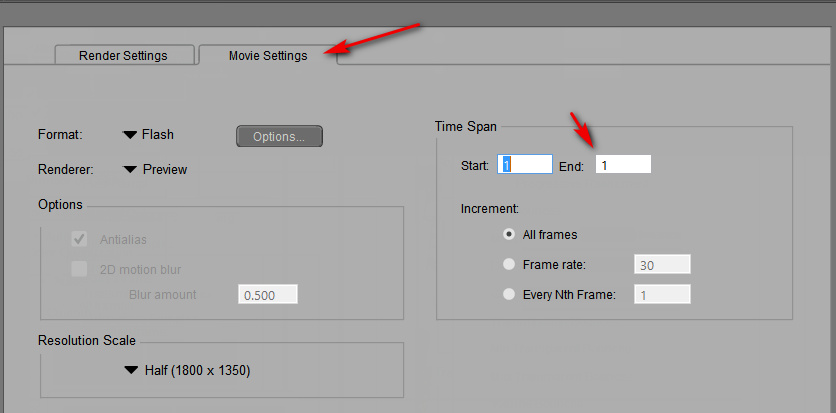
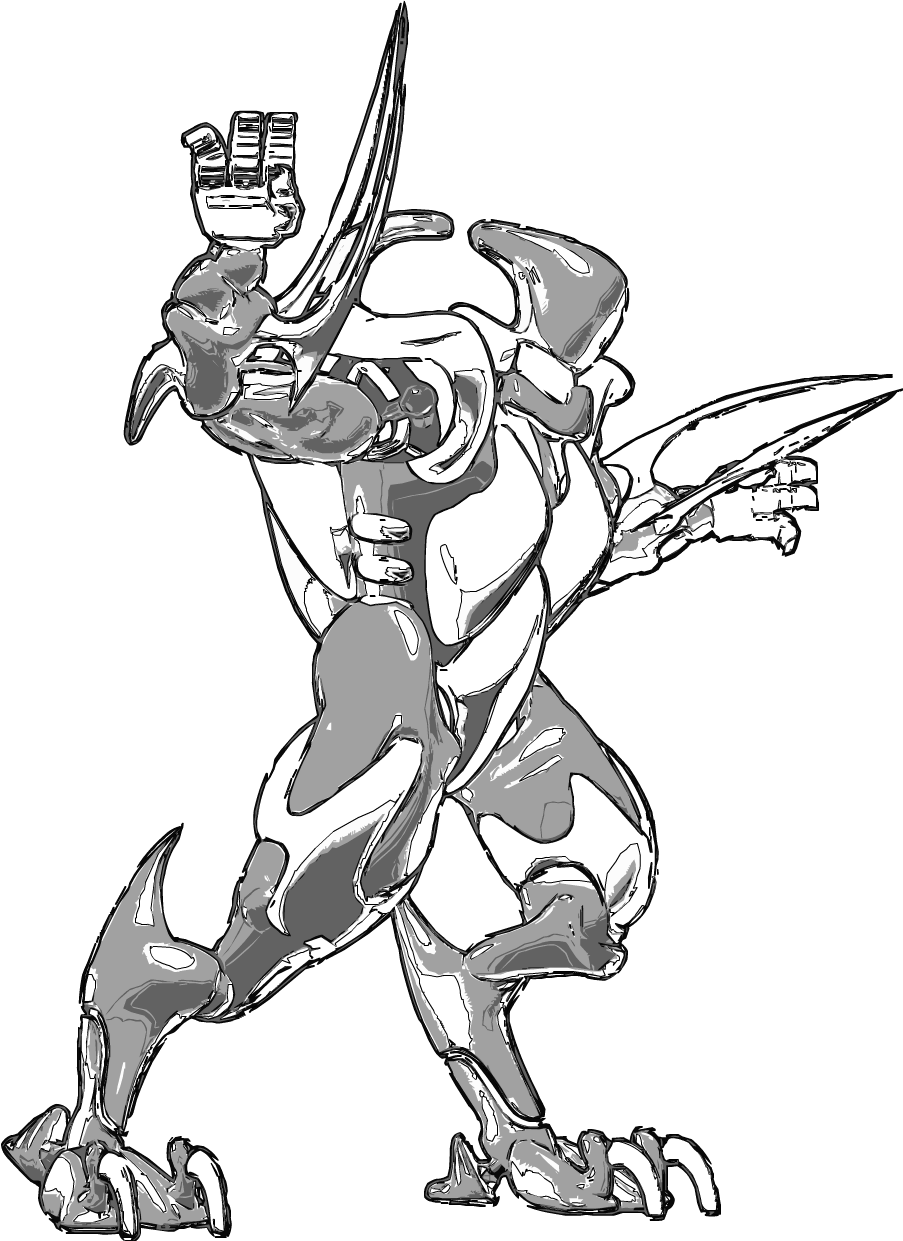
In Poser 11, saving the Poser Comic Book Preview render as a single-frame Flash .SWF movie results in yet another type of toon render. The Preview render is vectorised and saved as a single-frame .SWF file…
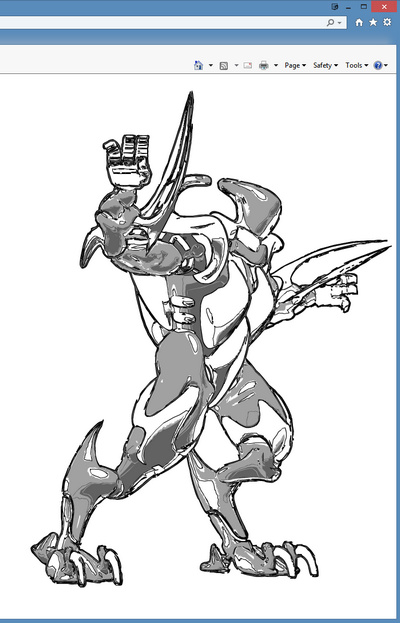
To then quickly test if your .SWF output is viable, you then simply load it in Internet Explorer browser. Even if (very sensibly) you have uninstalled Flash from your PC, the IE browser still has a native Flash-viewer baked into it and un-uninstallable. Though IE cannot then save the .SWF out as an image — a screenshot is all that can be obtained…
If you’re making webcomics that may be all you need. But what if you want it as a nice big .PNG? Well, .SWF is now a obsolete vector format. It was used by Adobe Flash, and Poser’s output of the format seems to be utterly impossible to open and save to .PNG or .SVG using freeware. I tried and searched and test-installed various utilities and possibilities. But with no luck on my test .SWF file output from Poser. Even the free JPEXS Flash Decompiler wouldn’t see the image inside it! And yet, IE displayed it with no problem!
In the end, a trial version of the full Adobe Animate (the new name for Flash) was the only free software that could do the SWF to PNG job and get the proper render out as a result! It is total overkill to install this sluggish Adobe behemoth just to get a PNG, but it works. Here’s the process:
1. In Adobe Animate, open a Stage from a template large enough to encompass your render size.
1. File > Import > Import to Stage > then load your .SWF in.
2. Then File > Export > Export Image. Uncheck “Transparency” and “Clip to Stage”. Save as an 8-bit PNG…
In practice the look of it is not that much different from a normal PNG from Poser. But, as .SWF is vector, you should also be able to save it to .SVG for editing in the likes of the open source Inkscape and (now also) Krita. It appears that one can do that from Animate, by using Tom Byrne’s free Flash2SVG plugin. Although I didn’t test that for this tutorial. But this should mean that one could export as vector just the ink lines from a Comic Book Preview render, then apply a radical new style to those lines at the click of a button.
Hopefully we’ll get a simple native .SVG vector export in Poser 12, to replace the old .SWF export.
Demo: Drawn to the Elder Things…
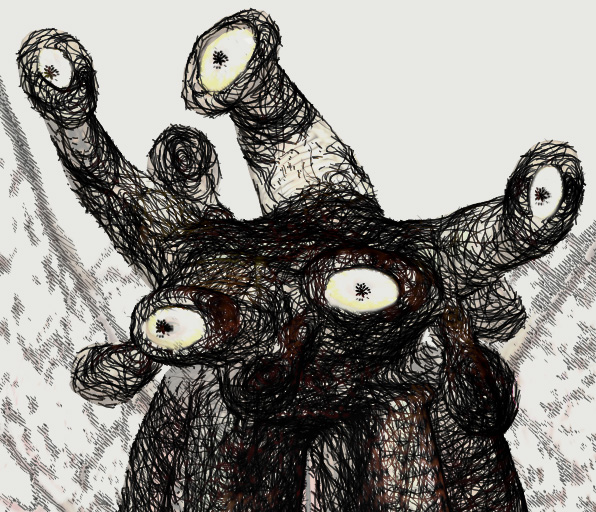
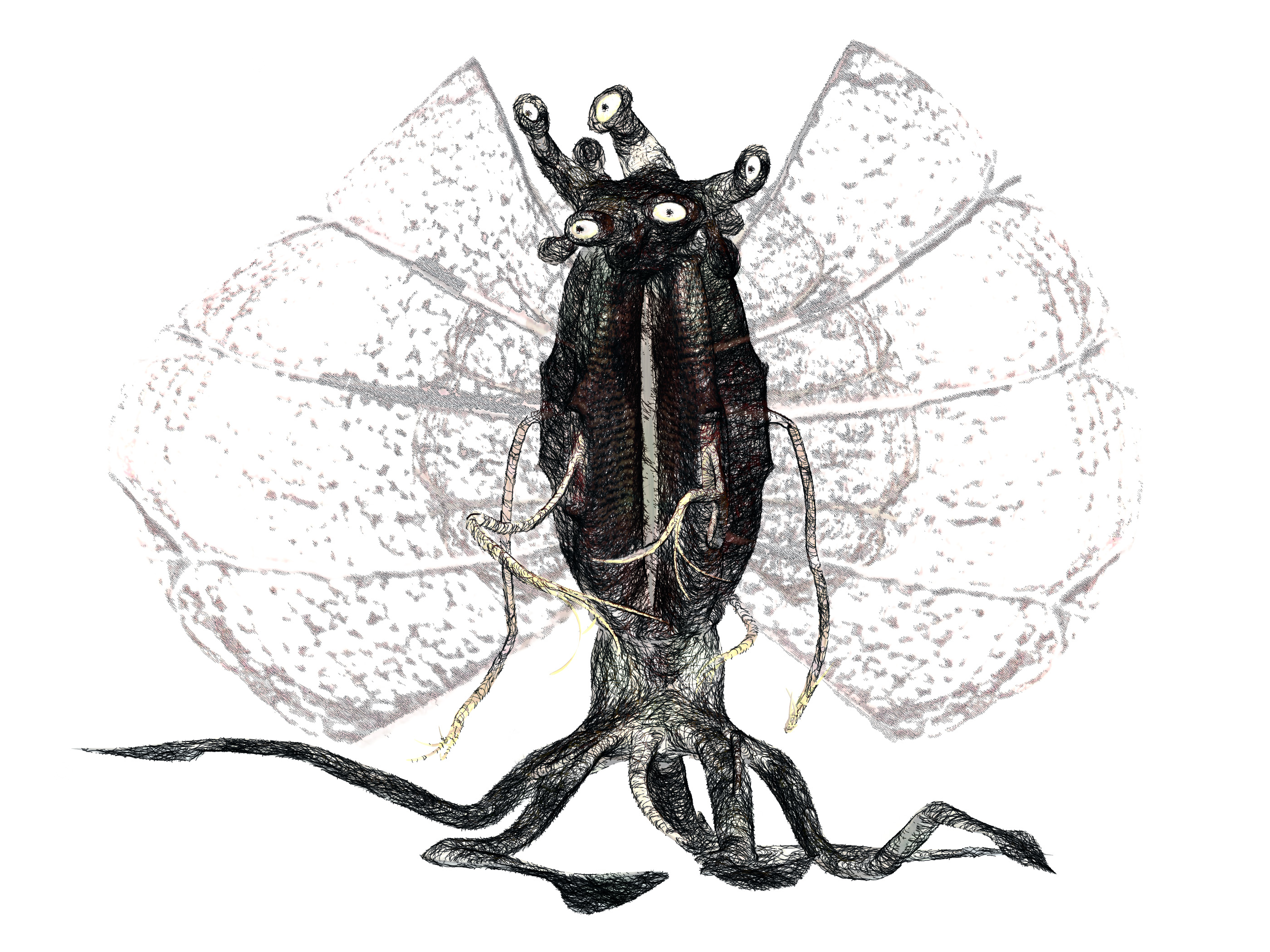
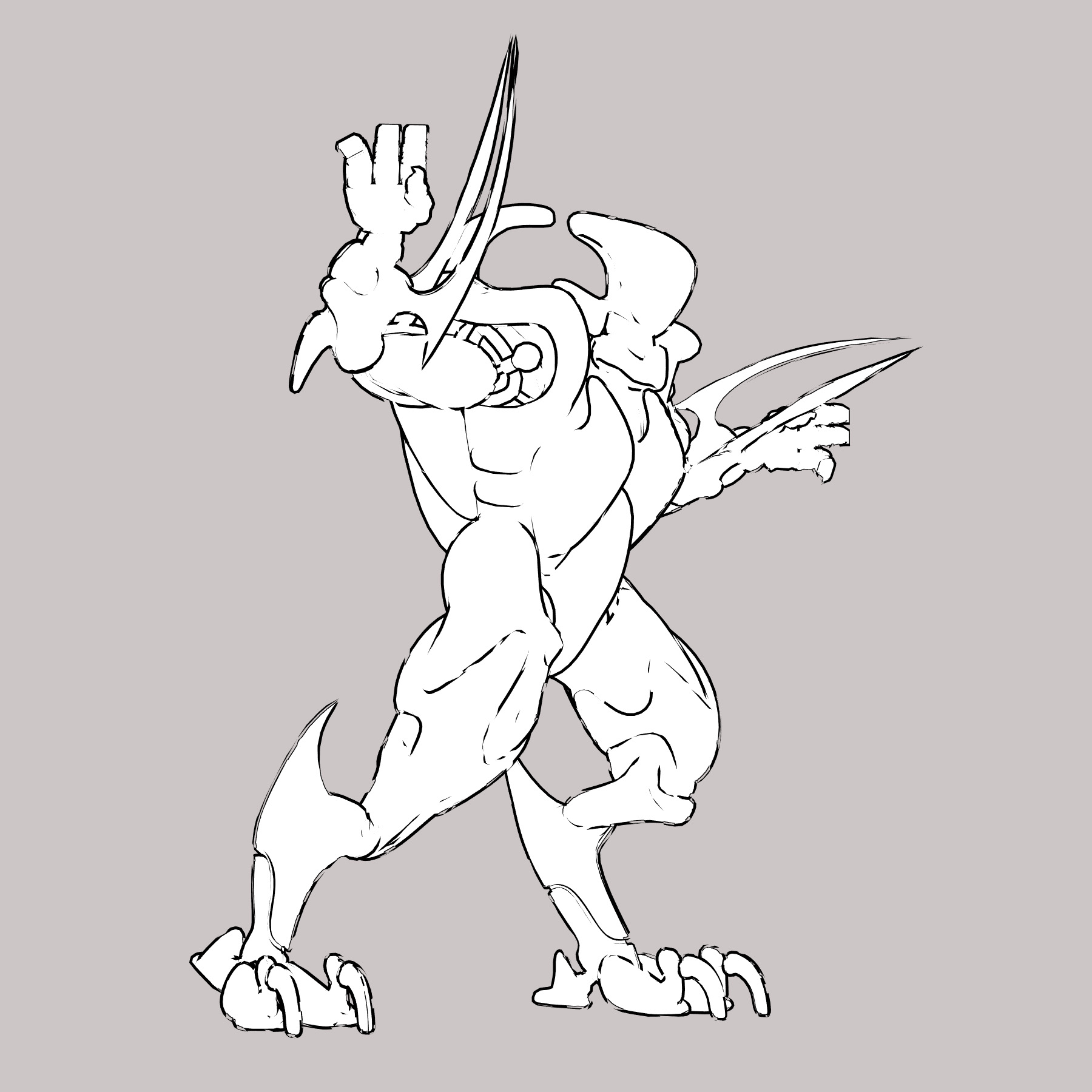
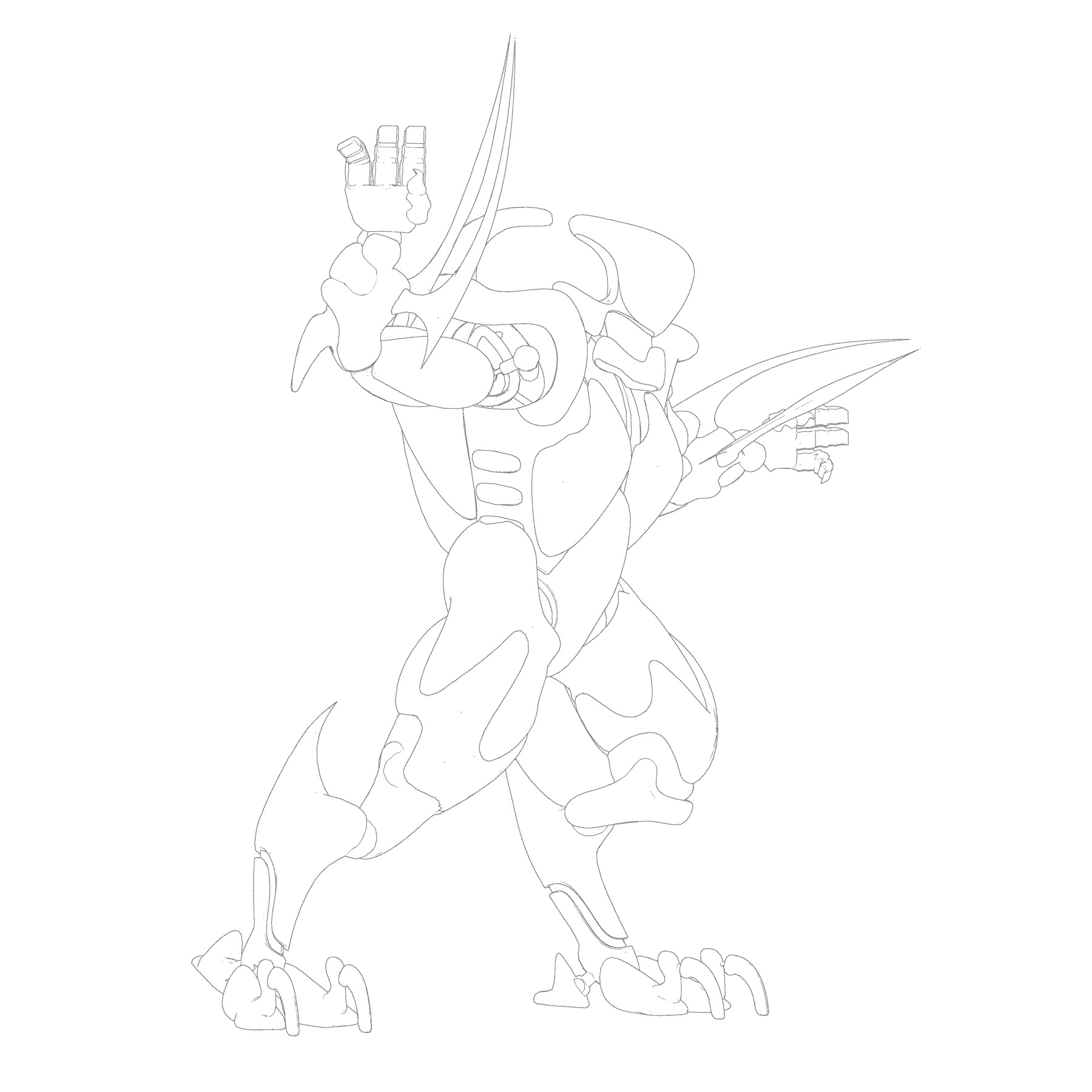
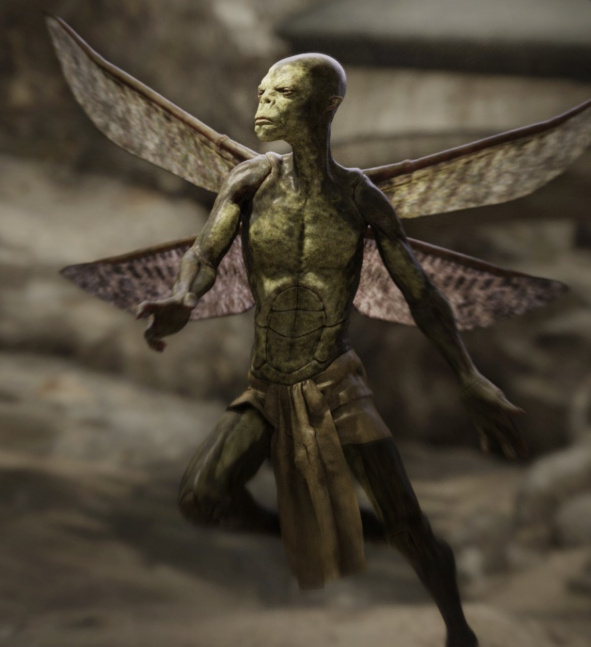
Poser’s Sketch Designer is generally regarded as ‘an Elder Thing’, a monstrous old beast that’s liable to eat your PC with memory-hogging line-sketching. It’s not, actually, and once you turn background sketching off it can run very quickly. But what better to test my new Poser ‘horror’ Sketch preset on than one of H.P. Lovecraft’s Elder Things!
It runs at 2800px on a standard ready-for-Firefly character and light, but here a flat ‘straight’ colour Preview render has also been colour-layer blended in on top of the Sketch render in Photoshop. The wings were isolated with the aid of Scene Toy 2014 and rendered with a lighter preset (semi-transparency tends toward solid black) and then also composited in Photoshop. The eye-dots were dabbed in with a suitable star brush.
It’s not entirely successful. Because while the detailed line-work looks great at 100%, it turns to shmush n’ mush one you reduce the picture in size. Still, for comic pages made from 100% details and tuned to a 10″ tablet screen, it might work.
Tutorial: Poser Sketch dimensions and custom presets
Sketch presets in Poser require the render dimensions they were made for.
For instance: you render a Preview to 2800px, to set the canvas size, then switch over into Sketch Designer with Crtl + Y. Sketch Designer thus loads with a big 2800px canvas and lets you design Sketch presets for that size of render. These saved presets should be saved with a title that indicates their required output size and requirements. For instance – “Horror inking at 2800px – Skydock light – no CBM on” (seen below).
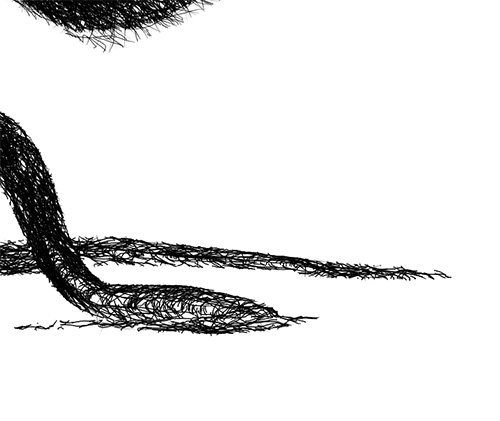
If you then start Poser another time, and try to Sketch render with the same preset — but to, say, 3600px render size — then part of the sketch effect will be truncated at the edge that is ‘expected’ by the preset. As you can see here…
The lines will also look different. Here they are more closely packed than the looser preset was designed for, because they are being run onto a larger canvas.
Test: effect of Display Style on Poser’s Comic Book Preview b&w inks
A demo test of the effect of Display Style on Poser’s Comic Book Preview b&w inks.
The starting renders shown below were obtained under the standard default old Poser light preset, and this only had the shadow maps on its Preview lights boosted up to 2048. The figure is the standard free robot that ships with the Poser free content pack, and is totally un-optimised for tooning. (If you save ‘2048 shadow’ lights, label them ‘do not use with Firefly’ – as lights with that setting will reliably crash Poser when making a Firefly render with them).
Poser 11’s Comic Book Preview effect is turned on, and set to b&w inks only.
With ‘three tones’ set:
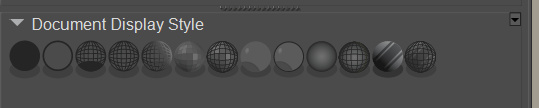
1. Texture Shaded Document Display Style.
2. Smooth Shaded Display Style.
3. Cartoon w/Line Display Style.
4. Silhouette Display Style.
With just ‘one tone’ set:
1. Cartoon w/Line Display Style.
This appears to be a useful melding of Comic Book Preview and Firefly’s Toon Outlines, but in real-time. As you can see below, only a very few of the Toon Outlines lines are missing from this.
Firefly render with Toon Outlines output only. All edges are inked. For comparison.
Interesting finding: clicking again on an already-set Document Display Style button subtly resets the Comic Book Preview inking lines. If you have “weld” turned on, it does this in a slightly different way each time you re-click, and the changes to the lines can be seen in real-time.
This potentially has negative implications for those making animations (re: ‘edge flicker’), but could be a useful feature for comics makers to note.
Possibly the cause is that the OpenGL Preview is being just a bit ‘loose’ with its real-time line calculations, and not spending computational time on finessing them to perfection?
Tutorial: How to remove “the speckles” on a Poser Firefly close-up render
How to remove “the speckles” on a Poser Firefly close-up render, when using Toon Lines only:
An old-school Poser Firefly ‘toon outlines’ render can still be a useful output from Poser. Every single line in a scene is rendered uniformly, which in Photoshop may help you to selectively fill in gaps in the Comic Book Preview toon ink lines. Also, as I show below, this ‘toon outlines’ render can be pushed through Dynamic Auto Painter‘s “GrNovel” filter to great effect.
First, to demonstrate the speckles here is a render preset for Poser 11 that only gives you “Thin pencil | 2” toon outlines in a Firefly render. For Poser 11 this preset should be unzipped and placed in: C:\Users\YOUR_USER_NAME\AppData\Roaming\Poser Pro\11\RenderPresets — which is where the user-made presets live.
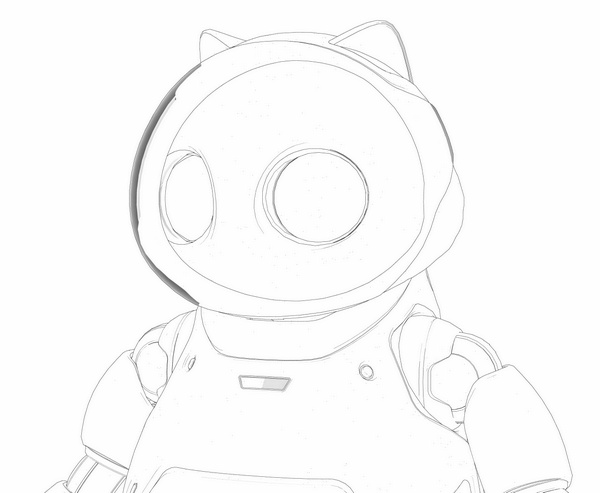
This is what this preset does on a close-up 3600px render of Poser’s Toon Kitty…
A zoomed-in detail shows the speckles:
As you can see, we have tiny unwanted speckly dots. These tend to appear the closer the camera is to objects or characters, are somewhat uniformly distributed, and are specific to this render mode and close-ups. This has been a long-standing problem with Poser ‘toon outlines’ renders.
You may not even notice these speckles, when looking at the PNG render. Until they are picked up in the render by image-processing filters, such as DAP’s “GrNovel” filter, when they can either send its effects rendering haywire or cause the spots to be enlarged and become even more noticeable.
These are different from the denser speckles caused by bump-maps on materials. To remove those, remove the bump maps.
Thus, a quick way to clean these unwanted speckles is needed. Are we going to clean them by hand? Hell, no! We can do this in Photoshop, which has the native: Filters Gallery | Filter | Brush Strokes | “Accented Edges” (which is to be preferred over “Dust and Scratches”).
On a large 3600px PNG render, try an Edge Width of 2, Edge Brightness about 24, Smoothness 4.
There are two options here, with the “Accented Edges” filter:
i) hold back the Edge Brightness to 24 and the speckles are not entirely cleaned, but made very faint.
ii) at a setting of 28 you totally remove the speckles, at the cost of making the thin “toon outlines” lines even thinner.
Here we see an “option i)” clean completed…
What possible use could this thin-lined and greyed-out mess be? As you might think. But such thin lines are not a problem, if you can then run them through something like DAP’s “GrNovel” filter which has no problem turning thin lines into fatter ink lines. Indeed, it seems like the thinner the lines, the better this DAP filter likes it. It’s like it’s expecting to work best on something like what we are giving it, a scan of thin pencil-like lines that need to be nicely auto-inked. Clearly, pencil line-art was one of the main intended targets for “GrNovel”, rather than photos.
Here’s the DAP “GrNovel” preset, at the default 2600px, run on those faint and greyed lines seen above…
A few of the speckles remain, but are hardly to be noticed even at 100% view. A harder clean would have removed them entirely.
Note that there’s an easily-missed setting on the DAP sidebar to get a bigger render out of DAP, suited to your original render size. You don’t have to accept the default and then use DAP’s native up-rez function.
This pseudo hand-inked render can then be used to augment a Comic Book Preview render from Poser, thus combining the best of both in Photoshop. Using Quick Mask mode it’s easy to paint on details you want to retain in a layer, then quickly delete the rest (Hit “Q”, paint on details with red paintbrush, hit “Q” again, then hit “Delete”). Both inks layers would first, of course, have had all white removed.
Your Comic Book Preview render’s inks-only layer could also have been run through DAP’s “GrNovel”.
Regrettably, DAP is standalone Windows software and thus doesn’t run as a Photoshop plugin. If it did, then the entire process could be automated as a Photoshop “Action”. (Update: I now see there’s a Photoshop plugin version, but it can’t do exactly the same effect as the standalone).
Update, December 2019: Dot-speckles, aka stray pixels, on lineart can be cured with the free Paint.NET software and the plugins Remove White and Stray pixel remover plugin. It’s not ideal, not being for Photoshop, but no-one seems to have made a stray pixel remover for a 2019 install of Photoshop.
Python scripts for Poser 11 – updated and link-checked
My Python scripts for Poser 11 page has updated today, with a full check and repair of the Web links.
New for Poser and DAZ, May 2018 – Jan 2019
What’s been newly released for Poser and DAZ, since May 2018? I was going to do three seasonal surveys on this topic, as a catch-up: early summer 2018; Summer/Autumn, and Autumn/Winter 2018/2019. But it seems simpler just to do one big survey of the very best and/or most useful items for the whole period.
It’s been a time of turmoil or change for some stores. Smith Micro’s Content Paradise store has vanished (with adequate notice, and time to grab the very best of my Wishlist), as has the Vue store Cornucopia3D (with no notice), but a number of the same content sellers can now be found elsewhere.
Renderosity seems to have cured the bandwidth problems that had dogged it, and Rendo now once again works with a reasonable speed and responsiveness. Sadly, Renderosity would only let me track back through “What’s New” to the tail end of Halloween 2018, so I had to rely on my WishList and noted vendor pages for the May-October period.
The CGBytes store went “offline for maintenance” as I was halfway through browsing it for the list below.
There’s a new Artstation Marketplace, though it’s mostly Blender / ZBrush / and Photoshop do-dahs.
The iClone Marketplace store had a UI makeover, back in the summer I think, and it’s an improvement.
Ok, well… with that store-tastic intro out the way, here’s my personal pick of the last nine months of Poser/DAZ content. Freebies are only listed below if they’re ‘commercial use’.
Science fiction:
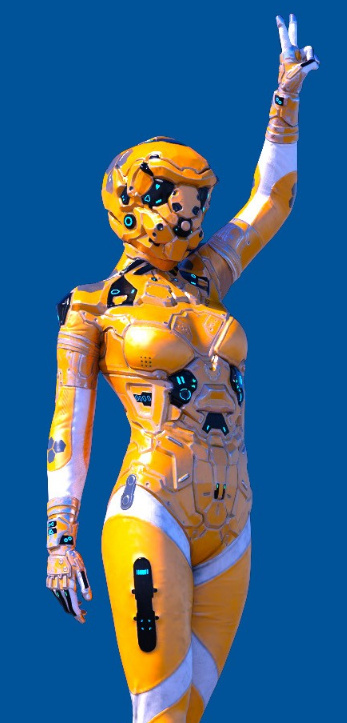
Dalos Outfit for Genesis 8 Female with dForce jacket.
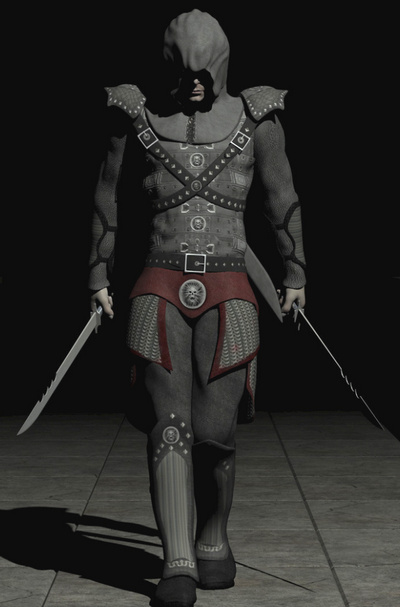
* Sci-Fi Assassin Outfit for Genesis 8 Male. Stylish, not too showy, adaptable. Looks great.
* Zollacce Outfit for Genesis 8 Female.
* Solaris Portal for DAZ Studio.
* The Green Room by Stonemason, for DAZ Studio.
* Cassini System Bundle for alien botany pictures.
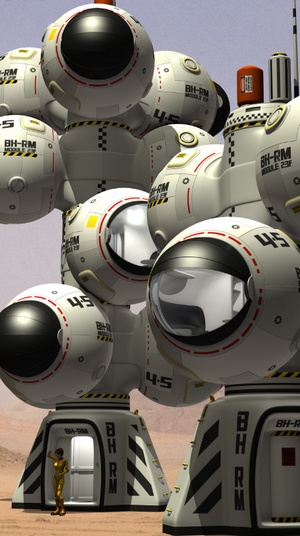
* Bubble Habitat by Coflek-Gnorg, one of a large series of his matching space colony models.
* Retro SciFi Pulp Poses for M4/V4 for Poser.
* Retro Pulp Sci-Fi Spaceship for Poser. Now all we need is a nice Virgil Finlay stipple filter for Photoshop…
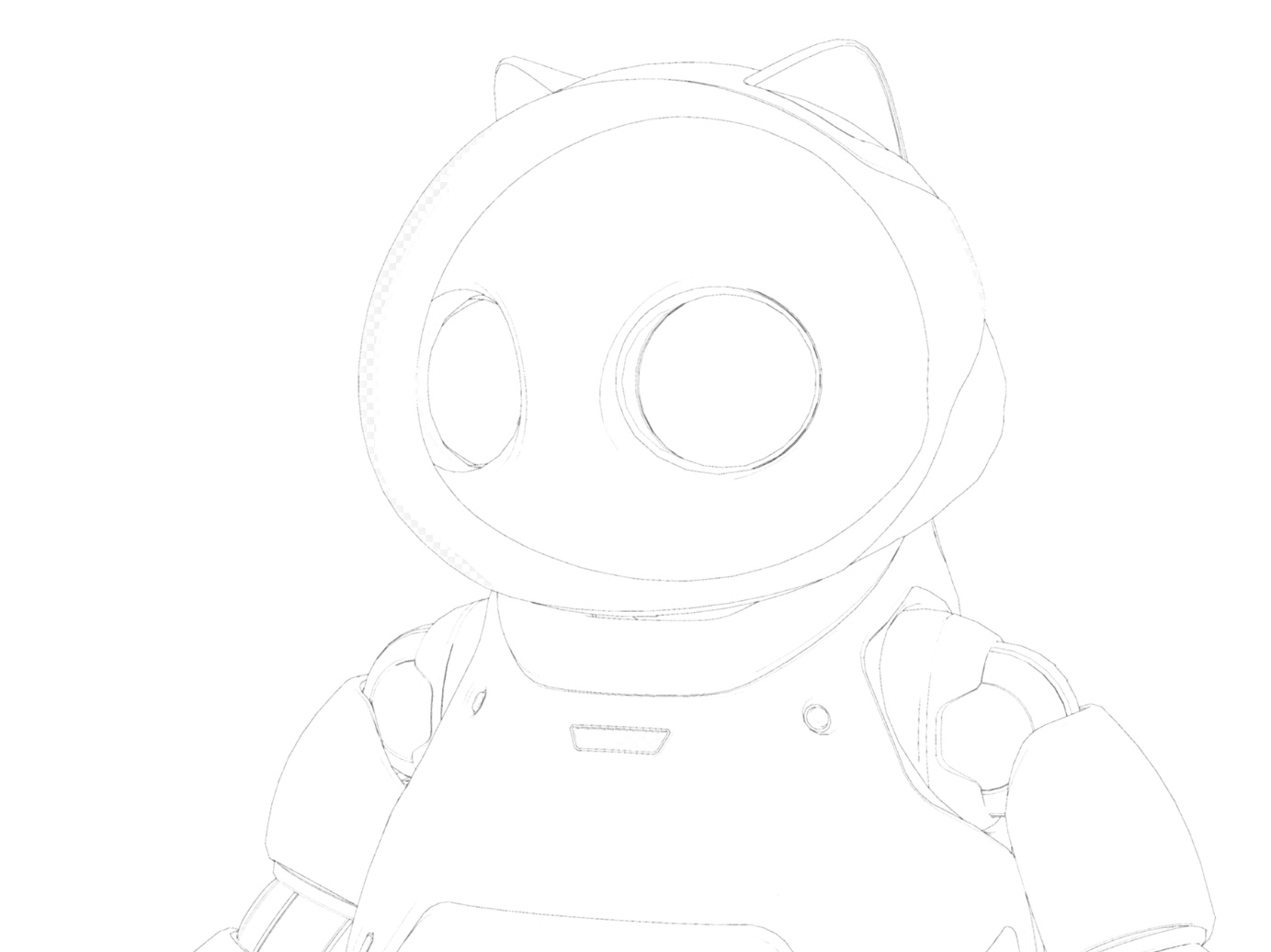
* Need a retro robot driver for your retro spacecraft? The new Robotika Three for G8F.
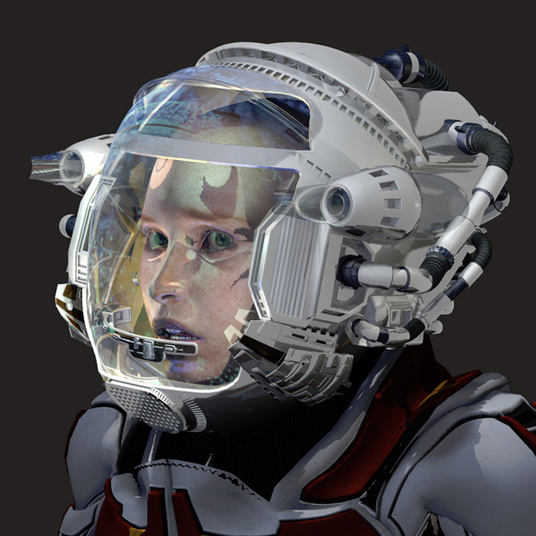
* Space Helmet Two for G3F and for G8F. A nice melding of 2001 and Tron: Legacy.
* 40 sky presets for Bryce 7, as freebies.
* Mad Scientist Outfit for Genesis 8 Male and Abandoned Warehouse and FG Science Lab.
Steampunk, Dieselpunk:
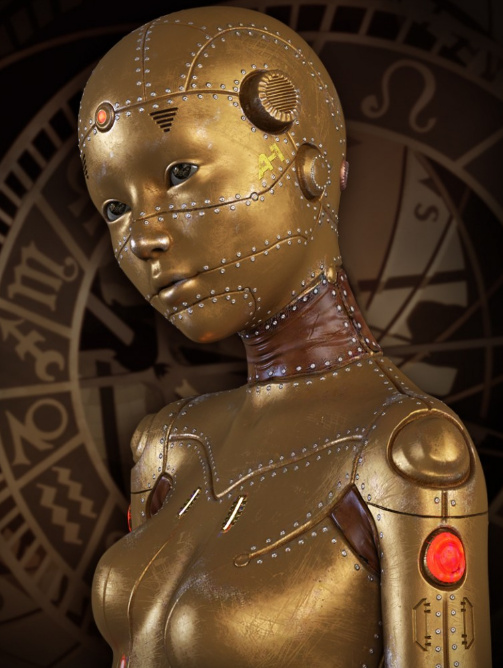
* Li’l Patch Girl HD for Genesis 8 Female, a steampunkish robot girl.
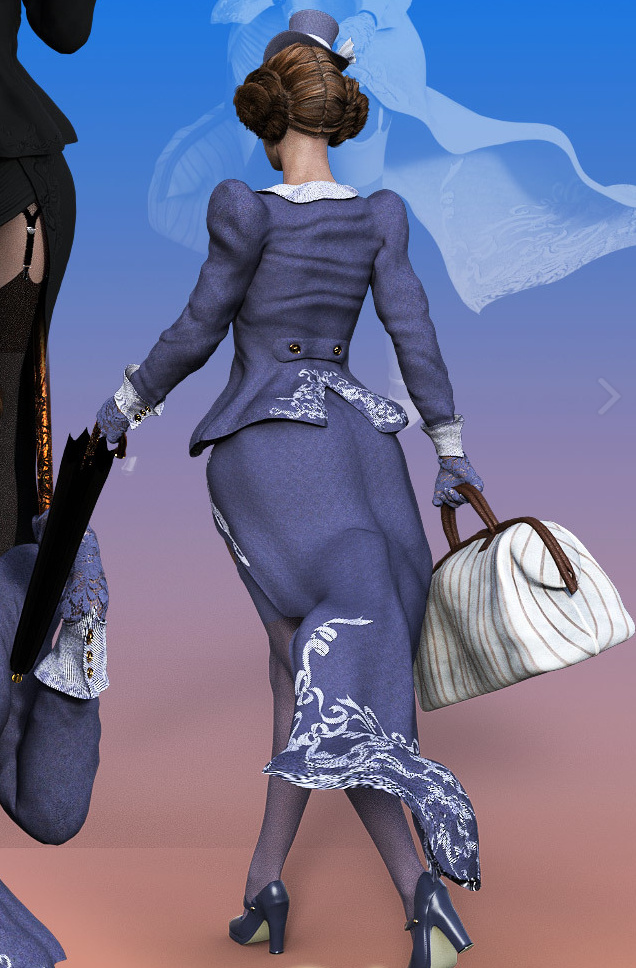
* Mary Pops for G3F in DAZ Studio.
* Cigarette holder, and poses for Poser.
* A free Military Uniform for Genesis 8 Female and Gloves.
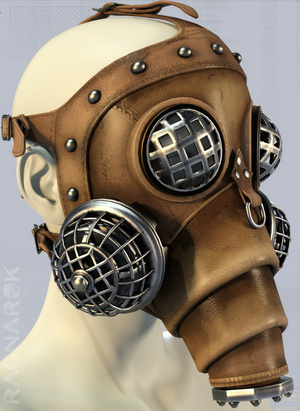
* Steampunk Helmet for V4 and M4.
Faces, expressions, facial hair, unusual figures:
* The free Facial-AHairness for M4 in Poser. Mutton-chops and matching moustaches.
* The paid Facial A-Hairness 2 for M4 and Poser.
* MannequinF, a free shop-window manikin for G8F. There’s also a paid Mannequin Kit for Genesis 8 Female.
* 24 Facial Expressions for Meshbox’s good H. P. Lovecraft character for Poser.
Fantasy:
* Y’vas Outfit for Genesis 8 Female, new and very high quality from Aeon Soul.
Shadowsoul M4 Outfit. A full free outfit for M4 in Poser.
* Geonosect for Genesis 8 Male.
* Nightsong’s Masque: Feathered Mask for V4 has made it over to Renderosity, having formerly been at the old Runtime DNA store.
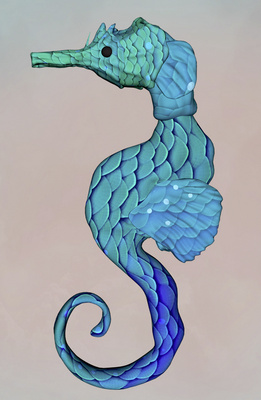
* Seahorse for the HiveWire Horse.
Monsters:
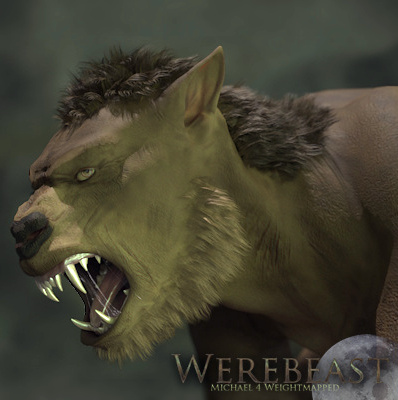
* A new Werebeast M4 WM for Michael 4, for Poser 10 and 11.
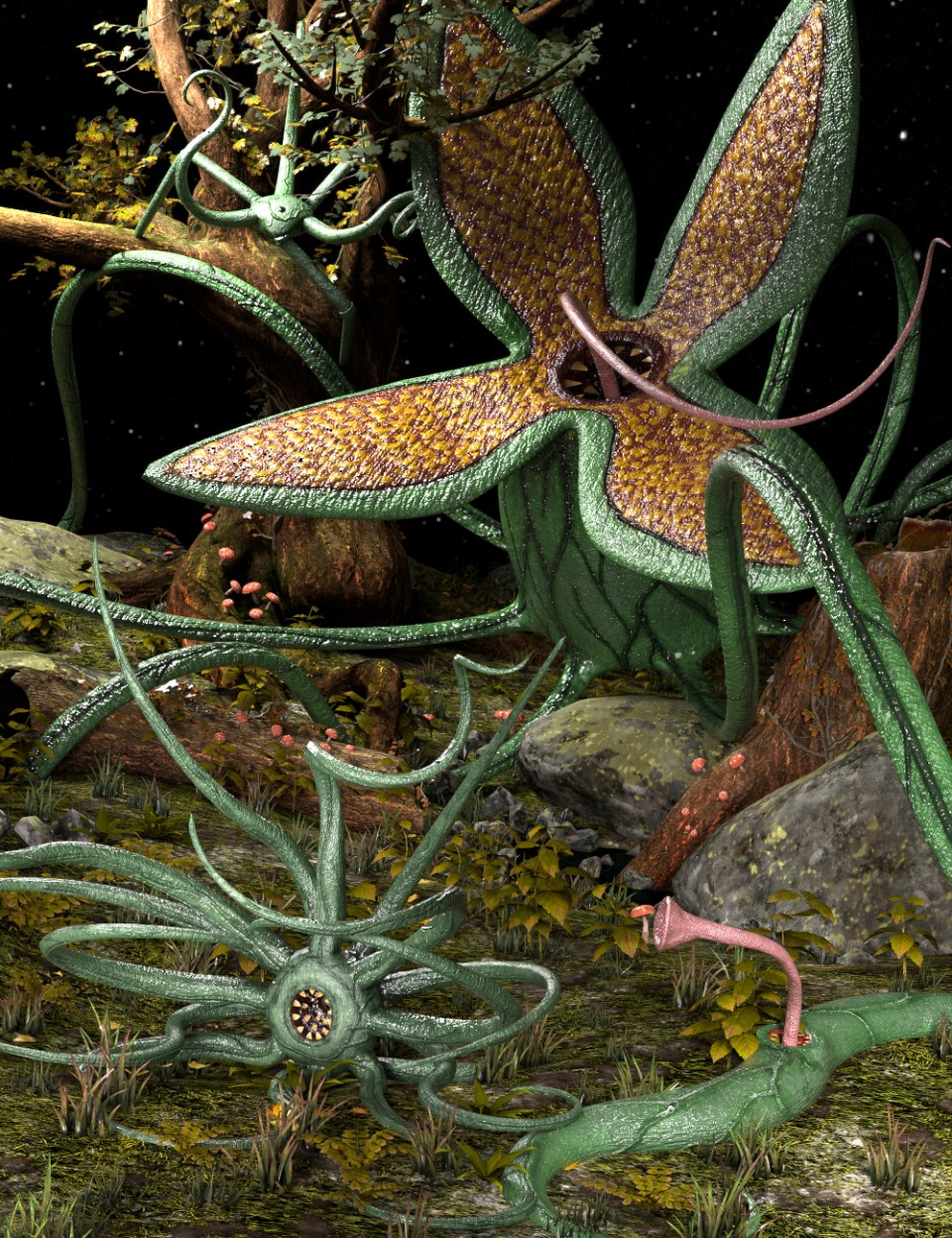
* SY Mutants of Chzor, alien plants.
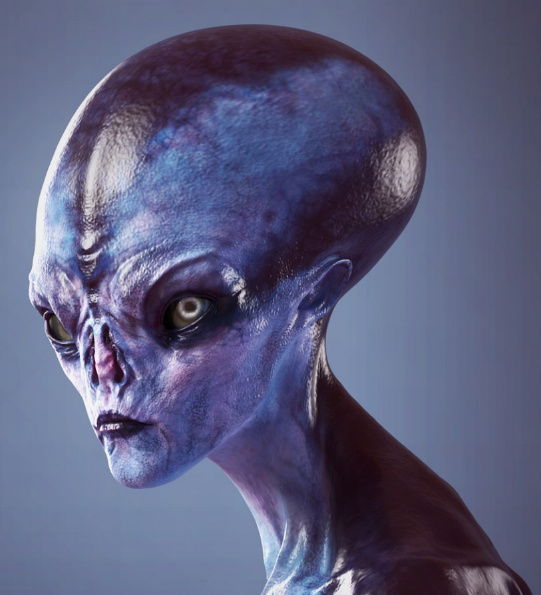
* Supreme Intelligencia HD for Genesis 8 Female and Genesis 8 Male.
* The Bride Hair for V4. Classic 1940s style ‘monster movie’ hair. Also for G3/G8, although for some reason that page won’t open for me.
* A free pose set for The Great Kraken for DAZ Studio.
Prehistoric:
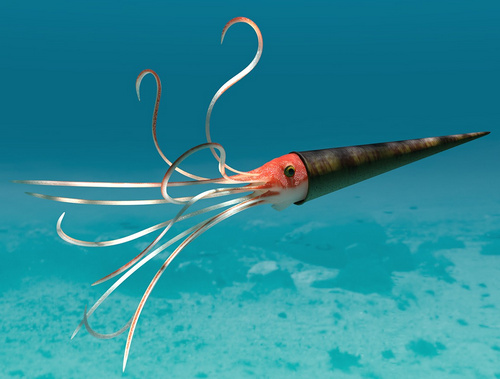
* Oso Ammonoids, cute creatures from prehistoric seas, which could be used with the new Aguja Undersea Environment for DAZ.
* An HD HH Triceratops. Looks great. Also, though many will already have a T-Rex, there is also Tyrannosaurus Rex 2 Berserker from the same content artist.
Animals:
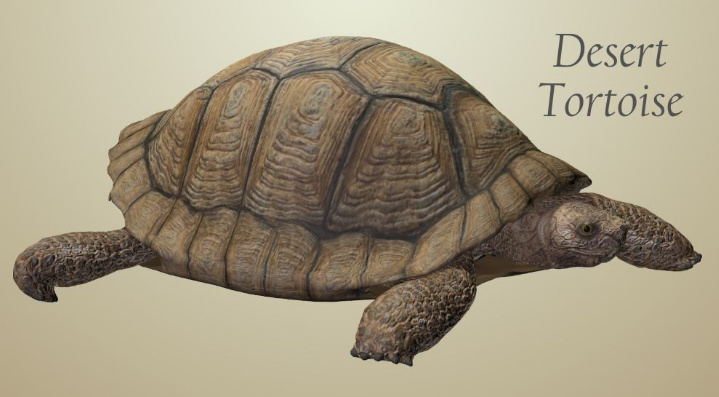
* Nature’s Wonders Turtles of the World Vol. 1 – Tortoise for Poser and DAZ. By Poser nature expert Ken Gilliland.
* Some of the Smith Micro Poser animals have made it over from Content Paradise to Renderosity, including a Quagga and a Donkey. The old Content Paradise Giant Octopus is still available and also worth having.
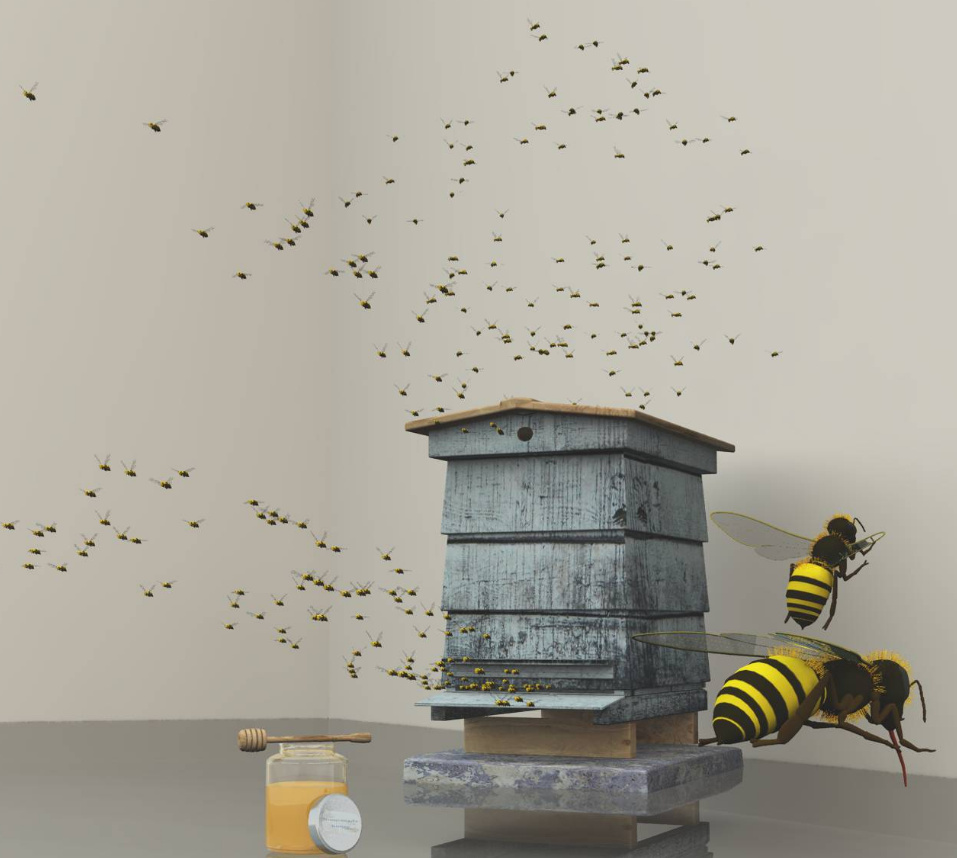
* Honey Bee Set For Vue. Could be used with the new Brown Bear for DAZ.
* There’s a fine free jellyfish, albeit for Blender and in need of extraction to OBJ. Although, in my experience, about 95% of the time trying to extract anything usable from a Blender .blend file is a nightmare that ends in failure.
* Housefly by AM, a very realistic and well textured standard housefly.
* Photoreal Bramble, Blackberry and Briar Plants for your dragonflies and butterflies.
Cats:
* A new Morphing Sacred Cat from Ancient Egypt.
* Cat Motions for Poser, animations for both the MillCat and the Hivewire cat, including idles.
* Now on Renderosity, Smith Micro’s old Black Cat and Cheshire Cat for Poser. Rather basic these days, but usable with Sketch or Comic Book Preview renders.
Landscapes:
* ShaaraMuse3D has continued to produce a variety of quality HD grounds and terrains for both DAZ and Poser. Including a nice Frozen Natural Riverbank, and a fine sea-worn rockpool for your crabs and sea- weeds and seashells For Vue and 7 Sea Shell Props for DAZ…
* A wealth of reasonably-priced Vue scenes from Raffyraffy at CGTrader, possibly he was one of the former traders on Cornucopia3D? Don’t overlook his The Hideaway.
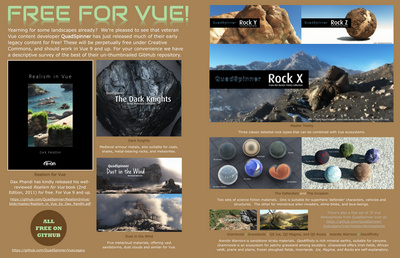
* A wealth of free Vue content was released by QuadSpinner a couple of months ago. Digital Art Live magazine #34 had the visual previews and links…
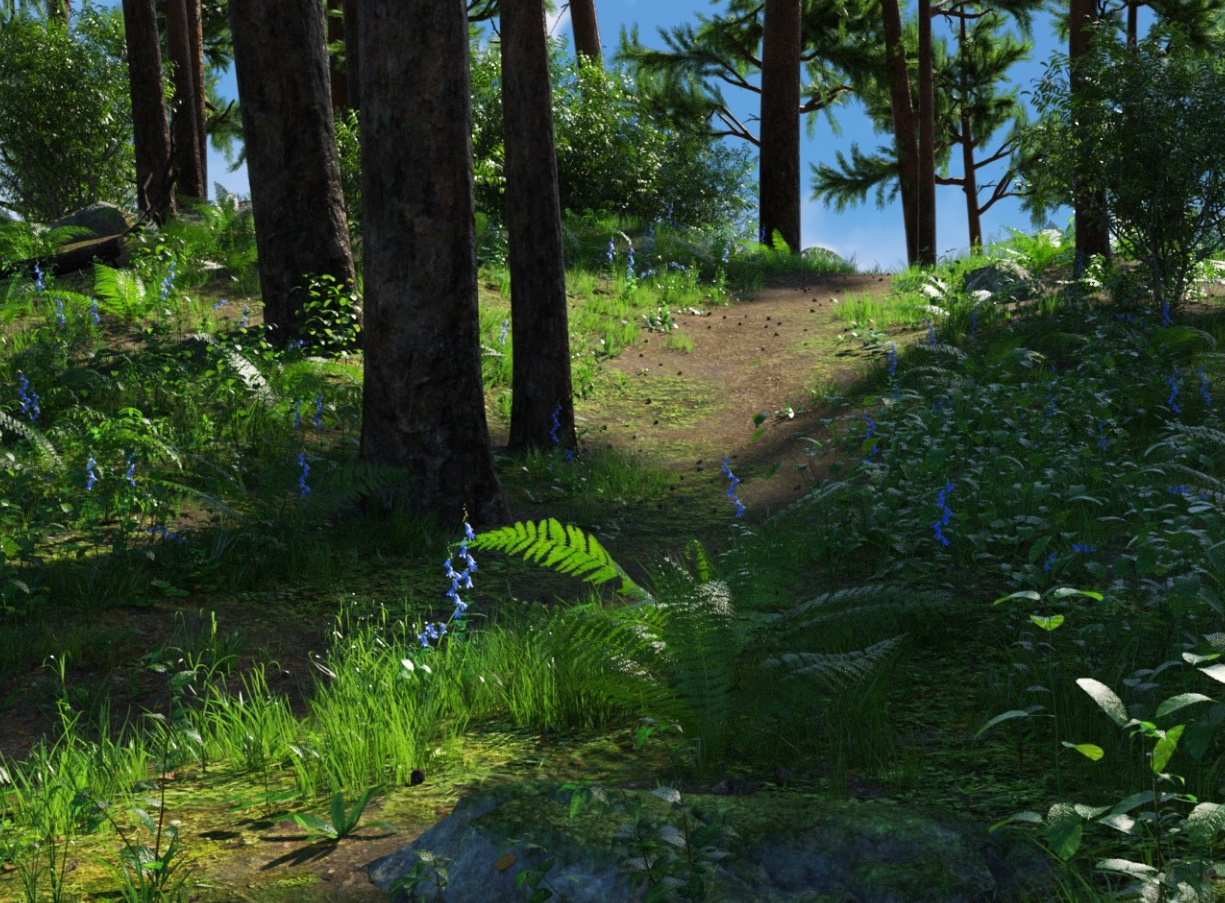
* Pine Grove for Daz. Good for Hobbitry and more. Might be paired with Weeping Willow Trees (which promises “as low a poly count as possible” re: render times). The texture-less product pictures suggest that the leaves of the Willow trees are not trans-mapped, so they may be suitable for tooning to line-art as well as being low-poly.
* Old Man Willow – Pollarded Willows.
* Flinks Snowy Coniferous Forest and the Smith Micro Moose and Mammoth. Both creatures are rather low-poly these days, but all the more suitable for getting a herd of them into your scene.
Historical:
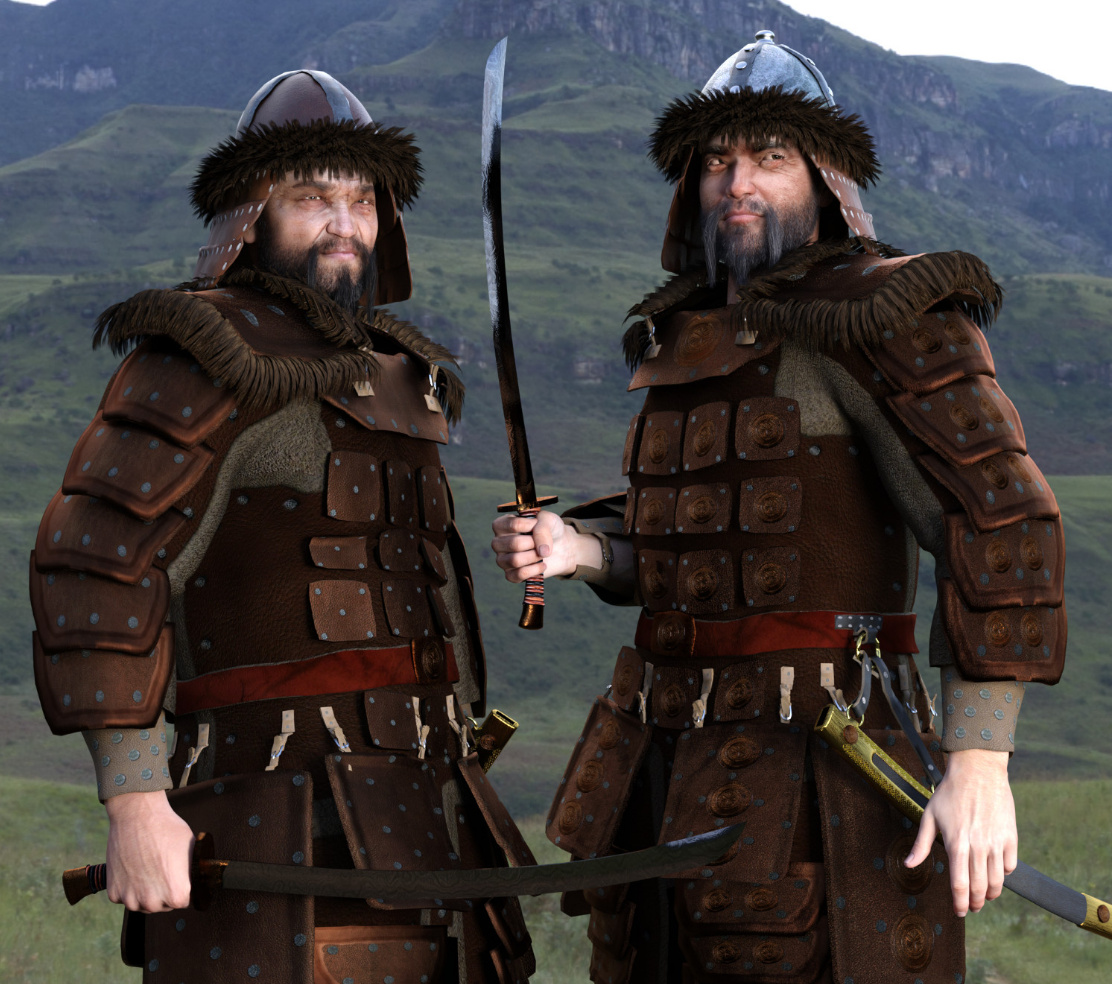
* dForce Mongol Armor for Genesis 8 Male.
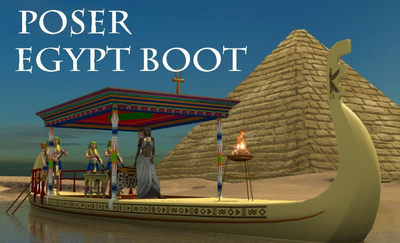
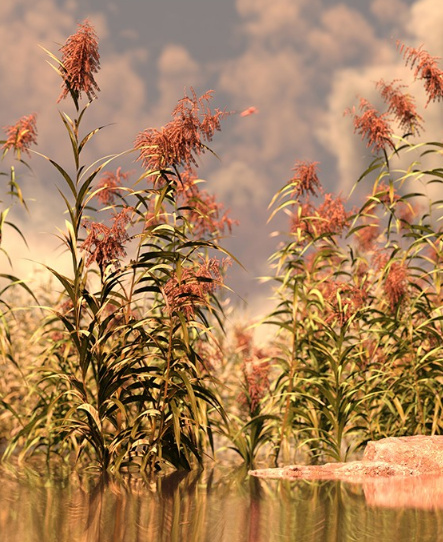
* A free Egyptian boat for Poser. And, for floating down the Nile, you may also want Reed Plants for Daz Studio and Iray. Could also be used with the new Ancient Pharaoh for G3M.
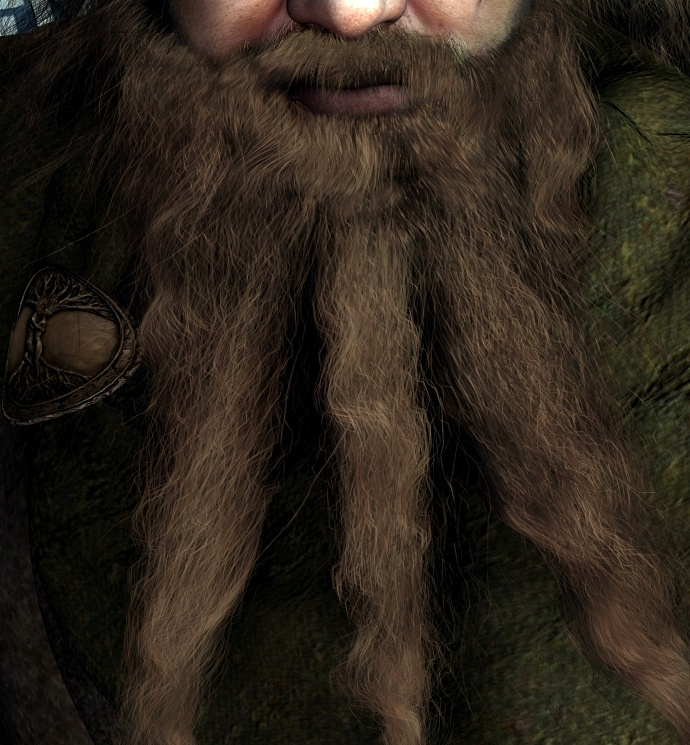
* dForce Templar Outfit for Genesis 8 Male. Although pitched as a Crusader outfit, it looks quite adaptable for a variety of ancient and desert scenes. I can imagine this as a Druid outfit, for instance, without any fancy neo-pagan embroidery chintz and with the aid of the new Wise Wizard Beard for Genesis 8 Male.
* A seedy 1970s hippies / Furry Freak Brothers -style couch.
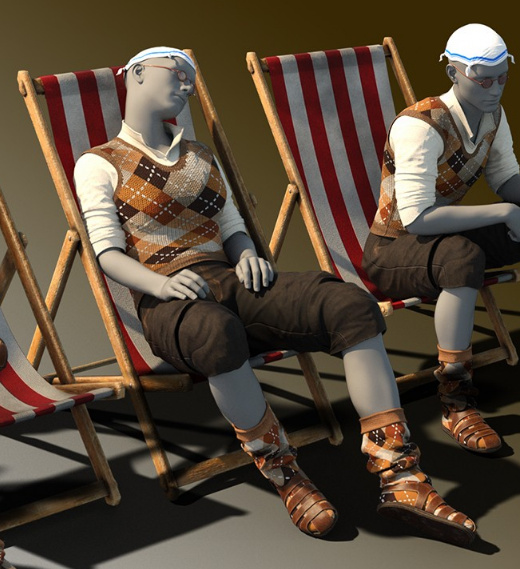
* On The Beach Outfit for Genesis 8 Male, a 1950s and 60s British seaside character. Could also make a fairly good 1930s hiker or a vintage British allotment digger.
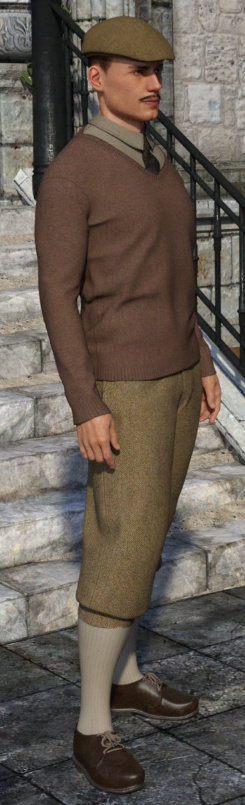
* Knickerbockers for Genesis 8 Male, for your Downton and similar vintage scenes.
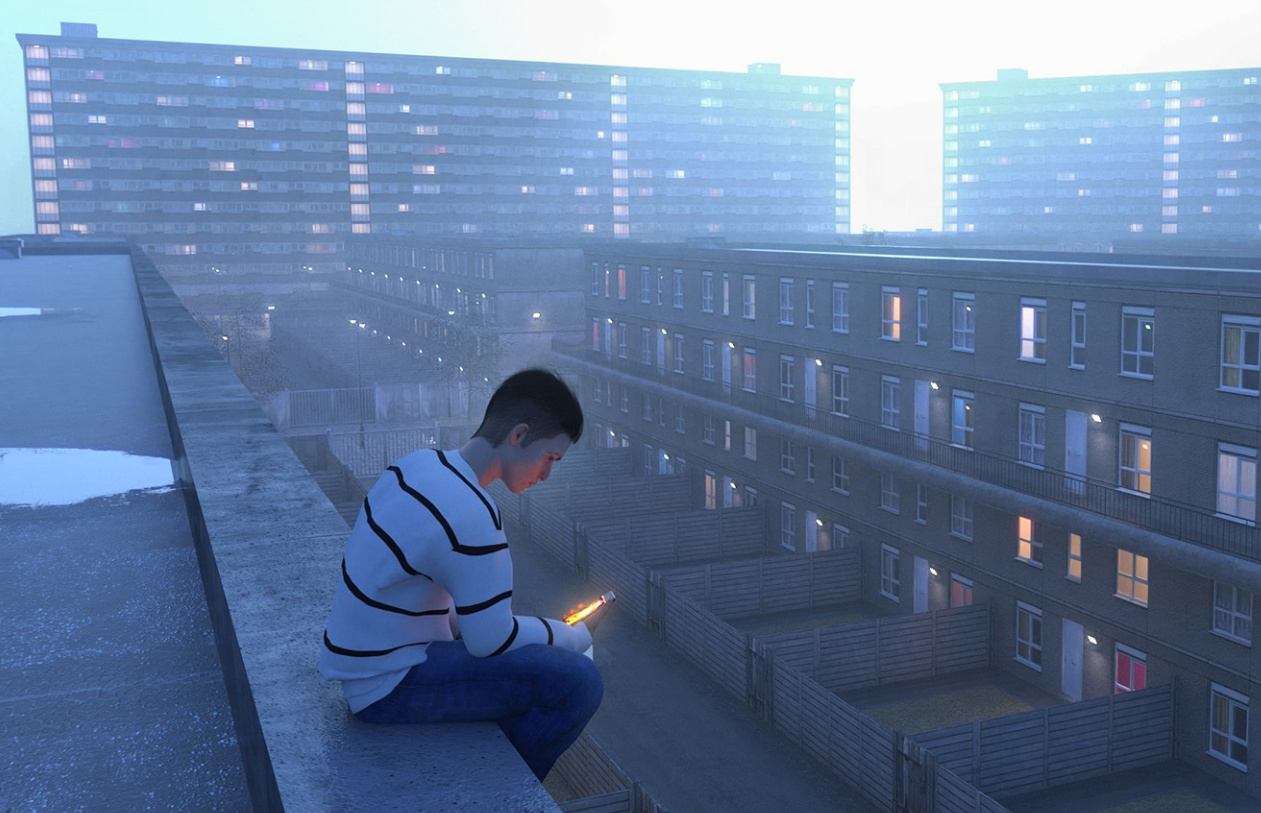
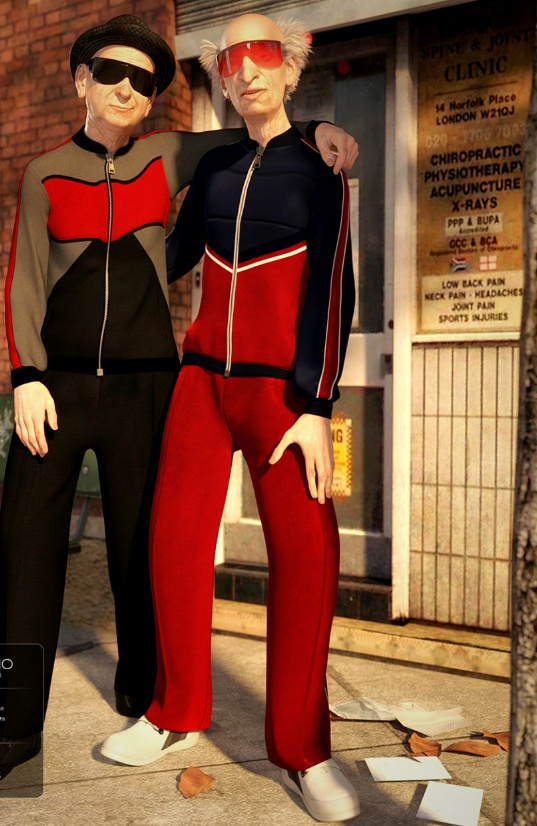
* Urban Living, a 1970s / 80s London housing estate (Americans call them “housing projects”, I think?). And some suitable dForce Tracksuit textures for the dForce Tracksuit Outfit for Genesis 8 Male.
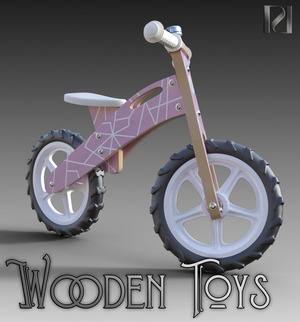
* Vintage 70’s Pedal Bike of the Chopper type.
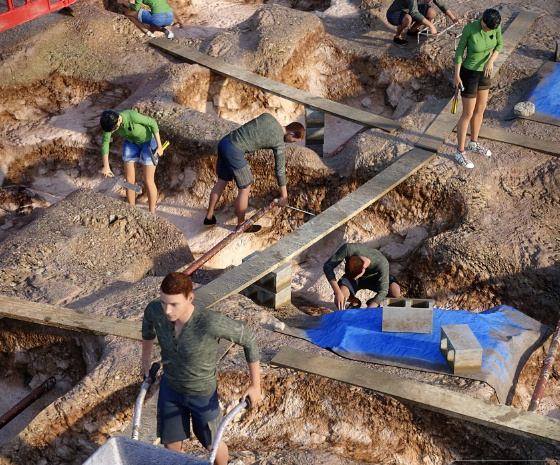
* Project Flintknapper for Genesis 8. 15 archaeological dig poses.
* British Commando Sweater for G3M.
* British Open Railway Wagon, more quality railway work by DryJack. Also A Victorian Fire Hose Reel which may interest those making scenes of vintage British train stations.
* Pre-coiled Bits of Barbed wire for Poser.
Storybook:
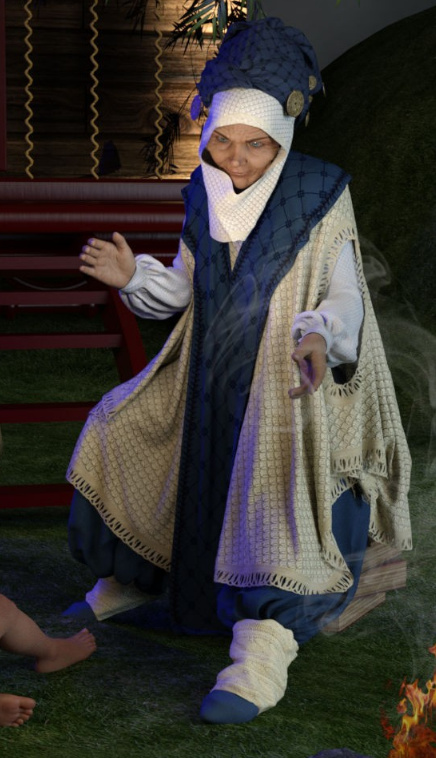
* dForce The Storyteller Outfit.
* The Anne of Green Gables -style dForce Nostalgia Dress for Genesis 8 Female.
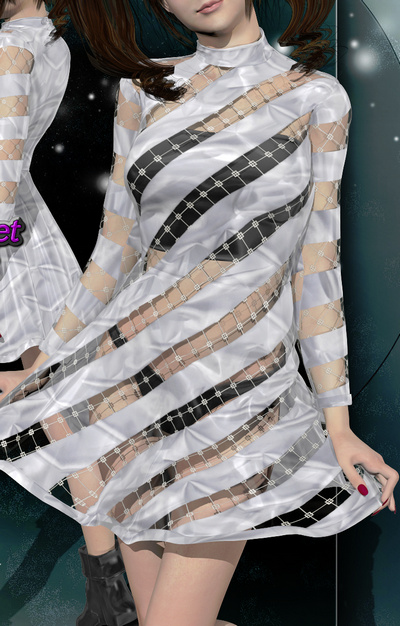
* A free dForce sleeveless dress for G8F in the latest DAZ Studio.
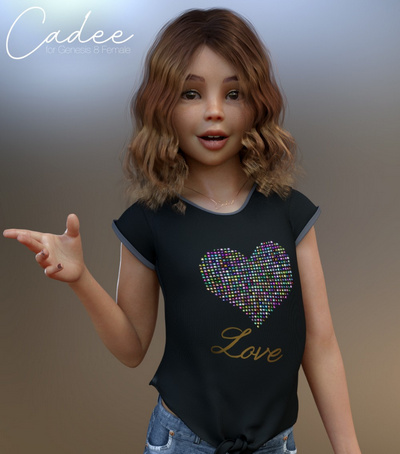
* Cadee Bundle for Genesis 8 Female.
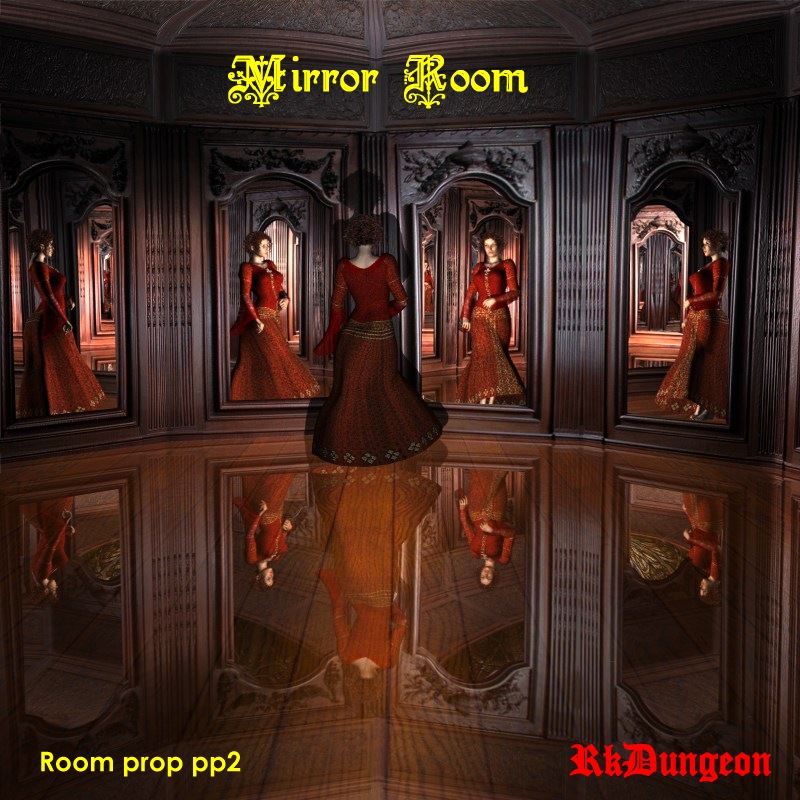
* A free True Mirror for iRay in DAZ Studio. With accurate light fall-off and green-shift.
* Stonemason’s The Gothic Library.
* The Gothic Library might be equipped with the GWR Platform Ticket Machine for Poser. This could become a “magic ticket” element in a storybook tale.
* 1971s Flying House on an island, and his Babushka Yaga House.
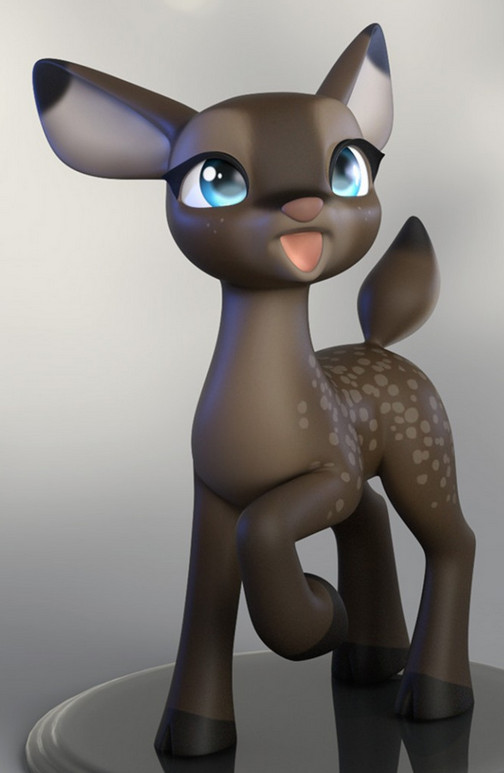
* Tane The Old Deer for Daz Horse 2.
Comics and toon:
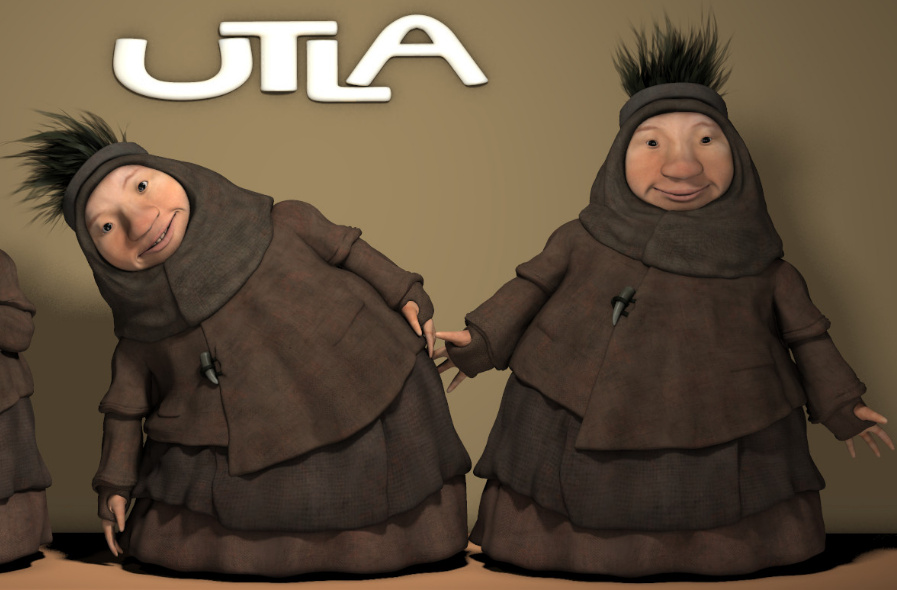
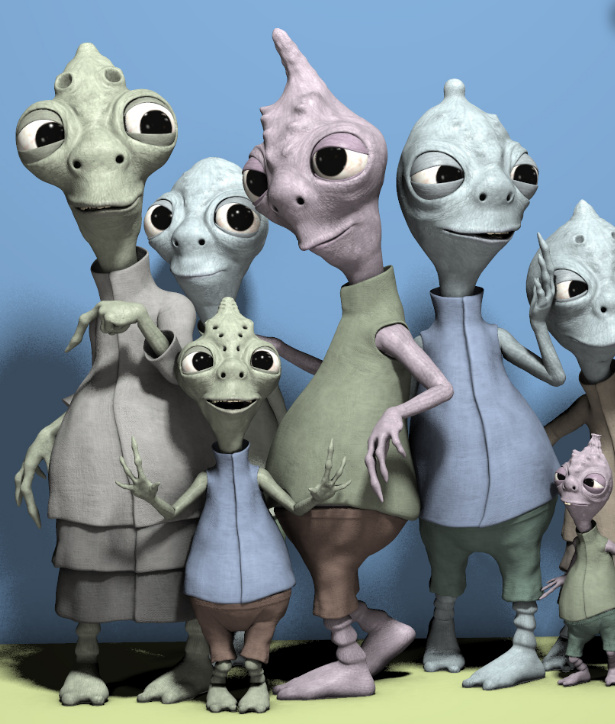
Nursoda’s new figures Onats and Utla for Poser.
Nursoda’s very newest is Blumi.
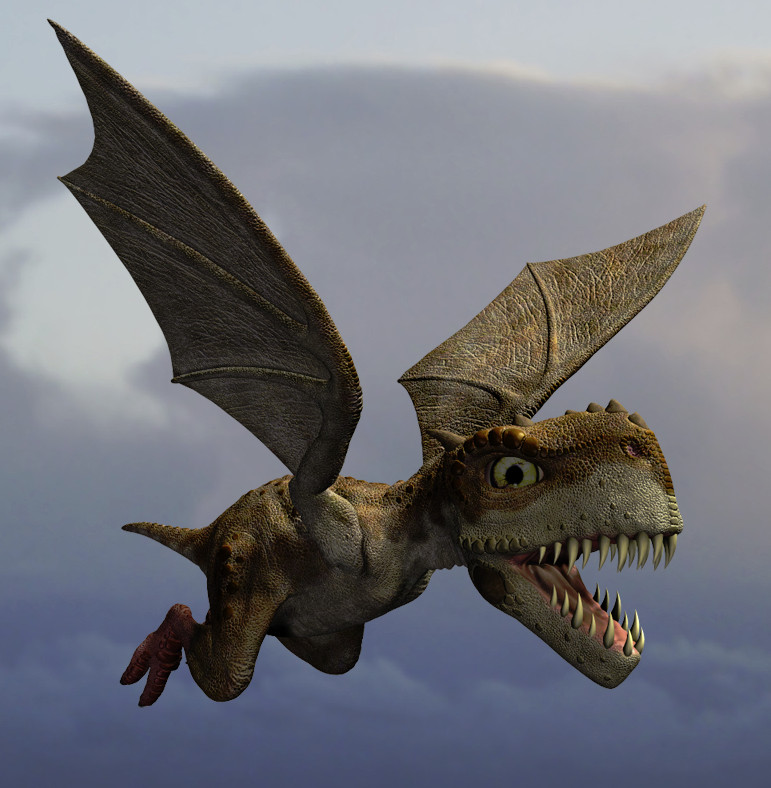
* Dinoraul’s fantasy dinosaur with toony face Ogaliks DR for Poser.
* A simple but stylish and free Ghost for V4 in Poser.
* Free materials for Poser tested to work in Preview mode, for use with Poser’s real-time Comic Book Preview.
* Superfly material for SA Kitty. Robo-cat Kitty ships with Poser for free.
* Poses for Squidy, a toon octopus, if you grabbed him before he vanished from Content Paradise. Amazingly, Darkseal says he only ever sold 13 copies there.
Tutorials:
Photogrammetry : Creating Daz Studio Assets from Photos.
Powerful dForce Discoveries and Solutions.
Mastering UV Mapping with UVLayout.
Scripts:
* RSSY 3Delight to Iray Converter. Which claims all the textures in a DAZ Studio scene can be updated for iRay in four clicks, including light-emissive materials.
* The free Locate all image bitmaps script shows you all the images driving the textures in the current scene.
* And finally, Procedural Clay Material for Cycles. Since Poser now uses Cycles for SuperFly, this could be ported to Poser. Similar to the Sculptural Genesis 8 Ultra Fun Kit which turns any G8 figure into a statue.
That’s it! Phew! More picks soon!
It lives!
Hi again! After nine months of hiatus, I’m pleased to say that I’ve regained the jurn domain, and with it this blog. Almost everything on the blog still seems to be working as usual, even the Pinterest sidebar gallery. The “Stuff for free” links will be fixed soon. The WordPress blogging software install has been updated to the latest secure version, the Classic Editor plugin installed to rescue the posting UI from ‘makeover mania’, and the blog seems ready to roll again.
I think I’ll do a series of three seasonal “best of new Poser/DAZ content” surveys as a catch-up, rather than trying to monthly ones: summer 2018; Autumn/Fall 2018 and Winter 2018/19. Watch for those here soon.
But first, a quick glance at what’s new or coming soon with tasty creative software since early summer 2018.
In 2D:
* the free open source painting software Krita 4.x has made several vital upgrades, and is now in 4.1.7 which came out just before Christmas. A very fine bit of software, and the laggy brush-engine of version 3 is now really fast and smooth. Lovely brush engine / library too, and brush stabilisation built in.
* SketchBook Pro went wholly free on Windows, though that caused its Android app version to become unavailable on the Kindle Fire tablet. In my opinion, Krita 4.x should now be your choice for desktop painting, before taking the painting to Photoshop for finishing.
* the full 1.0 version of the free open source vector / .SVG software Inkscape is due relatively soon and is currently available in alpha. Sadly there’s still no Illustrator .ai import support for older .ai files — it was such a huge mistake to remove that.
* the Photoshop behemoth continues to roll onwards, and just this week Adobe swallowed the Substance Designer / Substance Painter folks, and will subscription-only it in November. I hear that the very latest Photoshop version also has sufficiently good brush stabilisation to make the Lazy Nezumi Pro plugin defunct, although for inking line-art the latest Krita (free) is probably now the way to go.
* Digital Auto-Painter 6.0, the standalone set of ‘painterly’ picture filters.
* CrazyTalk Animator. Set to be re-named to the bland and un-findable ‘Cartoon Animator’, with the ‘coming soon’ version 4. Whatever the name, it’s still fine software for 2D animation and also for speeding up production of comic-strip / webcomics-style comics, with good balance of ease-of-use and power. Version 4 will bring ‘smart’ IK, motion re-targetting between characters, and more. Version 4 is due March/April 2019.
In 3D:
* Poser continues development and is now in 11.1.1.x and has a new official DevLog which lists changes and has news from the new development team. Access the patches and updated content for Poser from the latest version via the Download Manager.
* The new Lightwave, just revealed, promises seamless and automatic Unreal integration. Which suggests that there may be an easy path there from Poser scene > Lightwave > Unreal. Though there may not be a Lightwave 2019 upgrade to the Poser Pro plugin for Lightwave for a while.
* Cinema 4D had an major update, though nothing in it really grabbed me. The same was true for Keyshot.
* The real-time World Creator 2.0 is built on the Unity engine and I was lucky enough to get a review copy at RC14, and the eight-page review for that was published in Digital Art Live magazine #32 (Sept 2018). Difficult (but not impossible) to use without a really powerful graphics card, though.
* FlowScape is a fun simple real-time ‘natural landscape generator’, built on Unity. As with World Creator you’re probably going to need a whopping great graphics card to run it smoothly.
* Vue has gone ‘annual subscription’ and also changed the user interface. But I’ll be sticking with my Vue 2016 R4, which was the last before the UI changes and other problems started. I have no idea if the tight Poser integration has been retained in the new version, but I assume it has.
* MoI 4.0 (Moment of Inspiration) should be out soon. A nice fairly easy NURBS modeller that’s worth taking a look at.
New for Poser and DAZ, March 2018
Here’s my pick of the month’s new releases for Poser and DAZ, slightly delayed by Renderosity’s image servers being so frequently unreachable/slow in the last few days.
Science fiction:
The superb Bradbury Suspended Rail System by The AntFarm. With pylons, track, wiring, and interiors.
Jet Pack “Hyoga” for Genesis 8 Female.
Your jet-packer could be flanked by futuristic air-boarders by using Stylized Helmet, Airboard and Poses for DAZ Studio and G8 / G3. The helmet not so good-looking from the front, though.
Got a mining planet scene? Neoquad for DAZ Studio offers an interesting possibility for having floating ‘mining pods’ with ‘mining pick’ legs.
Alien Queen for Genesis 8 Female.
ATVE: A.E.C.O. is a nice sleek underwater vehicle, with G8 pilot poses.
Sci-Fi Cryogenic Room for DAZ Studio.
Ourias’s world : bundle car 1, low-poly but still detailed flying cars, for use in the middle distance in your retro sci-fi city scenes.
Morphing SciFi RayGun for G8F and G8M, with hand poses and gun morphs.
Steampunk:
Steam Train is a superb movie-quality flying steampunk creation from Powerage.
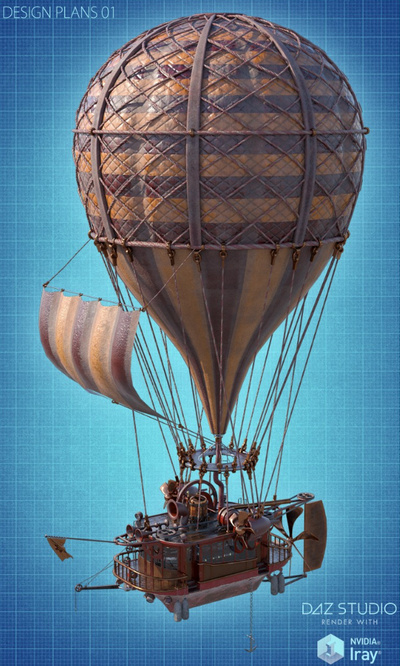
A free Hot Air Balloon and basket, for Poser.
Fantasy:
A free Long Tongue Prop for DAZ Studio, suitable for a variety of fantasy monsters. Note that you must credit “squarepeg3d” if this is used in your renders.
Prae-Pearl Hair G3/G8, for DAZ Studio.
A MortemVetus freebie, formerly on the old RuntimeDNA store, returns as the free Morphing Treasure Map.
Daughter of Dagon for V4, an organic aquatic clothing set, with an interesting headpiece that morphs.
Always good to see a new custom-morph M4 figure for Poser, and this one suits fantasy art. Jorgen M4.
Fan art:
A big Smial for the Butterfly House for Poser. Has potential for conversion to the frontage of a Hobbit hole, though it would need a heavy makeover. The first thing to do would be hide the geometry of the front step, and replace it with organic rounded flagstones.
Get Rowling around the house, with HP Boggles for Ollie 8 for G8M, a Harry Potter-style house-elf…
Hide the juicy fishiies, it’s an HD Gollum-alike! Glumgurgle HD for the new Ollie 8 for G8M.
“Ah, think the Great Walt sees you not, do you…” SW Yuda for Poser and DAZ Studio.
Historical:
Flock of Geese for Grumman Goose adds U.S. Coast Guard, U.S. Navy, Royal Air Force and other makeovers to the Grumman Goose amphibious aircraft (aka ‘flying boat’) which could land on water.
If you want to make your own unique pin-up ‘squadron emblems’ for the nose of such planes, there’s the new Pin Up Box Bundle, a huge set of pin-up poses in the style of the 1940s and 50s, for G3F and G8F.
Cigarette for G3F and G3M, a complete accessories set including hand poses. Not sure if you also get a 2D billboard with smoke, but there are plenty of Photoshop ‘smoke brushes’ out there.
Toon and semi-toon:
Ollie 8 for G8M, an excellent new figure for G8M and Daz Studio. Plus an Ollie 8 HD Add-On. Presumably named for Ollie, of Oliver & Hardy fame.
The free Rotten Eggs for Poser. 14 poses and various textures. Formerly a freebie on RuntimeDNA, so you may already have it in your runtime.
Animals:
Mierasaurus, another quality dinosaur from Dinoraul, for Poser.
Scenery:
ShaaraMuse3D’s 3D hi-res photoreal scenes are always welcome, and the new The Last of Winter for Poser is a 13-item set suitable for campfire scenes and similar. May also interest Vue users.
Got too much global warming on your roads? Clear it away with the free Pisten Bully for Poser, complete with driver posers for V4/M4.
Easy Environments: ExoPlanet IV for Poser and DAZ Studio. Also suitable for scenes with camels, lost temples, pod-racers etc.
Skellig Island. Crude textures and some abrupt sharp edges on the geometry, but it may be suitable for making renders for 2D overpainting, if you need to depict the circa 650s monastic life on the islands around Lindisfarne etc. Or to make ‘old Luke’ fan-art for the (very iffy) new Star Wars movie.
Skellig Island could be used with the new dForce Midnight Monk for Genesis 3.
Utilities:
The free PP2 Exporter v2.1a for DAZ Studio. This an update of the old PP2 Exporter, so you can export in Poser format from inside the latest DAZ Studio. Comes with a user guide.
That’s it, more picks next month!


.jpg)