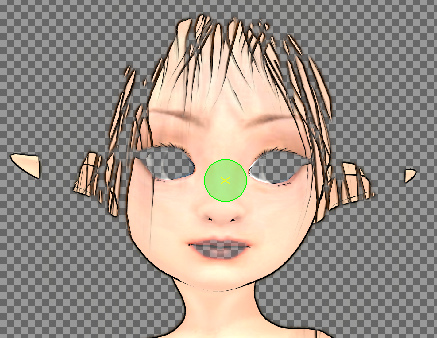
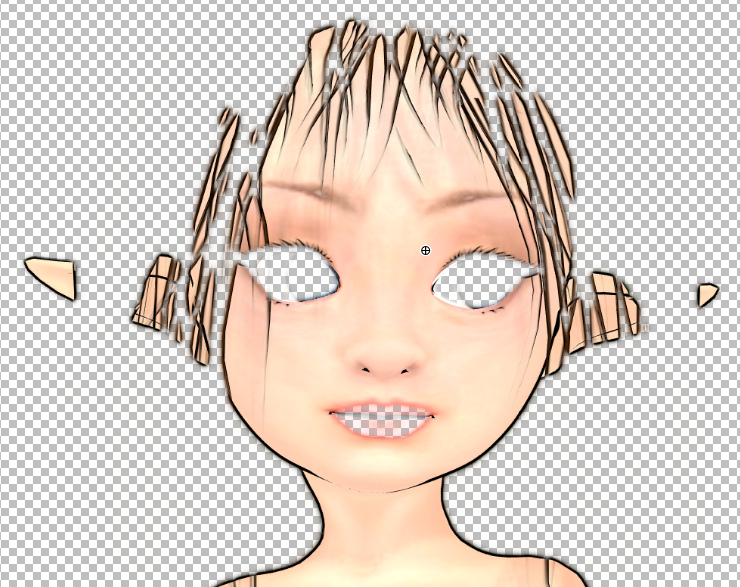
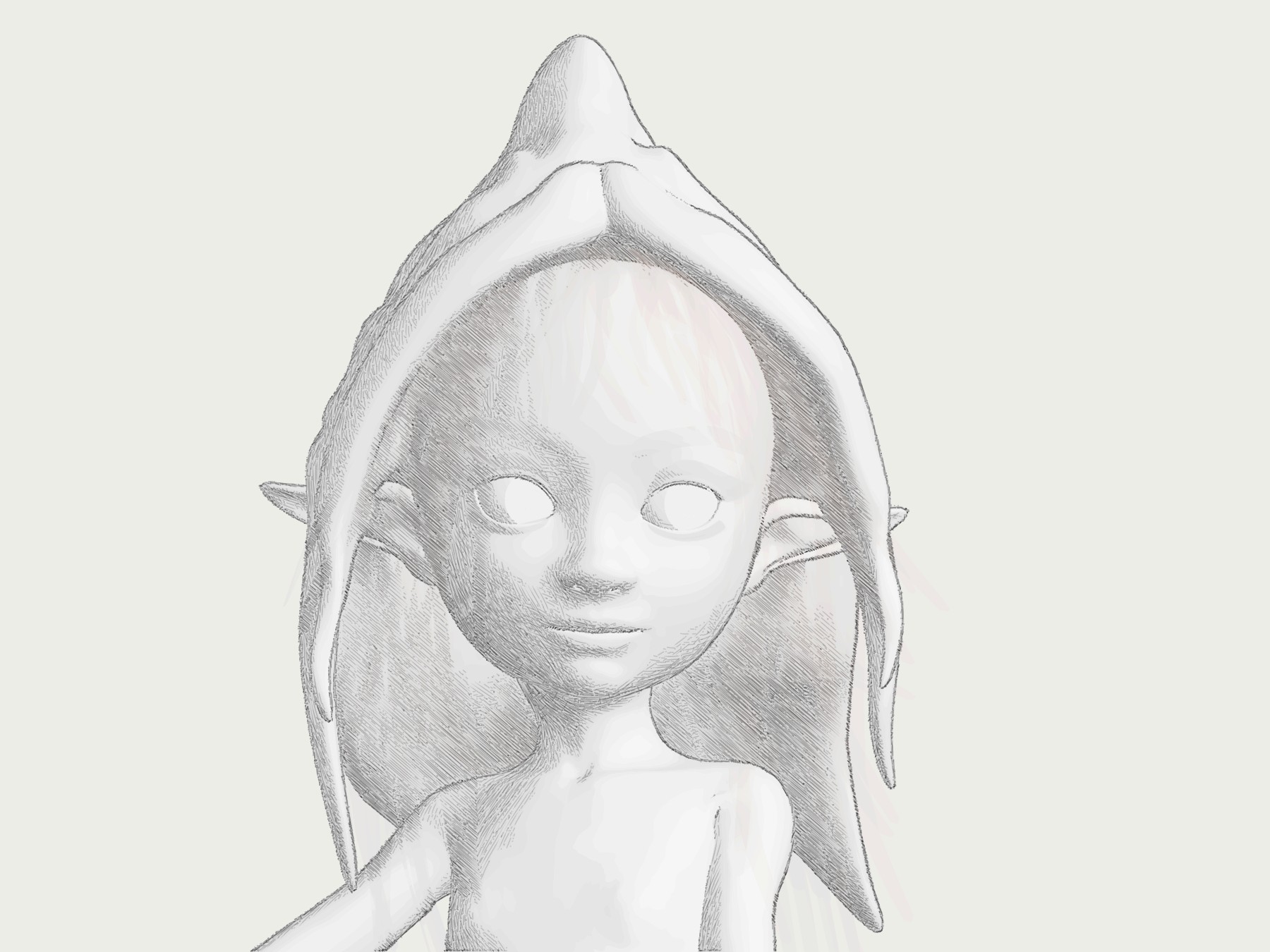
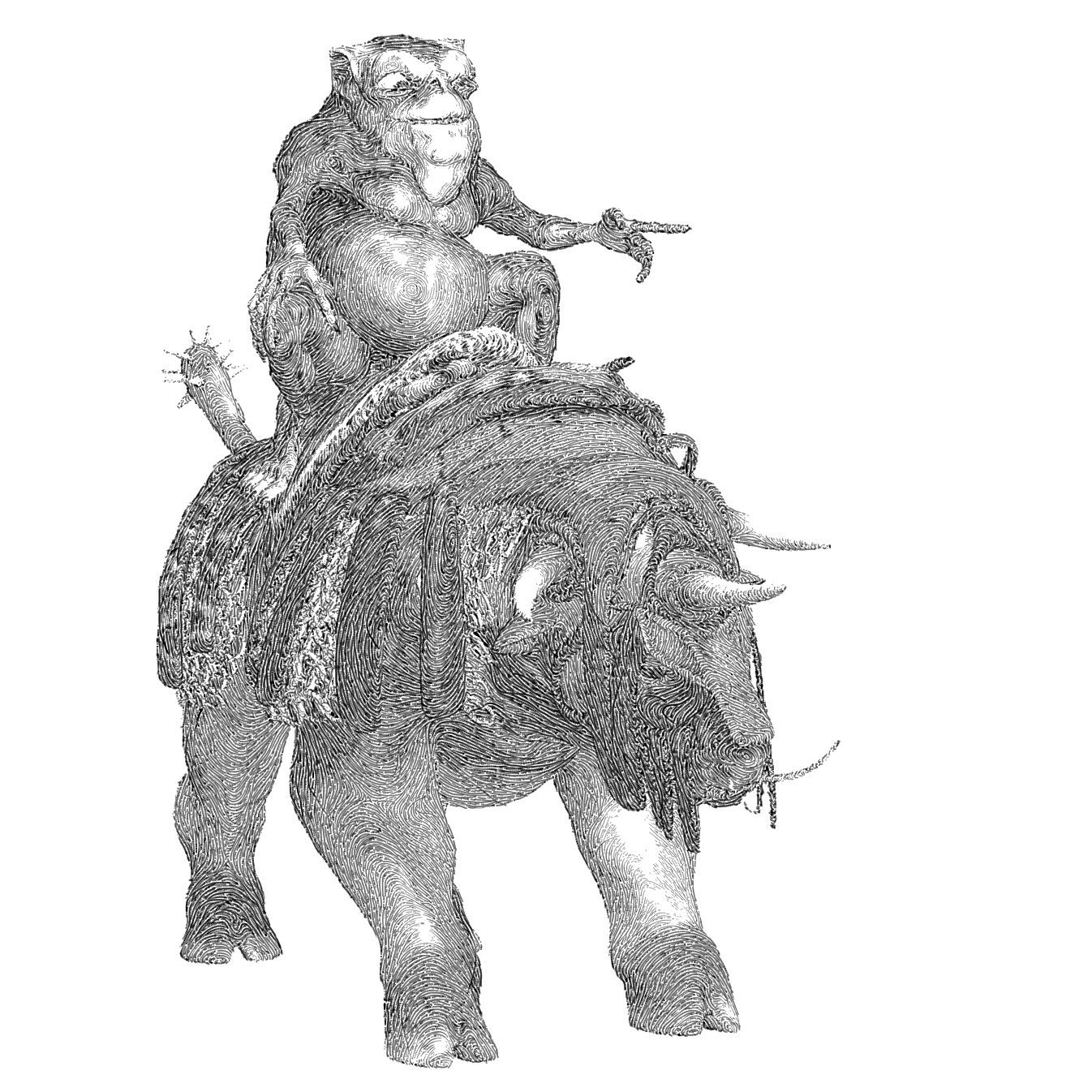
Decimation of a model is done as follows: Top Menu / Filter / Remeshing > Simplification: Quadric Edge Collapse decimation. Set target poly count, tick ‘Preserve Normal’. Save.
Author Archives: jonahjameson
Clipped for $25
I finally plonked down my $25 for Clip Studio, and was pleased to find no nonsense about “you’re in the UK, must pay in £’s and have 20% sales tax added”. $25 was $25. I can’t say the same about the mini-nightmare that is trying to serialise and register the software, but the initial buying process was painless.
As a first feature-test I tried vectorising a Comic Book inks test-render from Poser. I first benchmarked it in Inkscape (fast, reasonable quality), PhotoLine (fast, but appears to be of iffy quality) and Vector Magic (superb, but takes six minutes). Clip Studio beat them all in vectorisation, by a mile. Instant and accurate, making Clip Studio worth the $25 even if all you want from it is good vectorising tool for lineart. And it’s really easy to use for that, too…
I’ve yet to find a way to round-trip it from PhotoLine for this purpose. I suspect it’s not possible to send out a bitmap and return a vector.
In other news, re: my search for a good tool to make .SWF output for Cartoon Animator… I’ve added a further item to my recent Software that will output .SWF in 2020 survey post…
* Serif’s DrawPlus (later replaced by Affinity Designer, with the .SWF export said to be removed there). The old DrawPlus is perfectly capable and is available as an X3/X4 DVD (or higher, X8 being the most recent) for pocket-money prices on eBay.
So either PhotoLine or DrawPlus is the ideal solution re: balancing sub-$100 price/power. 2015’s DrawPlus X8 would be your ideal target. There was a free DrawPlus Starter Edition (a cut-down X7 version), but apparently one can no longer get an activation code to install it.
How I didn’t identify DrawPlus on my first pass of searching I don’t know. Anyway, it’s on the list now.
I should also add, for the benefit of future searchers, that I’ve had no luck finding a third-party .SWF exporter for Clip Studio.
Clip Studio on a 50% discount
The Clip Studio desktop software currently has a week-long 50% sale on both versions.
Here’s the best itemised guide which briefly explains what the EX version has for comics makers. Basically it’s: batch import; multipage comics with Kindle and ePub output; and rather basic-looking vector lineart can be made from imported 3D architectural and similar models.
The latter can later be made to look a bit more artistic, by changing the vector line style, but the effect is not great and the software is basically assuming you’re going to be over-inking by hand.
Clip Studio doesn’t export .SWF, so can’t be used via that format for making drag-and-drop vector props for Reallusion’s Cartoon Animator.
If all you want to do is make non-manga comics, then Clip Studio is basically the wrong software, being over-complicated and fiddly as hell. You should just be using the vastly easier Comic Life 3 instead.
Poser/DAZ New Content Survey for Feb-May 2020
Right then, so it’s time to get the Poser/DAZ New Content Survey back on track. My last such survey being at the end of January 2020. What new content and scripts for DAZ Studio and Poser have caught my eye in the four months of February-May 2020?
As usual, freebies are only featured here if they’re commercial-use.
Science fiction:
CyBody – Cyborg Internal Structure for G8F.
Need a guard for your Sci-fi Tower? Space Runner Outfit for Genesis 8 Female and Flyboard Action Poses for Genesis 8 Male for the FlyBoard.
Or an infiltrator in the Tower? CosHero for Genesis 8 Male. There’s also an earlier Poser version of this.
Or you could just teleport to the Tower. Teleport Station. Nice work, but you’d need to check it against all variants of the Star Trek teleporter room before using commercially.
Need a teleporter FX? The new SY Invisible for Genesis 8.
In the jungles below the Tower, BugHunters for M4. Probably needs a different camo for an alien planet, though. And some wrist protection.
Your bughunter may need to be packing the AER Future Firearms: Energy Weapons.
Sixus1’s Retrospace Bundle of 1940s pulp-era sci-fi outfits.
Pulp SciFi Pistol I and Pulp SciFi Pistol II.
Jepe’s WonderPlantZ. Fabulous alien plants with a ‘gas-floater’ feel.
Data Processor DS, a retro ‘1980s pop video’ set. It shouldn’t be impossible to replace to the big monitors with something sleeker and more futuristic, though. Or even strange glowing orbs or techno-eyes.
Masks v003 MMKBG3 for DAZ Studio.
Sci-fi City modules, for free in .OBJ.
Easy Snap Universal Sea Habitat. See also the new Scene Mastery Tutorial : Underwater.
Sci-fi Hair for G3F and G8F, in the Gerry Anderson UFO to Tron Legacy style. You may also want the Cyber Neon Catsuit for Genesis 8 Female.
A Syd Mead-like Space Buggy.
Raffy Raffy has a fine new Moon lunar landscape, although for Blender rather than Vue.
Sci-fi Truck & Trailer for Poser.
Roaring out of the back of that sci-fi truck… the Desert Storm Alpha off-road vehicles. Got to get your adventurer team through the wilds of Whereizitagin to the Lost City somehow…
Secrets of Danaides Poses for Genesis 8, a useful set of explorer/investigator poses.
Fantasy and SciFi Fast Render Lights for DAZ Studio.
Steampunk:
It’s been a rich period for new steampunk content.
Grandpa’s Room by 1971s. Nicely strange, although I hope it’s not fan-art like his Balmora buildings series. Let’s hope Grandpa’s Room is the first in a similar series. I might be inclined to make it weirder still, and add the cat head from Catoon (see below) while moving the glowing disk down.
Photographer Automaton and Photographer Automaton Poses. He also has a Paperboy, Boat Captain and Solicitor.
Paperboy might be reworked as a fairground fortune-teller?
Punching Bag and Striker Game.
Iron Horse for Poser and DAZ Studio. Jet-powered! Yeee-haw!
“Son, yerr gunna need an eye-patch to ride that hoss…”
dForce Plague Doctor for Genesis 8 Male. Very impressive.
A steampunk Elevator For DAZ Studio.
Fantasy:
The Miyazaki-like Abandoned station for Poser by 1971s. Superb. Also available for DAZ Studio.
Valley Guardian. Rather nice Miyazaki-like stone ruins from The AntFarm, though distinctly over-priced.
Trumpet of the Dead Mushrooms and Wooley Milk Cap Mushrooms for free in .OBJ. Nicely made freebies.
Visiting Grandma. A free ready-made scene for those with the right 1971s props to join together.
Bone Wine for Poser and DAZ.
For the Epic Character Generator software, the Season #3: Portrait Male page.
Also, there are a zillion new pirate outfits on the DAZ Store, and also some cool Hair and Beards.
Storybook:
Head in the Stars for DAZ Studio.
Fantasy Nebulas for Poser, for the Hivewire Horse. Cosmic makeovers for your star-horse.
Kids Corner for Poser and for DAZ Studio. Also Kids BackDrop.
Whimsical Girls for Genesis 8 Female.
A free Genesis 8 dancing pose.
Toon:
Ronk, another superb Nursoda figure for Poser. And some free textures.
Vespa APE, for free in .3DS format. It’s French rather than British but is potentially a vehicle for Ronk.
Hamlet 3D, a toon piglet for Poser and DAZ.
Artephius Magnus for Ollie 8 for G8M. Similar to Nursoda’s Dr. Pitterbill, but for G8.
Catoon, a semi-toon cat with a human-like body. Great face, not so keen on the body. Perhaps needs to have it covered with a long trenchcoat and made into a gumshoe ‘private-investigator cat’.
Glasses v001 MMKBG3, including a ‘comedy disguise’ set.
Base figures:
The V.2 versions are out, for the flagship Poser 11/12 figures.
L’Homme Pro – V.2 for Poser.
Also fairly ‘base’ is Dain 8 for G8M, with lots of variants.
Newly found, 3D Celebrity Lookalikes for DAZ Studio & Poser.
Historical:
A Fantasy Ruins set in .OBJ and .FBX.
Deep Mine by ShaaraMuse3D. This looks excellent, a big modular kit with crisp 4k textures. See also the new PW Abandoned Mine.
Victorian Wash Day by DryJack, for Poser.
A British Empire District Commissioner outfit for the colonies, for Genesis 8 Male.
He probably needs some 1910s hairiness, as found in the new Alchemist Hair & Beard for Genesis 3 and 8 Males pack.
British Infantry for M3 low poly for Poser. See also the new Outpost Props.
WW2 Type 22 Pillbox for Poser. A freebie from DryJack.
Stusebaker US6 for Poser.
Ancient Roman Watchtower and compound.
Siege Facility for DAZ Studio, for your siege warfare needs.
Sticks, Bark And Chiseled Ends in .OBJ. See also the new Bodgers Workshop Props.
A 16th century Printers Workshop as a prop set. See also the Cobblers Workshop.
The Egyptian King for G3M and G8M and Poser L’Homme.
Stonemason’s Temple Pool.
MS20 The Crypt, a Roman-style crypt. This used to be free from Cornucopia, so check your Vue content — you may already have it.
New Orleans Garden District House with interiors and decor.
1960s Lakebed Racer for Poser.
A Space-tastic 1970s Rock God for G8M.
The free Doctor Frankenstein for M4, for Poser. Also suitable as a Chatterton-esque 19th century ‘doomed young poet’.
DryJack’s GWR Cordon Gas Tank Wagon and GWR Signal Set of classic British railway signals.
Vintage Milk Float in the British 1970s style.
A classic Fairground Carousel.
A 1960s style Small Public Library, of the proper sort that existed before they became kiddie-creches/computer-cafes.
Clothing:
dForce Vintage Nurse for Genesis 8 Female.
dForce Modern Romantic Outfit Texures for Modern Romantic.
Pre-drape Snood Morph for Divergence for G8F.
FSL Ragged and Dirty Fabric Shaders for iRay.
Animals:
HiveWire Caribou and LAMH presets. Requires the Hivewire Horse. A good stand-in for Christmas reindeer, by the look of it.
Felidae by AM – Kimbo the Lion Cub.
Felidae by AM – Smilodon Populator, an Ice Age big-cat.
CWRW Red Stag for the HiveWire Mule Deer.
Three new volumes of parrots from Ken Gilliland. Also two volumes of gamebirds.
Bird Toys for Poser.
Feed The Birds: Upcycled Feeders for Poser and DAZ.
The Nature Plants 05 pack has a nice palm tree of the sort that might interest prehistoric artists. One might also perch parrots in them.
Virus:
Modern medical outfits for La Femme and L’Homme for Poser.
Toilet Paper in DAZ Studio format.
Free Quarantine Cats. Including a Nurse Cat for the HiveWire House Cat. Plus free Cat Toys.
There are also a great many facemask freebies out there.
Scripts and utilities:
P3DO Explorer Pro 2.8 for searching your runtimes. PzDB is the main alternative.
HeadShop 12.5 for La Femme and L’Homme. For fitting a custom head, made from front/side photos, to the flagship Poser figures.
L’Homme CrossDresser License…. “any supported figure to L’Homme”. Also a pack of a XD Morphs for L’Homme and CrossDresser.
‘Frame In’, for DAZ Studio. The description is in Jap-lish, but it appears that this is a ‘move in front of current camera, and frame’ script. The same maker has a ‘Look At Camera’ Script.
Hide Backyard Script! for DAZ Studio. Hides all objects that sit behind the active camera.
REM2Greyscale for your runtime. “Rem2Grey recursively converts all your REM file [Library thumbnails] to Greyscale giving you the option to add a red X overlay.” Useful, though I’d be inclined to test it on a small batch first.
A new Scatter Tool for Poser.
Tutorials:
Rendering and Lighting Solutions Workshop.
Mandelbulb 3D : The Complete Guide to Creating Infinite 3D Worlds with the free Mandelbulb3D.
DAZ Studio Fight Scenes, with Drew Spence.
That’s it, more picks soon-ish. Possibly at the end of July or start of August.
Hunterman
A couple more toony demos in Poser, with Comic Book mode turned on, of recent ‘closing-down sale’ purchases at Poser Addicts. This shows a couple of the ‘Execution Complete’ textures makeover sets for the Hunterman M4 outfit, both available at Poser Addicts for the next week or so.
The edging of the rubber is not ideal, with stitching done in pixels rather than geometry, but a quick up-res with Gigapixel AI might help fix that.
When you need a completely new PzDB index
Sometimes the database in the PzDB software partial fails, and one has to add a new database to the mix. This happened this week, as the previous index of the runtime was repeatedly failing to complete an update (in one case on an overnight run). An update run is done to show you everything you just installed in a batch, displayed in PzDB as big elegant thumbnails and ready to drag-and-drop into Poser. PzDB is the only runtime indexer I know of that can do this: you first manually install a saved-up batch of new content, then run ‘RSR to PNG’ on the runtime to be sure you have nice thumbnails, then re-index from PzDB, then use ‘New Items’ or ‘Index date’ to see all the new items in glorious thumbnail-o-vision…
Anyway, the database wasn’t corrupted, just failing to complete a re-indexing run so that newly-added items could be seen. I assume it’s a Microsoft Access thing, on which PzDB runs, rather than a PzDB thing. In such cases one reluctantly but easily makes a completely new index overnight (I’m assuming a runtime the size of a planet, which may take six hours for a ‘first-time’ indexing). Then one starts to tag newly-acquired items on that, while keeping the older indexes in the search mix. That way you retain access to the old tagging work you did on the old indexes. The drawback is that search results then duplicate alongside each other, as you’re searching across two or three indexes that are essentially duplicates of each other. But it’s no great hardship and doesn’t appreciably slow down the search.
Below you see how I search three duplicate Poser runtime indexes, made at different times. Two have been abandoned for tagging and updating purposes, having some unknown glitch that prevents them from updating, but they still work fine as search indexes.
The tripled results…
Shiny Python slides into Poser 12
A new article on PoserPython at Renderosity reveals Poser 12 will go to Python 3…
“When we move to the newer version of Python it will almost certainly break the DSON [early Genesis versions import] plug-in and other scripts. We simply can’t hold back the needed updates any longer. Poser needs to move forward, and we can’t wait for DAZ to update a 10-year-old plug-in,” he said. If user want to use Genesis figures in Poser, DAZ Studio has a PZ2 (Poser format) exporter that allows the export of figures that can load from Poser’s library system.
The latter is news to me. Does he mean the store, rather than .CR2 export from DAZ Studio? They do have a $7 ‘Poser Format Exporter (PFE)’ .PZ2 exporter for getting poses and animations and the like to Poser, but I’ve never heard it could be used for complete clothed pose-able early-Genesis figures. If that was possible I’m sure I would have heard about it. Perhaps .CR2 and .PZ2 are being confused here? You can do .CR2 to get a Genesis 1 or 2 figure, but not G3 or G8.
But if one really must have an early Genesis figure one can always i) export as a posed plain old .OBJ (pray the textures load back on); or ii) render the posed figure with similar lighting, save to a masked image format, and use inside the Poser scene as an alpha-masked billboard (only good for background crowds, admittedly); iii) render the figure to a masked PNG and composite into the Poser scene in Photoshop, PhotoLine, Krita etc. So far as I’m aware it’s not possible to export a posed .FBX from Poser, and that’s probably also the case for DAZ though I’m not sure.
As for other scripts and Poser 12, I guess we just have to see what breaks. It happened for Poser 11 and 11.2, and stuff got fixed in due course. Perhaps Renderosity could dedicate a tiny fraction of the Poser 12 profits to recompensing the script fixers. How about offering small bounties for fixed scripts? I mean, there’s only going to be a dozen or so. $100 per = $1,200.
Some of the Poser Addicts purchases
A quick demo of some the recent closing-down sale purchases at Poser Addicts.
The Battlebot. It’s a standalone found under El_battlebot in Figures and Poses, and takes Hiro 3 and probably M3 poses. The eyes are the main problem, being just simple tubes, and you’re not going to get the head to do much in terms of expressiveness. Not bad for $6 though probably better for photo-real than comics, seen as looming giants across a misty battlefield. Or as a standing rusted hulk, of the sort seen in Castle in the Sky. Or delete the eye-tubes and just have him with a glowing face-plate in a cyber-punk street scene.
The Mayan outfits (‘Tlahuitzli’), which were purchased only for the two Moebius-style hats. They’re found in Poser under MX. The hat is great, with a sort of harness that goes on the back of the M3 figure. The helmet has some slight transparency problems in Poser Preview, but its rosette can be deleted via the Material Room and it can still be Preview rendered ok. Again, not bad for the equivalent of $3.50 each, and there’s nowhere else you’ll get Moebius-hats in 3D. There’s no way I would have got them at full price.
The M3 Scorpion outfit and helmet is found under Royloo. As you can see here, there’s some doubling of ink lines at the front cheek-guards, which would have to be masked with another inklines render, via nudging in Photoshop. Still, it’s a strong complete M3 outfit for $6.
ZBrushCoreMini
ZBrushCoreMini is a new entry-level free version of Zbrush, sitting below its budget ZBrushCore in the Zbrush range. It’s relatively confusion-free, with just eight sculpting brushes and a few basic materials. There’s also .OBJ export, with no watermarks. Downloading ZBrushCoreMini requires a sign-up, and it appears to be perpetual free desktop software.
It would be interesting to see if this could be hooked into GoZ or an equivalent, for round-trip calling from DAZ Studio, Poser etc like the big ZBrush.
Poser Addicts closing-down sale
The Poser Addicts store is closing down, with a 60% sale until 15th June 2020. Their flagship FemaSu 2011 alien is one science-fiction artists will definitely want in a runtime, and there are a couple of nice freebies including a Steampunkbike with Poses for M4 and a useful Cigar. There are also curiosities such as a skeleton lion and horse.
Here’s a test $50 checkout, though I will probably trim it back quite a bit. As always with such things, check carefully in your runtimes (using PzDb etc) before purchasing — since you may already have it.
How to clean the old Cornucopia ~~. files from your Vue content folders
Vue users will know how annoying it is to encounter apparent content that has the file name ~~. These were not real content, just thumbnails with links that led to the now brutally-closed Cornucopia online store.
How to mass delete these now-defunct spam link in your Vue content folders? Thankfully they all have the extension ~~. For instance:
Realms_Art_Rope_Bridge_25_~~.vob
So we need to delete everything with a ~~ in the name. What the Vue user can’t do here is have Windows Explorer just search for ~~. or *~~. and then delete the lot. Explorer doesn’t play nicely with symbols, for some unknown reason. All it will do, with a search like that, is to find everything.
Of course, it’s possible to do this with arcane command lines or wrestle with PowerShell, but that’s total overkill and requires skills unknown to ordinary mortals.
The solution is a handy little Windows freeware utility, of course. Alternate Directory is a finder-deleter for Windows that can do the job. It’s a little mis-named, and should probably have been called ‘Search and Delete Files by Mask’ or something like that.
1. Download and install.
2. Make sure you’re going to ‘Recycle’ rather than ‘Clean’. Then go: View | Options | Edit.
3. Paste in *~~.* at the top of the list. Then select and delete all the other file name-types on the list, and save. Congratulations, you’ve just configured Alternate Directory to only find files with ~~. in the filename. (The * here, for those who don’t know, is a wildcard — it tells the software to find ‘anything’ in the search string).
All the other file-types were just the sort of cruft that system administrators encounter on their servers and need to bulk delete.
4. Now use Alternate Directory to navigate to C:\ProgramData\e-onsoftware\Vue xStream 2016 (or whatever top folder your Vue version indicates for its content files)
5. Making absolutely sure you have ‘Recycle’ selected run “Diagnosis” on the folder. All sub-folders are also looked into.
6. Look at all that crap it found, nearly 5,000 bits of defunct system junk. Pressing “Clean” deletes it all to the Recycle Bin.
Alternate Directory will then take a while to delete that many found files, in this case about five minutes. Once it’s finished you empty the Recycle Bin, and enjoy an extra chunk of disk space.
Now re-index your Vue folder in any 3D content indexing software you have, such as PzDB.
Alternate Directory is a useful bit of freeware that does the job simply and effectively. You may also find it handy in future for similar bulk deletion jobs, where there’s a filetype you want removed or where there’s a repeating filename for it to hook onto. It could, conceivably, also be carefully used for cleaning massive Poser runtimes of certain unwanted old filetypes.
It can also be useful for cleaning junk that comes across when you copy parts of a hard-drive. Such as _Zone.Identifier files. In which case the mask *Zone.Identifier does the trick.
You can also have Windows Explorer become a partial Content Library with pictures for Vue:
1. Open Windows Explorer and go to your content folders at C:\ProgramData\e-onsoftware|Vue xStream 2016 or wherever you have your content stored. Set it to something sensible like View: Large Icons.
2. Over on the left panel, select the topmost folder for your content library, right-click it, Properties, Customize.
3. Choose “Optimize this folder for Pictures”, and tick “Apply to all subfolders”. OK.
You now get thumbnails and previews in folders, and can easily search by keyword.
SketchUp goes subscription-only
Sad news from Trimble, who took over SketchUp and Google 3D Warehouse from Google. They’re now making the SketchUp software subscription-only. It will reportedly…
stop sales of new perpetual licences after 4 November 2020, along with renewals of maintenance contracts for existing perpetual licences, moving to a subscription-only model.
I suppose we should be grateful that there will still (for now) be a ‘free’ lite version, introduced at the end of 2017, even though that is online-only. I’m not sure if that can back-convert older models though, as .SKPs are version-sensitive. For instance your older software (which ‘knows’ about .SKPs, such as Keyshot) may need its Warehouse 3D model .SKPs to be from SketchUp 8, or some other older version. That means the current Warehouse 3D downloads need to be tediously back-converted by running them through the current version of SketchUp.
They’re also keeping 3D Warehouse online for now, albeit slowly making it ever more difficult to get in, curate, download from, or to get 3D models from that work with older versions of SketchUp or conversion software. Again, I suppose we should be thankful for that.
If you still want free on a desktop, then SketchUp Make in early 2017 was the last good free desktop version. Archive.org has the required installer… sketchupmake-2017-2-2555-90782-en-x64.exe.
But it’s no great loss as regards Poser and DAZ .OBJ geometry. As SketchUp is a total nightmare to import to and then to move something around in (that horrible ‘placer’ and then the bizarre ‘stick to the object’ mover… ugh). It is just not worth the hassle — if all you want is to get one of the Sketch Styles filtering a 3D view of an object or figure. Stick with Poser 11 and the real-time Comic Book lineart + Sketch.
However it is still useful for rendering items found in the Warehouse, with a Sketch Style, such as generic city buildings for the background of a comic or illustration.
Software that will output .SWF in 2020
So, with Cartoon Animator 4.2 Pipeline on 50% sale until the end of June, I was asked… what drawing tools still output .SWF in 2020? A few, and one 3D software too.
Obviously the following is about outputting static 2D drawings of relative simplicity and toony-ness, for drag-and-drop into Cartoon Animator 4.2 Pipeline. Yes, I know Flash animation is obsolete etc etc.
* The old Flash drawing and authoring software itself, the best of which is reputed to be Adobe Flash CS6. Its successor is apparently Adobe Animate, with a horrible UI.
* PhotoLine. Been around for decades, constantly developed from Germany, never publicised or marketed. A reasonable price for a perfectly capable graphics/vector editor and extremely lightweight (take note, Photoshop).
The only problem is that the interface elements are offputtingly microscopic when you start it up. Changing them is deeply buried in File | Options. But once the icon size is increased, it can look pretty good. Apparently you can edit the interface icons, if you want it looking exactly like Photoshop, hem hem. It also has Actions, just like Photoshop. And can run Photoshop plugins. For $66. A nice find.
* Serif’s DrawPlus (later replaced by Affinity Designer, with the .SWF export said to be removed there). The old DrawPlus is perfectly capable and is available as an X3/X4 DVD (or higher, 2015’s X8 being the most recent) for pocket-money prices on eBay. It seems the ideal solution for those on a tight budget, re: balancing price/power.
* Also, Poser can render and save to the .SWF format. It’s not a drawing software, obviously, but good to know. See my older post on this blog, on wrangling a .SWF from Poser.
* Electric Rain’s old Swift 3D 6.0 (last updated summer 2009) could import 3D models and export .SWF. It was stand-alone Windows software, and mostly seems to have been used as “a spinning 3D logo maker”, though the RAViX engine was quite capable of doing sophisticated CAD-like line art with shading, and version 4.5 introduced a funkier little ‘pen’ setting for basic doodle-like renders.
* Creature House Expression 3.3. Free, nice tools, but appears to output the wrong type of .SWF for CTA.
Others, all relatively expensive and with learning curves:
* CorelDRAW. Probably a good choice for advanced artists, but bear in mind that Cartoon Animator requires relatively simple vectors.
* Smith Micro’s Anime Studio, now Moho. Poser import, and exports to MotionArtist, at least to Moho 13.0.x but probably not after.
* Toon Boom, the rival to Moho.
* Adobe Illustrator. Urgh.
‘Software say NO’:
* LibreOffice Draw. Claims to do .SWF, but the test output was empty.
* Inkscape. Doesn’t do the .SWF format, and an ancient plugin no longer works.
* Vector Magic. Nope.
* Flip Boom. A $40 Toon Boom for kids, very easy to use and with .SWF export. Sadly this is utterly unavailable now.
* Pencil 2D. Once said to have .SWF export, but that feature is now nowhere to be found when tested.
* Synfig, free open-source animation software with drawing tools. Once said to have .SWF output, but it didn’t when tested…
So the winner is… 2015’s DrawPlus X8.
Reallusion 50% software sale
Reallusion has a generous 50% off “all Software Store Packages” until 30th June 2020. The coupon code is either: “COVID19STAYSAFE” or COVID19STAYSAFE — it’s one or the other.
Theoretically this should drop the price on the excellent Cartoon Animator 4.2 to $49.50 for the standard (‘Pro’) version. However the real Pro version is the ‘Pipeline’ — it can load .SWF files by drag-and-drop, and has round-trip .PSD editing of props and characters. Which means Photoshop but also Krita, Clip Studio, and presumably Rebelle and much else that can open/save .PSD files. Assuming the checkout code ‘takes’ I’d be looking at around $89 for Pipeline, with a site member discount.
Looking at the Marketplace after a while away, I like Anton Bakhmat‘s latest scenes for Cartoon Animator.
3D users may also be interested in 3DXchange with a 50% discount, which can wrangle a 3D Warehouse .SKP model to a clean OBJ.
deviantART-Filter for Eclipse – alpha 1
For those who are staying at DeviantArt and suffering, you’ll be needing a blocking-filter that’s better than the clunky native one. In which case you should know that the deviantART-Filter browser add-on has a new v6 ‘Alpha 1’ (14th April 2020) for testers. The add-on elegantly blocks users from your search results, and provides a discreet and hassle-free ‘block’ button. It can run alongside the UserScript dA_ignore which it seems doesn’t do blocking in search results, but blocks in other ways.
Why is this deviantART-Filter release important? Because version 6.0 ‘alpha 1’ works with the horrible new Eclipse UI, which regrettably we’re all being forced to use from 20th May 2020. The old version doesn’t work with Eclipse, and the new one is anyway a lot faster when scrolling through search-results.
Here’s the best way to go about getting the new deviantART-Filter…
1. First, don’t uninstall your old deviantART-Filter addon. First, export your old blocklist from it, as a .JSON file…
Then de-activate it, but don’t un-install your old copy just yet.
2. Now download, unzip and install the new version from GitHub. I manually installed the Opera version from the unzipped folders. That means I just went to: Extensions | Load Unpacked | and pointed Opera to the folder. I assume it’ll be much the same on other browsers.
3. Go to the new add-on’s dashboard, accessed via its red address-bar icon. Find the import panel and drag-and-drop your old .JSON blocklist into the import panel…
A ‘hive of scum and villainy’, installed and blocked. As you can see, I’ve been ban-happy over the years…
Now you can uninstall the old version, after backing up that .JSON file somewhere safe.
4. Now check it’s working. On searching you should see correctly-sized placeholders for blocked pictures…
Each remaining picture has a blocking ‘X’ icon placed in the top-left corner, which appears when you mouseover the picture with your cursor…
Click it, and the user is perma-blocked.
Update: 6.1 has a new way to filter a user – right click on a search result, “Create Filters…”.
A big advantage of the new v6.0 alpha in Eclipse is that it’s no longer ‘sticky’ to scroll down multiple pages of results, even with 1,600 permablocks at work in the background. If you only have a few hundred you may not even notice the occasional slowdown.
Incidentally, if you want to convert your exported .JSON file to a one-name-per-line list suited to dA_ignore, then Notepad++ and this Regex is your friend…
The place to then paste your list is your own personal Settings page at DeviantArt, into which dA_ignore will have plugged a new link and a listing page.