

A medical researcher on Reddit wanted to upscale his old 512px 2000s-era 3D renders to something much better at 2k or 4k, but without changing the facial expression at all. The aim was still a CG 3D look, but better. This prompted me to update my Flux.2 Klein 4B workflow for distribution. It’s used in ComfyUI Portable and has a Pixel Shift Fix node, which gets the user an exact 1:1 overlay match between the input and the output. 4B has the advantage of a full commercial use permission, meaning his eventual thesis can be redistributed under Creative Commons.
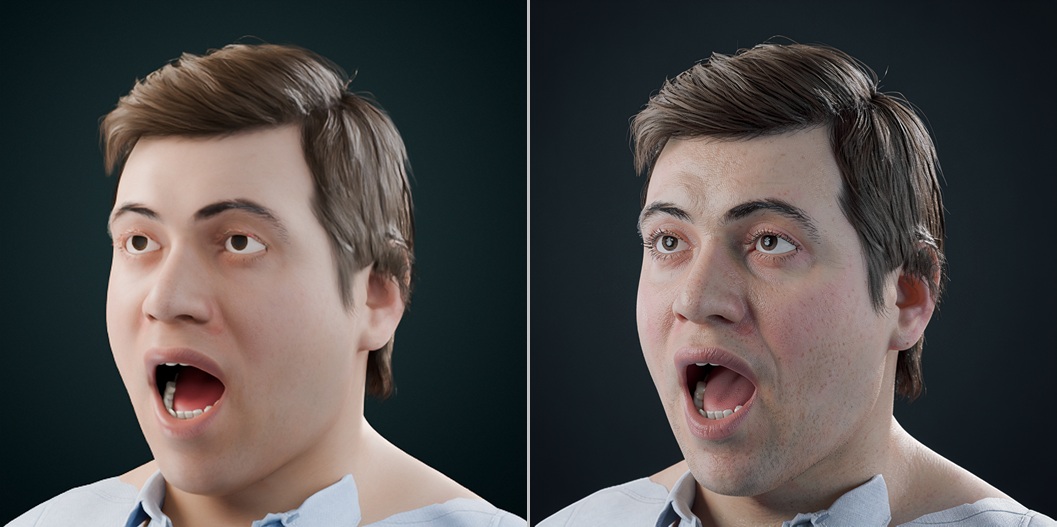
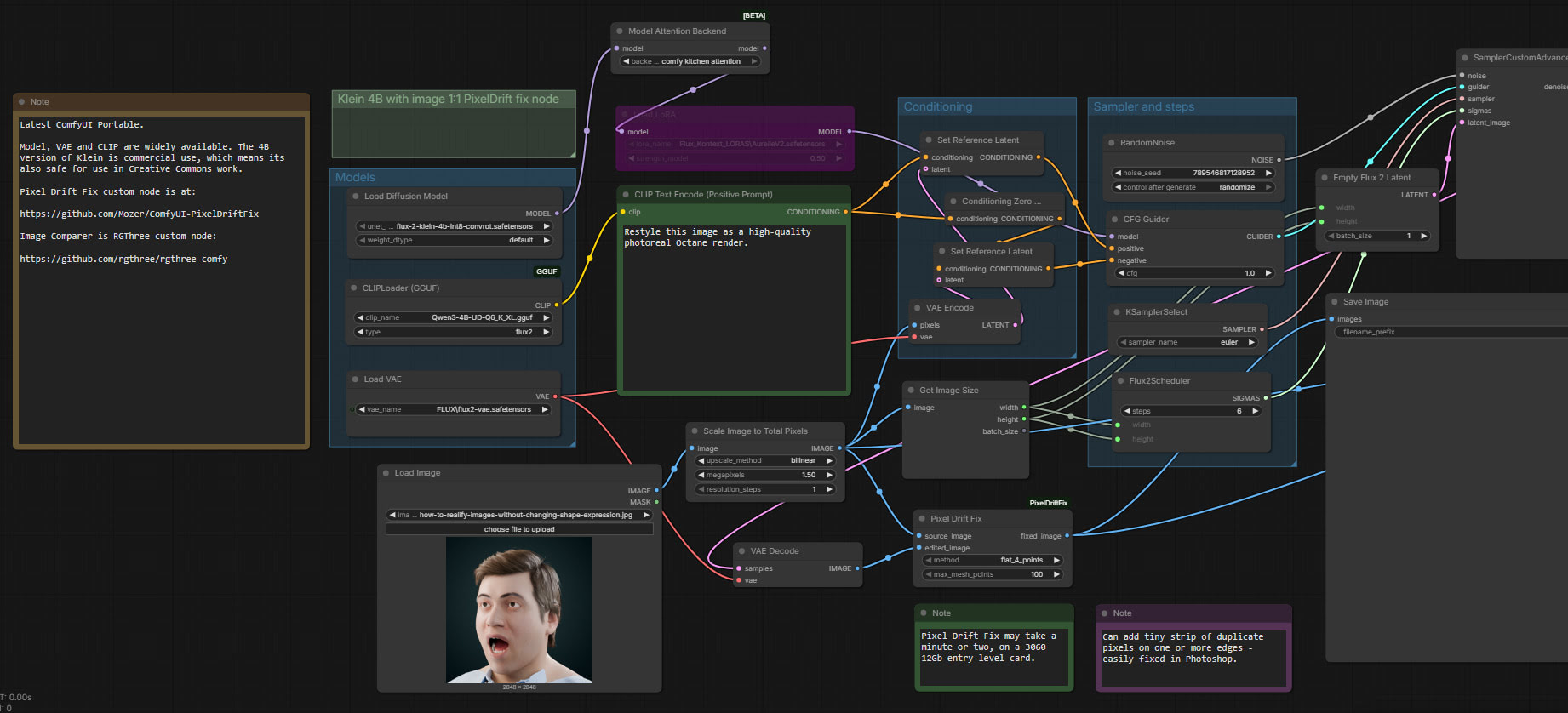
This ComfyUI Portable workflow should also be useful for those want to quickly emulate a high-quality Octane render, starting from a older or more basic Poser/DAZ render. The required prompt is in the workflow.
If you only have small 512 or 768px input images to start with, upscale to 2X and sharpen first.
What you do get is a colour shift. In which case, place the input on top of the output in Photoshop, and blend by ‘Color’.
Workflow: ComfyUI_Flux2_Klein_pixel-fix-distribute