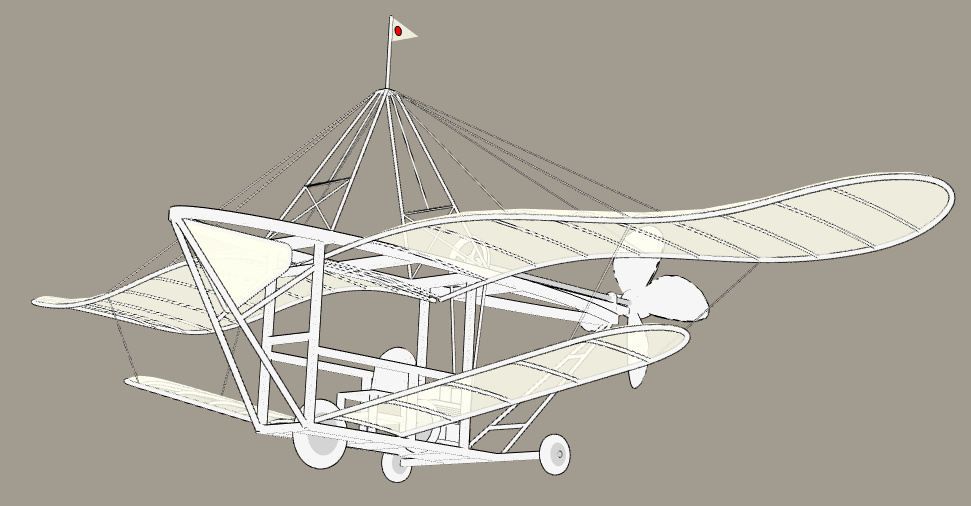
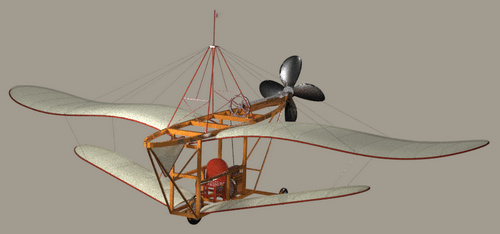
New on my Stuff for free page, an 1890s steampunk flyer for Poser.
Category Archives: Freebies
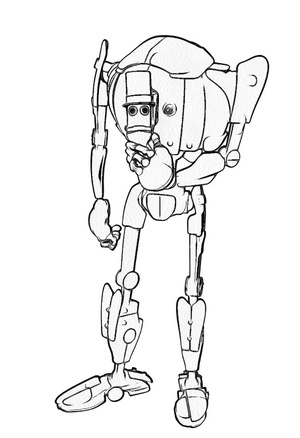
Freebie: GroBot for Poser is now free
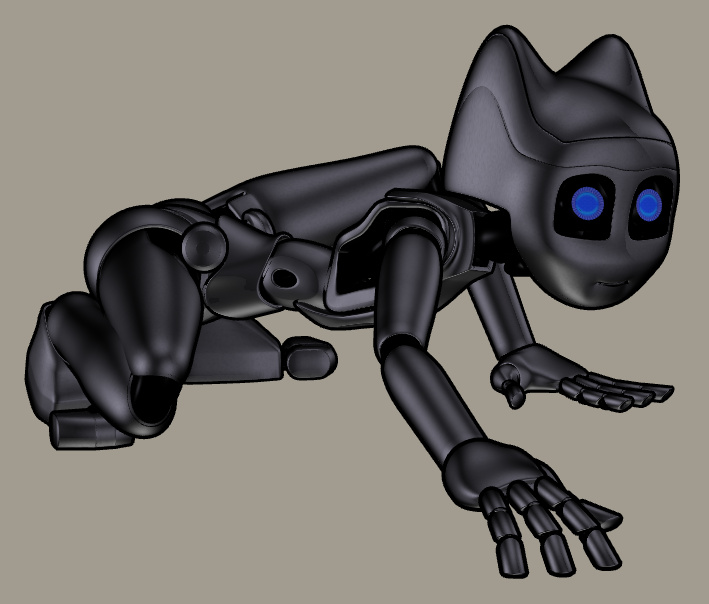
Now free as of yesterday, GroBot for Poser by Sci-Kwon-Do (Michael Seiber). A super-flexible super-morphable Poser toon robot character. Commercial use is kindly retained on making the character a freebie. In the large mix of shapes, there’s a nice toon cat-bot.
When the maker was selling this character on Renderosity, he stated it “doesn’t work properly” in Poser 11. I installed anyway, a simple copy/paste/merge of the runtime folder in the .ZIP. I then loaded Poser 11 and found the character’s parts under ‘GroBot’. As far as I can tell it’s just the preset poses that sort-of don’t work, and there’s an easy workaround for them.
The base figure loads fine from GroBot in Poser 11. All her Poses, Characters and MATs are found under various ‘GroBot’ folders. ‘Kitty Stand’ and ‘Kitty Squat’ characters work fine in terms of auto-application of the Kitty morph, but then adding any other new pose reverts her morphs to the standard GroBot robot shape. I guess this is the problem with Poser 11. However, there’s an easy workaround for this slight problem.
GroBot is quite a dramatic demo of how a character might make extreme morph changes and take extreme poses and yet remain smooth in Poser. One finds the morph dials by selecting the body and finding the ‘FBM’ Morph dials. “Kit-10” is the Kitty cat morph and it’s easy to control. Simply re-apply this morph to a set body pose, to get the Kitty feature back on the body again after applying a preset pose. You can also flatten the chest by slightly tweaking the ‘Gro-illa’ dial.
As you might expect, with her black MAT on she doesn’t respond well to Poser 11’s Comic Book Preview mode in b&w inks. But put the pink MAT on and she looks superb in that mode…
All the above pictures are in real-time Preview mode.
So, she works great in Poser 11, you just need to apply a little workaround when working with the preset poses. She doesn’t appear to accept any preset poses except her own, though some from other characters will move her arms, others her legs. The maker states “have limits turned ON, and IK turned off”, so that may help with third-party poses.
As a Kitty she could probably use a tail, but I recall noticing that she has a flexible ‘whip’ prop and that could probably serve.
Update: There’s a patch, Grobot For Poser 11, making her work better in Poser 11. Though you’ll want to read the readme.txt first. I did and I decided I’d stick with the original and my workarounds for now.
Release: Electra for Photoshop
I’m always pleased to see a new Photoshop plugin from Richard Rosenman. He’s just released Electra, for all your sparking needs. From a tiny spark in a cyborg’s eye to a massive superhero-tastic ‘Amazing Arc from Above’ that gives the hero his superpowers.
Sadly it’s not one of his many excellent freebies, and your headphones may throw off more than a few sparks when you read the price… “$49.99”. Ouch. But it’s for Photoshop CS5 and above, and it will even run in Corel Painter 12 and above.
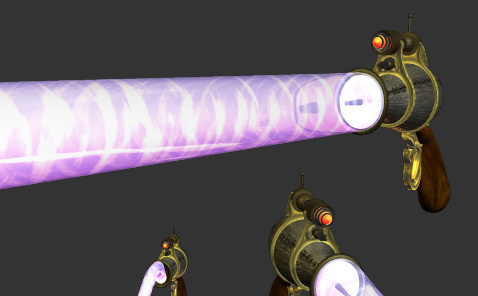
The plugin is one to try as an overlay for the new free Poser prop, Updated Morphing Beam prop for Demoleculizer, perhaps…
Your alternative plugins here would be: ‘Electrify’ in Alien Skin Eye Candy; ‘Electrify’ in Xenofex 2. I suspect that when Xenofex was retired, that was when ‘Electrify’ was added to Alien Skin Eye Candy, so they’re probably the same thing. I’m fairly sure that Corel ParticleShop also does something in that line (though perhaps a bit more ‘faery fireflies’), although that’s a hefty price.
Release: digiKam 6.0
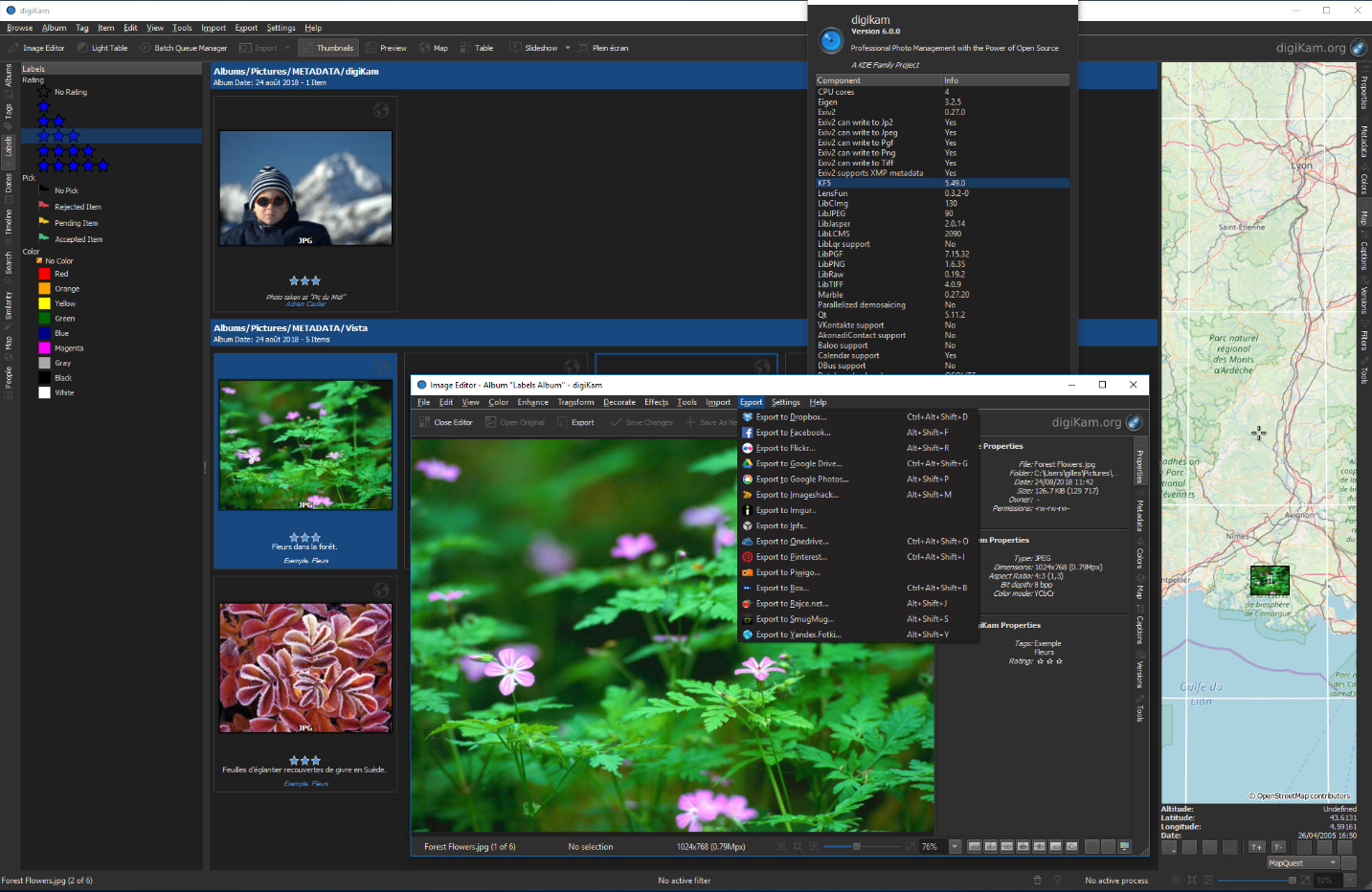
Still missing your old Picasa software? The new digiKam 6.0 has just been released. It’s polished and free ‘open source’ software for handling, searching and previewing your entire picture library. 6.0 now supports video files, and major cloud services including Pinterest (though 500px is sadly missing). It also has the usual features that one expects these days, such as face detection, ‘visual similarity’ sorting, tags, etc. It’s new to me, but it looks and work fine. I see thumbnails and quick-preview for Photoshop .PSD files. The nice dark user interface is found under Settings | Themes.
While it’s obviously aimed at the “show me a ton of metadata” guys, working in fields such as wedding and magazine photography, there seems no reason why it can’t be a useful way to view and sort your 3D renders and animations. Be warned however, that this isn’t Picasa and and the initial set up of ‘albums’ is way harder than it needs to be. But it’s genuinely free.
Regrettably there’s no real perfect mid-ground in this sort of free software. There’s ‘ugly but freeware’ like Faststone and XnView, or pro-feature overkill slickness in software like digiKam (similar to Photo Supreme, incidentally, if you need a paid option). The free IrfanView would be an absolutely perfect mid-ground software for this, but it lacks just one vital feature — folder bookmarking. Of course, there’s always Picasa itself, and though it may have been abandoned by Google it’s still free and still works fine in Windows. It has movie and Photoshop .PSD support, and can launch a picture in IrfanView with a right-click on its thumbnail.
Poser/DAZ New Content Survey – Jan/Feb 2019
Right then… it’s time for a survey of the recent new Poser and DAZ content. If you want to see my last one, a huge six-month catch up for May 2018 – Jan 2019, it’s here.
But the new post below only surveys and picks out interesting / unusual / useful new content released in the last month, from the 23rd January 2019 onwards.
Science fiction:
Hoverbike Poses for Genesis 8 for the Yamaki Hover Bike.
If you need police hover-vehicles for the persuit, see the new Speeder.
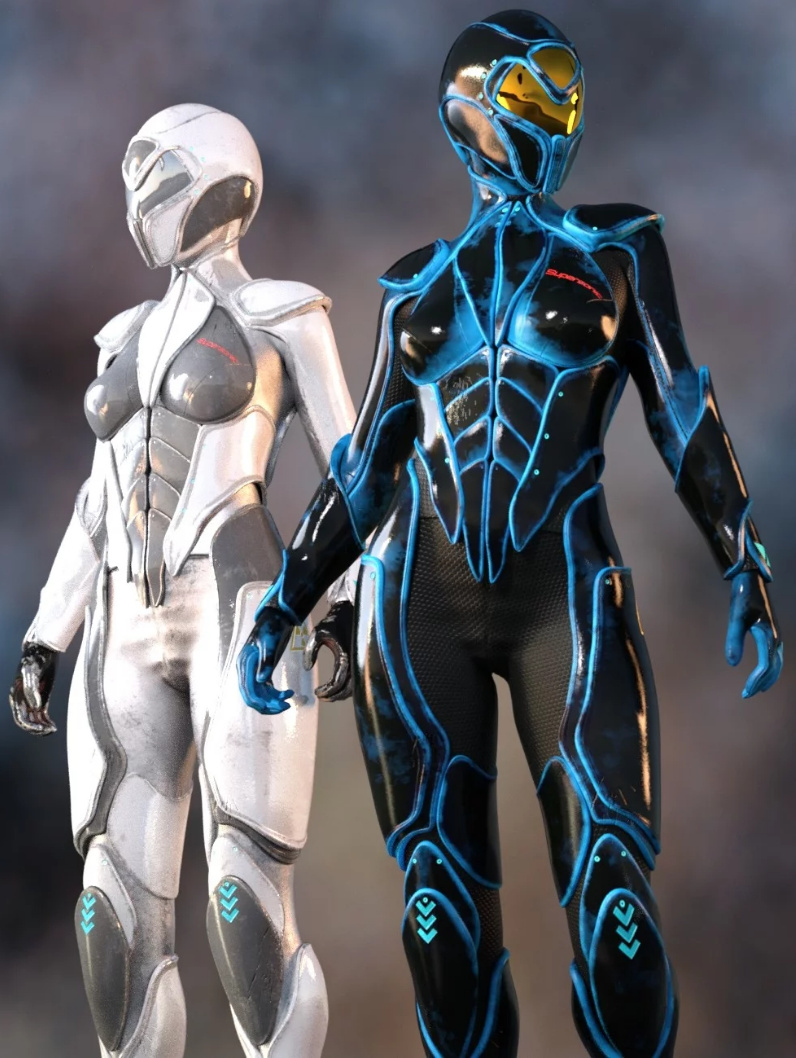
Most readers will already have sci-fi armour suits, but I do like the new Supersonic Sci-Fi Suit for G8F. It’s not too over-the-top or gaudy, and appears to have some nice slight wear on the edges.
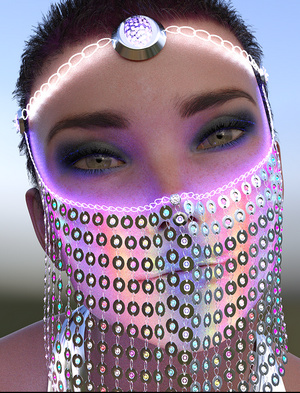
Jewel Of The Nile for G3F and G8F. Rather impractical to ride a camel with, I imagine, but it also has uses in a futuristic sci-fi setting. It’s “a HQ realistic coin veil”, though it doesn’t appear to have dForce.
Bubble Hair for Genesis 8 Female. Unusual, and again I can image a sci-fi / superhero story in which the movement of the hair can be thought-controlled, like Medusa in Marvel’s Inhumans.
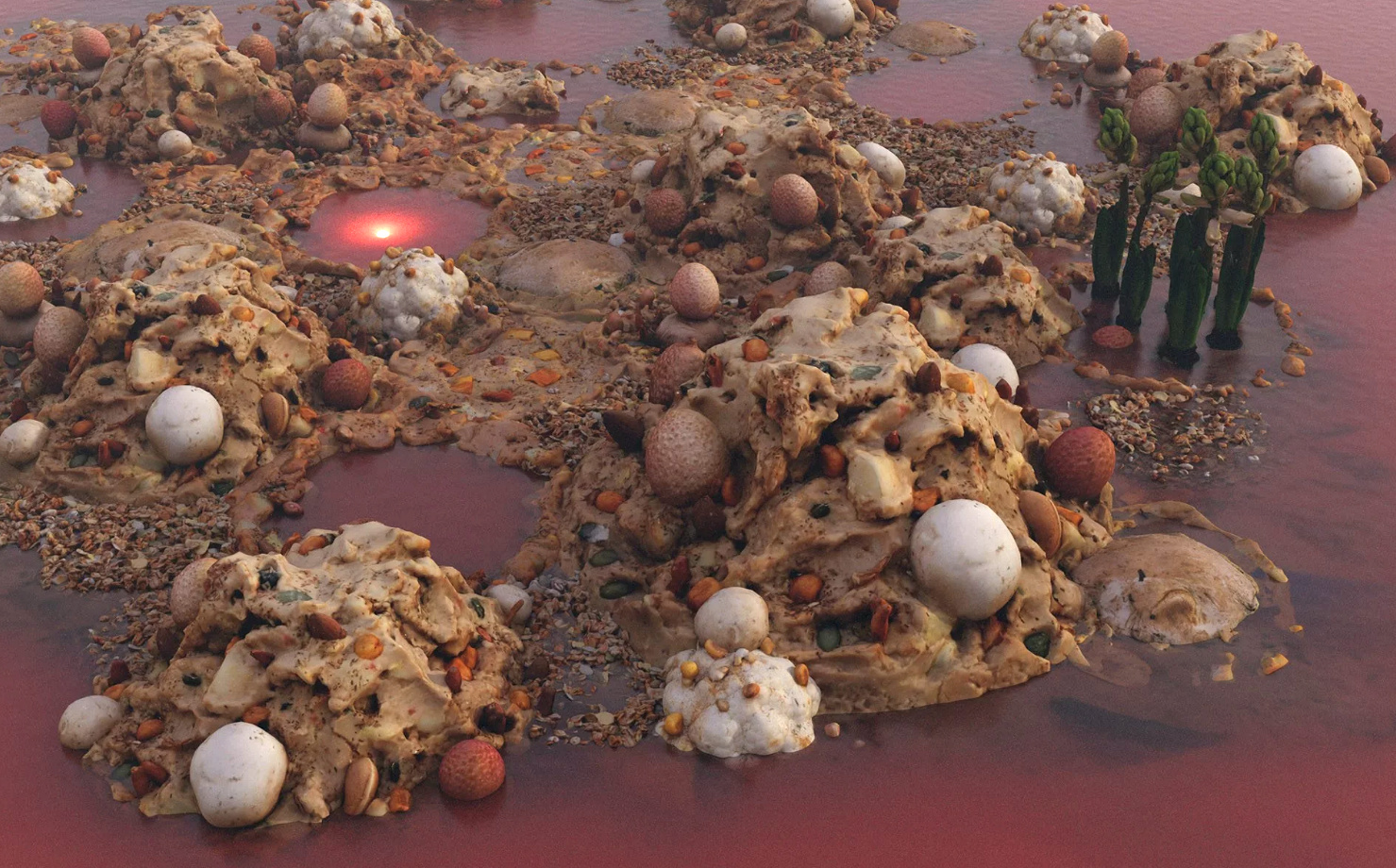
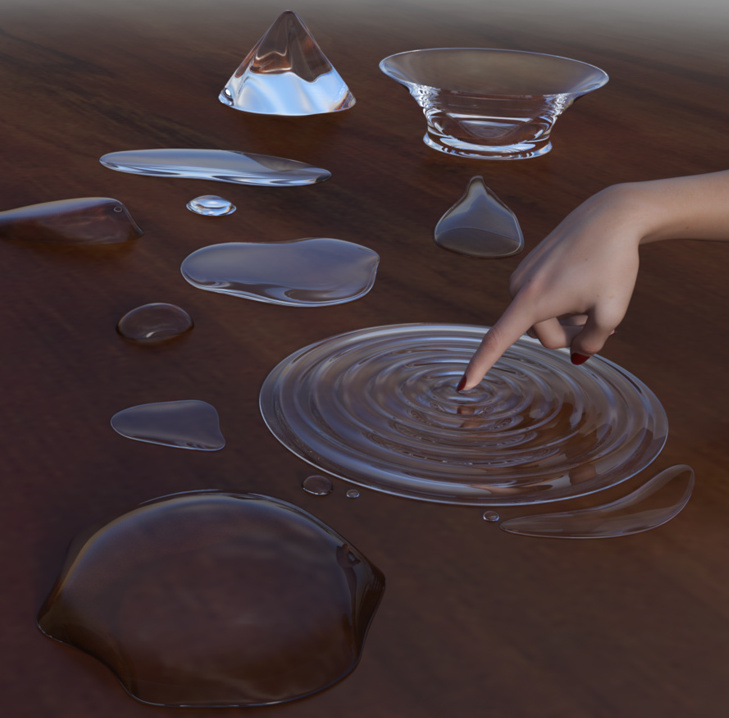
Elsewhere for DAZ Studio. This is not well-served by its Store preview, but turns out to be ‘alien planet’ rock-pools (aka tide-pools), done to Oskarsson’s high standards. With strange Yuggothian fungi, alien plants, and glowing lurkers beneath the water. It’s not for everyone, but I like the look of it.
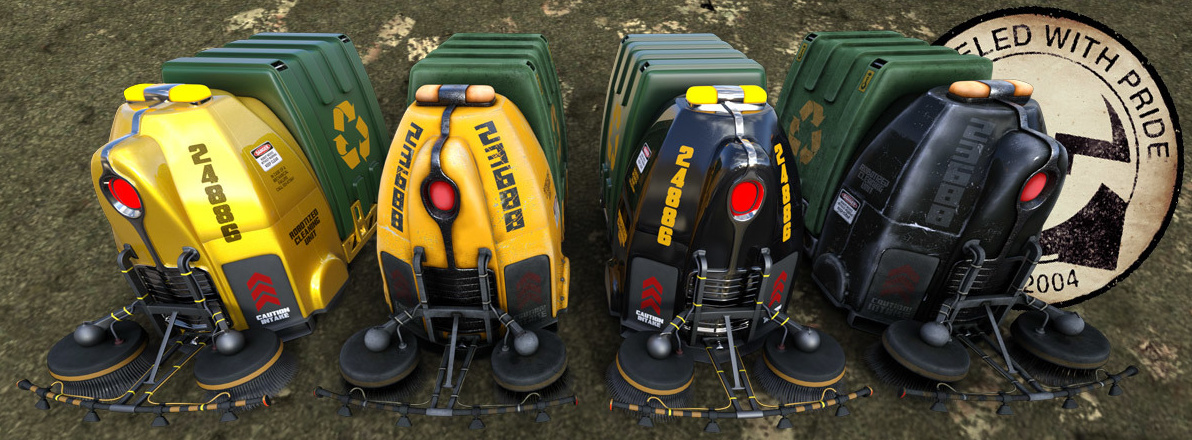
Robo Cleaner by Coflek-gnorg, for Poser and DAZ Studio. Highly detailed robot street-cleaners, for everything from your Blade Runner street scenes to your 2000AD-style Robo-busters tribute comic.
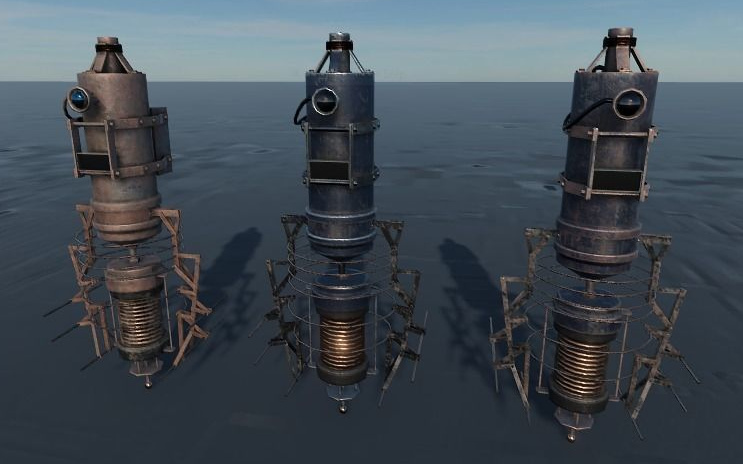
The persnickety supervisors of the lowly Robo Cleaners might be the new Osy21 low-poly floaters on CGTrader, at just $2 in FBX format.
Also from Coflek-gnorg is a fab Pulp-era Sci-fi Flying Saucer complete with detailed interior. Definitely one to look at if you’re planning to make an ongoing retro sci-fi toon comic and are in need of a ‘star’ spacecraft.
Monsters:
Lycan HD werewolf for Landon 8 for G8M. DAZ Studio.
Fantasy:
The flood of dForce-enabled clothing continues, though very little of it has been fantasy and sci-fi in the last month. A huge exception is the dForce Wing Ranger for Genesis 8 Female. Fabulous Hollywood-level work, here. She comes with a good bow and arrow too. Fits the new Meshworkz Dragonfly, which serves as her winged steed.
Jars with eyeballs in. You can never have enough of them, and the new It’s Magic for DAZ Studio has them, along with much else.
FG Place of Power for DAZ Studio, combining a magician’s lair, library and steampunk elements. I was about to pass this over as ‘just another medieval alchemist lab’, aided by the too-dark preview renders. But on closer investigation it seems to offer something a little different, and is nicely priced at $19. Worth a look, if this is your thing.
Retro and historical:
It’s unusual to see a new release for Bryce, but Battis Khamba Chattri is an Indian temple scene. Also available for Vue.
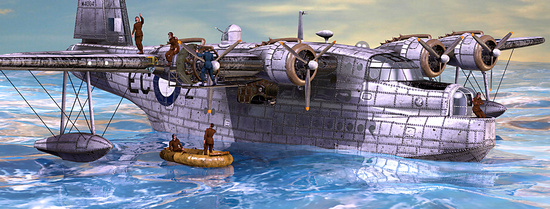
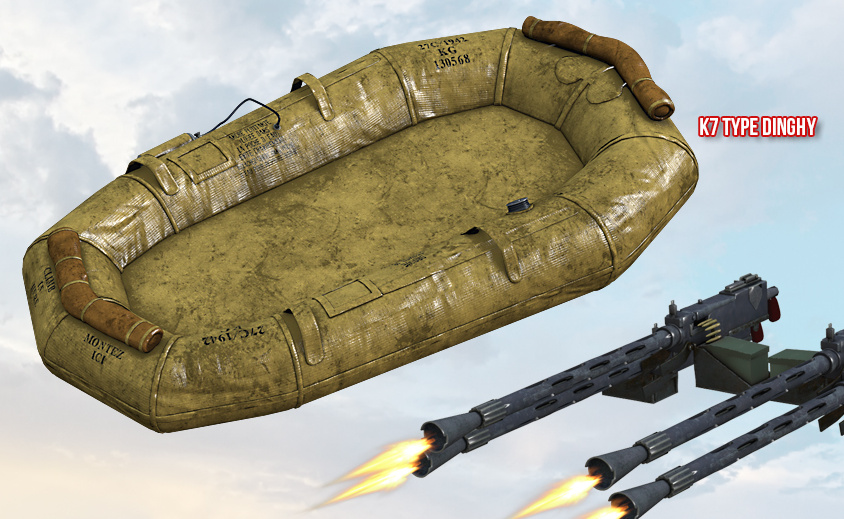
Task Force for Short Sunderland for Poser, by Cybertenko. Paint makeovers of the famous Second World War Sutherland flying-boat, and a new dinghy. For some, it may be worth the $6 just to get such a detailed wartime dinghy. It seems you don’t get the poses shown, but I’m guessing these may be included with Cybertenko’s Sutherland packages?
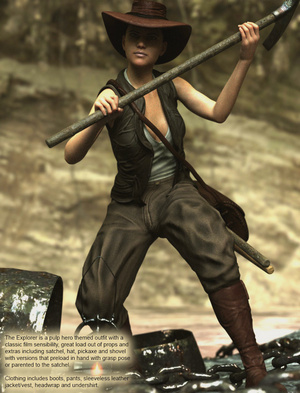
The Explorer For G8F from Sixus 1. A set of jungle explorer clothing, iRay-ready textures and grip poses. As you can see, it could fit well with the dinghy seen above, for a jungle river trip.
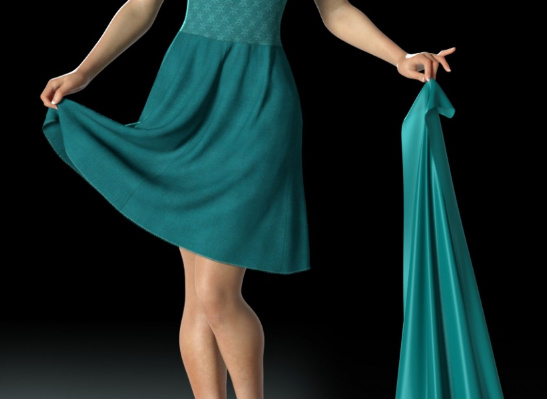
Minnie 1920’s Dancer Headdress for G8F. It’s not headwear that you’re going to use everyday, certainly, but it reflects the over-the-top hat-culture of the 1920s and it’s definitely unusual.
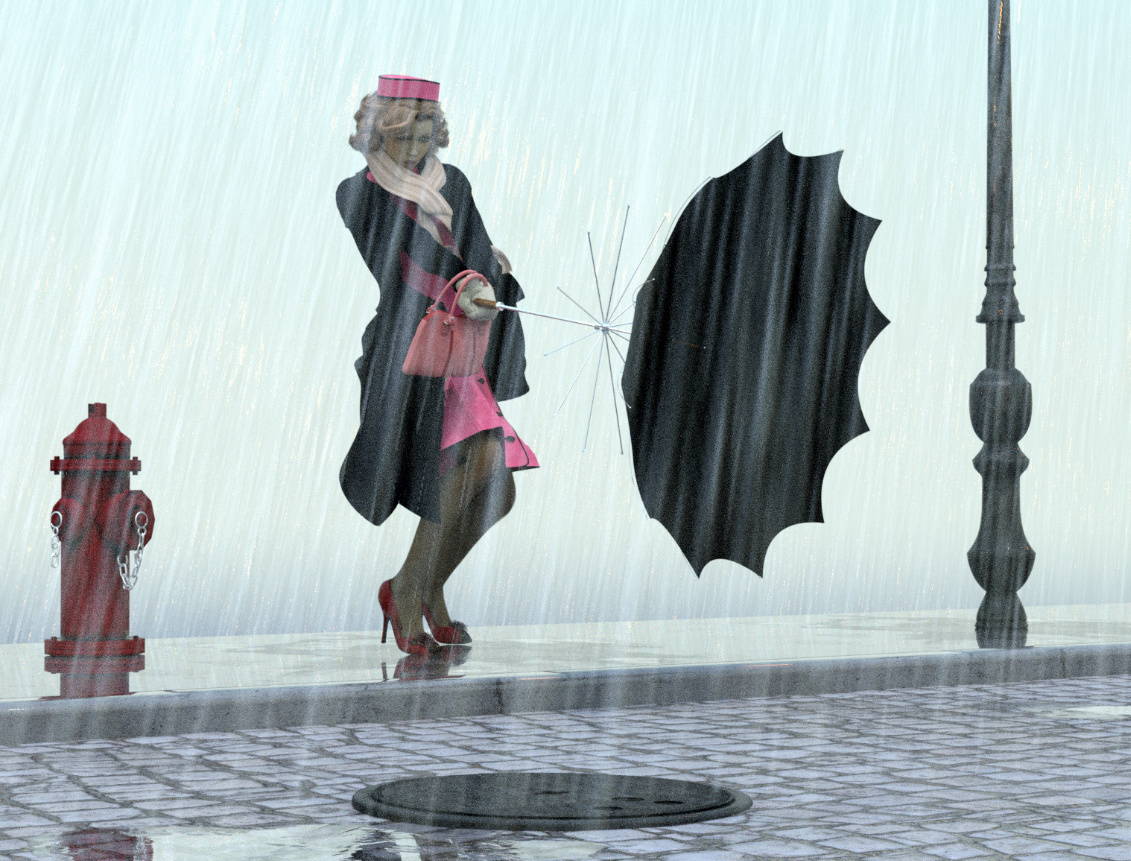
Singing in the Rain for G8 in Daz Studio. A complete set with scene, props, G8 poses and rain.
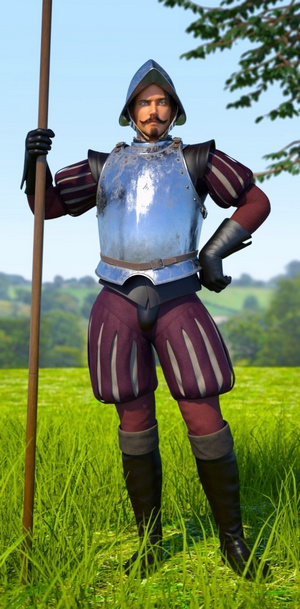
Conquistador Outfit and Armor for Genesis 3 Male. A full Spanish soldier outfit, which is something you don’t see every day. May also have runtime-bashing potential for those making other outfits for the period.
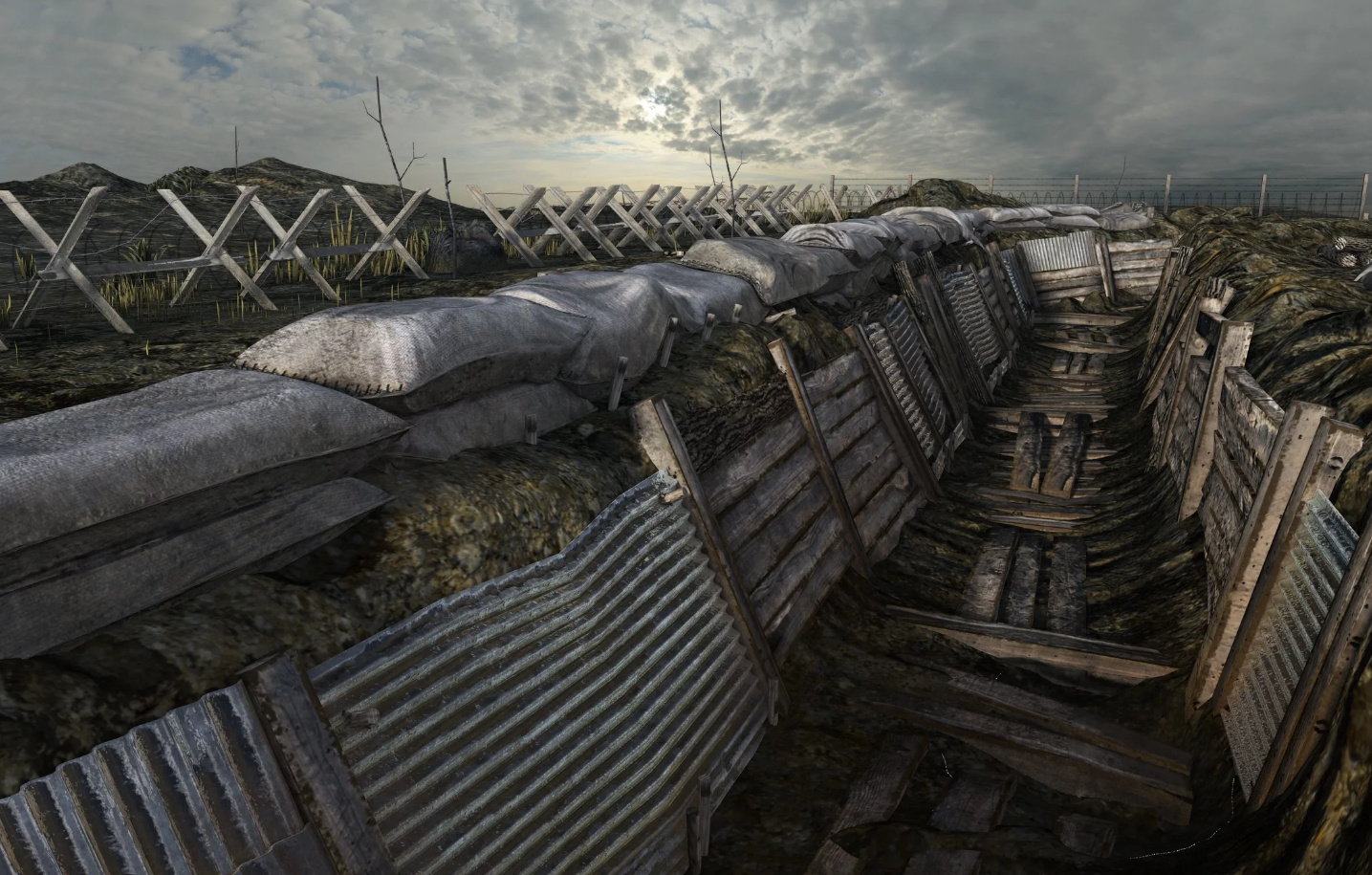
WW1 Trench, No Man’s Land. A battle-scarred First World War trench with accessories and a no-man’s land border.
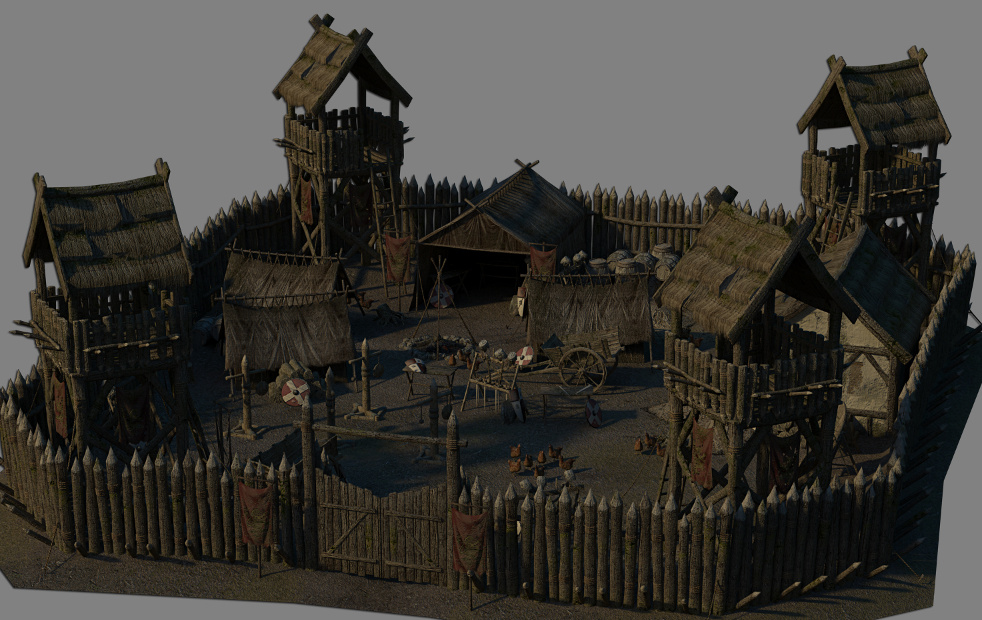
Army Camp Barracks. Modern accessories, but I imagine only an hour’s tweaking would be needed to make this suit the 1970s/80s.
For the Army Camp also see the new Leopold HD for Genesis 8 Male.
Unusual props and magnets:
dForce Magnet for DAZ Studio. Pin a magnet to your dForce clothing, and have your character appear to be pulling or lifting their clothing. The built-in dForce takes care of all the physics of the cloth draping.
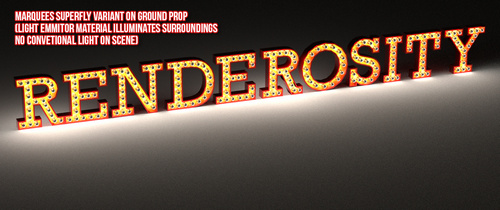
Marquee Light Letters by Cybertenko. Classic fairground, movie theater and dressing-room lights for Poser, with the bulbs throwing off emissive light in SuperFly renders.
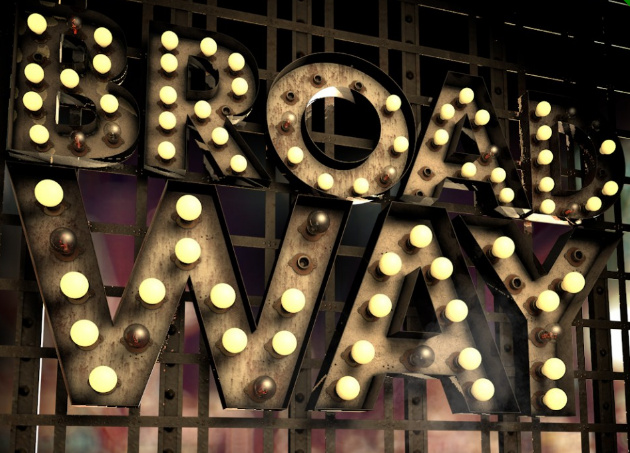
For DAZ Studio there’s also the new Broadway Light Bulb Letterings and Real Neon Letters.
Such ‘bulb letters’ might be combined, as ‘bulbs only’, with the new Synergy ABC – Poses for G3F-G8F…
Morphing Splat for DAZ Studio, with 50 morphs. Splatting and pooling liquid.
Also look at the latest Messy FX Set 2: Food Mess for Poser, free on Renderosity.
La Femme:
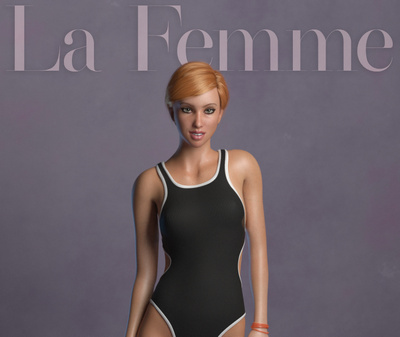
The new La Femme Base Figure for Poser 11. She now has a small flood of everyday and club-style dresses and hairs on Renderosity. Almost no freebies that are worth having though, and nothing that appeals yet in terms of sci-fi, fantasy, armour etc.
La Femme injection for Prefittter-CR2. Works with The Prefitter to get V4 clothing ready to go to Poser’s Fitting Room (Pro only). This seems to be the best ‘V4 to La Femme’ solution at present, in the absence of a Crossdresser 4 file for La Femme.
Landscapes:
Flinks Snow Grounds 1 and Snow Grounds 2 as OBJs. A collection of detailed snow terrain tiles. The materials suit either Poser or DAZ.
The Snow Grounds could be paired with the new HD Upturned Winter Boats for Poser, from ShaaraMuse3D.
Dried Out River for Poser, by ShaaraMuse3D. Shaara’s usual HD scene with 4k textures and a full preload preset. One could of course add just a bit of water, to make shallow trickling pools. Good for those with dragonflies and small lizards in their runtime. Likely to also interest Vue users.
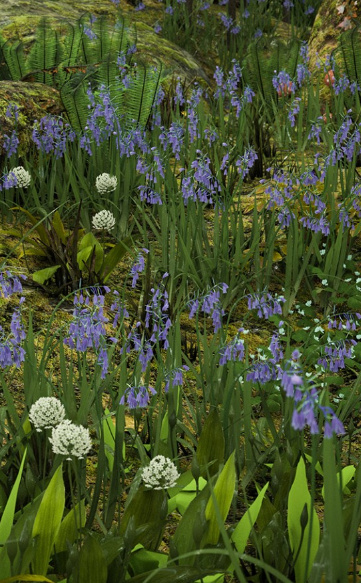
Wild Flowers Vol 5 – Woodland Plants and matching new grass. Said to be “Perfect for macro renders”. Also look at the recent Teeny Tiny Plants, also from Martin J. Frost.
Animals:
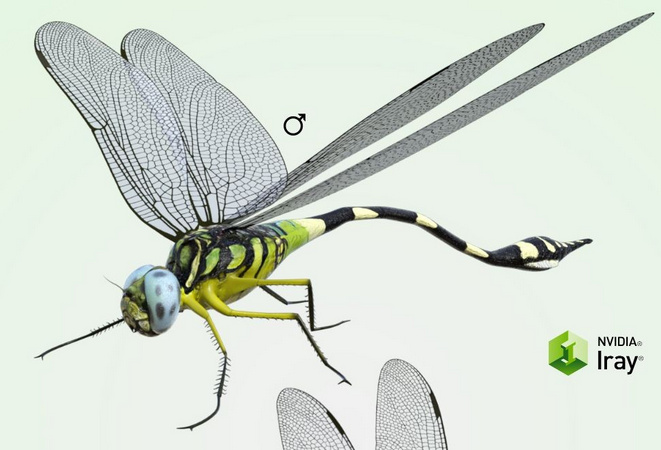
This month it’s only the dragonfly seen above, and Nature’s Wonders Lizards of the World Vol. 4 which is another fine release for Poser from nature expert Ken Gilliland. And has DAZ presets.
Toons:
A poor month for toons, but I see that Darkseal’s toon Squidy for Poser is now on CGBytes, having been on the now-vanished Content Paradise.
Storybook:
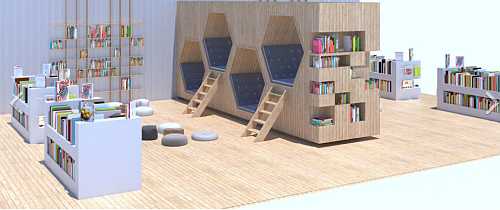
New on CGTrader a modern children’s public library / reading-room for a reasonable $30 in OBJ. Royalty-free renders.
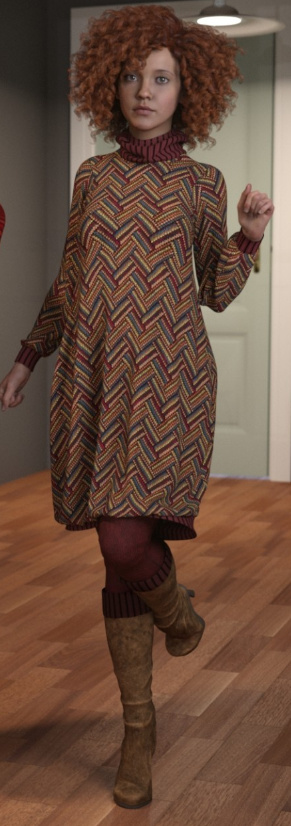
Need a modern librarian for your library? The new dForce Eloise Outfit for Genesis 8 Female and dForce Eloise Outfit Textures gives you one nice pattern texture for it…
Dayana & Karina Bloom HD for Genesis 8 Female. With the sort of face-shape that would suit a modern comic-book aimed at 9-12 year olds. Comes with a matching older sister who is more of a regular human.
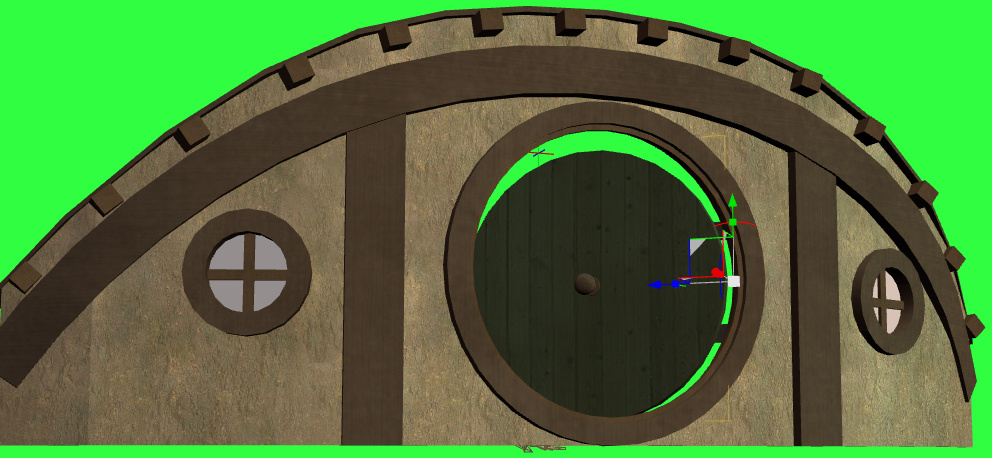
Deco Vignette II for DAZ Studio. I guess you’d have to make this a central Howl’s Moving Castle-style ‘magic door’ for your story, to get your money’s worth.
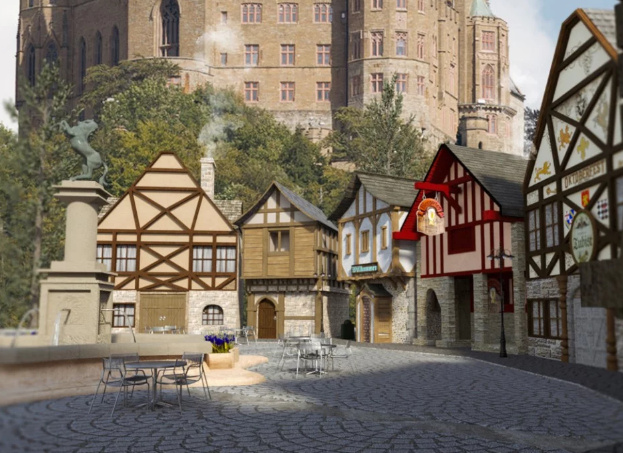
Town Circle, a traditional German/Austrian-style village centre.
Nursoda has also kindly released several freebies at Renderosity recently, for his characters, but note that they’re flagged as ‘non-commercial use only’.
Utilities:
RSSY Clothing Converter from Michael 4 to Genesis 8 Male. Convert clothing from M4 to G8M, in DAZ Studio. Seems to be relatively simple and well-documented.
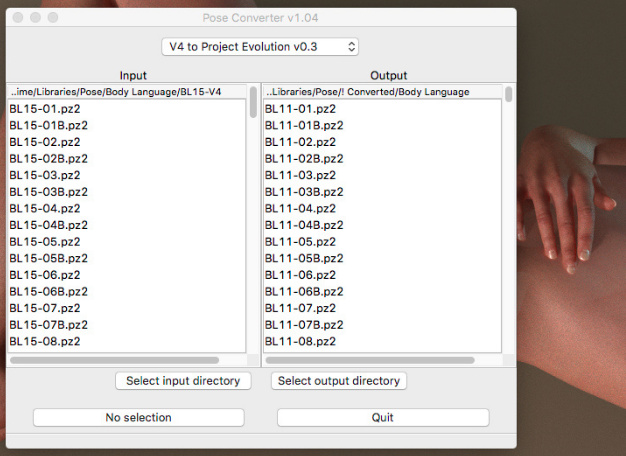
PoseConverter for Poser – Updated. A free Python script with user interface, that works inside Poser. Convert pose presets from one Poser character type to another. Only has two converter modules at present.
That’s it, more picks next month!
How to get Gaea 1.0 from outside the USA
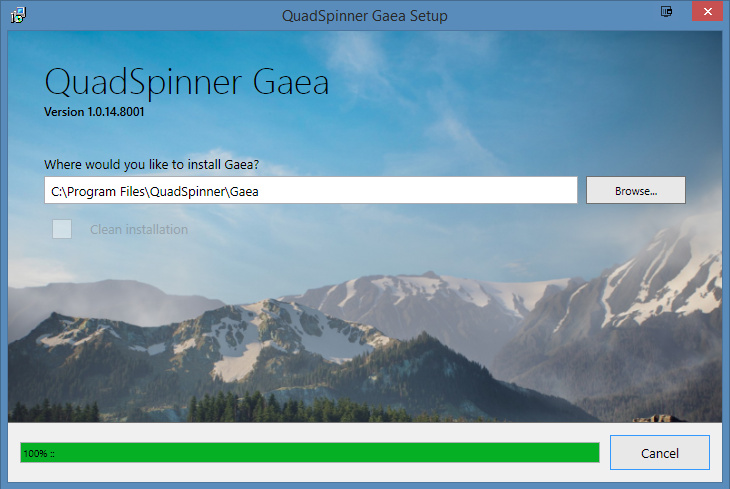
Ah, solved… the new landscape software Gaea appears to be region-locked in terms of the download of the free version!
After days of being blocked, I turned on a VPN in my browser and pretended to be in the USA… and the installer began downloading immediately! Thus it must be blocking us, here in the UK. Anyway, I now have 1.0.14x installed. So, use a VPN (such as the free Browsec) if you can’t download it from your location.
The first thing I wanted to know was if it was possible to get a simple .OBJ mesh, and do so easily. It is. To export a terrain you…
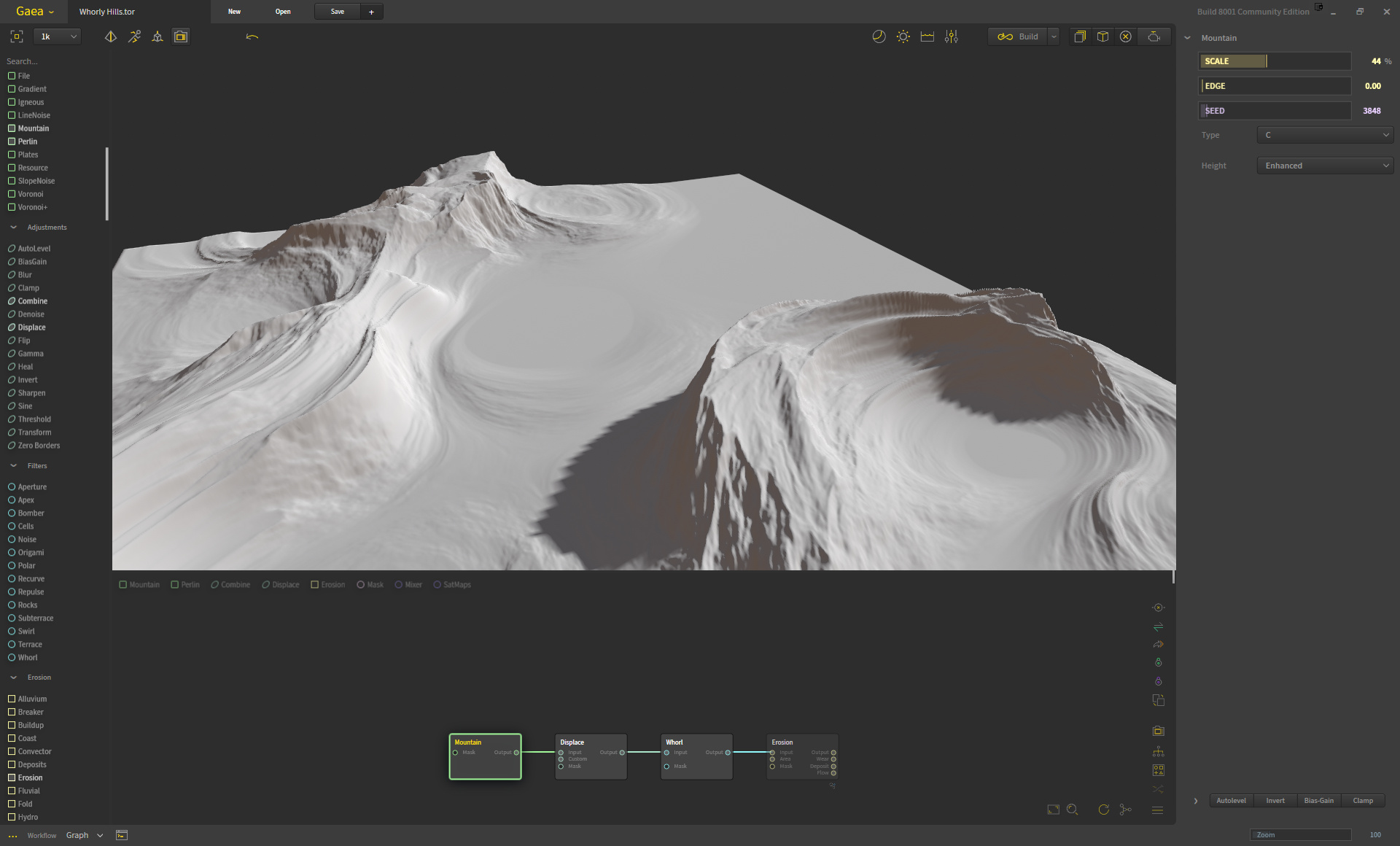
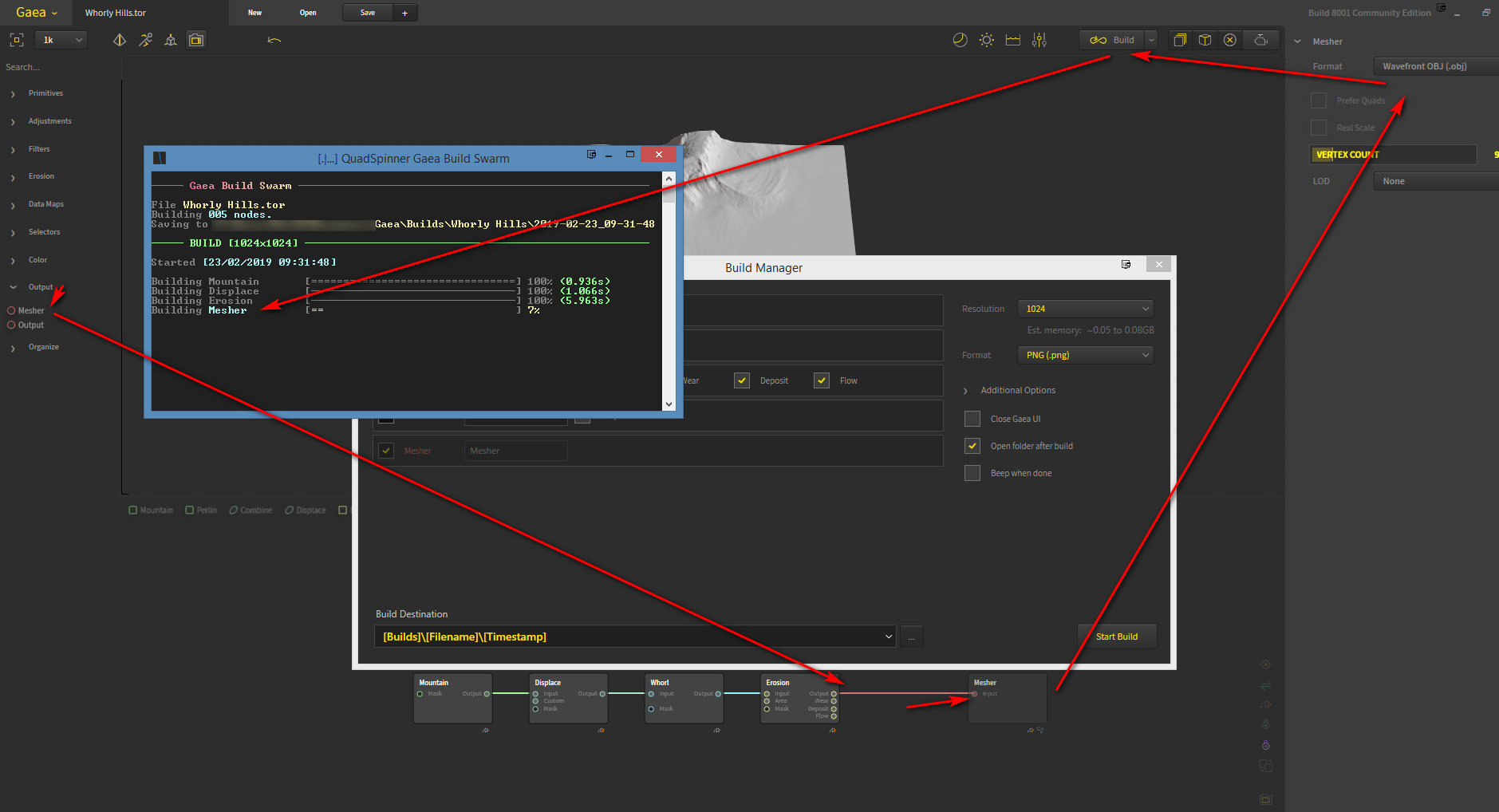
1) “Set” or “Enable” a Node. This cryptic message is unexplained but appears to mean that you press F3 on each node on the sample terrain to mark it for export, then add a “Mesh” node at the end of the node-chain, and also F3 it.
2) Then you press the “Build” button, open the “Build” window and set it to 1k resolution (the limit on the free version) and “Build”.
3) You quickly end up with a set of PNGs in C:\Users\YOUR_USER_NAME\Documents\Gaea\Builds\ If you also added a Mesh node, you get a fat .OBJ — even 1k resolution landed me with a 196Mb .OBJ file.
“Hello QT!” – using Krita with Poser renders
I’ve spent some time working through Krita 4.x’s G’MIC-QT filters. They’re the equivalent of Photoshop’s native filters + some nice plugins, all rolled into one plugin. Krita is the leading ‘open source’ graphics software, and both Krita and G’MIC-QT are free. G’MIC-QT ships integrated into Krita.
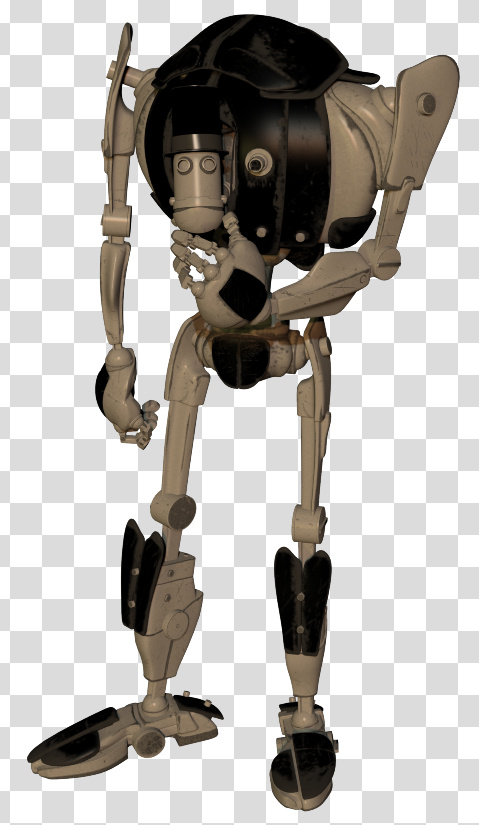
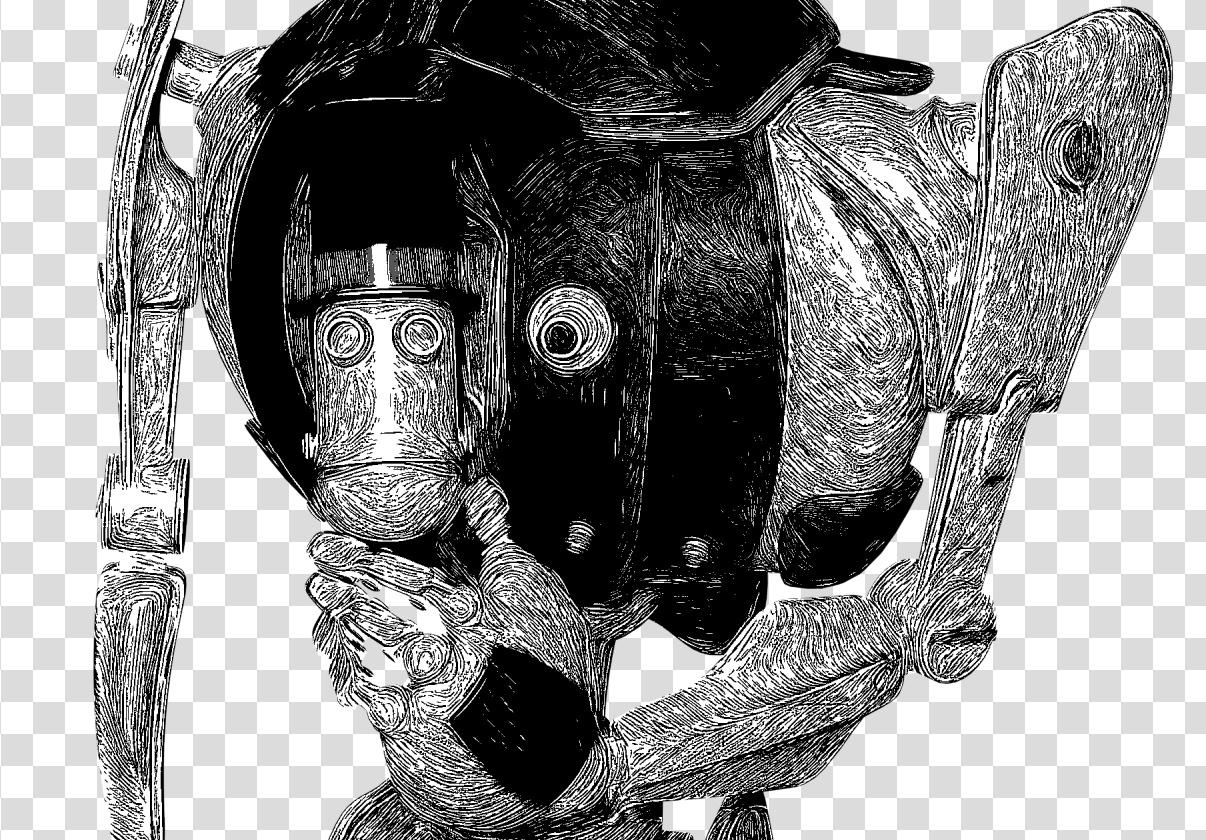
Below you see my trusty test-bot for the G’MIC-QT filters. Quite a dark raw Poser Preview render, and not at all optimized for tooning. That top-hat is going to be a particular challenge.
I was looking for things that can’t be done more easily in Photoshop.
Here are the G’MIC-QT filters I noticed and worked with, for good or bad:
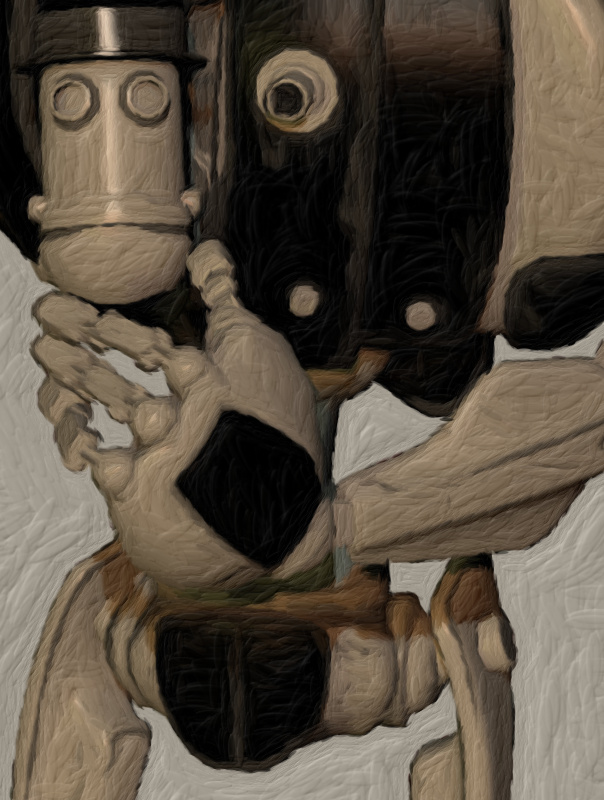
1. Artistic. Brushify. A nice but mundane paint effect with the default settings. The drawbacks, even on default, are that: i) it takes a ridiculous amount of time to process; and ii) it paints into a background that should remain transparent. Still, the ‘real thick paint’ effect is nice, and it takes far less time that it would take you manually overpaint a render.
2. Artistic. Cartoon. This just gave the usual “Ugh, 3D run through a Photoshop filter!” look, of the type that only pleases those who have never actually seen the inside of a decent comic-book. Horrid. Rip it out and burn it, now!
3. Artistic. Cutout. This had something to recommend it at a setting of 6 0 6. You might want to take a quick look at this before your pay good cash for one of the TOPAZ Clean / Simplify Photoshop plugins. That said, even on a workstation this filter takes a very long time to run, like 90-120 seconds! Also you get some posterization artefacts that you would not get with Topaz Clean.
4. Artistic. Felt Pen. I was able to work it up to a custom effect I saved as ‘Felt Pen Burnoff’, which burned off most of the 3D grunge. It ran very fast, but the applied effect was not great when seen at 100%. It worked much better when seen reduced, at 33%. Still, to get this from such an unpromising 3D render is quite impressive.
As you can see, it doesn’t add a holding line around the edge. Though that may be because I was using a .PNG cutout with transparency.
5. Artistic. Pen Drawing. It doesn’t quite give the effect you might expect from the name. It’s more like a basic toon filter, and is too close to a recognisable ‘standard Photoshop filter’ look for my tastes. Can be sort-of acceptable, though only if ramped up to maximum settings. There are only two sliders, so I assume there’s not much more that can be done with it.
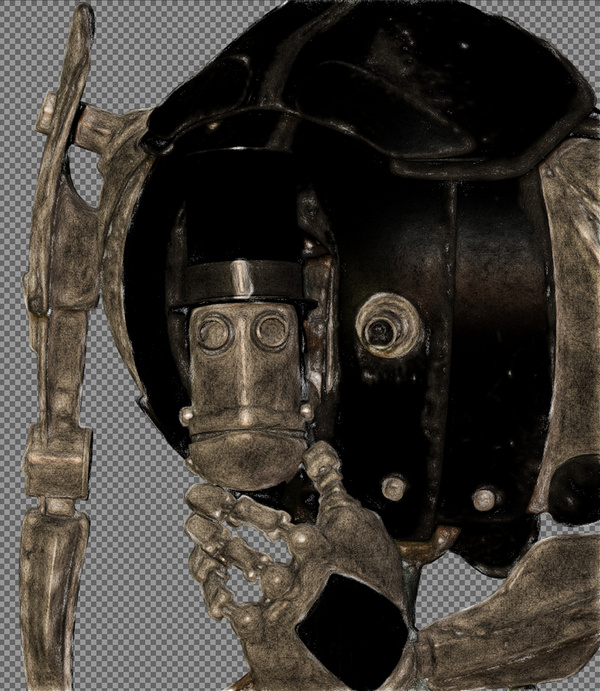
6. Artist. Sketch. Capable of some awful crap, as most such filters are. But I also crafted the unusual custom preset seen in action below, which is like an oil glaze on thick smeared pencil. The setting took three minutes to process a 3600px picture, but the results were rather nice when viewed at 100%. Zooming out just makes the figure look like they’ve been dipped in motor-oil and dried off a bit, which is not so pleasing. I could imagine that 100% crops from this, placed into panels, could form the basis of a graphic novel style for a macabre story.
7. Black and White. Charcoal. Quite tricky to control, and frankly not very impressive as charcoal. But… also capable of a reasonable basic stipple effect, which I saved as my ‘Stipple’ preset. Though, as you can see, it doesn’t like to run across black or near-black.
8. Black and White. Engrave. Despite the name, this is of interest for comics makers. I was able to work it up to several pleasing effects and save these as presets.
One I named ‘Skritchy Pen’, which took two minutes to run…
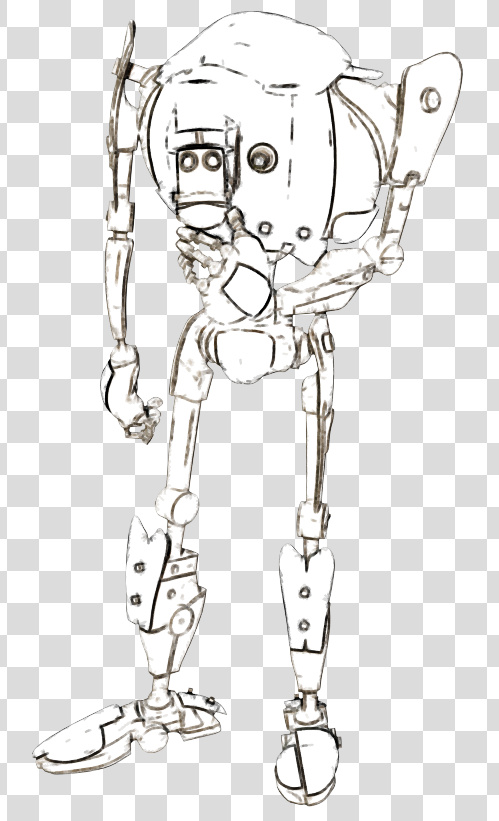
Another preset I called ‘Berni Wrightson’, which took about 90 seconds to run. I love how the engraving lines follow the contours fairly neatly, which is never the case with such filters. How it does that I don’t know, but it does. It doesn’t even have the 3D mesh to ‘follow’.
Another custom preset I made I called ‘Comic with Inks’, which was fairly fast with no anti-aliasing, but it took two minutes once its anti-aliasing was on. Very impressive, given the less-than-ideal source material. I’m not particularly keen on such dense blacks, but one might find ways of toning them down without too much work. Retexturing the Poser model would probably do it, at the risk of simply turning the blacks white.
These thin lines look like they might fat-ify quite nicely if run through DAP.
9. Black and White. Pencil. Nothing like a pencil, it’s more like maybe Posterize in Photoshop. Meh…
10. Colors. Detect Skin. Unusual. This may interest someone who does a lot of skin renders in Poser and DAZ Studio.
Thus I got about eight good useful custom presets with it, which I’m pleased with.
It’s possible to save user presets in G’MIC-QT, though with typical Krita awkwardness in naming they are called something very different. Your “Faves” are thus not just bookmarked favorite filters. They also capture the settings of the filter at the moment the ‘Fave’ is saved.
I don’t see any way to extract and share individual ‘Faves’, though you can back them up as they’re in the C:\Users\YOUR_PC_NAME\AppData\Roaming\gmic\gmic_qt_faves.json file. This is just a text file and can be opened with the Notepad++ freeware. Looking at the structure of the file it looks like someone used to code could, with great care, copy-paste a preset from someone else’s ‘Fave’ .json file and thus import it.
And, lastly, I don’t see anything in G’MIC that can do what DAP’s ‘GrNovel’ filter can do. Though G’MIC looks powerful enough to replicate it, if someone cares to try.
Release: QuadSpinner’s Gaea 1.0
QuadSpinner’s new landscape sculpting software has been released. You may remember their name if you’ve been a Vue user in recent years. QuadSpinner’s Gaea is not for Vue, though. It’s a standalone Windows software. It’s also rather affordable, with a very sensible scaling price.
Of course there are already a variety of well-polished terrain makers out there, from trusty old Bryce 7 at $20 on the DAZ Store, up to the latest Terragen at $$$s. There are also newer game-engine based tools such as World Creator 2, which I reviewed in depth a while back, and the new FlowScape which I recently reviewed here on this blog.
How is Gaea different? Well, I have to say I haven’t tried it yet, only researched it a bit to work out what it is and isn’t. It’s made by very experienced landscape folks who know what the industry needs in a workflow. Simplicity, for instance. Gaea appears to be focussed on presenting an obvious-even-to-interns workflow and super-quick creation of quality terrain meshes. So it sounds like it can be likened to ‘a KeyShot for terrain makers’. Which would be very welcome, if that’s a correct characterisation of the software.
That said, I see that Gaea does have power under the hood, and also has… nodes. The mere mention of which is enough to have some 3D artists running for the exit. You’re also likely to need a very hefty PC if you’re going to be working at 8K with complex erosion and a filter stack on top. That said, it seems you can ignore the nodes and just work with manageable mesh sizes.
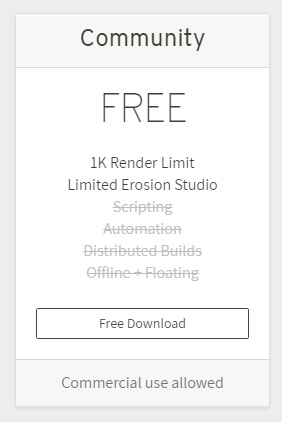
So it’s another welcome entry in the landscape sculpting field, and the $99 Indie price is right. It’s driven by your CPU, so doesn’t require a £500 graphics card (GPU). Even better, if you can tolerate a 1k limit then the price is free! And even generously allows commercial use…
Currently the site’s download slots appear to be saturated, though. It just gives timeout after timeout, for me. But I guess I just keep trying for the download. I can’t find any download mirrors they might have set up to take up the slack.
A bunch of high-quality DAZ Carrara plugins are now free
Eric Winemiller kindly sent his DAZ Carrara Digital Carvers Guild plugins open source last summer. Ground Control for DAZ Studio has also now been released for free. Always free, really free, which is what ‘open source’ means. Ground Control imports DEMs (digital elevation maps) into DAZ Studio, along with Terragen .TER files.
Readers of this blog who are here for my 3D comics production posts, will likely be most interested in the Toon! Pro plugin for Carrara, now free in the bundle. Although in terms of what it can do with artistic inked lines it seems to have been superseded by Poser 11.
MultiFill 2.0 for Photoshop – a line-art autofill tool
“MultiFill is always free to use.” Hmmm… I like the sound of that. Even better, as of January 2019 it is now in Multifill version 2.0.
What is MultiFill? It’s a 64-bit Photoshop plugin (CS6 and higher) that auto-fills black-and-white line-art with random flat colour. “Like the inked line-art made by Poser’s Comic Book Preview mode?”, you ask. Yes, indeed.
The drawbacks are three…
* it doesn’t make sensible choices of colour.
* it only works on black inks on pure white, not black ink on transparency.
* thus you can’t easily separate the colour flats from the inks. But there’s a partial way to get around the latter.
It’s advantages are also three…
* it’s blindingly quick, compared to Krita. A fraction of a second and it’s finished.
* it’s free and runs in Photoshop.
* it has a simple interface.
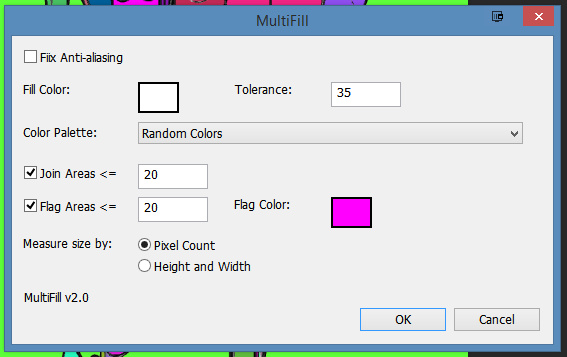
Install. Find the plugin under Filters | Peltmade. Duplicate your Poser Comic Book Inks layer, make a new white layer, and merge the inks with it. This is the layer you’ll run MultiFill on. Invoke MultiFill. I found these settings good…
Though you can choose from a long list of colour combos…
A fraction of a second after being run, it’s done the business. You no longer have to worry about gaps in Poser’s line-art. Just paintbucket on top of the flat colour islands to re-colour. Which is still going to take some time, and because the lines are on the same layer as the colours, you’ll sometimes hit the lines with the paintbucket.
However, if you place your original inks layer on top of the MultiFill-ed layer, then accidentally hitting the lines on the lower layer will appear to have no effect. That’s the workaround I talked about above.
However, I think Krita 4.x is to be preferred. Krita…
* is iterative… you can build toward the correct paint-in while making small corrections.
* keeps inks and colour flats on their own layers.
* can work cleanly with ‘white knocked-out’ line-art inks.
* doesn’t produce so many hard-to-reach little niggly bits of colour.
* has a ‘restore transparency to the background colour’ option.
See my Tutorial: How to autocolour Poser lineart with Krita 4.x.
However, what MultiFill 3.0 could do, to work with 3D output from the likes of Poser, would be to sample a colour layer directly below it (i.e.: the standard 3d colour render). Then autofill the line-art with flats keyed to the sampled colours. Of course, Photoshop’s native Cutout filter can do something similar with a plain colour render from Poser, but I’m imagining that MultiFill 3.0 could offer something far cleaner in terms of pure flat colour islands.
Comics addons for Krita 4.x
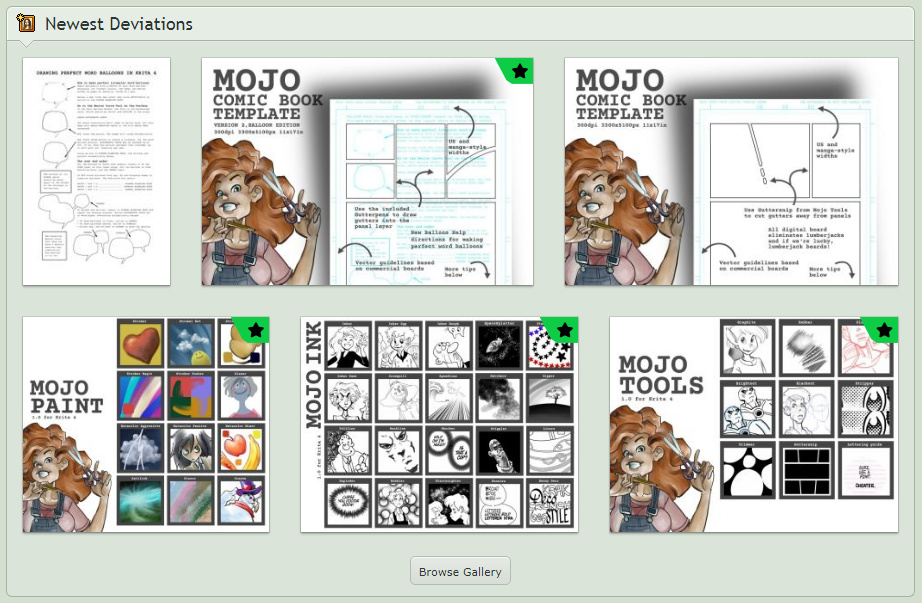
Users of the fine new open source Krita 4.x graphics software may be interested in Ezsaeger’s freebies on DeviantArt. A nice set of ink, ziptone and panels tools for comics makers, even including a panels gutter brush. Also a unique and rather nice stipple brush (I recently went through all the Krita brushes in v4 and v3, one by one, and there’s nothing like it). Despite being branded as “Mojo” they’re all for Krita 4.
These may also be useful for creatives who are looking for a suitable inking and finishing tool for Poser Comic Book renders, but without either… i) the bloat and cost of Photoshop, or ii) the fiddly complexity and cost involved in Clip Studio (Manga Studio). Both of which also have a far higher time-to-learn cost than Krita.
Krita also ships with its own comics tool. This is found under Settings | Dockers | Comics Manager, and can be very tricky to get started the first time. The Manager appears to be asking to load a non-existent .JSON file, but what it actually wants you to do is just to pick a folder to store stuff in. After that huge opening roadblock, using the Manager is fairly straightforward.
Al.chemy in Krita – the Shapes brush
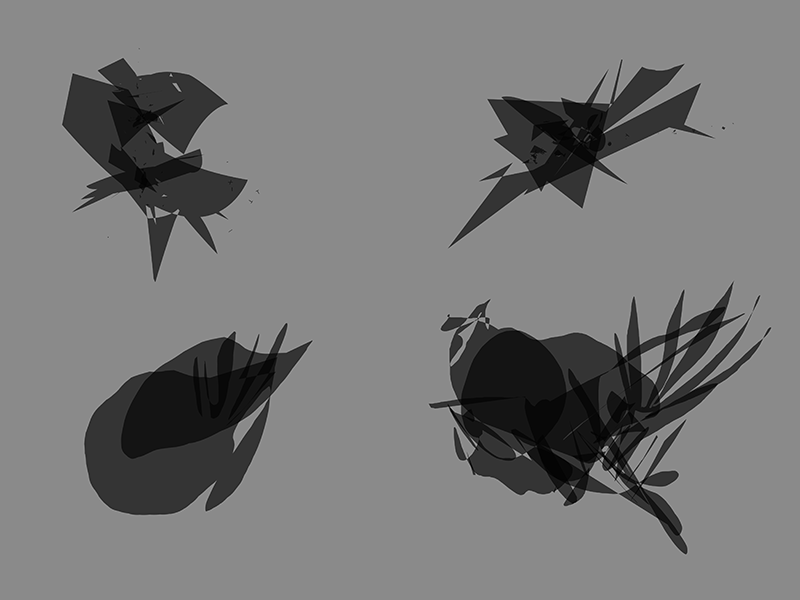
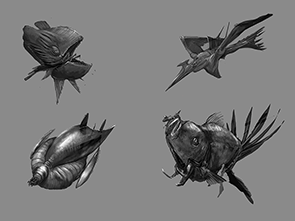
Back in the day, there was a nice free bit of experimental software called Al.chemy, aka Alchemy, which recalled the good ol’ days of Processing and Kai’s tools. Alchemy was intended for concept and character doodlers in the game and sci-fi concepts space, who work with silhouettes first. When they find a silhouette that “reads” really well at its edges, then they paint in details. It worked well. It’s still available for free for Windows, Mac and Linux, though (apart from a Linux fix in 2014) development ceased in 2010.
However it’s good to see that there’s now a developed equivalent to Al.chemy that’s built right into the open source Krita 4.0 software. Which, as many will know, is now a very fine painting and inking software and a direct rival to Sketchbook Pro and (to an extent) Inkscape. And it’s still roaring ahead with its development.
Here are the details of the “Shape Brush Engine” in Krita. Among the many luscious brushes that ship with Krita, it may be one that many will have overlooked in testing. It could be worth a second look. At present it doesn’t seem to be otherwise well documented, and I failed to find any video-demo for it.
In 2013 Ivan Yossi also made a set of “pull shape” brushes for Krita, in emulation of Al.chemy, which are still available free. Getting old brushes into the new Krita 4.0 is not easy, but they may be useful to some.
Amazon Kindle Fire 10″ guide update
I first had my Kindle Fire HD tablet at Christmas 2017, at a bargain price, and it’s done great service. I wrote a short but detailed guide for new users at that time, which appeared on this blog. That post encapsulated what I’d learned on how to set up the Fire and the best apps. I’ve now updated that post…
* AIMP is now my preferred audio player on both Desktop and Kindle. AIMP has a fine free Android app that can be ‘sideloaded’. It does easy bookmarking of audio files.
* The NX Player app is also free, and was the only genuine freeware I could find that is able to play the audio streaming from your PC over wi-fi, when using the open-source desktop freeware “Stream What You Hear” on your PC.
* Comic Time is another fine free comic book reader app I’ve found in the last year.
* OneCast is definitely the best free podcatcher for podcasts. Excellent coverage and all nine of my regular podcasts could be found in its lists. Superb interface, no ads or nags.
* Screen On is the best genuinely free app to keep your Kindle from dimming or rebooting while you listen to music on wireless bluetooth headphones. The 2017 Kindle Fire’s bluetooth coverage and power/range is excellent compared to a £10 USB stick transmitter. With the aid of Screen On, the Kindle can be used as a base-station for bluetooth headphones.
* To send Web links to things like YouTube videos, without some Cloud sharing service or QR codes or similar, just set up a Trello board for your links and drag/drop the link onto a card there. They then show up in your Kindle browser, which is also pointed at the Trello board. When you drag and drop onto a Trello card, it embeds a live clickable link to the Web URL. Thus there’s no tedious copy-paste involved anywhere in the process. I looked long and hard for a simple way to pass live clickable Web links between a PC and a tablet, and this was the best.
The reluctant Femme
Ah, the Renderosity site’s total outage (here in the UK and probably elsewhere) seems to be a DNS server problem. Switching from my ISP’s default DNS over to 9.9.9.9 (the Quad9 DSN) did nothing, same problem. But using Google’s own DNS at 8.8.8.8 got me through to Renderosity.
However, on going to get the new La Femme character from my shopping cart I had the message “Shopping Cart Items do not meet the Minimum Purchase Price of $3.50”, since her price was $0.00. I had no idea that there’s now a “Minimum Purchase Price”! When did that happen? So, it seems one can only get a free item if one first pays $3.50 for some other item. Which means it’s not actually free.
Well… I was going to download and do some nice demos and a test with La Femme, and post them in various places (including a magazine), telling people she was free. But she’s not free, so now that will have to be put on hold.
La Femme 1 – major new Poser figure
The Renderosity store and Smith Micro have teamed up on sponsoring the development of a new female figure for Poser. La Femme 1 immediately suggests ‘Princess Diana’, aided by an early 1980s vibe due to the choice of hairstyle for the promo. Which, in my book, is no bad thing…
But she’s obviously not a simple Diana-alike. I’m generally fine with the standard V4/M4 and the Genesis 2-3 figures, but it’s always nice to see a really good looking flagship character. In this case with …
“advanced rigging … body control handles … highly detailed texture maps and hybrid materials that work in both FireFly and SuperFly … smooth natural joints … 30 face-control chips for natural expressions”
Great, and with a very very subtly ‘toon’ look (which here in the UK would be called ‘a little bit horsey’) which I’m guessing should suit a comic-book heroine well. Which, again, is a good thing in my view, and helps get the viewer past the ‘uncanny valley’ response to 3D humans. Generally, she’s vastly more appealing that the similar recent community attempts to create some sort of rival to DAZ’s Genesis.
For the moment, she’s free on Renderosity*, discounted from a $30 ‘normal’ price. Straight onto my Renderosity shopping cart, though… the Cart seems to be unresponsive at present.
Once the Cart is responding and she’s installed it’ll be interesting to see: how fast she and her default morph set and high-res textures load to the stage; if she can take V4 clothing and poses without a lot of hassle and poke; how easily she can be adjusted to render speedily in SuperFly on a PC without a ninja graphics-card while still retaining reasonable skin quality.
La Femme has some paid morph addons, La Femme Body Kit MR which is a big bundle of additional body morphs. And Femme Fatale HD Morphs which offers ultra-fine body detailing for those who want it. With these and La Femme, it looks like Poser is now at parity again with DAZ Studio in terms of their flagship female figures (G8F and La Femme).
* Update: I’m sorry, I misinformed readers on this. She’s not actually free, as there’s a minimum purchase price on Renderosity now, of $3.50.