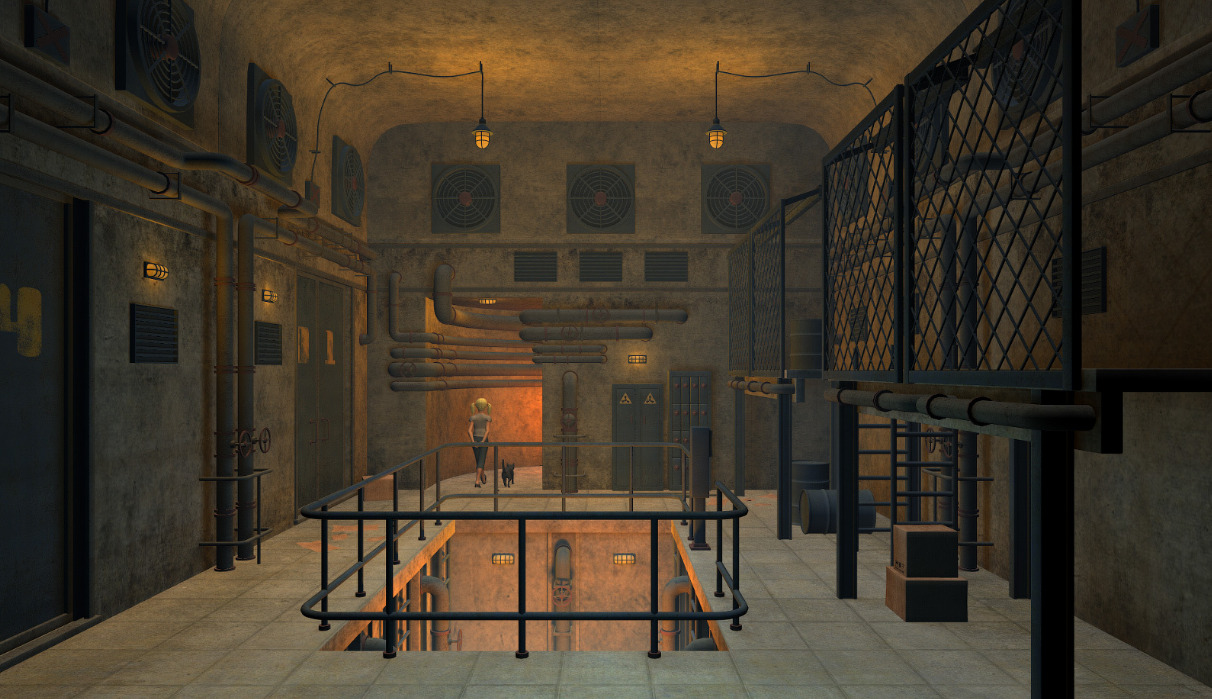
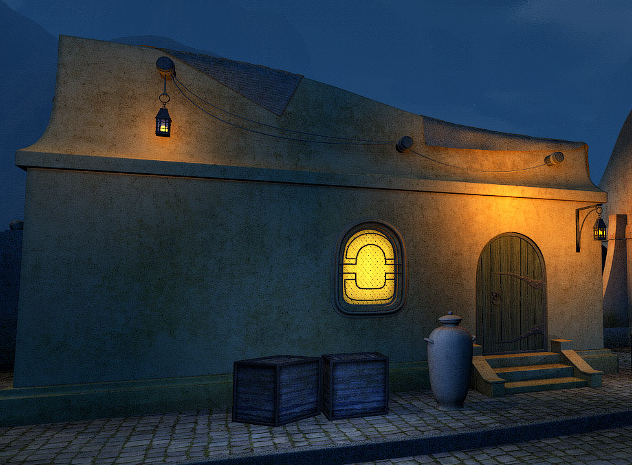
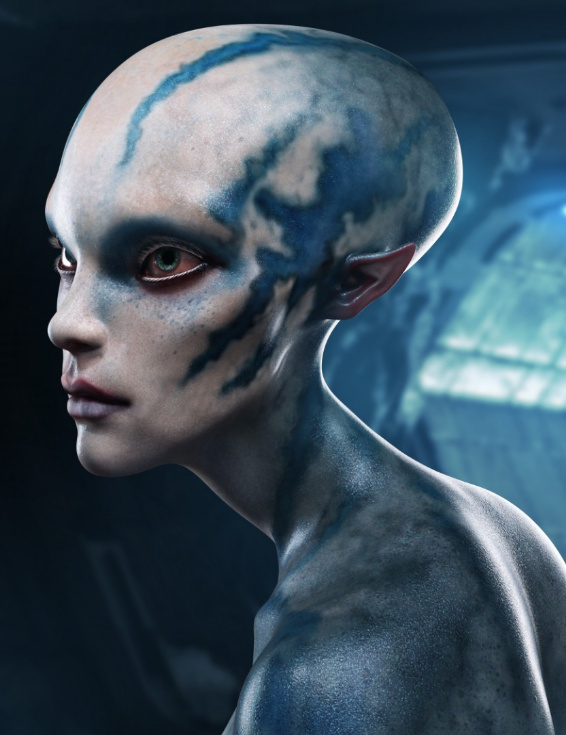
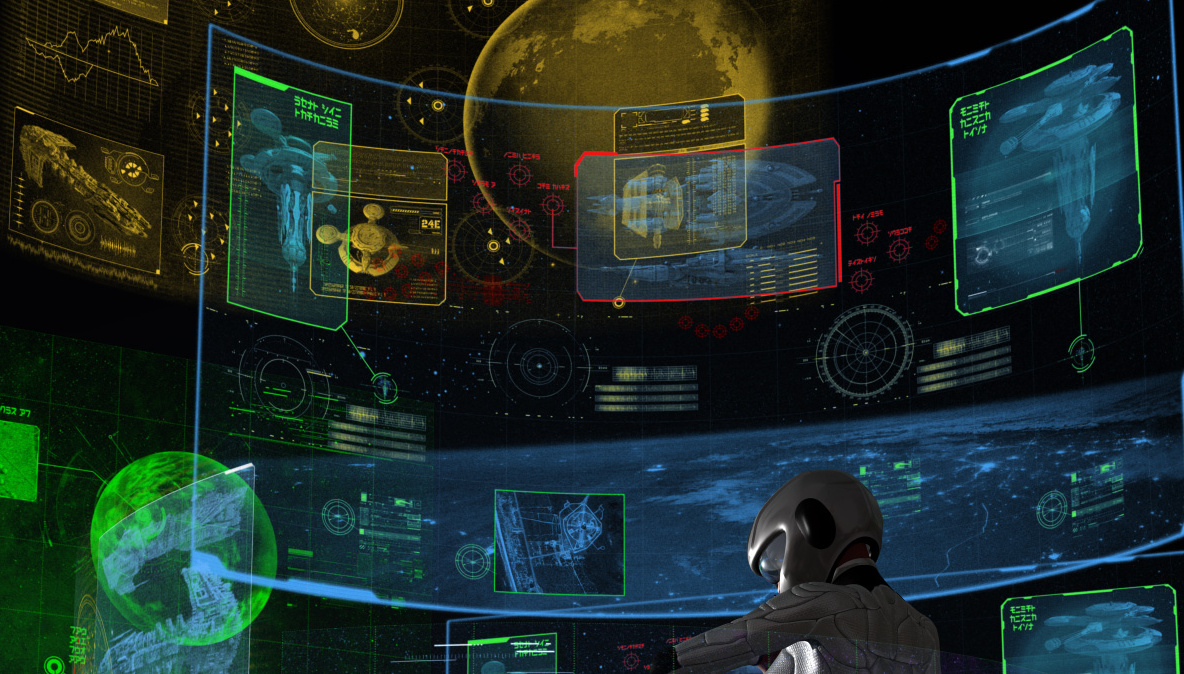
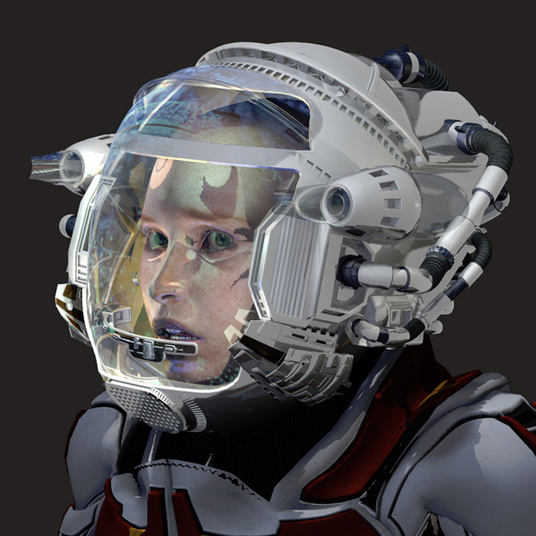
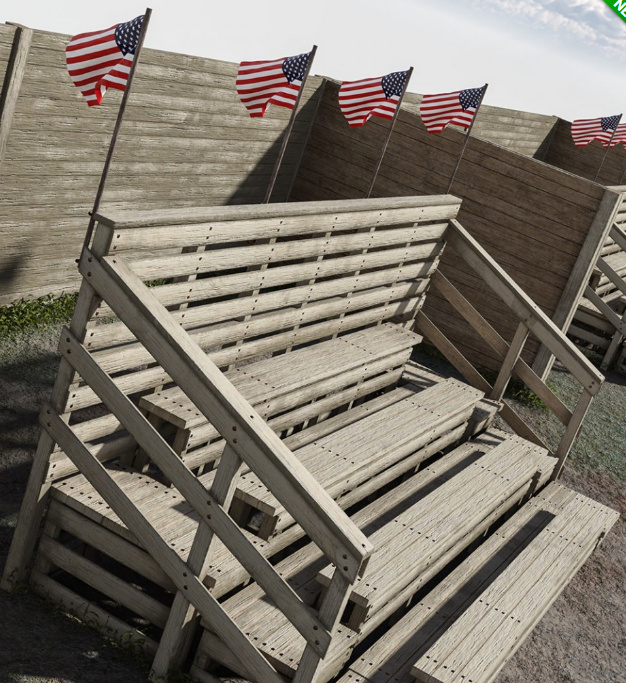
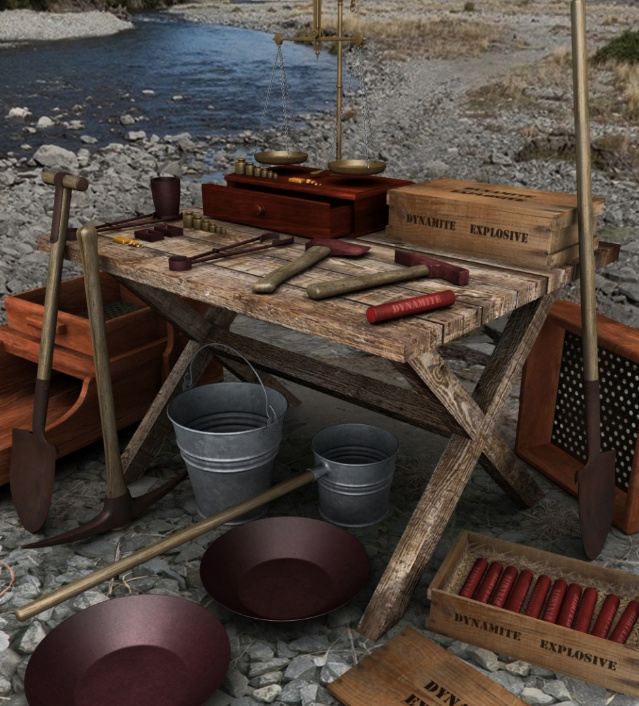
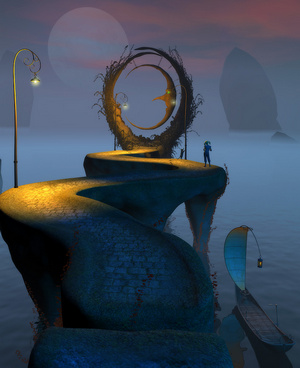
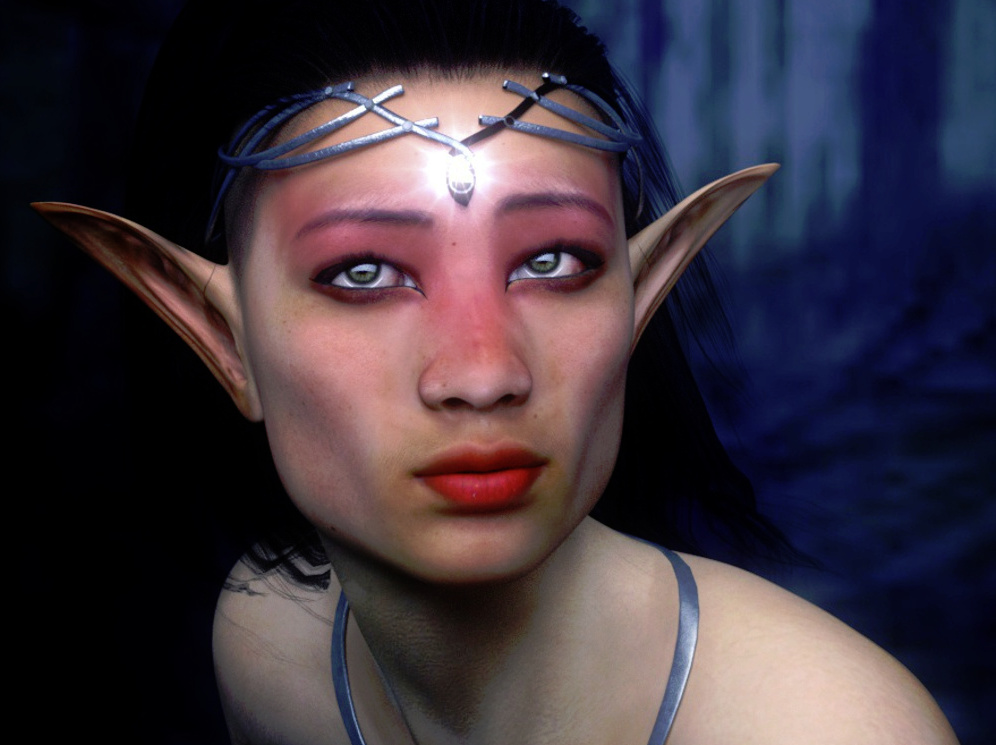
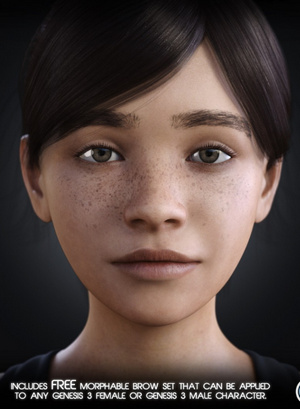
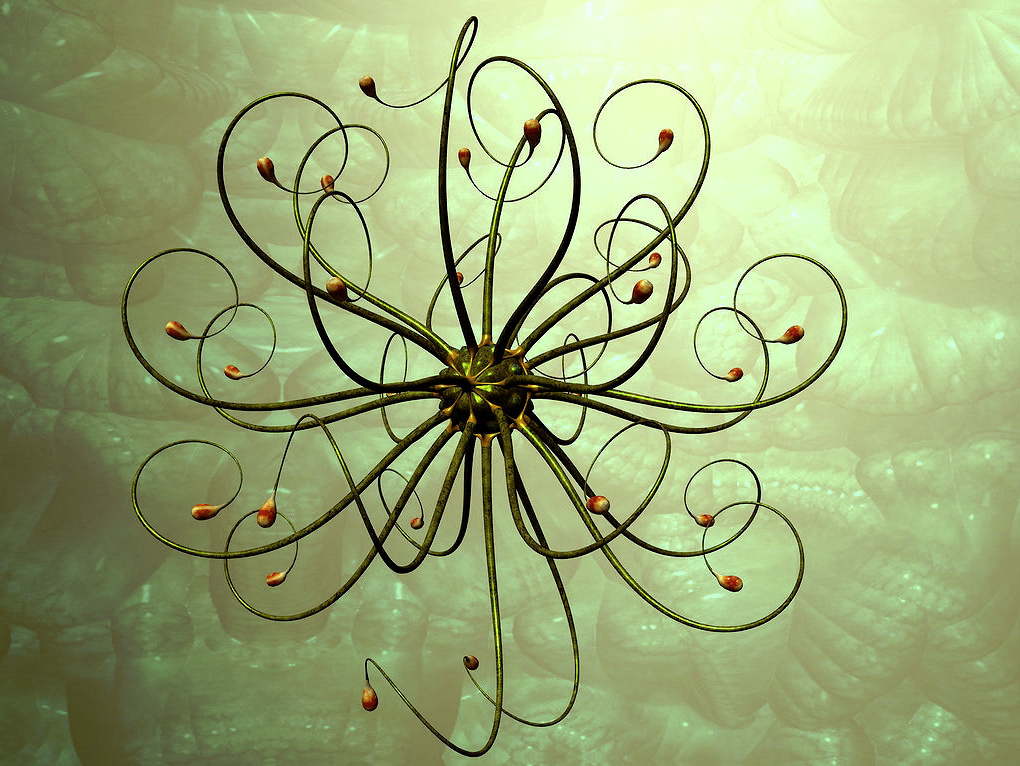
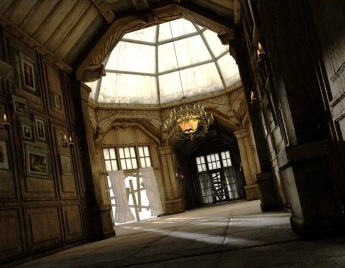
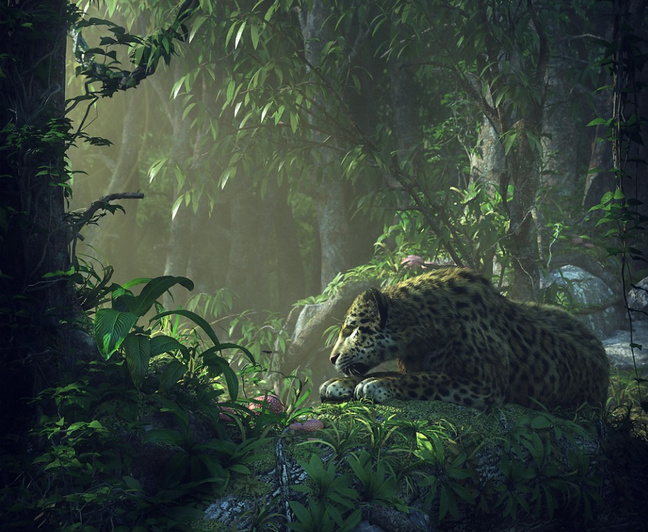
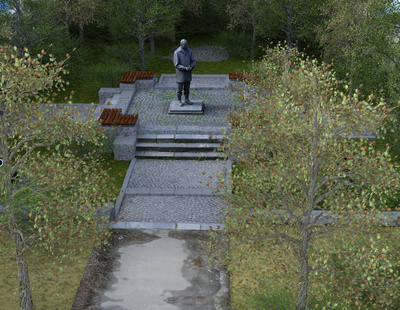
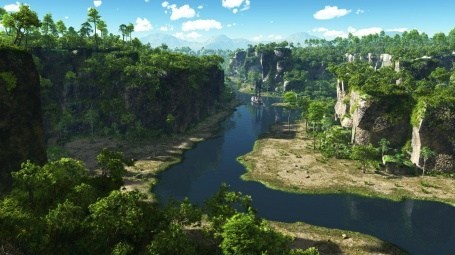
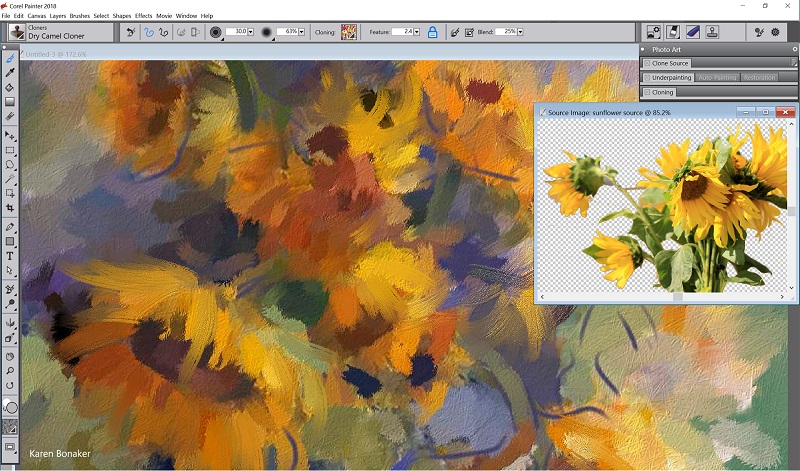
Discover how an epic science-fiction scene is devised and built with Vue and Photoshop, in a webinar masterclass with Chris Hecker. Chris is one of the most accomplished Vue/Photoshop artists. Free and booking now…
Poser and DAZ content survey: new in May 2017
What new goodies were released in May 2017, for the Poser/DAZ content ecosystem? Here’s my survey of what caught my eye this last month…
Science-fiction:
A new set of matching Greeble City Blocks from Stonemason.
Also some modular Eco buildings to add a bit more greenery to your Greeble city.
UFO crash site looks very cool. Someone will presumably give it an additional texture set in due course, to make it more steampunk / The War of the Worlds? Perhaps also a retro ‘Roswell’ 1950s makeover?
Storm Robot for Poser by Moscowich. A homage to the Mass Effect videogame, so probably not suitable for commercial use.
Med Shells to make a medbot of the Main Frame robot for Poser.
You Medbot (above) could be the robot tattooist in Coflek-gnorg’s new highly detailed Tattoo Salon for Poser, which has a Blade Runner / cyberpunk vibe. There’s also an equally detailed Tattoo Machine.
The AntFarm has an Anti-Gravity Diner and an Anti-Gravity Lift that will fit most vehicles.
Starship Wanda, an unusual fish-shaped spaceship.
Cyberia Dress V4, a basic but rather good-looking 1970s-style sci-fi dress for V4.
Greylien For Genesis 3 Male, from a hand-sculpt in ZBrush and with detailed textures.
There’s a free Mane in fibermesh, which fits the vast herds of Genesis 3 centaurs which have recently been released onto the DAZ Store. Could possibly also enhance an alien G3 character.
Fantasy and monsters:
Any new set from DM is usually worth looking at, and his latest is DMs Mystic AtmoSPHERE. G3F poses, matched to an emissive glowing iRay sphere. It looks perfect for wizards and seers and the like.
Cheech Evolution for G3M and poses. He looks like a remake of the free Poser character Creech, which shipped for free with Poser 8 and which I seem to remember was modeled on a public domain B-movie monster from the 1950s. In his new DAZ Studio incarnation he now has various add-ons such as the deep-sea King of the Deep outfit and poses.
Monster Skulls, including a cyclops.
Death Stalker, an unusual hybrid between an insect and a dinosaur. Just the sort of thing for your explorers to encounter in a Lost World or alien planet.
Historical:
Legionnaire for Genesis 3 Male. There’s already authentic Roman military gear floating around for M3 and M4, but if you need it for G3M then these do look rather good. They also include fits for a couple of G3 variants.
Satine Detective Outfit for G3F.
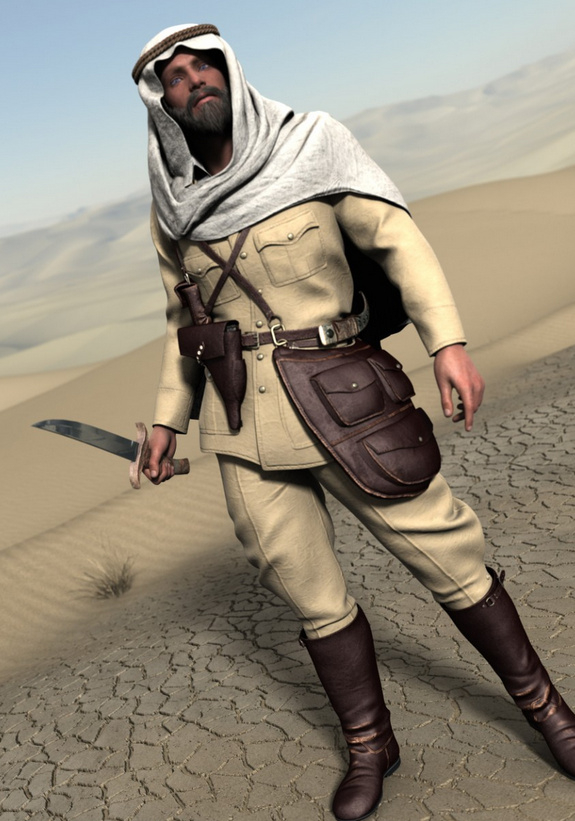
Dr. Graverobber by Cybertenko is a complete 1930/40s Indiana Jones outfit for Michael 4, plus whip.
The new Palm Road seems to fit well with Dr. Graverobber. It’s detailed enough for Vue users to also be interested in this.
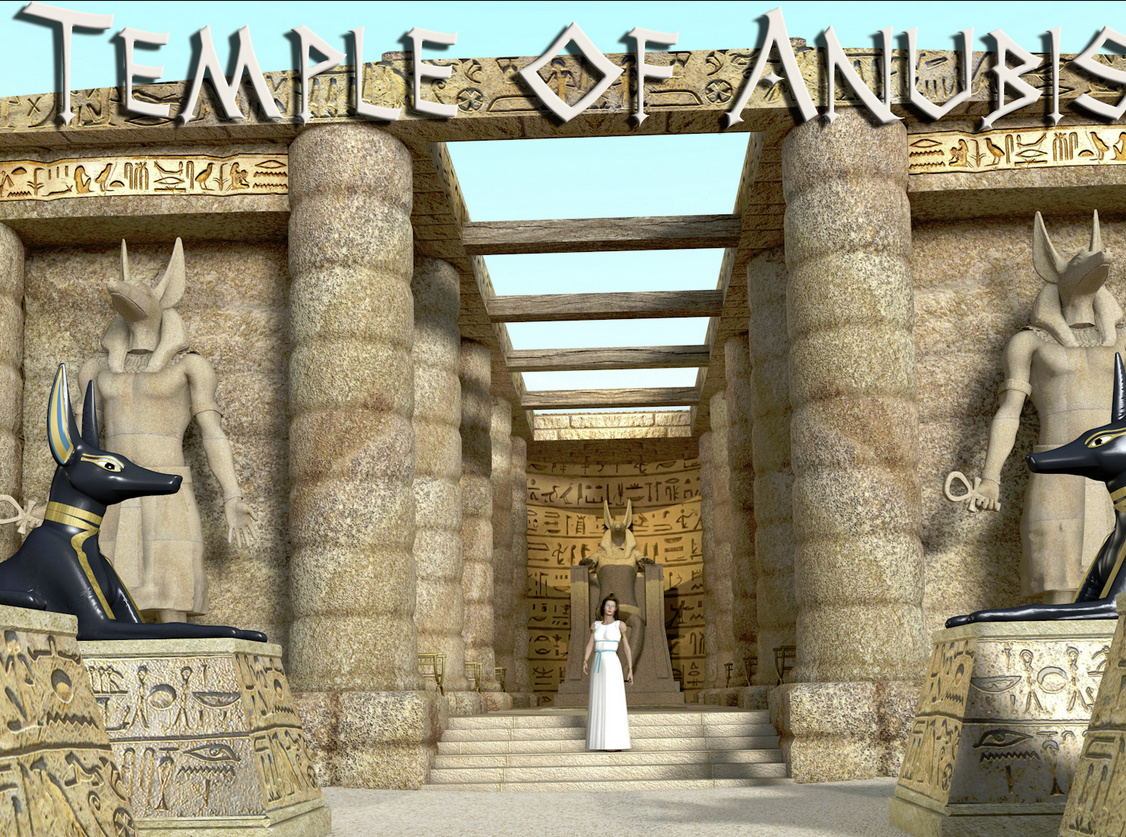
Temple of Anubis for Poser. A simple but convincing bit of a fantasy Egypt, and it could also easily be imported to Vue. There’s also a new Secret Ancient Catacombs scene.
Pirate Dining, the cabin of a pirate ship. With a bit of work and some candle-light it might also double as the inside of a hobbit-hole. I’m thinking of the scenes with the singing dwarves in Bilbo’s kitchen, at the start of The Hobbit.
Classic Rickshaw, possibly also useful for a steampunk Fu-Manchu vs. Sherlock Holmes type of adventure-mystery.
Old_Revolver for Poser, another high-quality prop and texture set from Dante78.
An authentic Texas Ranger Outfit for G3M, complete with some really nice Wild West boots. Probably needs some “And I just rode thu’ that there desert…” MATs, to dust up the clothes.
Got milk? A traditional milk-churn and related props.
Double Trouble Braids for G3F. A nice Celtic look, and slightly mussed up, which would suit shield-maiden battle scenes. Audrey Hair is similar and shorter, with a pony-tail effect on top. Apparently the Bronze Age people used heavy metal crimped stoppers on the ends of the braids, to weight the hair braid.
Everyday characters and clothes:
Amber for G3F, with hair and everyday clothing. See also the new Real Sneakers 2.0 for G3F.
H&C Casual B outfit for G3M has a nice simplicity about it, while also being quietly futuristic. Designed to work well in close-ups and I foresee quite a few texture makeover packs being made for this set.
Scenes:
A Paris-style Metro Train interior.
An Island House complete with island and ocean.
There’s also a new Downtown Loft : Living Area, new from Stonemason.
Animals and nature:
SongbirdRemix’s bird expert Ken Gilliand has turned his attention to frogs, and he’s just released the Nature’s Wonders Frogs of the World Vol. 2 for Poser. It has those highly colourful, but highly deadly, ‘poison dart’ frogs. Created with Ken’s usual attention to detail and scientific realism.
Animations for the HiveWire Kitten.
Sea Washed Beach Rocks in hi-res for Poser, plus sand and a scene preset. May also be of interest to Vue users who want to do rock-pools and low-tide scenes.
iReal Animated Dandelion for DAZ Studio. Vue users already have a dandelion, but it’s not animated.
Country Ford for DAZ Studio and Carrara, a classic English ford. A useful addition for those with horses, hounds and historic vehicles in their runtimes. Also for stream-dipping scenes with child characters.
Wild Mossy Bamboo Forest for Poser.
The Forest could probably work well with Flinks Mossy Rocks HD for Poser and Vue.
Garden pottery for DAZ Studio. Very nicely textured with weathered textures that get past the ‘3D always looks too clean’ thing.
Vue users also have Ground Cover No.7: Pine Forest Floor which uses instancing to make sure each patch is unique. So you can apply it as an ecosystem on small patches of ground and not get repeating moire patterns.
Plugins and tutorials:
Scene Optimiser for DAZ Studio 4.9.3.29 and later, which allows you to drastically lower the memory required for certain types of scenes, and thus speed up your renders. I didn’t feature this last month because I wasn’t sure how well it worked, or how easy it was to operate. But I find it does work and it works well, making iRay rendering on a CPU ’10-minute feasible’ at 1800px x 1200px. It doesn’t only reduce the size of the big 4000px textures, but also seems to offer many other tweaks. Only for DAZ Studio 4.9.3.29 or higher, as it calls a function in the software that has only recently been introduced. The only frustrating thing is finding the damn thing. It’s under “Scripts” with the utterly obscure name of “V3Digitimes”. Who on earth would look for it under that name?
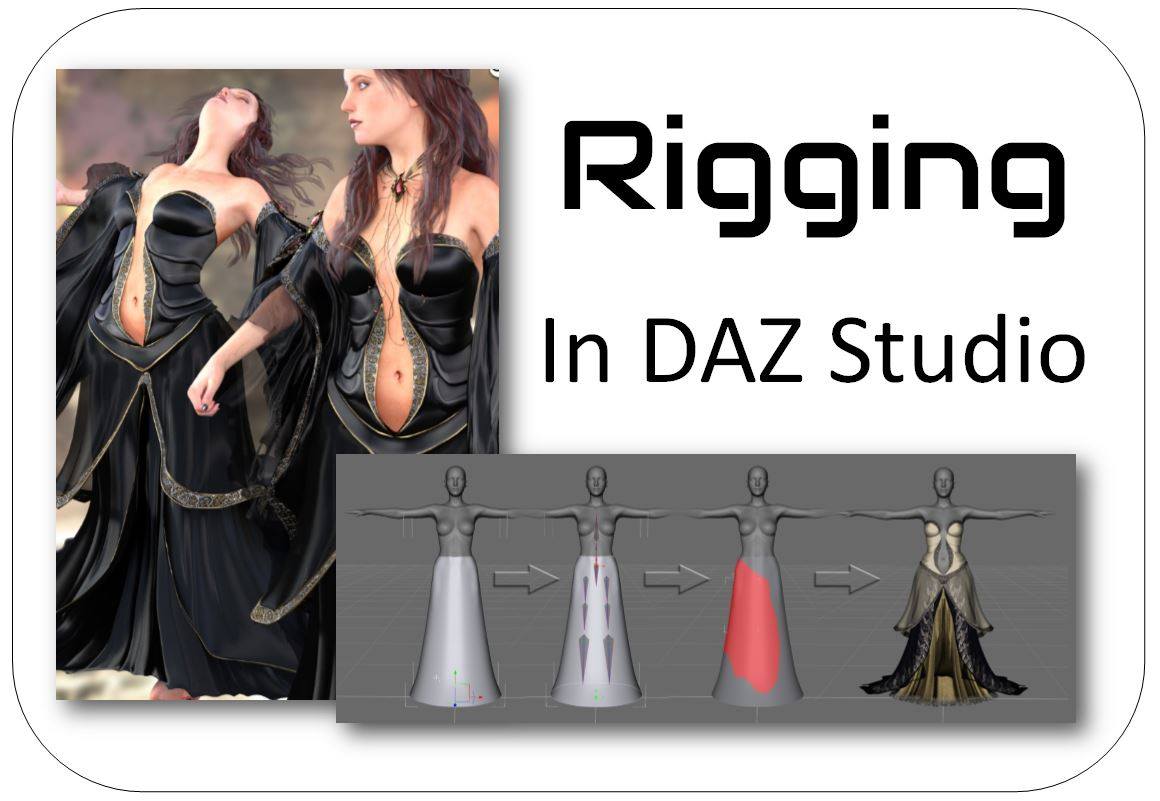
The Ultimate Guide to Creating Complex Outfits, a big multi-part training series with digital clothing expert Arki. Learn exactly how to make quality long dresses, full-length skirts, long-sleeved and multi-layered outfits.
Poke-Away3! for Genesis 3 aims to help cure clothing ‘poke through’. Often it’s just a case of making the offending body parts invisible, but there are times when that’s not going to work and you might need help from something like this.
DAZ Studio also has a Billboard plugin which gives you 2D billboards that always face the camera. I’m guessing you can probably do this by hand in DAZ Studio, but it’s likely that the plugin makes it easier and faster.
Lastly, currently on $2 clearance is the Poser Format Exporter for DAZ Studio 3 and 4, which from DAZ-only formats “generates Poser format Pose (.pz2), Face/Expression (.fc2) and Hand (.hd2) files from directly within DAZ Studio”.
That’s it. More picks next month.
fClone – easy facial motion capture for a .pz2 output
fClone is a new facial motion-capture software that works via a webcam, and can output to Poser’s .pz2 format for use in Poser and DAZ Studio. It’s a little fresh in terms of its versioning, but it’s now in a 1.05 bugfix version.
There’s a free trial available, then it’s $199 for the Standard version, or $50 if you just want to ‘rent’ it for a month of gurning and grinning production work. I’m guessing that $199 price is probably about on a par with iClone’s more mature desktop mo-cap offerings, though I haven’t looked at those or their pricing for a while.
As far as I can tell, the software has nothing to do with iClone or Reallusion, despite the similar name.
A free 3D trilobite
I found a scientifically-correct base trilobite in 3D, made in 2003. Because… trilobites! One of the most famous fossil types. They ruled the earth for 270 million years, although the closest thing to a trilobite which most people encounter today is a cute little wood-louse standing on a wood-pile.
The 3D model appears to be the best available for free, and…
“features the basic properties evident in the species but no specifics of any of the many subspecies … as anatomically accurate as possible, based on current knowledge.”
Sadly the model’s in Maya 4.5 .MB format from 2003. But if anyone with an (old?) copy of Maya wants to convert it to .OBJ it seems they can. The model is OK for non-commercial educational use only, as per the original rights notice. There are various bits of software which claim to be multi-3D-file converters (3DWin5, PolyTrans, SAP Visual Enterprise Author etc) that can open .MB files, but I’m told they all require a copy of Maya installed before they’ll actually open an .MB file. I haven’t found any simple “.MB in, .OBJ out” utility.
And here’s a picture which suggests the coloration of your trilobite, and the sort of soft parts that don’t survive to be seen in the famous polished fossils…
We think of them today as hard and black and like an Alien face-hugger, but in their time they were perhaps as attractively coloured as modern-day cuttlefish can be.
There’s also an un-rigged $12 Trilobites Set for Vue, although it’s a bundle so getting it into your wishlist seems to be impossible. There’s nothing worth having for Poser and DAZ Studio.
Of course there’s also some on Turbosquid, but they also come with the usual ridiculously high Turbosquid prices ($250!) that appear to be aimed at big advertising and movie production studios.
The Duck soars
Google Images is such a pile of manure for picture research these days, even when you know how to search and can knock out all the search-pollution coming from Pinterest and Wikipedia and YouTube. For many types of searches, DuckDuckGo’s Images Search is now far superior in terms of relevancy. The range of search modifiers is not yet perfect, but they’ve just added a new “Extra Large” to their search.
Manga Studio at half-price
Smith Micro currently have one of their periodic 50% software sales on the 2D comics maker’s choice, Clip Studio (aka Manga Studio). Get the lesser ‘Pro’ version for $25, or the more fully-featured Clip Studio Paint EX for $87. The latter being the real ‘pro’ choice.
As many readers will know, Clip Studio was formerly called Manga Studio. It’s the same software, just a new name. The reason for the change was that the Japanese developers of the software, Celsys, required all their worldwide translators and agents to use the Japanese name — Clip-Studio — so as to have uniform global branding. I don’t think they were aware of the unfortunate connotations of the word ‘clip’ in English — naff ‘clip-art’; clipped as in ‘shortened, lesser, cut-down’; and ‘clip-joint’ being slang for a sleazy scam.
Anyway, the deed is done and the name is changed now.
If you have Poser then I guess you’re probably not going to be very dependent on the stock 3D mannikin figures, which ship with Clip Studio Paint EX. Though they do look kind of handy if you’re drawing by hand. They may even be useful for quickly story-boarding your comic / nailing down your panel layout, before setting things up in Poser.
Though I should point out that Clip Studio is very complex, as complex as Photoshop in its own way. So, if you already have your Poser PNG character/prop/background renders in a folder, it’s only fair to point out that the software Comic Life 3.5 could be a much easier alternative in which to do your panel layouts and lettering. (Ignore Comic Life 3’s very cheesy kiddy-fied marketing material, it’s perfectly capable of slick quality output).
But back to Clip Studio. EX is the version that can do 3D import, which is great if you need something that goes beyond the stock rag-dolls or the couple of manga schoolkids which ship with the software. Such as complex clothes, sci-fi uniforms, ten-headed monster-dogs from the planet Wuff-Wuff, that kind of thing. I’ve tried the demo without becoming a user of the software, but last I heard 3D import is best done as .FBX (which allows some re-posing) and .OBJ (static), and these can be imported with materials intact if you first package everything (materials, .MTL and 3D mesh) up into a single .ZIP file.
The EX version also allows multi-page documents and also helps with the printing specs. I read that it can even export for a Kindle ereader or as an .ePub.
I see that EX also offers “Convert 3D objects into 2D LT (line and tones)”. But it appears that this is a fixed-pixel-width toon line outline, not to be compared with the more artistic results one can get with flat lighting and Poser’s Comic Book preview mode…
You can see it’s also adding manga zip tones, rather intelligently.
FaceGen celebrity face files
I found a big library of free celebrity faces for FaceGen, as .fg FaceGen files.
They’re from 2010 but I assume they’ll still work with FaceGen Artist Pro, software which lets you output famous or custom faces/heads for all Genesis generations in DAZ Studio. There’s a lengthy new tutorial webinar here, including things like work-arounds for neck-seams caused by the different body/head textures.
“Now, where did I put that Sonic Screwdriver…”
I was pleased to find another H.P. Lovecraft for Poser, albeit as a morph for the older character of Michael 3. It’s OK-ish, but without the required morphs it’s not as accurate as the dedicated character from Meshbox. I discovered that there are quite a few packs of “famous faces” made for M3 and still floating around, as I had a quick look around and a runtime search for superhero freebies for M4 / Freak 4. I dug up a David Tennant (Doctor Who) and an Edgar Allan Poe, both for M3, for instance.
Such faces are mostly for M3 and require the Head morphs from the ‘Michael 3.0 Head & Body Morphs’ pack [update: no longer sold]…
1. Load M3 base character from Figures | Daz People
2. Then go to Pose | !M3 All Morphs INJ | ! All Head Morphs.
3. Then select the Head of M3, and load your character head.
Many such also benefit from the Brom morphs.
It’s not the “David Tennant for M4, that looks nothing like him”. It’s another one, tucked away in an old multi-pack of superhero morphs for M3. The problem with a David Tennant as Doctor Who is, of course, finding the Fabulous Hair of Cosmic Awesomeness that will also look good in Poser’s Comic Book mode. The hair is so Awesome it has whole blogs devoted to it, and deservedly so.
Fancy trans-mapped hair is no good for Poser’s Comic Book preview renderer. Though Maraboo Hair looks like a useful starter, if you wanted to render in full 3D. The popular Reivel Hair was also a possibility.
In the end, the M3 hair seen above was down to a surprising combination of the ancient Ben hair and the almost-as-ancient M3 Star Trek hair for McCoy.
The Ben hair can be easily detached in pieces and re-positioned over the McCoy base, and as long as you don’t delete the base scalp (hide it in the body) the Ben hair doesn’t revert to bare guide hairs.
The David Tennant Poser-portrait above is just an alpha version, and I haven’t even checked it against reference photos yet. But it’s already somewhat recognizable. The M3 coat has a strange forward bump, as if it’s expecting V4 to drop in at any moment, but it’ll do for now.
Getting over the wall, with The Freak 4
An update on Freak 4 bundle, recently blogged about here because discounted to $7.
The Freak 4 morph dials won’t do much, after you load him. To get The Freak 4 ‘over the wall’ on this and working with his Micheal 4 base, you first need to go to…
..\content\Runtime\Libraries\!DAZ
… and there find the DzCreateExPFiles-M4.bat and possibly also the M4Gens.bat files. These are batch script files which, when double-clicked on, will seek out the new morphs and inject them into M4 so that he can handle becoming The Freak. It only takes a second or two, and you’re done. Then you load Freak 4 from his preset in Figures | DAZ People.
Here’s a bit of test fun I had with him. He was rendered on a ‘Very Quick Preview’ setting in 15 minutes at 2800px, so is not looking as good as he might. However, I cut out a bit of a stock wolf-pelt to provide a rather nice furry kilt, which I think adds something to the picture…
The fancy Barbarian shield textures don’t work in Superfly renders, which is a pity, but everything else seemed fine. But I’ve found that the Barbarian clothes in the bundle go very well with the hair in the free SOTO’s Vincent for The Freak 4 (used in the above picture).
Freak freak-out!
The huge Freak 4 Pro Bundle is currently on a $7.20 sale at the Daz Store. It requires M4, but most people have that character.
If you just want a big wrestler then I assume F4 has been rather overtaken by Freak 5 for Genesis 1, although I must say that F4’s set of realistic skin MATs do look very good. Freak 5, incidentally, has a good The Hulk (as ‘The Savage Freak‘), and an awesome Clan Bears Regenesis add-on (though with a huge amount of dependencies, including the LAMH plugin for the fur)…
But back to F4… Freak 4 doesn’t give you access to a lot of new characters, since he always had a bit of a niche fan-base. But he gives you access to a small number of quality Marvel superheroes made for F4, and does so natively within Poser. Such as a pretty good Captain America (as ‘First Avenger’); an early-1960s The Thing (as ‘Rock Man’, harking back to the time before Kirby firmed-up his stylized hexagon-skin; and a starter base for making a Swamp Thing (as ‘Primitive Beast’, though Marsh Monster has the better head and may be a better choice for Marvel fan-art). With the smart city suit in the Pro Bundle you could also easily make a Kingpin (the nemesis of Daredevil and Spiderman, I seem to remember). So far as I can tell there was no Hulk for F4.
There’s also a Doomsday for F4, a character I’d never heard of… but it seems he’s a DC Comics super-villain who battles Superman.
For one or more of the above you may think it’s worth $7 to get the Freak 4 bundle, so that you can load them up.
If you’re envious of the Clan Bears for F5 (above), then there’s also the free lion-like SOTO’s Vincent for The Freak 4 (a celebrity character, Ron Perlman in the series Beauty and the Beast).
To get The Freak 4 morphs working with his Micheal 4 base, after installing Freak 4 into your runtime you need to go to…
..\content\Runtime\Libraries\!DAZ
… and find the DzCreateExPFiles-M4.bat and M4Gens.bat files. These are batch script files which, when double-clicked on, will go find the new morphs and inject them into M4 so that he can handle being The Freak.
Masie for Poser
Renderosity has launched a new contest to make a fun picture with Masie. Masie is the new semi-toon Poser 11 character, an unofficial flagship character created by the community to take advantage of all the Poser 11 features. For tooning she also comes with… “Base and Makeup Toon Materials and 6 Basic Toon Color Materials”, which have presumably been tested to work well in flat lighting and the Comic Book mode.
Masie has been designed to be really easy for content creators to work with, and they’ve already produced a wealth of free and paid content at Renderosity. There are a variety of introductory Masie Bundles. Neither the default Masie face, nor the three or four morphed Store faces, really grab me — expect for the face used for the vampire promo seen above. But doubtless more are on their way, and it’ll be interesting to see how radically she can be re-shaped. I’m also uncertain if she can take any legacy poses and hair (e.g. V4) without requiring fiddly adjustments, which would make her a lot more appealing as a purchase.
The Masie contest has $175 of Renderosity vouchers as prizes, and the entry deadline is 15th June 2017.
CrazyTalk Animator 2 SE
The July 2017 PC Pro magazine (UK), the leading PC user magazine, has a free copy of CrazyTalk Animator 2 SE. As far as I can tell from the features grid, it’s the same as CTA 2 Standard except you can’t output high-res frames. CTA is currently at version 3.1.
CTA is an excellent intro to 2D animation, and especially so for bright kids, without all the hang-ups of pro-level animation software. Even less able kids could use it, to make static comic-strips for the Web — for which you don’t need high-res output.
Hiro 3 mega bundle for $5
The Hiro 3 megabundle, currently on sale for less than $5. Hiro 3 base + head morphs, clothes, expressions, for Poser. He’s the brother of Aiko 3, and can still look good when morphed and tooned up in Poser’s Comic Book mode.
Hiro 3 (H3) and Aiko 3 have perhaps been overtaken in the toon-character stakes, but their huge amount of morphs means they are still required as a base for some enduring characters. Such as the Melody and Micah Bundle which then gives you access to the big range of Furries.
I have a loading tutorial for the Furries, here.
Drone -2- Mesh
Want to create a high-precision 3D map of your own specific bit of the earth, for beautification in Vue or Terragen? There’s no need to hijack a passing NASA satellite — just launch your GPS-enabled drone, snap some HD photos and use PrecisionHawk‘s free software for drone mapping…
“Using GPS information embedded within the drone images, the software automatically stitches together a complete map, viewable in both 2D and 3D. Free users of PrecisionMapper can create up to 60 surveys a year without resolution or export limits.”
The precise types of 3D models that can be exported is left a little hazy by the publicity, but I presume they’re fairly standard types.
Possibly it’s easier just to sculpt the terrain with reference to a good large-scale map with contour-lines, of course. Or wrestle with some public geo-data sets. But if you happen to own a HD/GPS drone then it could be a nice project to use it to make an accurate and crisply Vue-beautified “bird’s eye view” version of your valley, local nature reserve, cycle-way, etc. Possibly even for VR fly-throughs.
Comic Book FX database
Comic Book FX. The Comic Book Sound Effect Database. 1,482, so far.