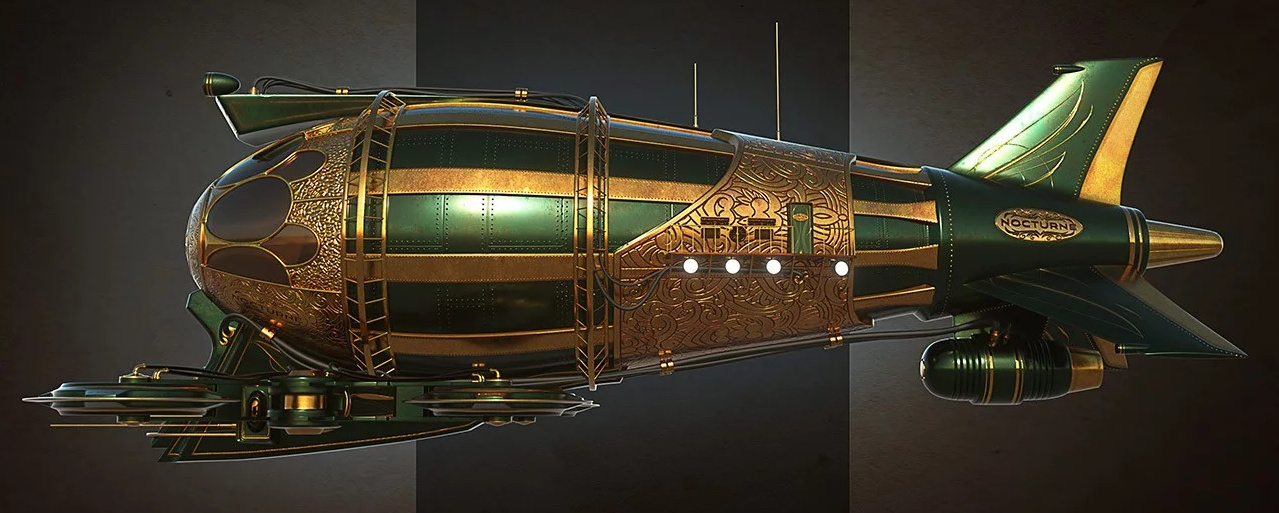
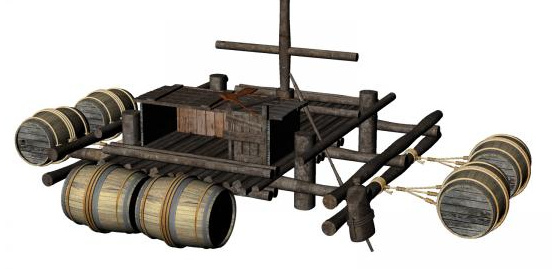
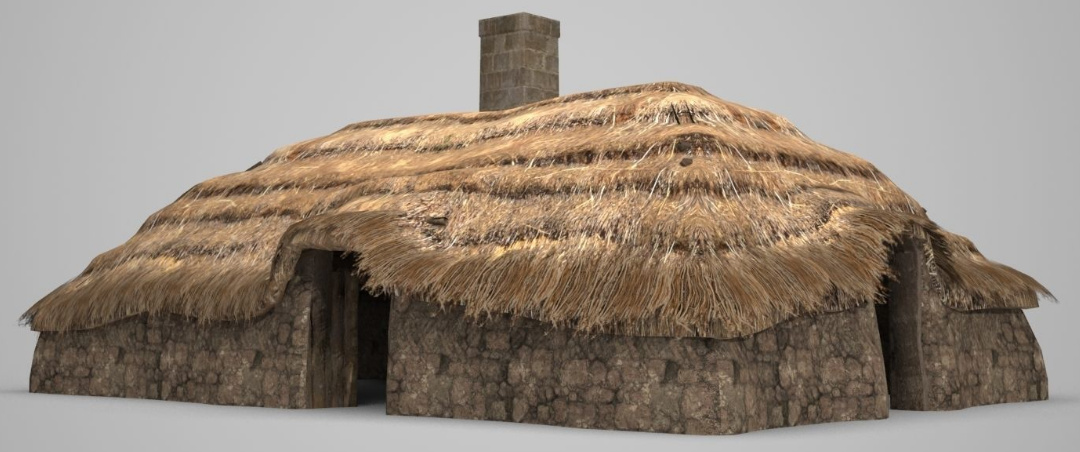
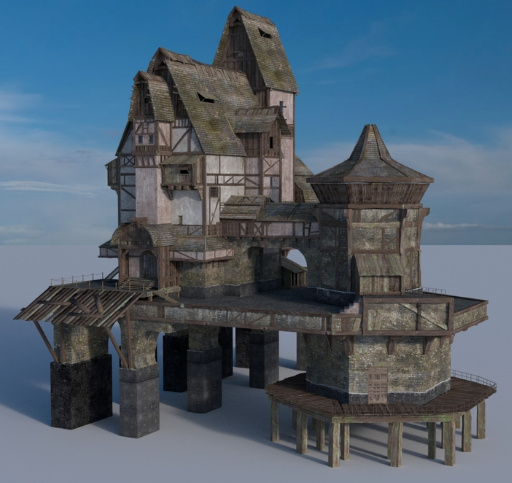
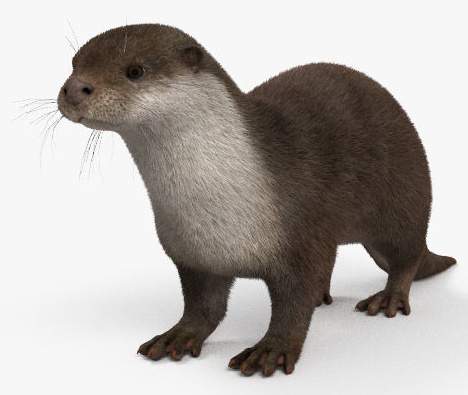
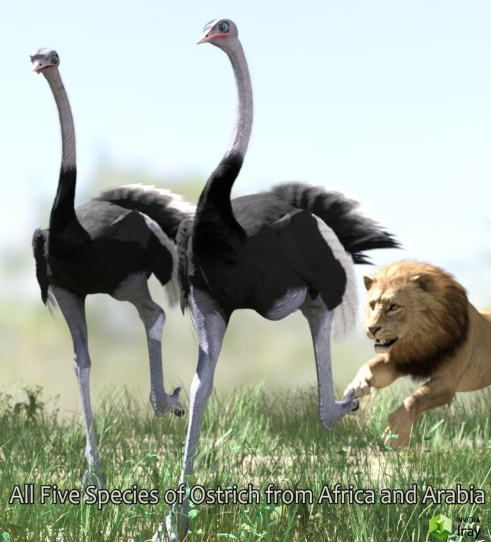
OpenClipArt has been down for about six weeks now. The best searchable fallback I’ve found is Public Domain Clip Art which has 13,778 bits of clipart under Creative Commons or Public Domain, though that’s only a sub-set of the apparently 150,000 bits that OpenClipArt had at its demise. So far as I can tell, after extensive searching, no-one was keeping a full mirror or tarball of OpenClipArt at 2019.
Currently free – M4 + Pro Bundle + extras
Currently free on DAZ, the M4 Hero Pro Pack. This includes the base M4 + the M4 Pro Pack + a load of M4 extras. “Michael 4 Shapes++” includes “Michael 4 Genitalia” and seems to include the vital “M4 Morphs++” pack in a supercharged expanded version — this may even interest those who think they already have the M4 and Morphs++ combo.
If you’re new to DAZ and Poser, and get this, you may want want my tutorial on how to activate and load Micheal 4 and Morphs++.
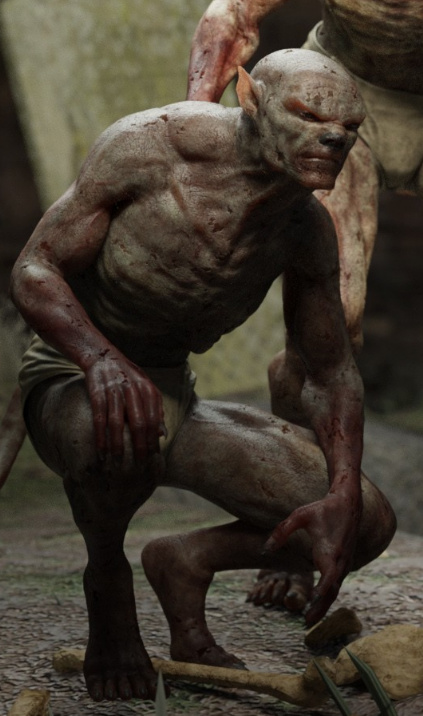
Also currently free is the original Troll, which is worth having in your runtime as there were many extras and makeovers and freebies made for him.
Cartoon Animator 4: the official demo video
The official 4-minute demo video for Reallusion’s new Cartoon Animator 4 (formerly CrazyTalk Animator 3) has just been released…
It’s 2D animation software, now 2.5D on the heads. Just be aware that, once you’re hooked into the Reallusion ecosystem, it can become a very expensive option to get all the features and content packs you want.
The welcome Mat
3Dream has kindly made SuperFly MATs for a whole lot of Poser hair, and has posted them free on ShareCG.
iClone Plug-in Marketplace
There’s a new iClone Plug-in Marketplace, for small plugins. Only nine there at present. I’m no longer a regular iClone user, but I like the presentation. Wouldn’t it be great to see something similar for your favourite creative software? Presented in a uniformly slick and at-a-glance way, with comprehensive coverage and everything tested and known to be working. Some software occasionally has such a thing, and there are the stores, but more often the details and links are scattered all over the Web.
Medieval Warfare
Medieval Warfare magazine may interest some who use DAZ/Poser to recreate such scenes, and are seeking place to publish. I’m guessing the editors might be in need of the highest-quality artwork that’s both dramatic and historically authentic, to match with their articles from the leading scholars in the field. The publishers are Dutch, and also have a sister title Ancient Warfare, for which it’s probably even more difficult to find suitable artwork.
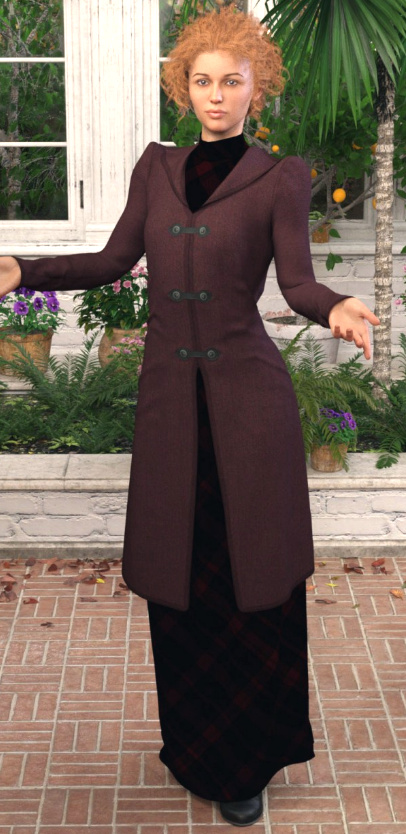
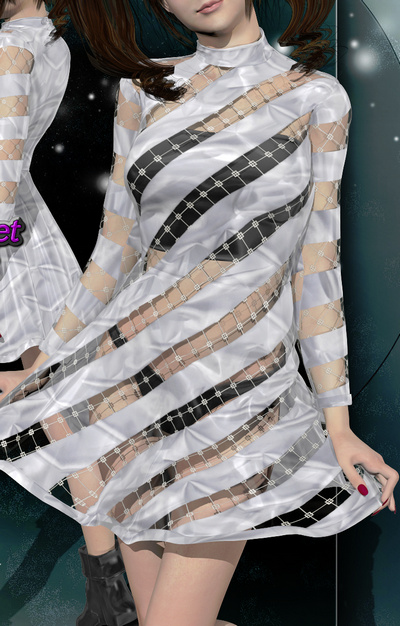
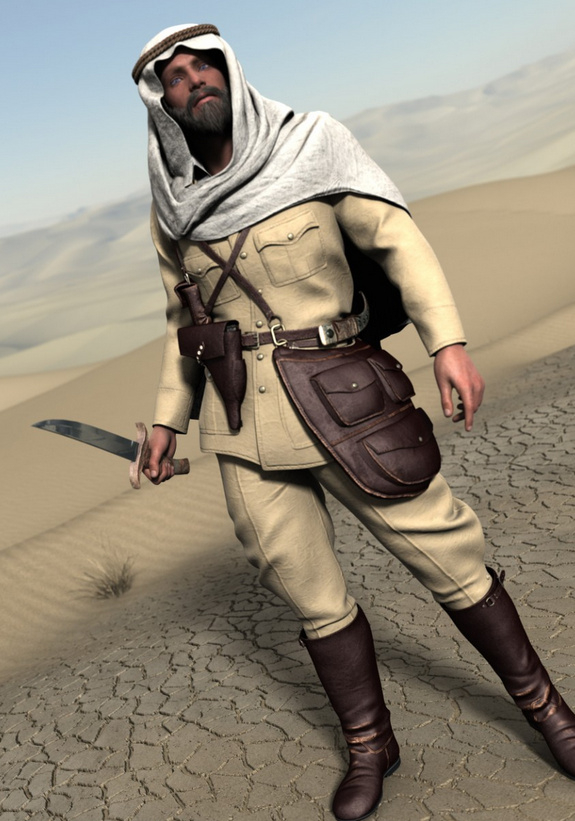
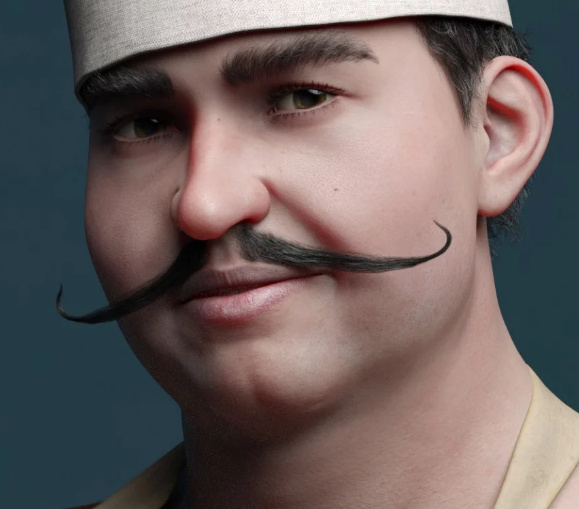
New content for DAZ and Poser, April 2019
Right then, it’s near enough the end of the month. Time for a survey of the new content released in April for Poser, Daz and Vue.
Note that I’m no longer covering freebies if they’re only ‘non-commercial use’ or if the licencing is confused (i.e saying “commercial use” in one place on the page and “all rights reserved” in another). Certain fan-art is excepted, where it’s obvious that there can’t be commercial use.
Science fiction:
Mervin the Alien HD for Genesis 8 Male.
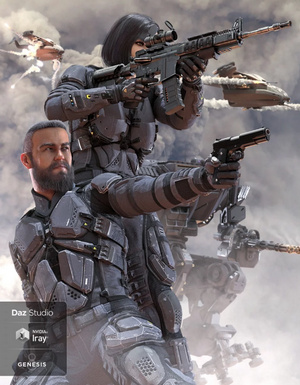
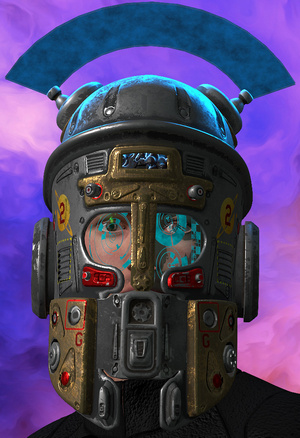
Space Bundle for DAZ Studio. A highly detailed near-future cockpit and matching spacesuit for G8F.
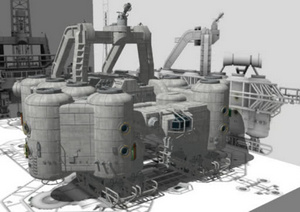
A Port Horizon spaceport scene for Poser and DAZ Studio. Also The AntFarm’s Sci-Fi Wall for DAZ Studio.
Alpha One Ghost Outfit For Genesis 8 Female.
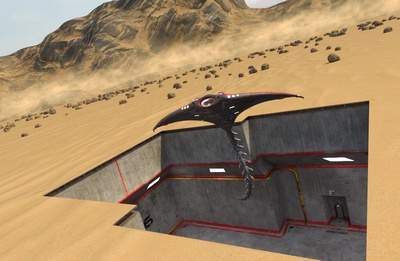
Not especially well-served by its preview renders, but ATVE Strider looks like it would have potential for wide desert scenes.
A free Phytopanel Wall suitable for ‘sci-fi greenhouse’ type scenes, and a room set into which the panels might fit.
An Italian style Monocycle ‘Mono-Scooter’ as an .FBX with material zones. On the new ArtStation Marketplace, at a very reasonable price and with commercial use.
Lickalicious for Genesis 8 Female, a mutant “super tongue” for G8F. With nine new bones in the tongue.
StarJet Cockpit for the StarJet.
Orbit Apartment for DAZ Studio.
There’s a new Collection at 3D Warehouse for free Space stations for SketchUp.
Steampunk:
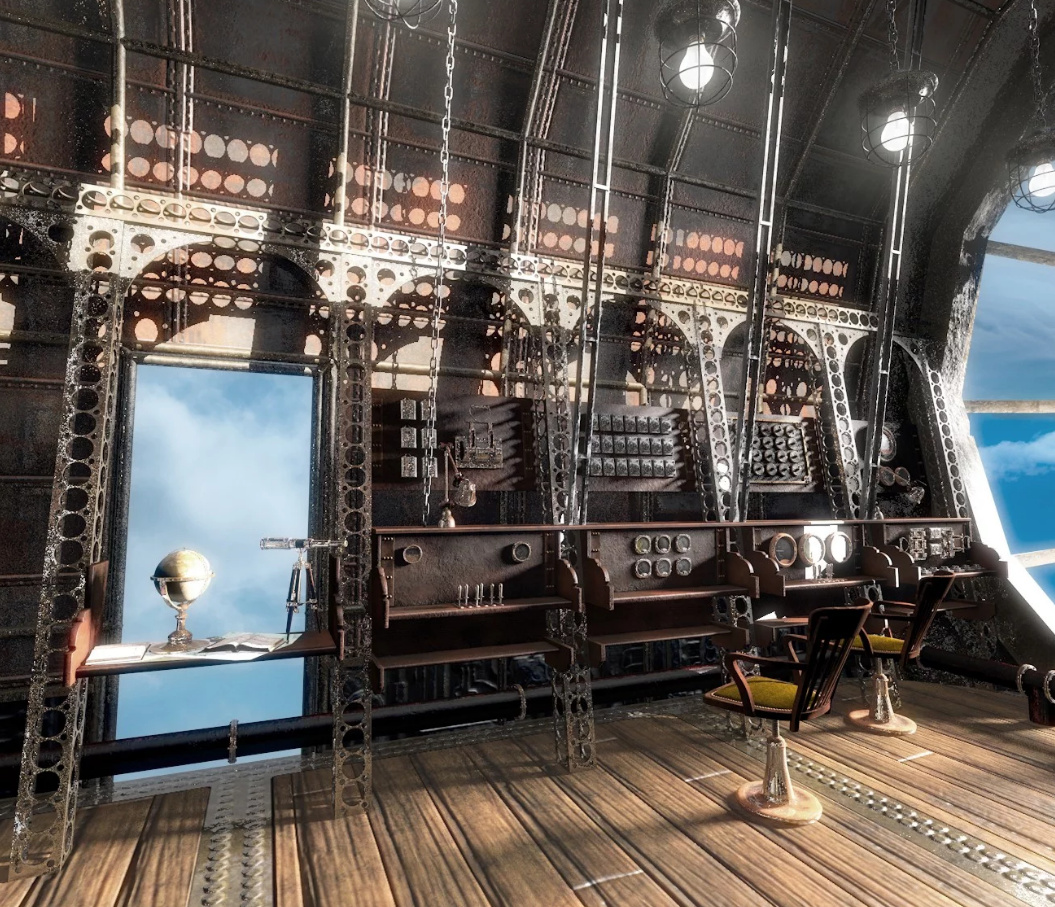
Steam Voyager, a very nice Jasper Morello -style airship for DAZ Studio.
Wild West Mine, which could be fairly easily adapted for steampunk.
dForce Fancy Punk Genesis 8 and Travel Suitcase Collection for DAZ Studio.
Sliced for G8F and PBR texture set. Looks super, with uses from Doctor Who monsters, to fantasy forest-spirits, to steampunk mechanoids, to sci-fi aliens.
Cartoon Airplane at CGTrader. Low-poly but detailed, as a 44Mb OBJ. I’m guessing it’s probably the 4K materials that are making the file size so big, for a supposedly low-poly craft. It looks a bit Miyazaki / anime, but I’m assuming it’s not fan-art.
K-9 freebie for Poser. The famous robot dog from Doctor Who, and thus of course for fan-art only.
Free Steam Powered Clock at BlendSwap. For Blender, so you’d need to wrestle with the infernal Blender UI and export to .OBJ.
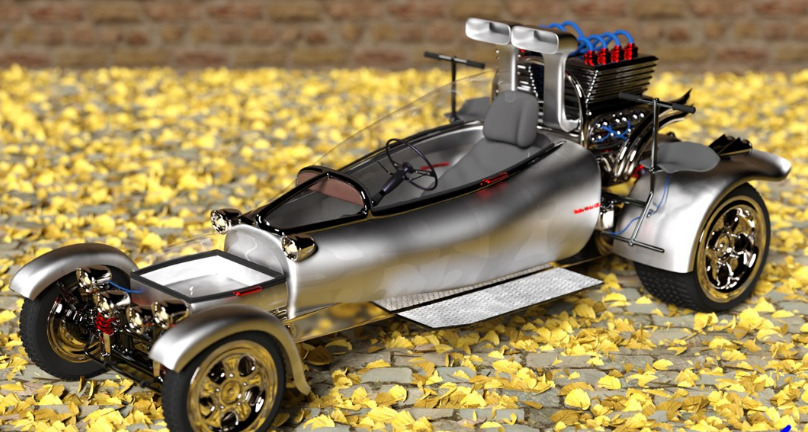
3 Wheeler car for DAZ Studio.
There’s a new Collection at 3D Warehouse for free Monowheels and monocycles models for SketchUp. See also the older MrSparky’s free CogBike for Poser, with V3/M3 pose.
Fantasy:
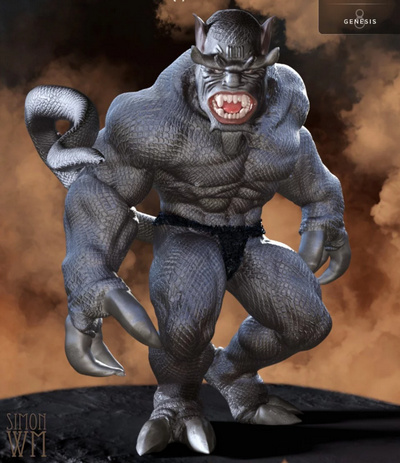
Behemoth HD for Genesis 8 Male.
Gladeling Female for G8F and dForce Gladeling Female Outfit.
There’s also Gladeling Male for G8M and outfit.
Fantasy Hair for G3 and G8 females and a set of hair colours.
Historical:
HD 3D Scenery: Buried Remains for Poser, from expert scenery maker ShaaraMuse3D. Very high-res textures. Suited to ‘prehistoric’ sabre-tooth tiger -type pictures, as well as modern pictures.
Jack Tomalin’s Trinity Atrium Fallen Iray Addon for Trinity Atrium Fallen for Trinity Atrium.
Authentic Early Roman Empire Imperial Legion guard, for Genesis 8 Male.
Retro dforce Retro Swimsuit from the late 1940s and early 1950s.
Audrey Hepburn for Genesis 8 Female.
Storybook:
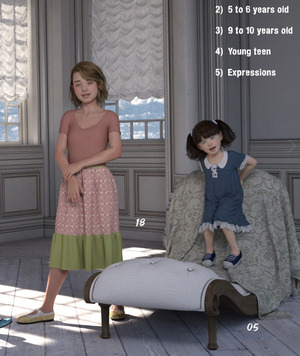
BBarbs continues her fine series of believable Genesis 8 Young Child Poses, as freebies with commercial use.
dForce Prairie Queen For GF8 and textures pack. An American Pioneer outfit from the days of the Frontier. Could also serve as more of a generic Grimm’s fairy-tales storybook outfit.
Creepy Old Attic for DAZ Studio.
Interiors:
TS Barbershop and Hair Salon for DAZ Studio.
Oxford Library for DAZ Studio.
Landscapes:
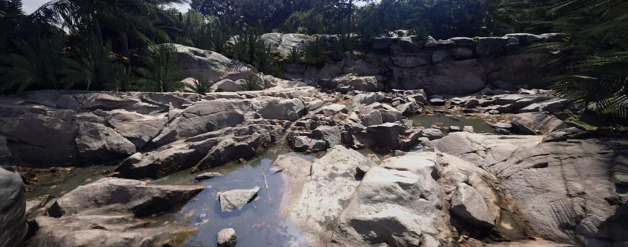
Soggy Bottom for DAZ Studio, a new-made bog-garden with paths and pools.
“The long oasis” for Vue, and a free Stretch Tent for shading your desert scenes as a Poser freebie prop with commercial use.
Kake-zukuri Temple and garden, by a name new to me, i74.
Underwater scenes could be enhanced by the new Scuba Gear for Genesis 3 Male.
Animals:
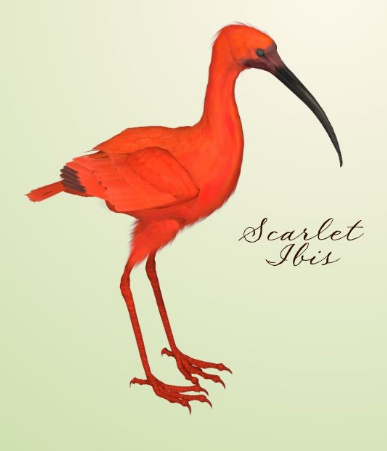
Three volumes of Poser shorebirds, by Poser bird expert Ken Gilliland. Songbird ReMix Shorebirds Vol 1 for Wading Birds inc. Sacred Ibis (Ancient Egyptian); Vol 2 – Herons & Bitterns including the classic Heron; and Vol 3 – Small Waders for mudflats and shorelines.
HiveWire Antler Pack for the HiveWire Mule Deer Buck, which itself requires the HiveWire Horse for Poser.
There’s also a Whitetail Deer LAMH Preset for this and the CWRW Whitetail Buck textures, both at HiveWire…
Marguerite The Cow HD and Denver The Calf HD , both requiring the DAZ Horse 2. There’s also a Poses set for cow and calf and child milkmaid, and a complete French Cowshed.
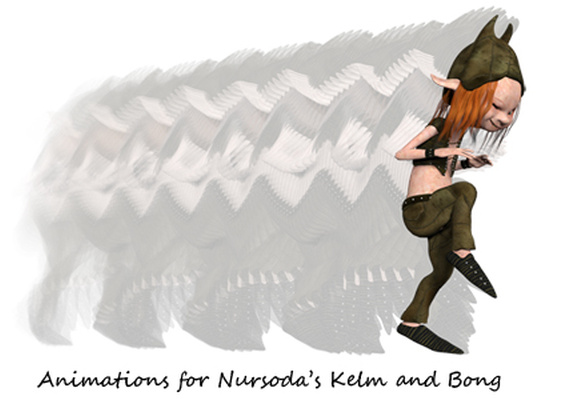
Purr-fect kittimations with Animations for Millennium Cat, Pack 1, Animations and aniBlocks for Millennium Cat, Pack 2, for DAZ’s Millennium Cat in either Poser or DAZ Studio.
Tyrannosaurus Rex 3 Saddles and Poses for the new Tyrannosaurus Rex 3. After riding one of these your character might be needing a trip to the Wild West Outhouse.
Characters and generic clothing/hair:
Ethan for Genesis 8 Male. An excellent male character, believable and great hair. Looks like a very flexible guy, re: being able to range from medieval dragon-fighter to 1940s noir detective to spaceship captain and beyond.
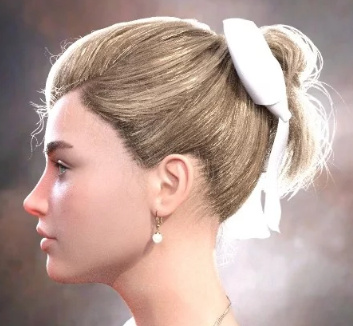
dForce_French Twist Hair for Genesis 8 Female. Free dForce hair, with colours, and commercial use.
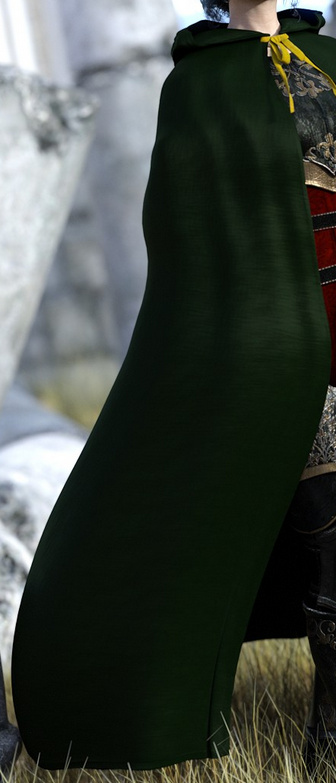
A dForce cape Splendid Chic for Genesis 8 Females which seems to offer all sorts of flexibility in terms of settings, from an Irish colleen to a sci-desert nomad and beyond.
Maki for La Femme, an affordable makeover from Japan for Poser 11’s La Femme.
La Femme – Another Look MATs, giving Poser 11’s new La Femme flagship female character an older and more weather-worn look.
A free set of G8M M8 romantic couple poses, SN I love U Poses.
Toon and semi-toon:
Toony Lizard Head Morphs for G8F.
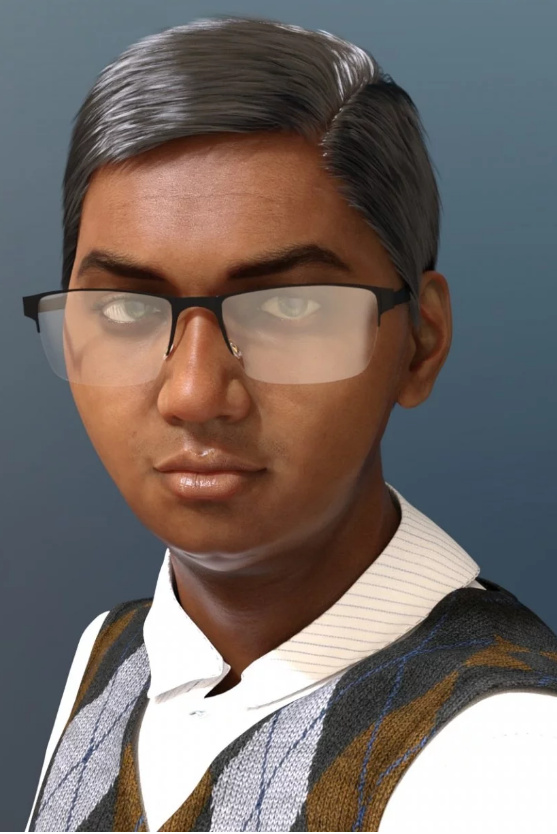
Diarmuid for G8M, a Scottish-looking semi-toon lad character for DAZ Studio.
A toon-ish 3D model Shipwrecked Boat and a nice Wooden Pier at CG Trader, in .OBJ.
Shaders, materials and add-ons:
Vince Bagna’s SuperShaders for Poser 11 SuperFly, Volumes 1 & 2. Over 300 high quality Cycles shaders for the SuperFly engine in Poser 11, easily applied via presets. A must-have for Poser users.
Atmocam2 for DAZ Studio.
Render Queue for iRay, for DAZ Studio.
Tutorials:
Wrangling the Daz Studio Content Library.
Ten Style Secrets for Sequential Art.
That’s all for the month. More picks next month!
A sale of interest to digital comics makers
TwoMorrows, an online store dedicated to comics history. They currently have a sale on for their Draw! magazine “the professional ‘how-to’ magazine on cartooning”, with most issues as low as $5 and some as low as £3.
Also Jack Kirby Collector and Write Now magazine, for writers of comics and similar.
Their sale runs through 1st May 2019.
Hair Strand Designer
In among the stampede of ‘big wallet’ releases from the makers of 3D software this spring, there’s still space for the small and niche. How does a tool to design individual hair strands grab you? Yes, you can of course ‘grow hair strands’ fairly easily in Poser Pro and DAZ Studio has its LAMH plugin and its presets. But the new $3 Hair Strand Designer beta… “creates hair strands ready for placing onto your hair cards” on 3D hair models. It’s for people who make hair this way…
… so may be useful for DAZ / Poser / iClone content makers.
Tutorial: How to get a larger preview window in MojoWorld 3
One of the problems with the old MojoWorld software is that, even when you full-screen the software, the “instant preview” window is very small. Here is that preview window, seen actual size on a modern 1920px desktop monitor…
So tweeny-weeny, so cute, but… a pain on the eyes and the neck, on a big widescreen monitor! The user can do certain things to improve it. In its Settings controls you can set render size to: ‘Large’ and ‘Auto-update’. While its ‘Render Quality’ is best left at Default (it makes little difference, but is slightly the fastest of the three options).
So the user can do some things to improve it, but can’t actually enlarge its size. Wouldn’t it be great to get a bigger view? Like this…
Is there some freeware that can do that? What about a Windows magnifier software? Nope… I looked for hours and there’s absolutely nothing that can grab a section of the screen and show it in an enlarged fixed window like this. They all want to play “follow the cursor, and show what’s under it”.
There is a solution, and it comes from a surprising direction. It’s the popular free video player VLC Player. Here are the instructions…
1. Launch the latest VLC Player. From the top menu, go: Media | Open Capture Device | Capture Mode | Desktop | 12 FPS | Play. You have now set up a live video-stream of your desktop. Don’t worry, it’s not being sent to some dodgy blokes in Ecuador, and is staying within your PC!
2. From the top menu, go: Tools | Effects | Video Effects | Crop | then you will need to play around with the pixel offsets to suit your screen. You may need to ‘jiggle it a bit’ until the section of the screen you want to isolate pops out into an ‘enlarged’ mode, but you’ll soon get the hang of how its ‘indenting the screen’ and thus enlarging it. Here are my settings on a big widescreen desktop monitor…
Optionally, you can also have VLC do a very slight real-time sharpen, which is controlled from the same Video Effects tab — the Sharpen slider is found under ‘Essential’. You can even send the image into black and white and slight change the contrast, to get a sense of how the greyscale values of the picture will visually “read”.
3. When happy with the view, effect and magnification level, grab the VLC Player window and place it in the bottom right of the screen (as seen above). Then go to the top menu and set: View | “Always on top”. This forces VLC to be visible, even when MojoWorld is the active window.
You then work with MojoWorld as usual.
Optionally, in MojoWorld if you mouseover on the native instant-preview window, then you can click once on it to “Enhance”. That’s pretty quick on a modern PC, little more than a second. After doing that Enhance, here’s a comparison at actual-size of the two views, the native instant preview and the VLC stream of that section of the desktop…
Not ideal, but better that the native preview. You’re getting an entire planet rendered in WYSiWYG in near-real-time, and as such some pixellated blockiness seems a small price to pay.
There are a few drawbacks:
1. You lose instant access to your “random cam” dice buttons, because the corner of the VLC Player windows is covering them up. If you want access to them you have manually grab the VLC Player window by its top bar, and slide it down for a few moments, then manually side it back up. But that’s easily done, and then you can re-select the MojoWorld window and go back to the JogNav buttons.
2. You get a slight ‘mouse cursor flicker’, due to VLC capturing the stream.
3. It’s overkill for fast-rendering planets. On a fast modern PC you’d get a preview that’s nicer and almost as fast by just doing a quick 600px render on the lowest settings.
The above technique should work on any older software where the instant preview is of a fixed size.
Freebie: Render in Background for Poser 11 Standard?
A new freebie from JLK, a Python Script which claims to enable Render in Background for Poser.
Poser 11 Pro already “Enabled rendering in background” for SuperFly renders (that’s the equivalent of iRay, DAZ readers), back in the official Poser 11 SR5 update patch in September 2016. Thus I assume this script is a workaround to enable background SuperFly rendering in Poser 11 Standard?
I don’t have the time to test this just now, but I assume it does what it says on the tin. The script’s code shows it expects Poser 11 and SuperFly.
FlowScape 1.2
The new $10 real-time landscape software goes to 1.2, just released…
Among many other features…
* Fantasy creatures — including a dragon, skeletons, and what appear to be Ents.
* Fantasy houses.
* Place-able lights.
* Snow.
* Ctrl Z undo / Ctrl Y redo.
Regrettably the Windows download appears to be corrupt. Should be 1.2Gb, but downloads as 2Gb then stops part way through. Others have the same problem. So it’s probably best to wait until this is fixed, to get it.
The itch.io app also shows 2Gb, but appears to have no problem downloading. Their app’s main problem is that it has no bandwidth throttle, and will saturate your available download bandwidth.
Artists beware…
Artists beware. At least one person on DeviantArt is putting pictures under Creative Commons, then when you take them up on the permission… they remove the licence from the page and falsely claim you ‘pirated their work’ and that they want $600 cash.
Those using ‘stock’ and CC pictures should always, as I do, keep ‘a PDF save’ of the page showing the licence or permission. Then you can prove that such a person is lying, if they make such a claim.
Oh look, shiny… woosh! woosh!
Amid the wave of new releases in recent weeks, good advice from Ricky (content editor at Renderosity) on “Focusing on the Tools at Hand”…
“I’m seeing a lot of animators jump from tool to tool as new ones are released. It’s no longer uncommon for there to be several tools that basically do the same thing installed on one’s system. … [creatives suffer from] informational overload when it comes to tools. Our inboxes are stuffed with announcements and there are getting to be so many vendors at the various conferences and expos that its difficult to see all them.”
Very true. I see a lot of CG news, though not being in the USA I don’t get to the trade expos to pound the floors and see the launches. But the wash of CG news gets filtered before it reaches this blog. The bits you read here are only those that make it through the filter of being somehow relevant to Poser / DAZ / digital landscapists, or to digital comics creation, or to fantasy/sci-fi artists. Thus when Lightwave gets sold, that’s of mild interest here because it interfaces nicely with Poser. Plus, the CG news often gets questioned, tested or investigated before it’s posted — it’s not just ‘link the press release’.
Luckily I’m also somewhat constrained, in that I now… i) avoid nearly all ‘animation’ (fun to watch, not fun to make) and am trying to build up to a set of skills in comics making instead (less work, quicker rendering, a bit more fun); and ii) not being able to afford the uber-PC and ninja £600 graphics-card to run everything new and shiny. Several recent bits of demo or review software have even refused to install (Substance and AI Gigipixel) because my PC was deemed under-par. Not even an install!
Ricky suggests in his article that we should stop and think if software we already have duplicates the features of the shiny new software. Again, good advice, but sometimes you also want to support software that’s more open. For instance I was enamoured of Sketchbook Pro for about 18 months, in my slow move toward finding time for 2D painting/overpainting. But now I want to support the similar but open-source Krita 4.x. That Sketchbook Pro has now slipped back from being supposedly ‘free’ to having a paid version, and within a year of Autodesk’s ‘free’ announcement, seems to partly vindicate my choice.
Anyway, for what it’s worth, prompted by Ricky here’s my list of currently frequently-used software on Windows:
Poser 11.x Pro. REVIEW COPY (no expiry).
DAZ Studio 4.x (with Scene Optimizer for iRay). FREE.
Carrara 8.5. PAID.
PzDB (for Poser/DAZ content management and selection). GIFT FROM THE MAKER (for helping with v.1.3).
3DXChange (3D file converter). WON IN A CONTEST, with iClone 7.
Meshlab 2016 (3D file wrangler). FREE.
Vue xStream 2016 R4. REVIEW COPY (no expiry).
Flowscape 1.2. PAID.
PTGui 8 (panorama stitcher). PAID.
Krita 4.x (2D digital paint). FREE.
Dynamic Auto-Painter 6.x (aka DAP 6). PAID.
Photoshop, mostly CS6 – plus a half dozen plugins, mostly tried and tested old-school ones. PAID/FREE.
IrfanView for quick image previewing and basic processing in Windows. FREE.
FastStone Capture for screenshots. FREE.
+ Ugee 1910b ‘draw on the screen’ pen monitor + main 24″ monitor. PAID, but both cheap Amazon ‘warehouse deals’.
You’ll notice iClone is missing. Many long-standing readers will know I used to be a big fan and user of it, but then they changed the UI wholesale and more. I did win a copy of iClone 7 recently in a contest, installed it and was glad because I gained the latest 3DXChange utility, but… I just don’t tend to use iClone itself any-more, these days. I’m far more fond of their fine CrazyTalk Animator and its potential for rapid comics production, these days.
Back to Ricky’s article. Perhaps we need a big ‘decision tree’ flow-chart, to help in choosing the right software for the task?
Flaming Pear
I’ve added a sidebar link to Flaming Pear, maker of Photoshop plugins, on this blog.
Many science-fiction artists will remember using their LunarCell (moons and planets renderer) and Glitterato (star-field and nebula generator) plugins in Photoshop, and some may still do so. These plugins still work fine for making backdrops elements in landscapes, and I see that Flaming Pear have updated their Flood plugin to Flood 2 in 64-bit. The interface is still a bit old-school, especially the clunky preset loading/saving, but the scene-reflective water it makes is very good and highly adjustable. It could save days of render time on 3D reflective water for large landscapes. “Now with improved 3D realism”, in Flood 2 — which seems to have been released late 2017?
Regrettably, when the picture has objects in the water at different distances from the camera, one has to make about for or five Flood 2 renders at different horizon heights. Then one layers these in and blends them together with the aid of a mask. It takes a bit of work and finessing, compared to just dropping in water onto a picture with a straight horizon.