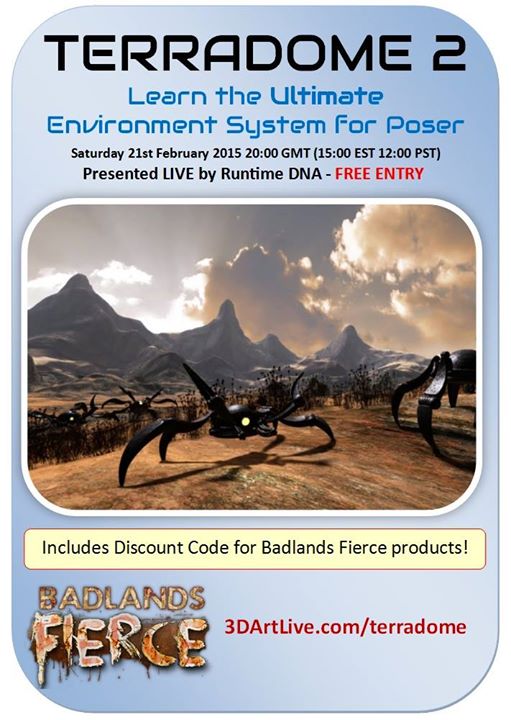
Coming soon, a free webinar in using Runtime DNA’s TerraDome landscape software with Poser…
Category Archives: Tutorials
Mastering Magnets in Poser
How to change your background colour in Daz Studio 4.7
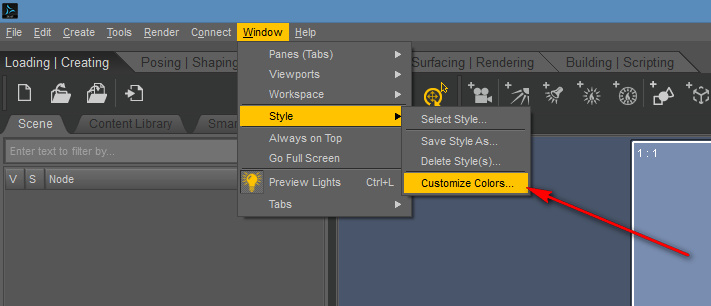
For those wondering where the option to change the viewport Background Colour went in Daz Studio 4.7, it’s now over on the other side of the screen, in Window | Style | Customize Colours…
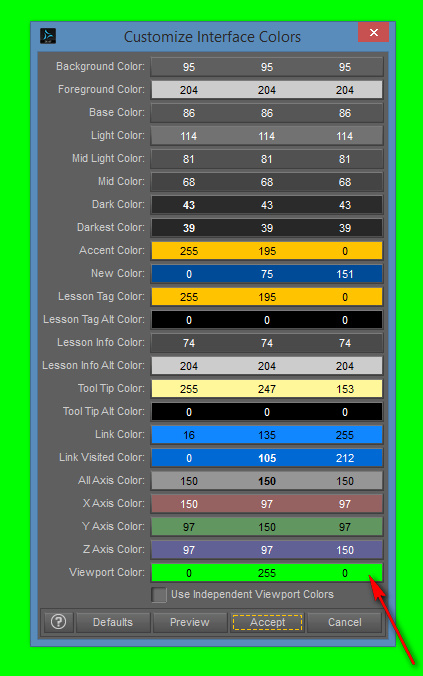
Don’t choose the top “Background Colour” option (that changes the User Interface colours), but choose the bottom colour named “Viewport Colour”…
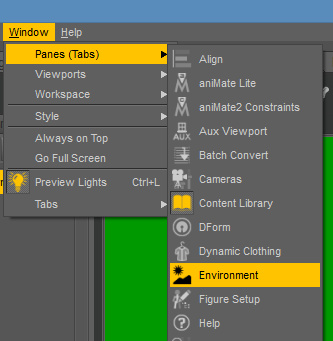
However, even that won’t do the trick. What will actually show up at the back of the render is set in the Environment Pane, found via Window | Panes (Tabs) | Environment. There you can set a solid color or a backdrop picture…
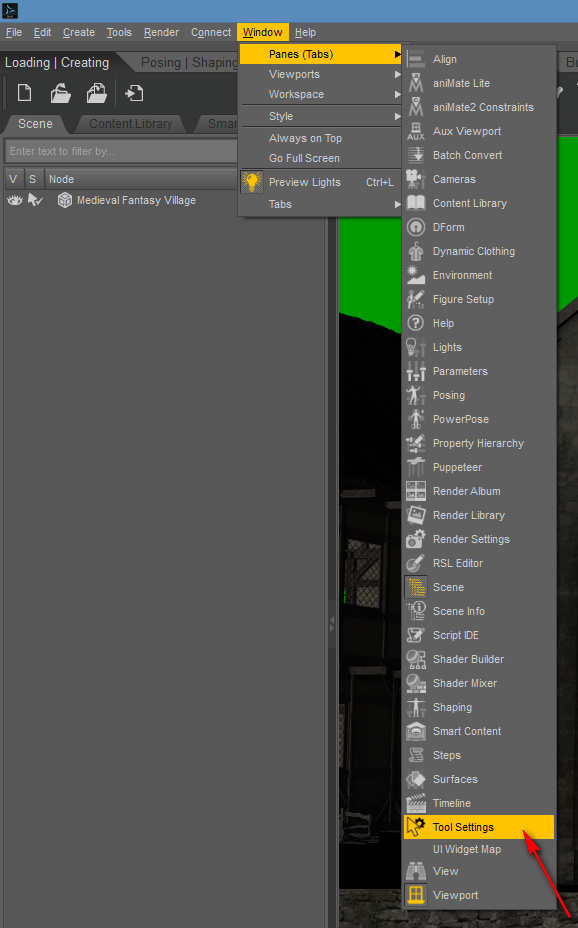
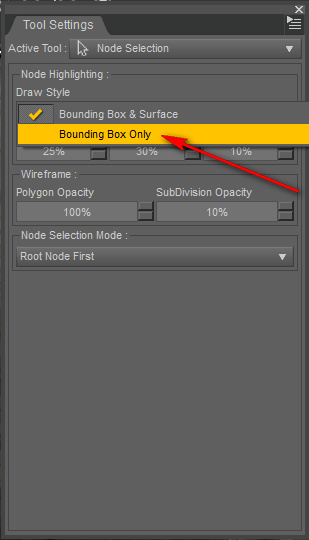
While you’re wrestling with settings, you can also get rid of the hideous ‘orange flashing’ on a new install, which blasts your eyes every time the cursor passes over a model…
Update: at 2020 this setting is now found in: Draw Settings | All.
Then switch this drop-down to Bounding Box only…
Where to find Interactive Progressive Rendering in Daz Studio 4.7
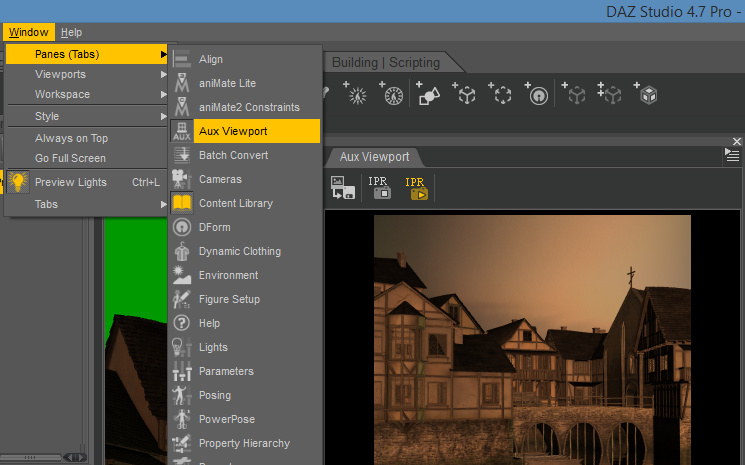
If you’re looking for the most desirable new feature of 4.7, the “Interactive Progressive Rendering” pane, you’ll find it cunningly re-named in: Window | Panes (Tabs) | Aux View…
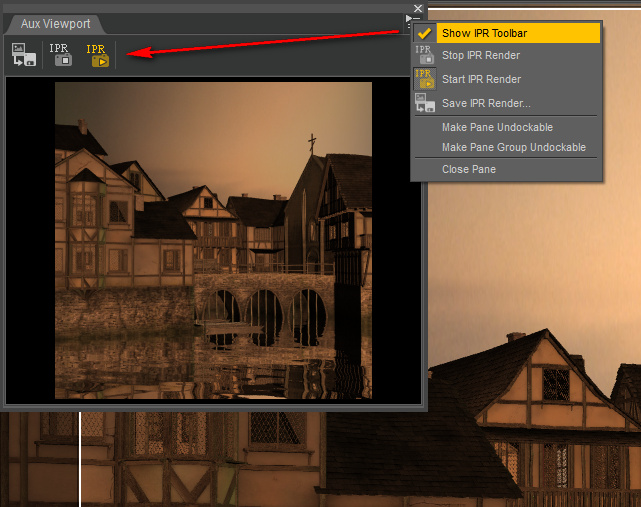
Even then Interactive Progressive Rendering won’t start until you tap the little arrow + lines icon in the top right of the pane. Enable “IPR”…
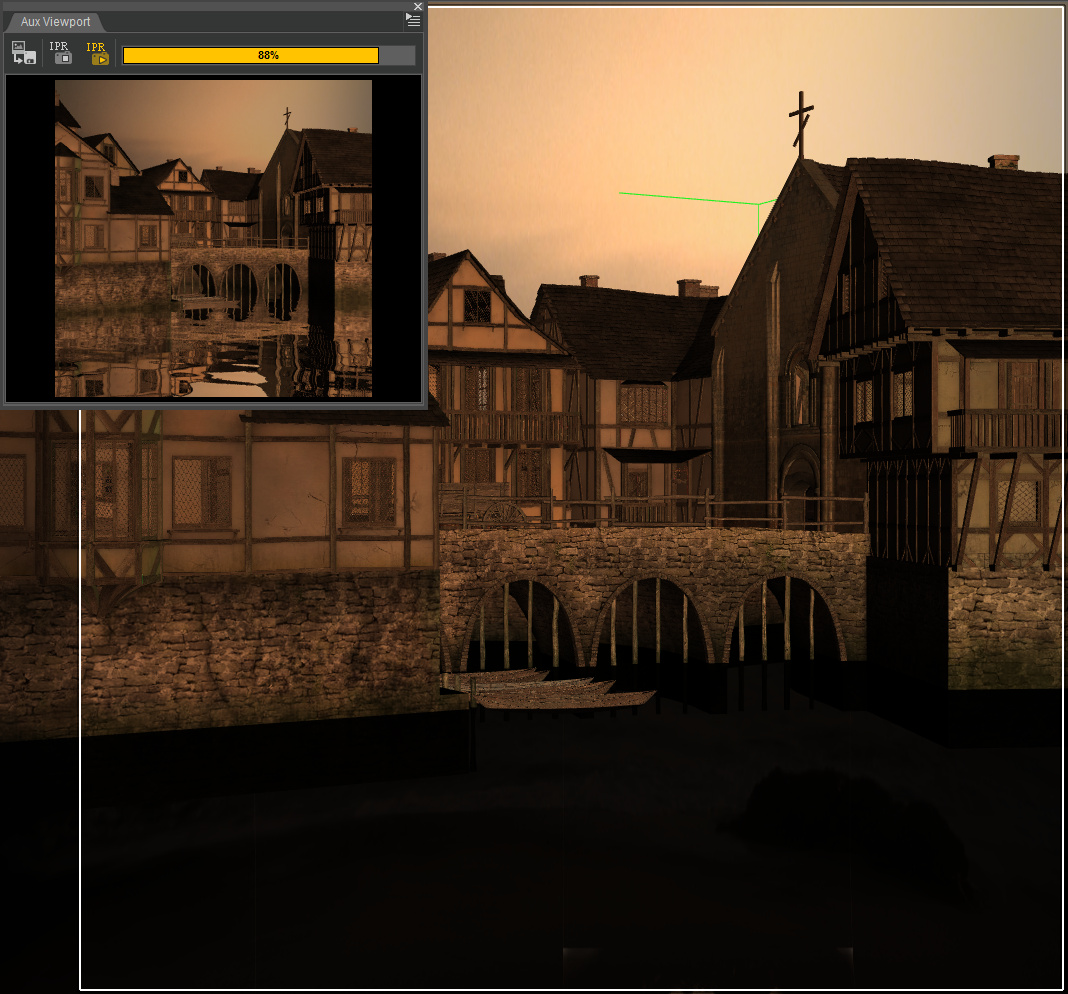
So far as I can see it’s independent of render settings. I had the render set for 600px, jacked it up to 3600px, and the Interactive Progressive Rendering pane was just as fast as before. As you can see here, it’s able to near-instantly preview water + reflections that are black in the OpenGL viewport…
Raytraced rooms
This Saturday, a 3D Art Live tutorial webinar with the experts from Runtime DNA…
Tutorial: import a Poser runtime to Carrara
A handy new 8-minute video showing how to import your whole Poser runtime into DAZ Carrara. Be warned that the tutor is only importing the small amount of free content that ships along with Poser. Not the massive 100Gb+ of runtime that many long-time Poser and DAZ users will have, which I’m guessing may take considerably longer to import. The video’s tutorial on the import process actually starts at 3:18 minutes…
Using magnets in Poser
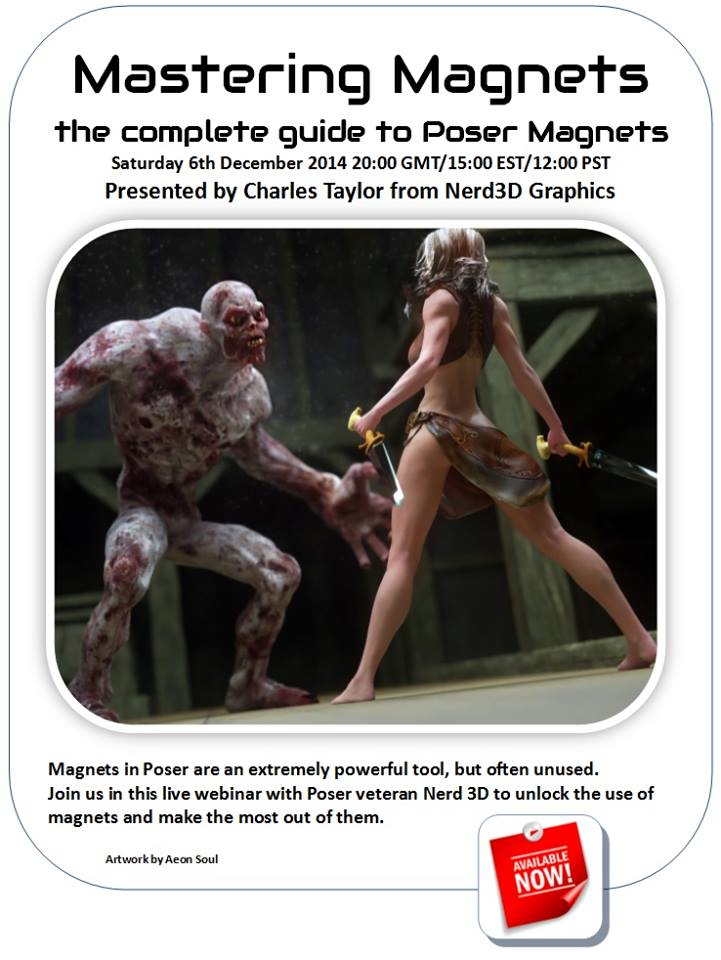
A new virtual conference (‘webinar’) for Poser users who want to master the art of using magnets in Poser…
DDO what?
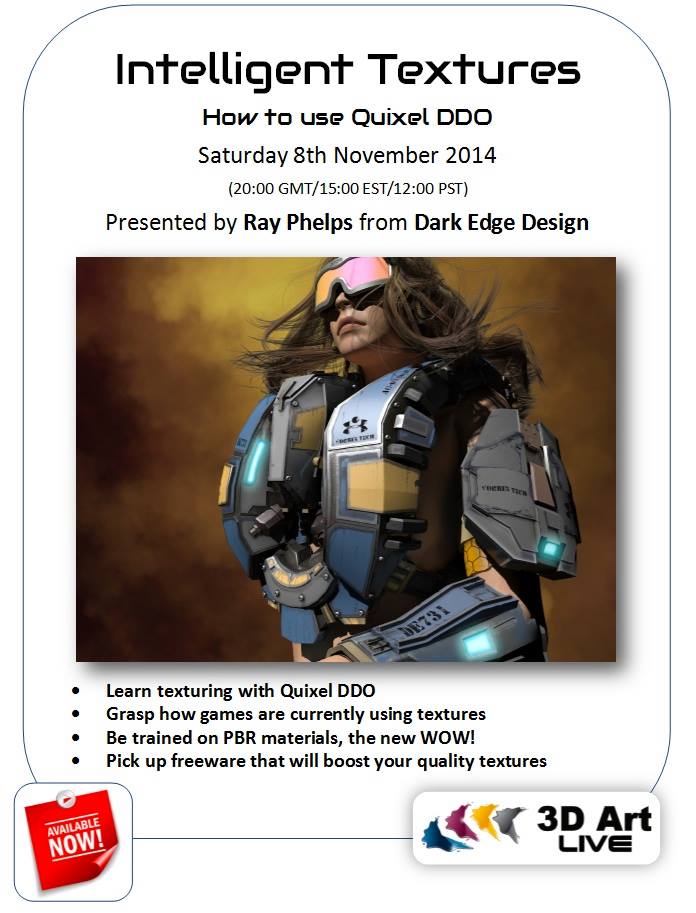
“Intelligent Textures for Modeling : How to Use Quixel DDO” is a new 3D Art Live online training webinar, coming soon. DDO are basically ‘smart’ textures that look great, and you can make them with free tools. The format has all the power of the videogaming industry behind it, so is likely to be adopted.
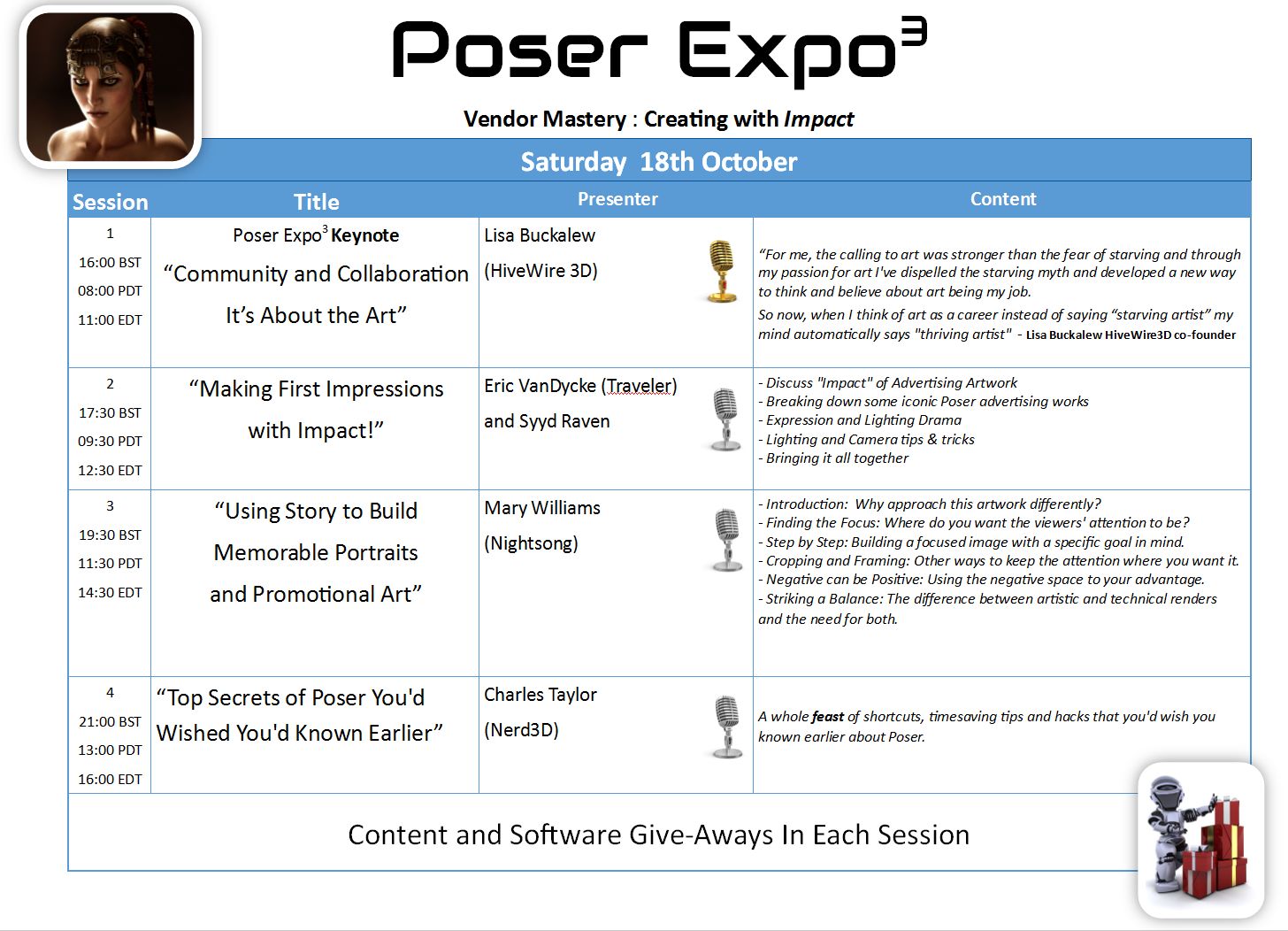
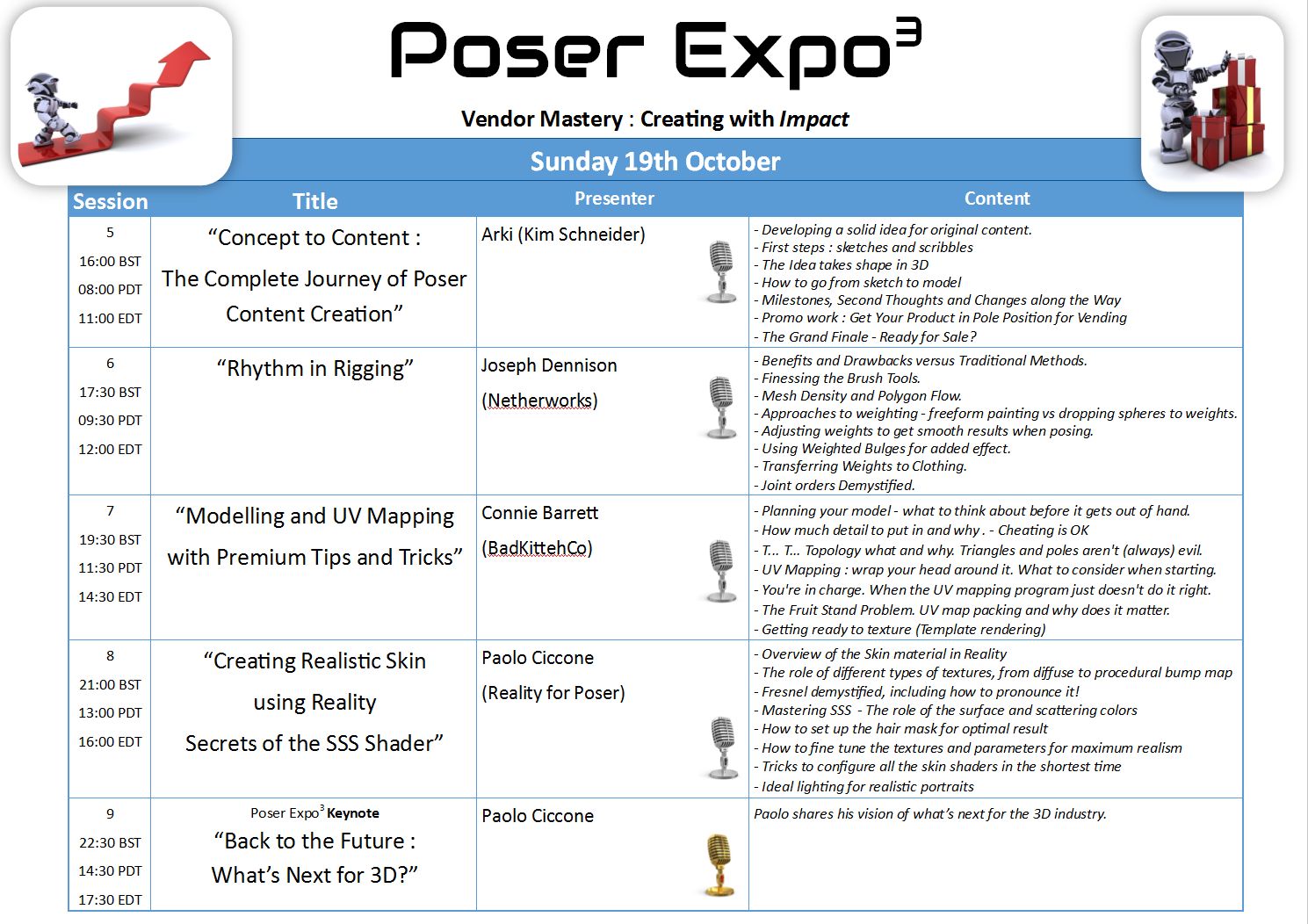
Poser Expo 3 – full weekend schedule
Poser Expo 3 – tickets now on sale
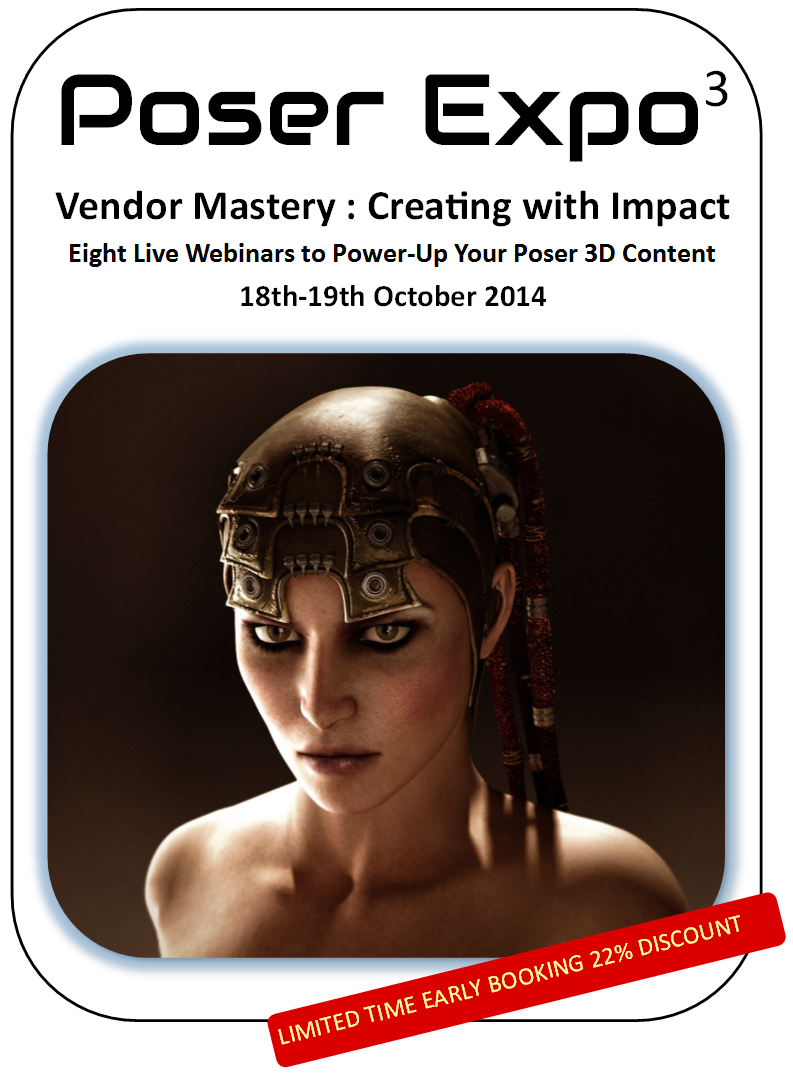
Poser Expo 3, the online conference, now has the event registration open. Eight live webinars, with experienced content developers and Eric VanDycke of the Runtime DNA store, and the opportunity to interact and ask questions. Ir runs 18th-19th October 2014.
Octane 2.0 for DAZ Carrara, released!
The long-awaited Octane 2.0 for DAZ Carrara 8 or 8.5 has just been released. The Manual is here.
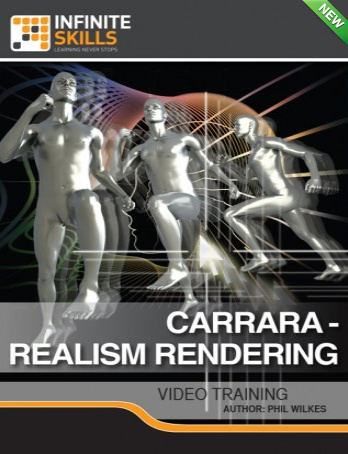
And if Octane/Carrara users find a new need to get the lighting tweaked just right, there’s a new Carrara: Realism Rendering Training Video from Infinite Skills…
Webinar: Mastering the Poser Morph Tool
3d Art Direct has a Mastering the Poser Morph Tool webinar soon, for Poser users, with Nerd3D.
Falloff glows in Carrara
10 Reasons You Need a Falloff Shader Plugin for Carrara. Including to do faux glows, which follows from my recent tutorials here on the subject of doing spillover glow in Carrara…
Live!: A History of Art for Artists, Animators and Gamers
Free Coursera online course, Live!: A History of Art for Artists, Animators and Gamers. 8 weeks, starts 24th February 2014.
Video: Tour of the Poser Pro 2014 Interface
New Renderosity video tutorial, for Poser Pro beginners, A Tour of the Poser Pro 2014 Interface, and How to Reset It (10 minutes)…
It’s part of a premium series of video tutorials intended to get users started with Poser Pro 2014. These are set to be released soon…
“Beginning in January, we’ll be releasing a new tutorial each month that will build on the knowledge you developed in each of the previous lessons.”