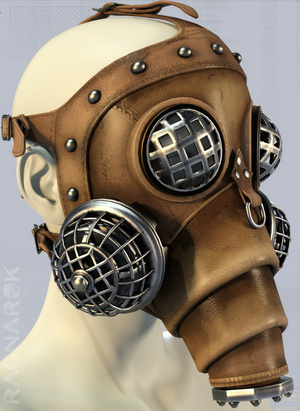
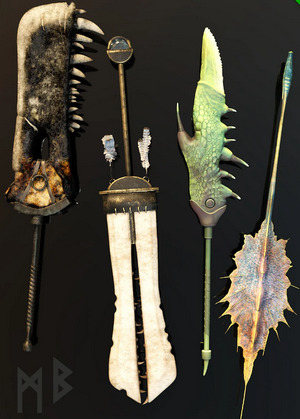
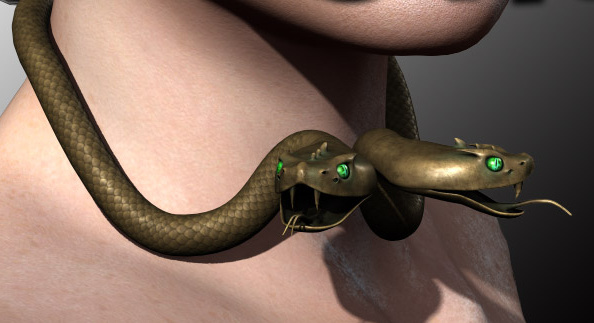
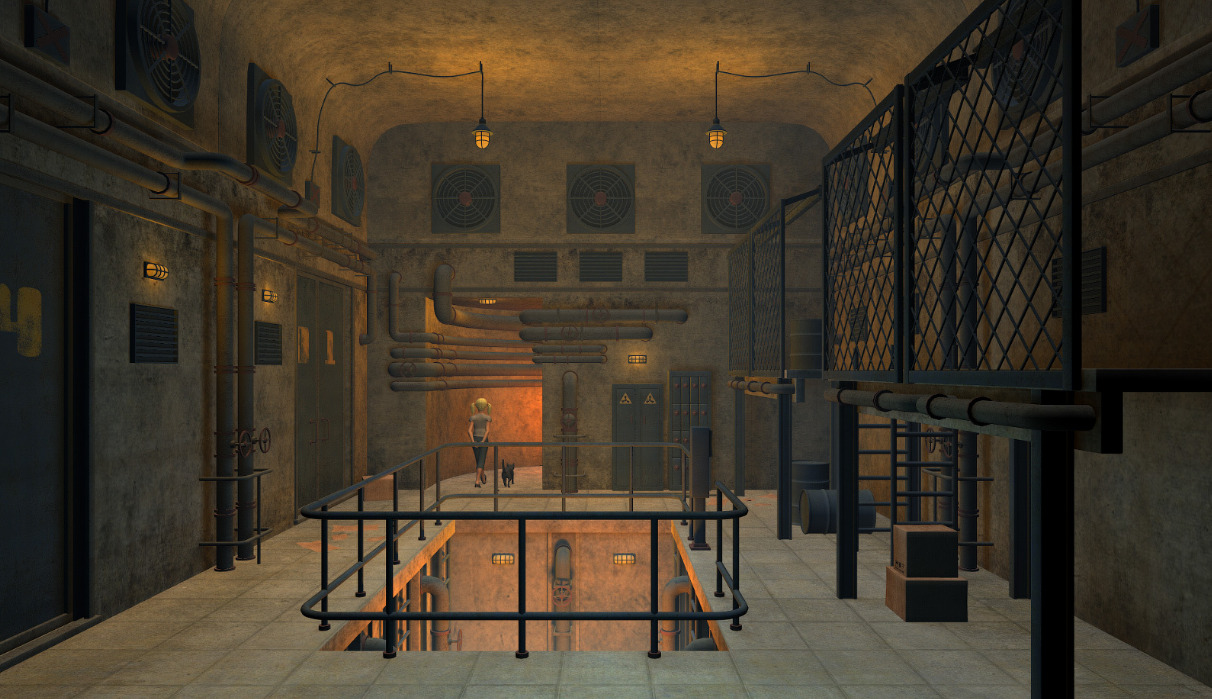
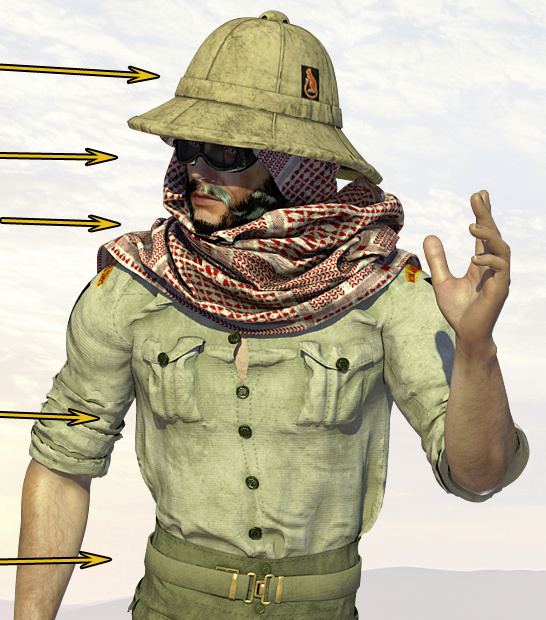
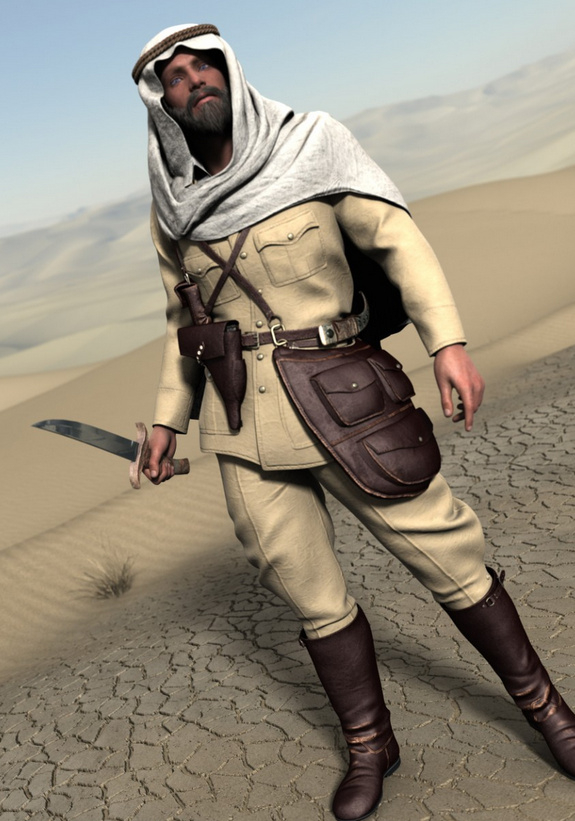
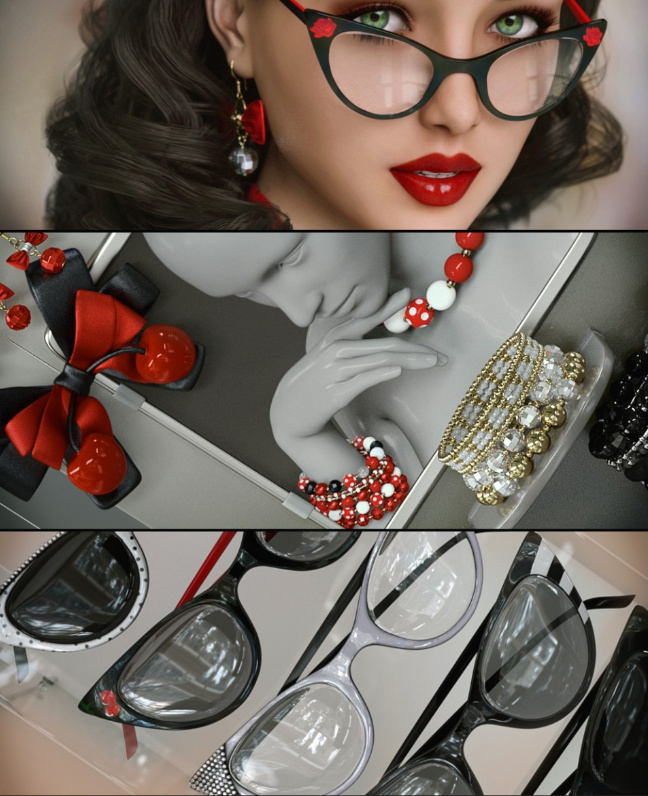
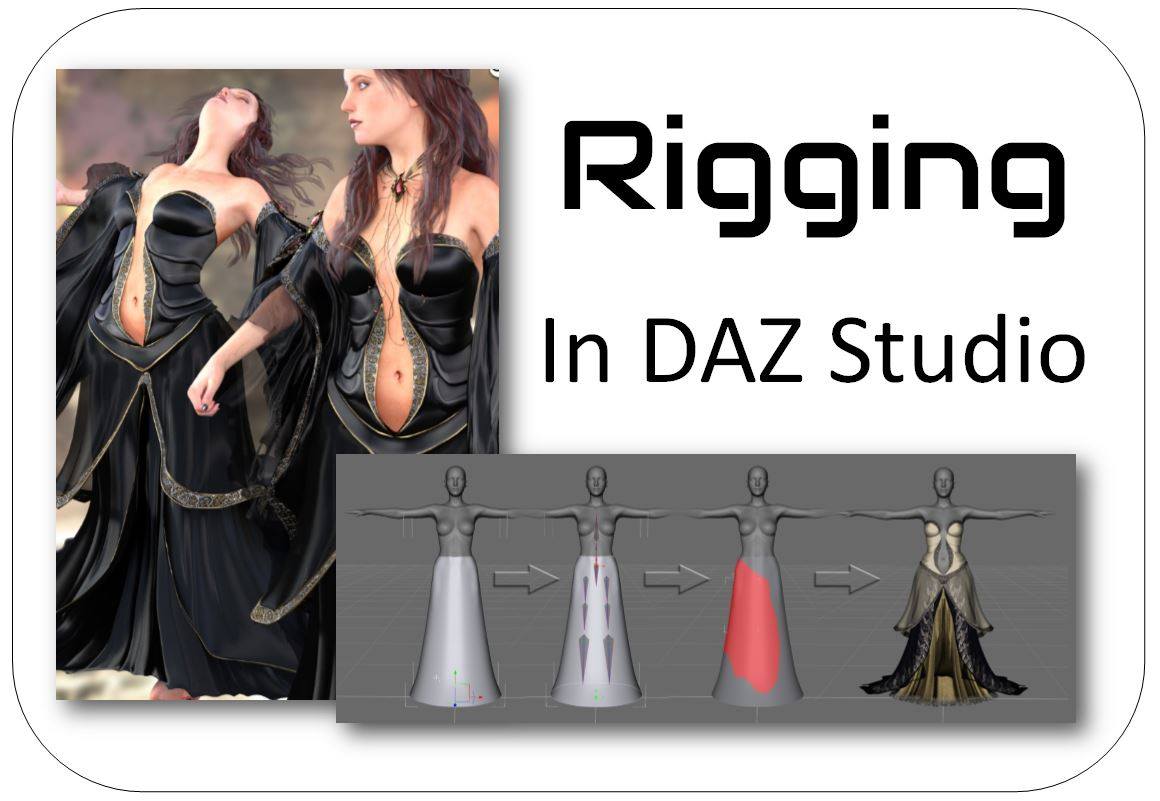
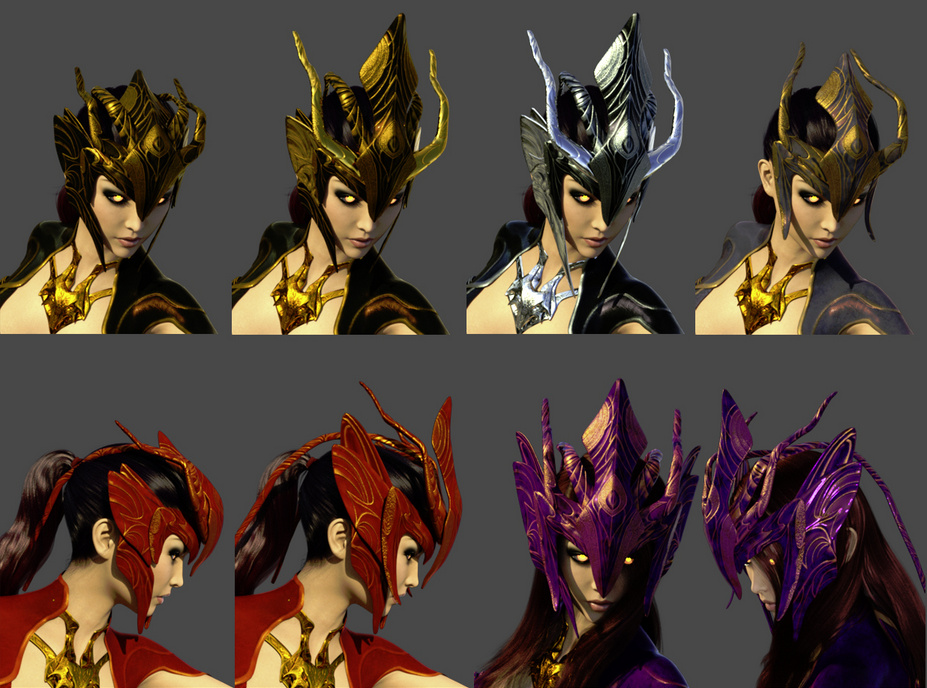
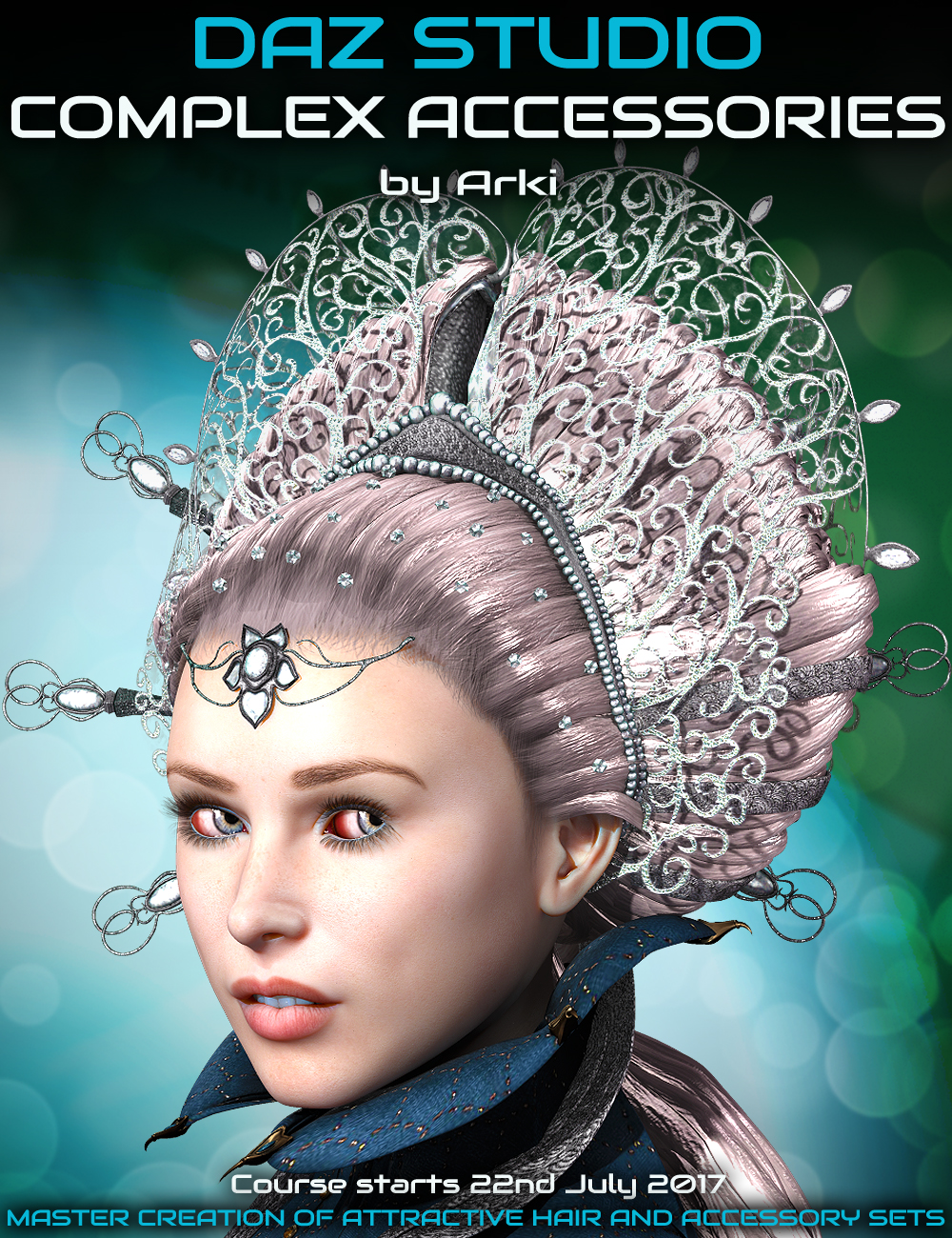
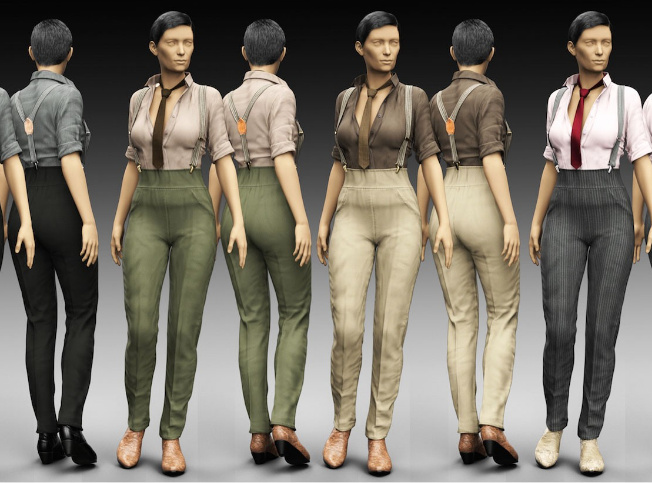
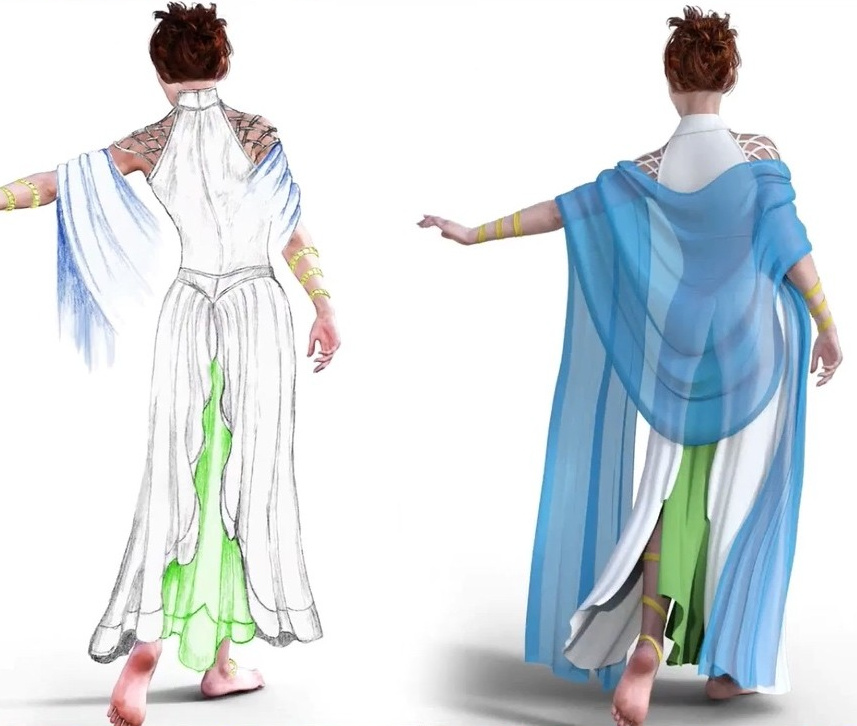
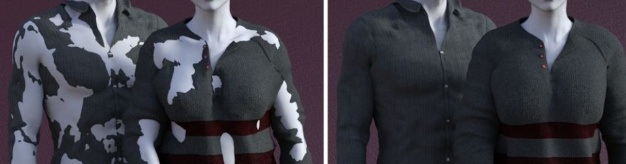
Arki has another Live training webinar with Digital Art Live, coming soon. It’s in three parts, on the making of Complex Accessories. Booking now for an end-July starter event, and then the in-depth series should be underway in August.
Category Archives: Poser
Ralf Sessler, Dimension3D
It’s sad to hear confirmed that Poser scripter and store vendor Ralf Sessler (Dimension3D aka D3D) has recently passed away. His fine and robust Python scripts, such as ‘XS – eXtended Shader Manager’, came up many times during my recent intensive perusal of the Python scripts which work with Poser 11. On the Renderosity forums, I see that ‘renapd’ reports that materials and information have been requested from Ralf’s family, in order for the community to — in due course — make a fitting memorial for him and his work.
“Oh, you old Poser you…”
Poser and DAZ content survey: new in May 2017
What new goodies were released in May 2017, for the Poser/DAZ content ecosystem? Here’s my survey of what caught my eye this last month…
Science-fiction:
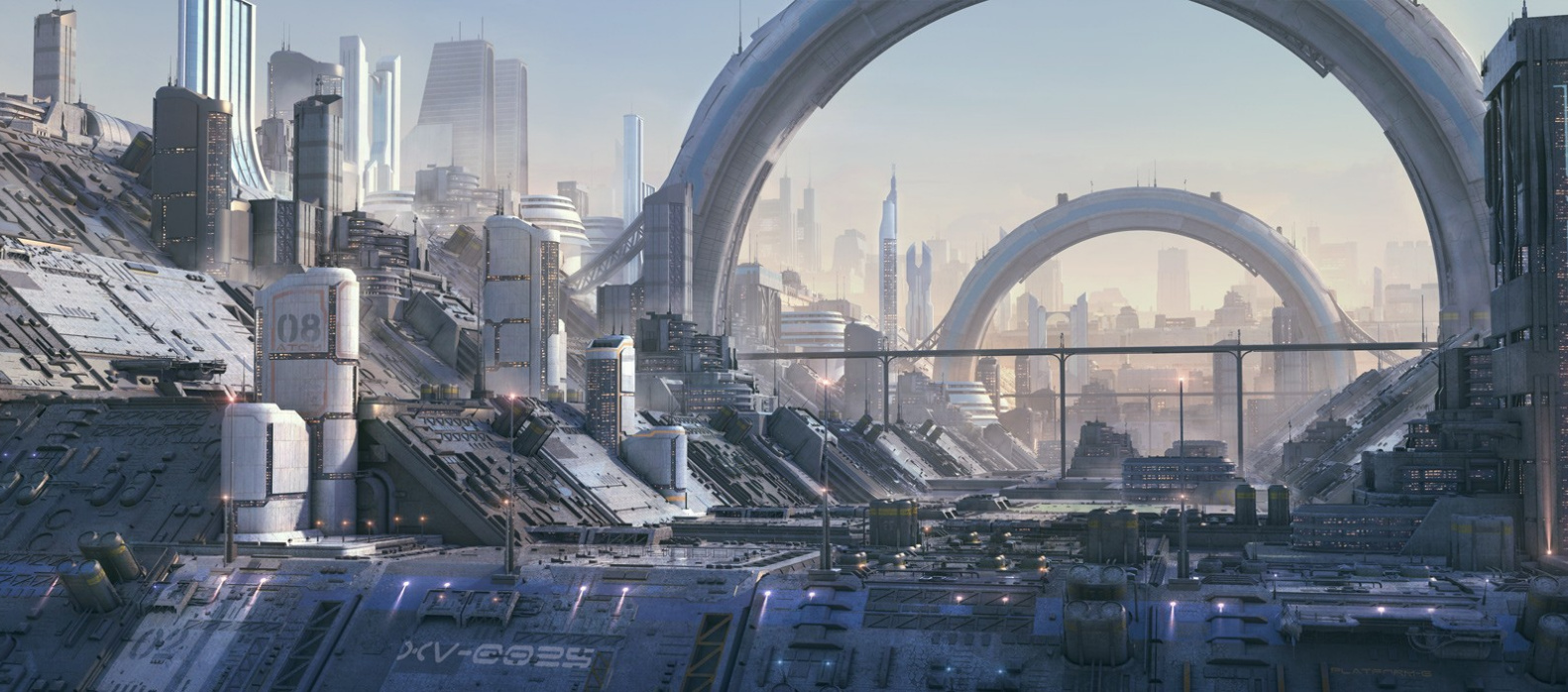
A new set of matching Greeble City Blocks from Stonemason.
Also some modular Eco buildings to add a bit more greenery to your Greeble city.
UFO crash site looks very cool. Someone will presumably give it an additional texture set in due course, to make it more steampunk / The War of the Worlds? Perhaps also a retro ‘Roswell’ 1950s makeover?
Storm Robot for Poser by Moscowich. A homage to the Mass Effect videogame, so probably not suitable for commercial use.
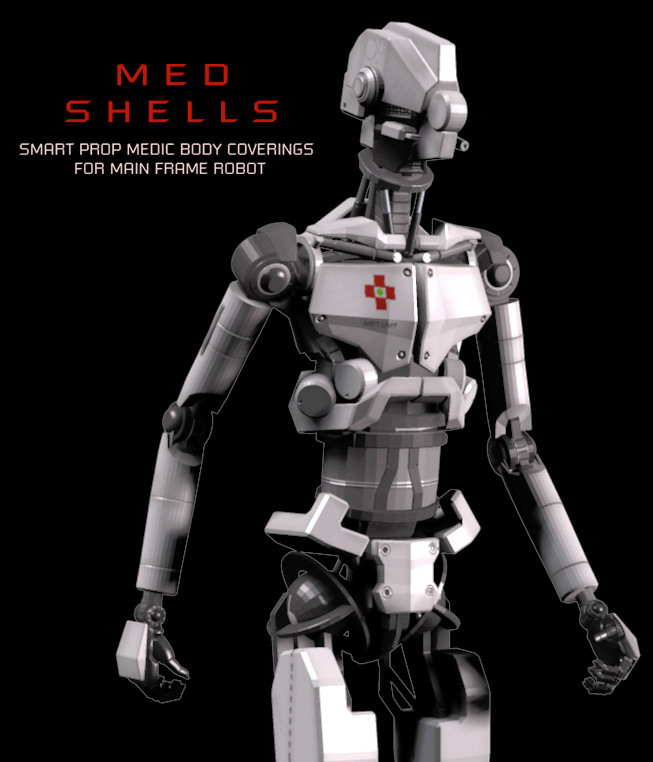
Med Shells to make a medbot of the Main Frame robot for Poser.
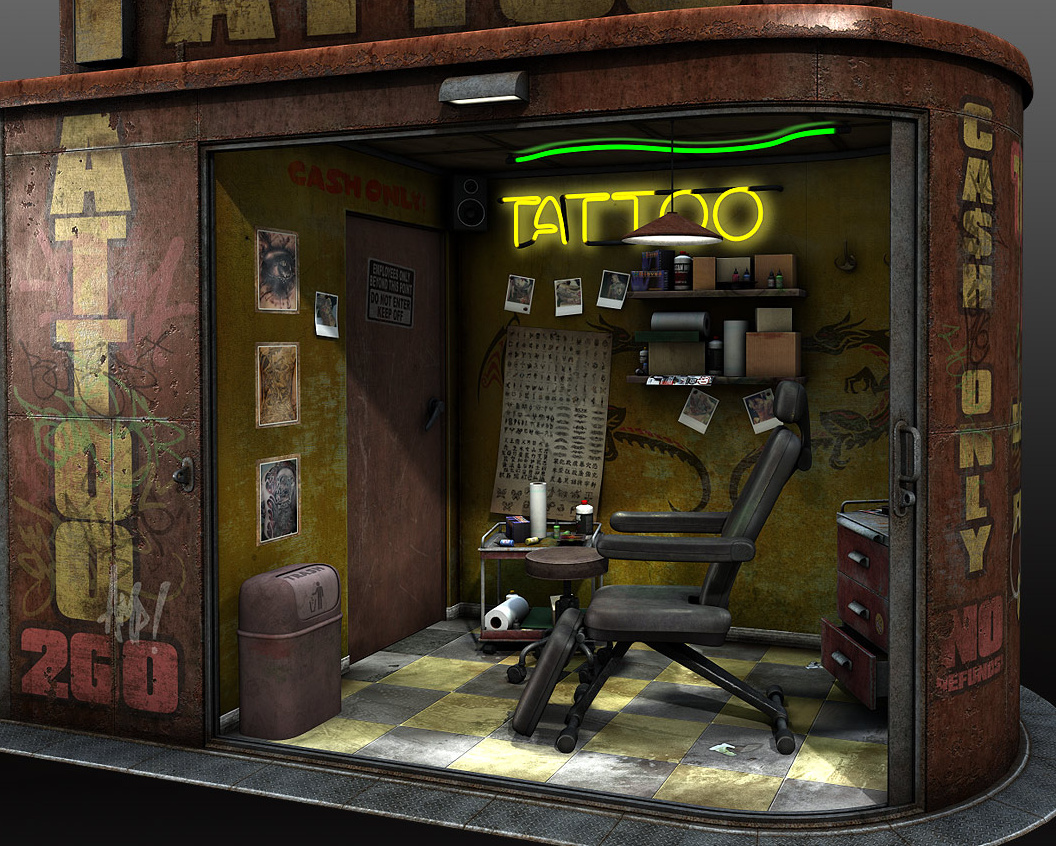
You Medbot (above) could be the robot tattooist in Coflek-gnorg’s new highly detailed Tattoo Salon for Poser, which has a Blade Runner / cyberpunk vibe. There’s also an equally detailed Tattoo Machine.
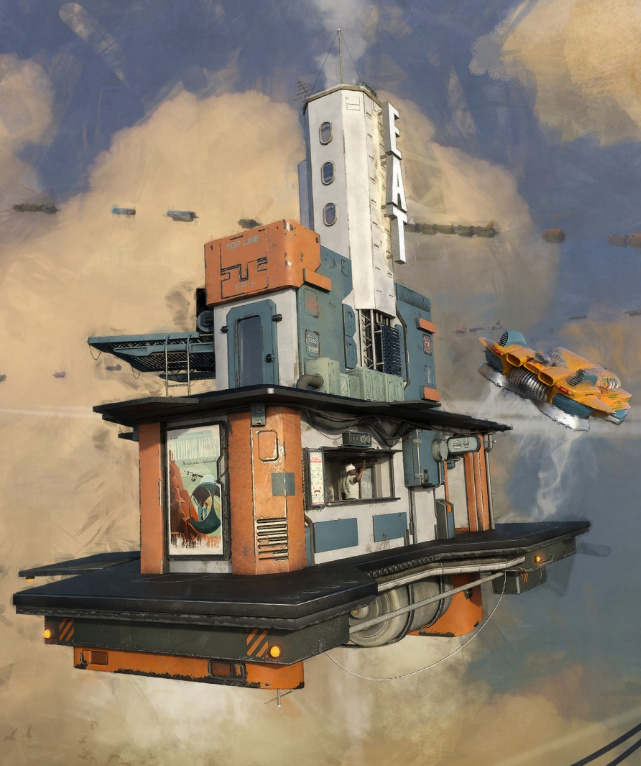
The AntFarm has an Anti-Gravity Diner and an Anti-Gravity Lift that will fit most vehicles.
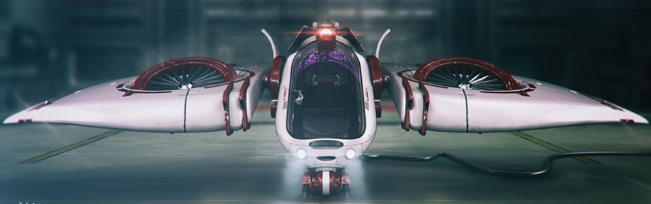
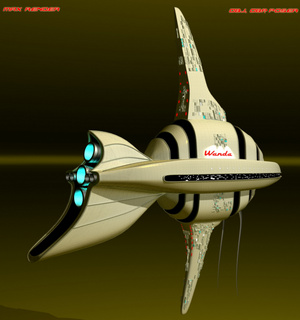
Starship Wanda, an unusual fish-shaped spaceship.
Cyberia Dress V4, a basic but rather good-looking 1970s-style sci-fi dress for V4.
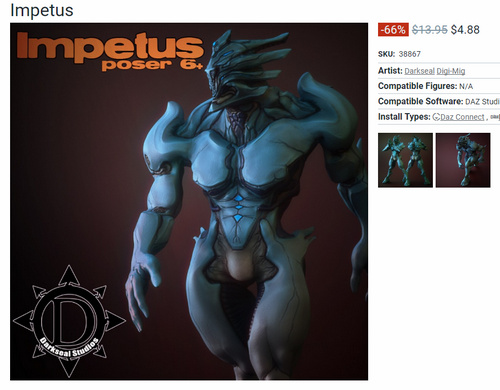
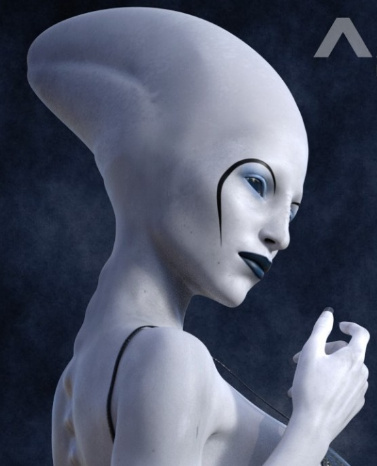
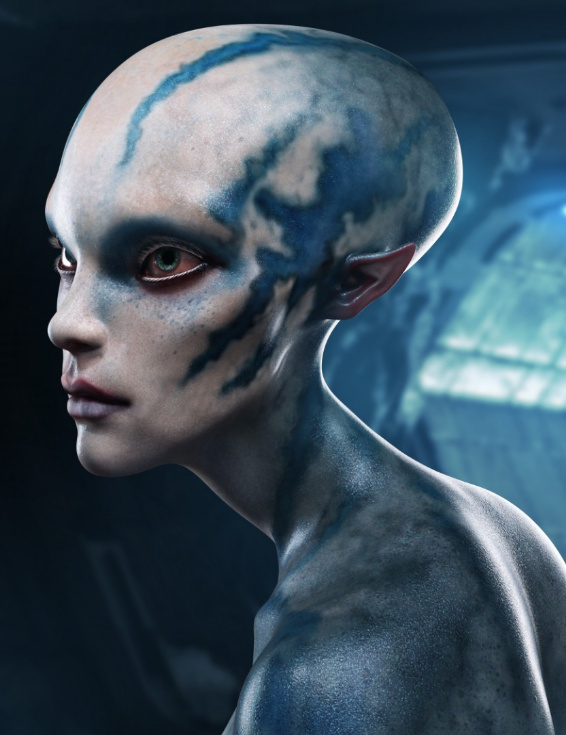
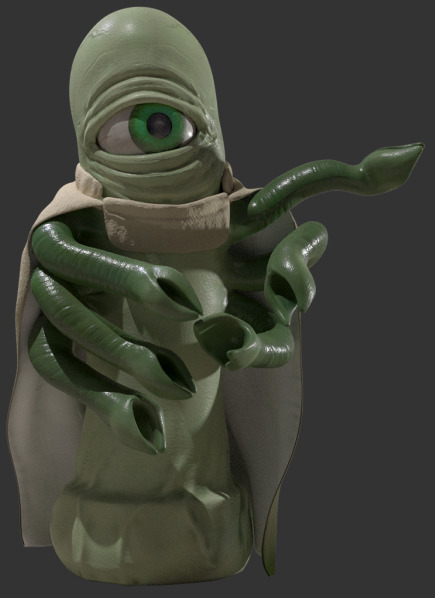
Greylien For Genesis 3 Male, from a hand-sculpt in ZBrush and with detailed textures.
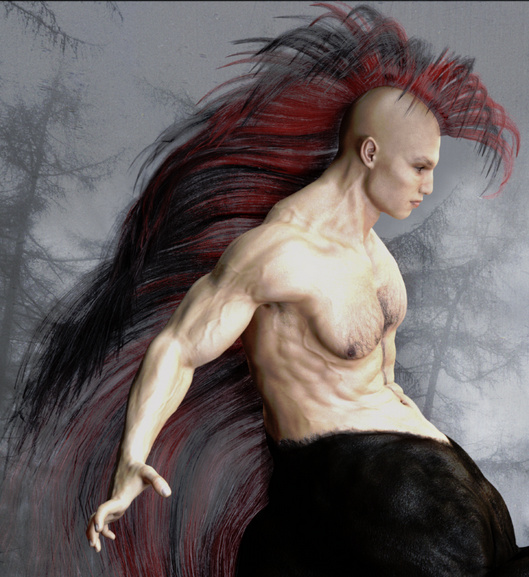
There’s a free Mane in fibermesh, which fits the vast herds of Genesis 3 centaurs which have recently been released onto the DAZ Store. Could possibly also enhance an alien G3 character.
Fantasy and monsters:
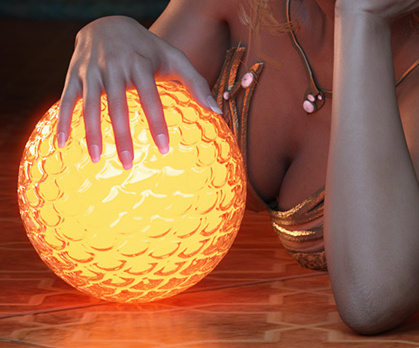
Any new set from DM is usually worth looking at, and his latest is DMs Mystic AtmoSPHERE. G3F poses, matched to an emissive glowing iRay sphere. It looks perfect for wizards and seers and the like.
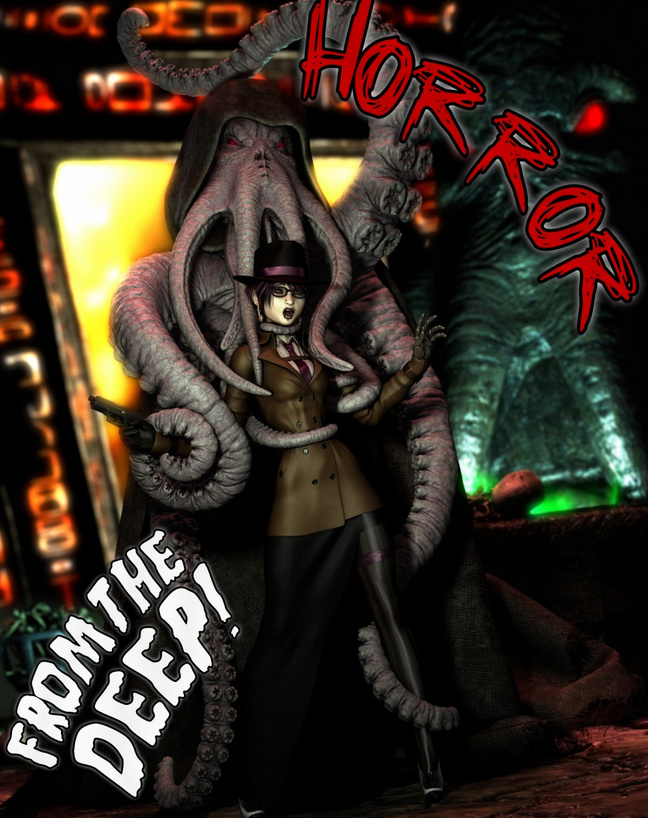
Cheech Evolution for G3M and poses. He looks like a remake of the free Poser character Creech, which shipped for free with Poser 8 and which I seem to remember was modeled on a public domain B-movie monster from the 1950s. In his new DAZ Studio incarnation he now has various add-ons such as the deep-sea King of the Deep outfit and poses.
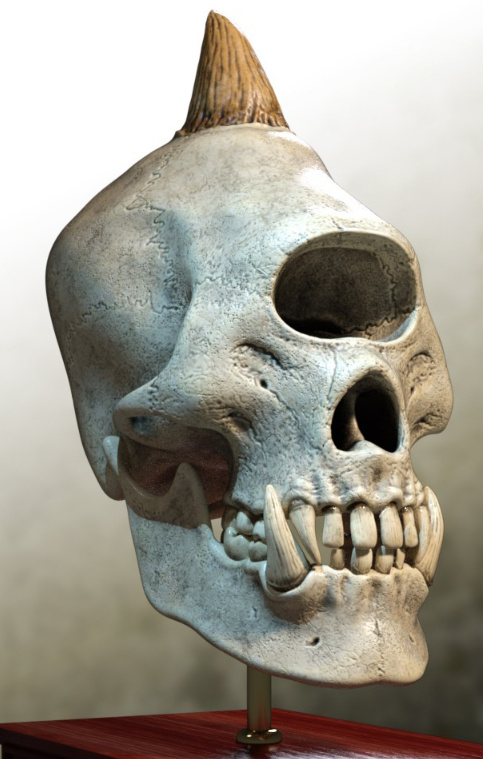
Monster Skulls, including a cyclops.
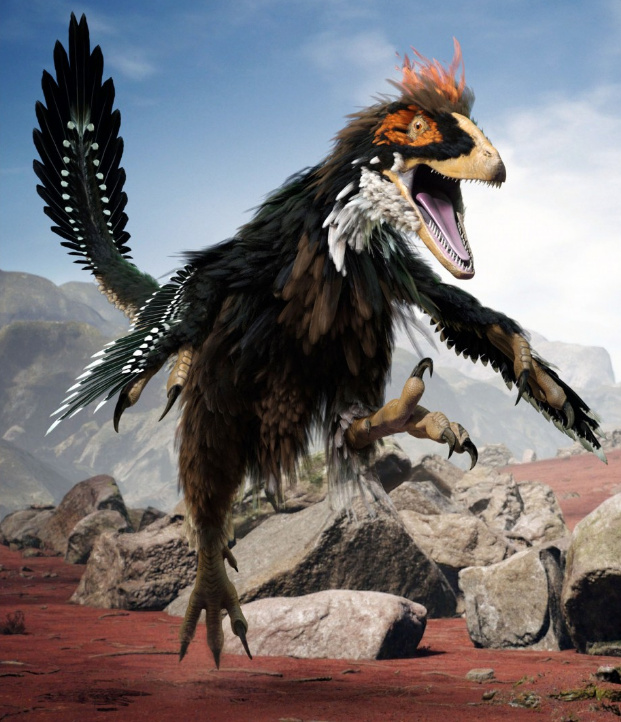
Death Stalker, an unusual hybrid between an insect and a dinosaur. Just the sort of thing for your explorers to encounter in a Lost World or alien planet.
Historical:
Legionnaire for Genesis 3 Male. There’s already authentic Roman military gear floating around for M3 and M4, but if you need it for G3M then these do look rather good. They also include fits for a couple of G3 variants.
Satine Detective Outfit for G3F.
Dr. Graverobber by Cybertenko is a complete 1930/40s Indiana Jones outfit for Michael 4, plus whip.
The new Palm Road seems to fit well with Dr. Graverobber. It’s detailed enough for Vue users to also be interested in this.
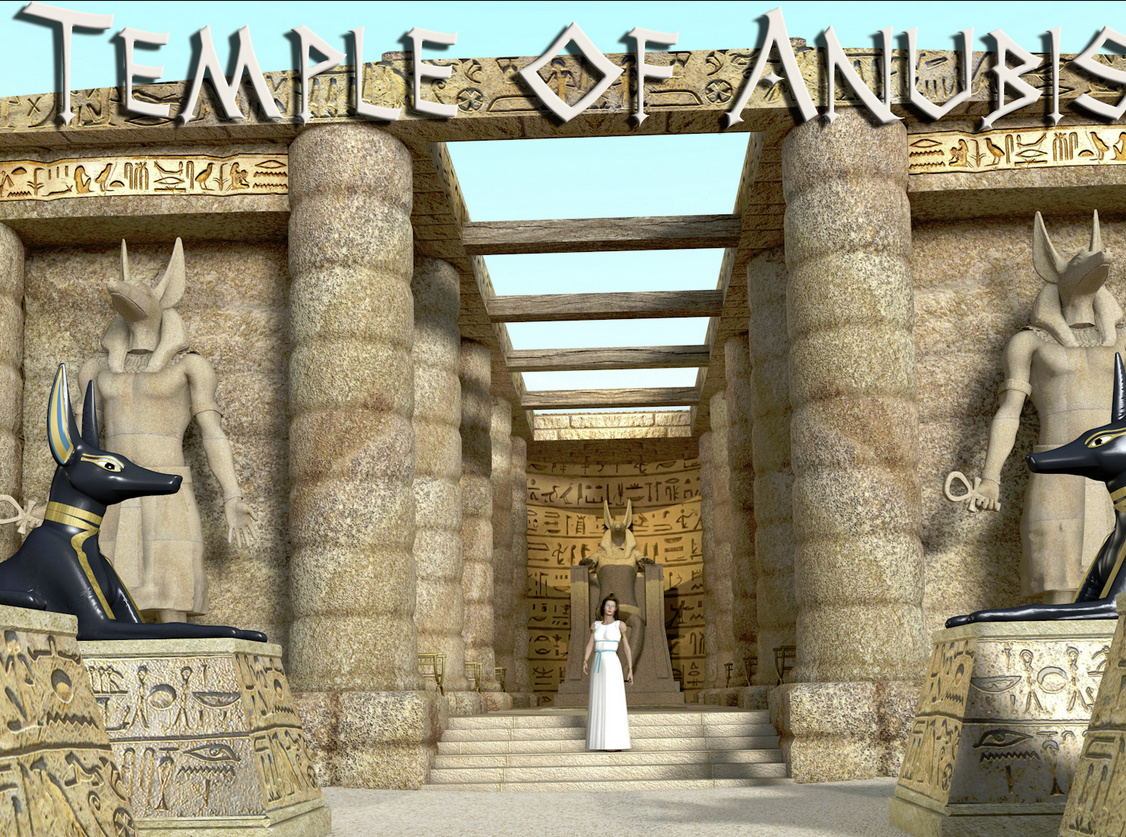
Temple of Anubis for Poser. A simple but convincing bit of a fantasy Egypt, and it could also easily be imported to Vue. There’s also a new Secret Ancient Catacombs scene.
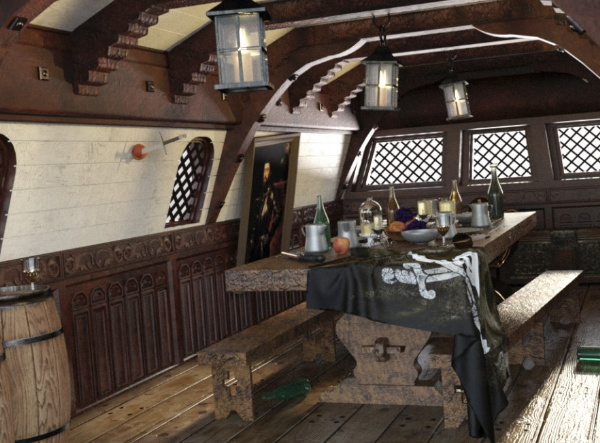
Pirate Dining, the cabin of a pirate ship. With a bit of work and some candle-light it might also double as the inside of a hobbit-hole. I’m thinking of the scenes with the singing dwarves in Bilbo’s kitchen, at the start of The Hobbit.
Classic Rickshaw, possibly also useful for a steampunk Fu-Manchu vs. Sherlock Holmes type of adventure-mystery.
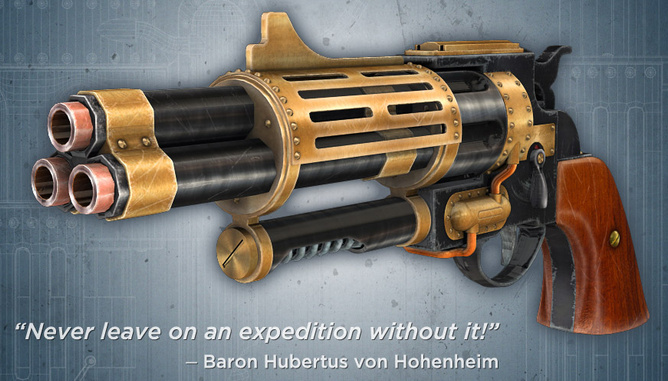
Old_Revolver for Poser, another high-quality prop and texture set from Dante78.
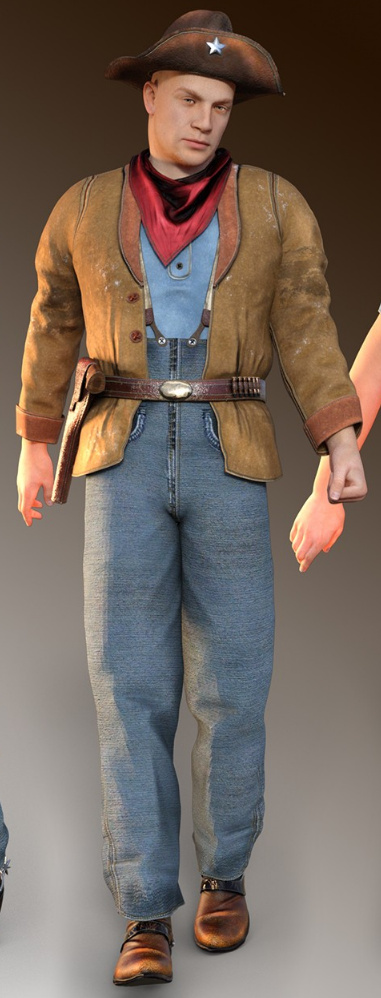
An authentic Texas Ranger Outfit for G3M, complete with some really nice Wild West boots. Probably needs some “And I just rode thu’ that there desert…” MATs, to dust up the clothes.
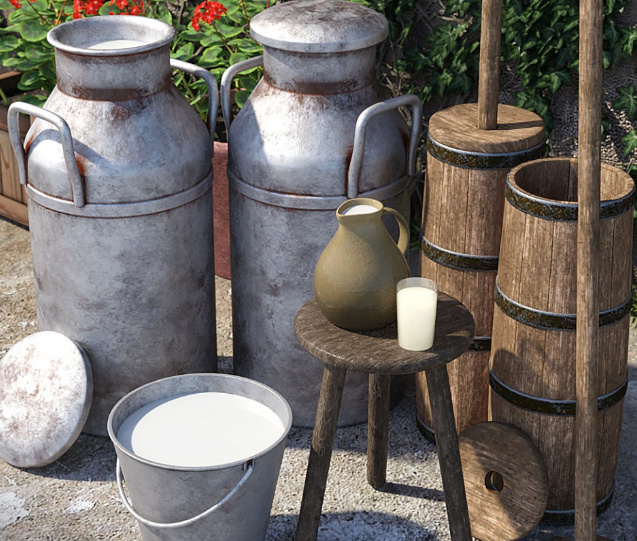
Got milk? A traditional milk-churn and related props.
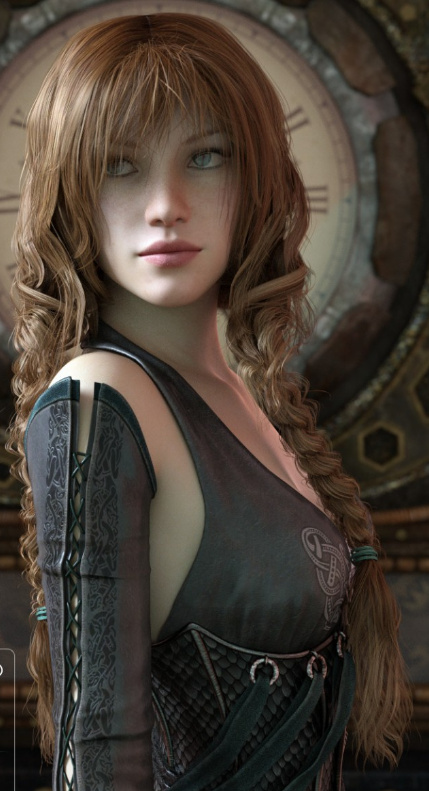
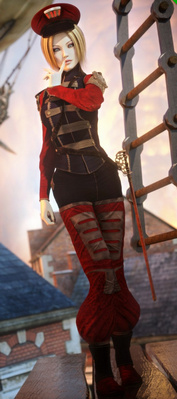
Double Trouble Braids for G3F. A nice Celtic look, and slightly mussed up, which would suit shield-maiden battle scenes. Audrey Hair is similar and shorter, with a pony-tail effect on top. Apparently the Bronze Age people used heavy metal crimped stoppers on the ends of the braids, to weight the hair braid.
Everyday characters and clothes:
Amber for G3F, with hair and everyday clothing. See also the new Real Sneakers 2.0 for G3F.
H&C Casual B outfit for G3M has a nice simplicity about it, while also being quietly futuristic. Designed to work well in close-ups and I foresee quite a few texture makeover packs being made for this set.
Scenes:
A Paris-style Metro Train interior.
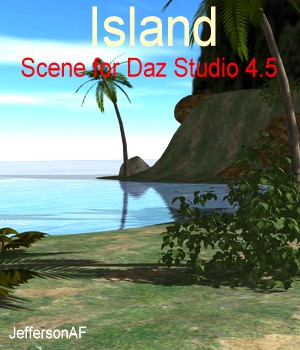
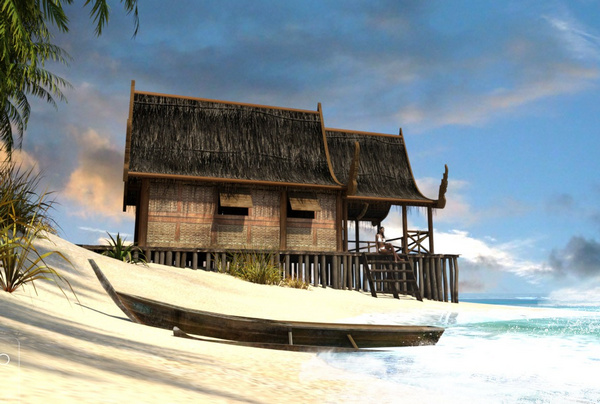
An Island House complete with island and ocean.
There’s also a new Downtown Loft : Living Area, new from Stonemason.
Animals and nature:
SongbirdRemix’s bird expert Ken Gilliand has turned his attention to frogs, and he’s just released the Nature’s Wonders Frogs of the World Vol. 2 for Poser. It has those highly colourful, but highly deadly, ‘poison dart’ frogs. Created with Ken’s usual attention to detail and scientific realism.
Animations for the HiveWire Kitten.
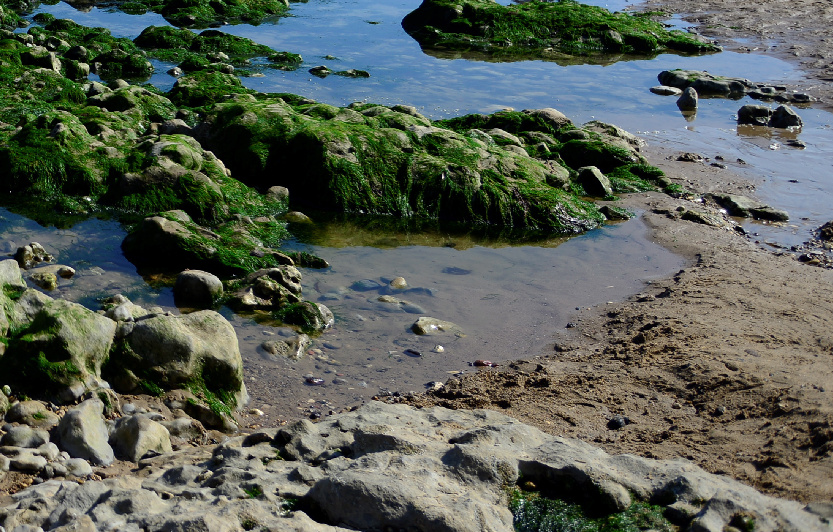
Sea Washed Beach Rocks in hi-res for Poser, plus sand and a scene preset. May also be of interest to Vue users who want to do rock-pools and low-tide scenes.
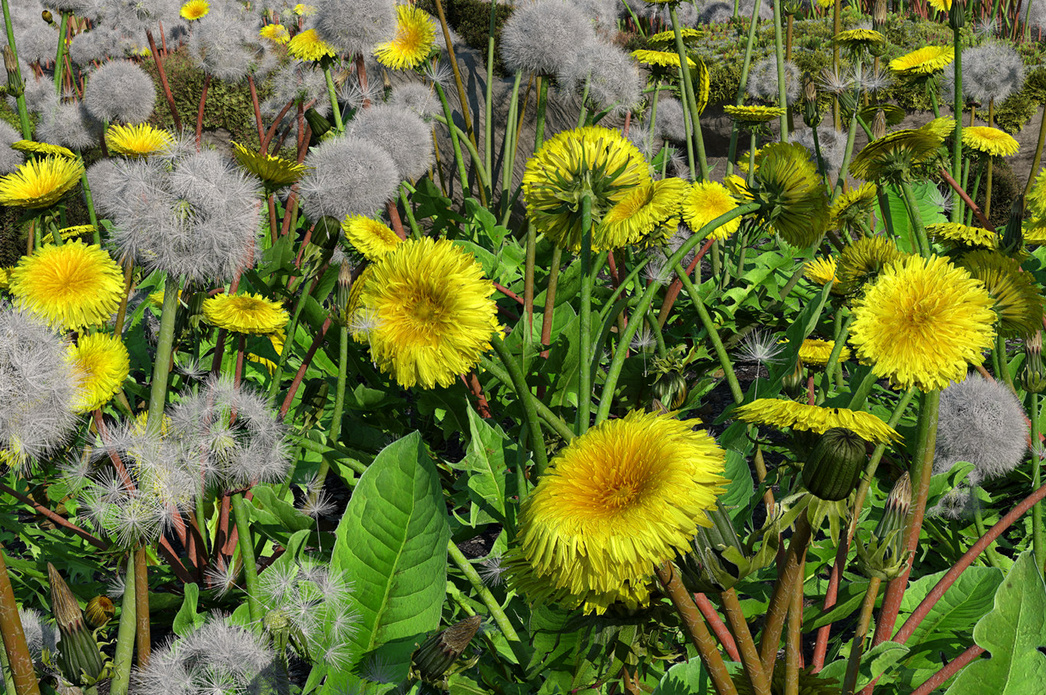
iReal Animated Dandelion for DAZ Studio. Vue users already have a dandelion, but it’s not animated.
Country Ford for DAZ Studio and Carrara, a classic English ford. A useful addition for those with horses, hounds and historic vehicles in their runtimes. Also for stream-dipping scenes with child characters.
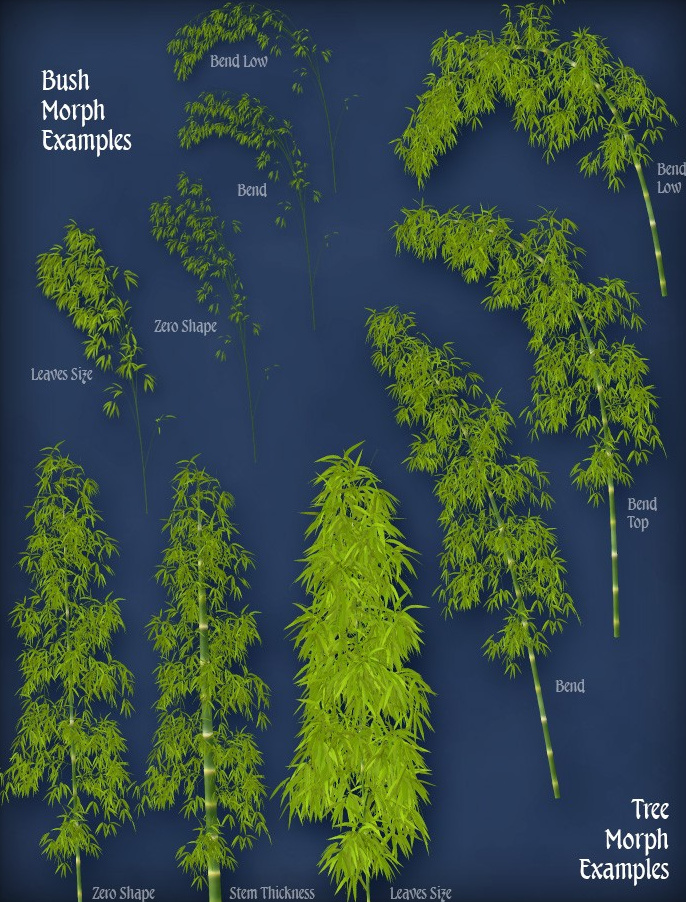
Wild Mossy Bamboo Forest for Poser.
The Forest could probably work well with Flinks Mossy Rocks HD for Poser and Vue.
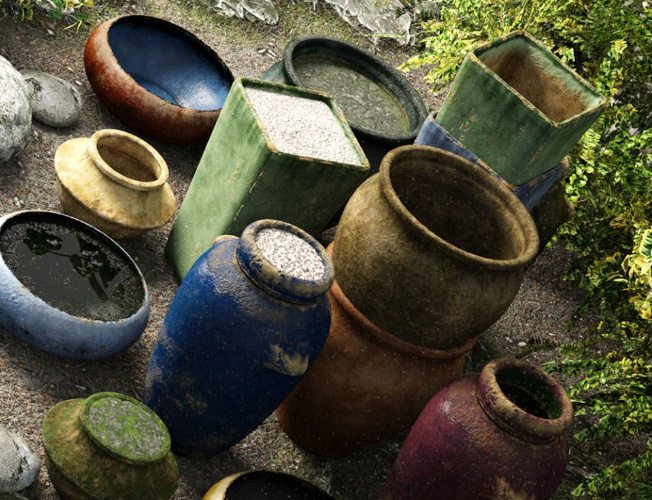
Garden pottery for DAZ Studio. Very nicely textured with weathered textures that get past the ‘3D always looks too clean’ thing.
Vue users also have Ground Cover No.7: Pine Forest Floor which uses instancing to make sure each patch is unique. So you can apply it as an ecosystem on small patches of ground and not get repeating moire patterns.
Plugins and tutorials:
Scene Optimiser for DAZ Studio 4.9.3.29 and later, which allows you to drastically lower the memory required for certain types of scenes, and thus speed up your renders. I didn’t feature this last month because I wasn’t sure how well it worked, or how easy it was to operate. But I find it does work and it works well, making iRay rendering on a CPU ’10-minute feasible’ at 1800px x 1200px. It doesn’t only reduce the size of the big 4000px textures, but also seems to offer many other tweaks. Only for DAZ Studio 4.9.3.29 or higher, as it calls a function in the software that has only recently been introduced. The only frustrating thing is finding the damn thing. It’s under “Scripts” with the utterly obscure name of “V3Digitimes”. Who on earth would look for it under that name?
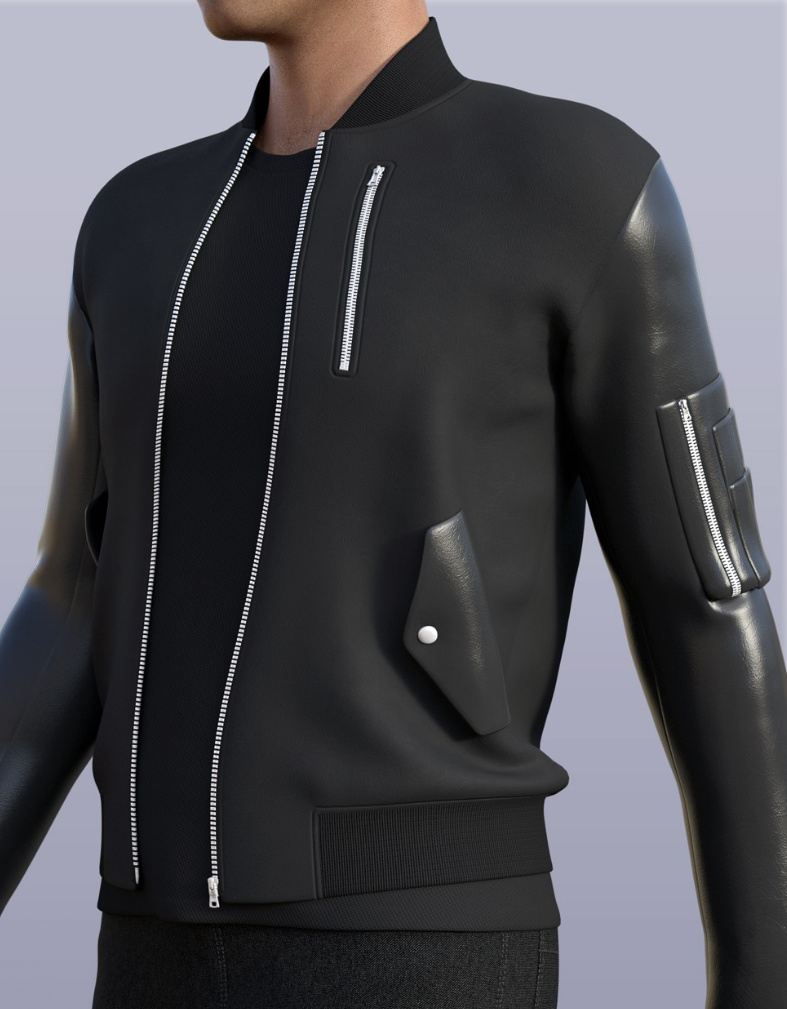
The Ultimate Guide to Creating Complex Outfits, a big multi-part training series with digital clothing expert Arki. Learn exactly how to make quality long dresses, full-length skirts, long-sleeved and multi-layered outfits.
Poke-Away3! for Genesis 3 aims to help cure clothing ‘poke through’. Often it’s just a case of making the offending body parts invisible, but there are times when that’s not going to work and you might need help from something like this.
DAZ Studio also has a Billboard plugin which gives you 2D billboards that always face the camera. I’m guessing you can probably do this by hand in DAZ Studio, but it’s likely that the plugin makes it easier and faster.
Lastly, currently on $2 clearance is the Poser Format Exporter for DAZ Studio 3 and 4, which from DAZ-only formats “generates Poser format Pose (.pz2), Face/Expression (.fc2) and Hand (.hd2) files from directly within DAZ Studio”.
That’s it. More picks next month.
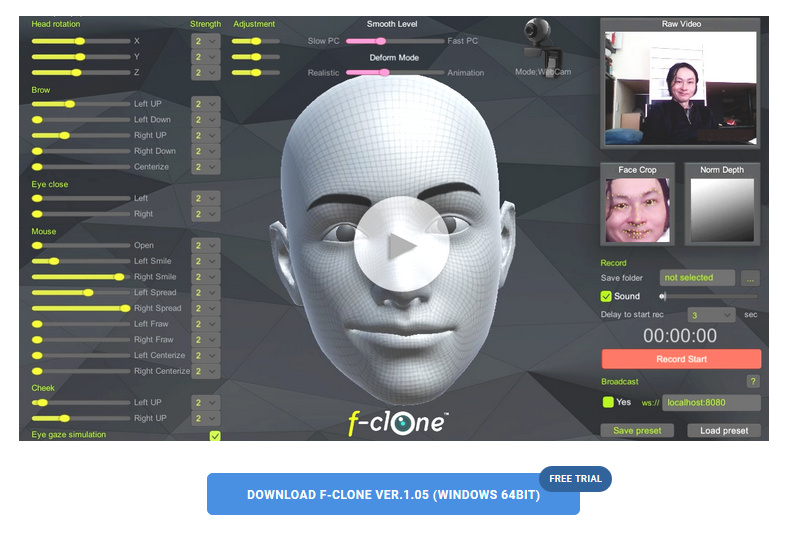
fClone – easy facial motion capture for a .pz2 output
fClone is a new facial motion-capture software that works via a webcam, and can output to Poser’s .pz2 format for use in Poser and DAZ Studio. It’s a little fresh in terms of its versioning, but it’s now in a 1.05 bugfix version.
There’s a free trial available, then it’s $199 for the Standard version, or $50 if you just want to ‘rent’ it for a month of gurning and grinning production work. I’m guessing that $199 price is probably about on a par with iClone’s more mature desktop mo-cap offerings, though I haven’t looked at those or their pricing for a while.
As far as I can tell, the software has nothing to do with iClone or Reallusion, despite the similar name.
“Now, where did I put that Sonic Screwdriver…”
I was pleased to find another H.P. Lovecraft for Poser, albeit as a morph for the older character of Michael 3. It’s OK-ish, but without the required morphs it’s not as accurate as the dedicated character from Meshbox. I discovered that there are quite a few packs of “famous faces” made for M3 and still floating around, as I had a quick look around and a runtime search for superhero freebies for M4 / Freak 4. I dug up a David Tennant (Doctor Who) and an Edgar Allan Poe, both for M3, for instance.
Such faces are mostly for M3 and require the Head morphs from the ‘Michael 3.0 Head & Body Morphs’ pack [update: no longer sold]…
1. Load M3 base character from Figures | Daz People
2. Then go to Pose | !M3 All Morphs INJ | ! All Head Morphs.
3. Then select the Head of M3, and load your character head.
Many such also benefit from the Brom morphs.
It’s not the “David Tennant for M4, that looks nothing like him”. It’s another one, tucked away in an old multi-pack of superhero morphs for M3. The problem with a David Tennant as Doctor Who is, of course, finding the Fabulous Hair of Cosmic Awesomeness that will also look good in Poser’s Comic Book mode. The hair is so Awesome it has whole blogs devoted to it, and deservedly so.
Fancy trans-mapped hair is no good for Poser’s Comic Book preview renderer. Though Maraboo Hair looks like a useful starter, if you wanted to render in full 3D. The popular Reivel Hair was also a possibility.
In the end, the M3 hair seen above was down to a surprising combination of the ancient Ben hair and the almost-as-ancient M3 Star Trek hair for McCoy.
The Ben hair can be easily detached in pieces and re-positioned over the McCoy base, and as long as you don’t delete the base scalp (hide it in the body) the Ben hair doesn’t revert to bare guide hairs.
The David Tennant Poser-portrait above is just an alpha version, and I haven’t even checked it against reference photos yet. But it’s already somewhat recognizable. The M3 coat has a strange forward bump, as if it’s expecting V4 to drop in at any moment, but it’ll do for now.
Getting over the wall, with The Freak 4
An update on Freak 4 bundle, recently blogged about here because discounted to $7.
The Freak 4 morph dials won’t do much, after you load him. To get The Freak 4 ‘over the wall’ on this and working with his Micheal 4 base, you first need to go to…
..\content\Runtime\Libraries\!DAZ
… and there find the DzCreateExPFiles-M4.bat and possibly also the M4Gens.bat files. These are batch script files which, when double-clicked on, will seek out the new morphs and inject them into M4 so that he can handle becoming The Freak. It only takes a second or two, and you’re done. Then you load Freak 4 from his preset in Figures | DAZ People.
Here’s a bit of test fun I had with him. He was rendered on a ‘Very Quick Preview’ setting in 15 minutes at 2800px, so is not looking as good as he might. However, I cut out a bit of a stock wolf-pelt to provide a rather nice furry kilt, which I think adds something to the picture…
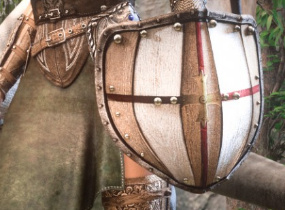
The fancy Barbarian shield textures don’t work in Superfly renders, which is a pity, but everything else seemed fine. But I’ve found that the Barbarian clothes in the bundle go very well with the hair in the free SOTO’s Vincent for The Freak 4 (used in the above picture).
Freak freak-out!
The huge Freak 4 Pro Bundle is currently on a $7.20 sale at the Daz Store. It requires M4, but most people have that character.
If you just want a big wrestler then I assume F4 has been rather overtaken by Freak 5 for Genesis 1, although I must say that F4’s set of realistic skin MATs do look very good. Freak 5, incidentally, has a good The Hulk (as ‘The Savage Freak‘), and an awesome Clan Bears Regenesis add-on (though with a huge amount of dependencies, including the LAMH plugin for the fur)…
But back to F4… Freak 4 doesn’t give you access to a lot of new characters, since he always had a bit of a niche fan-base. But he gives you access to a small number of quality Marvel superheroes made for F4, and does so natively within Poser. Such as a pretty good Captain America (as ‘First Avenger’); an early-1960s The Thing (as ‘Rock Man’, harking back to the time before Kirby firmed-up his stylized hexagon-skin; and a starter base for making a Swamp Thing (as ‘Primitive Beast’, though Marsh Monster has the better head and may be a better choice for Marvel fan-art). With the smart city suit in the Pro Bundle you could also easily make a Kingpin (the nemesis of Daredevil and Spiderman, I seem to remember). So far as I can tell there was no Hulk for F4.
There’s also a Doomsday for F4, a character I’d never heard of… but it seems he’s a DC Comics super-villain who battles Superman.
For one or more of the above you may think it’s worth $7 to get the Freak 4 bundle, so that you can load them up.
If you’re envious of the Clan Bears for F5 (above), then there’s also the free lion-like SOTO’s Vincent for The Freak 4 (a celebrity character, Ron Perlman in the series Beauty and the Beast).
To get The Freak 4 morphs working with his Micheal 4 base, after installing Freak 4 into your runtime you need to go to…
..\content\Runtime\Libraries\!DAZ
… and find the DzCreateExPFiles-M4.bat and M4Gens.bat files. These are batch script files which, when double-clicked on, will go find the new morphs and inject them into M4 so that he can handle being The Freak.
Masie for Poser
Renderosity has launched a new contest to make a fun picture with Masie. Masie is the new semi-toon Poser 11 character, an unofficial flagship character created by the community to take advantage of all the Poser 11 features. For tooning she also comes with… “Base and Makeup Toon Materials and 6 Basic Toon Color Materials”, which have presumably been tested to work well in flat lighting and the Comic Book mode.
Masie has been designed to be really easy for content creators to work with, and they’ve already produced a wealth of free and paid content at Renderosity. There are a variety of introductory Masie Bundles. Neither the default Masie face, nor the three or four morphed Store faces, really grab me — expect for the face used for the vampire promo seen above. But doubtless more are on their way, and it’ll be interesting to see how radically she can be re-shaped. I’m also uncertain if she can take any legacy poses and hair (e.g. V4) without requiring fiddly adjustments, which would make her a lot more appealing as a purchase.
The Masie contest has $175 of Renderosity vouchers as prizes, and the entry deadline is 15th June 2017.
Hiro 3 mega bundle for $5
The Hiro 3 megabundle, currently on sale for less than $5. Hiro 3 base + head morphs, clothes, expressions, for Poser. He’s the brother of Aiko 3, and can still look good when morphed and tooned up in Poser’s Comic Book mode.
Hiro 3 (H3) and Aiko 3 have perhaps been overtaken in the toon-character stakes, but their huge amount of morphs means they are still required as a base for some enduring characters. Such as the Melody and Micah Bundle which then gives you access to the big range of Furries.
I have a loading tutorial for the Furries, here.
Ninja Sprite Male for $5
Having long had the female of the species, today I picked up the Ninja Sprite Male on a $5 sale offer — and was very pleased to see that he comes with a free Crossdresser 4 license for easy clothing conversion. The Sprites are elemental characters, so don’t really need dressing… but the license is a nice thought, and possibly very useful if you were going to runtime/kit-bash them to try to create a unique-looking sci-fi toony alien.
Above: my early attempt at tooning the female Ninja Sprite in Poser 11 with the Comic Book render, with the top of the hair a bit of a kludge.
Ten features for Poser 12
It appears to be the “what do you want to see in Poser 12?” season. So here are my ideas on what I might personally want for Poser 12…
1. Multi-pass rendering that can cope with multiple render types (e.g.: Firefly with multiple switches, such as Shadows Only | Sketch with custom preset selection | Preview with Comic Book to a dialed-in preset | SuperFly) and output sizes and file types. The ability to schedule all this.
2. The ability to load and save Presets for the Comic Book dials and the panel’s check-boxes. A colour-picker for varying the colour of the black ink lines.
3. A Python Panel that (at long last) remembers your custom buttons between sessions. The ability to save your own buttons as a preset for this Panel. The ability to add micro-icons to aid in quickly picking a script from the Python Panel.
4. A macro recording and playback feature, like Photoshop’s Actions, with the ability to save and share playback files.
5. The ability to save and share UI interface configurations. This would work in tandem with the macro recording (see above), providing easy sharing of quick “watch what I do” tutorials without needing to get into all the hassle of making and uploading video. These easily-made and shared ‘Tutorial-lets’ could greatly aid new users — download, load the UI preset and macro, press “Play”.
6. Ability to quickly add an “eyes controller plate” to any character, including a G2 DSON import, which would easily move both eyes at once by grabbing and moving a non-rendering cube or eye-plate in the scene.
7. Particles, duplicate and scatter objects, shatter objects (perhaps an expansion of PhilC’s $10 ‘Exploder’ script).
8. A simple way to paint a texture or colour directly onto the model surface with a brush, in 3D space. Nothing complicated, just a quick way to snip bits off a base bitmap.
For instance: my base prop has crude painted-on rivets or eyebrows which are not tooning up well, because they’re not geometry. I load a simple brush and directly erase these while in the 3D scene. Of course this can be done in other ways, but having such a brush could also lead to other possibilities.
9. Bigger fatter versions of the bits which a user regularly needs to grab onto: scroll bars, rotation tools, etc. Other than that, and perhaps a Lights controls makeover, don’t go changing the interface other than in very minor ways.
10. Something like the core of Scene Toy, but built-in as a Window. Smith Micro should also buy the rights to a number of key ‘in danger of extinction’ PoserPython scripts, polish them, and include them as standard as they already do with a number of partners.
Overall, stability is fine with Poser 11 SR6, so that doesn’t need to be fixed. Same for the Content Library (provided you turn off indexing, after your initial big indexing pass of your runtime) with SR6. I don’t much care about new base figures (we have enough generic people, by now, don’t we…?) or about new/better physics (breast jiggle, which is probably all it’ll be used for, has been able to be done by scripts for decades now) or the tools needed for making clothing and outfits for sale (though of course it’s nice to buy the results now and again).
Poser Python Tools – a review
I took a risk and purchased the old Poser Python tools with source code, currently on a $7 clearance discount from Renderosity. I was curious about what the eyetarget.py and materialtoon.py scripts do. The scripts were made by Kazuhiro Eguchi in Japan in 2010, and last updated 2012, and as such the documentation on the store is sparse. They are not a Merchant Resource. I installed them in Poser 11 Pro SR6 to C:\Program Files\Smith Micro\Poser 11\Runtime\Python\poserScripts\ScriptsMenu\ and tested with M4 and Doctor Pitterbill.
Random face.py
Randomize Face works only on V4 and M4 and Kids 4 (K4) with Morphs++. This doesn’t respond to Undo, so use with care. The expressions are quite subtle, and are not cumulative, so this seems to be for when you just want to get V4/M4/K4s’s face away from the default without the bother of finding an expression preset. Kind of useful, but not hugely.
Possibly you might get it to work with other characters, such as A3, if you were prepared to edit the script and put in the A3 face morph names?
eyetarget.py
I was very pleased with eyetarget.py which works fine on M4. Select the M4 head, then the script loads a simple cube about three feet in front of the character’s eyes. Move the cube, both the eyes follow to “look” at it. Meaning, no need to fiddle about with posing the eyes. So far as I’m aware this is the only working ‘Look at…’ Python script, either commercial or free. It also worked on Aiko 3, more or less…
The cube is automatically invisible in both SuperFly and Firefly renders, without turning it off. It can be turned off for Preview (Properties panel | Visible | off), and gaze direction remains. Delete the cube and the eyes return to default. Eye positions created with the cube can’t be saved as presets to Expressions.
It can also be turned off with a few additional lines of Python code…
scene.SelectActor(scene.Actor("Figure EyeTarget"))
actor = scene.ActorByInternalName("box_1")
actor.SetVisible(0)
I guess it’s just a very quick way to do the fiddly manual setup of a ‘Look at…’ for the eyes. But to me this feature is worth the $6 on its own, though regrettably it doesn’t work at all with standalone characters like Doctor Pitterbill (even though the script suggests it should grab onto any head part labelled “eye”). For Pitterbill, and presumably for other Nursoda characters, you have to manually set up the “point at” for each eye, and then the cube works well. This is done by loading the script and then selecting an eye and from the top menu bar going: Object | Point at. Then you do the same for the other eye.
Any character with huge toon eyes doesn’t cope well with being pulled about by a box, though as you can see above I did have success with Aiko 3. All Poser characters should come with a script for posing the eyes that works like this, and there should be a drop-down menu to tailor the offsets for each character’s eye-size.
The well-commented script can be edited in Notepad++ and presumably the cube’s two basic movement parameters can be fiddled with to get a slightly better fit for a non V4/M4 character…
But I suspect the script would have to be hacked to load two cubes, one for each eye. That would also allow adjustments for big-eyed toon figures, though would still not be as useful as the sort of dedicated eye-plate that comes with the likes of Toonboy Sam.
For a less abrupt eye movement, after apply the script you can also click on each eye, and scroll down to the bottom of its Parameter dials list. There you will see a new “Point at” dial. By default, this is at 1.0. Set it to 0.5 for subtler movement.
Random Pose.py
This is much more dramatic and wild than the random face. If you want someone falling wildly from a window, this is going to give you a quick pose. You can also run Symmetry.py which mirrors the pose from one side of the body to the other and thus gives the random pose a bit more balance. Could also be used in combination with a reset pose to default script and a partial selection of body parts, to tone it down.
invisible cube.py
This loads the invisible cube again, but this time it’s not connected with the eyes. You can parent it the character’s head, and then pick them up and move them around the scene more easily than otherwise. Again, the cube doesn’t render. Useful, if you get frustrated at grabbing a character to move them and find you’ve only grabbed the hair. Again, you could do this manually, but if you have a big battle scene with lots of background characters it’s the sort of thing that will save time.
material copy.py
Fairly self explanatory, and although basic it usually appears to work fine (though can also be a bit temperamental in some circumstances). Place a material onto some small part of the prop or body, copy it to multiple other surfaces.
material amb red.py
If you have a grey cast to your character’s skin, perhaps because of the light they’re in, this boosts the warmth of the skin tone by reddening it.
material toon.py
Again, it worked as described in Poser 11. It changes the selected materials to use a toon shader with edge shadow effects. It appears to load for each character or prop in a scene, so if you find your Poser scene unresponsive after application, it’s probably because there’s another instance of the material toon.py panel waiting for your input down in your taskbar.
Here’s Pitterbill with a simple toon shader applied to all surfaces, ultra-flat lighting (left-hand render). It’s just a basic blended / ramped toon effect, but a quick way to get it over the existing materials.
Adding the basic Comic Book mode with flat lighting shows how far the toon shader is helping, even though the 3d photo textures are still making it look far from hand-drawn/painted. He’s picking up useful nose ridge lines and nostril lines from the toon shader only. And the Comic Book mode is then inking them.
If the Toon shader is temporarily disconnected, and the Comic Book mode is applied, it shows it was the toon shader producing the nice nose-ridge and nostril lines.
Those were the pack’s scripts that interested me, but there are more. Worth $7 for the quick setup of the two types of invisible boxes, and the material toon.py looks interesting for quick tooning in combination with the Comic Book preview mode.
Installing Python scripts in Poser 11
I accidentally gave out a wrong bit of information here the other day, my apologies. I had found and installed the old Poser LLanime script. Then, when I wanted to blog that it worked, I needed to give you the install location. To get this easily, in Windows Explorer I typed “ScriptsMenu” — since that’s where I had installed it to. Windows Explorer then showed me the wrong ScriptsMenu. Even when my Windows Explorer is explicitly told to find everything…
… it still skips the C:\Program Files folders. Which, of course, is the real place Poser 11 keeps its Python Scripts.
Poser maintains a number of locations where Poser’s Python scripts can plausibly be installed. But only one of them works for seeing them show up inside Poser 11…
1. Your main runtime, where you install your characters, props and other content. This will very likely have a ..\content\Runtime\Python\poserScripts folder.
Nope.
2. C:\Users\Public\Documents\Poser 11 Content\Runtime\Python\poserScripts\ScriptsMenu
Nope.
3. C:\Program Files\Smith Micro\Poser 11\Runtime\Python\poserScripts\ScriptsMenu
Yup.
The third path is where you put new scripts, if you want them to show up in Poser 11’s Scripts menu…
Here I have a handy FavoriteScripts folder, since the Python Panel in Poser is annoyingly incapable of remembering assigned scripts between sessions (at least, without some vigorous manual code-hacking of various *Buttons.py scripts).
So I’d obviously done a correct install on LLanime, but then my casual reliance on Windows Explorer caused my mistake in the blog post. It was my fault, as I had long ago told Windows not to index C:\Program Files (in order to speed up the sluggish Windows indexing process). In such a circumstance, to have Poser’s script content folders and files show up in the Windows Explorer search, go:
Star Menu | type Index | Select ‘Indexing Options’ | Click on the C: drive | Modify | Now you can choose which folders you want to Index or not | Choose ‘Smith Micro’ and OK.
Materials: assemble!
Have you ever found yourself looking at a tangled mess of Materials panels in Poser’s Materials Room, some of which are closed, while having the suspicion that there are still others to be found if you scroll sideways? align_Nodes.py runs from: File | Run Python Script and gets them straightened up. Works fine in Poser 11.