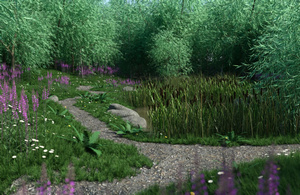
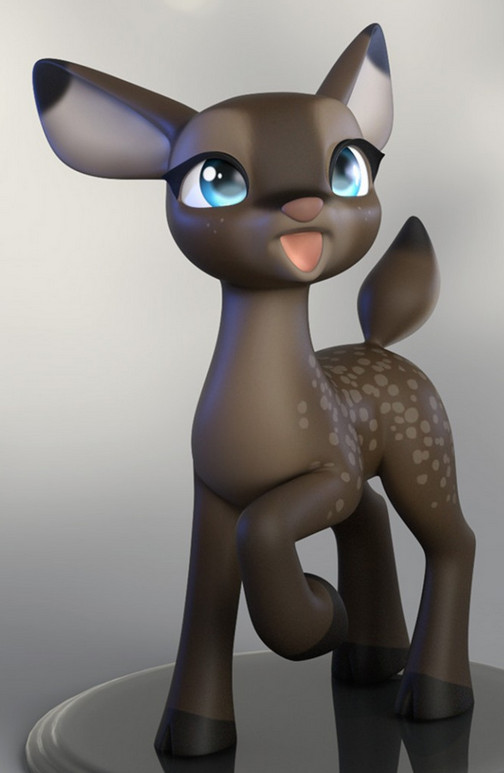
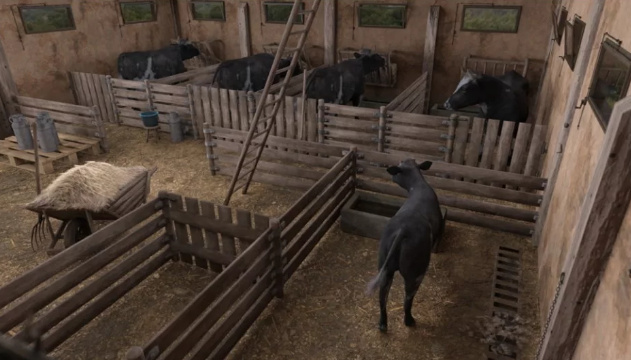
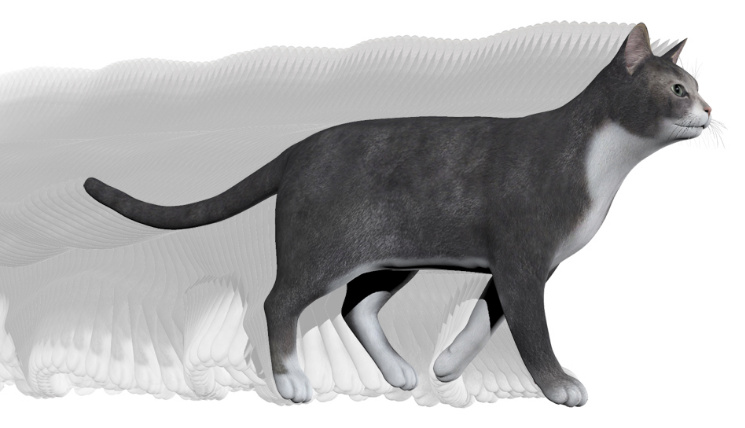
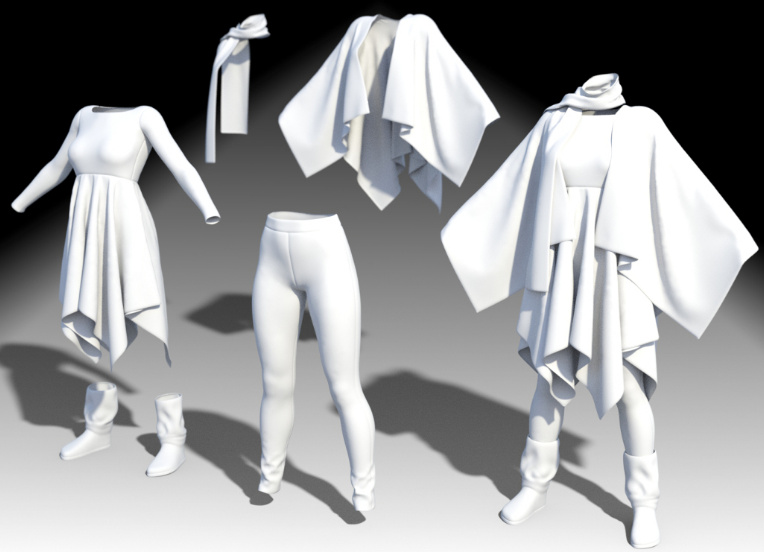
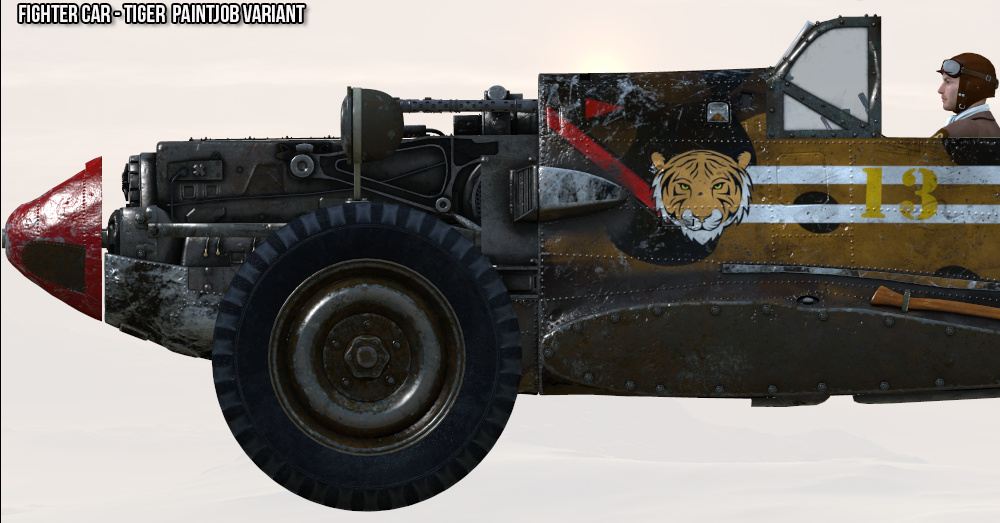
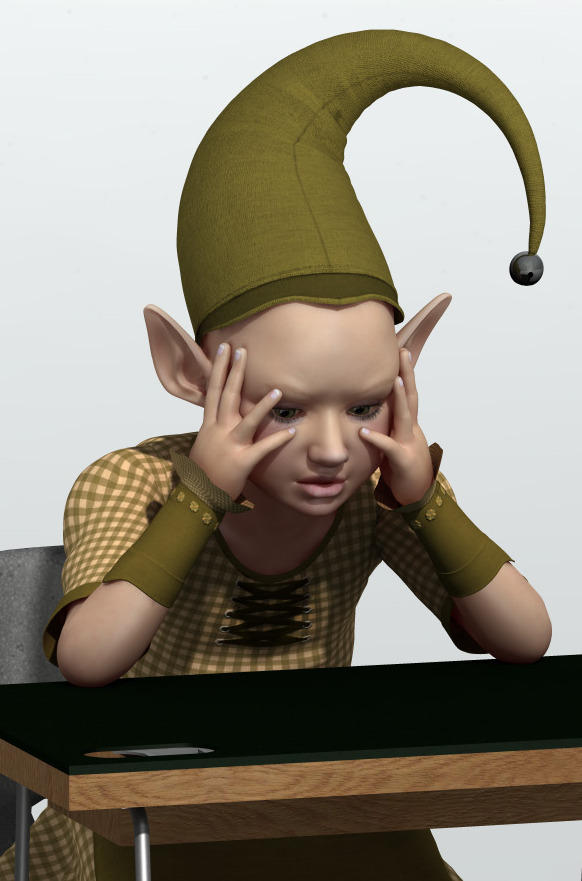
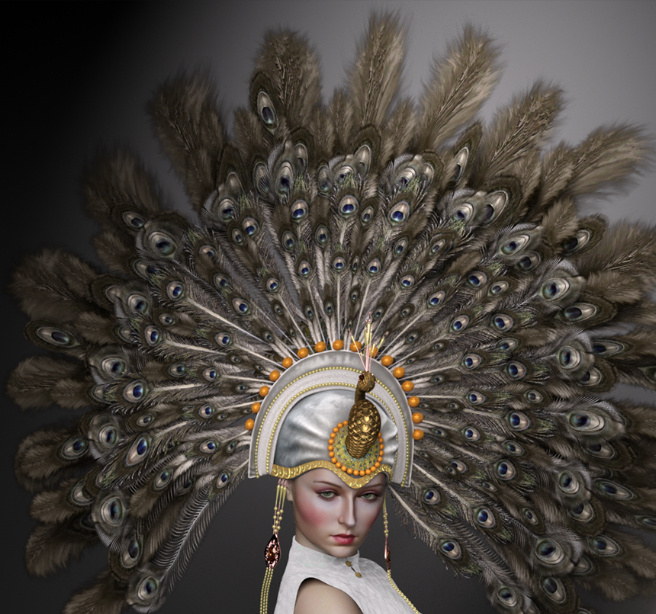
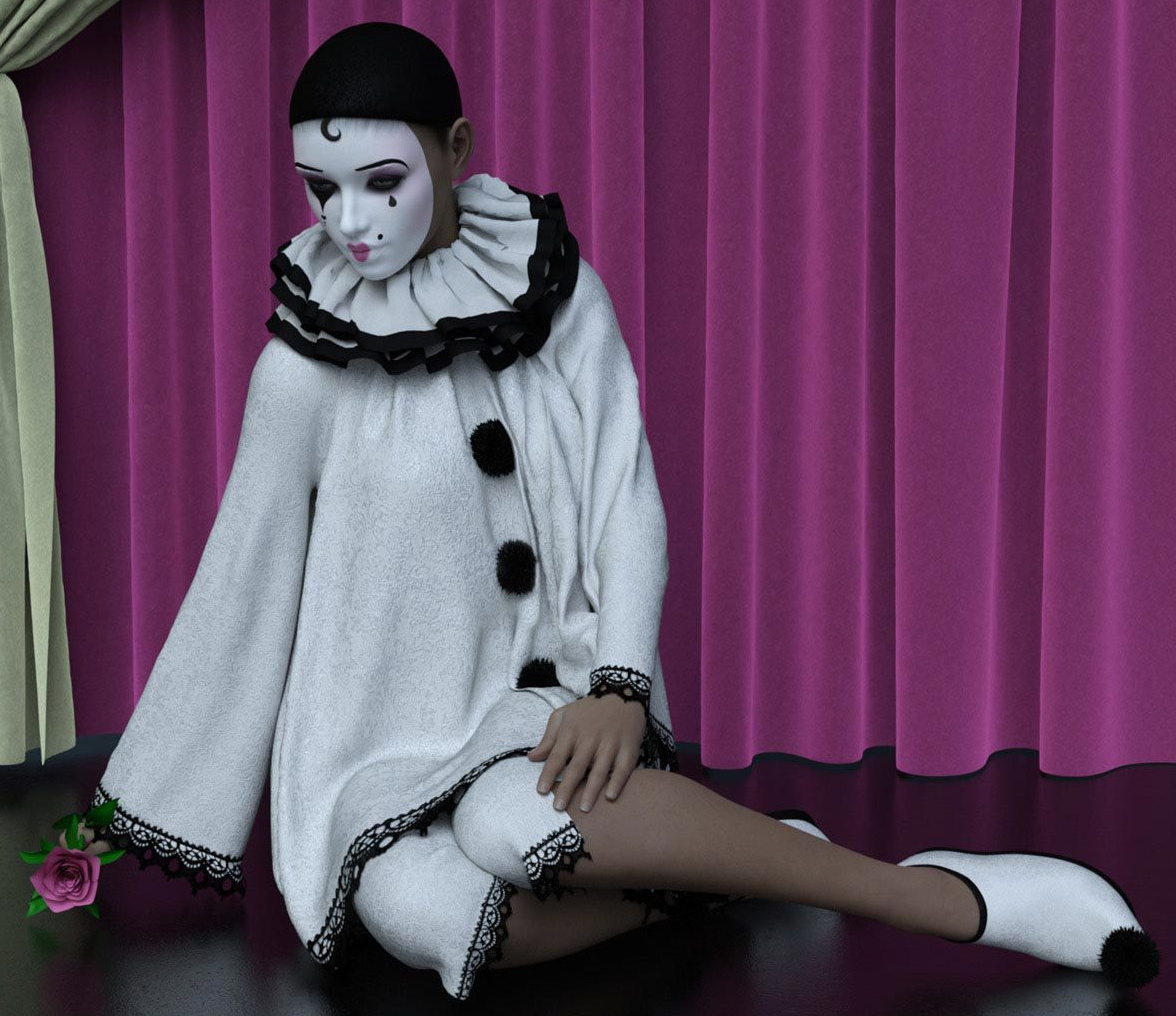
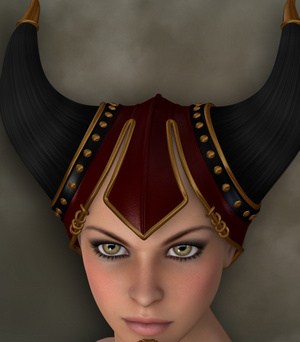
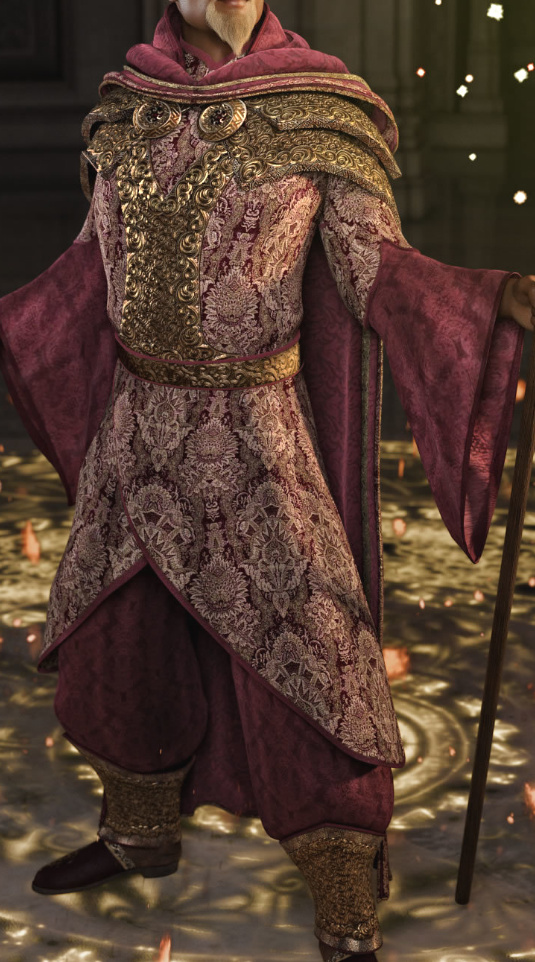
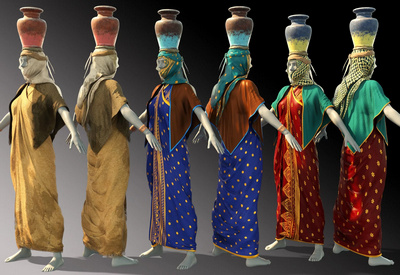
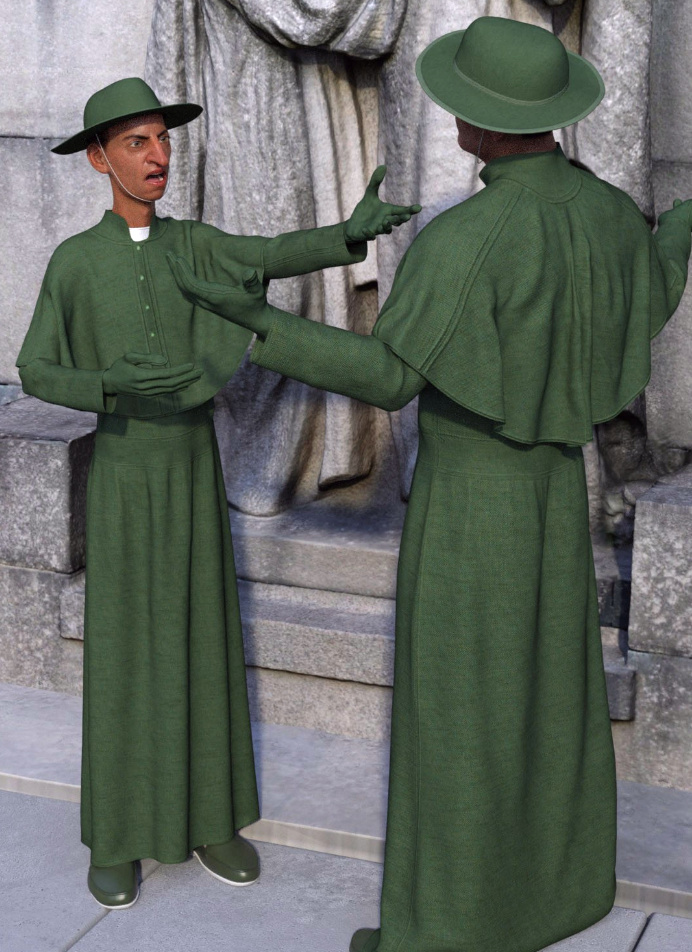
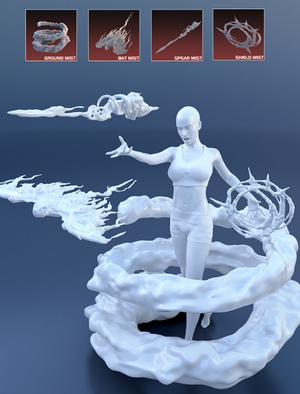
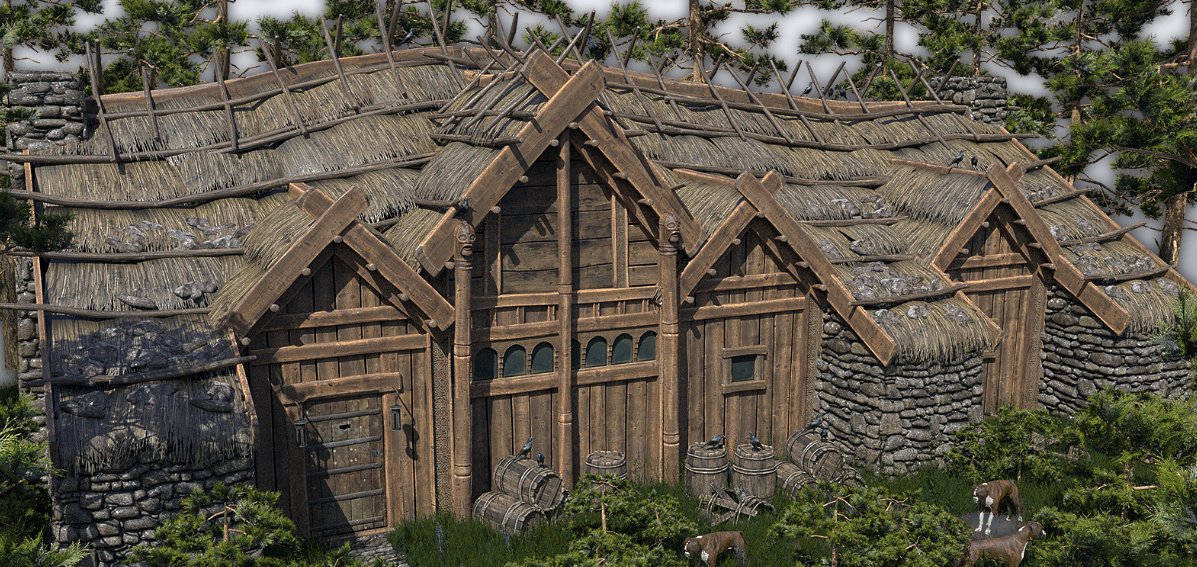
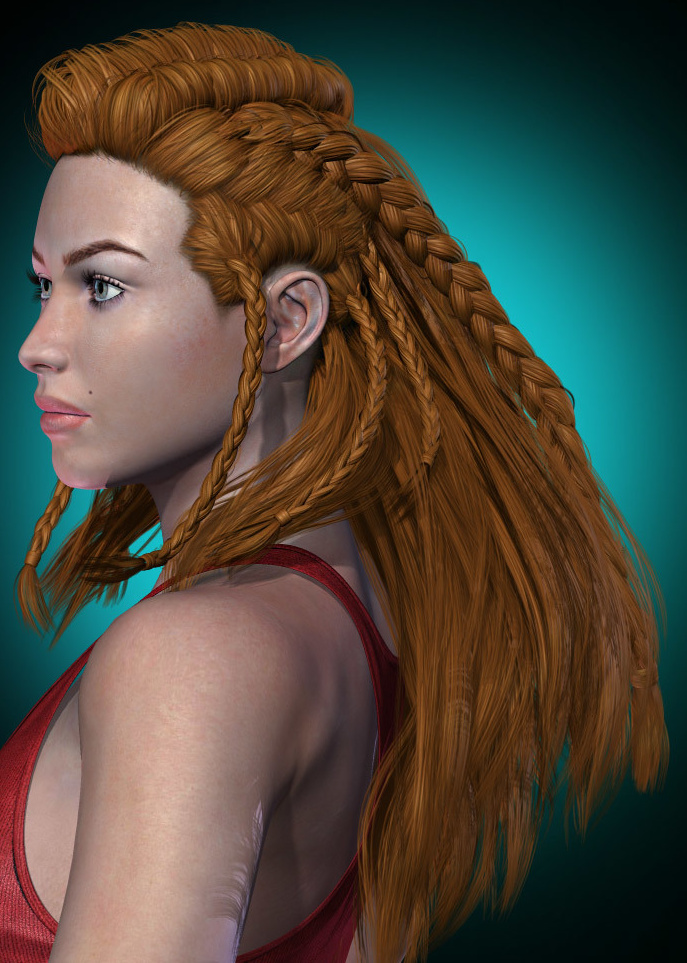
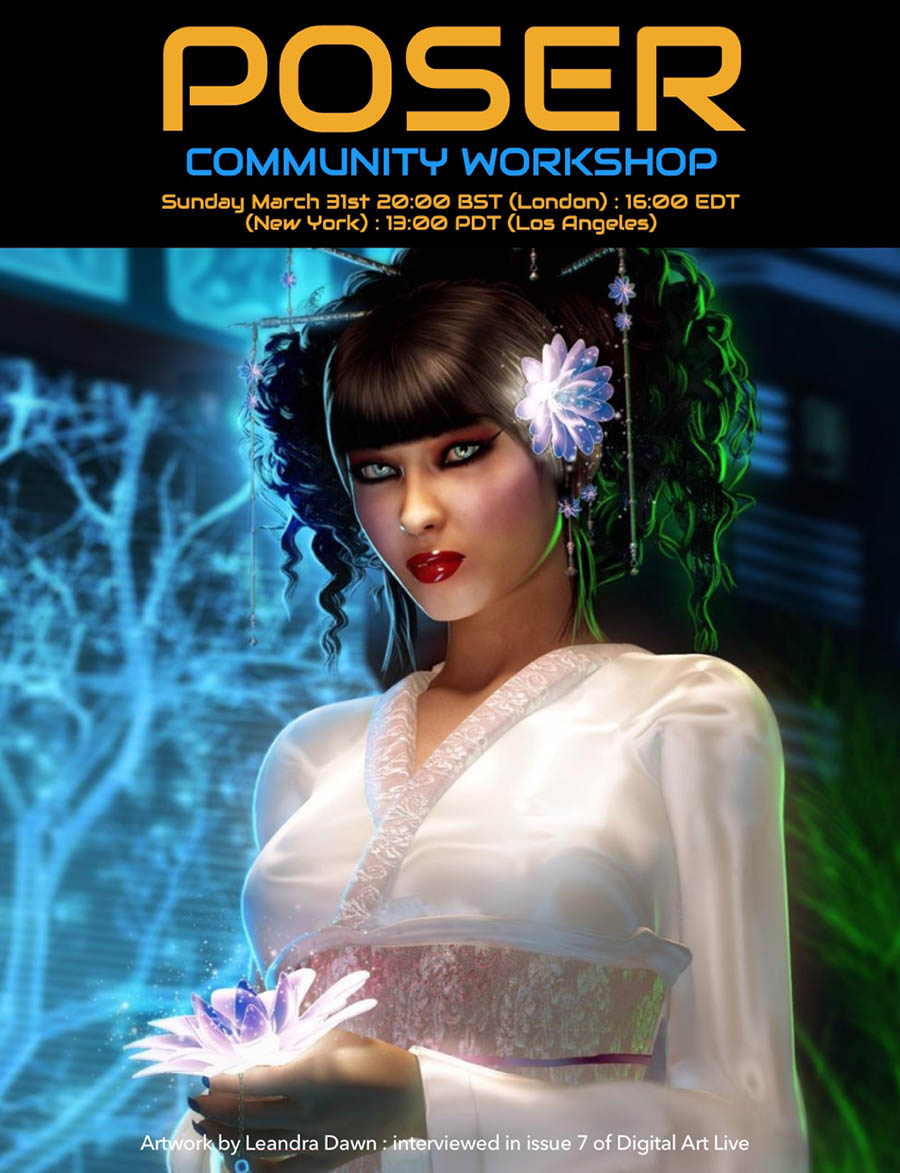
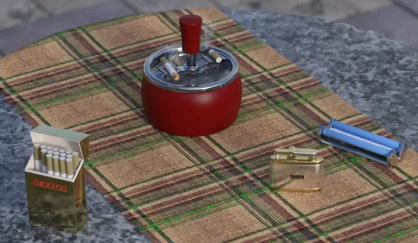
A free Poser Workshop – Sunday 31st March 2019 on Renderosity.
Category Archives: Poser
poserworld.com returns
The old Poser World website is back up and there’s a message there that the former ‘lifetime members’ can again access their legacy downloads. I tried the login, but obviously what I purchased back in 2012 was not a lifetime pass and must have been a three-month pass or something.
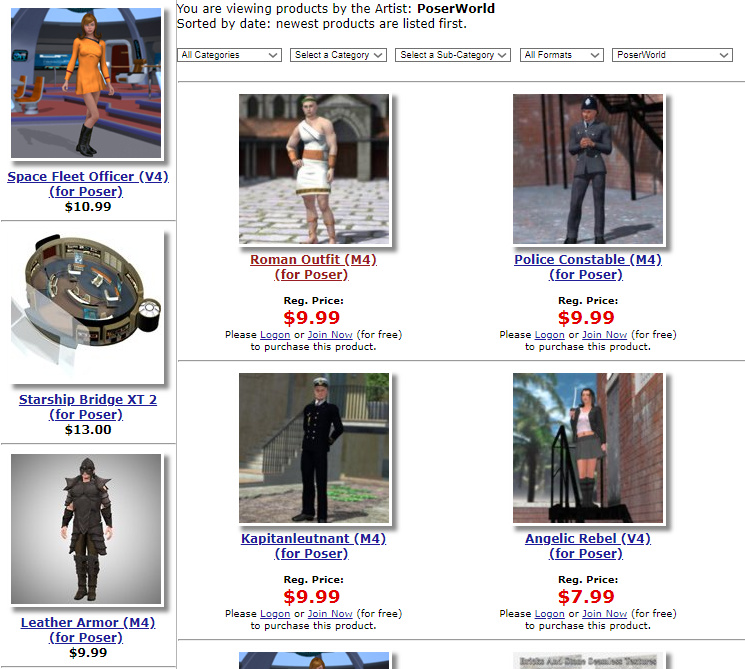
The old catalogue is also online, though not functional, so at least it provides a catalogue of what used to be available…
I see that some bits of the old Poser World content are also now starting to show up on Renderosity, as well as at VanishingPoint (which appears to have purchased the old Poser World content as a job-lot). It seems a good time to re-appear, as there appears to be something of a small revival of interest in the best of the old A3/M3 V4/M4 content for use in Poser. I guess it’s partly down to a new generation of Poser users who never got the chance to collect a huge runtime over fifteen years or more.
I wonder if the plan is to start making new Poser content again, while pointing the old catalogue pages to links at Renderosity/VanishingPoint?
The old Poser World content
What appears to be some of the old Poser World stuff is appearing for sale on the Vanishing Point store.
I picked up all of their unusual and worthwhile content when they had a generous “all you can download” offer, in 2012 which was late in the life of their site.
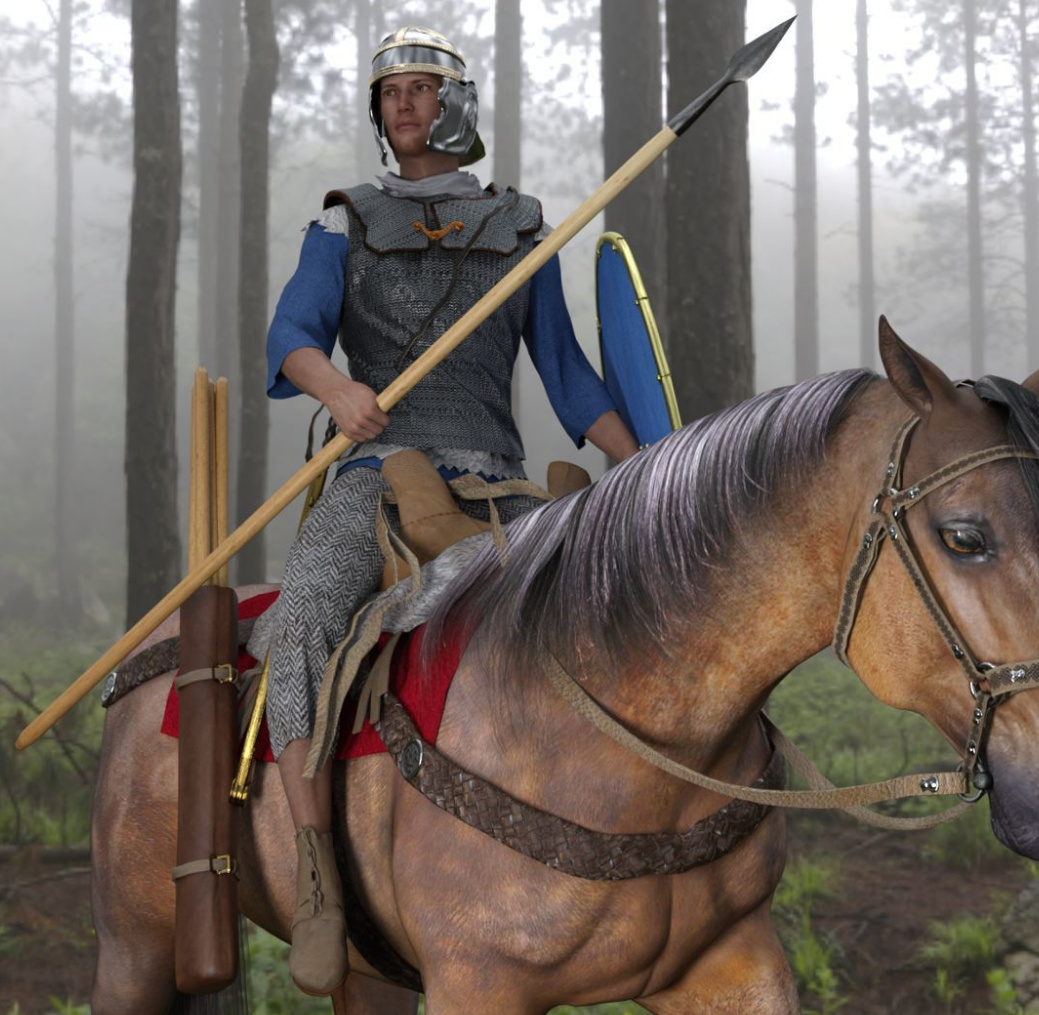
But they had a lot of nice V4/M4 uniforms and M3 historical outfits that some people have missed since they departed.
So it’s good to see that some of these are starting to become available again. They’re still useful for overpainters and comic-book makers, or people who need lots of extra costumed characters in a historic scene.
Some of these are also on ShareCG, where there’s a rider… “Original model by, and acquired, from Poserworld, and now owned by VanishingPoint.” So it looks like the old Poser World content has been sold as a job lot.
On the flat
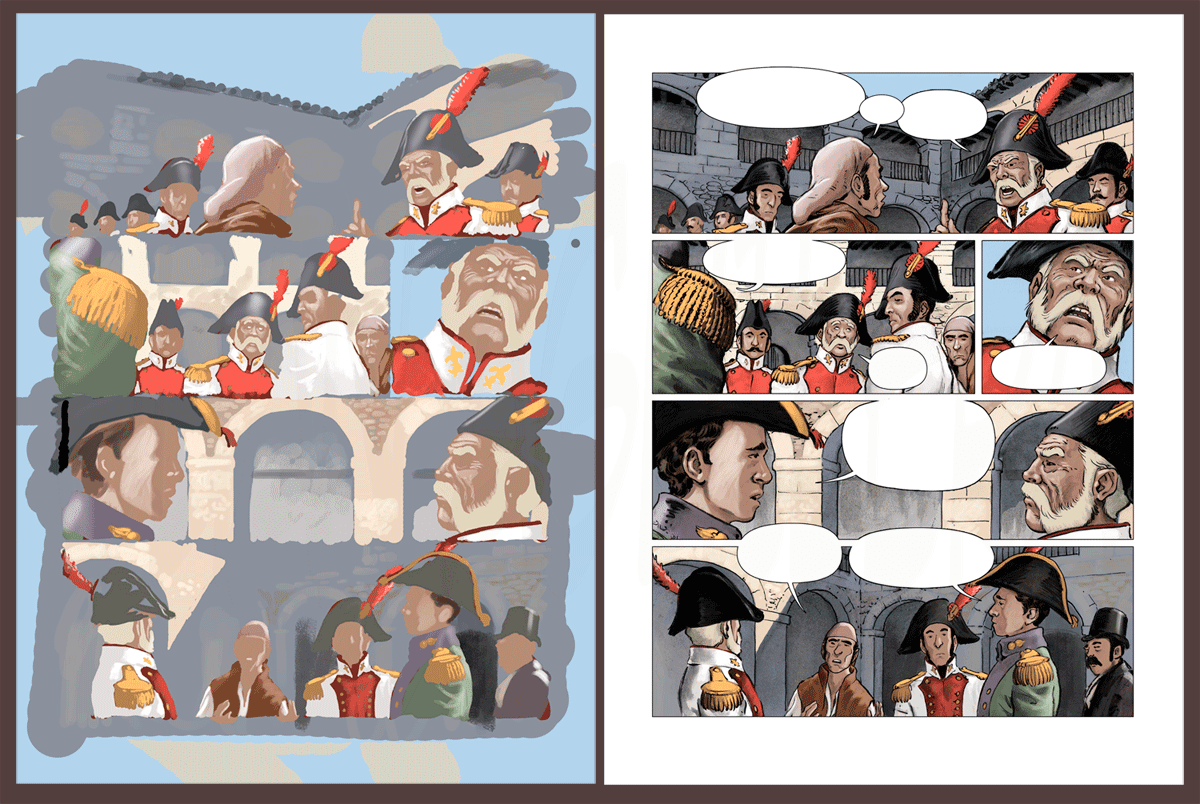
Here’s a fine visual demo of the general concept of having ‘colour flats’ first and then laying ink lines and panels/balloons over the top, when making a comic book page. It’s from Lovecraftian illustrator and Spanish comic artist Juan Aguilera Galan.
Obviously he’s not using Poser and 3D, but it does suggest another possible workflow for digital artists making a comics page. Something like…
1) Make real-time Preview renders for separate colour flats and inked line-art, as usual, from Poser 11.
2) But… then arrange the colour flats into an entire page in Photoshop, as per the rough storyboards. Include aligned ink line-art as per-frame layers, but keep them all turned off.
3) Once laid out as colour flats, then merge and copy out the entire page of arranged colour flats (rather than filtering one element/scene at a time) to a new document and filter them.
4) Paste the filtered results into the page, then hide the unfiltered colour flats, and then turn on the inks lines. Then add a shadows layer, boost contrast etc.
Depending on the Photoshop filter used, doing it that way would potentially mean that the colour flats on the page would appear more unified in appearance than if each frame element had been filtered individually. Since you would be filtering them all at once. Obviously this assumes that you don’t have rapid scene changes from dark to light spaces, within a page.
Doing it this way may be especially useful in maintaining consistent skin-tones and other repeating colours across a page.
Vue has Python scripts
Vue has Python scripts. Who knew? I didn’t, or had never investigated them and forgotten. But Ironsoul did, and mentioned it on the forums. So thanks to him. He pointed out that ImpWorks has a large slate of them for free as direct .ZIP downloads. Also a Vue Python scripting tutorial. Vue 2016 is not listed in the scripts compatibility list, but there’s no reason to think the ImpWorks scripts won’t work in the final version.
One such is…
* “Python scripts for loading and saving camera data to and from .CSV files. These scripts are useful for moving camera animations between scenes.”
Could this or something similar work with the “Poser – Export Poser Cameras and Lights” script which saves Poser camera co-ordinates out to .XML? To then pass Poser camera co-ordinates over into Vue, and have Vue locate the camera within an imported Poser scene? Or are the camera co-ordinate systems mutually untranslatable?
Other useful sounding scripts at ImpWorks, though possibly superseded in Vue 2016 by newly native features, are…
* “This Python script coats the outside of an object with an EcoSystem.” it works in Vue 2016. Keep the instances low, and the scales relatively small. Test first with 100. 5,000 is going to take ten minutes to cover a sphere. Could you make a ‘little planet’ with this? You could if you had about two days to tinker. It takes absolutely forever to design one good ‘little planet’ result, and then longer to render the damn thing. Not worth it.
* “Make the sky a solid block of one colour.”
Others:
Vue Infinite Python Scripts Page.
Blender to Vue.
Vue to Unity Terrain.
Working with the Vue interface with Python (GIS code snippet).
On my PC, Vue Python scripts live at…
C:\Program Files\e-on software\Vue xStream 2016\Python\Scripts
D-NOISE for Poser and DAZ renders
There’s a free D-Noise add-on from Remington Graphics, for the free Blender. While I’m loath to recommend Blender to anyone, this is a top-class state-of-the art GPU de-noiser judging by the tests.
And the Web page blurb for this plugin also states that…
“D-NOISE can run on any image loaded into the [Blender] Image Editor including texture bakes and even photos!”
Thus it seems that, once you work out where the the Image Editor is in the infernal Blender interface, you could then use Blender to denoise iRay and Superfly renders made with Poser and DAZ. It may be worth a try if you’re not satisfied with what you’re getting by removing the fireflies and speckles via other methods. It’s all free, bar your time. I figure that it might cost someone new to Blender about three hours of work to get it all installed, set up and the focussed de-noising workflow pinned down for use with iRay and Superfly renders. If you have a go, please comment on this post and let me know how it went for you. I don’t have the required NVIDIA GPU, so I can’t run it.
If experience with A.I. GigaPixel has made you think that anything “A.I.” takes days to run, fear not. It runs quick, like ‘five seconds quick’ according to Remington, but only with an NVIDIA GPU. It thus requires a… “NVIDIA GTX 600 Series or newer”, which means a card from 2012 or later.
It’s also interesting because it’s geared to 3D render noise, whereas most de-noiser software appears to be more focussed on the mass-market camera market and camera sensor-noise.
There’s a handy new 20 minute tutorial on how to use it.
Added to the sidebar: G3 and G8 to Poser
Added to the ‘Plugins: Poser’ section, over on this blog’s sidebar…
Genesis 3 Poser Updater for Poser 11.
“Product Notes: NOW UPDATED FOR GENESIS 8.”
It’s a freebie. Seems to have been updated for G8F in summer 2018. It processes G3 and G8 so they can be imported into Poser 11.
La Femme webinar now online
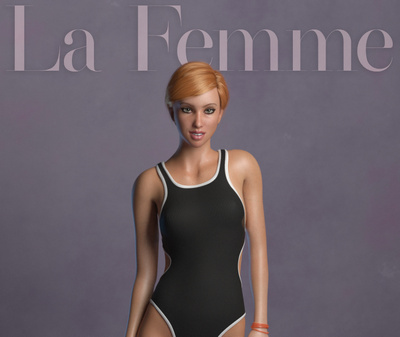
Smith Micro’s official one-hour webinar is now on YouTube, going into detail on The Making and Using of La Femme.
How to find and use the Render Queue Manager in the latest Poser 11
I read on the official Poser Forum that rendering in Poser 11 was was both faster and more convenient when using the Render Queue Manager. I thought it would be useful to write a quickstart on this feature, as it exists in the latest fully patched and updated Poser 11 Pro. Since the only YouTube video on it is now out-of-date.
Things to know, straight off, as a new Poser user:
* “Render Queue” is a Poser Pro-only feature.
* “Render Queue” was only for Firefly renders in Poser 11. But apply patch SR3 or higher, and Superfly can also use it.
* “Render Queue Manager” is not the same thing as Poser’s internal “Render in Background”. “Render Queue” is for stacking renders, so they automatically render one after the other. As such it can save quite a bit of time on a multi-render project.
* Rendering is done by a separate programme in the background. On many new 64-bit multi-core Windows systems this should make rendering faster, and Poser far more responsive while rendering. Again, this will save you time in your workflow.
* There is also something called “network rendering”, where the rendering task can be shared across many PCs on a network. This was introduced for Firefly in Poser version 11.0.3.
Short version:
1. Load and tweak your Poser scene. Save. Do a small test render, then set your full render size and quality in Render Settings | Firefly or Superfly.
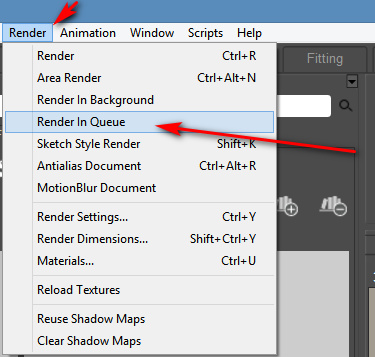
2. Go: Top Menu | Render | Render Queue. The Render Queue Manager launches as a new standalone window, asks for the filename and folder it should save to, then goes off and starts rendering.
3. You then carry on with other work in Poser or Photoshop etc, while the rendering is done by a separate programme in the background.
Long and tedious version:
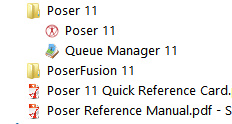
1. OK. First, where is it? Well, if you downloaded Poser 11 and its extras a while ago, look to see if you have a ‘Queue Manager’ sitting in your Start folder alongside Poser 11…
If you don’t see it there, check you have it at: “C:\Program Files\Smith Micro\Poser 11\QueueManager.exe”. If it’s not there, check in your Smith Micro Download Manager to see if you actually downloaded all the various bits needed for Poser 11 Pro.
Let’s assume you find it’s installed. Now go find your set of serial numbers that came with Poser 11 Pro. Copy-paste the serial for the Queue Manager, as you may be needing it in a moment.
2. Launch Poser 11 and load and set up a test scene. Save. On the latest version of Poser the “Render Queue” is then found on the Top Menu | Render | Render Queue…
On revisiting the “Render Queue” I found that this menu item remained curiously ‘greyed out’ and inactive for me, even when I switched to the relevant tab in Render Settings. I found that what I actually had to do first was make a small test render using a Firefly / Superfly render engine. Doing this caused the “Render Queue” menu item to become active and selectable.
3. Now, clicking on the active “Render Queue” item should launch the Render Queue Manager .EXE window. If this is the first time you’ve ever launched it, it will need the serial number to be input. Then you will first be asked to set a filename and destination folder for your render, then asked to give the QueueManager.exe Firewall permissions (which only needs to be done once, at launch).
QueueManager will stay open and waiting after the first render completes, hoping to be sent more renders.
In the Windows Control Panel | All Control Panel Items | Windows Firewall | Advanced, you may then want to make the Firewall settings permanent. Once done, this should mean that you won’t be asked each time it launches…
OK, it’s up and working. “Process jobs locally” if you’re on a single desktop PC…
From now on you just skip merrily through the simple version of my tutorial, as given above.
MOVIES? Rendering multiple movie frames is apparently currently more problematic, for those with the latest patch applied. It can be temporarily accomplished through a MovieRenderToQueue.py Python script. Apparently a vital button on the Movie panel in Render Settings was removed with the latest patch, along with the advanced Auxiliary Render Type switches. There’s a simple workaround for the Auxiliary Switches and the Poser devs reports that the Movie queue button should be back in Poser very soon…
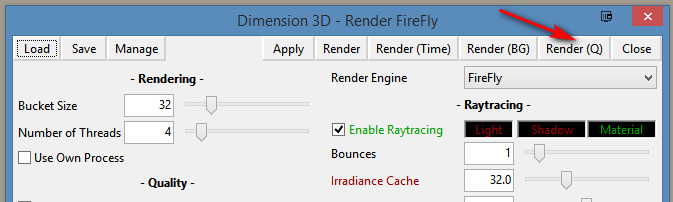
ALTERNATIVE ACCESS: One can also access the “Render to Queue Manager” command via the official partner script for Firefly. This is found under Top Menu | Scripts | Partners | Dimension 3D | Render Firefly. Or it can simply be invoked by pressing Shift + F on the keyboard.
NETWORK RENDERING: You’ll of course get the full benefit of using the Render Queue Manager if you’re using it to render across several PCs. As we’ve seen, the Render Queue Manager is a separate .EXE file and on Windows you’ll be running it on Windows 7 or higher. Render Queue can ‘network render’ across several such machines, only if: i) the Render Queue Manager version on your slave PCs is the same as on your main PC; ii) each .EXE has been activated with the serial (not the same as your main Poser 11 or PoserFusion serials); and iii) you have all the remote and desktop Firewalls set up correctly. Each .EXE will need to be given both inbound and outbound permissions through the Firewall. All this is needed to that the main PC can talk to the network PCs, and the network PCs can talk back.
If you do lots of large renders or animation with Poser then you’ll want to look at advice on building a dedicated render network or base unit. Some advice is to be found here. Looking for the apparently-required 2 x CPU “2x X5650” to “2x X5690” refurbished Xeon workstation on eBay suggests that about £400 should get you something quite powerful (24 render threads) under your studio desk. That’s comparable with the cost of a high-end graphics card, but gets rendering off your PC entirely so you can get on with other work. It also means you don’t have to faff around with upgrading the PC’s PSU, fitting a huge slot-in card, fan-noise, summer overheating etc.
AUTOMATE PREVIEW AND SKETCH RENDERS? For renders other than Firefly, you might want to look at setting up Windows automation software like JitBit Macro Recorder, which records and automates software clicks, and then set wait-times (such as 60 seconds per Preview render, allowing a 3600px Preview render ample time to complete). You could also try to have JitBit use keyboard shortcuts only, to make your automated macro/action independent of User Interface changes and screen size. Obviously this doesn’t take the renders off to another programme or PC, but there is some ‘background’ automation involved.
Freebie: GroBot for Poser is now free
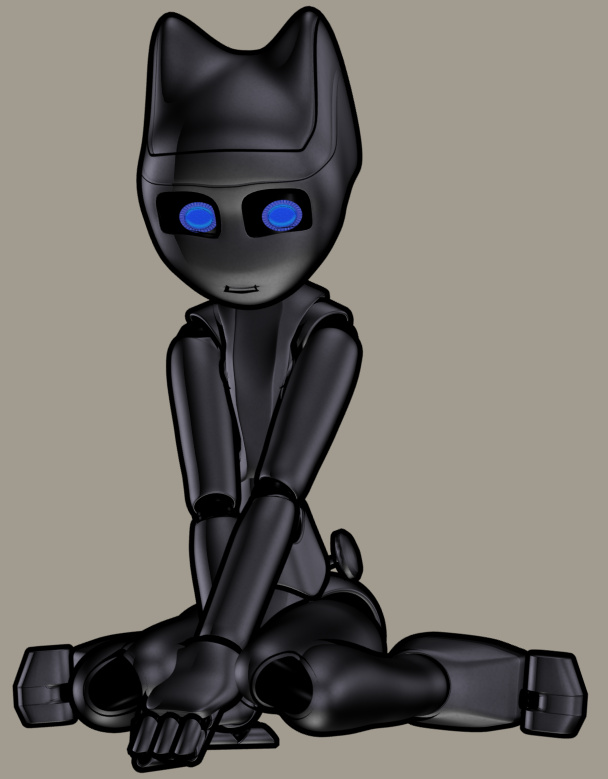
Now free as of yesterday, GroBot for Poser by Sci-Kwon-Do (Michael Seiber). A super-flexible super-morphable Poser toon robot character. Commercial use is kindly retained on making the character a freebie. In the large mix of shapes, there’s a nice toon cat-bot.
When the maker was selling this character on Renderosity, he stated it “doesn’t work properly” in Poser 11. I installed anyway, a simple copy/paste/merge of the runtime folder in the .ZIP. I then loaded Poser 11 and found the character’s parts under ‘GroBot’. As far as I can tell it’s just the preset poses that sort-of don’t work, and there’s an easy workaround for them.
The base figure loads fine from GroBot in Poser 11. All her Poses, Characters and MATs are found under various ‘GroBot’ folders. ‘Kitty Stand’ and ‘Kitty Squat’ characters work fine in terms of auto-application of the Kitty morph, but then adding any other new pose reverts her morphs to the standard GroBot robot shape. I guess this is the problem with Poser 11. However, there’s an easy workaround for this slight problem.
GroBot is quite a dramatic demo of how a character might make extreme morph changes and take extreme poses and yet remain smooth in Poser. One finds the morph dials by selecting the body and finding the ‘FBM’ Morph dials. “Kit-10” is the Kitty cat morph and it’s easy to control. Simply re-apply this morph to a set body pose, to get the Kitty feature back on the body again after applying a preset pose. You can also flatten the chest by slightly tweaking the ‘Gro-illa’ dial.
As you might expect, with her black MAT on she doesn’t respond well to Poser 11’s Comic Book Preview mode in b&w inks. But put the pink MAT on and she looks superb in that mode…
All the above pictures are in real-time Preview mode.
So, she works great in Poser 11, you just need to apply a little workaround when working with the preset poses. She doesn’t appear to accept any preset poses except her own, though some from other characters will move her arms, others her legs. The maker states “have limits turned ON, and IK turned off”, so that may help with third-party poses.
As a Kitty she could probably use a tail, but I recall noticing that she has a flexible ‘whip’ prop and that could probably serve.
Update: There’s a patch, Grobot For Poser 11, making her work better in Poser 11. Though you’ll want to read the readme.txt first. I did and I decided I’d stick with the original and my workarounds for now.
Release: Electra for Photoshop
I’m always pleased to see a new Photoshop plugin from Richard Rosenman. He’s just released Electra, for all your sparking needs. From a tiny spark in a cyborg’s eye to a massive superhero-tastic ‘Amazing Arc from Above’ that gives the hero his superpowers.
Sadly it’s not one of his many excellent freebies, and your headphones may throw off more than a few sparks when you read the price… “$49.99”. Ouch. But it’s for Photoshop CS5 and above, and it will even run in Corel Painter 12 and above.
The plugin is one to try as an overlay for the new free Poser prop, Updated Morphing Beam prop for Demoleculizer, perhaps…
Your alternative plugins here would be: ‘Electrify’ in Alien Skin Eye Candy; ‘Electrify’ in Xenofex 2. I suspect that when Xenofex was retired, that was when ‘Electrify’ was added to Alien Skin Eye Candy, so they’re probably the same thing. I’m fairly sure that Corel ParticleShop also does something in that line (though perhaps a bit more ‘faery fireflies’), although that’s a hefty price.
On fit ghosts
This is my demo of the slight mis-registration that a Poser comics artist may in some circumstances encounter, after running Poser’s Comic Book Preview inks through DAP’s ‘GrNovel’ filter to make them a touch more artistic. Here the ‘GrNovel’ inks layer has been experimentally blended in Photoshop with Soft Light at 50%, rather than simply having its white knocked out. This gives a lovely look to the scene, but means that we can see that its inks are not quite aligning with the underlying colour flats layer. As a result of the blending mode, you can see ghosting that reveals that the mushrooms in the scene lack a firm ‘fit’ with the inks layer above them. This mis-alignment would also be even more visible on some of the tree branches, if the glow effect were not masking it. The choice of a pale background makes this worse.
So there’s sometimes a reason to prefer the original Poser inks, because the funkier you make the filtering of your inks, the less the inks will align with your colour flats layer beneath. Especially if the colour flats have themselves been filtered, and carry their own toon edge. The lesson here is: try to keep your colour flats as flats, and don’t also add ink or pencil-like lines to them, if you’re then going to add another layer of inking on top (as is the case in the experimental picture seen above, in which I foolishly laid another ink layer over an already processed finished picture).
A dark background will however usually cover up and ‘absorb’ such problems. The lack of visual acuity in the non-artist audience will also mask much, as 85% of them probably won’t even notice that anything is wrong, even with the pale background. Also keep in mind that when reading a comic, the eye becomes quite forgiving of such defects as it skips from panel to panel.
That said, if you set your story at night or in a dark forest, then not only will you have to worry less about backgrounds, but you may also get away with fudging around such layer registration problems.
Incidentally, the glow effect here is just a third of the original Poser inks, with their white knocked out and a chalk Layer Style effect applied. Yes… when applied to inked line-art, Photoshop Layer Styles can be used for more than making cheesy extruded-3D lettering — who knew?
Krita’s G’MIC-QT and Poser line-art
I’ve been experimenting to see what Krita’s G’MIC-QT filters can do to plain inked line-art output by Poser’s Comic Book Preview. This follows on from my previous test of G’MIC-QT filters on a straightforward 3D Preview render from Poser.
Here’s my test-kitty, a 3D character which ships for free in the content bundle of Poser 11 (in the Content Library under ‘Toys’). In Poser, only thin Comic Book ink lines were output, in B&W. This was to test ‘fattening’ filters such as DAP’s ‘GrNovel’. But I thought it would also make a good test render here, for this test of Krita.
* The first preset I made I called ‘Send to Moebius’, which works for a character filling 1000px on a 1200px height PNG output from Poser. The filter gives the lines a continental comics ‘clear-line style’, akin to the great Moebius — though of course without his distinctive dash-hatch contour shading. It takes 30 seconds to run, at the cost of some jaggies on shallow curves.
Still, for a clear-line style with slight Moebius-style ‘dotting’ of the lines, it’s not bad for 30 seconds on a straightforward Poser comic render. The dotting occurs where there are ultra-thin lines, which may be a method of controlling in Poser how often the dotting will occur when filtered. The same effect can’t be had on a 3600px render.
* ‘Felt Pen’ could also be made to produce dotting, more extensively and more quickly, but it wasn’t a pleasing effect.
* ‘Kuwahara’ on a radius of 1 could also do a nice felt-pen like effect, with less uniformity of the line density. But the problem here was an ugly skritchyness at the edges. ‘Pen Drawing’ was smoother but had more line density uniformity. Neither were really that all pleasing.
* ‘Charcoal’ could make the lines much darker, fatten them a bit and give them a nice grainy look. But again, at 1200px the jaggies are a problem. Better to Sketch into the ink lines in Poser, using the Sketch Room.
* It was possible to have G’MIC-QT’s ‘Engrave’ filter keep only certain fatter lines, erasing others, which was an interesting effect. It ran in about 20 seconds at 1200px. However, it doesn’t seem to have uniformly selected only the fattest lines, making it rather pointless.
So while I’m pleased to get the ‘Send to Moebius’ preset, it was the only nice one I was able to get.
Poser/DAZ New Content Survey – Jan/Feb 2019
Right then… it’s time for a survey of the recent new Poser and DAZ content. If you want to see my last one, a huge six-month catch up for May 2018 – Jan 2019, it’s here.
But the new post below only surveys and picks out interesting / unusual / useful new content released in the last month, from the 23rd January 2019 onwards.
Science fiction:
Hoverbike Poses for Genesis 8 for the Yamaki Hover Bike.
If you need police hover-vehicles for the persuit, see the new Speeder.
Most readers will already have sci-fi armour suits, but I do like the new Supersonic Sci-Fi Suit for G8F. It’s not too over-the-top or gaudy, and appears to have some nice slight wear on the edges.
Jewel Of The Nile for G3F and G8F. Rather impractical to ride a camel with, I imagine, but it also has uses in a futuristic sci-fi setting. It’s “a HQ realistic coin veil”, though it doesn’t appear to have dForce.
Bubble Hair for Genesis 8 Female. Unusual, and again I can image a sci-fi / superhero story in which the movement of the hair can be thought-controlled, like Medusa in Marvel’s Inhumans.
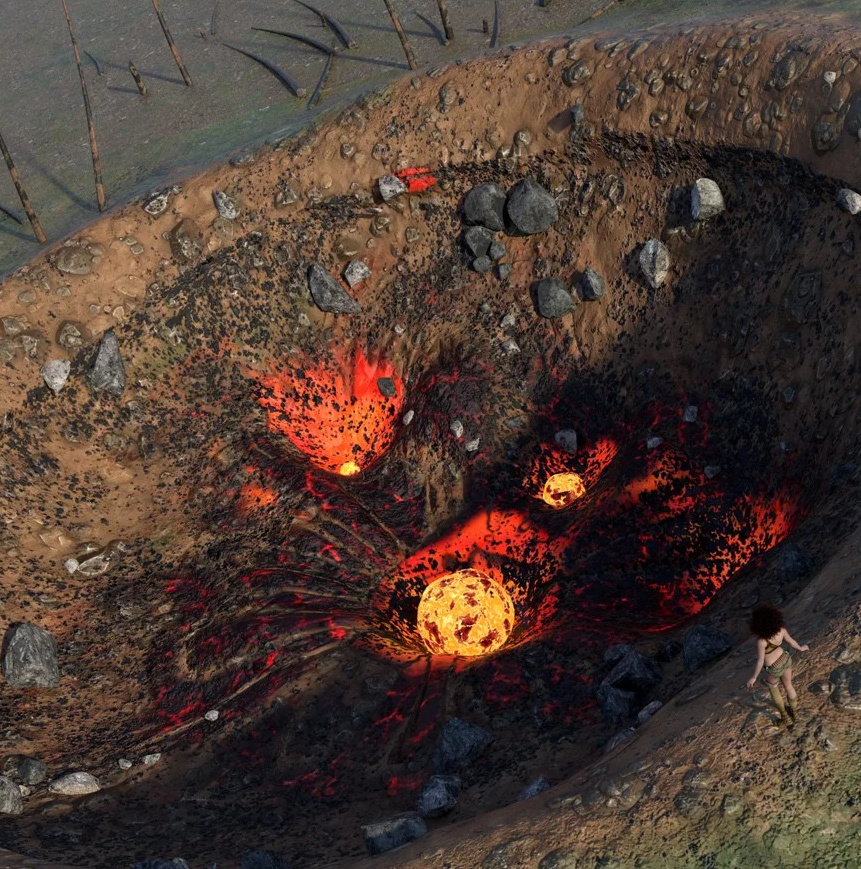
Elsewhere for DAZ Studio. This is not well-served by its Store preview, but turns out to be ‘alien planet’ rock-pools (aka tide-pools), done to Oskarsson’s high standards. With strange Yuggothian fungi, alien plants, and glowing lurkers beneath the water. It’s not for everyone, but I like the look of it.
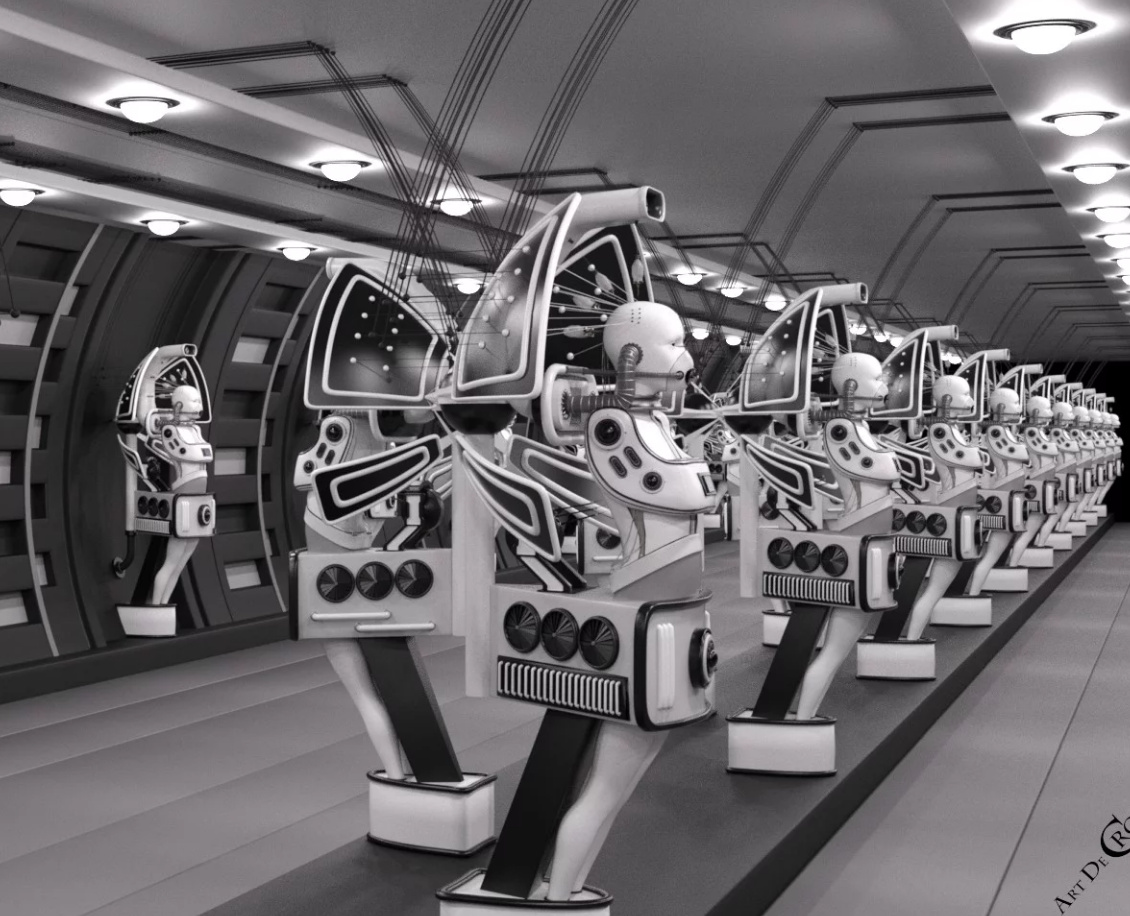
Robo Cleaner by Coflek-gnorg, for Poser and DAZ Studio. Highly detailed robot street-cleaners, for everything from your Blade Runner street scenes to your 2000AD-style Robo-busters tribute comic.
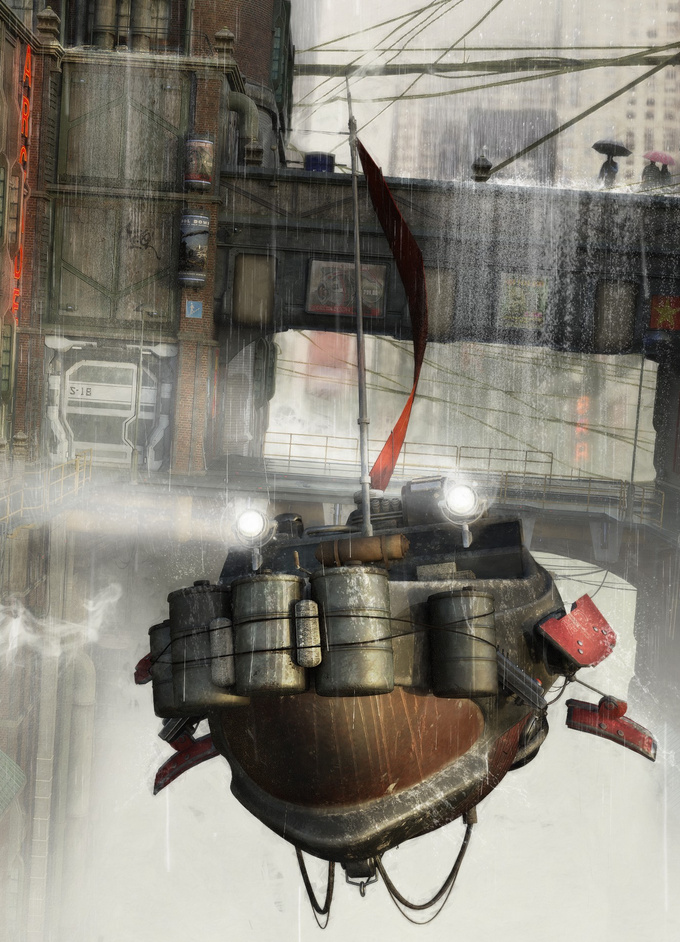
The persnickety supervisors of the lowly Robo Cleaners might be the new Osy21 low-poly floaters on CGTrader, at just $2 in FBX format.
Also from Coflek-gnorg is a fab Pulp-era Sci-fi Flying Saucer complete with detailed interior. Definitely one to look at if you’re planning to make an ongoing retro sci-fi toon comic and are in need of a ‘star’ spacecraft.
Monsters:
Lycan HD werewolf for Landon 8 for G8M. DAZ Studio.
Fantasy:
The flood of dForce-enabled clothing continues, though very little of it has been fantasy and sci-fi in the last month. A huge exception is the dForce Wing Ranger for Genesis 8 Female. Fabulous Hollywood-level work, here. She comes with a good bow and arrow too. Fits the new Meshworkz Dragonfly, which serves as her winged steed.
Jars with eyeballs in. You can never have enough of them, and the new It’s Magic for DAZ Studio has them, along with much else.
FG Place of Power for DAZ Studio, combining a magician’s lair, library and steampunk elements. I was about to pass this over as ‘just another medieval alchemist lab’, aided by the too-dark preview renders. But on closer investigation it seems to offer something a little different, and is nicely priced at $19. Worth a look, if this is your thing.
Retro and historical:
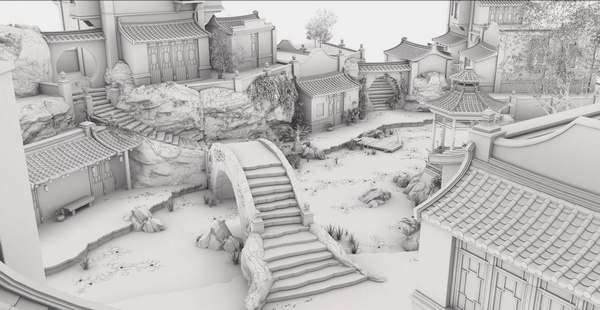
It’s unusual to see a new release for Bryce, but Battis Khamba Chattri is an Indian temple scene. Also available for Vue.
Task Force for Short Sunderland for Poser, by Cybertenko. Paint makeovers of the famous Second World War Sutherland flying-boat, and a new dinghy. For some, it may be worth the $6 just to get such a detailed wartime dinghy. It seems you don’t get the poses shown, but I’m guessing these may be included with Cybertenko’s Sutherland packages?
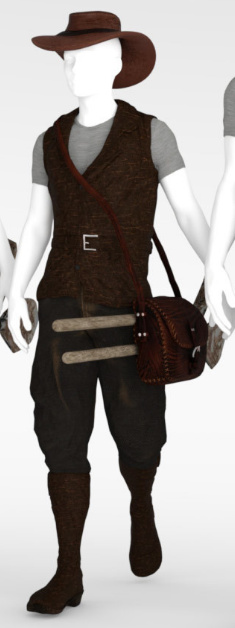
The Explorer For G8F from Sixus 1. A set of jungle explorer clothing, iRay-ready textures and grip poses. As you can see, it could fit well with the dinghy seen above, for a jungle river trip.
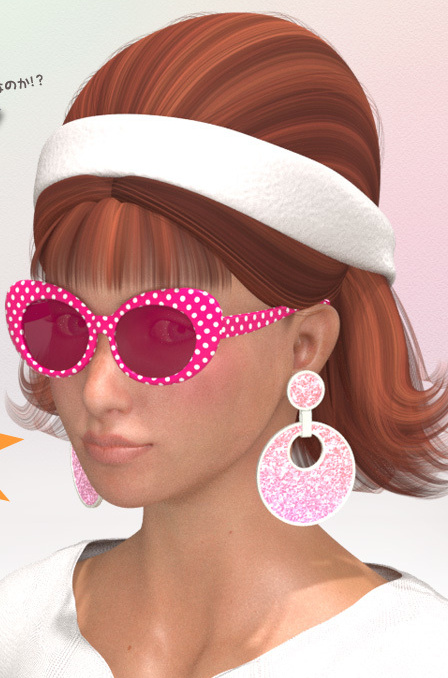
Minnie 1920’s Dancer Headdress for G8F. It’s not headwear that you’re going to use everyday, certainly, but it reflects the over-the-top hat-culture of the 1920s and it’s definitely unusual.
Singing in the Rain for G8 in Daz Studio. A complete set with scene, props, G8 poses and rain.
Conquistador Outfit and Armor for Genesis 3 Male. A full Spanish soldier outfit, which is something you don’t see every day. May also have runtime-bashing potential for those making other outfits for the period.
WW1 Trench, No Man’s Land. A battle-scarred First World War trench with accessories and a no-man’s land border.
Army Camp Barracks. Modern accessories, but I imagine only an hour’s tweaking would be needed to make this suit the 1970s/80s.
For the Army Camp also see the new Leopold HD for Genesis 8 Male.
Unusual props and magnets:
dForce Magnet for DAZ Studio. Pin a magnet to your dForce clothing, and have your character appear to be pulling or lifting their clothing. The built-in dForce takes care of all the physics of the cloth draping.
Marquee Light Letters by Cybertenko. Classic fairground, movie theater and dressing-room lights for Poser, with the bulbs throwing off emissive light in SuperFly renders.
For DAZ Studio there’s also the new Broadway Light Bulb Letterings and Real Neon Letters.
Such ‘bulb letters’ might be combined, as ‘bulbs only’, with the new Synergy ABC – Poses for G3F-G8F…
Morphing Splat for DAZ Studio, with 50 morphs. Splatting and pooling liquid.
Also look at the latest Messy FX Set 2: Food Mess for Poser, free on Renderosity.
La Femme:
The new La Femme Base Figure for Poser 11. She now has a small flood of everyday and club-style dresses and hairs on Renderosity. Almost no freebies that are worth having though, and nothing that appeals yet in terms of sci-fi, fantasy, armour etc.
La Femme injection for Prefittter-CR2. Works with The Prefitter to get V4 clothing ready to go to Poser’s Fitting Room (Pro only). This seems to be the best ‘V4 to La Femme’ solution at present, in the absence of a Crossdresser 4 file for La Femme.
Landscapes:
Flinks Snow Grounds 1 and Snow Grounds 2 as OBJs. A collection of detailed snow terrain tiles. The materials suit either Poser or DAZ.
The Snow Grounds could be paired with the new HD Upturned Winter Boats for Poser, from ShaaraMuse3D.
Dried Out River for Poser, by ShaaraMuse3D. Shaara’s usual HD scene with 4k textures and a full preload preset. One could of course add just a bit of water, to make shallow trickling pools. Good for those with dragonflies and small lizards in their runtime. Likely to also interest Vue users.
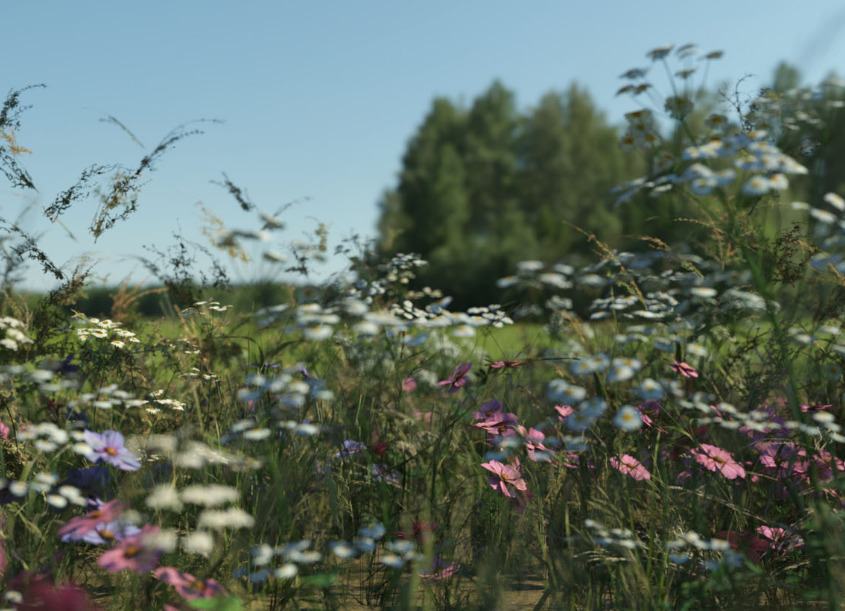
Wild Flowers Vol 5 – Woodland Plants and matching new grass. Said to be “Perfect for macro renders”. Also look at the recent Teeny Tiny Plants, also from Martin J. Frost.
Animals:
This month it’s only the dragonfly seen above, and Nature’s Wonders Lizards of the World Vol. 4 which is another fine release for Poser from nature expert Ken Gilliland. And has DAZ presets.
Toons:
A poor month for toons, but I see that Darkseal’s toon Squidy for Poser is now on CGBytes, having been on the now-vanished Content Paradise.
Storybook:
New on CGTrader a modern children’s public library / reading-room for a reasonable $30 in OBJ. Royalty-free renders.
Need a modern librarian for your library? The new dForce Eloise Outfit for Genesis 8 Female and dForce Eloise Outfit Textures gives you one nice pattern texture for it…
Dayana & Karina Bloom HD for Genesis 8 Female. With the sort of face-shape that would suit a modern comic-book aimed at 9-12 year olds. Comes with a matching older sister who is more of a regular human.
Deco Vignette II for DAZ Studio. I guess you’d have to make this a central Howl’s Moving Castle-style ‘magic door’ for your story, to get your money’s worth.
Town Circle, a traditional German/Austrian-style village centre.
Nursoda has also kindly released several freebies at Renderosity recently, for his characters, but note that they’re flagged as ‘non-commercial use only’.
Utilities:
RSSY Clothing Converter from Michael 4 to Genesis 8 Male. Convert clothing from M4 to G8M, in DAZ Studio. Seems to be relatively simple and well-documented.
PoseConverter for Poser – Updated. A free Python script with user interface, that works inside Poser. Convert pose presets from one Poser character type to another. Only has two converter modules at present.
That’s it, more picks next month!
“Hello QT!” – using Krita with Poser renders
I’ve spent some time working through Krita 4.x’s G’MIC-QT filters. They’re the equivalent of Photoshop’s native filters + some nice plugins, all rolled into one plugin. Krita is the leading ‘open source’ graphics software, and both Krita and G’MIC-QT are free. G’MIC-QT ships integrated into Krita.
Below you see my trusty test-bot for the G’MIC-QT filters. Quite a dark raw Poser Preview render, and not at all optimized for tooning. That top-hat is going to be a particular challenge.
I was looking for things that can’t be done more easily in Photoshop.
Here are the G’MIC-QT filters I noticed and worked with, for good or bad:
1. Artistic. Brushify. A nice but mundane paint effect with the default settings. The drawbacks, even on default, are that: i) it takes a ridiculous amount of time to process; and ii) it paints into a background that should remain transparent. Still, the ‘real thick paint’ effect is nice, and it takes far less time that it would take you manually overpaint a render.
2. Artistic. Cartoon. This just gave the usual “Ugh, 3D run through a Photoshop filter!” look, of the type that only pleases those who have never actually seen the inside of a decent comic-book. Horrid. Rip it out and burn it, now!
3. Artistic. Cutout. This had something to recommend it at a setting of 6 0 6. You might want to take a quick look at this before your pay good cash for one of the TOPAZ Clean / Simplify Photoshop plugins. That said, even on a workstation this filter takes a very long time to run, like 90-120 seconds! Also you get some posterization artefacts that you would not get with Topaz Clean.
4. Artistic. Felt Pen. I was able to work it up to a custom effect I saved as ‘Felt Pen Burnoff’, which burned off most of the 3D grunge. It ran very fast, but the applied effect was not great when seen at 100%. It worked much better when seen reduced, at 33%. Still, to get this from such an unpromising 3D render is quite impressive.
As you can see, it doesn’t add a holding line around the edge. Though that may be because I was using a .PNG cutout with transparency.
5. Artistic. Pen Drawing. It doesn’t quite give the effect you might expect from the name. It’s more like a basic toon filter, and is too close to a recognisable ‘standard Photoshop filter’ look for my tastes. Can be sort-of acceptable, though only if ramped up to maximum settings. There are only two sliders, so I assume there’s not much more that can be done with it.
6. Artist. Sketch. Capable of some awful crap, as most such filters are. But I also crafted the unusual custom preset seen in action below, which is like an oil glaze on thick smeared pencil. The setting took three minutes to process a 3600px picture, but the results were rather nice when viewed at 100%. Zooming out just makes the figure look like they’ve been dipped in motor-oil and dried off a bit, which is not so pleasing. I could imagine that 100% crops from this, placed into panels, could form the basis of a graphic novel style for a macabre story.
7. Black and White. Charcoal. Quite tricky to control, and frankly not very impressive as charcoal. But… also capable of a reasonable basic stipple effect, which I saved as my ‘Stipple’ preset. Though, as you can see, it doesn’t like to run across black or near-black.
8. Black and White. Engrave. Despite the name, this is of interest for comics makers. I was able to work it up to several pleasing effects and save these as presets.
One I named ‘Skritchy Pen’, which took two minutes to run…
Another preset I called ‘Berni Wrightson’, which took about 90 seconds to run. I love how the engraving lines follow the contours fairly neatly, which is never the case with such filters. How it does that I don’t know, but it does. It doesn’t even have the 3D mesh to ‘follow’.
Another custom preset I made I called ‘Comic with Inks’, which was fairly fast with no anti-aliasing, but it took two minutes once its anti-aliasing was on. Very impressive, given the less-than-ideal source material. I’m not particularly keen on such dense blacks, but one might find ways of toning them down without too much work. Retexturing the Poser model would probably do it, at the risk of simply turning the blacks white.
These thin lines look like they might fat-ify quite nicely if run through DAP.
9. Black and White. Pencil. Nothing like a pencil, it’s more like maybe Posterize in Photoshop. Meh…
10. Colors. Detect Skin. Unusual. This may interest someone who does a lot of skin renders in Poser and DAZ Studio.
Thus I got about eight good useful custom presets with it, which I’m pleased with.
It’s possible to save user presets in G’MIC-QT, though with typical Krita awkwardness in naming they are called something very different. Your “Faves” are thus not just bookmarked favorite filters. They also capture the settings of the filter at the moment the ‘Fave’ is saved.
I don’t see any way to extract and share individual ‘Faves’, though you can back them up as they’re in the C:\Users\YOUR_PC_NAME\AppData\Roaming\gmic\gmic_qt_faves.json file. This is just a text file and can be opened with the Notepad++ freeware. Looking at the structure of the file it looks like someone used to code could, with great care, copy-paste a preset from someone else’s ‘Fave’ .json file and thus import it.
And, lastly, I don’t see anything in G’MIC that can do what DAP’s ‘GrNovel’ filter can do. Though G’MIC looks powerful enough to replicate it, if someone cares to try.