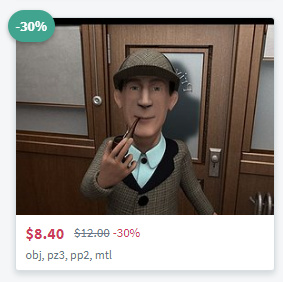
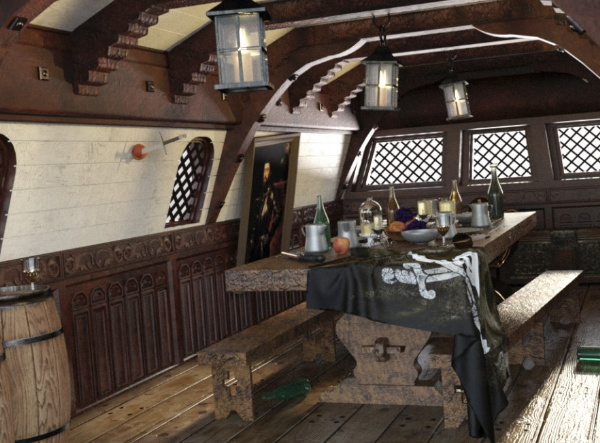
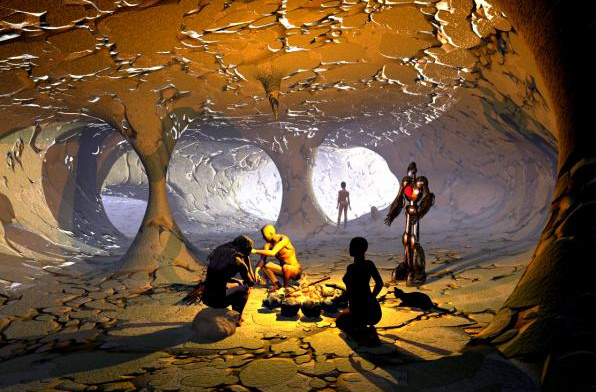
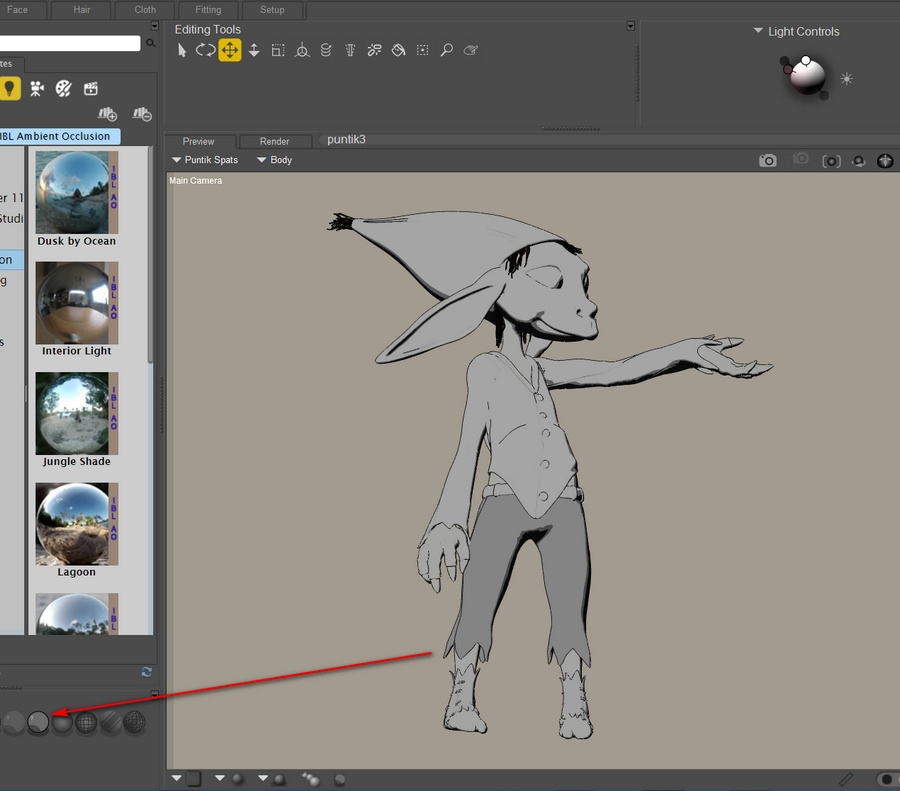
M4, V4, Hiro 4 and Aiko 4 base figures, currently on the DAZ Store for $6 in the Black Friday sale. They’re in the “Anime Manga Starter Bundle”. Also, the ++ morphs packs are over in the Victoria 4.2 Starter Bundle and Michael 4 Starter Bundle, both $5 each. Also down at $5 is the M4/V4 Creature Creator Bundle.
Category Archives: Poser
News on Poser 11.3
A new official post today on “What’s planned for Poser Pro 11.3?”. The gist of it is…
* Wizards, to help ensure that your render settings are efficiently set up.
* In-software help for newbies to install new content in the runtime.
* The L’Homme male character, as a partner for the new flagship female La Femme.
* Improvements to the clothing fitting tools.
* “You’ll be able to buy Poser on DVD through Amazon” before Christmas.
* A key maker of the early Poser software, Larry Weinberg, has returned as a senior developer on Poser.
Sounds good, and the DVD will be good news for those in places such as the wilds of Australia or Canada with slow broadband or only metered connectivity. Good for gifting, too.
On the new render Wizards, I’d suggest that the Sketch Designer render Wizard should offer a one-click button to… “Turn off all sketching into the scene’s Background”. Since that’s the thing that either makes Sketch rendering very slow and/or crashes Poser.
Black Friday: Poser Pro 11 for $164
Renderosity has just launched their 50% store-wide sale for Black Friday, so there’s a chance to get items that didn’t feature in the rolling 70% selected-vendor sales over the last month.
A few items are omitted, such as PhilC’s $30 Python for Poser manual. A pity, as I’d have gone for that at $15. I guess it was counted as “software” and thus not included.
Still, they managed to ding me for another final $15…
Even the Poser software itself is down in price, by a small amount. Poser Pro 11 is now $164 (was $199). Upgrades from $82.
The marketing text on the page is a bit weird. The software is prominently classified under “La Femme Pro – Female Poser Figure”, and the page text opens “Please go to PoserSoftware.com/store to download this free update for Poser 11 owners!”. That double-confusion is likely enough to make newbies back off, wondering if the page is actually selling the software itself or not. But the price shows it to be Poser Pro 11.
Over at the DAZ Store they have 20% off Gift Cards, for one day only. My Wish List there is also still showing plenty of 50%-70% discounts, though nothing compelling at the low end. The Look at My Hair plugin and RSSY 3Delight to Iray Converter are both 50% off.
Black Friday 2019 – the round-up
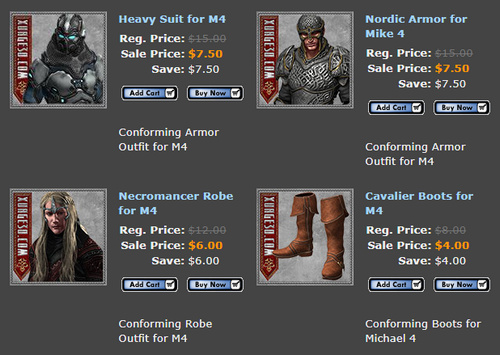
The DAZ Store and Xurge 3D, maker of top-quality armour and uniforms for M4 and V4.
Heavy discounts and a $59 ‘all-you-can-download lifetime offer’, at Teknology3d. Sadly they have a new-look site and my old log-in from a few years ago no longer works.
A small sale at Hivewire including AniBlocks for the HiveWire House Cat. Also ‘Ants of the World’ for Poser, which I don’t think I knew even existed. They can presumably be scaled up into house-sized 1950s atomic-mutant ants…
CGTrader has lots of 30-50% off items (but keep in mind that they add local Sales Tax at the Checkout!):
Poser & DAZ | Sort by Lowest Price
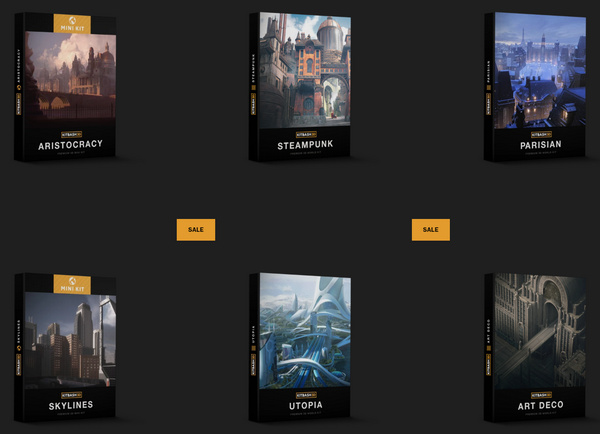
KitBash3d has 50% off its store.
The XFrog store has 60% off. Contrary to the name, they make quality realistic 3D trees and plants not frogs.
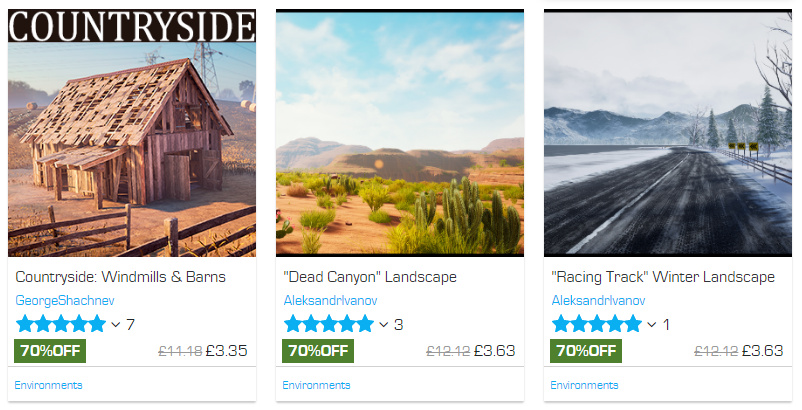
An “up to 70%” sale on around 5,000 game assets in the Unreal Marketplace. There may well be some stuff that can be got out to .OBJ, of interest to those who need large lightweight landscapes done in geometry rather than as domes / backdrops.
And “up to 50% off” at the similar Unity store. The Diesel machines constructor kitbash kit apparently has 220 items, for instance.
No sign of anything happening at the ArtStation store.
GarageFarm.NET has “up to 40% extra” render credits for its render farm. They support Vue 2015 and 2016, but not the new subscription Vue.
The similar RebusFarm also has extra render credits.
Blambot comics lettering fonts have a 30% off Cyber Monday sale coming up. No sign of anything happening at ComicCraft.
Slight discounting on PzDB with 1.2 down to $32. Highly recommended if you have a huge Poser runtime.
Corel has 15% off Corel Painter 2019.
Serif / Affinity has 30% off its budget “Adobe-killer” products, including Publisher and Designer.
Marvelous Designer’s “personal perpetual” licences are reduced to $340 until 31st December.
No signs of any movement on the price of Comic Life 3 or JitBit Macro. But Clip Studio Paint is now 50% off. Keep in mind that only the EX version has multi-page support, and that Comic Life has multi-page and is far easier to use.
And lastly, completely free… the new Krita 4.2.8! Krita is also good for comics production, if you jiggle it a bit.
If you’ve found this and other recent posts useful, please consider supporting me on Patreon. Thanks!
Updated script – ReplaceTexture
I’ve just spotted that Semicharm’s free Poser script ReplaceTexture V1.1 had a May 2019 update. Now works with older versions of Poser.
Just a few easy in-situ clicks to replace a texture and all instances of it, with the option to shift Gamma too.
Not sure that it works with Poser 11, though. It doesn’t give errors in Poser 11, but it only lists one material on a selected character rather than the expected enormous list.
Daedalus Sky Mercenary
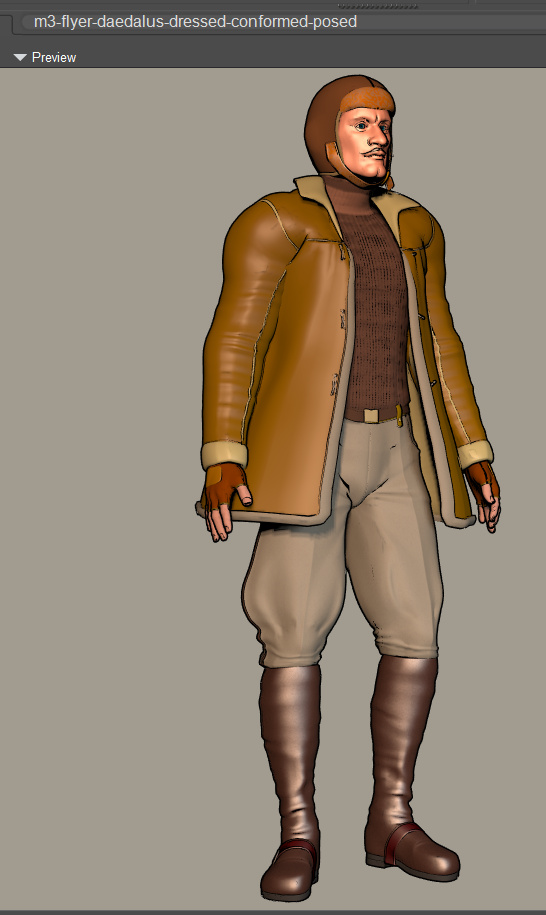
I’ve had time to toon-test a recent purchase, the Daedalus Sky Mercenary for M3. Picked up for $3 from the DAZ Sale.
It all worked fine except for the inner uniform-jacket, which has un-solveable problems at the neck on even a standard t-posed M3. Possibly it was made for an earlier version of M3? Or for an M3 with a particular set of morphs applied? I replaced it with a sweater from the UziliteM3 BAM set, and did the “apply the b&w bump map to the diffuse” trick to lighten it up and show ribbing in Preview. Standard Poser 11 “Basic Materials” were dropped on the trousers and boots, these being linen and leather, so it looks better in real-time Preview. Predatron’s M4 Max Muscles mustache was added as a final touch, also picked up for $3 in the sale.
Still in need of an inner waistcoat, and a lot more optimisation of materials for Comic Book Preview mode.
Some useful tips when searching for steampunk menswear: the Americans call a waistcoat a “vest”, a jumper a “sweater”, and trousers “pants”. Similarly, “mustache” and “moustache” are easily confused.
Dante78 70% sale
It’s the Dante78 70% sale at Renderosity. While you may think that your bulging Runtime can’t take any more medieval stuff, this is top quality and the prices are very low.
Advice from FSMCDesigns on the forums for DAZ users of these Poser models, re: iRay rendering of these in DAZ Studio…
With Dante78 products, turn down the Specular and change the color in the Diffuse channel to white” for iRay.
How to easily combine and merge selected sub-folders in Windows
Problem: You have a massive .ZIP or .RAR file, perhaps an old archive of Poser content you archived a decade or more ago. It has a structure that looks like this:
MyAmazingContent1
| Runtime
|Textures
|Libraries
|Geometries
MyAmazingContent2
| Runtime
|Textures
|Libraries
|Geometries
MyAmazingContent3
| Runtime
|Textures
|Libraries
|Geometries
What you want to do: You want to extract just the sub-folders named “Runtime”, combining them into a single new folder named Runtime, while keeping their lower directory structure intact-but-merged. Because that’s what you’re going to need to do, to merge them back into your main Poser Runtime folder and thus make them usable.
The solution: It can be done quite simply in Windows, and without freeware or command-line code or PowerShells. And without several-hundred tedious manual click-copy-merge operations.
1. First, simply extract the entire .ZIP file. (Don’t waste time messing around with tricky command-line controls for the like of 7-Zip and WinRAR, trying to extract just the Runtime folders. You may be able to do that, but you won’t also get the merged sub-folder structure you want).
2. Now open the resulting extracted folder with the standard Windows Explorer. Add there a new empty sub-directory called Runtime, as a newly added folder among all the extracted folders. We’ll be using it a few steps later.
3. Now use Windows Explorer to keyword search inside your huge extracted mega-folder for the word “Runtime”. A huge list of sub-folders will appear as the search results…
4. Shift-click and scroll on these found Runtime folders to select them all. Then right-click and copy-paste them into the top level of your newly extracted folder. NOT directly into the new Runtime sub-folder we just created. Windows 8’s mighty cyber-brain then spots the empty Runtime folder and thinks… “so that’s where all these same-name folders should go, ok let’s merge ’em all in!”
This method works and takes advantage of an auto-merge feature in Windows, which many Poser folks used to manually dealing with installing to runtimes will be aware of. If you copy-paste a folder with the same name, it merges without any fuss. Thus, in this case, your 250+ Runtime folders become one, while retaining their sub-folder structure…
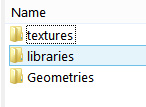
| Runtime
|Textures
|Libraries
|Geometries
All our Runtime folders are now nicely amalgamated, and ready for a final check and then to be copy-merged in the same way into the main Runtime used by Poser.
Just note that those still on Windows 7 may get a prompt about merging. On Windows 8, you won’t, it’ll just go ahead and do it. I’ve no idea about Windows 10, but I assume it behaves much the same as Windows 8.
New DAZ and Poser items for November 2019
My blog’s last monthly survey of new DAZ/Poser content was 27th October. I’m conscious that Black Friday is coming soon, and I don’t want to collide too closely with that. So… here’s a slightly earlier-than-usual survey-pick of November 2019’s newly released store items and freebies. As usual freebies are only covered if they’re commercial use.
Science fiction:
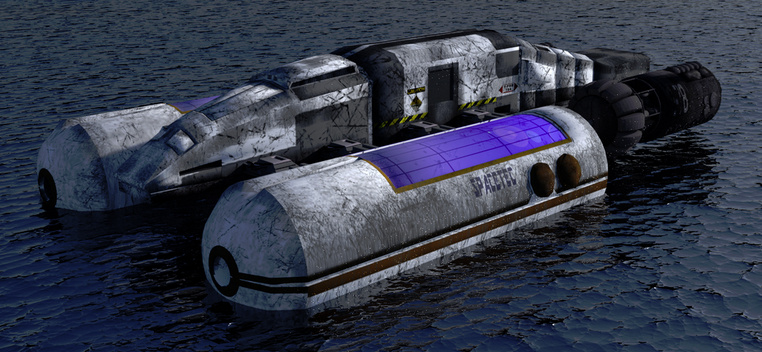
Astromaster. Nice, with a Star Trek vibe but not fan-art.
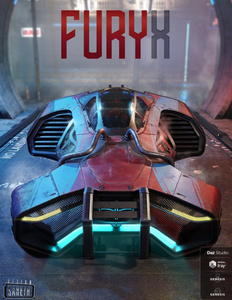
The FuryX future-car for DAZ Studio.
My Place for Poser and Daz Studio, an unusual sci-fi window scene. The dystopian distant scene could be easily replaced by something more likely at that level of technology.
Need more pipes for My Place? The new Flex Pipes set.
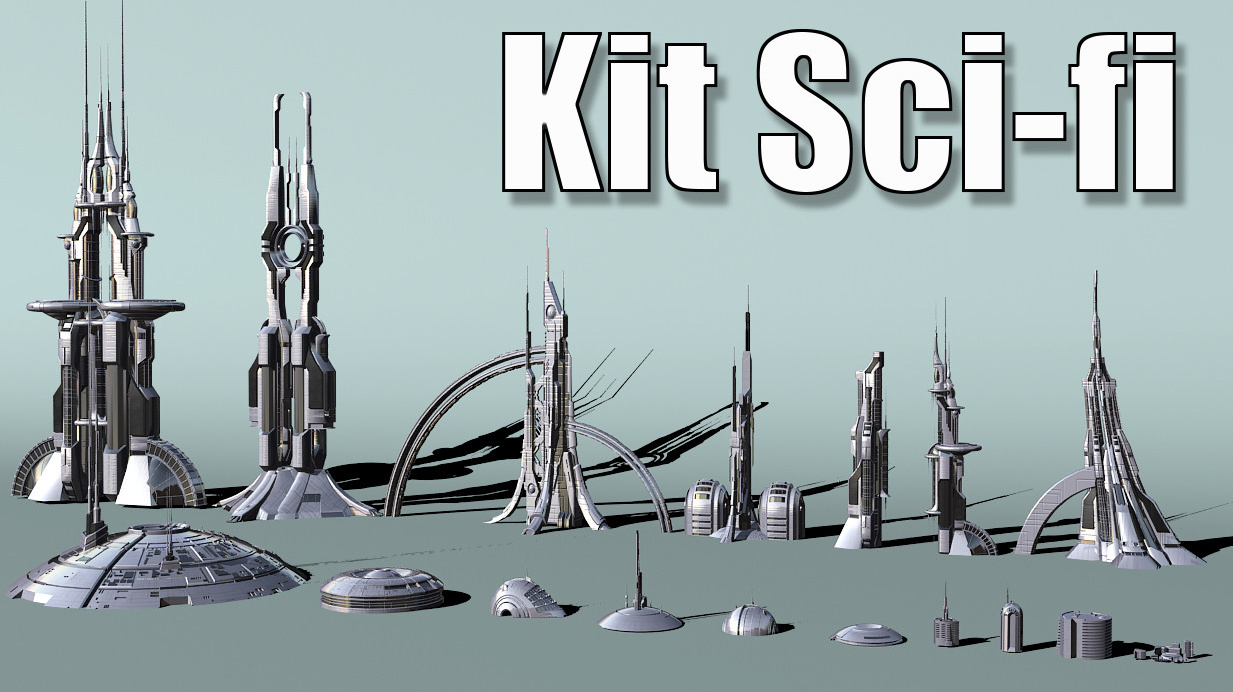
A cool sci-fi assets kit for a mere $10 from Jean-Francois Liesenborghs. Sadly only for 3DS Max, though.
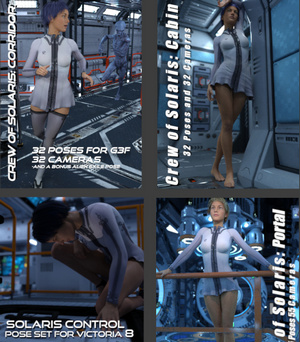
Crew of Solaris 2019 bundle. One of a growing series of pose bundles targetted at popular DAZ Store sci-fi ships and vehicles.
Note that Predatron also has four of his own Solaris pose sets on the DAZ Store, though only for Genesis 8 Male.
Vanguard IV for Poser, a Thunderbirds-style car which kind-of recalls the old Gerry Anderson supercars. But, so far as I can tell, it isn’t fan-art.
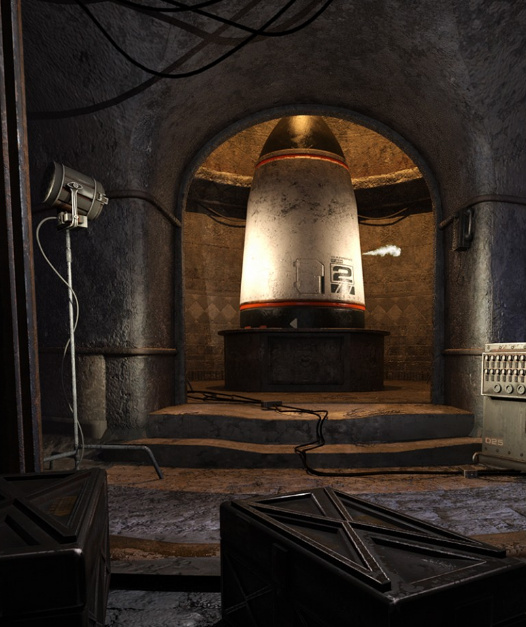
A Planet of the Apes style Underground War Room with doomsday warhead. Again, not close enough to be fan-art.
Steampunk:
Steampunk Classic for Genesis 8 Male.
At The Helm poses, a free set for G8 and a recent airship model.
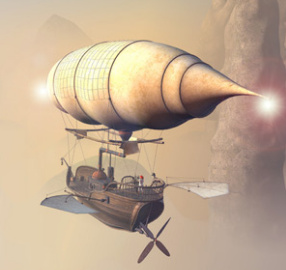
Merchant Airship for Daz Studio by 1971s. 1971s is getting his large Poser range converted for iRay materials, and has some others already converted.
Victorian Microscopy set.
The Raypunk Santa for Poser, being Santa in a steampunk spacesuit. From Meshbox, and now also on Renderosity.
Free Bus Poses for G3 & G8 for the Maxis Bus.
Dieselpunk:
A free Wedell Williams Model 44 Air racer for DAZ Studio. A nice classic late-1930s racing plane for your dieselpunk scenes.
And a free Vintage Style Hanger for DAZ Studio to go with the plane. There’s even a free pilot pose.
A 1920s/30s SW LadySmith revolver.
Mafia Environment Bundle for DAZ Studio and a Vintage Slot Machine from the same era.
Halloween:
A few late Halloween items which I didn’t catch on my last survey.
The Obelisk for DAZ Studio with iRay. An adaptable eldritch marker, for free.
Highly detailed Vampire coffin suited to close-ups.
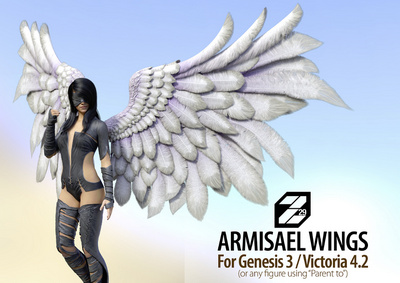
Fleshy Demon Wings for Genesis 3 and Genesis 8. 45 morphs, and judging by the previews they can be somewhat folded up at the back.
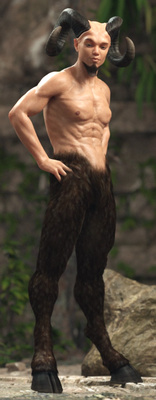
Satyr with dForce Hair for Genesis 8 Male. Not thick enough on the thighs for a classical faun, but that’s likely fixed with a few tweaks.
Storybook:
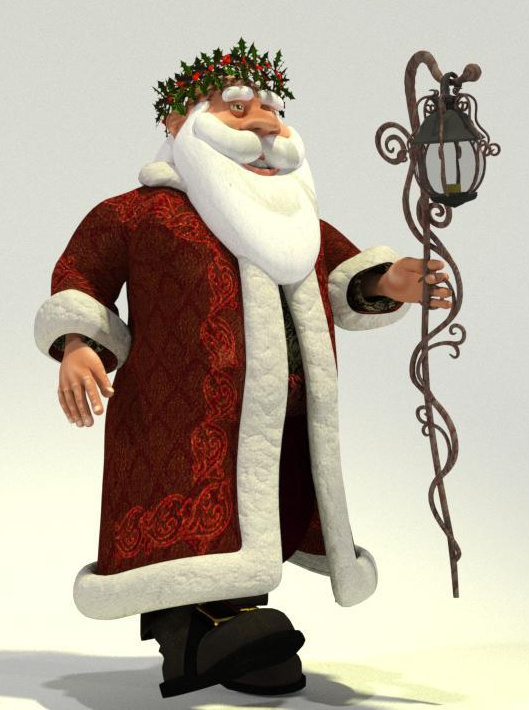
Father Christmas for Poser. The Meshbox character, now on Renderosity. For an alternative staff, there’s also a Young Santa for Poser from Meshbox.
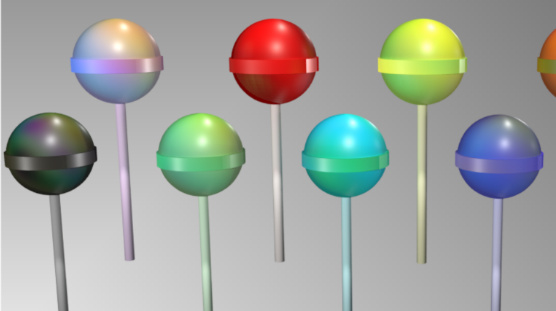
A free set of Colourful Lollipops for Poser.
Genesis 8 Young Child Pose – Baseball (a free G8 bat is here), and Grazed Knee pose. Both free for G8. BBarbs also has a new line in free toddler poses, which may be useful if your storybook is for very young children, or requires the star to have baby siblings.
Free Realistic Curtains, for DAZ Studio. Has wind morphs, but no ‘draw-up the stage-curtain’ morphs. But you could simply raise the curtain behind a hidden facade, to make it a dark-red front curtain for a puppet-theatre stage etc.
Landscapes and scenes:
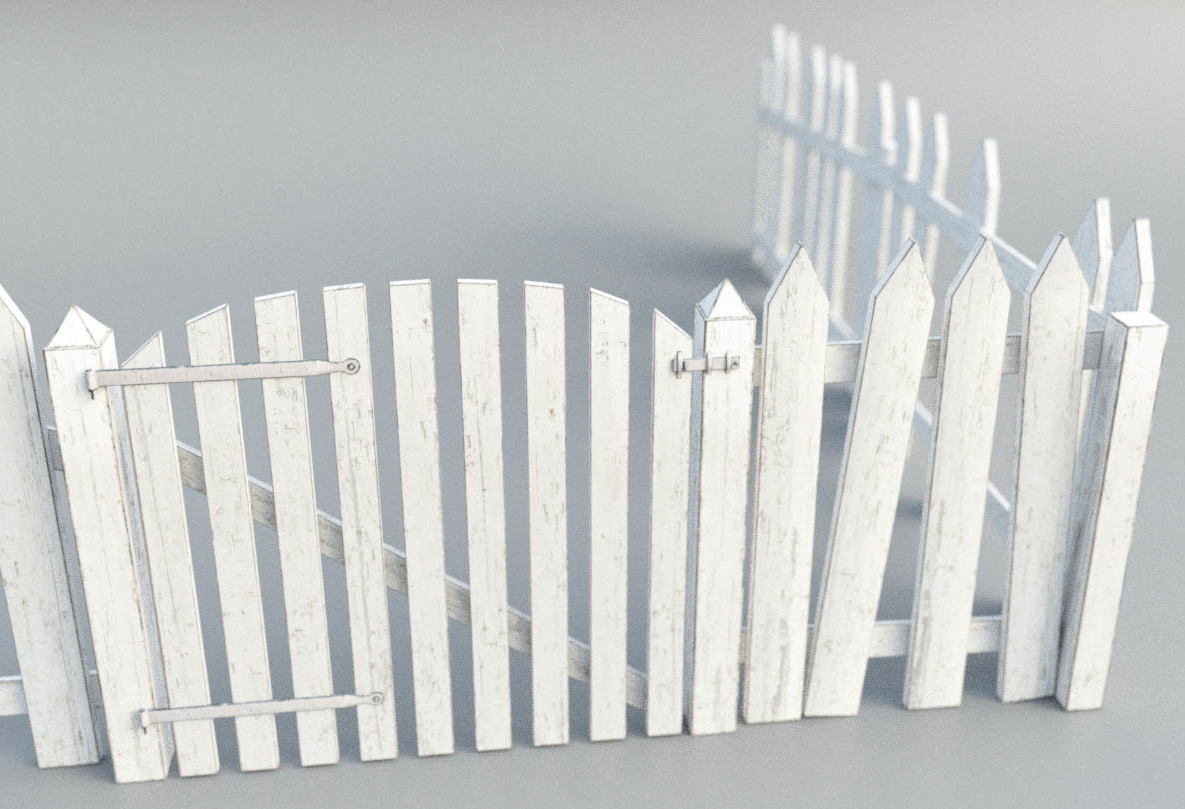
A simple Picket Fence for Poser, with nice micro-detailing and HD textures for close-ups.
Flinks Snow Crystals for Poser and DAZ.
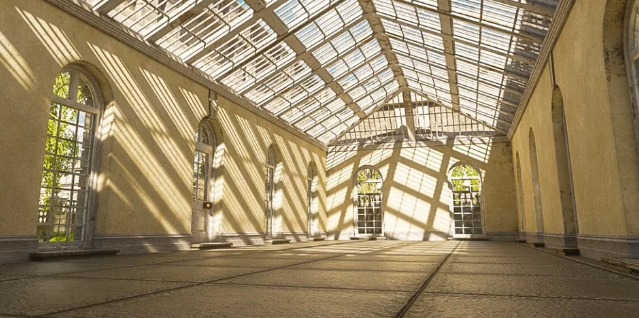
The Orangery. A classic British orangery, a large warm glasshouse for growing citrus fruit in the winter. Of course it could also be filled with Dr. Barmpot’s Barmy Bananas, for a more steampunkish setting.
Heavy haulage:
Need some heavy haulage across your landscapes? Have a look at these new items…
Peterbilt 281 1955. While there are trucks a-plenty elsewhere, often for free, this mid 1950s classic is nicely grunged up with plenty of highway mileage.
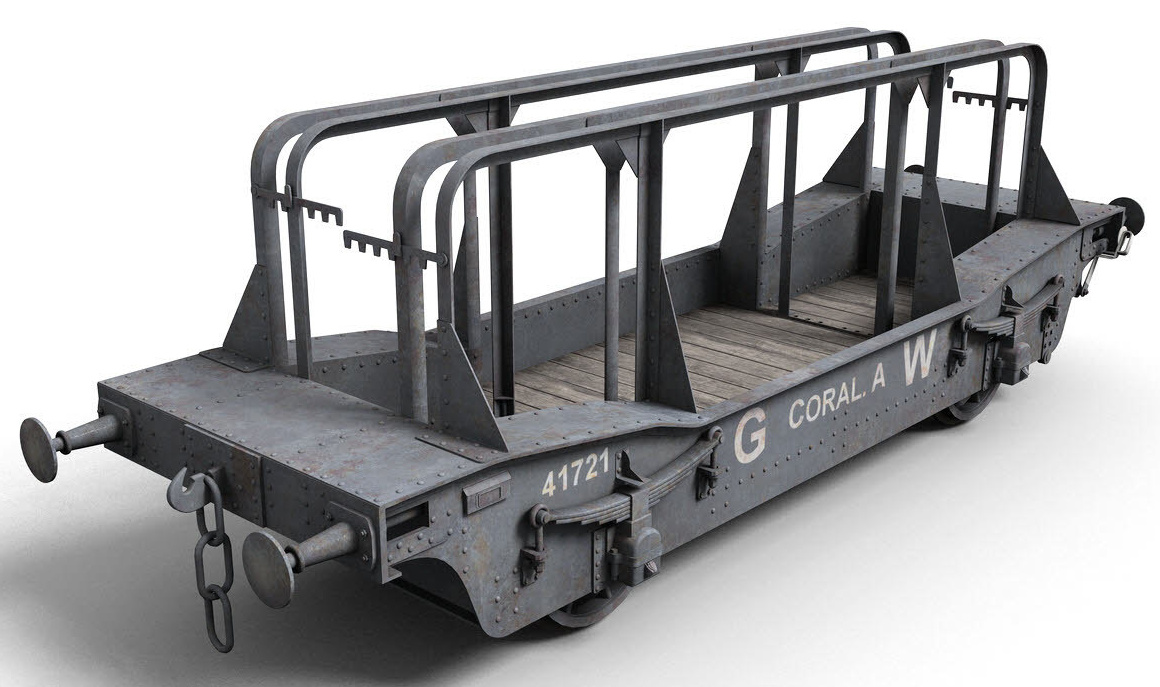
A finely detailed GWR Coral A Wagon, a heavy-load rail wagon from DryJack. Apparently intended for shipping plate-glass, but possibly also useful if you need to transport your special alien-destroying whizzbang to the launchpad.
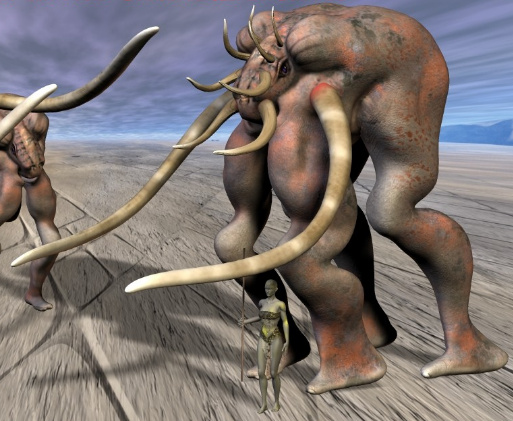
Carrier for Poser, a heavy-load carrier for your desert planet scenes, by Beckhausen. A bit bare on the legs, but Poser’s Hair Room could shaggify the lower legs fairly easily.
Animals:
Underwater Wonders for Poser. A variety of creatures and plants plus a scene-builder. Could be used to help populate the new v176 Iray Coral Reef.
CWRW Silver Stag for Poser and DAZ. Nice but it has a large list of dependencies, requiring HiveWire Horse, HiveWire Mule Deer Buck, and HiveWire Antler Pack.
History and prehistory:
The Colosseum. A complete Roman Arena.
The new Wild Journey Poses Part 1 and Part 2. Human G8 poses for battling wild animals hand-to-tooth, perhaps also useful for gladiator scenes in the Colosseum.
Pirates, All Aboard! Bundle for DAZ Studio. Looks like this has just about everything you’d need to make a pirate epic. Also available in a half dozen or so packs. You may also be wanting the new Photo Props: Wooden Barrels set.
Cave. A nice free stylised pirate-y cave in Bryce and .OBJ format.
A traditional South Sea Islands style dForce Tropical Leaf Outfit for Genesis 8 Male.
People and Animations:
Real Facial Animation for Genesis 8 Males and Females. Expensive but excellent. So far as I know, unique in being quality motion-capture for faces.
Free Fibermesh eyebrows for G8M, and beard stubble.
Utilities and tutorials:
Character Converter from Genesis 8 Male to Genesis 3 Male and Hair Converter from Genesis 8 Male to Genesis 3 Male.
DAZ to Blender 8 at Gumroad. Looks like the best current option, if all you want to do do is take G8 to Blender for sculpting.
FlowScape Tutorial with the maker of this great new $10 landscape software.
That’s it, more pick next month!
RTX for Poser?
News today…
“Nvidia has announced NVIDIA Studio Driver that supports RTX-accelerated ray tracing in … Blender Cycles …”
Interesting. Poser runs Blender Cycles under the name “SuperFly”, so I can imagine a Poser 12 that plugs in the latest RTX-supporting version of Cycles… and thus supports RTX graphics cards? Or would it be automatically detected as being Cycles, and supported, if the correct NVIDIA Studio Driver was installed?
DAZ Studio already supports RTX.
Cartoon w/ Line for hard shadows
In Poser 11, the “Cartoon with Line” real-time display mode is another possible way of getting shadows. I’ve usually avoided using it as a shadows layer, because it doesn’t handle eyes or transparency well (e.g. trans-mapped eyelashes appear as oblong blocks), even though it can be rendered to a Preview render in a fraction of a second. But then I wondered… can its problems be lessened in Photoshop, if the layer-blending is subtle and if I find the right blend-mode?
As you can see here, in Photoshop it can be made to blend nicely into my new Poser custom Sketch preset (‘Flat Oils’ at 1800px, flattening and ‘painting-erizing’ while retaining most detail), and it provides shadows that look like part of the artwork. They are also colourised to match the base, while retaining hardness (though a slight blur help them to blend in further). Laying and blending the ink lines from the Comic Book mode completes the hand-done effect, and adding to the hand-made feel is that the inks don’t quite fit the Sketch-rendered colour base layer.
So it’s another way of getting a ‘hard’ shadows layer, rather than a soft AO or similarly fuzzier shadows render. But note that one would need to manually erase trans-mapped sections, such as eye-lashes, or more likely just remove them entirely from the base model.
The light here is the un-altered “Dusk by Ocean” IBL AO light that ships with Poser 11.
Waves from Japan
My thanks to a friendly Poser user and comics producer in Japan, for telling me about the standard “Dusk by Ocean” IBL AO that ships with Poser 11.
As you can see here on this Mavka demo I threw together, this gives a subtly shadowed effect when using the real-time Comic Book Preview. Slightly akin to one of those padded plastic-vinyl ‘puffa-stickers’ collected by kids. But it doesn’t immediately scream ‘3D model’ to the viewer.
It’s very easy to apply, just two clicks. It seems at first glance to be a possible replacement for subtle blending-in of a shadows and/or AO layer using Photoshop, on certain types of de-grunged and somewhat pre-tooned characters. It works less well on a default character with grungy clothing and skin meant for Firefly.
Although one would ideally still want to have such a highlights layer for blending.
Along with the gamma-changing script that ships with Poser, which can be used to lighten-up dark grungy clothing textures, this seems like yet another piece in the puzzle of efficient comics production with Poser.
Dimension3D scripts – free Poser 11.2 fix available
If you run the latest Poser 11.2.x., there are a couple of third-party Poser scripts that won’t work because… “unexpected version of Poser”, or gnomic error-messages to that effect.
All my existing scripts worked fine after the 11.2.x. update, so I didn’t need to investigate a fix. But then last week I purchased Dimension3D’s $9 eXtended Access. I found it was one of the affected script utilities.
But I’m pleased to find that it’s now fixed. Poser wizard SnarlyGribbly has kindly created a small AVFix script. It’s available free at the Dutch PoserLounge site, and works fine. (That page and .zip are now also archived to Archive.org, for safekeeping).
The installation instructions for AVFix are clear and straightforward. To help jog my memory in future, I installed the fix to a folder named “Snarlygribbly – fix Poser 112 errors” rather than simply “Snarlygribbly” as suggested. The fix script still worked fine.
Once installed I… 1) run the AVFix once, then 2) start my new ‘XA – Toolbar’. I find the fix will also enable the launch of the ‘XA – Content Library’ in the same way, though I use PzDB these days. Dimension3D’s Extended Shader Manager does not need the fix. The fix is also said to cure the Reality plugin launch problem, and will presumably do until the new open-source Reality version arrives which supports Poser 11.2.x or higher.
I’ve updated my Python scripts for Poser 11 page, with a link to the fix.
OpenGL 4.2 to 4.5
News of U-Render for C4D started me wondering about making a possible move from my current OpenGL 4.2 to OpenGL 4.5. This led me to finally wrangle with upgrading my GPU’s native display drivers. I succeeded.
My obvious initial choice was to upgrade via the Windows Device Manager, but as usual it “knows nurthing…” about new driver updates. Better safe than sued.
But I found that AMD itself provides a handy auto-detection and drivers-download utility. This offered me a clean uninstall and an updated driver. A grindingly slow uninstall, download and update eventually took me from 2013 drivers, to much newer drivers from summer 2019.
Which all means that my GPU now runs OpenGL 4.5 (292 ext). Great.
I then tested the OpenGL Preview anti-aliasing and rendering in Poser 11.2, and it still runs fine under the updated version of OpenGL. As a side-effect I can now launch Blender 2.8, which I couldn’t before.
Apple Mac users are apparently forever stuck with OpenGL 4.1, since Apple is no longer supporting or updating it, and will abandon it altogether when they launch their new OS in Autumn/Fall 2020.
U-Render
Interesting news of a “really real-time” renderer for Cinema 4D, thus potentially interfacing with imported scene files from Poser. U-Render works on Cinema 4D R16 and upwards, is OpenGL 4.5-based and is GPU agnostic (Nvidia or AMD). Poser 11 Pro’s PoserFusion plugin supported Cinema 4D to R19. Thus it should be theoretically possible to import a Poser scene to C4D and have it render in real-time.
U-Render is somewhat affordable at $329 (currently with a 33% discount offer). In its latest 2019.11 version it newly supports volumetrics.
The only major drawback seems to be that U-Render is developed for the toxic tangle that is Windows 10. But there’s a 30-day free trial to test it — please comment here if you find you can actually get it running under Windows 8.1.x.
One wonders if this could be plugged more directly into a future Poser 12, too, perhaps as a $199 plugin.
Incidentally, if you’re inclined to ask “what version of OpenGL am I running”, then be very wary of installing the commonly-suggested GL View utility to find out. It will bring your PC to a grinding halt for two hours while it does its intense tests, and it cannot be halted no matter how many times you press Crtl + Alt + Del. The only way to kill it is to remove the power-cable and kill Windows. This makes it highly dangerous for most users. It’s not intended to be malware, but its aggressive system-hogging, and lack of asking user permissions or offer of slower probing, effectively make it so.
The far easier way is the portable freeware GPU Caps Viewer. This is very light on your PC and indeed takes just half a second to give you the answer. I’m on OpenGL 4.2.
Update: installing new GPU display drivers upgraded me to OpenGL 4.5.