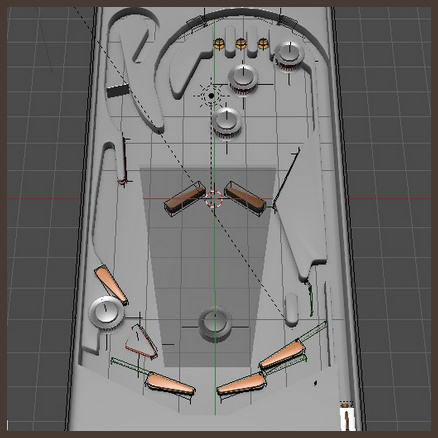
A free playable pinball table game, as a skin-able template for Blender. Creative Commons Attribution.
Update: the author of the .blend has been blocked, so the template can no longer be downloaded.
A free playable pinball table game, as a skin-able template for Blender. Creative Commons Attribution.
Update: the author of the .blend has been blocked, so the template can no longer be downloaded.
Google Nik Collection for Photoshop is now free. Personally I still prefer the older-but-similar plugin suite of tools called 55mm Digital Film Tools, but Nik can do all that 55mm does and a bit more.
“Starting March 24, 2016, the latest Nik Collection will be freely available to download: Analog Efex Pro, Color Efex Pro, Silver Efex Pro, Viveza, HDR Efex Pro, Sharpener Pro and Dfine. If you purchased the Nik Collection in 2016, you will receive a full refund, which we’ll automatically issue back to you in the coming days.”
Studio Ghibli’s former animation software Toonz is being made open source (100% free) from 26th March 2016. It has “the ability to combine the hand-drawn animation with the digitally painted ones seamlessly”. It was also used to make Futurama.
The current owners want to make it “a world standard for 2D animation”, hence it’s becoming a freebie. The new open version will be developed under the name of OpenToonz.
Check out especially the Plastic Tool, and think how one might use that with a Poser comic-book mode render to speed up comic book production. And “apply brushes along the line” on both raster and vector. Yum, this will be very interesting to explore.
More official training and features videos here.
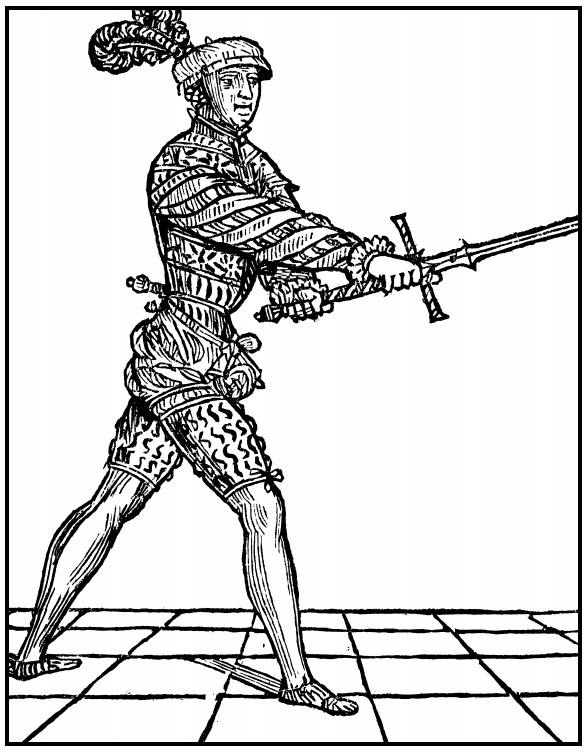
A useful old book, free online, Old Sword-Play. Lots of big pictures from primary sources, for those who want to recreate historical-authentic sword-fighting poses for Poser and DAZ Studio.
Are you using Poser and DAZ Studio to make comic strips or faux-vintage artwork? Then you may enjoy these new freebie halftone brushes for Photoshop CS6 and up. Hi-res, and cleared for commercial use.
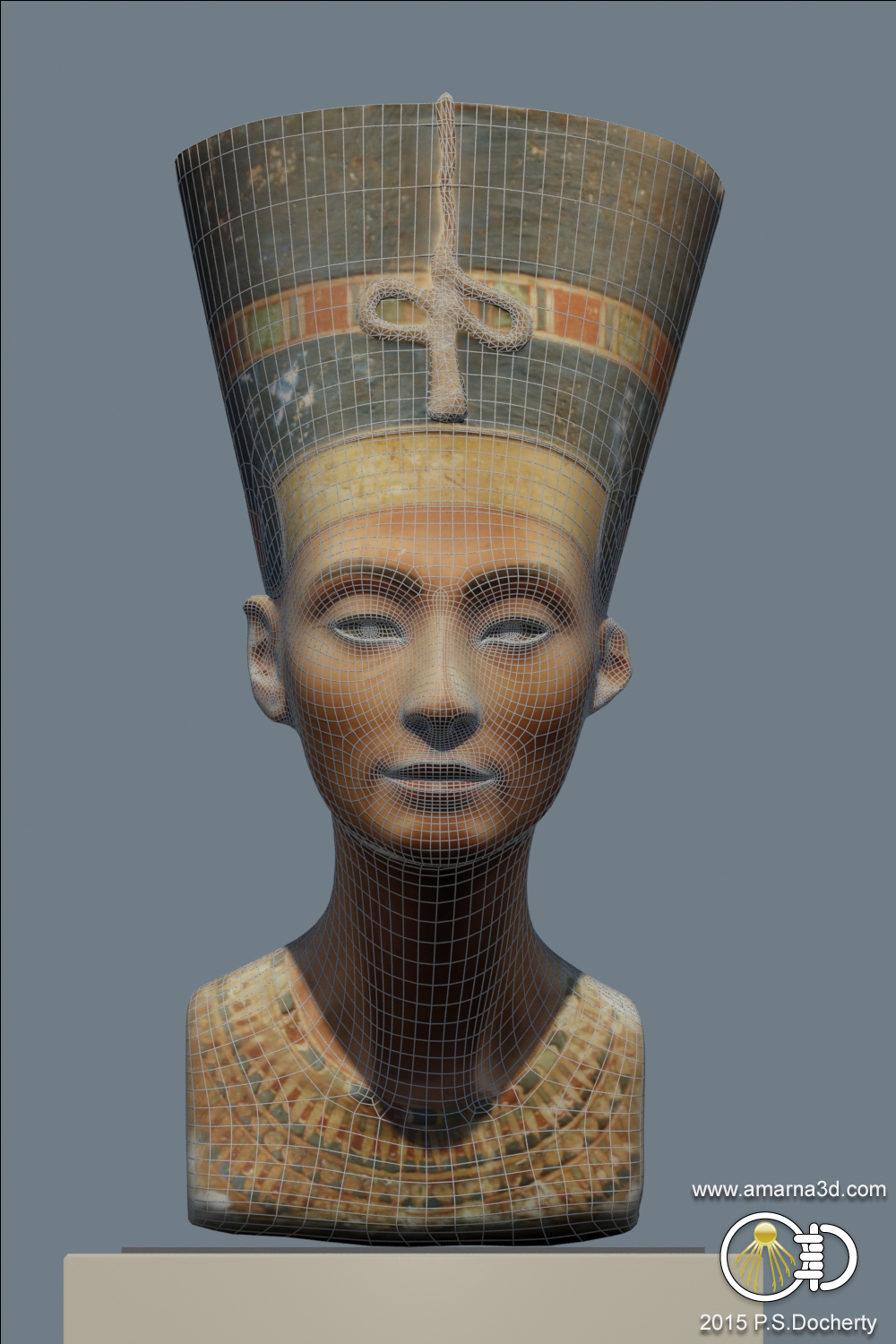
Historical 3D graphics consultant Paul S. Docherty has recreated the famous bust of Nefertiti (Ancient Egypt, c. 1340 BC) in hi-res 3D, using only a variety of public photos (“photogrammetry”). His detailed account of the process is here. The Swiss microengineering specialist C. Yamahata has duplicated Docherty’s process and kindly offers a free .obj for download.
Now online for free at YouTube, the recent 2-hour official Poser webinar on using Poser for making comics. There’s a very poor microphone being used by the initial tutor, but you can’t sniff at free + two hours long. You might want to start at 27:30 mins then loop back to the starting section later on, to avoid getting bogged down right away in the first 25 minutes of fiddly animation timeline wrangling.
Poser 11 is only just out recently, but here’s a list of the known packs of SuperFly shaders presets / materials presets, at January 2016:
* Node-god Seachnasaigh’s “misc Sfly MATs” pack. Including a very useful and fine glass preset in both plain and volumetrics versions. Make sure you get all his .zip files. Update: This appears to be one of the items which vanished with the demise of the RuntimeDNA store.
* 8 Speciality materials. Including glowing alien gloop! (free)
* Superfly Metals Basics (free)
* Glass pack. Just made for fun, not super-realistic. (free)
* D3D SuperFly Materials. Cloth, glass, metals, textures such as cork, settled snow. This is also labeled as a Merchant Resource. ($12)
* Zoe’s SuperFly Satin Shaders (free)
We’ll no doubt see more in 2016, since it’s fairly easy to port over the zillions of free Blender Cycles shaders into Poser 11.
Anyone reading this will probably also want the free EZSkin 3, which enables older SSS or more-complex DAZ SSS skin shaders to work in Poser 11 SuperFly, in just a few clicks.
Got some troublesome, flaky old SSS skin in Poser 11? Simply rub on a handy squirt of SnarlyGribbly’s EZSkin 3, and all your itchy skin problems are solved!
In a few clicks EZSkin 3 cooks up a neat little SuperFly and Firefly materials combo, using the original textures, and has your character’s skin looking right for rendering in Poser’s new SuperFly. SnarlyGribbly has kindly released it free as a robust beta, via Snarly’s Space: EZSkin. There’s also a ‘latest build’, if you want to trawl the thread on the official forums and scroll through to pinpoint the latest .zip for that.
Very simple to use, once you install:
1. You load EZSkin 3 and its set of Figure Definitions. These are found in the un-zipped folders…
For Poser 12 there are now two zips, and you need both for the presets and definitions.
In the definitions “DAZ Gen 4” = V4 / M4 / K4. These and many others are in the Figure definitions / Legacy figure defintions.defs file that ships with the script or can be found in the second download .zip file.
Poser’s flagship La Femme female figure is regrettably unsupported, but there is a third-party EZ Skin 3 Definitions for La Femme. Note also that the new La Femme figure has a different eye set-up.
2. Tell EZSkin 3 what the figure/character type is, if it can’t auto-detect that.
3. Select either Firefly or SuperFly rendering (the target renderer).
4. Click ‘Apply’.
5. Render.
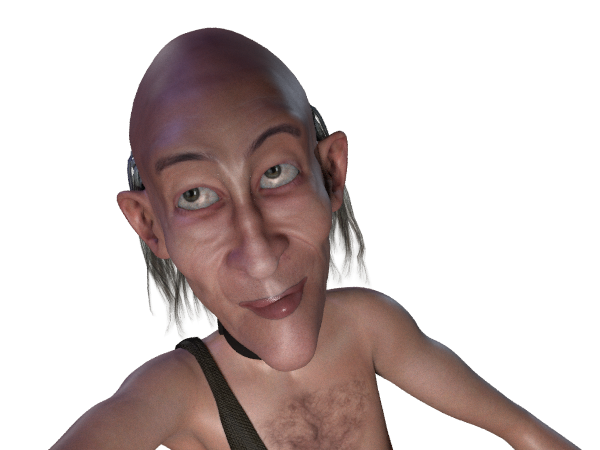
That’s it. Took about two seconds and four clicks for Dr. Pitterbill. Most popular figures are automatically supported for this, including the various DAZ Genesis variants.
Not working? It should not need AVfix, but that’s worth a try first. You may have an old EZSkin that requires it. You may also need to fiddle with EZskin a bit, for instance if it’s a V4 with a ‘Unsupported’ character and MAT already applied. Even then you may not have success. Ideally the vendor of the character will supply SuperFly materials.
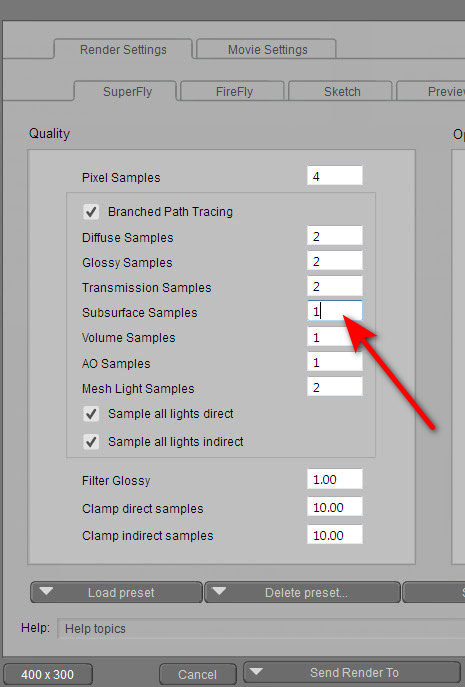
If you have the ‘black skin’ problem in renders, it may not be the Vendor. First check your SuperFly render preset. If Subsurface Samples is zero (often used for a very quick test render), then the skin will render black in SuperFly. Increase this setting to at least 1.
White eye pupils are fixed by going: Material Room | Pupil | Alternate Diffuse node | follow the wire to the Scatter node | turn colour there to a very dark grey. This does not apply to La Femme, which has a different eye setup.
Newly available for free on the Hathi Trust archive: Practical hints for art students (1910), a delightfully clear and abundantly-illustrated primer, from an era when the human figure and its posing and lighting were at the heart of art-school practice.

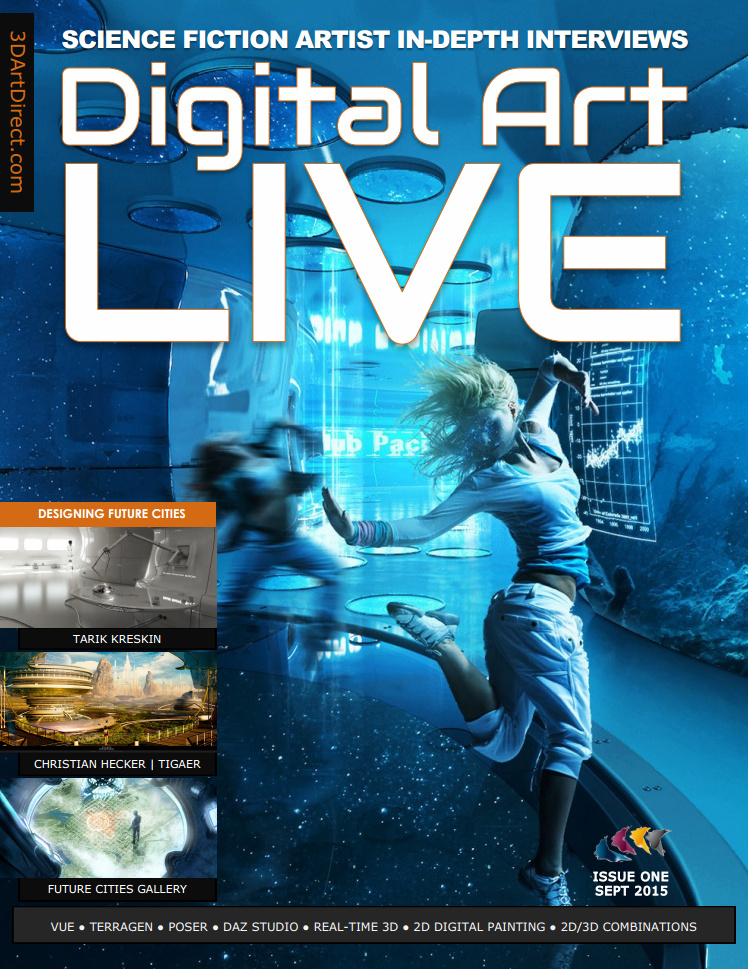
Available now, the free Digital Art Live, issue 4. 96 pages of in-depth interviews on the new advanced render-engines (Poser’s new SuperFly, plus the Octane and Reality plugins). Plus an in-depth 7,000-word review of Poser 11 Pro, and a concise survey of the best space sci-fi of 2015. Here’s a preview…


An Xmas Day present, found for readers, Dragon’s Breath has a free sci-fi outfit for Star! for Poser…

Want to test your new Superfly render engine in Poser 11? There’s a fabulous new freebie for V4 lovers. V4 Dryad conforming figure for Poser…
“Dryad is a new figure that works inside a standard V4 model. Combined with the V4 materials, it produces a unique character for all your fantasy/nature renders. Includes Dryad Conforming figure, and V4 leafy textures.”