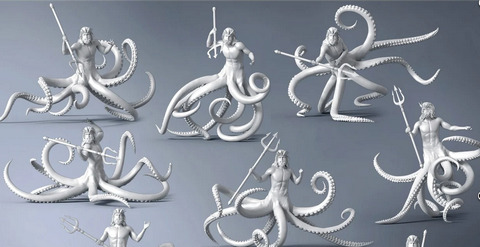
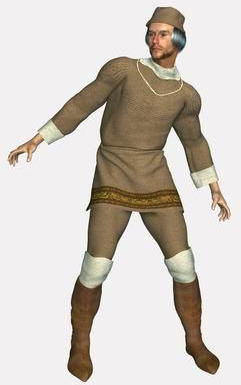
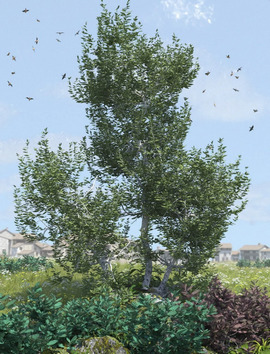
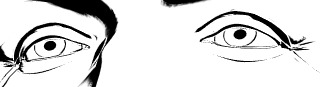
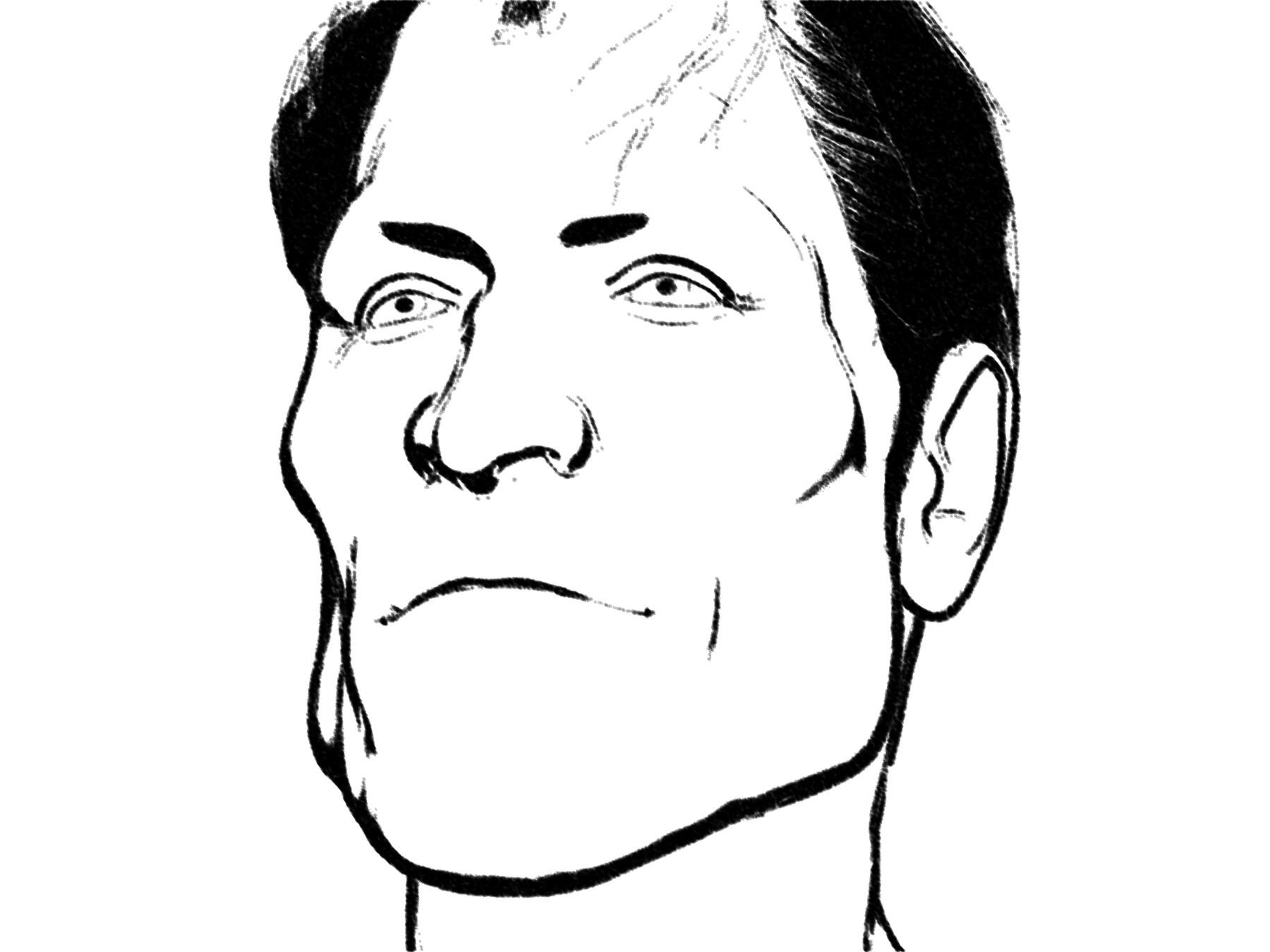
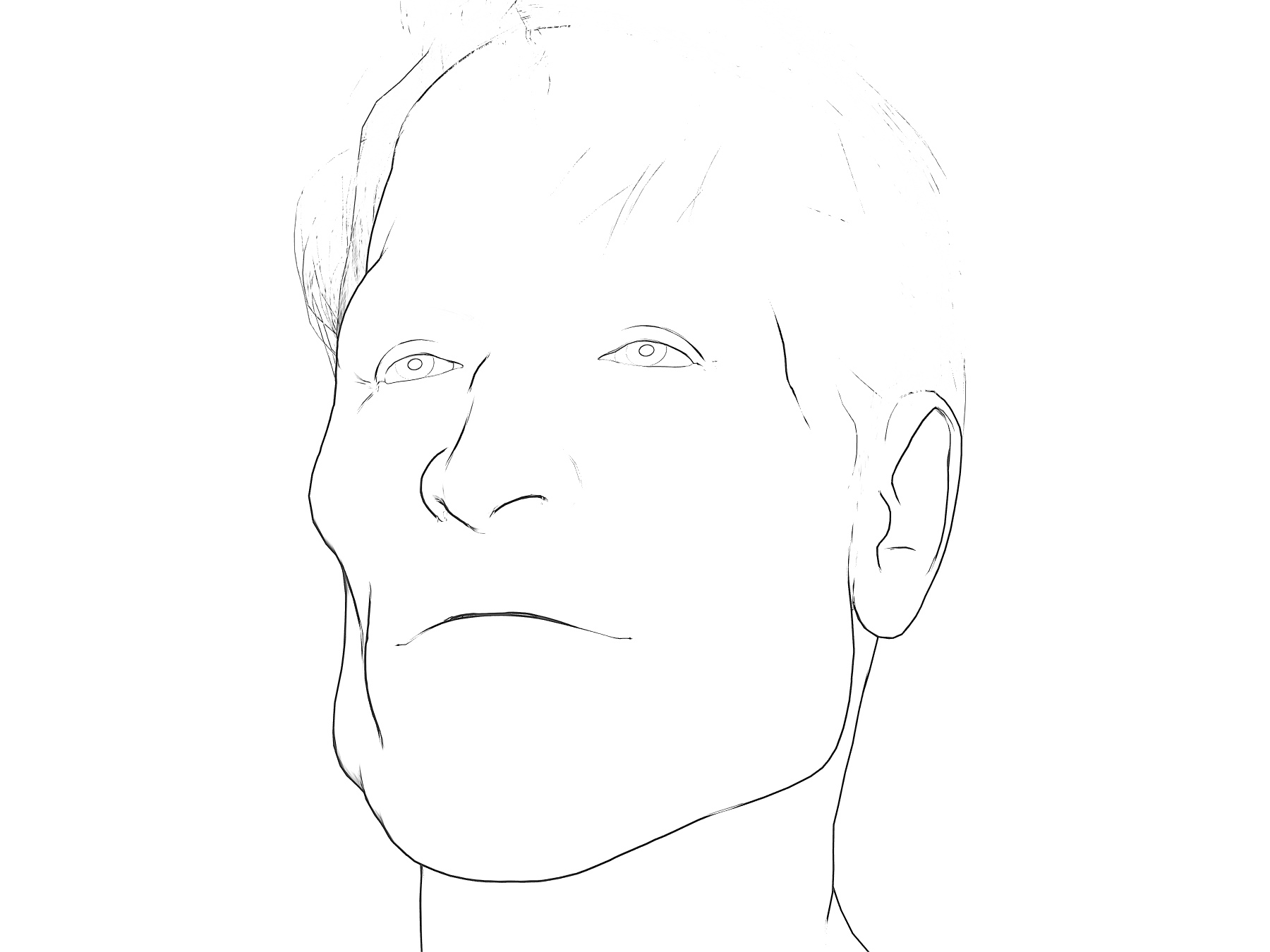
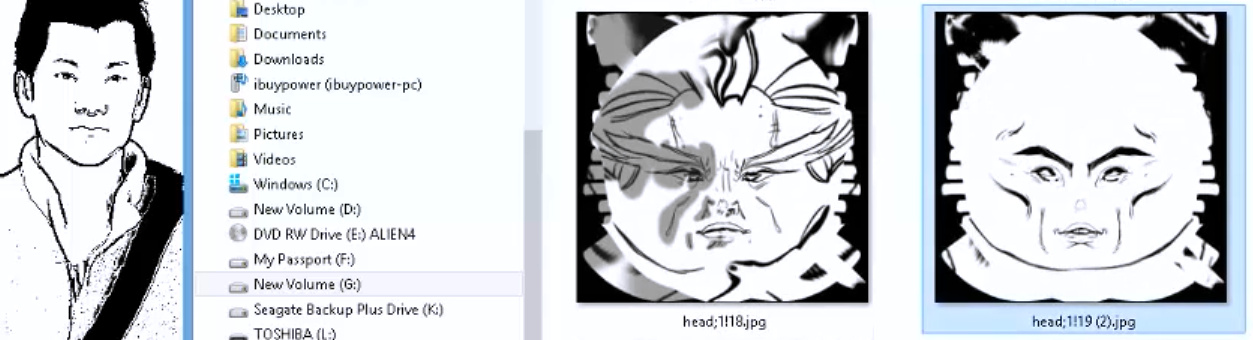
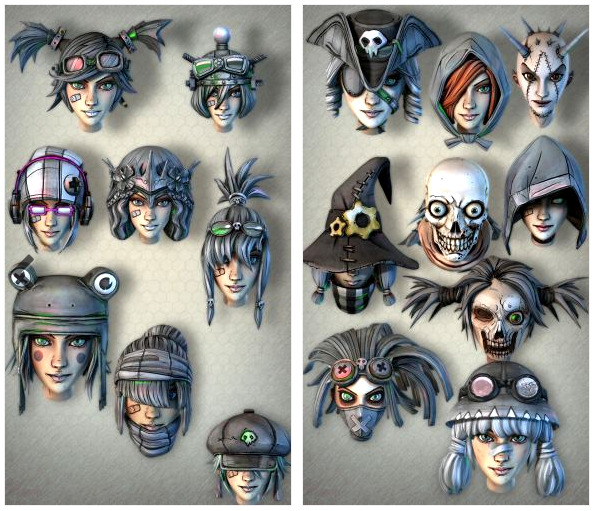
“Dragonspace (Poser props)” added to Freebie downloads, over on the Directory sidebar of this blog. I already recently linked his Logan’s Run fan-art freebies there.
Author Archives: jonahjameson
A new CC comic
There’s a new comic under Creative Commons Attribution ShareAlike, from the Czech Academy of Sciences. “When the Earth Quakes” is a 26-page comic designed to teach about earthquakes and seismic waves. It was crowd-funded among interested scientists who just wanted something to help with outreach and education. It’s in English, and the makers are interested in hearing from people who could translate/re-letter it into other languages.
FlowScape is back in the flow
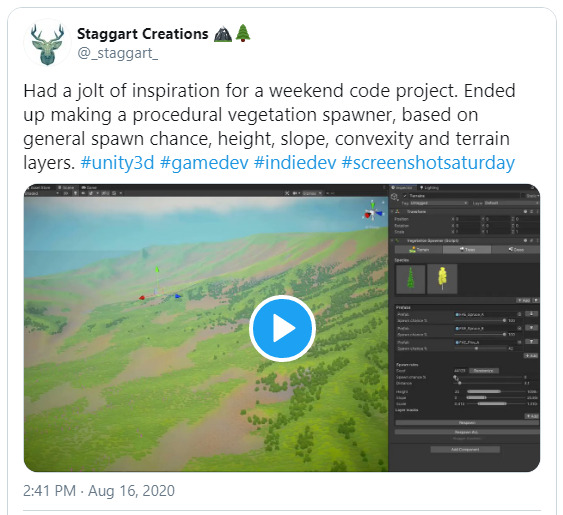
The development of the $10 FlowScape landscape-creation software is back on track, now that Australia is recovering from lockdown and the kids are back in the schools again. There’s a preview video of the next version of this real-time tool. Lots of new stuff for makers of isometric dungeons (think all those Diablo-like dungeon-crawler videogames) which though fun is presumably mostly for RPG makers. But also, later in the video, we see ‘flocking’ fish shoals underwater, fast auto-growing grass and ground-cover plants that automatically follow the terrain without any ‘painting’ being needed, while auto-culling happens on terrain slopes and hollows. Plus there’ll be a configurable “stick it where you want it” user interface.
Tutorial: Making billboards in Poser
Here’s my revival of a 2010 node-setup for Poser, originally by BagginsBill, and which has seemingly been lost in the 404 mists of the forums. However, it was rescued from oblivion by Infinity10. Infinity had first tried to build his own version in 2010 but, soon after seeing BagginsBill’s better version, built another variant and posted that as a screenshot. This screenshot has survived to 2020, lurking and little-visited in the Renderosity Galleries of all places. Sadly the screenshot lacked vital instructions about how and where to use it.
As you can see, I’ve rebuilt it and tested, and my 2020 screenshot adds guidance. It lets you drop in any square render, and with a few clicks you can mask out the background colour. Not quite as good as iClone, where you just drop a masked .PNG on the stage and it becomes a cutout billboard prop. But what follows is ‘as good as it gets’ in Poser 11.
1. You first load a “One Sided Square” to the Poser stage (Library | Poser 11 Content | Primitives | “One Sided Square”). Select it.
2. Now switch to the Material Room. Create the setup exactly as seen here. I have not re-named any nodes, except for the one under the loaded image. This is where you pick the background colour from, and as such it has been slightly re-named to serve as a user prompt.
3. The image to be loaded has to be square, whatever the shape of the item within that square. It appears from my tests that Firefly / Superfly do not play nicely with a re-sized “One Sided Square” prop, when it comes to rendering. Although a square image in the “One Sided Square” can be safely scaled up and down as a %, thus…
The two images used for this demo were 1200px and 1800px.
(Some may also want to slightly increase the Value_2 on the Math node connected to the main BUMP input, and also increase the strength of the BUMP, depending on your prop type).
4. The ideal background for a figure with eye whites is probably a green-screen colour, although bright-blue might also work as long as you have no blue on the figure. You can see on the screenshot where you pick the background colour to “knock out”. Click on the colour chip and you get a little eye-dropper tool and then you hover over the mini-image and pick its background colour.
For trees and plants it’s different. White may be best for green trees without white flowers, snow on branches etc. Or black, depending on how dark the tree-bark is. The process doesn’t work with .PNGs rendered by Poser with an alpha, since there’s no colour for the node setup to “grab” onto and knockout.
5. Ok, you got your node setup to work. Save the working setup as a prop to your Primitives folder, for future re-use and for making and saving variants. I suggest the name “Magic Billboard” which is easy to remember. Having such a magic prop means no need for an alpha channel mask. The chain of maths in the nodes is doing the required masking for you.
The path to the image is embedded in the saved prop, so make sure your called images are somewhere stable on your PC — like a dedicated folder down in your runtime. Move or delete the called image, and… the prop will break.
Rendering:
It’s not perfect in terms of rendering. There’s still a touch of green fringing. But it’s quick and such props are anyway likely to be in the far middle-distance or background.
Poser’s SuperFly and Preview render-engines each give a crisp render from this, and the real-time Preview even retains the mask on saving the render to .PNG. Sketch runs fine on such cutouts, interestingly.
The drawback here is that Firefly renders are noticeably fuzzy with this setup, and a green fringing is very noticeable. As yet I’ve been unable to find an additional node chain to add, which might better de-fringe. Possibly this fringing effect was why such a node setup did not catch on in a big way for Firefly users.
But… now we have Poser 11’s SuperFly, which does not have anywhere near the same fringing problem, though a green fringe is still present on some of the finer isolated hair-strands. I’d thus say this sort of prop is going to be most useful for the background of Superfly pictures where you want many people in you scene and they have eye-whites and white teeth etc. Which means you can’t have the node setup knock out white.
On a test of a tree on a white background, a Clamp (see middle node) setting of 1.0 rather than 3.0 removed most of the white fringing. The same trick did not work on bright green. However, there may be a better, fringe-free way for foliage/trees. Read on…
I also found another, somewhat later BagginsBill node setup from 2014. This allows some cool “Hue” tweaks that instantly make standard green trees into Autumn/Fall coloured, Winter coloured, or (by going to 2.25 or 3.00) into “alien planet” foliage. Here’s my 2020 rebuild of that…
We almost lose some definition on fine twigs with this, but also usefully lose the cutout fringing. The “Hue” tweak also opens up subtle effects that might make trees in a forest look a little different to each other, and also seem to fade out in colour as their ranks recede into the distance.
Regrettably this “no-fringe” node setup only works with white, meaning that it can’t be used with people due to their having eye-whites and teeth. Still, if you want to build a super-lightweight library for a forest, cliffscape, cityscape etc relatively quickly, here’s a way to do that. It could allow you to make a picture in one pass, rendering relatively fast.
Theoretically one could also use this “Magic Billboard” to build a re-usable set of comic billboards, done in the same style as the final comic, to provide quick scale-adjustable backgrounds. One might also “double-stack” for comics effects, for instance by precisely placing hand-drawn hatching line-art billboards (with knocked-out white) on top of Poser’s native real-time line-art. I think I’d rather do that by i) drawing new inked textures directly on character skins, or ii) using layers and brushes in graphics software. But you can see how the Magic Billboard could become a possible help for a comics maker — especially those who don’t want to fiddle around with getting and saving out an alpha-mask every time they need a quick billboard made. Because the node setup is giving you the alpha-mask automatically.
If you do want to take masked layers out to composite in Photoshop, there are various methods for getting a PNG render with a transparency mask, as discussed here. The gist of it is:
SuperFly -> Apply “Holdout” node to the main Surface node. GROUND should be visible.
Firefly -> Options -> Render over “Current BG Shader”. GROUND should be hidden.
Preview -> Mask is automatic. GROUND should be hidden.
Sketch -> Not possible, but you can turn off sketching into the background and only sketch into the figure/prop. To mask the sketch render later, also export a Preview render of the same character/prop in the same position, then use a selection of that as a mask in Photoshop etc. Exact registration of the two renders is usually not possible, due to the slight distorting of edges introduced by the Sketch effect.
Extra: A Renderosity forum answer, by hborre in August 2020, was about how to place renders onto 3D primitives. Which seems to relate to putting images on planes. This might be useful to someone in the future…
Prop scale and image resolution: Find out your image’s x- and y- pixel resolution first (i.e. 2000 X 1000). In Poser, set the x- and y- scale for your primitive to the same dimension, in this case, 2000% on the X- scale, 1000% on the Y- Scale. Import your image to the primitive. Then, on your overall scale for the primitive, dial in your desired size.
Python 2 to 3
Here are some links that may possibly useful as a quickstart for the Poser 11 to Poser 12 leap, and the need to tweak PoserPython scripts so they conform with Python version 3.
1. The official 2to3 – Automated Python 2 to 3 code translation.
2. Futurize calls in 2to3 and uses it to do automatic conversion of Poser 2 to Poser 3…
The futurize script passes Python 2 code through all the appropriate fixers to turn it into valid Python 3 code, and then adds __future__ and future package imports to re-enable compatibility with Python 2.
3. Python-Modernize also calls in 2to3 and uses it to make…
a very thin wrapper around lib2to3 to utilize it to make Python 2 code more modern with the intention of eventually porting it over to Python 3.
What breaks?
* It seems that the command print is handled differently in Python 3 scripts. So are strings. The way that iterated lists are done also seem to have changed. There’s a comparison page here.
* Standard library Python ‘packages’ or ‘modules’, of the sort called in by a simple name placed at the top of some scripts, have been moved or renamed or lower-cased. There’s a list on which Tkinter is now tkinter, and SimpleDialog is now tkinter.simpledialog. Tkinter is only relevant for Windows users, as Apple bans it from the Mac. It’s used in PoserPython to make user interfaces for scripts. I don’t recognise any of the others.
* Not only will Tkinter scripts need to have their in-script Tkinter ‘module call’ lower-cased to read tkinter, but on Poser 12 we may also have to download the latest Python and “then copy the tkinter directory, and the tcl8.6 and tk8.6 directories to the runtime/python/lib directory” of Poser 12.
* Some ‘packages’ or ‘modules’, of the sort seen being called in at the top of some scripts, have been dropped altogether from Python 3. Canvas and user are the only ones that look vaguely familiar to me from my looking at various PoserPython scripts. I’m not a ‘write it from scratch’ coder, just a code-hacker and tweaker and grafter who can bash something together and test it until it works. Proper coders may have more to add on the practicalities of getting a broken script from Python 2 to 3 — and thus to Poser 12. Possibly you might use an AI coding assistant.
* Apparently you can’t mix tabs and spaces in scripts, in version 3.
Poser2Blender
There’s a new 70-minute series on YouTube from Tony Vilters, Poser2Blender. It appears to be of use to figure-based content-makers, rather than those wanting to get a scene to Blender for NPR rendering. But there are also some interesting observations on how Poser exports .OBJs files for figures.
Free kitties!
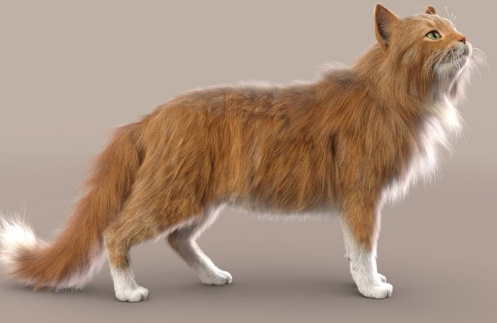
The “Poser 11 Pro for $80” offer has been rolled over for a fourth week, and now has six days left to run. Worth it, I would say, even if you only want the mega-bundle of free content. SAK Robokitty alone is worth $35. To be found in the ZLegacyContent_Poser-Cartoons.zip freebies and once installed is found hidden away under “Toys”.
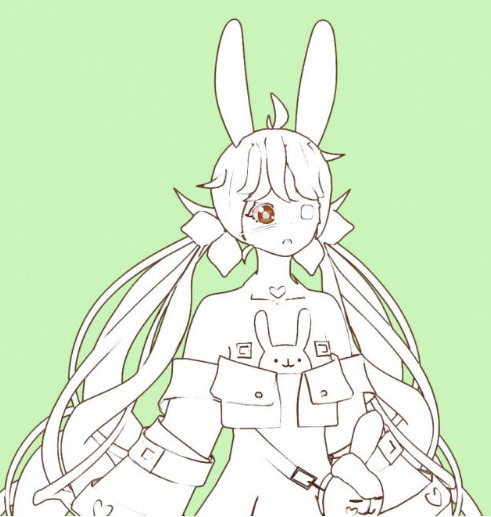
Not finished. Some additional manual inking, to fix bits of broken or missing lineart, would obviously be needed here.
Releases: AKVIS Decorator 8.0 and Charcoal 5.0
There’s some interesting movement from AKVIS, makers of rather over-priced but robust single-purpose graphics plugins.
1) Their AKVIS Decorator 8.0 is now finally ready for prime-time, having introduced a 3x speed boost with version 7.0 just before Christmas 2019, and their version 8.0 in early 2020 polished that up even further. It works as a Photoshop plugin and replaces clothing and wallpaper while retaining shadows, folds etc…
I’ve given the Photoshop plugin version a good test in PhotoLine, and it now works fine and fast, having previously been very slow. It can now take only seven seconds to replace a dress at 2400px, compared to many minutes before. Just remember to tweak your material scaling up to 150% or above, for a huge speed boost. The higher the scaling, the faster it runs.
2) Their AKVIS Charcoal 5.0, which I’ve not been impressed with in the past, now runs on a completely “new photo-to-drawing conversion algorithm” as of the new 5.0 (29th July 2020) version. A change which kind of confirms my feeling that previous versions were lacking something. Again, I’ve tested the latest version, since they have ten-day demos. As you’d expect from the name, it tries to convert your cute cat / boyfriend / selfie photo etc into a mixed charcoal/chalk drawing. It’s fast and on my test Poser comic-book render I found a few of the thirty or so presets that I could just about imagine making a stylised horror comic with. Most were too scribbly and the scribbles had no respect for the eyes, though, and did little better than the free G’MIC. AKVIS needs a “detect and partly protect the eyes” module in the algorithm, I’d suggest. Still, I was able to brew a pleasing custom preset fairly quickly…
…and I like the software far more than before. This picture is still sharp at the edges, because Charcoal was running on a masked PNG render. Provided you want heavily ‘smudged and gauzy’, with a little work it could give you a style that could work for a Halloween ghost tale. There may also be some potential for hatching into shadows, but I didn’t immediately see it other than in some promisingly-labelled sliders. Otherwise, for charcoal also look at the free G’MIC plugins before you spend $50 to buy this. The only drawback there is that, last time I heard, the G’MIC suite is for Krita, GIMP, Paint.NET… but not for Photoshop. G’MIC for Photoshop will likely happen, but it could be a while yet.
The cost is the main drawback with AKVIS, with each plugin costing around $50. $49 for Charcoal, and $54 for Decorator. And even at that price, neither are commercial-use and amazingly they’re feature-restricted unless you go for the even more expensive Business version. For example, the $49 standard version of Charcoal won’t let you select an earlier frame unless you have the $89 Business version.
It’ll be interesting to see if AKVIS Watercolor gets the overhaul treatment next, as the February 2020 changelog suggests it’s about where Decorator and Charcoal’s changelogs were a while back.
Release: latest U-Render is now in the C4D viewport
The real-time engine U-Render can now run in the Cinema 4D viewport. Just released, U-Render 2020.07.6 is a “really real-time” WYSIWYG render engine for Cinema 4D and runs on OpenGL. It costs around $350.
With 2020.07.6… “it is no longer necessary to install the Windows-only standalone renderer” as everything is integrated into Cinema 4D as “a viewport renderer, making it possible to see a live render directly within Cinema 4D”.
This change apparently also makes U-Render accessible to Mac users, at least for now — Apple is widely said to be set to ditch OpenGL entirely from Macs. However, Windows users should also note a problem — U-Render only appears to work on the toxic tangle that is Windows 10. Which means I can’t test it, even though there’s a demo available. But I wonder if the viewport integration has now solved this Windows problem for Windows 8.1 users?
All this is theoretically interesting to me as there’s still a way to get Poser 11 scenes to Cinema 4D, via the free PoserFusion plugin. That still works fine, for those who have the required bits to hand. The other question is, will the latest U-Render run in the older version of Cinema 4D required by PoserFusion (which was R19, when last heard about).
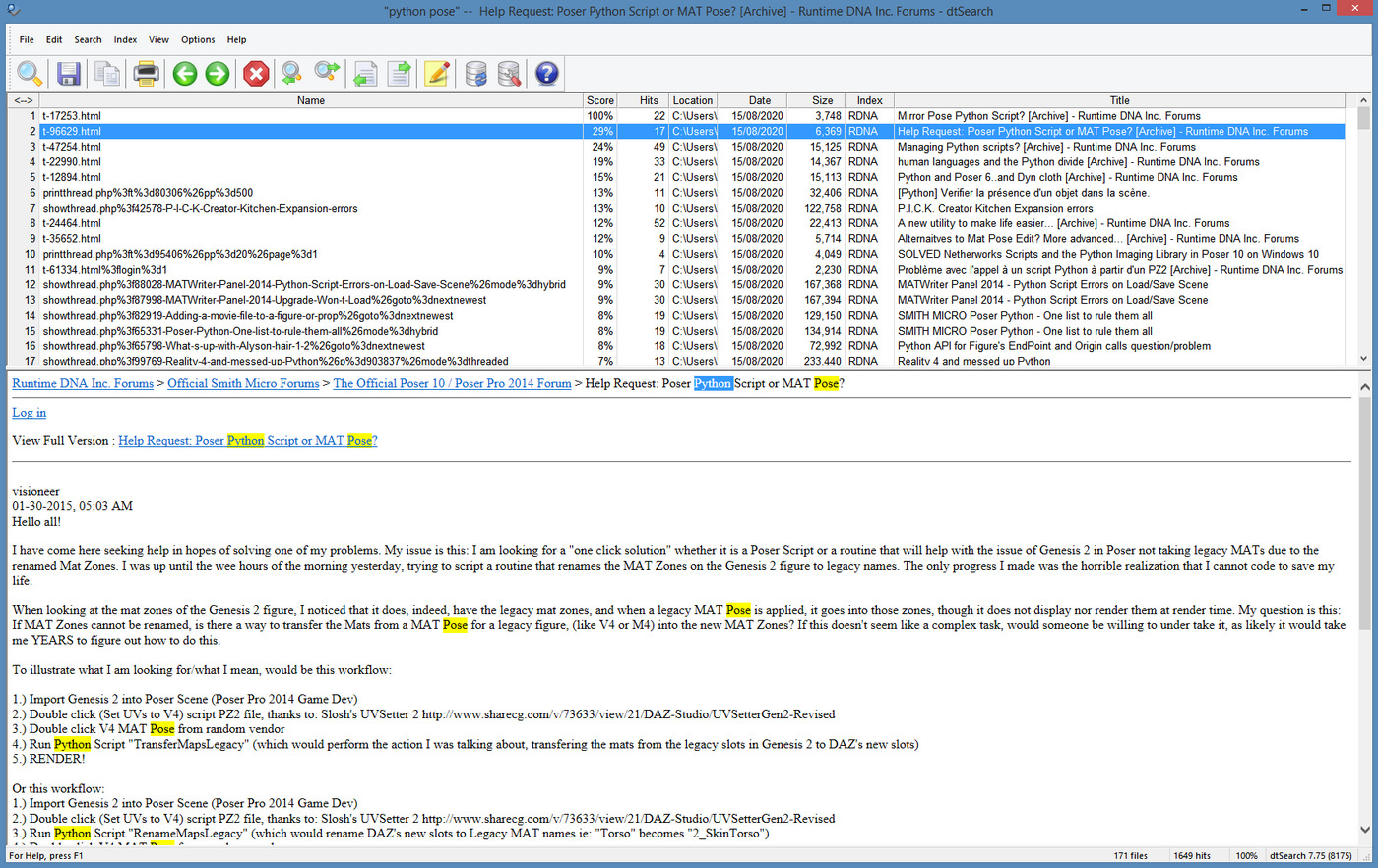
The other question is… how much extra the U-Render’s OpenGL real-time would actually add to an imported Poser scene… who knows? By that time the materials would have been through two conversion processes: Poser to C4D (automatic) and then C4D to U-Render (automatic). It might then be more trouble and cost than it’s worth to fiddle about for hours fixing skin and eyes and the like.
Still, if we could get a direct Poser 12 to U-Render plugin, ideally at a sub $100 price, that could be an interesting thing to have in terms of making Poser 12 work more like iClone. I haven’t heard anything about that happening, it’s just my complete guess. The less expensive route to WYSIWYG full-viewport real-time might be to plug some sort of stable ‘Eevee port’ from Blender into Poser 12. It would presumably be no use to ‘send Poser scene to Blender, for real-time display in Eevee’, since Blender is such a fast-moving target and the UI is still very daunting even now.
But judging by the recent call for Poser 12 beta-testers, it’s Unity that’ll be the real-time destination, not Blender. Unity is also free. It remains to be seen if Poser 12 users will be sent into a full “OMG, I have to learn to drive yet another nuclear submarine!” Unity UI, or into a “we’ve cunningly hidden all the complex bits” Poser-friendly Unity viewport.
BlendUp
Currently on a modest 30% sale at the Blender Marketplace, the third-party Sketch Style add-on for Blender. Basically, it can turn Blender into a sort of basic ‘home-brew SketchUp’ and $16 seems quite reasonable for that functionality. Especially as it’s apparently relatively easy to use…
You basically press a SINGLE button and BAMM! You’re ready to render. All the materials in your objects have just been overridden by the SKETCH STYLE material.
That’s what I like to hear from software. No need to fiddle around with nodes and Freestyle. Though the add-ons styles are rather CAD-ish and limited. Certainly far more limited than if you had SketchUp and undertook a thorough scouring of the Web looking for free Sketch Style presets…
Of course the problem with SketchUp is that it doesn’t play at all nicely with Poser or DAZ, which is why you won’t see any such bridges for that — despite the quite nice sketched-line and ink-wash effects that can be had from 3D in SketchUp. These quick and client-pleasing effects are why the architects use it.
Apparently there may be something like the Sketch Style add-on coming natively in a future Blender but, judging by the demo I’ve seen, it appears to be very early days on that.
BEER flows
BEER is now moving ahead again, having moved past the half-way point on its crowdfunding journey. BEER aims to make a relatively easy-to-use Blender plugin for stylised rendering output. That means render types that emulate hand-drawn and hand-painted art, ultimately. They’re now into week 8 of a 10 week development cycle, after a long period of fund-raising. The drooling masses want photo-real babes and few people are interested in arty rendering, so it appears to have been a long-haul for the BEER team. But to reach the half-way mark is a good sign. They hope that the other ten weeks of work can be input when BEER is fully funded at $20k. Instead of nodes, in BEER there are building blocks that make sense to artists…
BEER runs with NPR features as the building block of a material. Diffuse [basic material] is a feature, hatching is a feature, rim light is a feature. We stack these NPR features to make a final material.
DAZ/Poser content survey: June/July 2020
Time for another survey of new content for Poser and DAZ Studio, and also to see if there’s also anything interesting for Vue, Unity, Blender, Cartoon Animator and suchlike. The last such survey here was 15th June, so it’s been nearly eight weeks. What goodies have those weeks brought? Read on…
As usual, freebies are only covered here if they’re commercial use, or are such obvious fan-art (e.g. Star Trek) that no-one would accidentally slip them into a comic or suchlike.
Science-fiction:
Sci-Fi Abandoned Outpost and Sci-Fi Reactor Room.
Container Houses Set from 1971s.
Coflek-Gnorg’s free Vac U Bot.
A free Cyberchair.
Landtrak Explorer Transportation for Poser. Verging on the ridiculous, but at the same time believable.
Sci-Fi Industrial Complex for SketchUp.
Nibir Auditorium. I’m fairly sure this is a re-listing. But a good place to observe your herd of Elder Gods from.
GP Elder God HD. Definitely not a Lovecraftian Elder God, but a pretty good monster or alien herd-beast.
Steampunk:
A free Prohibition Corner. A 1930s gangster distillery, but also useful “clutter props” for a steampunk mad scientist lab.
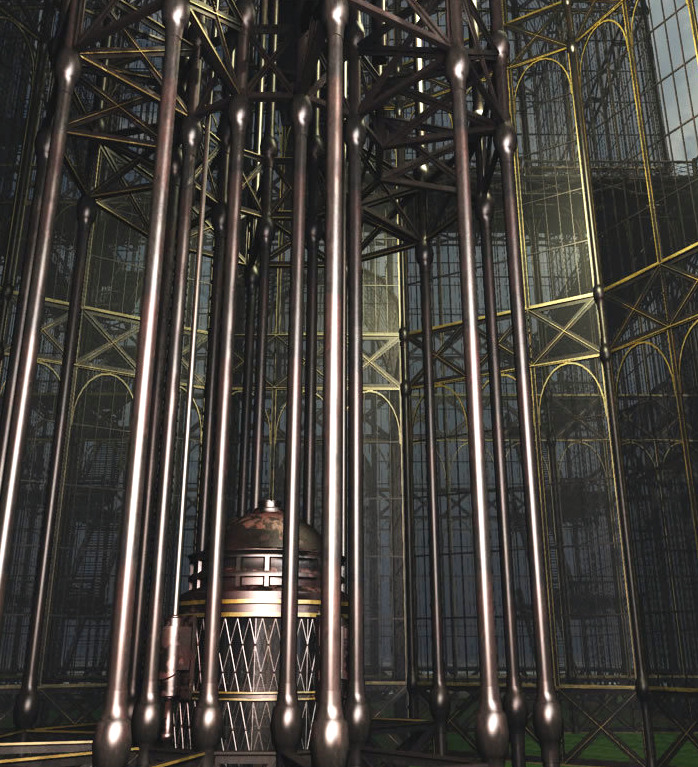
MS20F Tower of Time. Also available for Vue.
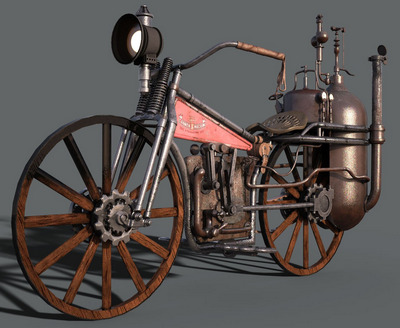
Mercer 1911 for Poser.
Toon:
Ronk Aednik. Gardening addons and a cute snail, for Nursoda’s Ronk. Also free from Nursoda, his Brom Blackberry.
Need strange alien intruders in Ronk’s garden? Alien Toon Plants for Unity. I have no idea if it’s possible to get these out of Unity and into Poser or DAZ, but they’re cute enough to try.
SVs Whimsical Mushrooms, now also for DAZ iRay.
A Moon Modern Bus Stop and bus, in a 60s retro toon style. See also the matching Moon Modern Astrial Glider and Moon Modern Skypads.
All Stars Prospector and All Stars Hunter for CrazyTalk Animator.
Poncho, a toon donkey for Poser and DAZ. Also has an animations pack.
Frogol HD which requires Bullwarg HD for Genesis 8 Male and you’ll probably also want Bullwarg’s Alternate Skins.
Gand for Hiro 3. Brother of Dody for Aiko 3.
A free Basic Pure Shader Pack for Poser. “Color shades are resourced from searches to make sure they were as pure as I could find.” These look like they might be useful for the Poser Comic Book mode. Open Source, so you can tinker and release your own variants.
EasyPose spring and hand for DAZ Studio.
Storybook:
HiveWire Unicorn for the HiveWire Horse.
DForce Moon Harlequin for G8F.
Free EA Balloons for G8F.
Historical:
A photoreal Railway Coaling Stage from DryJack. Also useful for mines, and perhaps for re-fuelling your giant steampunk airship.
Jacobean English Dining Table Set for DAZ Studio.
Architectural Glass Shader Presets for iRay.
Victorian and Edwardian Staffordshire-style tile pattern shaders.
The restored Poserworld store has the Anglo Saxon Warrior for Michael 3 back on sale again, and at a mere $5.
dForce Tundra Wanderer for Genesis 8 Male.
Oktoberfest Waitress for G8F, a Bavarian beer-cellar type outfit.
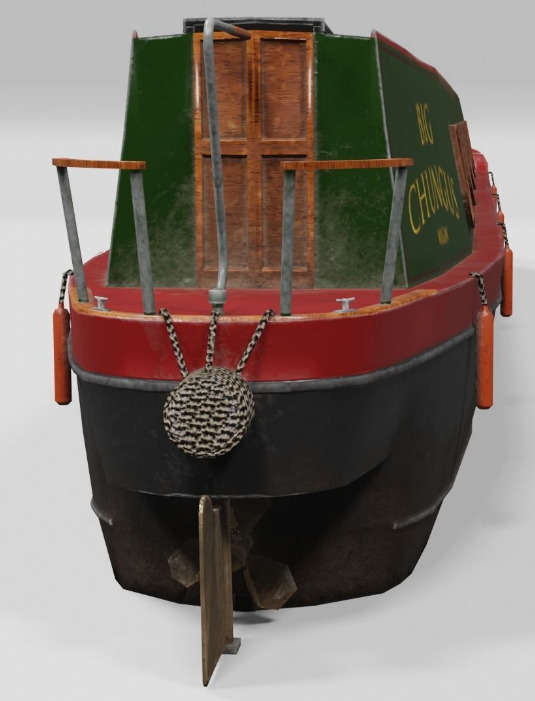
A free Deutscher Fischkutter (Small German fishing trawler) for Poser. And ze secret spy radio.
First World War listening platform. Because it was kind of useful to know when there was a fleet of Zeppelin airships on the way.
1930s Ford Rat Rod and Buggy for SketchUp.
MS20F Lost City in OBJ by London224.
Animals:
iREAL Animated Flocks of Birds.
Rainbow Trout Fish Model for Poser.
A prehistoric trilobite set for Unity.
Stylised Ice Age Rhinoceros in OBJ. Said to be “game-ready”, but no mention of being rigged. I guess game-makers want to rig their own way.
Gopher hills for Poser, with detailed spoil heaps.
Nature’s Wonders Beekeeping and Nature’s Wonders Bee. Need a place for your beehives? Simply Grass – Grass Plants and Clumps.
Cockatoos of the World and there are also three other packs.
Appaloosa Overlays for the HiveWire Horse and Appaloosa Overlays 2.
Figures:
A free Ball Joint Doll for G8F.
Skydive M4 V4 poses. Not easy to motion-capture!
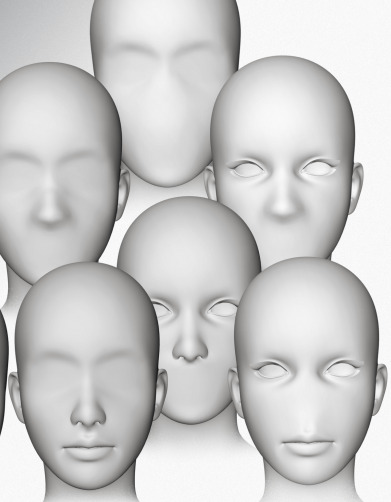
Free new face shapes for La Femme and L’Homme, the base figures that ship with Poser 11.
Also loads of Chinese wrestling, and yet more pirates, on the DAZ Store.
Scripts:
Toggle Visibility All Lights for Poser. Instantly make any guide-wires for lights invisible in Preview, without actually turning any lights off.
Poser to Clip Studio – the solution. Send a posed clothed figure from Poser to Clip Studio, with no hassle at all.
The free FreeBass MAT Palette. “A tool to catalog / compare up to 36 individual MATs on a single prop”.
Render Doctor for DAZ Studio. Very confusingly explained, but at its core it appears to be for those times when you have a big scene with 50+ cameras set up all over it. Then you want a script to automatically make a render from each camera in turn. Not for animation, and perhaps most useful for comics makers?
Tutorial:
Building Poses To Market, a 30 minute tutorial on making poses that will pass inspection on the stores. For DAZ Studio.
Poses That Stand Out : Posing in DAZ Studio.
HAIR : Community Workshop Tutorial.
Visual Storytelling : Essential Building Blocks.
That’s all my picks for now, more in due course. Possibly at the start of September.
Adobe Research previews Structure
Adobe Research has given online demos of a possible new Adobe application called Structure. It’s working now in a basic way and is generative iterative software that works directly on a 3D model. Take a 3D model of a sofa, and randomise it — plumper cushions, more cushions, make it wider, less cushions, curvier arm rests. There is no need to edit the mesh directly. The user selects which of the new random variants they like, then runs the process again. Thus they can more or less work toward generating their “ideal sofa”. Sounds fun, like some of the old generative Kai-type tools but for 3D, though currently it’s still an R&D project from the labs.
They’re also experimenting with rendering from 3D straight to vector graphics, for Adobe Illustrator to then apply a line-stroke to it. But why not just do the lineart in the 3D application, in real-time, like Poser 11 does? I guess the answer is that Illustrator gives you more line-type choices. This would be most interesting to me if I never had to see/learn the Illustrator UI, and instead Illustrator’s line-stroking services were just called in to the 3D software. To be exposed there as a little user-friendly panel — Illustrator as just another possible render-engine.
Line stroke types would be an interesting thing to add to Poser 12, actually — allow the user to make basic changes to the type of line being used by Comic Book Preview mode to “ink” the 3D figure. One can sort of do that already, by using the sketch render on lineart in Poser, and it can get so fast that it is almost real-time. But it would be nice to have a choice of line-types for inking, from within a neat drop-down placed on the Comic Book Preview mini-panel. Perhaps: plain black ink; dotted line; coloured ink (red, blue, rainbow); fat and curvy; basic rough pencil; and basic rough charcoal.
DazToBlender8 is the new DAZ Blender plugin
Ah, so the $15 Japanese DAZtoBlender8 plugin is the new official DAZ Blender plugin.
It’s been taken off sale at Gumroad, and the maker states there that… “DazToBlender is now available for free in DAZ 3D.” He also reports that there’s been a slight change due to the swop-over and name-change, and… “Props from Renderotica cannot be [used with] the version published on the DAZ 3D site.” The trade-off is that in DAZ’s hands the plugin appears to have been quickly extended to supporting transfer of Genesis 3 as well as 8.
The last non-DAZ developer version was 2020-07-01 | Version 1.9.3.4, then newly supporting Blender 2.83.
Another interesting item to note is that, now this is with DAZ… “This project is open source.” That’s from the DAZ Store page.
DAZ to Freestyle
I was pleased to find a new YouTube video from the 3D Comic Creator, “DAZ Studio To Blender To Freestyle For Inking Your Comic”. He shares an in-depth 90-minute workflow for taking a DAZ Studio character into Blender and wrangling Freestyle lineart onto it. It’s clearly explained and he’s a good presenter.
I’m not sure I’d want to go through all that pain and intense fiddly-ness, though. Just to get what Poser 11’s Comic Book mode / Sketch Designer can output ‘at the drop of a hat’ in real-time. But it’s interesting to see how the most advanced DAZ users are trying to make artwork for comics. And as Freestyle is currently something of a “moving target”, along with the rest of Blender, there’s always the possibility that Freestyle and other NPR aspects of Blender will start to become easier and more automatic to use, in future. But for now the problem with Freestyle is that it’s old, and thus can only use one CPU thread. It’s not multi-threaded. Nor can it work with alpha-channels.
It’s very early days, but a better option might be a project called BEER/Malt that intends to try making NPR easier to get from Blender. Another hopes to add an easy SketchUp-like ‘sketched outlines’ capability to the default install of Blender (something you can only do with a paid plugin at present). Although both have very primitive demos at present.