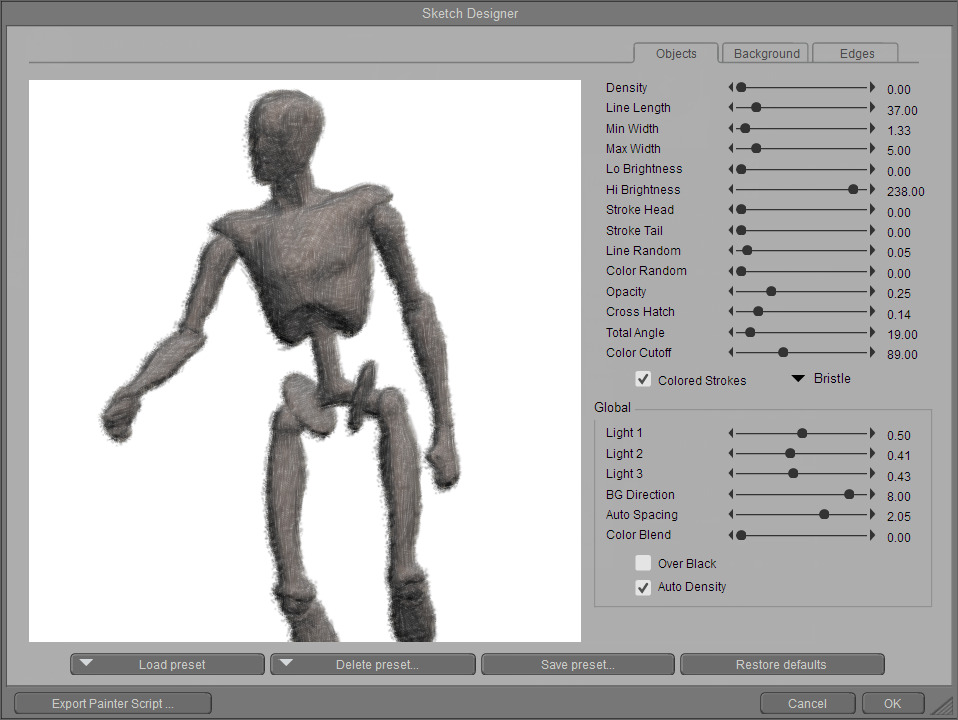
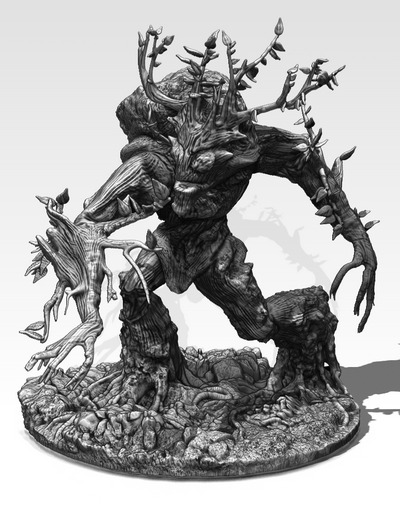
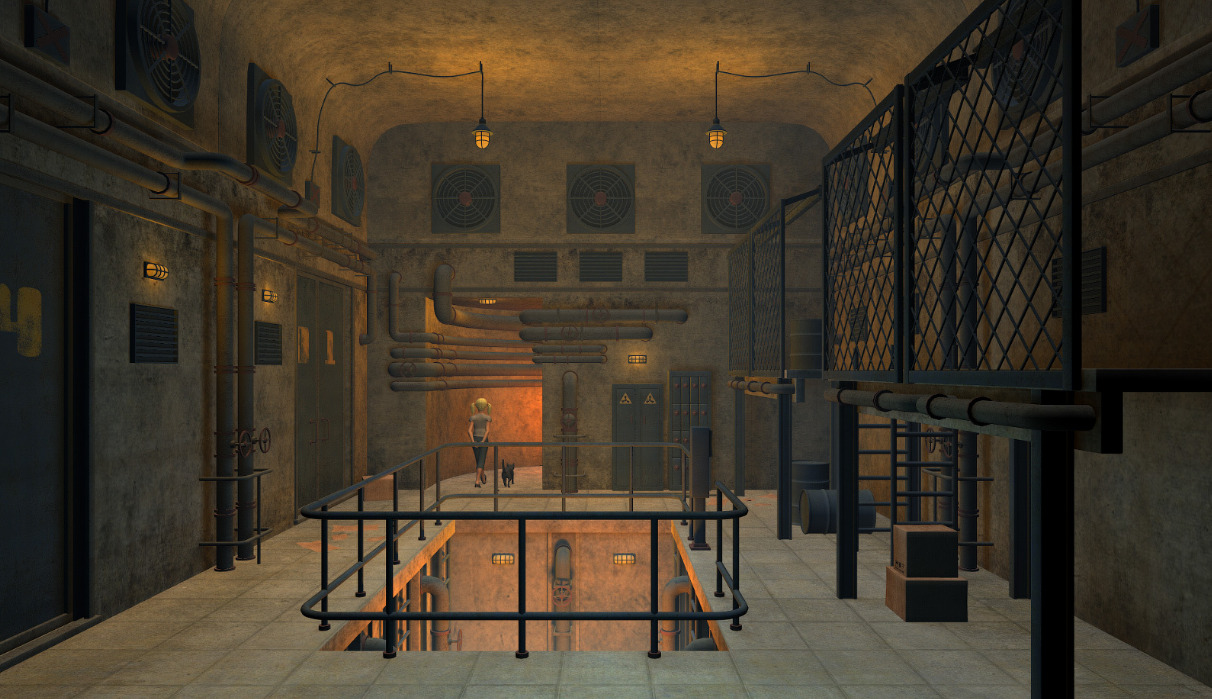
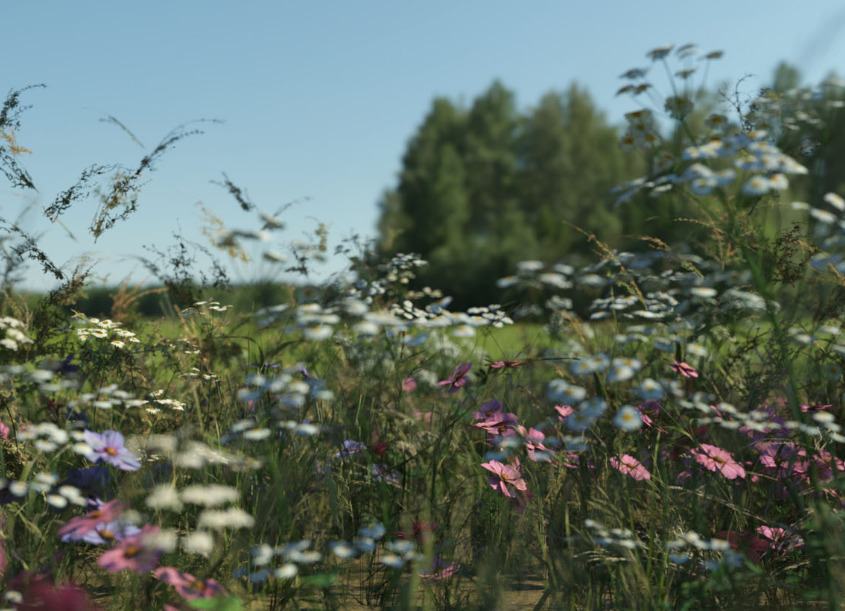
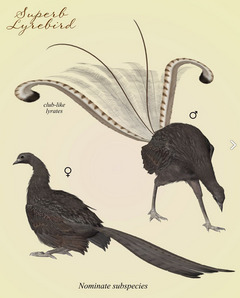
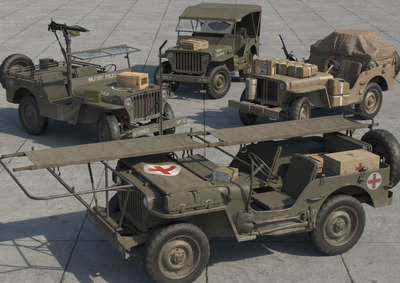
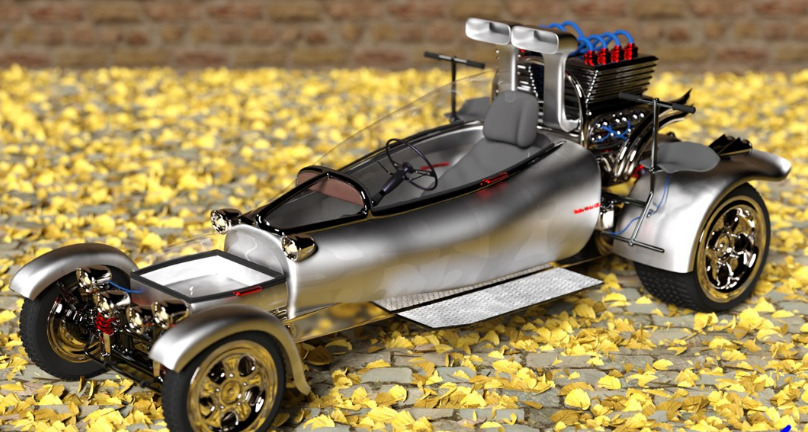
Project Dogwaffle’s Howler 2020 has been released for free on Windows, although you are “encouraged to make a donation to fund future development”. As noted here on this blog, v.2020 saw… “a revamp of the legacy brush engine, new paper textures, and rationalised de-cluttered media presets”. The latest release is Howler 2022.1, which is several bounding doggie-leaps ahead of 2020. But still only $77 for a perpetual licence. Definitely worth a look, and you’re sure to find a use for it at some point.
Author Archives: jonahjameson
Technical Search engine updated
Added to my Technical Search engine, the new dedicated Krita Scripting site for Python. The Technical Search now indexes 45 useful technical pages, sites and forums likely to interest Poser and DAZ scripters and seekers of technical tips. To be used in conjunction with a local keyword search of an unpacking of the Smith Micro Forums complete and the archive of the old Runtime DNA forums.
Poser 12 Early Access – 12.0.617
There’s a new Poser 12 Early Access version, available now. The last one looked at here was Poser 12.0.498 (dated 29th April). It’s now 12.0.617 (dated 3rd August 2021). The latest Poser 12 is still in Early Access, but the changelog shows a lot of activity and I also know there’s been even more behind the scenes.
So, looking at the Changelog, what do users have…?
Startup:
A number of fixes for quicker and smoother startup and “Fixed startup select to ‘Body’ when a main figure is loaded”. The default factory launch-state figure is now clothed… “Default scene launches La Femme figure with clothes.”
Library:
Lots of fixes and tweaks, things like “Library Search no longer returns duplicate results” and “Crash avoided on launch when library search set to NONE”.
Materials:
“Material Room significant speed improvements when displaying texture previews.” Nice, probably especially so if you’re developing clothing or materials makeover sets for Poser.
Real-time Comic Book:
Looks like some unspecified back-end change slightly dinged Comic Book Preview, but it’s now been fixed…
“OpenGL Comic Book Preview no longer clips to black [when] adjusting the camera hither/yon parameter.” and “Comic Book Preview’s Geometric Edge Line is no longer turned off, when Draw Last is checked.”
Plus many repairs of temporarily broken bits (some broken by Windows 10 updates, rather than the developers). One small Mac fix. More tweaks on the “Poser 12 Japanese localization”, no doubt useful for the large cohort of Japanese users.
Ajax Spaceman
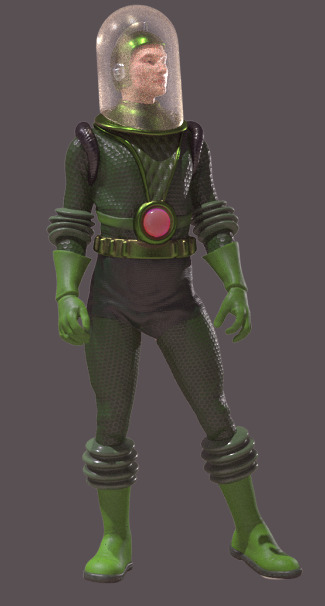
I forgot to mention this freebie in my monthly survey post. Ajax Spacemen were apparently the 1940s pulp space-opera figures that George Lucas played with as a kid on his carpet. The freebie is for Poser, designed for the free 3D&D Klingon standalone for Poser.
I did a little research on the copyright status. The line of toy figures was apparently introduced to the U.S. market in 1947 and then the Ajax Spacemen design in 1951, with “patent pending” noted on the boxes. A U.S. Design Patent then lasted 15 years. Thus I would suspect this design is now public domain, and has been since the 1970s, but don’t take my word for it if making commercial renders.
New for Poser and DAZ in July 2021
It’s that time of the month again. What new items did I notice for DAZ Studio and Poser, in July 2021? Mostly DAZ and Poser, though this month there’s also a few Vue, Carrara and Blender items.
The DAZ Store is still giving problems even when paginated and with only the one tab open — ‘out-of-memory’ crashes on a workstation with masses of RAM. No other site acts like this. There came a point where I had to give up on browsing back through the store, so a few items may have missed consideration this month. Maybe the problem is the Opera browser, but it shouldn’t be as that runs on a standard Chrome base.
Science-fiction:
Stonemason’s Core.
A holo-stimbed for Poser and DAZ.
A synthwave scene maker for Poser and DAZ. Unusual, and presumably you could make your own extender kits.
1971’s new Sci-Fi Modular Hangar for Poser and also separately for DAZ.
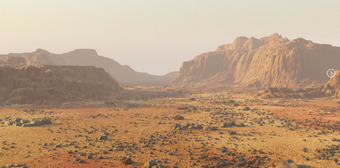
RaffyRaffy’s new Martian surface for Blender.
Tigaer’s free Abstract Organic Alien 3D Shapes and you can also buy commercial-use.
SY Liminal Pools, suitable for sci-fi scenes.
Steampunk:
A free Love Seat for DAZ Studio.
A free Steampunk unicycle, possibly fan-art.
A mid 19th century period Stockroom.
Halloween:
Android Mummies in .FBX format.
Fantasy:
TheAntFarm’s new Fantasy Tents set and Textures.
Yee-haw… T-Rex with a saddle for Poser.
A Feligalodon, a fantasy flying-fish to accompany your travellers on a sea voyage to the Nethermost Rim of Yaan.
Toon:
A new 3D Universe figure Stylized ’21 Character and Hair. There’s also a larger male/female bundle.
16 quality free poses for Darkseal’s Fire Sprite Demon.
Storybook:
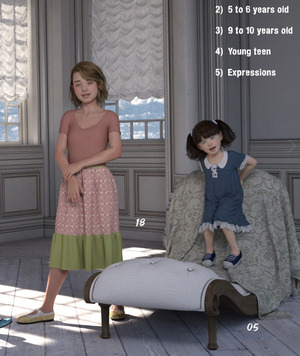
Child fashion magazine poses and expressions for G8F. Requires the ‘Growing Up’ pack(s) for G8F.
Fairy Tale Props including a gingerbread house.
A free Travel Snail for DAZ Studio.
Landscape:
Flinks Rolling Hills – Translucent Grass for Poser, and he has several similar packs this month. Also ShaaraMuse3D’s Photo Props: Baseplant Construction Set with 75 Poser plant props at a very reasonable price.
Captain Jack’s Little Island, with hammock. You may also be wanting Martin J. Frost’s Vue Seaweed Bundle for Vue, for this.
AppleJack’s AJ Abandoned Place 5.
Ancient Stones – Rock and Moss Shaders.
Docking position presets, Dock My Boat for Smugglers Yacht and Two-Boat Dock.
Animals:
Great Horned Owl for DAZ Studio.
Ken Gilliland’s Nature’s Wonders: Cicadas of the World.
Ken Gilliland’s Songbird ReMix Australia Vol. 4.
The Alchemist has released four packs for fly-fishing anglers – poses, clothes, fish and gear.
Historical:
Wolfgang 8.1 Scallywag Bundle for DAZ Studio. Loads of other pirate items on the DAZ Store this month, and also masses of mermaids.
A dForce Priest G8M in full ceremonial robes. They look authentic, though I’m not sure if they are. Also a matching Church interior.
A free 1930’s Microphone for DAZ Studio.
Classic U.S. Army Jeep for Poser and add-ons.
Predatron has new Second World War planes and ground support.
A free 1950s hot-rod Statler V8 8.6 CSC and G8M poses.
A free vintage Gasoline Pump.
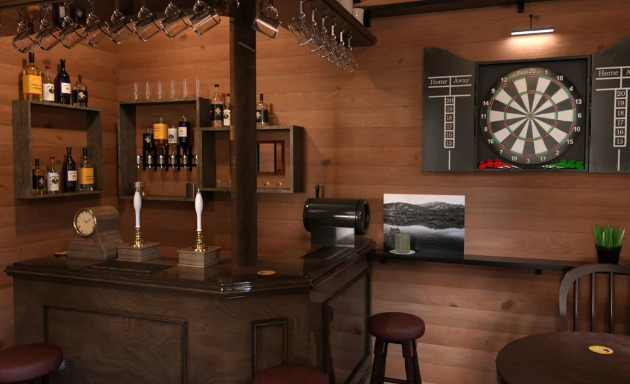
The Drunken Crab, a small and rather too shiny British pub interior. Needs a worn makeover texture set.
Characters and clothing:
Standalone Egan with Hair and Outfit and DAZ Carrara files. Also fiber-brows and “built-in anatomical elements”.
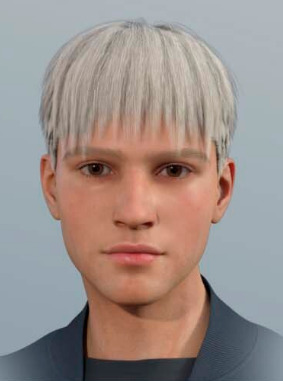
A usefully generic modern NM Hair Adam. Anyone know which face preset is being used here?
HD Violin and Poses for Genesis 3 and 8. Also Chinese Erhu and Poses for Genesis 3 and 8.
Emphasized Visemes for G8F. These are the mouth shapes made when speaking, and it looks like this pack would be useful for those who do lip-sync and want more enunciation.
A usefully generic dForce Track Suit outfit for G8F.
Clothing Wrinkles Alphas for ZBrush.
Scripts:
Mac Poser users now have an equivalent of the famous Snap To mover script, and working on both Poser 11 and 12. Ockham’s earlier Snap To script was previously Windows only due to the use of Tkinter in the script (blame Apple, not Poser). Thanks to adp001 for the finished new script, who invites feedback at this forum thread.
Cloth Presets Script for Poser 11 and Poser 12.
At last, a Quick Scripts access addon for Blender.
A fun Cactify cactus-generator for Blender.
Tutorials:
Artbreeder for Visual Storytelling.
Lighting Up the Night: Special Lighting for Dark Scenes in DAZ Studio.
Sci-fi Scene Building: Exploring Sci-fi Art Creation in DAZ Studio.
That’s it for this month, more picks soon!
Release: QuarkXPress 2021
QuarkXPress? Isn’t that the ancient crumbly DTP software that your grandpa once used, and which vanished long ago?
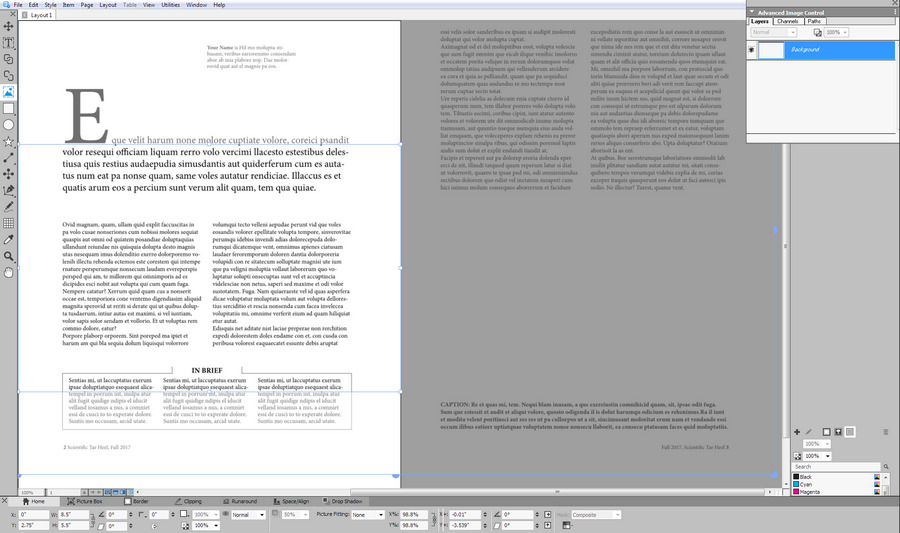
Oh, my… how times have changed. The DTP desktop software QuarkXPress is still here and still venerable, yes, but their sprightly annual releases have been playing ‘the tortoise and the hare’ with Adobe since 2015. Six years later it’s catching up in numerous ways, and even surpasses InDesign in many features. Their polished 2021 version is now out, and has .SVG support among other things. I recently took a look at the free trial and was pleased to find it very mature and with annual updates at a one-time purchase of £362 (an annual subscription, but if you cancel then it appears you get to keep the software). Expensive but not the silly prices of yesteryear, and within reach of many. Oh, wait… 50% off for August which puts it about £180…
It’s no longer just for laying out PDFs for magazines, books and academic journal articles. A key feature is support from absolute reproduction of a DTP print layout in Web browser-friendly HTML5, plus support within that for animated elements (slide-in banners, slow zooms into pictures) and looping animated GIFs (v.2020) and now SVGs (v.2021). Also video and 360-video. Its scripts are standard javascript. The increasing range of creative possibilities are thus obvious, and you can also leave a gap in the layout then hack the HTML to add whatever unsupported Web do-dah you want to display in a browser. Although in the latest version you can also insert snippets of HTML.
The cheap and relatively friendly Affinity Publisher and Microsoft Publisher don’t offer HTML5 export at all. Adobe’s equivalent DTP software InDesign still requires a third-party plugin to export an HTML5 layout, and both are monthly subscriptions.
So I’m pleased to find that QuarkXPress seems a viable Adobe-alternative for DTP and the WYSIWYG Web. It is now sitting at a quite nice point in the market, in terms of a reasonable price, superb export features, and having a perpetual licence version. There’s a QuarkXPress 2021 free-trial (Windows 8 and up, v.2018 being the last Windows 7 version). One to look at if you want to make a device-responsive online magazine with creative interactivity that goes beyond page-curls and a few clickable Web links.
That said, it may not be what some will need for making motion-comics or basic 2D interactive Web ‘visual novels’. There is now software dedicated to such things.
As with all major software these days, there has to be a warning as it’s being newly mentioned here: Windows 10 and Mac OS desktop updates may bjork your favourite feature or break the software totally. But that doesn’t appear to be the case here.
Time to move to Texas…
You now have to smuggle some types of gaming PCs into some U.S. states. The PC makers such as Dell can’t ship there…
“This product cannot be shipped to the states of California, Colorado, Hawaii, Oregon, Vermont or Washington due to power consumption regulations adopted by those states. Any orders placed that are bound for those states will be canceled.”
Even a really rather basic one from Dell, that is little more than a standard £800/$1100 desktop…
Presumably any kind of slightly-powerful graphics production workstations must also be effectively banned in those places? Hollywood, which last time I heard was in California, may be rather annoyed at this… though not quite yet. Because a little research shows the legal problems will only start for non-gaming high-end PCs from 9th December 2021. Time to follow Elon, Hollywood… and move to Texas?
One wonders if the politicians who passed these laws have electric cars standing next to their heated swimming-pools, and how much energy those need.
Anyway, it’s often rather pointless trying to regulate such fast-moving technology. It just shifts things sideways. The politicians have probably never even heard of eGPUs.
All fired up
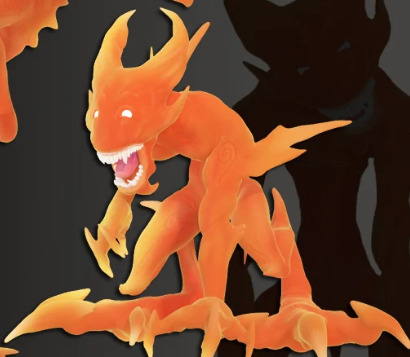
Darkseal’s Fire Sprite Demon is currently on a heavy discount at $4 at the DAZ Store and, though it’s lacking in poses, there are now 16 quality free poses for it. It toons quite nicely in colour, and has some impressive morphs for a custom figure.
Note that tests show that these do not work well with Darkseal’s similar Lynx cat figure. I think that was perhaps made by someone else (Versus, who did a few standalones back in the day) and then Darkseal bought him out and he put a new rig in the Lynx and reshaped it to become his own Fire Sprite Demon. Thus the rigs are not the same, though the figures are similar.
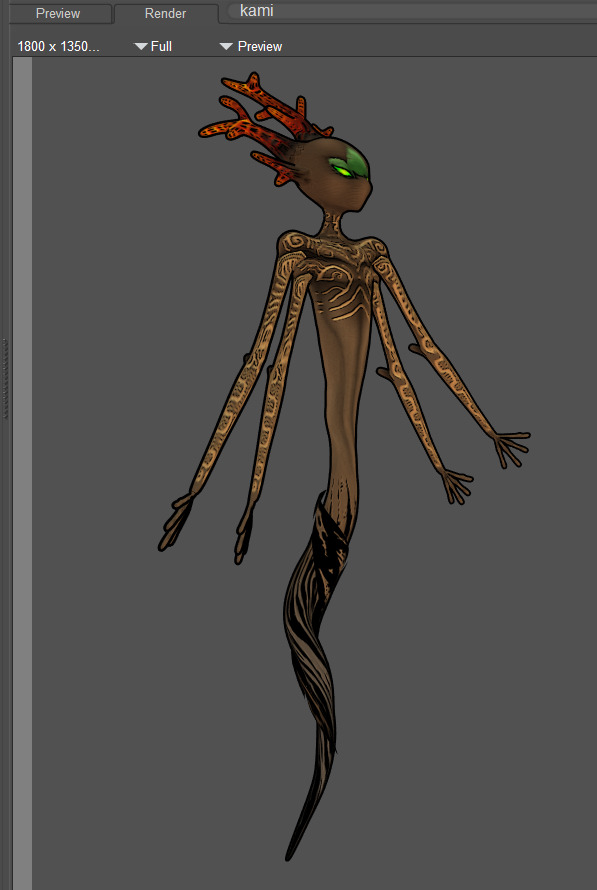
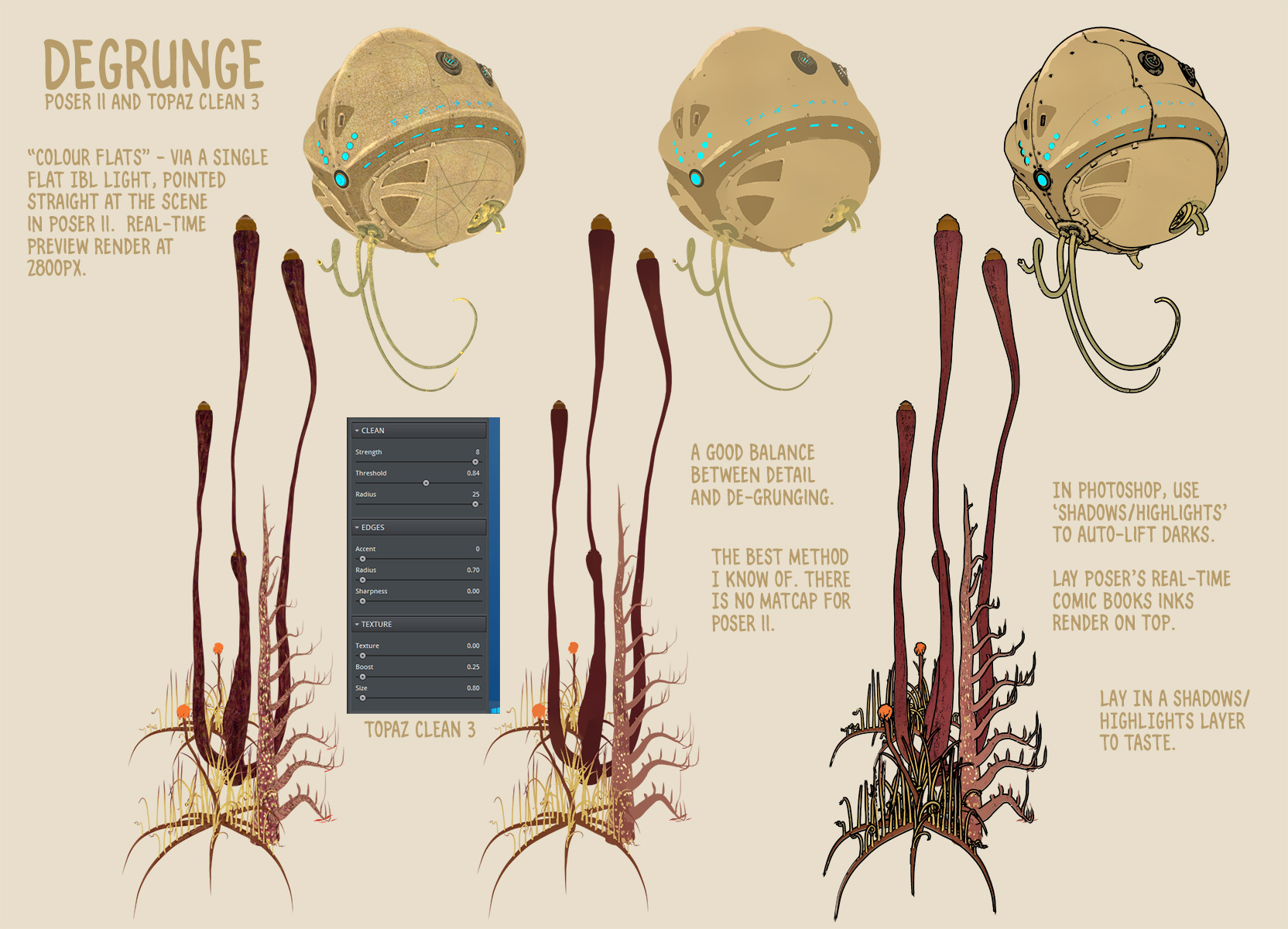
A custom painterly Poser Sketch preset render, with Poser’s standard real-time Comic Book lineart dropped on top, then the lineart filtered with a custom G’MIC preset. Only the top-right arm has had a few strokes of extra manual inking, to firm the holding-line…
Ryzom in Poser
How to run Python scripts in Blender
Until today I’ve been a clueless newb when it comes to finding and loading/running the Python scripts that shipped with Blender 2.79. I knew Blender could run Python, but had no idea where to find that in the folders or the UI. Here’s what I learned with Blender 2.76, an older (2016) version needed to access many older free assets in .blend files. All this assumes that you don’t have a weird custom UI embedded in the .blend file you downloaded, which unfortunately is perfectly possible to set up in Blender’s utterly vile UI. In which case you may never find the following items.
Anyway, in Windows a set of free helper (‘template’) scripts are installed to…
C:\Program Files\Blender Foundation\Blender\2.76\scripts\templates_py\
Then in a sensibly set up normal Blender UI, you can find these at…
The Animation UI also has access to the same “Templates” menu-item, but it seems the other UI panels do not.
You can also paste your own .PY Python scripts in the above folder, and they will also show up in the UI via the same method. If you only have a few (you’re likely just being forced to use Blender to export from some free .blend files for DAZ or Poser use) then you probably want to prefix their name to get them to the top of the list (e.g. AAA-my_script.py).
Note that you don’t need to re-start Blender after pasting a new script in there (as you do with Poser), in order to see it on the list.
The above then appears to be the somewhat trickier-to-find equivalent of Poser’s Python scripts folder…
C:\Program Files\Smith Micro\Poser 11\Runtime\Python\poserScripts\ScriptsMenu
And of Poser’s rather more obvious Scripts drop-down…
The other and more ‘console-like’ temporary way to test an in-progress script in Blender is to go into Scripting or Animation, as seen above. But then…
1. Click on Text menu label.
2. “Create a Text Block” (Crtl + N).
3. You see an empty panel. Here you paste in the script from a plain text editor such as Notepad++.
4. Slide the infernal UI out the way, as it’s likely hiding the ‘Run Script’ button over on the right.
5. Run script (Alt + P). You can also do this by going back into the Text menu, where it is the top command.
Release: 3DCoat 2021 / and the budget 3DCoatTextura
3DCoat 2021 has been released, with the all-important UI makeover. For those who don’t know it, I guess it could be described as: ‘ZBrush without the mad interface, combined with Substance Painter without the Adobe shackle’. At least one beta tester appears to have been running it successfully with Windows 7, thus it appears not to be ‘Windows 10 only’ software.
It’s also very nice to see a simultaneous release of the new budget-priced version of 2021 just for painting and texturing of 3D, no sculpting. This is called 3DCoatTextura and currently has a nice introductory one-time purchase price of 79 Euros. I think that’s meant to be a Euro symbol…
Sadly YouTube knows nothing of something called “3DcoatTextura” and assumes you’ve made a typing mistake, but I’m sure there must already be previews and even tutorials on the software out there.
The other one-time purchase alternative would be the new Marmoset Toolbag 4, but that’s $300 and so rather out of the range of most hobbyists. Marmoset 4 also took an absolute age to load a test scene, was less than stable in my testing, had a very unlikable UI and then fell at the first hurdle — simple framing of a figure with the viewport camera… how? Where the heck are the camera controls? I gave up. Uninstalled.
WordPress theme-wrangling done
More or less back to normal, now with this blog’s wayward template. The sidebar is still too narrow, compared to how it used to be. Sadly the WordPress theme’s old “make a wide sidebar” toggle no longer seems to work.
I’ve tweaked the post font-size to 14.8pt, so posts should be a little more readable now. This partly compensates for the newly added width of posts.
But otherwise it all works as before. I’ve also tweaked it so that sidebar text-padding looks more acceptable on the Pale Moon browser (Firefox-based), compared to the Chrome-based browsers it’s targeted at.
Ken Gilliland webinar
A webinar on excellence in Digital Nature with the leading maker-expert on 3D birds and other creatures, Ken Gilliland (SongBird Remix series). Booking now.
Fixed a jammed blog theme
A jammed WordPress theme had caused the blog to fail for a few hours. For the time being, I’ve switched to an updated theme which has no such problems. The blog now seems to be working again at the level of the front page and individual posts, albeit not quite so prettily and with links and sidebar widgets missing. Expect a few ‘speed bumps’ over the next few days, as the design and other things are fixed up again.
Blender Content Creation for Daz Studio – discounted bundle
New on the DAZ Store, Blender Content Creation for Daz Studio Bundle. Currently in the sale at $88, this bundle of three gives you nearly ten hours of friendly and DAZ-friendly learning. It’s also keyword searchable, and has subtitles.
While you’re there don’t miss the Platinum Club Anniversary 2020 Bundle 10. A mega-bundle that appears to have been created for the Platinum Club members… but which is now available to all at $6.
By the way, thanks to Kevin M. I’ve solved my problem with the infinite scrolling on the DAZ Store, which going back more than about two weeks causes the thumbnail loading to freeze up. Setting “Items Per Page” to 60 (rather than All) brings back the old paginated or ‘per page’ browsing. It’s still a bit sticky, even now, but is much more workable.