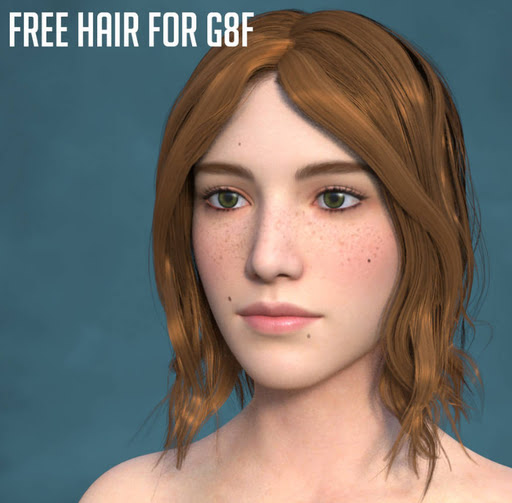
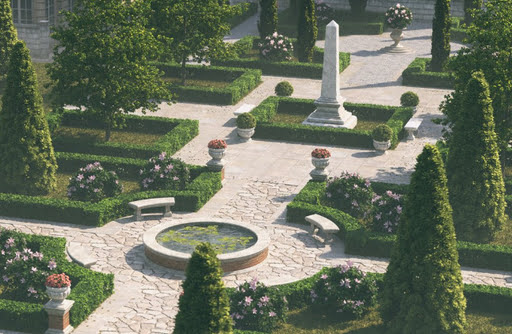
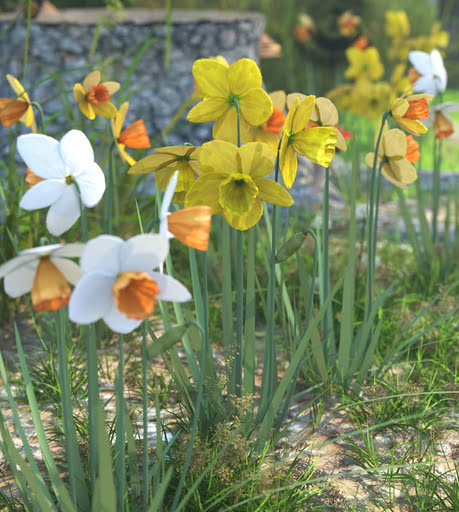
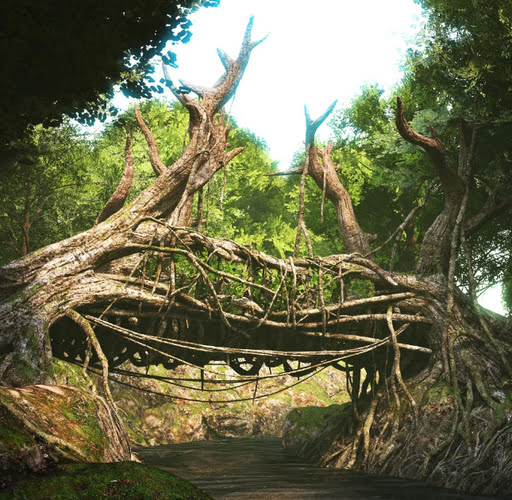
Once again, my round-up of items for DAZ and Poser that caught my eye during the past month, plus links to interesting software. Only listing items that allow commercial use for renders.
Science fiction:
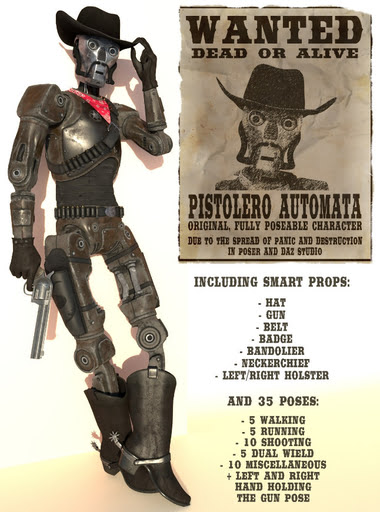
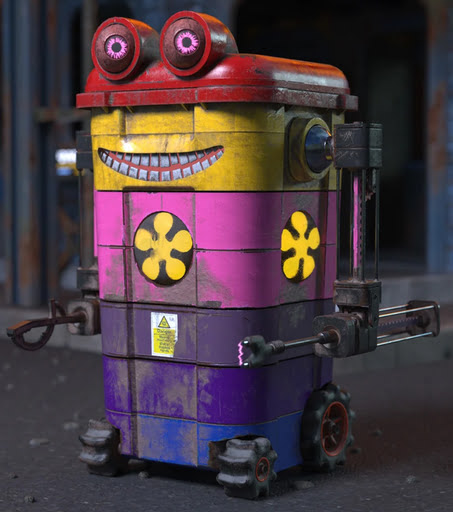
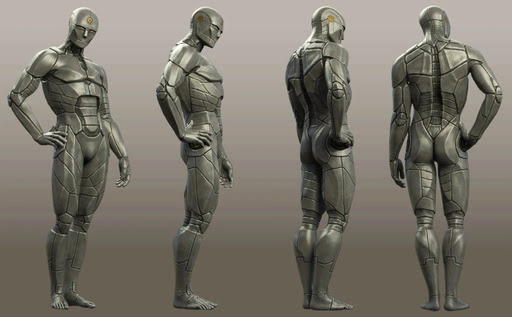
Ferro for Genesis 9, a retro Asimov-style robot.
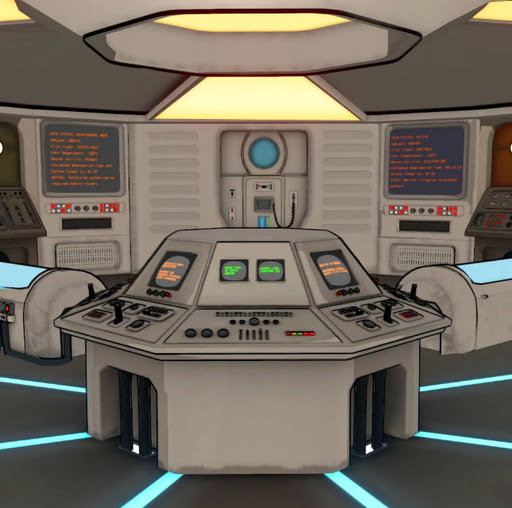
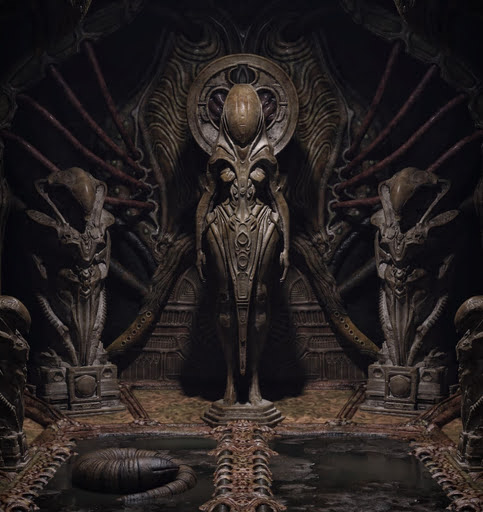
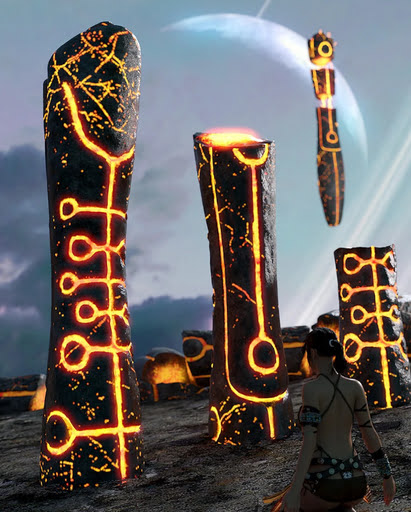
Alien Sentinel props.
Fantasy:
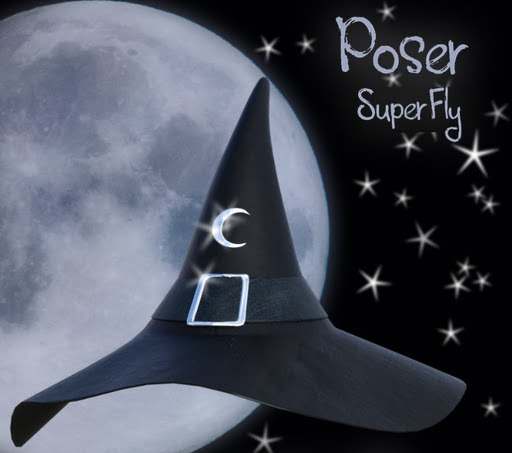
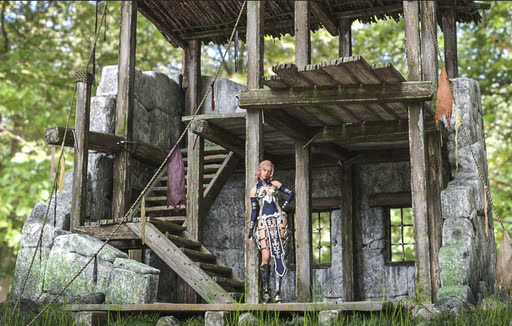
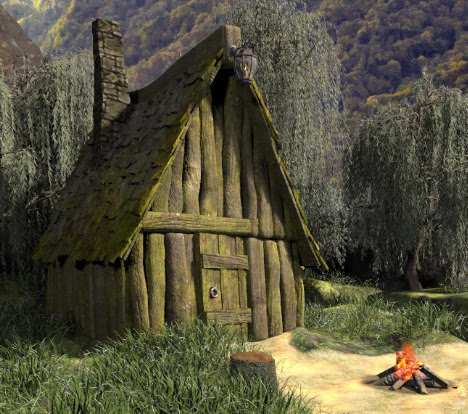
AJ Fantasy Hut for Poser.
The Cave Dweller for Barnabus Ragwort, for DAZ.

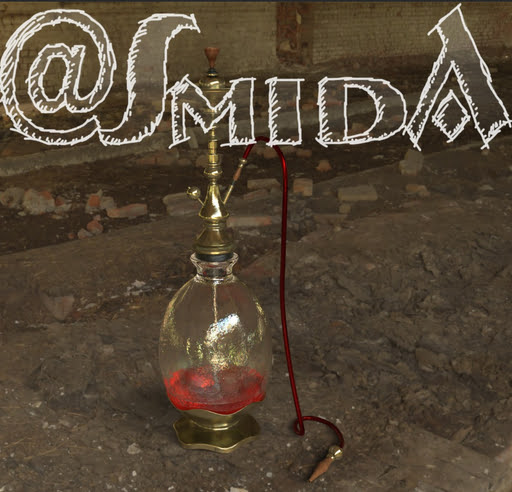
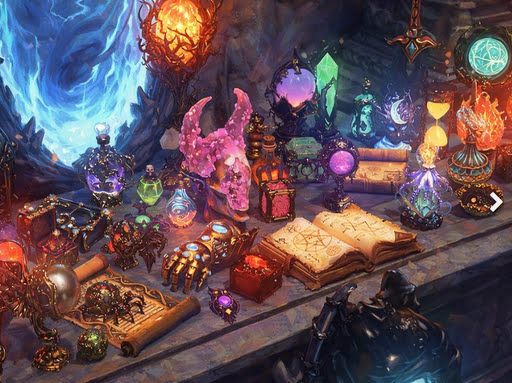
50 Magical Objects Collection for DAZ Studio
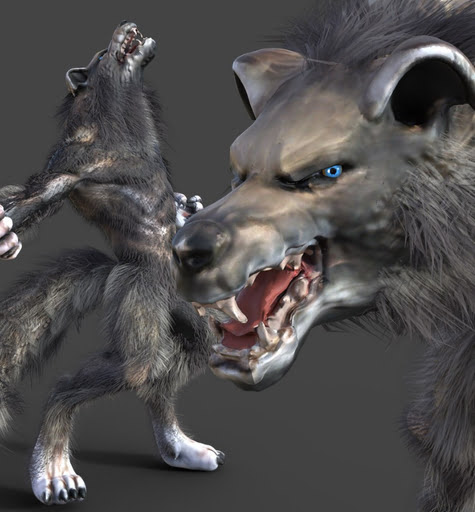
Werewolf for DAZ Studio, looks like it was designed for a game, rather than being made for DAZ, but an AI restyle of a render would probably fix that.
Furry Full-Body SBH Fur for Genesis 9.

Steampunk:
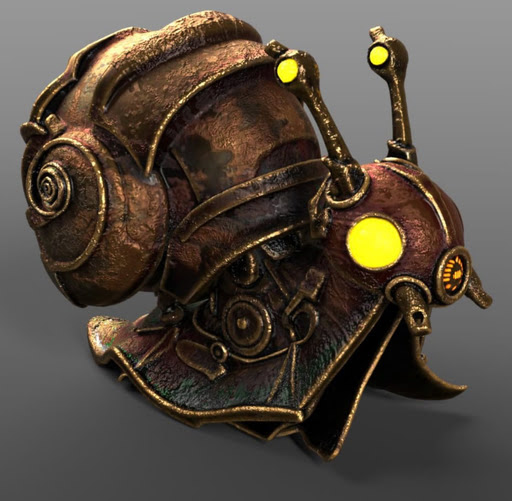
A Steampunk Snail. Seems to be a set of static .OBJs.
Storybook:
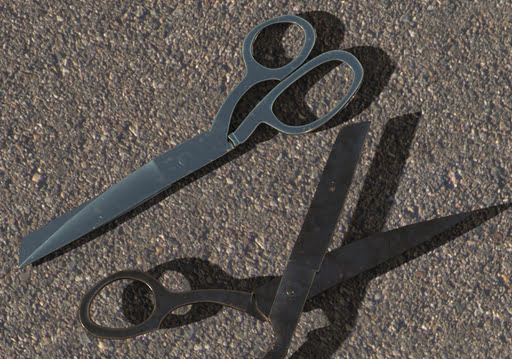
Free Scissors for DAZ Studio.
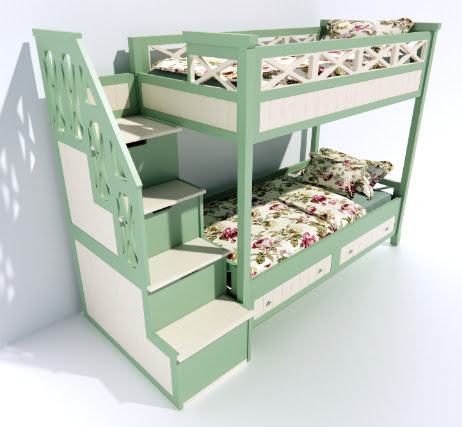
A free cute Bunk-bed.
Seedlings – Cute Flower Creature Plant Pots. Seem to be static .OBJs, but nicely done. See also the Cute Uglings by the same maker.

A free toony Pot of Gold and hat.

People, clothes and pose sets:
Free Floor Sitting Poses for G8M.
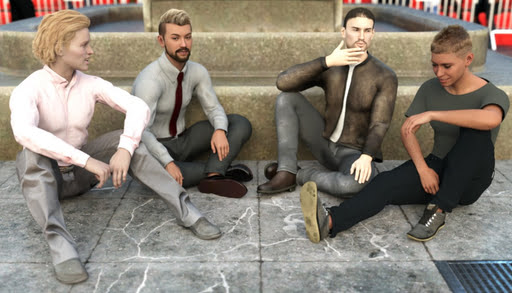
25 Female Animations Pack-2 for G9.
Writing Stuff Down, props and poses for DAZ.
Animals:

Rozsakert has free Millennium Dog poses, and circus horse-riding acrobatics.
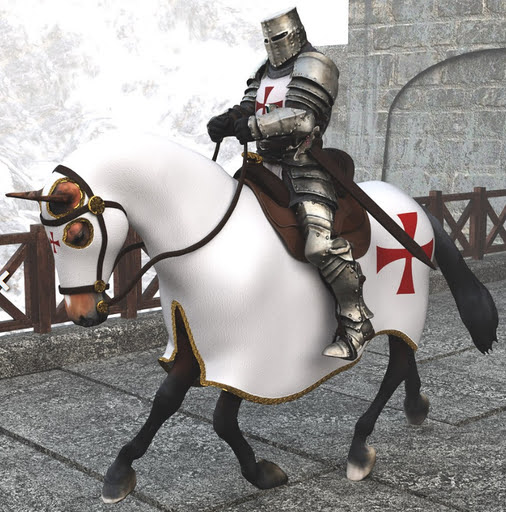
Horse Poses for Millennium Horse.
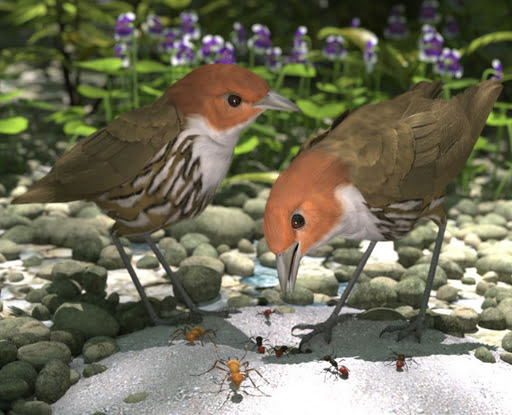
Nature’s Wonders Worms & Grubs, because your birdies need to eat!
Landscapes:
Free Wooden Fences for Vue.
XI Underwater City, and there are plenty of mermaids this month at the DAZ Store.
Historical:
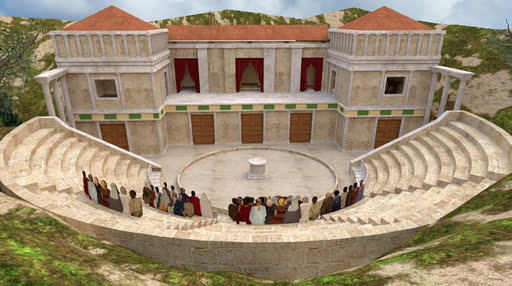
Ancient Greek Theatre for Poser.
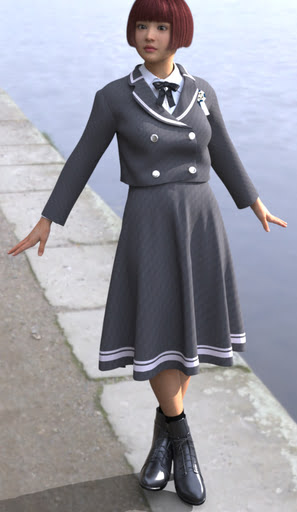
German Tavern Maid Dirndl outfit for Genesis 8.1.
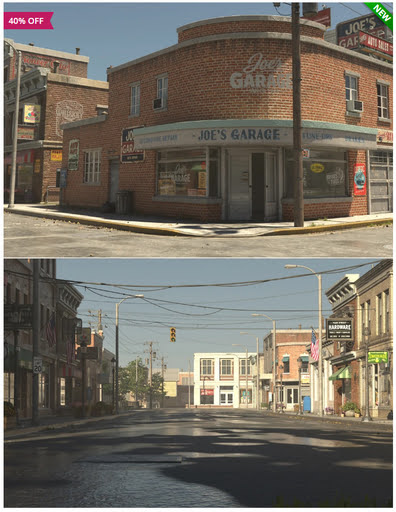
Stonemason’s new Main Street USA, circa the early 1940s.
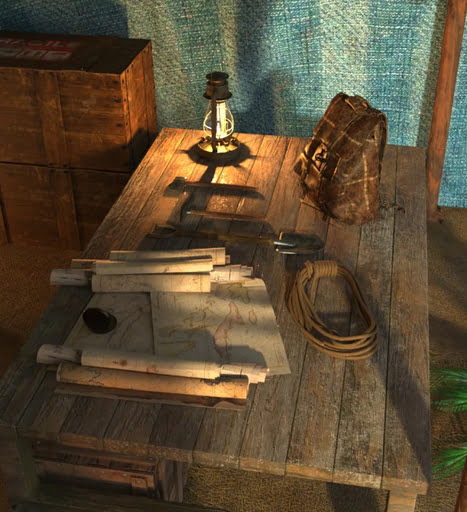
AP Archaeologist Tent Add-On (interior) for the AP Archaeologist Tent.
Utilities:
Look at Me III for DAZ, now including upper body re-positioning.
LowPi Reposition Crowd for DAZ 3D.
Tutorials:
* New on YouTube, a tutorial on how to go about “Including dozens or hundreds of figures in your scenes” in DAZ Studio.
* Potentially a new article-series on Renderosity, “Beginning Your Graphic Novel Journey with Poser 14”.
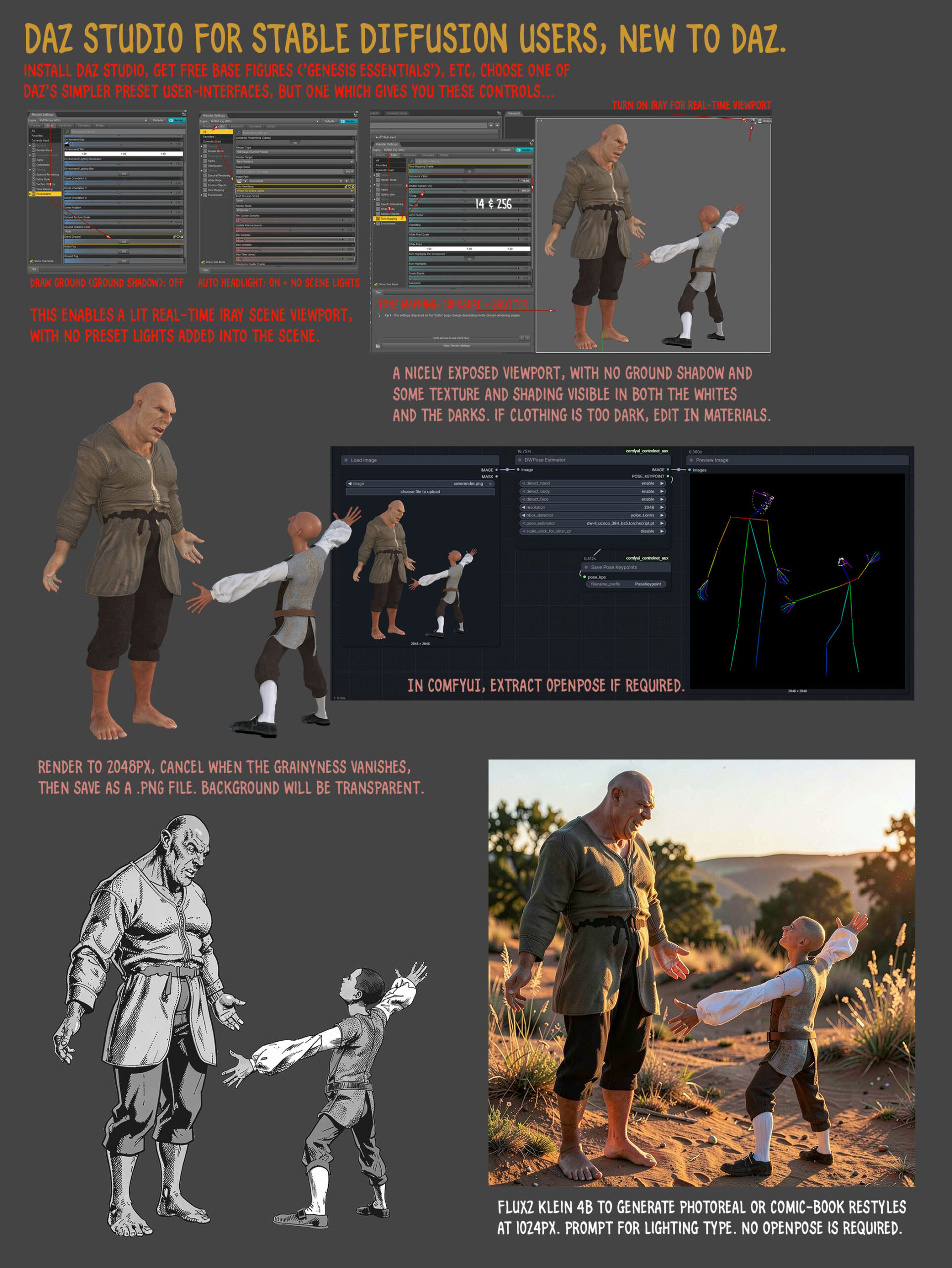
* A DAZ Studio quickstart cheat-sheet for ComfyUI users who are clueless about the software.
* I guess this one counts as a tutorial also, in a way. The U.S. Supreme Court has ruled that AI-generated images cannot be copyrighted if no human authorship can be demonstrated. Actually demonstrated in court that is, not simply ‘claimed’. Nor is it enough to claim ‘I wrote the text prompt that generated it, therefore…’. That won’t wash either. So if you want to claim U.S. copyright you’ll need to keep process-notes, screenshots of the process, details of your postwork edits, your assembly of the final work, etc. So you can demonstrate how it was made, in court and in front of a skeptical copyright judge. Sadly I suspect that what most people will do is simply not tell anyone that they used AI as an assistant, and the quality of AI (if done right) is increasing so much now that no-one will know.
Software:
* There have been a slew of releases from the ‘big beast’ 3D software developers this springtime. Maya, 3DS Max, Blender 5.1 and more. Nothing with new features of any real relavance to Poser/DAZ users, that I could see in the changelogs. Lightwave 2026 is still awaited, though a long technology preview was released on YouTube a week or so ago.
* After being moribund since early 2022, I see that the venerable ‘3D Swiss Army knife’ freeware utility MeshLab sprang back to life at the end of summer 2025 with a new version.
* UnitedAdobeEditor. A mature utility to change your Adobe Photoshop splash-screen, with relative ease.
* The free and powerful G’MIC Photoshop .8BF filter plugin is now at version 3.8. Changelog and download.
* The new blog post “More findings on auto-translation of comics”, with links to the software and plugins. Includes a new free Photoshop Action + scripts.
* NovelForge 4.0 is now available, a $50 script and novel-writing software from the Mediachance stable (maker of Dynamic Auto Painter and others). Now with excellent local TTS voices (Kokoro via an ONNX wrapper). The NovelForge demo is non-expiring and has nearly all features.
* Voicebox 0.3, a fully offline and open-source GUI for text-to-speech using advanced (but slow) models such as Chatterbox and Qwen3-TTS. Not tested, and it’s an early alpha, but it already has a Windows installer and a nice slick GUI.
Local generative AI and Photoshop:
* The new Comfyui-photoshop-bridge, which apparently supports any “Adobe Photoshop with CEP support (CS6+ / CC 2015+)”. Previously such Photoshop bridges to/from ComfyUI required the latest Photoshop.
* On the backend, the new Photoshop-Python-API-MCP-Server. Enables AI models… “to execute image editing operations, automate workflows, and manage Photoshop tasks”.
* Comfysketch Pro is a highly polished Sketch node for ComfyUI which provides a complete Photoshop-like sketch/paint/edit UI inside Comfy. Costs 15 euros on Gumroad. New in the latest version (end March 2026) is “Viewport sync” with your 3D software… “Live camera sync with Blender, Maya, or Houdini”; “Stream the 3D viewport directly into ComfySketch via WebSocket”; “Paint over your 3D scene in real-time”. DAZ is not supported but I believe it offers websocket, while Poser doesn’t. Note there’s also a more basic ComfySketch for free on GitHub.
* re: Comfysketch Pro’s new viewport feature, note that there are also other free ‘viewport viewers’ such as Schoen-Peek and Live-input-stream. These can work with any software that offers a Viewport or Canvas.
That’s all for now, more next month.