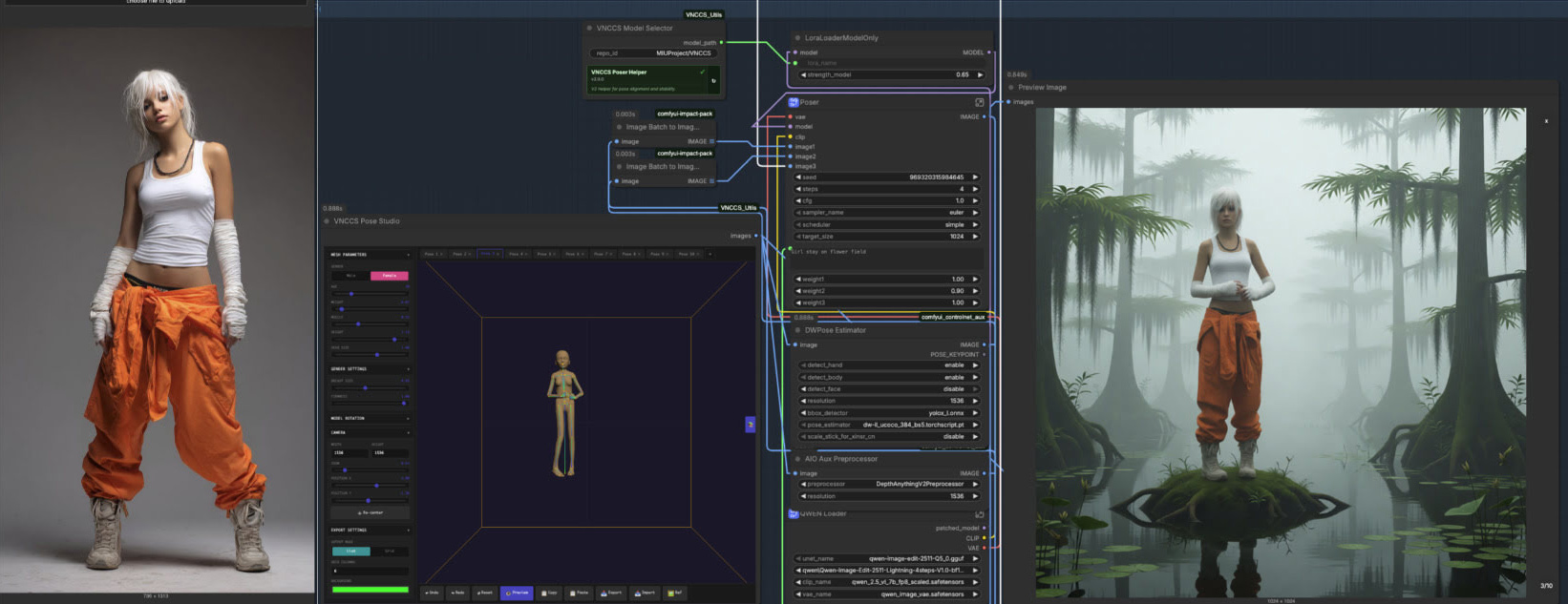
Interesting. My searching this afternoon suggests there may be a no-coding solution to getting a live DAZ or Poser ‘viewport feed’ inside ComfyUI. Even when DAZ / Poser is underneath ComfyUI. Simply string together three bits of worthy freeware.
1. The free and venerable livecasting suite OBS Studio can capture video from any program’s UI, even when it’s under something else…
“Window [capture] – stays with whatever window you connect it to, even if it’s covered by something else. Just don’t minimize it, because the picture stops existing at all then, and so there’s nothing to grab.”
2. OBS has a free Spout 2 plugin which grabs just the target window’s video feed for Spout. Spout intercepts the video directly on the graphics processor GPU, and thus there’s no grinding heavy-lifting of rendered video files. Thus the video feed gets quickly pushed from one software to another.
3. The free ComfyUI has the free Jovi_Spout: ComfyUI Nodes for using Spout streams. Requires ComfyUI running the PyOpenGL-accelerate module, which will only install if Comfy is running on Python 3.12 or higher.
Windows only, though, so not for Mac users.
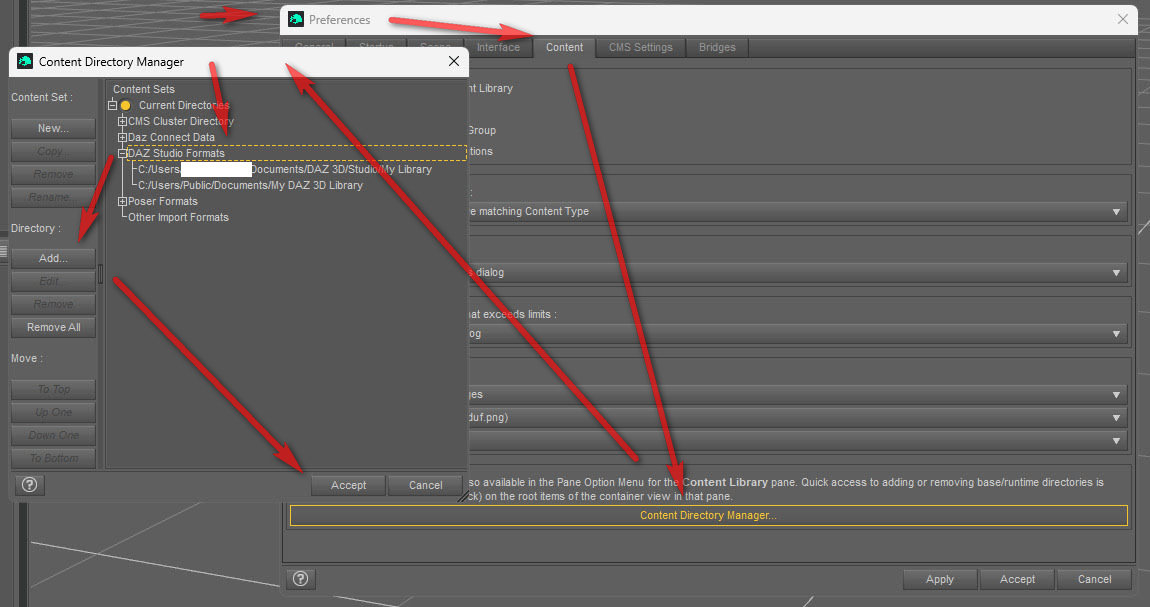
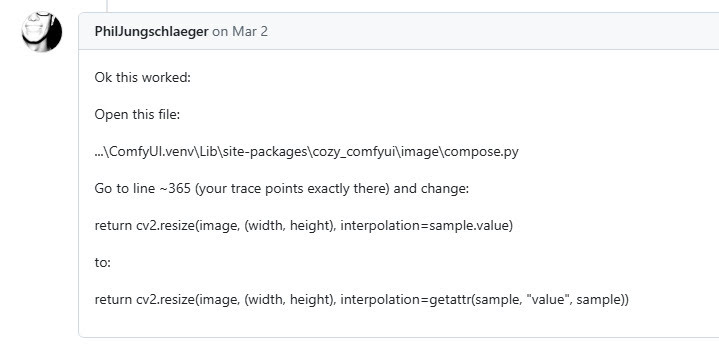
I tried it out. Works, though only with this fix…
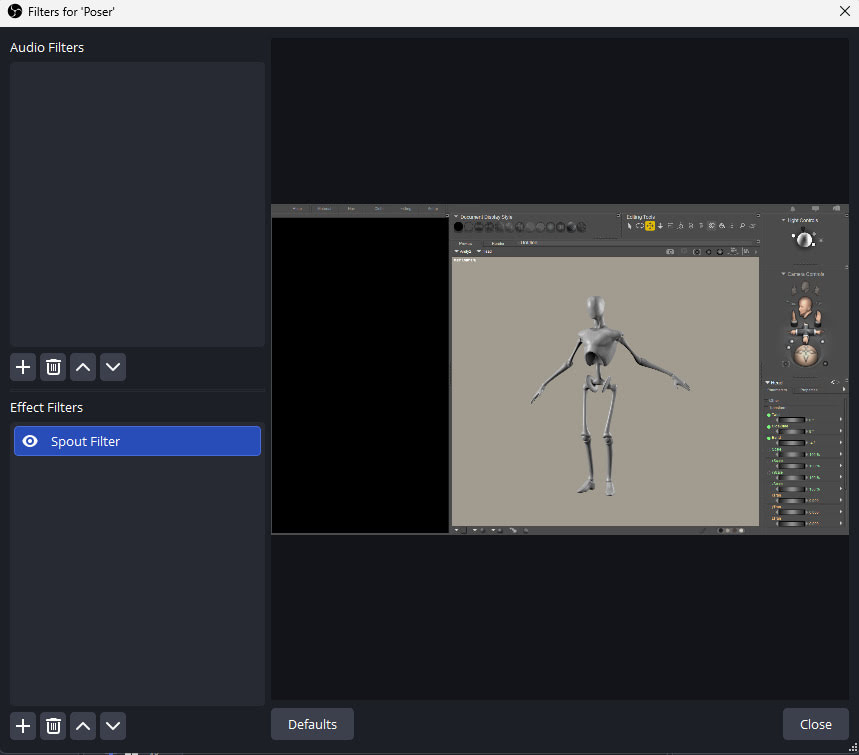
But the basic problem is that while OBS can happily isolate and stream only a section of the target Window…
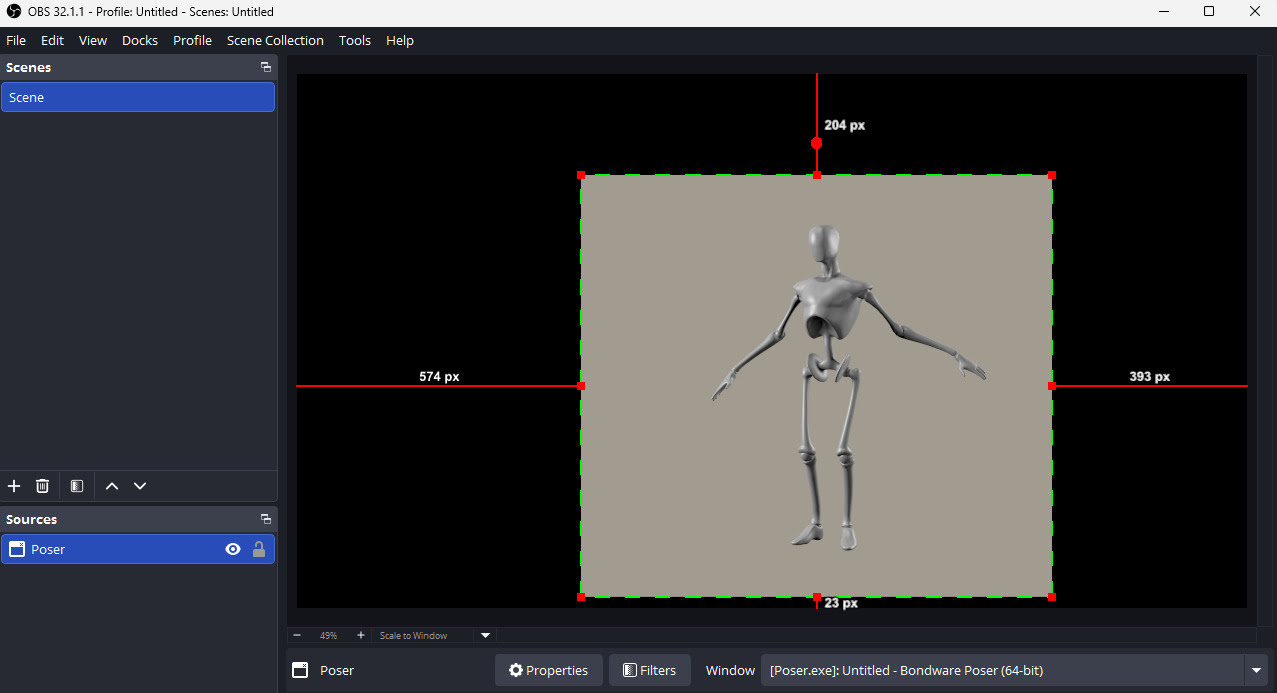
… the Spout plugin cannot. It can only take the whole target window…
And thus what you get in ComfyUI is that window with a black mask around the bit you want…
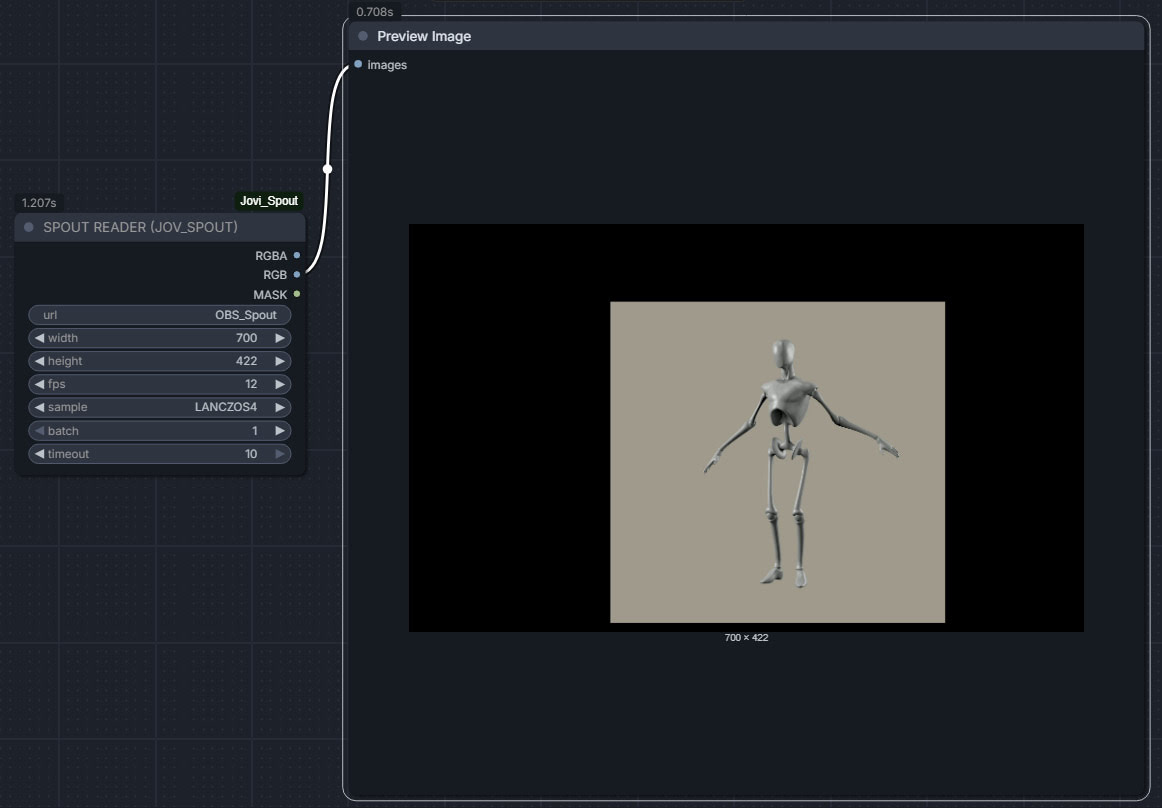
Which is not what is required.