doai.io

A new OA tool from the French, doai.io. If you’ve found a live DOI Web link that can only take you to a paywall article, then replacing http://dx.doi.org/ with http://doai.io/ will get a URL that tries to find a free version via BASE.

BASE is only middling for finding open access articles. It currently has 3.1m OA journal articles in English, with those being overwhelmingly in science, technology and medicine…

3mill

… but it’s reported that doai.io now also looks for the article posted on ResearchGate.

The doai.io coding was completed back in November and it’s only just gone public, so it’s early days. They don’t yet have a Web browser add-on that will automate the fallback from dx.doi.org to doai.io. One has to wonder if the same add-on, which would presumably be open sourced, would be quickly forked to also serve Sci-Hub (which at present only has a Chrome add-on, and no Firefox add-on).
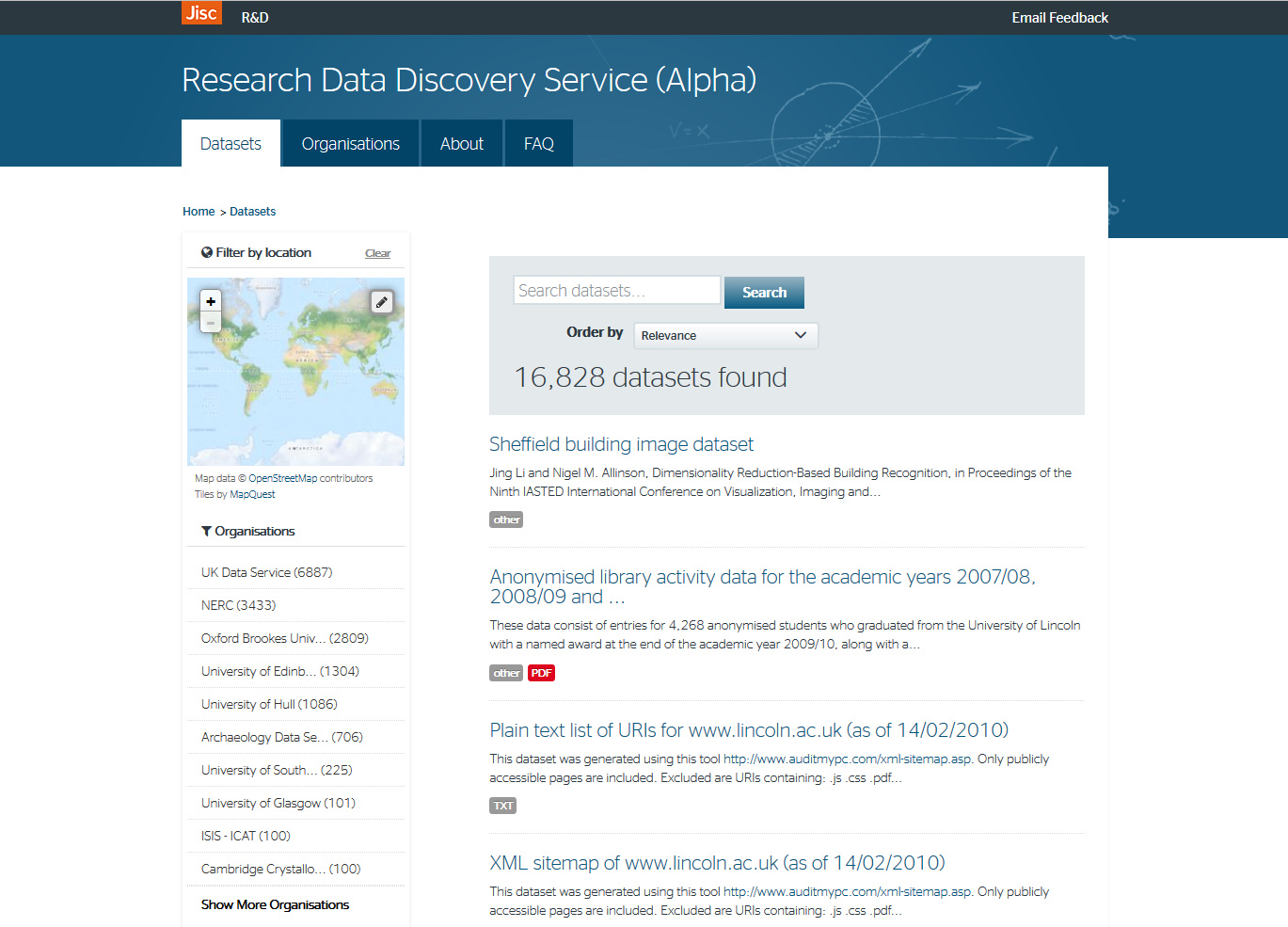

Microsoft Academic Search: new version

A new version of Microsoft Academic Search is up.

mas

I’ve only given it a quick try. But, as far as I can see: still feeble for the arts and humanities; no open access filter; and the very first “View PDF” link I tried led to a $29 article paywall at JSTOR.

It’ll be interesting to see what the numbers-crunchers say in the next few weeks, especially about a (presumably) expanded range in science and technology.

Block the new animated .GIFs in Twitter

There appears to be a new type of annoying animated .GIF on Twitter, a type which this morning somehow managing to get into my totally locked-down and text-only Twitter keyword-search stream.

Currently being used in the wild by Russian Kickstarter spammers and others…

unblockable

This type of animation was appearing in my search stream despite my having all animated .GIF loading turned off at the browser-root (via Firefox’s about:config control-panel). It seems to have multiple fall-backs, to things like .MP4 and HTML5 video and even static .JPG. Thankfully I have Flash uninstalled, so there’s no fallback to that. I guess that either the .MP4 or the HTML5 loading was bypassing the AdBlock methods I use to block all images posted to Twitter, and also my video-loading blockers.

It’s also armoured against selective page-element blockers, because it has multiple top-layers containing fiddly video controls and buttons. This means that (for Firefox users who use the add-ons AdBlock Plus + Element Hiding Helper for AdBlock Plus to block this sort of page-junk) it’s incredibly difficult to remove via the usual “Select an Element to Hide…” method.

Instead, I had success with right-clicking on the animation itself, selecting the AdBlock option there, then setting the following option as a global block with a * wildcard…

||twitter.com/i/videos/tweet/*

And once that was done, my stream was once again super-easy to quickly scan-by-eye for those few links to genuinely useful content…

better