Open Lovecraft, recent scholarly works relevant to H.P. Lovecraft, freely published online.
Open Lovecraft
22 Thursday Mar 2012
Posted in My general observations

22 Thursday Mar 2012
Posted in My general observations
Open Lovecraft, recent scholarly works relevant to H.P. Lovecraft, freely published online.
13 Monday Feb 2012
The Google Desktop Search software became officially defunct toward the end of 2011. But one can still download the last 5.9.1 version if you look hard enough for it, and it happily installs and indexes and searches the full-text of your content. For instance, a folder full of Gbs of PDF encyclopaedias and journal articles, ebooks, etc, presenting results in a familiar Google Search interface. Note the indexing has to be manually started by you, and this is done by right-clicking the taskbar icon and selecting “reindex”…

But if you need a personal desktop search product that’s being supported and developed, perhaps due to the need to index a new file-format such as .ePUB, then the alternatives are…
* New addition, January 2019: Paperwork, free open-source software to help a scholar get to grips with their PDF pile, without hooking into some online service ‐ it OCR’s all your PDFs and other documents and then searches across them quickly. Could be used as a OCR tool for other desktop search tools such as dtSearch.
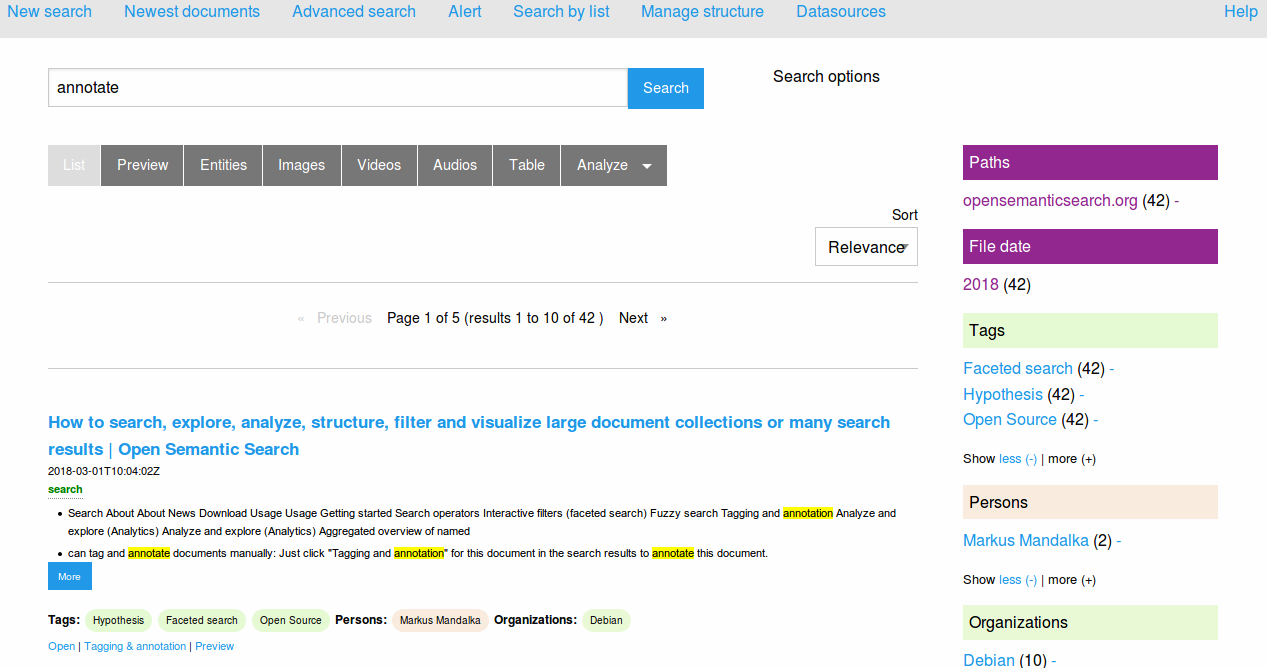
* New addition, July 2018: Open Semantic Desktop Search. Free, open source, and with a Google-like interface. Supports .PDF and .ePUB and many other file formats.
* dtSearch Desktop (PC World review from 2011). A very mature and powerful software, although the price of $199 will likely make it unappealing to personal users. The powerful interface will make it unappealing to small business users and it needs to be used with an OCR product such as the free Paperwork, but it should not be overlooked as “too old”. It’s still very powerful and fast, just bloody difficult to control — even getting it to search for an “exact phrase” and then running it so that it only finds the “exact phrase” can be a bit of a nightmare. It constantly wants to find “something phrase” as well, and I’ve tried and tried and I just can’t find how to turn off that behaviour.
* the free ad-supported Copernic Desktop Search. Well-reviewed and mature software. Can be a bit aggressive in its initial indexing, but then it works quickly and intuitively. There is also a Copernic Desktop Search Professional Edition. The best everyday replacement for Google Desktop Search. Warning, July 2018: the latest free version (7.1) no longer supports .PDF files and has a 10,000 file limit! Do not allow an older version to update itself!
* the new X1 Desktop Search. The X1 website’s main landing page seems to be positioning the X1 range for the corporate market.
* DocFetcher 1.1 is a Java-based desktop search software, that’s open source and free. It’s been around since 2009, but doesn’t seem to have any genuine reviews (that I could find). Note that installing Java on a Windows desktop is a security risk. But it does supports indexing of Open Office file types, and has the very significant advantage of easily “finding the exact phrase” in a Google-like manner without complex switch-setting. (Update: broken by the July 2020 Java update, and when it’s fixed in 2021 it will be $50 and no longer freeware).
* the free built-in Windows 7 and 8 search. Although now tamed, and no longer the fearsome disk-grinding Windows Vista incarnation, in my view turning on Windows Search still makes a desktop PC too slow. Especially if you run a PC stuffed to the top with legacy files and emails.
* Also worth a look are SearchMyFiles (freeware) and Effective File Search (freeware).
18 Wednesday Jan 2012
Posted in My general observations
JURN has joined Wikipedia, the Internet Archive, O’Reilly, Make magazine, and others in blacking out the service, for 24 hours.
14 Saturday Jan 2012
Posted in My general observations, Spotted in the news
Amazon has made available new Send to Kindle desktop Windows software. It works a lot like Instapaper, but can send any file found via your Windows Explorer.
PDF features in the banner, but I’ve not yet seen how badly it mangles PDFs on conversion. Possibly Amazon may not try to covert at all, but rather just send PDFs ‘as found’? That’s fine for the Kindle Fire tablet, but PDFs are a pain to view on the Kindle ereader.

You also get a ‘Send to Kindle…’ option in all “Print” dialogues, including that of your Web browser.
09 Monday Jan 2012
Posted in JURN metrics, My general observations
JURN Search has been fully checked for the continuing presence of indexed articles on Google Search results, via the use of adapted software meant for checking SEO backlinks in the Google index. The last such in-depth ‘linkrot’ check on the article URL index was undertaken in July 2011. Repairs have been made where needed, and around 100 URLs have been either fixed or deleted. 14 new titles have been added.
08 Sunday Jan 2012
Posted in My general observations
The JURN Directory has been checked by Linkbot for dead or moved links. Removed five dead or vanished journals: Notitiae Cantus; Journal of Media Psychology; Grassroots Editor; Journal of the Int’l Guild of Musicians in Dance (is now members only), and Arkeotek (old DOAJ records now lead nowhere). Six broken URLs were fixed. Added ten new titles.
07 Saturday Jan 2012
Posted in My general observations
JURN’s “A short guide to free academic search” page was refreshed and link-checked today.
22 Thursday Dec 2011
Posted in My general observations
The JURN Directory has been checked using Linkbot, for dead, broken or moved links. 12 journals were removed from the Directory and from the main search index, because either dead or newly paywalled. 20 new journals were added to the search index and Directory today. Another 24 broken / moved URLs have been fixed.
15 Thursday Dec 2011
Aaron Saenz at Singularity Hub has an excellent long analysis of why anyone would want to give Academia.edu an injection of $4.5m of venture funds (which they just did). The payoff seems to be the ability for large research investors to spot leading-edge emerging trends and topics in the crunched statistics. Statistics that can potentially stream out from sites such as Academia.edu, arXiv.org, Mendeley, and ResearchGate. And, as noted here on the JURN blog, Microsoft’s academic search seems to be headed the same social-network-y way, albeit at Microsoft’s usual glacial pace. Google Scholar responded nippily to Microsoft’s changes just a few days later. Such social networking -based data extractions have dangers, of course, in terms of pushing research funding further toward a lurching playground-like game of “follow my leader”. I daresay that process happens informally anyway, at conferences and in forums, but one has to worry about the valuable proto-research that might get trampled underfoot (or quietly whisked off to China) in such tech-accelerated stampedes.
14 Friday Oct 2011
Reinventing Research? : information practices in the humanities (PDF link), a 2011 report from the UK’s RIN consortium. The report looked at all digital research resources, not just social media. The English Department at the University of Birmingham was one of the case-studies, which presents an interesting three-page snapshot of digital usage (or not — only two staff were bloggers) in a single department.
From the summary of the report…
“We found only limited use — except among philosophers — of blogs and other social media.” […] there is little evidence as yet of their taking full advantage of the possibilities of more advanced tools for text-mining, grid or cloud computing, or the semantic web; and only limited uptake of even simple, freely-available tools for data management and sharing.”
There may also be some overestimation of usage of new media for the dissemination of research findings. This is something that may be increasingly important in the UK in future, as funding becomes partly dependent on the public ‘impact’ of public-funded research. This apparent overestimation doesn’t seem to be mentioned in the RIN report, but it was summed up in a comment from Dr. Michael Jubb, Director of the Research Information Network (RIN)…
“While they [researchers] say they’re using [these] tools for dissemination, in fact they’re not. When you look at the research results they’re not using these kind of tools to aid dissemination, they’re going back to conference papers and journal articles in the traditional way…”
He made the comment in the questions after a recent talk in Harrogate by Bill Russell (presenting huge-sample research which found that Skype and Google Docs were the most used of the new digital resources).
Such lackadaisical behaviour may be dangerous. Change is coming fast. It doesn’t seem that our academics may have a great deal of time and leisure in which to make the change…
“There is a new global race in scientific research and it’s so fast it may well be of world historical importance, a signal of a new, expanding Enlightenment, unconstrained by national boundaries, powered by multilateral institutions and open access publishing through the web, and, above all, by the belief, first put forward by one of the founders of the Royal Society, the Irish scientist Robert Boyle, that knowledge teems with profitable invention. Reading through the 144-page report [ Knowledge, networks and nations (Royal Society, March 2011) ], one can almost sense the authors — some of Britain’s most distinguished scientists — marveling at the findings.”