More on Nano Banana and restoring old pictures. Here’s a particularly tricky old picture. Tricky because of the small face and also the typography involved.
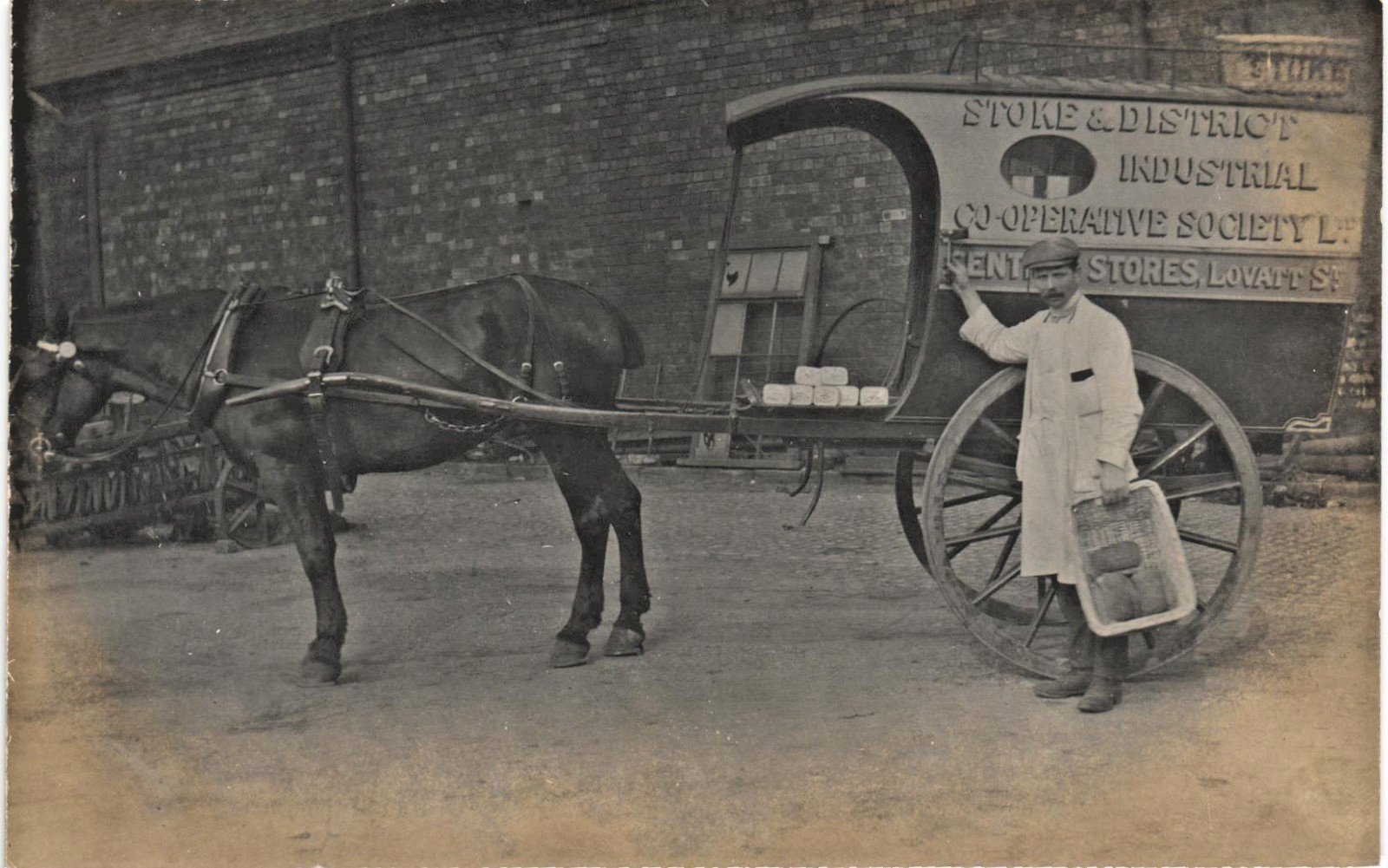
Online the USA’s Nano Banana 2 will distort the face, and offline Germany’s Flux2 Klein 4B model will both distort the face and subtly mess with the typography. Here’s a workflow with appears to work fairly well…
1. The source eBay scan image at 1600px, from a small photographic postcard. Reduce to 1000px, to make it suitable for processing by Texas’s Topaz Gigapixel AI 7.x and its Recovery v1 (beta) module. Recovery v1 (beta) was tuned for 1000px. Tests I’ve seen elsewhere suggest that the later Recover v2 and v3 were faster, but not better.
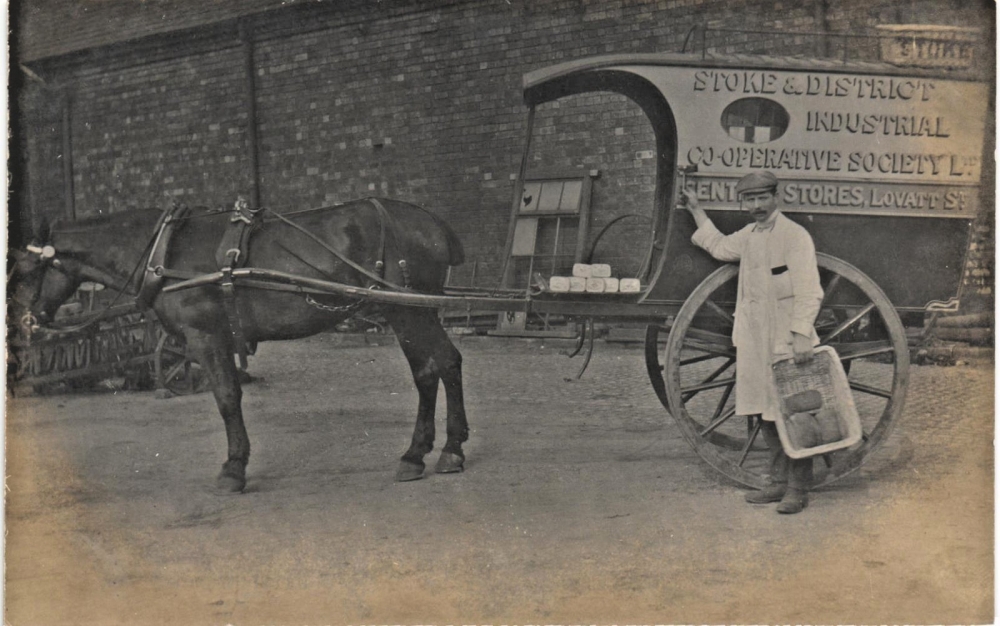
2. Run Topaz Gigapixel AI 7.x and its Recovery v1 (beta), on a 2x upscale to 2000px. Takes a long time, maybe 12 minutes on a 3060 12Gb card. Note that this is the old offline Windows standalone Topaz, not the new online-only subscription only offering.
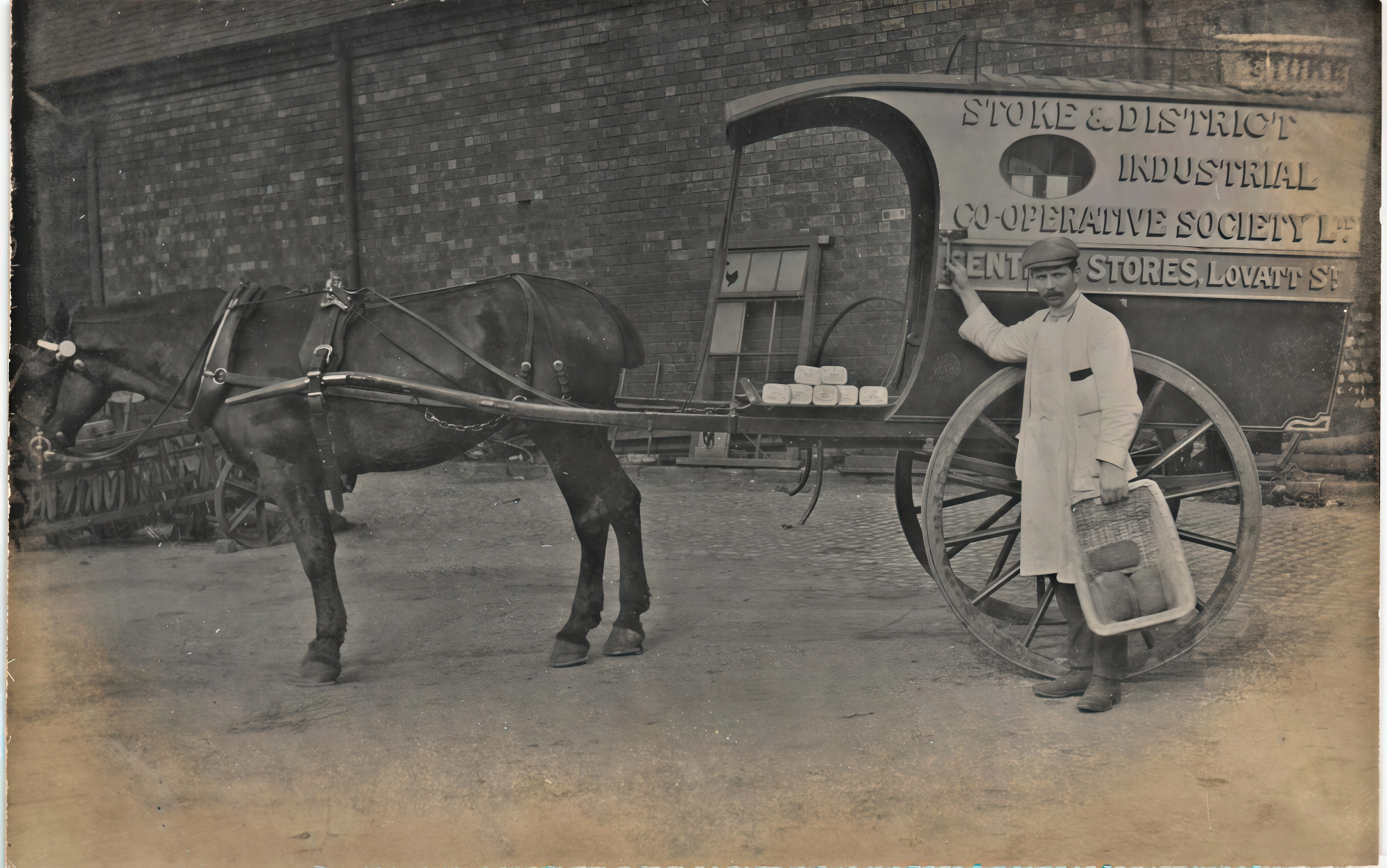
Slow, but the result is nice. Save it as a .PNG file. It’s pretty much kept the face, without mangling or odd invention. The rest of the image is intact and in place.
3. Save the .PNG as a .JPG in Photoshop, using max. quality. This is done only to reduce the file-upload time to the Comfy Cloud.
4. Upload to a Nano Banana 2 workflow running in Comfy Cloud. Comfy Cloud offers 400 free credits per month, no rollover. Update: Offer no longer functions, mid May 2026. “Subscription required” to run workflows, despite having free credits. The workflow’s system prompt was left unchanged and my prompt was simply: “Restore and colorize this photograph, as if photographed with a modern Hasselblad camera.” The result…
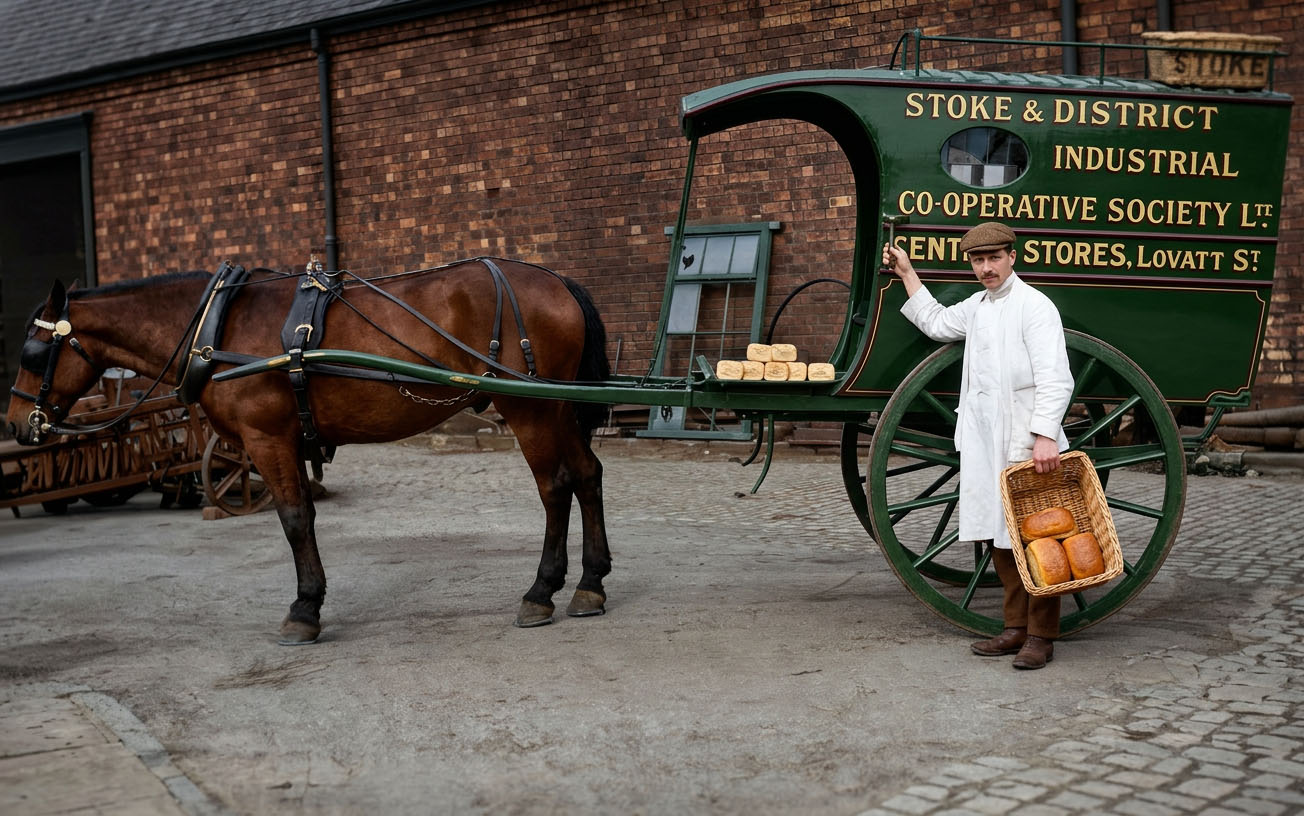
Not bad, the face remains very similar and also a bit more appealingly human. We’ve lost the “d” in “Ltd” on the van, but that was very indistinct on the source. The livery of the cart/van is an appealing green, but the original was probably in blues and creams. So, by changing the prompt and re-running Nano Banana we can fix both the livery and the ‘Ltd’ problem…
Restore and colorize this photograph, as if photographed with a modern Hasselblad camera. The main livery colours of the cart are a rich dark blue on the lower part, a light blue on the central strip, and a pale cream on the top section, with the roof a rich dark wood color.
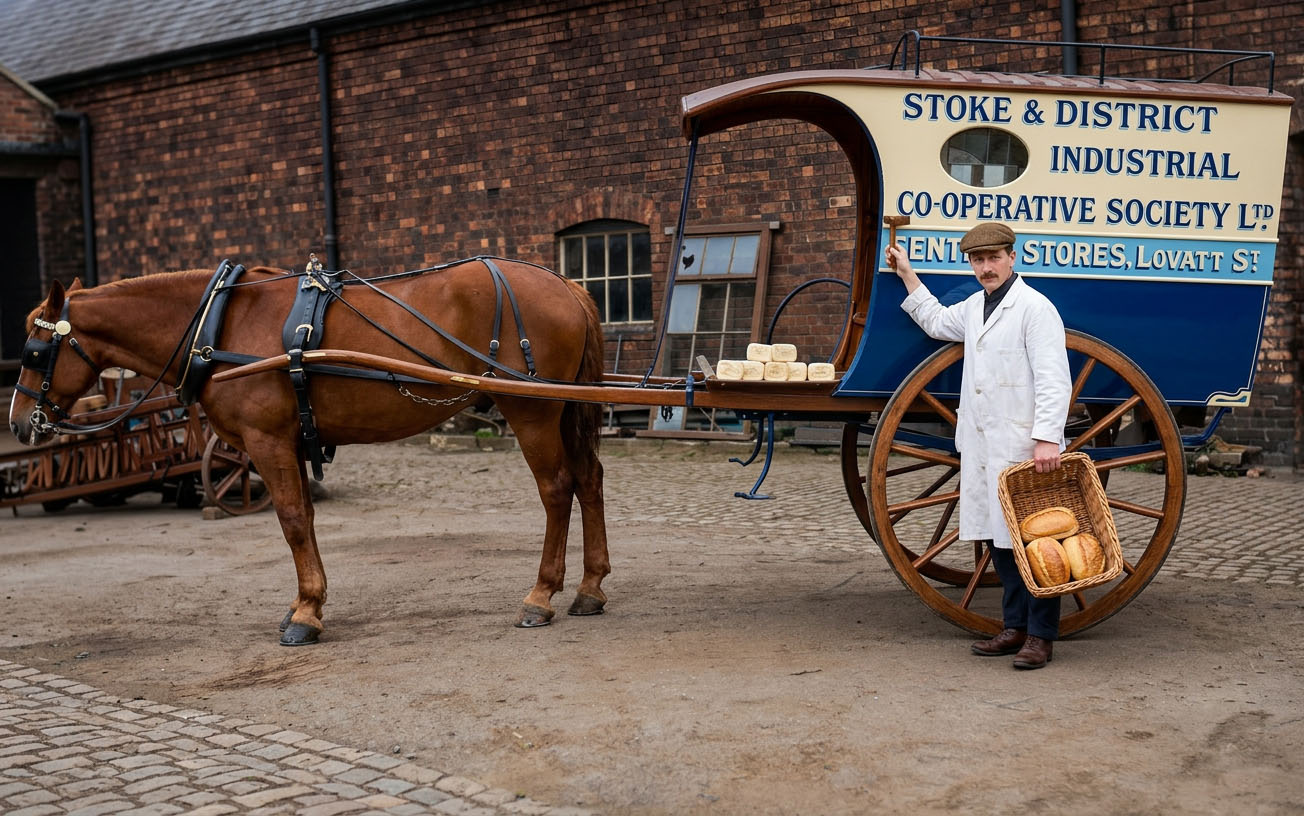
By adding specific details to the prompt we’ve got what was wanted on the van, but have unintentionally triggered some ‘invention’ problems. The horse has taken on the colour of the cart’s wood, the uniform has become more of a modern 1960s milkman’s uniform, some background pipes are lost on the right edge, and the ‘Stoke’ bread basket on the roof has totally gone missing. All of which are a result of starting to be specific with ‘prompting for details’. And all of which we can then solve by dropping in the first success in Photoshop, then masking and erasing. Then add a few finishing touches such as adding back his pocket orders-book, toning down the ultra varnish on the wheels, and balancing the contrast on his white garments. The final image…
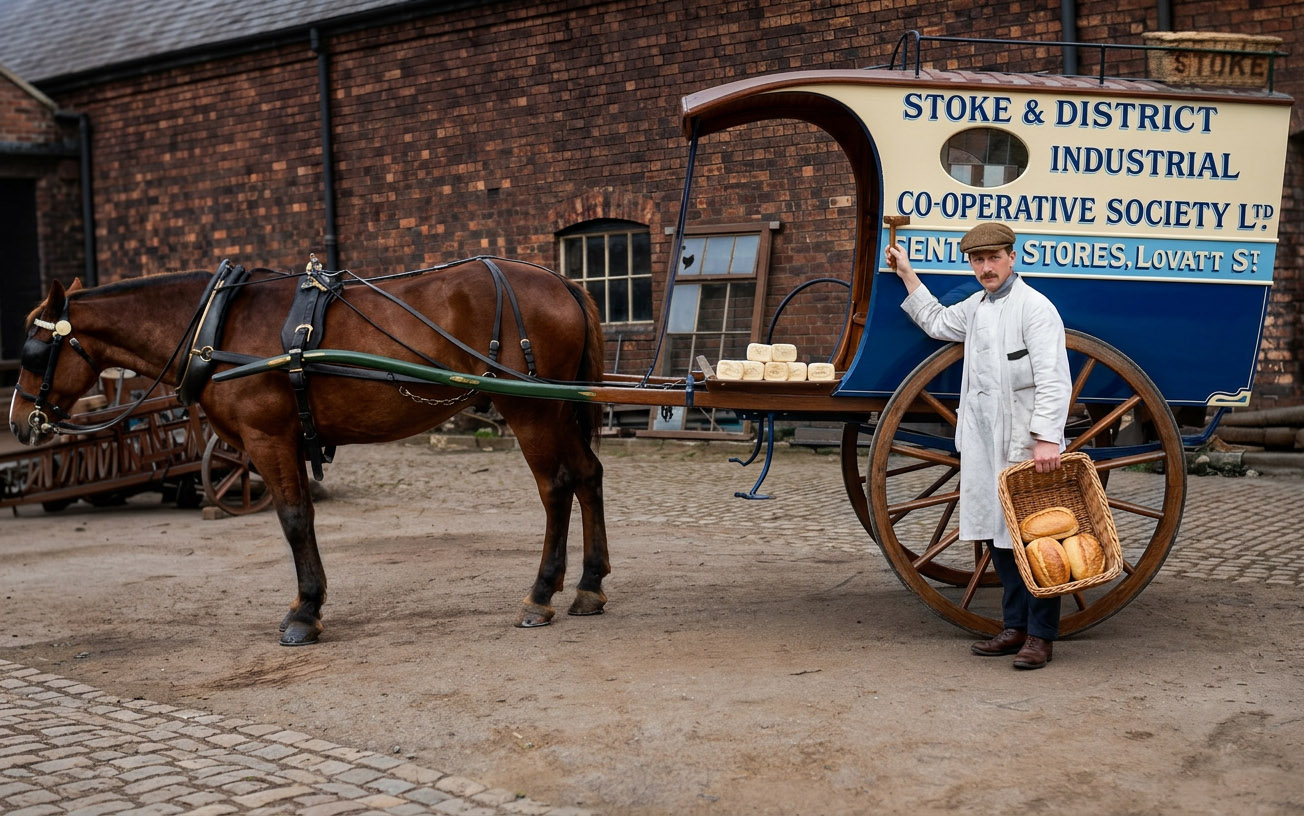
So the trick seems to be: use Gigapixel first, then Nano Banana in two stages (one very simple prompt, then another prompt for colours). Then edit the results together in Photoshop. More than a one-click process, and taking at least 30 minutes per picture, but the result is good.
It is however, easy to think you’ve finished but miss important details. The horse’s tail has gone from being cropped to uncropped. Had it had the full tail, the tail would have been flicking dried dung onto the bread! So that means another ten minutes of skilled Photoshopping, to fix that grave historical error which some future historian might use to claim ‘unhygienic food’ in the Edwardian period…
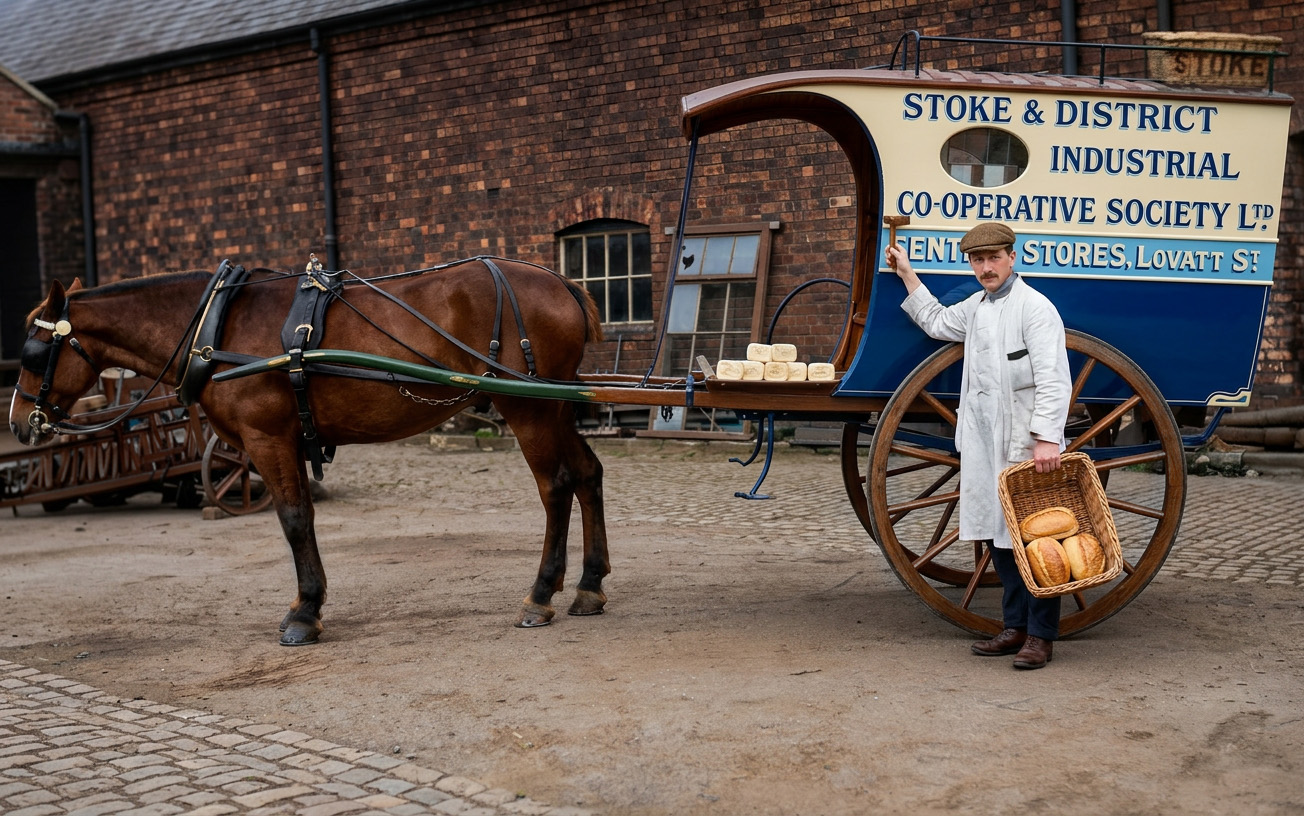
Even then, I had still completely overlooked the invention of the new cobbles down in the lower-left! And the new window. I decided to leave those in, as they feel natural.
As you can see, getting it right is far from the ‘one-button click approach’ that some imagine it to be.